
NativeMind
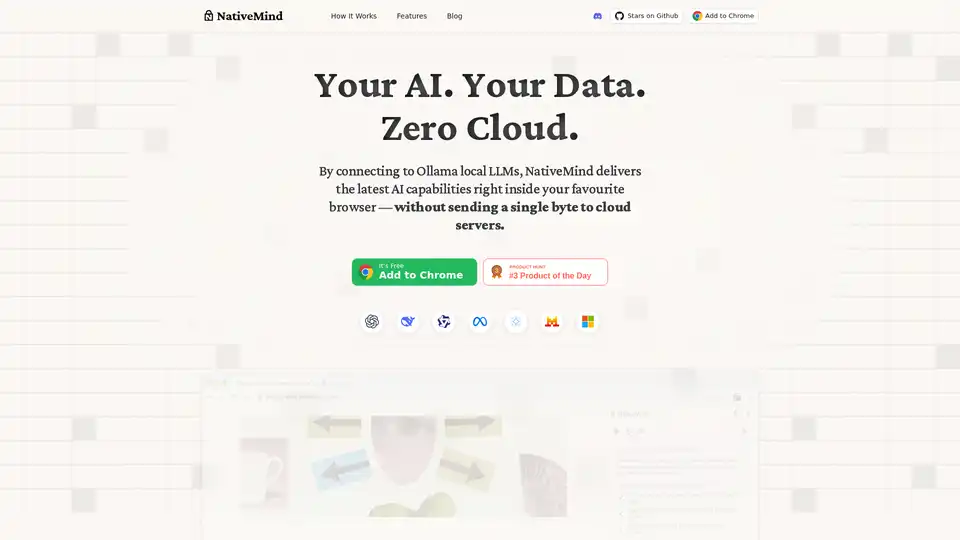
Overview of NativeMind
What is NativeMind?
NativeMind is a groundbreaking open-source Chrome browser extension that serves as a fully offline alternative to ChatGPT. Powered exclusively by local large language models (LLMs) like Ollama, it ensures 100% data privacy by keeping all processing on your device—no cloud servers, no data transmission, and zero tracking. Launched as a free tool for personal use, NativeMind integrates seamlessly into your browsing workflow, delivering AI capabilities such as intelligent chatting, autonomous agents, content analysis, and more, all while maintaining absolute control over your information.
In an era where data breaches and privacy concerns dominate headlines, NativeMind stands out by leveraging the power of open-source models like gpt-oss, DeepSeek, Qwen, Llama, Gemma, and Mistral. Users can switch models instantly without complex setups, making it ideal for those seeking offline ChatGPT alternatives that prioritize security and speed.
Key Features of NativeMind
NativeMind packs a suite of powerful, privacy-focused features designed for everyday productivity:
- Context-Aware Chat Across Tabs: Add open browser tabs to conversations for summaries and questions that span multiple sites. Perfect for research or multitasking without compromising privacy.
- Chat with PDFs, Images, and Screenshots: Upload local files for analysis, exploration, or research—everything processed locally.
- Agent Mode: An autonomous agent handles multi-step tasks using on-device tools like local web search or file analysis.
- Local Web Search: Query anything within your browser; no external APIs needed.
- Gmail Assistant: Summarize emails and draft replies faster, all on-device.
- Writing Tools: Refine, rewrite, and brainstorm text anywhere as your private writing assistant.
- Immersive Translation: Translate entire web pages instantly while preserving layout and privacy.
- In-Browser API: Lightweight API for developers to integrate local LLMs into web apps without servers.
These features make NativeMind not just a chatbot, but a versatile private AI browser extension that enhances workflows in writing, research, and automation.
How Does NativeMind Work?
NativeMind connects directly to Ollama, a popular framework for running LLMs locally on your machine. Here's a step-by-step breakdown:
- Install the Extension: Add it from the Chrome Web Store—free, no sign-up required.
- Set Up Ollama: Run Ollama on your device (supports CPU/GPU for optimal performance) and load your preferred models.
- Seamless Integration: The extension detects Ollama automatically, allowing instant model switching and prompt execution.
- On-Device Processing: All AI inference happens locally. Prompts, context from tabs/files, and responses never leave your browser or machine.
Minimal hardware requirements include a modern CPU; GPU acceleration is optional but recommended for larger models. It supports major browsers via Chrome compatibility.
For developers, the in-browser API simplifies embedding local LLM responses into web apps: NativeMind.prompt('your query') returns results without SDKs or backend servers.
Why Choose NativeMind Over Cloud-Based AI Tools?
Traditional tools like ChatGPT rely on cloud servers, exposing your data to potential leaks, logs, and third-party access. NativeMind flips the script:
- Absolute Privacy: No sync, no logs, no leaks—your data stays yours.
- Offline Reliability: Works without internet, ideal for secure environments or travel.
- Cost-Free for Personal Use: 100% free; enterprise options upcoming.
- Open-Source Transparency: Audit the code on GitHub, contribute, or customize.
- Enterprise-Ready Speed: Optimized for real-world tasks with fast local inference.
In benchmarks, local models via Ollama rival cloud performance on capable hardware, especially for privacy-sensitive tasks like legal research or confidential writing.
Who is NativeMind For?
- Privacy-Conscious Users: Journalists, lawyers, or anyone handling sensitive data.
- Writers and Researchers: Need on-device summarization, rewriting, or PDF analysis?
- Developers: Integrate local AI into apps without vendor lock-in.
- Productivity Enthusiasts: Gmail drafters, multilingual browsers, or automation seekers.
- Offline Workers: Remote pros or those in low-connectivity areas.
It's particularly valuable for local LLM browser extensions users transitioning from cloud dependencies.
How to Use NativeMind: Best Practices
- Getting Started: Install from Chrome Web Store, ensure Ollama runs locally, and pin the extension.
- Daily Workflow: Right-click tabs to add context, upload files via the popup, or activate agent mode for complex queries.
- Model Optimization: Start with lightweight models like Gemma for speed; upgrade to Llama for depth.
- Troubleshooting: Check Ollama status; FAQs confirm no cloud data sent and full offline capability.
Real-user scenarios: A marketer uses it for private email drafting, a student analyzes research PDFs offline, or a dev prototypes AI features locally.
Practical Value and Use Cases
NativeMind democratizes AI by removing cloud barriers. In education, it aids AI translation for language learning without data risks. Businesses leverage it for secure AI writing assistance in proposals. With growing adoption of edge AI—projected to surge 40% by 2025 per industry reports—tools like NativeMind lead the shift to sovereign AI.
Customer feedback highlights its speed and reliability: "Finally, a private ChatGPT that just works," echoes GitHub stars. For enterprises, waitlist access promises scaled solutions.
In summary, NativeMind redefines offline AI assistants with unmatched privacy, versatility, and ease. Install today and experience AI on your terms—your data, your control, zero cloud.
Best Alternative Tools to "NativeMind"
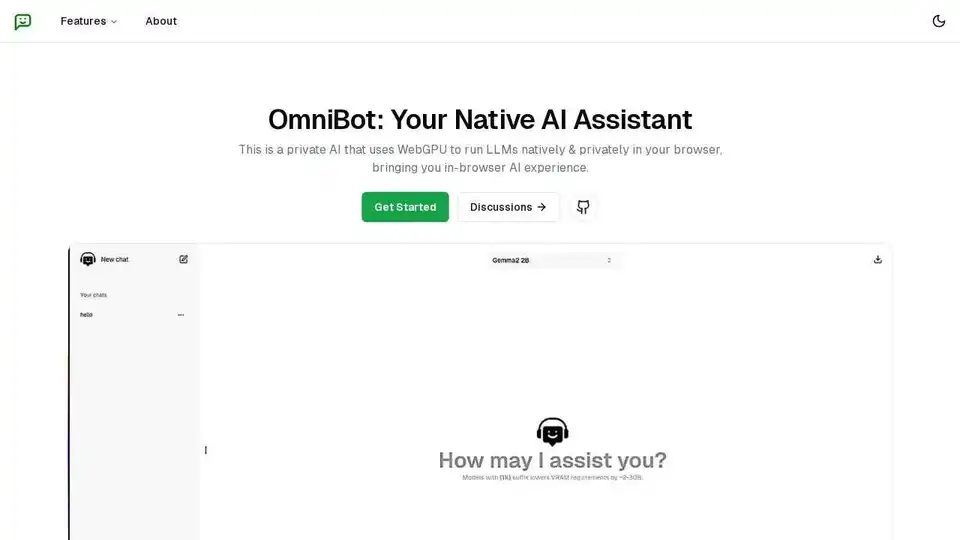
OmniBot: A private AI assistant that uses WebGPU to run LLMs natively in your browser, bringing you in-browser and offline AI experience.
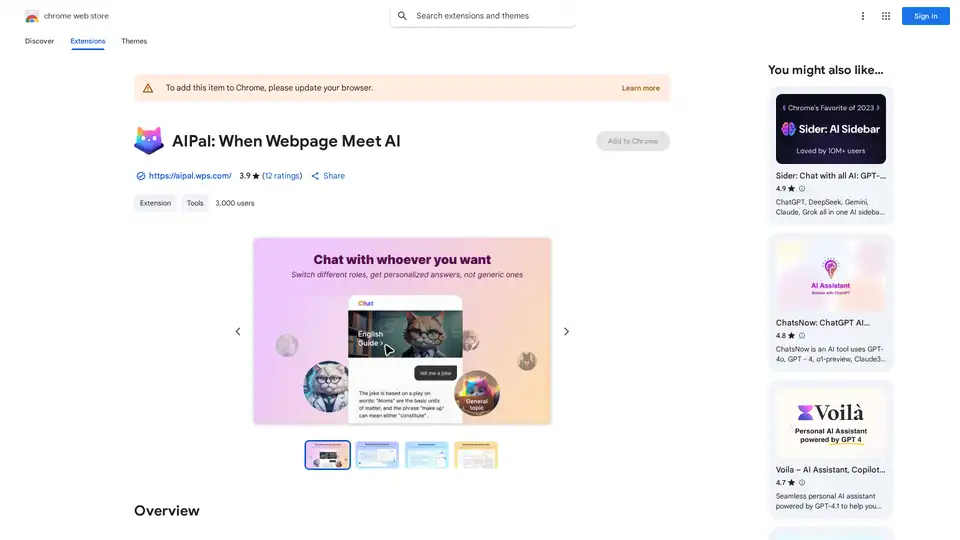
AIPal is a powerful Chrome extension that integrates AI models like GPT-4 and Claude 3 for chatting, writing, translating, and summarizing content directly on any webpage, boosting your browsing productivity.
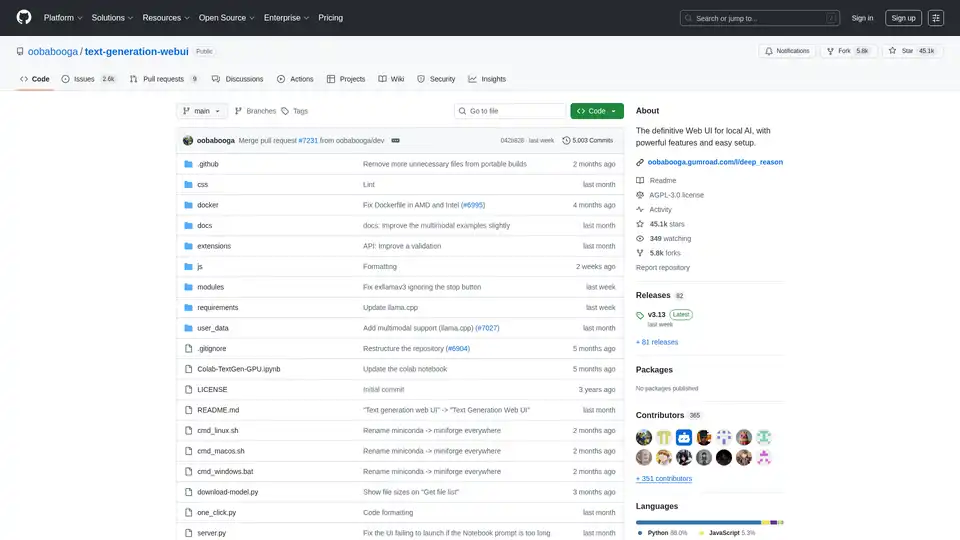
Text Generation Web UI is a powerful, user-friendly Gradio web interface for local AI large language models. Supports multiple backends, extensions, and offers offline privacy.
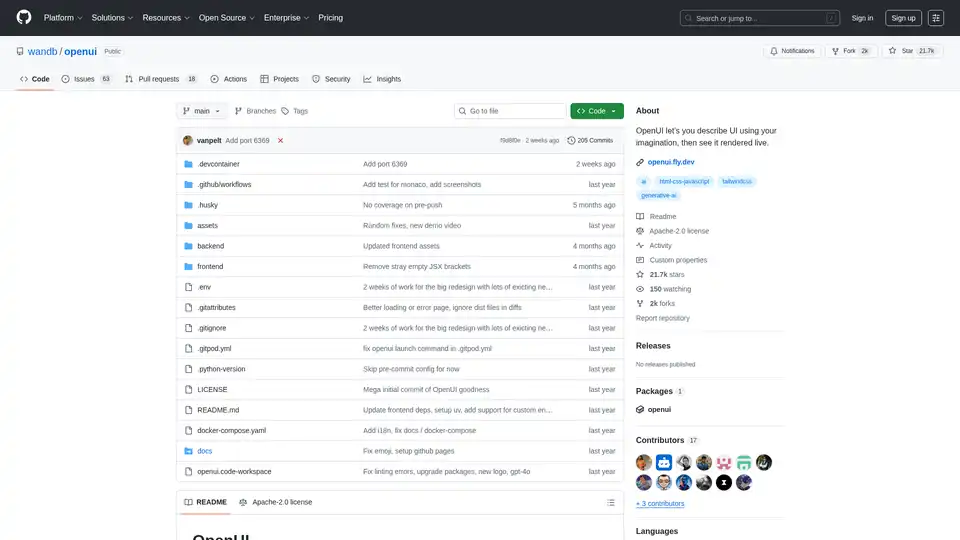
OpenUI is an open-source tool that lets you describe UI components in natural language and renders them live using LLMs. Convert descriptions to HTML, React, or Svelte for fast prototyping.
LM Studio: Run LLaMa, MPT, Gemma, and other LLMs locally on your laptop. Download compatible models from Hugging Face and use them offline.
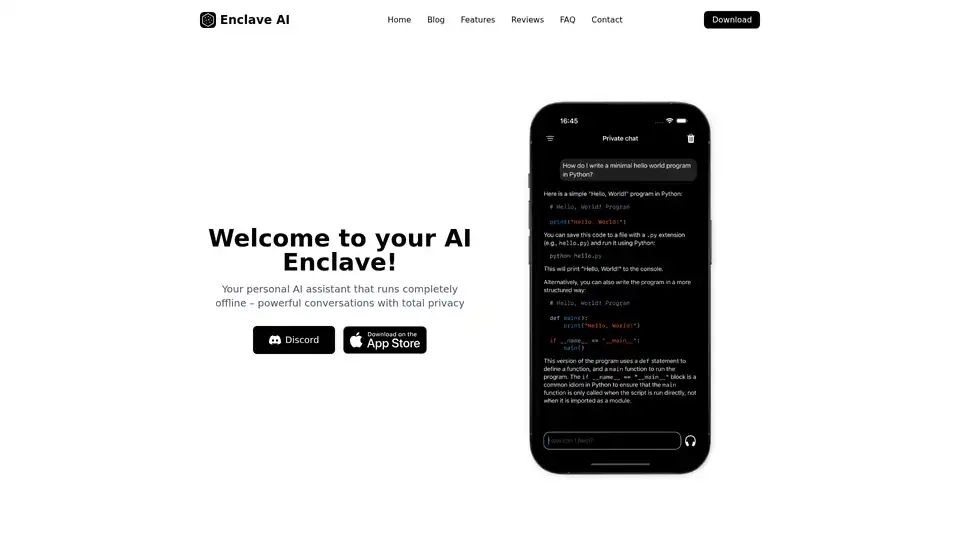
Enclave AI is a privacy-focused AI assistant for iOS and macOS that runs completely offline. It offers local LLM processing, secure conversations, voice chat, and document interaction without needing an internet connection.
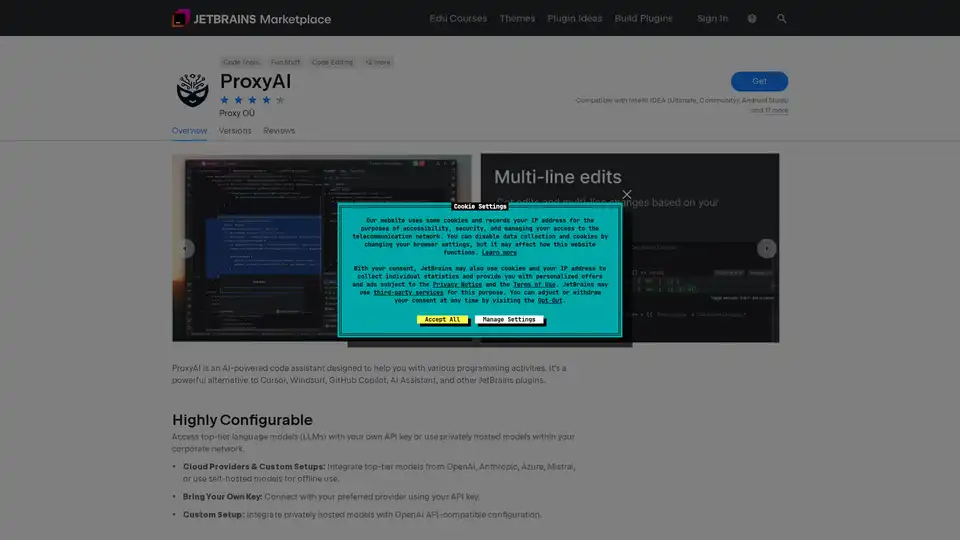
ProxyAI is an AI-powered code assistant for JetBrains IDEs, offering code completion, natural language editing, and offline support with local LLMs. Enhance your coding with AI.
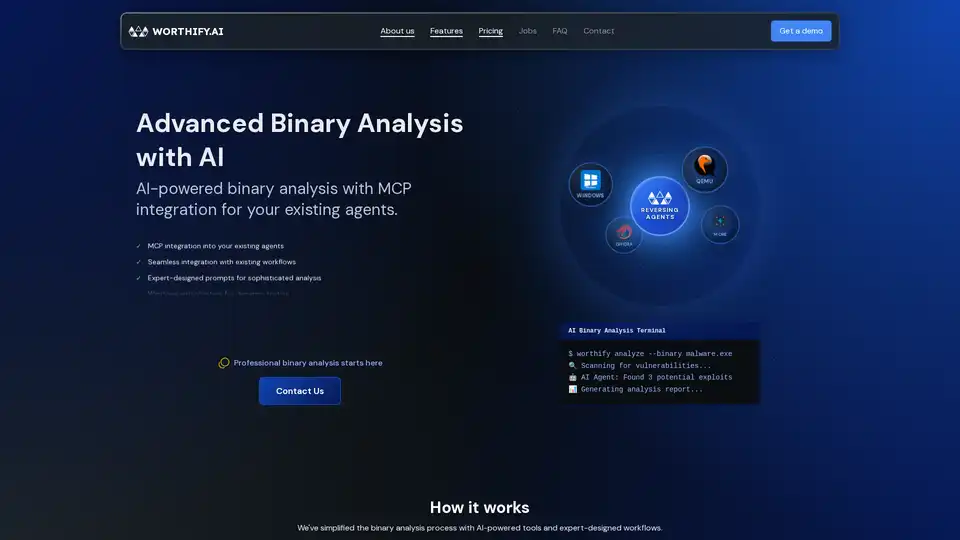
Worthify.ai provides AI-powered binary analysis for vulnerability detection and malware analysis, integrating with existing security workflows. Enhance your cybersecurity with AI-driven reverse engineering.
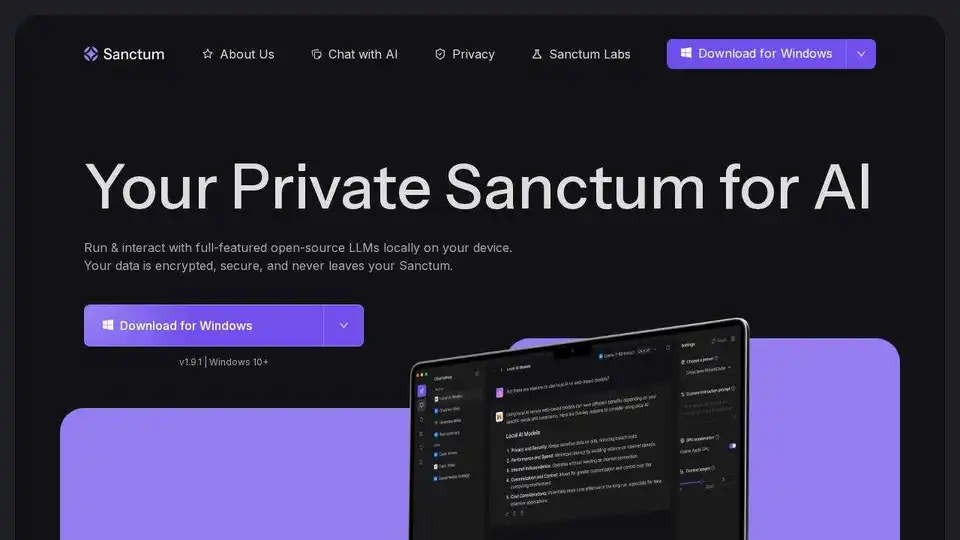
Experience secure AI conversations with Sanctum, powered by open-source models encrypted locally on your device. Run full-featured LLMs in seconds with complete privacy.

Private LLM is a local AI chatbot for iOS and macOS that works offline, keeping your information completely on-device, safe and private. Enjoy uncensored chat on your iPhone, iPad, and Mac.
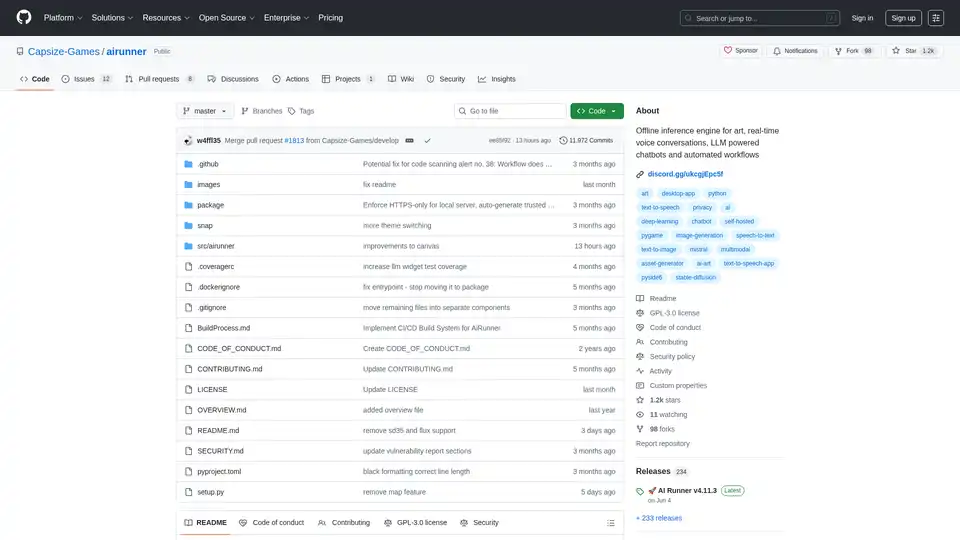
AI Runner is an offline AI inference engine for art, real-time voice conversations, LLM-powered chatbots, and automated workflows. Run image generation, voice chat, and more locally!
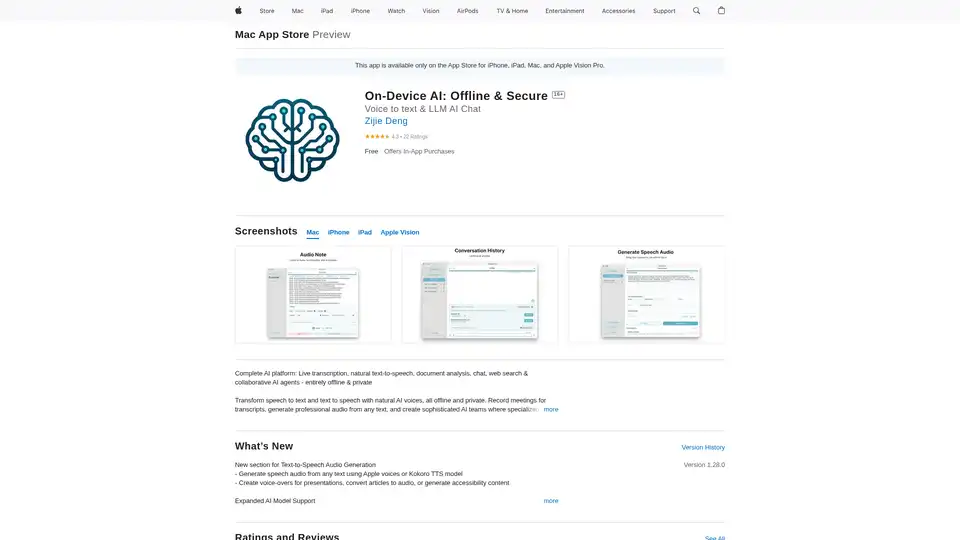
On-Device AI: Transform speech to text, natural text-to-speech, and chat with LLMs offline and securely on your iPhone, iPad, and Mac. Private and powerful!
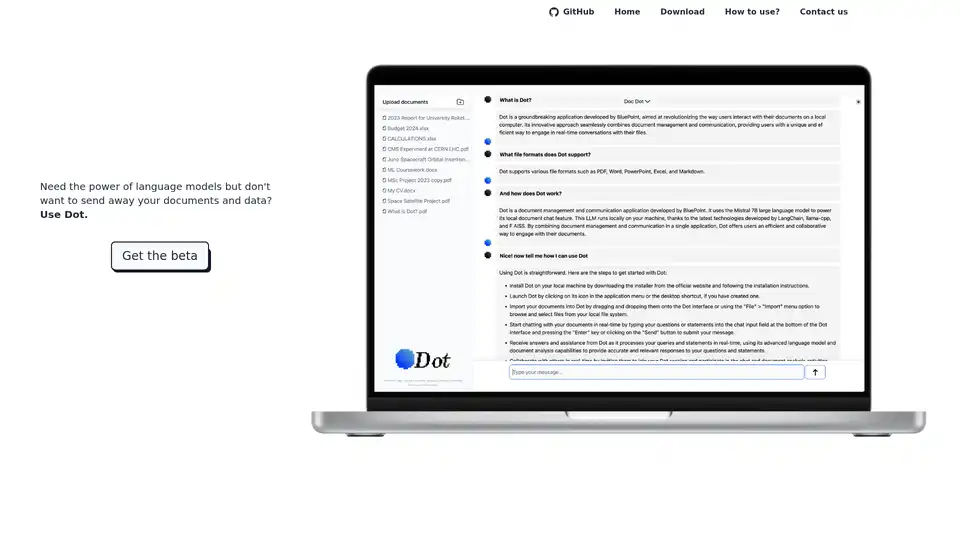
Dot is a local, offline AI chat tool powered by Mistral 7B, allowing you to chat with documents without sending away your data. Free and privacy-focused.
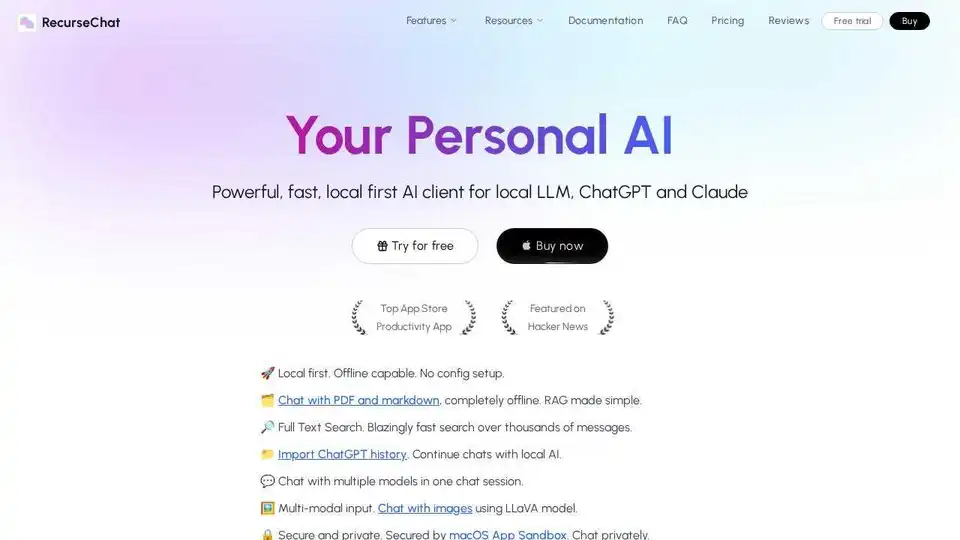
RecurseChat: A personal AI app that lets you talk with local AI, offline capable, and chats with PDF & markdown files.