
On-Device AI: Offline & Secure
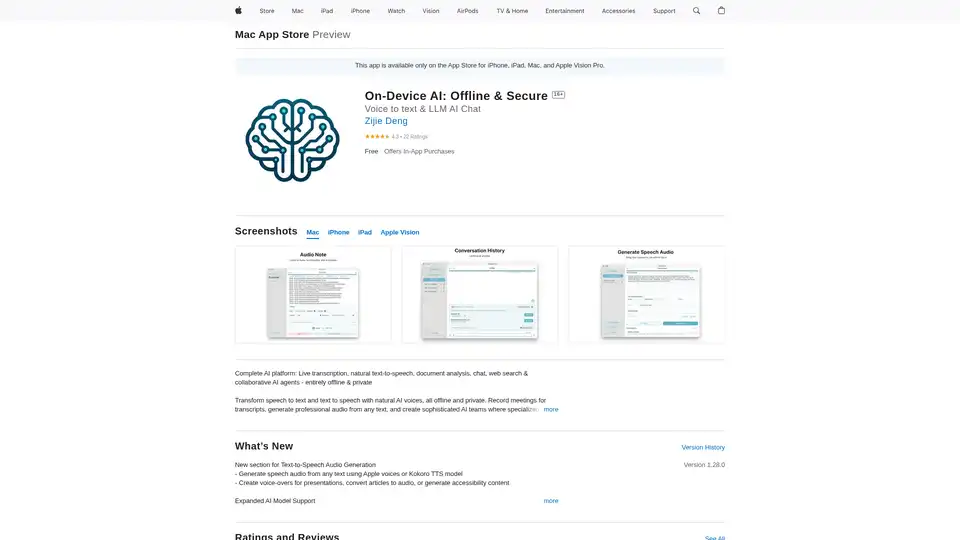
Overview of On-Device AI: Offline & Secure
On-Device AI: Secure, Offline AI Chat & Voice to Text
What is On-Device AI? On-Device AI is a comprehensive AI platform available on the App Store for iPhone, iPad, Mac, and Apple Vision Pro. It allows users to perform various AI-driven tasks such as live transcription, natural text-to-speech, document analysis, chat, web search, and collaborative AI agent creation, all while maintaining complete privacy and security.
How does On-Device AI work? On-Device AI processes data directly on your device, eliminating the need for cloud servers or third-party involvement. This ensures that all personal information and workflows remain private and under your control. It leverages top AI models like Llama, Gemma, Phi, Qwen, and DeepSeek, along with Apple's built-in voices and advanced Kokoro TTS for natural speech generation.
Key Features:
- 100% Offline & Private:
- Data is processed securely on your device without any cloud servers or third parties.
- Chat with AI models and teams without sending data anywhere.
- Complete control over personal information and workflows.
- Collaborative AI Teams:
- Create AI teams with specialized agents for complex tasks.
- Built-in templates for business strategy, academic research, and creative projects.
- Configure custom multi-agent workflows with decision-making processes.
- Complete Voice & Speech Suite:
- Record and transcribe meetings, lectures, or notes instantly.
- Generate natural, professional-quality speech from any text.
- AI-generated summaries with natural voice narration.
- Effortlessly translate and convert between speech and text.
- Apple Ecosystem Integration:
- Connect iPhone, iPad, to Mac for hardware acceleration.
- Access AI instantly from Mac's menu bar without switching apps.
- Use customizable hotkeys to trigger AI conversations.
- Optimized for Apple Silicon with enhanced cross-platform workflows.
- Smart Document Analysis:
- Automatically extract insights from PDFs and images.
- Summarize reports, articles, or research papers with one tap.
- Convert scanned documents into actionable tasks.
- Connected Knowledge Base:
- Import PDFs and text files to build a personalized knowledge base for AI teams.
- Analyze online content by importing URLs without leaving the app.
- Capture or import images with text and extract content via OCR for AI analysis.
- Built-in Online Search:
- Transform raw search results into clear, concise summaries.
- Generate multiple queries automatically.
- Track search progress in real-time while maintaining privacy.
- Personalized AI Experience:
- Switch between specialized AI roles (Academic, Writer, Developer).
- Custom-configure models and agent workflows for specific projects.
- Optimize performance for device capabilities.
How to use On-Device AI?
- Download and Installation: Download the On-Device AI app from the App Store on your iPhone, iPad, Mac, or Apple Vision Pro.
- Model Selection: Choose from various AI models like Llama, Gemma, Phi, Qwen, or DeepSeek based on your needs.
- Task Execution: Use the app for tasks such as:
- Transcribing live meetings and lectures.
- Generating speech from text using Apple voices or Kokoro TTS.
- Analyzing and summarizing documents.
- Creating and managing collaborative AI agent teams.
- Performing secure web searches and summarizing results.
Why choose On-Device AI?
- Privacy: All data processing occurs locally on your device, ensuring complete privacy.
- Efficiency: Optimized for Apple Silicon and cross-platform workflows.
- Versatility: Suitable for various tasks, including content creation, research, and business strategy.
- Customization: Personalize AI experience by switching between specialized AI roles and configuring agent workflows.
Who is On-Device AI for?
- Professionals who need secure and private AI tools.
- Researchers looking for efficient document analysis and knowledge management.
- Content creators seeking versatile voice and speech solutions.
- Anyone who values privacy and wants to leverage AI without compromising their data.
User Reviews:
- Users praise the app for its offline capabilities and feature-rich environment, especially noting its value as a free app with functionalities that many paid apps lack.
- Some users have reported overheating issues on older devices, but the developers are actively providing solutions and optimizations.
- The shortcut compatibility feature is highly appreciated for enabling background LLM processing.
Device Requirements:
For optimal performance, the app works best on devices with more than 6GB of RAM, such as iPhone 14, iPad mini (7th gen), iPad Air (5th gen), iPad Pro (3rd gen), iPad (11th gen), and newer devices.
With its commitment to privacy, versatile features, and continuous improvements, On-Device AI is a valuable tool for anyone seeking to leverage AI in a secure and efficient manner. It is particularly useful for those who require offline access to AI functionalities and want to maintain complete control over their data.
Best Alternative Tools to "On-Device AI: Offline & Secure"

Tags Related to On-Device AI: Offline & Secure