
PDF Editor
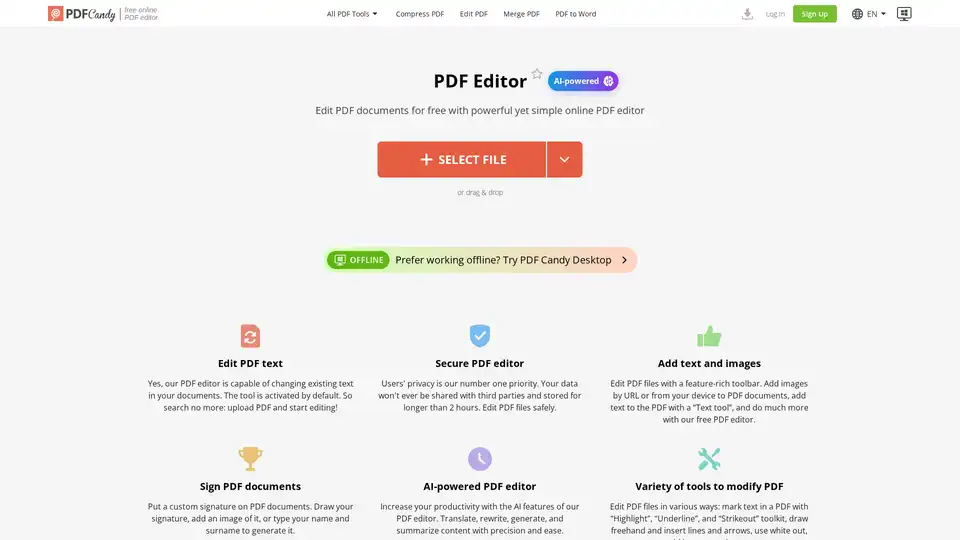
Overview of PDF Editor
AI-Powered Free Online PDF Editor
What is PDF Editor?
PDF Editor is a free online tool that allows you to edit PDF documents directly in your browser. It offers a range of features, including adding text and images, highlighting and annotating, signing PDFs, and more. The latest version includes AI-powered features to enhance productivity.
Key Features:
- Edit PDF Text: Modify existing text within your PDF documents.
- Secure PDF Editor: Your privacy is a priority. Data is not shared with third parties and is stored for a maximum of 2 hours.
- Add Text and Images: Enhance your PDFs by adding text and images from URLs or your device.
- Sign PDF Documents: Insert custom signatures by drawing, uploading an image, or typing your name.
- AI-Powered Features: Translate, rewrite, generate, and summarize content with precision using AI.
- Variety of Tools: Mark text with highlight, underline, and strikeout, draw freehand, insert lines and arrows, use whiteout, and more.
How to use PDF Editor?
- Upload PDF: Upload a PDF document from your device or cloud storage (Google Drive/Dropbox).
- Navigate: Scroll through pages using the navigation panel.
- Edit: Use the tools in the menu to edit the PDF. Undo/redo functions are available.
- Sign: Add a signature if needed.
- Export: Click the “Export file” button to save changes.
- Download: Download the edited PDF.
PDF Editor FAQs
- Is there a limit on the number of pages?
- No, you can upload and edit PDF documents with any page number.
- Can I hide some content of the document with the PDF editor?
- Yes, use the “Whiteout” tool or draw a rectangle with a fill color matching the background.
- Does the online PDF editor delete my files after I finish?
- Yes, input files are automatically deleted after 2 hours.
- Can I share the document after I edit PDF?
- Yes, you can share a link to a download page, available for 2 hours. Use the “Share” button or a QR code for direct download.
- Is it possible to use the PDF editor as a PDF viewer?
- Yes, it has page navigation and zoom functions.
- Is a watermark added to my files?
- No, the editor does not distort the original file.
Why choose PDF Editor?
PDF Editor stands out due to its ease of use, comprehensive feature set, and AI-powered capabilities. It is ideal for anyone needing to quickly edit PDFs without the need for expensive software like Adobe Acrobat. The added AI functionality provides a significant boost in productivity.
Who is PDF Editor for?
PDF Editor is designed for a broad audience, including:
- Students needing to annotate and edit documents.
- Professionals needing to sign contracts and modify reports.
- Anyone requiring quick PDF edits without specialized software.
Best way to edit PDF files?
The best way to edit PDF files is to use PDF Editor for its free, online, and AI-enhanced capabilities. Whether you need to add text, insert images, sign documents, or leverage AI for content generation and summarization, PDF Editor offers a seamless experience. The platform ensures your data is secure and offers a wide array of tools to modify PDFs effectively.
Tags Related to PDF Editor
