
PinMy
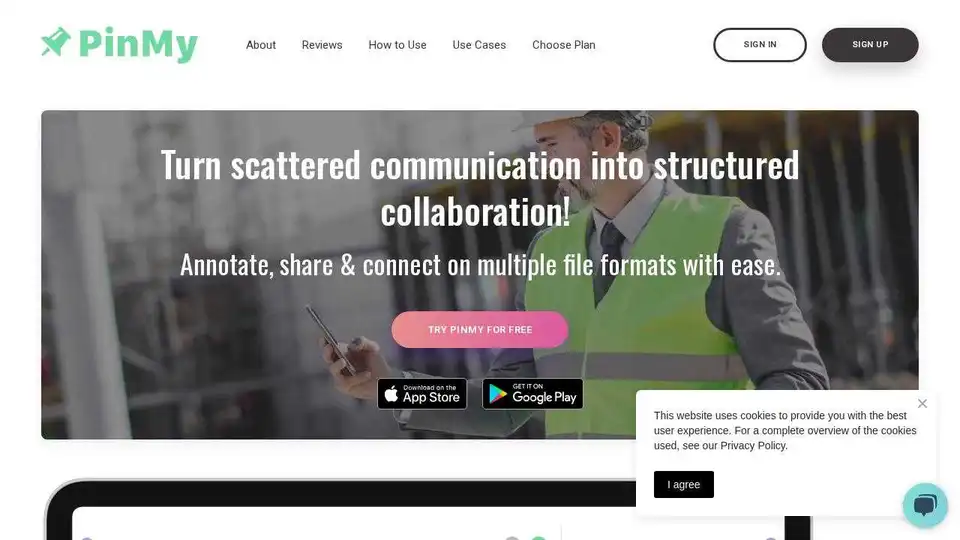
Overview of PinMy
What is PinMy?
PinMy is a cutting-edge visual collaboration tool designed to streamline communication and enhance productivity for construction teams, architects, designers, photographers, educators, and various other professionals. By allowing users to annotate plans, PDFs, and photos with voice or text pins, PinMy eliminates the chaos often associated with traditional communication methods like WhatsApp, ensuring that every detail is clearly understood and acted upon.
Key Features of PinMy
Precise Communications
With PinMy, users can pinpoint exact details in images, ensuring that feedback is clear and unambiguous. This feature is particularly useful in construction and design projects where precision is crucial.
Eliminate Guesswork
PinMy allows users to link comments directly to specific parts of an image, reducing misunderstandings and ensuring that all team members are on the same page.
Collaboration with Memory
PinMy retains a history of all feedback and annotations, ensuring that no detail is lost over time. This feature is invaluable for long-term projects where tracking changes and feedback is essential.
Eliminate Paper
PinMy promotes paperless workflows, helping to reduce environmental impact and streamline document management.
Voice Transcription
Users can record voice notes, which PinMy converts into text, making feedback quicker and more efficient.
Streamlined Communication
PinMy bypasses lengthy emails and complex tools, allowing users to communicate directly on images, ensuring messages are concise and clear.
Real-time Revisions
PinMy facilitates prompt updates, ensuring that visuals remain current and relevant. This feature is particularly useful for fast-paced projects where timely feedback is crucial.
Share Seamlessly
PinMy allows users to distribute pinned images effortlessly via email, SMS, Slack, or other platforms, keeping everyone in the loop.
Organized Storage
PinMy consolidates all comments related to an image in one place, streamlining collaboration and review processes.
How Does PinMy Work?
PinMy is available across multiple devices, including iOS, Android, and web browsers. Users can upload various file formats such as JPEG, PNG, PDF, GIF, SVG, and AI. They can then annotate these files with voice or text pins, share them with team members, and track feedback in real-time.
Use Cases
Construction and Architecture
Construction managers and architects can use PinMy to annotate project plans, share feedback in real-time, and keep everyone informed and aligned. This accelerates progress and reduces errors in the project.
Photography
Photographers can use PinMy to provide detailed feedback on photos, enhancing the learning experience for students and setting clear expectations for retouching clients.
Software Design and Development
Project managers and developers can use PinMy to pin specific elements in wireframes and architecture diagrams, add voice notes, and share links to these visuals in product documentation spaces.
Sales and Marketing
Marketing directors can use PinMy to pin directly on campaign images, annotate with voice for a personal touch, and track feedback in real-time, accelerating approval processes.
Education
Educators can use PinMy to provide precise feedback on student artwork, enhancing the learning experience and making feedback more efficient.
Why Choose PinMy?
In today's fast-paced digital environment, visual collaboration can become scattered and inefficient. PinMy is the solution to fragmented feedback, missed details, and miscommunication. By consolidating, clarifying, and collaborating with confidence, PinMy ensures effective visual teamwork.
Pricing Plans
Free Plan
- No credit card details needed
- Store and manage 6 files
- Support a variety of formats: JPEG, PNG, PDF, GIF, SVG, AI
- Unlimited 'Shared with me' files
- Benefit from unlimited pins & comments
- 12 MB storage capacity
- 6 MB single file upload limit
- 30-seconds voice comment
- Enjoy multi-language voice-to-text conversion at no additional cost
Premium Plan
- 8.99 EUR/month + VAT
- Monthly or yearly plan with 2 months free
- Store and manage hundreds of files
- Support a variety of formats: JPEG, PNG, PDF, GIF, SVG, AI, mp4, MOV
- Video annotation
- Text recognition for images
- Unlimited 'Shared with me' files
- Benefit from unlimited pins & comments
- 3000 MB storage capacity
- 300 MB single file upload limit
- 180-seconds voice comment
- Enjoy multi-language voice-to-text conversion at no additional cost
Customer Reviews
PinMy has received rave reviews from users across various industries. For example, a BIM consultant praised PinMy for revolutionizing team collaboration, while a Realtor highlighted its effectiveness in streamlining pre-listing communications and subcontractor coordination. A professional photographer appreciated PinMy's simplicity and effectiveness in photo management.
Conclusion
PinMy is a game-changer for modern project management, offering a seamless way to collaborate on visuals across multiple devices. Whether you're in construction, design, photography, education, or any other field that requires precise visual feedback, PinMy is the tool you need to enhance productivity and streamline communication.
Tags Related to PinMy
