
Pola Browser
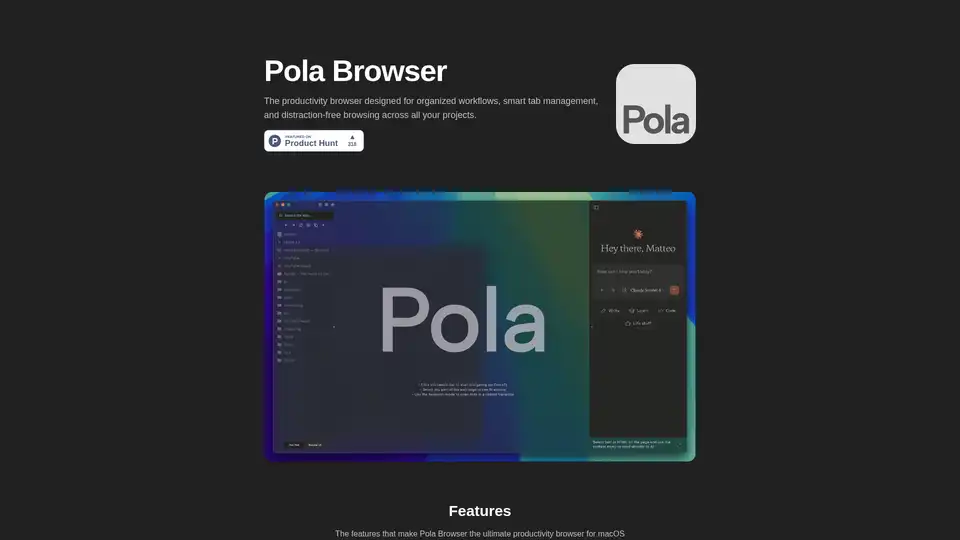
Overview of Pola Browser
What is Pola Browser?
Pola Browser stands out as a game-changing productivity browser tailored exclusively for macOS users. Unlike traditional browsers like Chrome, Safari, or Arc, Pola focuses on organized browsing for maximum productivity. It combines smart tab management, project-specific profiles, and integrated AI productivity tools to help you streamline workflows, maintain focus, and handle complex projects without performance hiccups. Developed in Italy with a privacy-first approach—zero tracking, zero analytics—it's ideal for professionals juggling multiple tasks in research, content creation, or client work.
Whether you're a developer debugging code across tabs, a marketer researching trends, or a writer compiling notes, Pola Browser transforms chaotic browsing into a structured powerhouse. With features like persistent tab folders and intelligent memory management, it lets you keep dozens of tabs open without slowing your Mac.
Key Features of Pola Browser
Pola Browser packs a suite of innovative tools designed for distraction-free browsing and efficient multitasking. Here's what sets it apart:
Smart Organization: Persistent tab folders and a customizable sidebar keep your projects neatly structured. No more losing track of tabs amid dozens open—perfect for managing multiple projects.
Research Mode: Automatically generates a visual tree mapping your browsing journey. This helps track connections between pages, maintain context, and visualize workflows— invaluable for research-intensive tasks like academic work or market analysis.
Floating Tabs: Resizable, always-on-top tabs for videos, tutorials, or chats. Multitask seamlessly by keeping essential content visible while working elsewhere, boosting focus without alt-tabbing.
Project Profiles: Switch effortlessly between isolated profiles for different clients, projects, or focuses. Each profile maintains its own tabs, settings, and history, enabling contextual organization.
Productivity AI Tools: Seamlessly connect your favorite AI services (like ChatGPT or Claude) via an AI sidebar. Summarize web content, analyze data, extract insights—supercharge your browser with AI-powered productivity for quick decision-making.
Handle Extensive Workflows: Advanced memory management supports heavy tab loads without lag, outperforming Chrome in resource efficiency.
Intuitive Media Controls: Built-in playlist streaming with easy playback, volume, and device controls—stay in the flow during long sessions.
Password Manager & Autofill: Integrates with Apple Keychain for secure, automatic form filling.
Experimental Extensions: Includes UBlock Origin Lite and early-access extensions to customize and future-proof your setup.
Privacy First: No data collection, European development ensures GDPR compliance—your browsing stays yours.
These features make Pola a superior alternative to Arc (better performance), Safari (more organization), and Chrome (superior privacy).
How Does Pola Browser Work?
Getting started is straightforward: Download from the official site, enjoy a 3-day free trial, then unlock lifetime access for a one-time €19.99 payment—no subscriptions. Installation integrates smoothly with macOS, leveraging native Apple tech for speed and security.
Once launched, create project profiles via the sidebar. Drag tabs into folders, activate Research Mode to build visual maps, or pin Floating Tabs for side content. For AI boosts, link services in the sidebar—right-click content to summarize or analyze instantly. Memory optimization kicks in automatically for large sessions, while media controls appear on hover.
Pro Tip: Use profile switching for client work—load a 'Marketing' profile with pre-saved research tabs, switch to 'Development' without cleanup. This tab management system rivals dedicated tools but stays within your browser.
How to Use Pola Browser for Maximum Productivity
- Setup Profiles: Assign one per project (e.g., 'Client A Research', 'Personal Blog').
- Organize Tabs: Folderize by topic; use sidebar for quick access.
- Enable Research Mode: For deep dives, watch the tree build real-time.
- Leverage AI: Summarize long articles or extract key data from pages.
- Float Essentials: Keep YouTube tutorials or Slack chats pinned.
- Manage Media: Control Spotify or podcasts without leaving the browser.
Integrate extensions for ad-blocking, and let autofill handle logins. For power users, experimental features let you test bleeding-edge add-ons.
Why Choose Pola Browser?
In a sea of bloated browsers, Pola excels in Mac-optimized performance, privacy protection, and AI-enhanced workflows. Users rave about its speed on Apple Silicon—handling 50+ tabs where others stutter. Compared to Arc, it offers better memory use; vs. Safari, richer organization; vs. Chrome, no Google tracking.
Real-World Value:
- Researchers/Students: Visual trees prevent context loss.
- Developers: Floating tabs for docs alongside code.
- Marketers/Writers: AI summaries speed content curation.
- Freelancers: Profiles isolate client work.
Lifetime pricing means no recurring costs, and free trial lets you test fit. Backed by European privacy standards, it's trustworthy for sensitive tasks.
Who is Pola Browser For?
Ideal for Mac power users seeking a productivity browser beyond basics. If you battle tab overload, switch contexts often, or need AI quick-hits, Pola delivers. Not for mobile or Windows—strictly macOS. Beginners may need time with advanced features, but intuitive design eases onboarding.
Pricing and Getting Started
| Plan | Price | Features |
|---|---|---|
| Free Trial | 3 Days | Full access |
| Lifetime | €19.99 (one-time) | Everything + AI sidebar, profiles, etc. |
No upsells, pure value. Download today via pola.is (inferred from context) and upgrade your browsing.
Pola Browser redefines organized browsing—try it and reclaim your productivity.
Tags Related to Pola Browser
