
Prisma Assistant
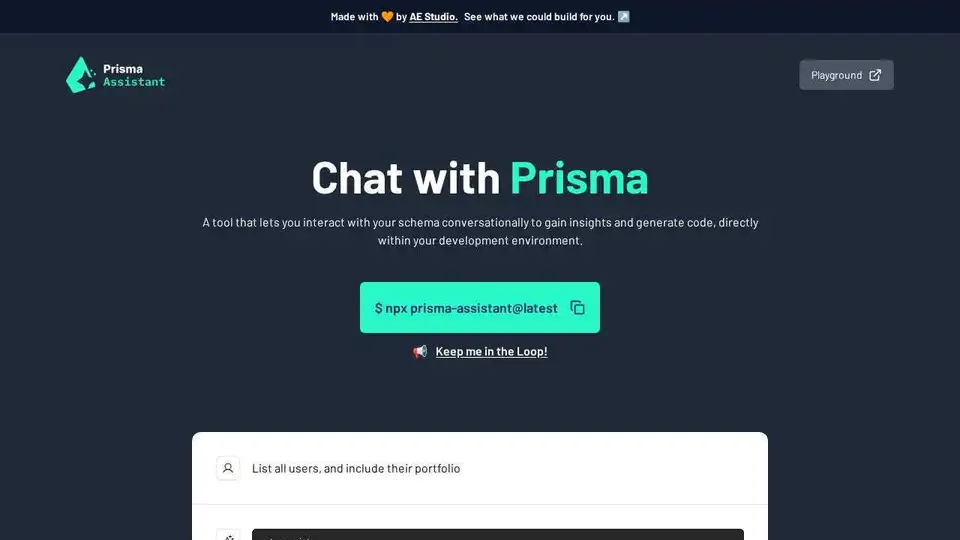
Overview of Prisma Assistant
Prisma Assistant: AI-Powered Schema Interaction and Code Generation
What is Prisma Assistant? Prisma Assistant is a tool designed to enhance your development workflow by allowing you to interact conversationally with your Prisma schema. It leverages the power of AI, specifically OpenAI, to provide insights and generate code directly within your development environment.
How does Prisma Assistant work?
Prisma Assistant functions as an interactive AI assistant for your Prisma schema. By running the npx prisma-assistant@latest command in your Prisma project, a server is started that provides a UI in your web browser. You then use natural language to query your schema, such as "List all users, and include their portfolio". The AI interprets your request and generates the corresponding Prisma Client code.
How to use Prisma Assistant?
- Set up your OpenAI API key: Obtain an API key from the OpenAI API portal.
- Configure the environment variable:
- MacOS/Linux:
export PRISMA_ASSISTANT_OPENAI_API_KEY=your_openai_api_key - Windows:
set PRISMA_ASSISTANT_OPENAI_API_KEY=your_openai_api_key
- MacOS/Linux:
- Start the Prisma Assistant server: Run
npx prisma-assistant@latestin your Prisma project's root directory. - Access the UI: Open the URL provided by the server in your web browser.
Why is Prisma Assistant important? Prisma Assistant streamlines the process of understanding and interacting with your Prisma schema. Instead of manually writing Prisma Client queries, you can use natural language to describe what you need, and the AI will generate the code for you. This can significantly reduce development time and improve productivity.
Optional Configuration with Ollama Prisma Assistant can also be configured to work with Ollama, providing flexibility in model selection. To use Ollama, set the following environment variables:
PRISMA_ASSISTANT_OPENAI_MODEL="llama2" # Or any other model
PRISMA_ASSISTANT_OPENAI_API_KEY="ollama"
PRISMA_ASSISTANT_OPENAI_API_BASE_URL="http://localhost:11434/v1"
Who is Prisma Assistant for? Prisma Assistant is ideal for developers who use Prisma as their ORM. It's beneficial for both beginners who are learning Prisma and experienced developers who want to speed up their workflow. It is especially valuable when dealing with complex schemas.
Security Considerations Since Prisma Assistant runs entirely on your machine, your OpenAI API key is not accessible by the developers. It is crucial to keep your API key secure and avoid sharing it.
Key Features and Benefits:
- Conversational Schema Interaction: Interact with your Prisma schema using natural language.
- AI-Powered Code Generation: Generate Prisma Client code automatically from your queries.
- Increased Productivity: Reduce development time and improve efficiency.
- Easy to Use: Simple setup process with clear instructions.
- Ollama Compatibility: Run Prisma Assistant with Ollama for model flexibility.
Prisma Assistant is currently in early alpha. Stay tuned for new features and updates as it continues to evolve.
AI Programming Assistant Auto Code Completion AI Code Review and Optimization AI Low-Code and No-Code Development
Best Alternative Tools to "Prisma Assistant"
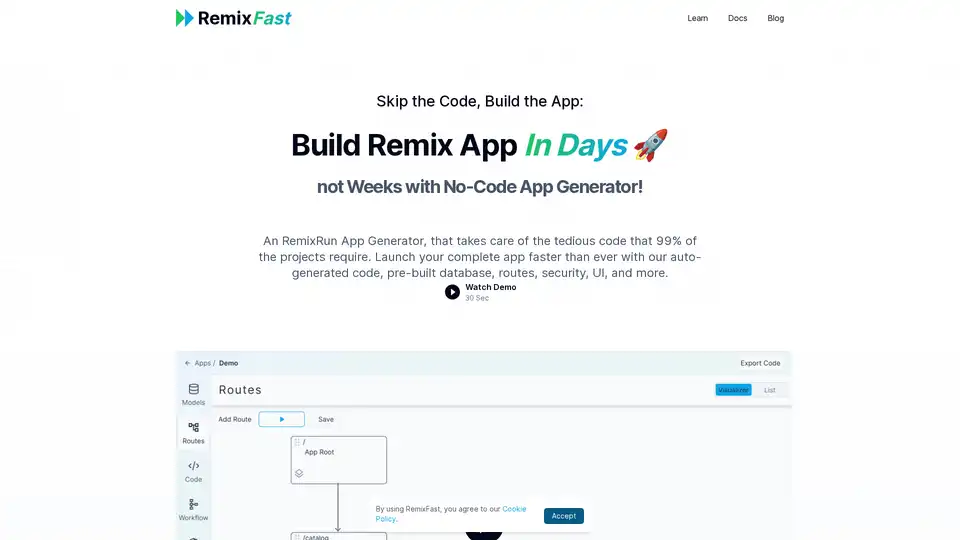
RemixFast is a no-code app generator for building Remix applications quickly using a visual editor. It automates tedious code tasks, allowing developers to focus on core functionalities and launch apps faster.
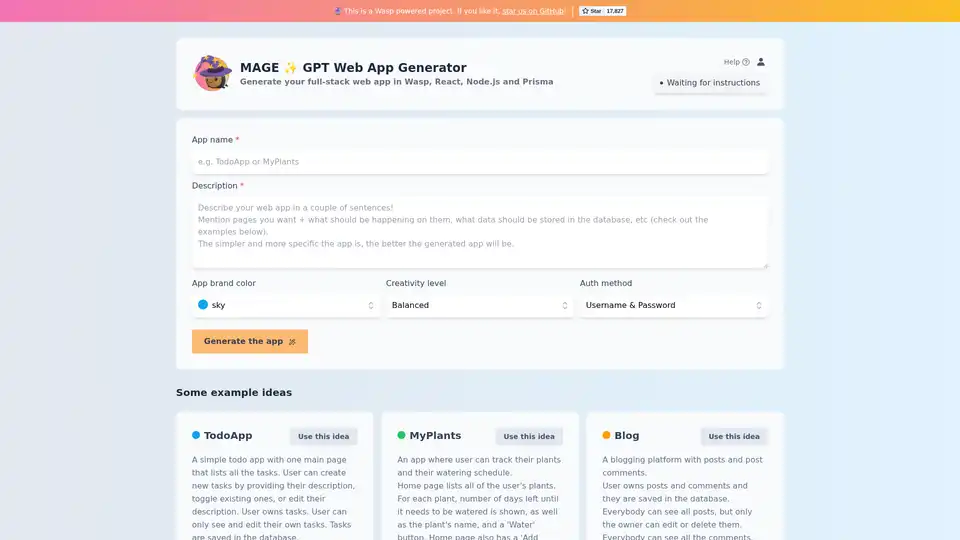
MAGE is a GPT Web App Generator that creates full-stack web applications using Wasp, React, Node.js, and Prisma. Quickly generate web apps from simple descriptions and ideas.
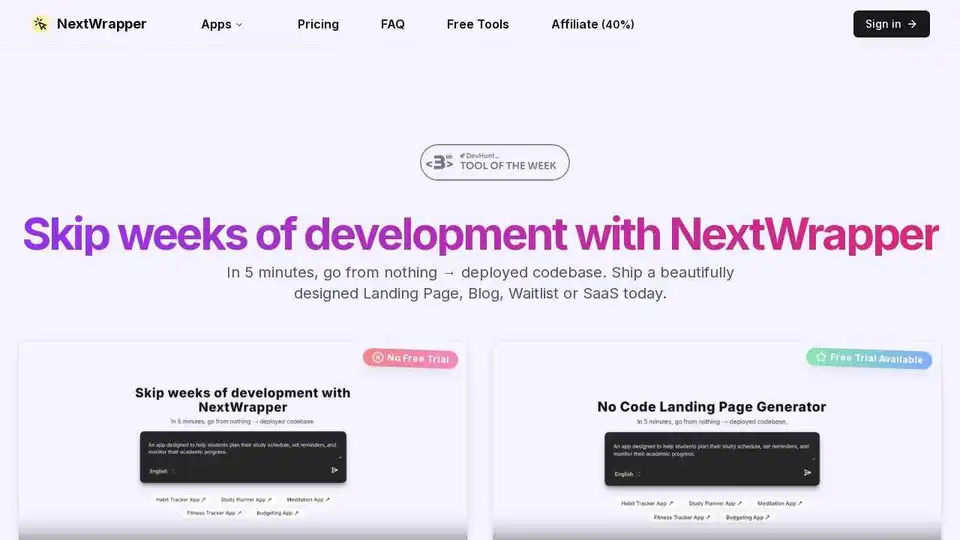
NextWrapper is an AI-powered No-Code tool to build your SaaS, AI tool, or any web app in days not months. Generate landing pages, dashboards, and more quickly.

NextReady is a ready-to-use Next.js template with Prisma, TypeScript, and shadcn/ui, designed to help developers build web applications faster. Includes authentication, payments, and admin panel.