
Smart Calendars AI
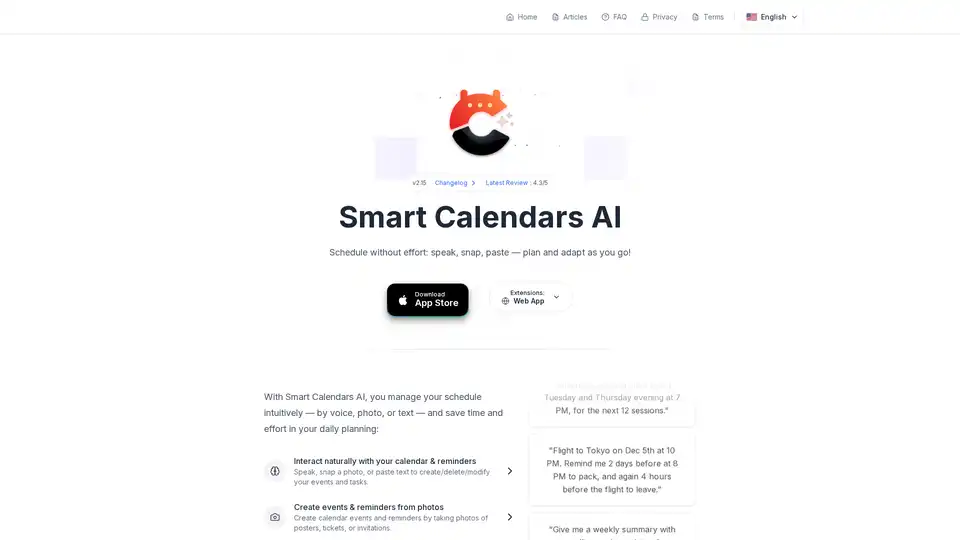
Overview of Smart Calendars AI
Smart Calendars AI: The Intelligent Calendar App for Effortless Organization
Smart Calendars AI is designed to streamline your scheduling process, making it easier and more intuitive to manage your daily life. This AI-powered app is available for iPhone, iPad, and macOS, offering a range of features that eliminate the friction between thinking about a task and scheduling it.
What is Smart Calendars AI?
Smart Calendars AI is an intelligent calendar application that allows users to manage their schedules through voice commands, photos, and text input. It simplifies event creation, modification, and sharing, helping users save time and effort in their daily planning.
How does Smart Calendars AI work?
Smart Calendars AI uses advanced AI technology to interpret voice commands, analyze photos, and extract relevant information from text inputs. This allows users to create events and reminders quickly and efficiently, without the need for manual data entry. The app also integrates with other calendar services like Apple Calendar, Google Calendar, and MS Office, ensuring seamless synchronization across platforms.
Key Features of Smart Calendars AI
- Voice Commands: Interact with your calendar using natural language. For example, "Move tomorrow's standup from 9:30 to 10:00."
- Photo Recognition: Create events and reminders by taking photos of posters, tickets, or invitations.
- Text Extraction: Easily extract events and reminders from digital content like text, emails, and websites.
- Event Sharing: Quickly share events with anyone using URLs or QR codes.
- Recurrence Handling: Set up recurring events with complex patterns, such as "Farmers Market every 1st Saturday of the month from April to October."
- Intelligent Reminders: Receive timely alerts based on your location and travel time. For example, "Add 'Torstraße 109, Berlin' to Friday's dinner and alert me 30 minutes before."
- Cross-Platform Integration: Works seamlessly with Apple Calendar, Google Calendar, and MS Office.
How to use Smart Calendars AI?
- Download and Install: Download the Smart Calendars AI app from the App Store for your iPhone, iPad, or macOS device.
- Connect Your Calendars: Integrate the app with your existing calendar services like Apple Calendar, Google Calendar, or MS Office.
- Start Scheduling: Use voice commands, photos, or text to create events and reminders. The app will intelligently interpret your input and add the event to your calendar.
- Share Events: Share events with others by generating a URL or QR code.
Why choose Smart Calendars AI?
- Efficiency: Streamline your scheduling process with AI-powered automation.
- Intuitiveness: Interact with your calendar using natural language and visual cues.
- Flexibility: Manage your schedule from voice, photo, or text.
- Integration: Seamlessly sync with other calendar services.
- Privacy: Your data is encrypted and never used for training purposes.
Who is Smart Calendars AI for?
Smart Calendars AI is designed for anyone who wants to simplify their scheduling process and save time. It's particularly useful for:
- Busy Professionals: Manage meetings, appointments, and deadlines efficiently.
- Frequent Travelers: Keep track of flights, accommodations, and travel arrangements.
- Event Organizers: Coordinate events with ease and share details with attendees.
- Anyone who wants a smarter, more intuitive calendar experience.
Practical Examples
- Recurring Events: "Farmers Market every 1st Saturday of the month from April to October. Remind me at 8 AM that morning."
- Meeting Coordination: "Find 45 minutes with Ana next week—mornings only, before Friday."
- Travel Planning: "Flight to Tokyo on Dec 5th at 10 PM. Remind me 2 days before at 8 PM to pack, and again 4 hours before the flight to leave."
Advanced Features
- Widgets: Access your schedule at a glance with widgets for the control panel, home screen, and lock screen.
- Customization: Customize the app's appearance and behavior to suit your preferences.
- Reminders & To-Dos: Manage your tasks, reminders, and events in one place.
Security and Privacy
Smart Calendars AI prioritizes your privacy. All data is encrypted and never stored or used for training purposes.
Customer Support
For assistance with Smart Calendars AI, visit the FAQ section or contact customer support through the app.
Conclusion
Smart Calendars AI is a powerful and intuitive calendar app that uses AI to simplify your scheduling process. With its voice commands, photo recognition, and text extraction capabilities, you can create events and reminders quickly and efficiently. Whether you're a busy professional, a frequent traveler, or simply someone who wants a smarter calendar experience, Smart Calendars AI is the perfect solution. Download it today and start scheduling without effort!
Best Alternative Tools to "Smart Calendars AI"
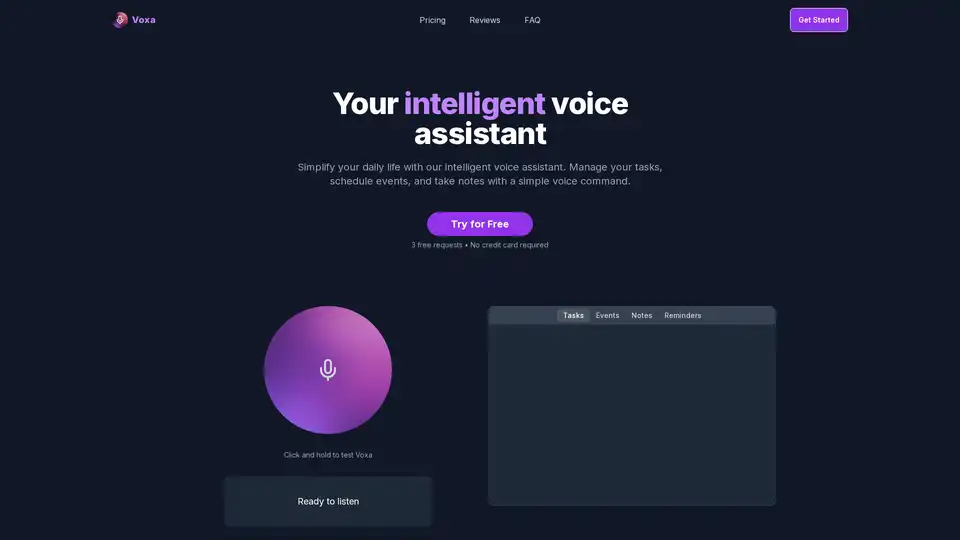
Voxa is an AI-powered voice assistant that integrates with Google Tasks, Calendar, and Notion to streamline task management, event planning, and note-taking, boosting daily productivity with simple voice commands.
Sort My Thoughts is an AI-powered personal assistant that organizes thoughts, tasks, and schedules to boost productivity. Enjoy smart reminders, daily summaries, seamless syncing, and intuitive search for effortless organization.
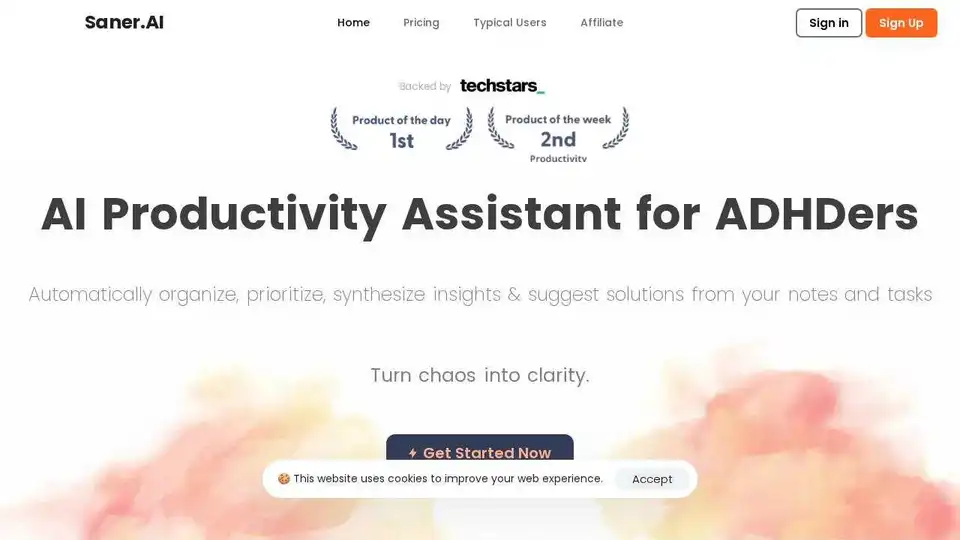
Saner.AI is an AI personal assistant designed for individuals with ADHD, helping with notes, email, and calendar management. It proactively plans your day and keeps you on track.
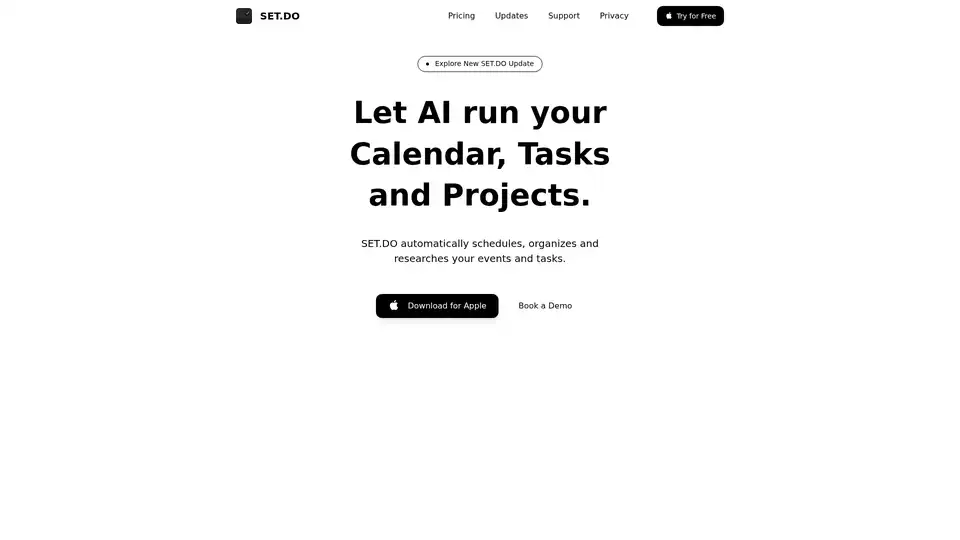
SET.DO is an AI-powered tool that automates scheduling, organization, and research for your events and tasks, integrating with Google, Apple, and Outlook calendars for seamless productivity.
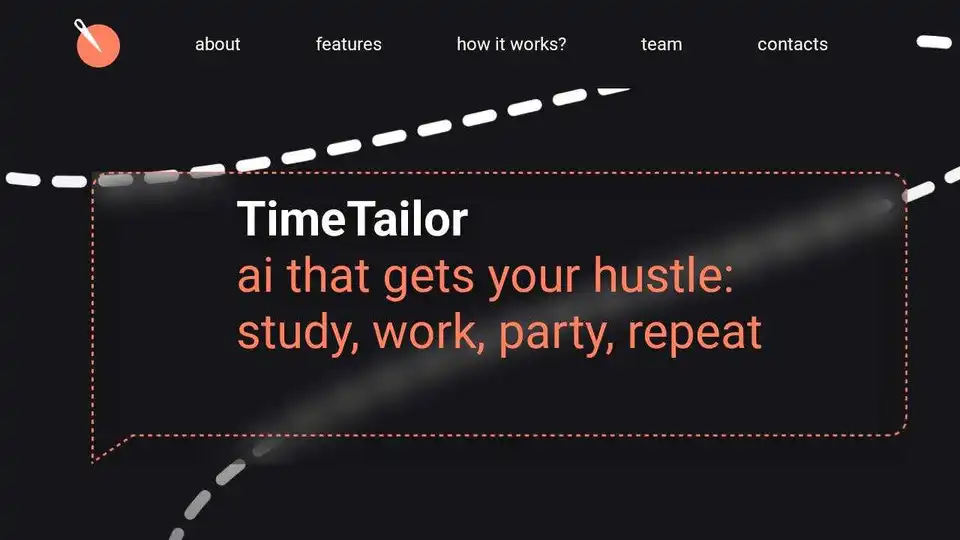
TimeTailor AI is an AI-powered personal assistant app that automates scheduling, prioritizes tasks, and adapts to your lifestyle in real-time. It integrates with Google Calendar and allows voice and chat control.
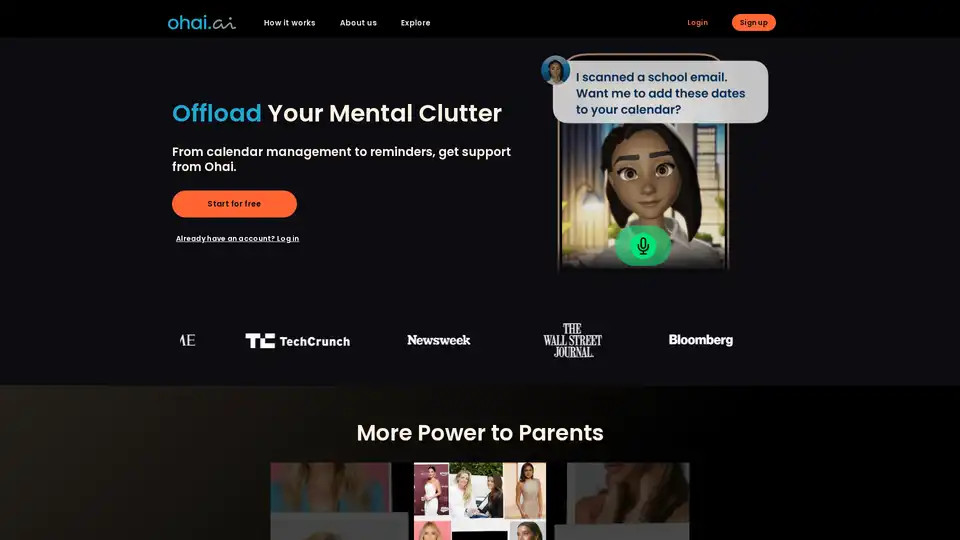
Ohai is an AI-powered personal assistant app that helps manage your schedule, create shopping lists, and send thoughtful cards. Designed to lighten the mental load, especially for parents, Ohai keeps you organized and on track.
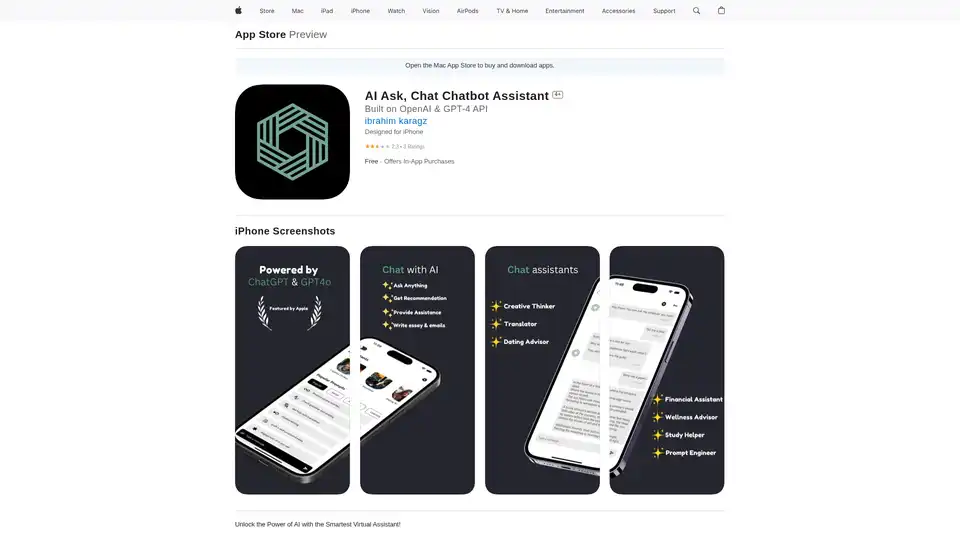
Discover AI Ask, the ultimate AI chatbot assistant app for iPhone. Powered by GPT-4, it offers instant answers, task management, writing help, and personalized chats to boost productivity on the go.
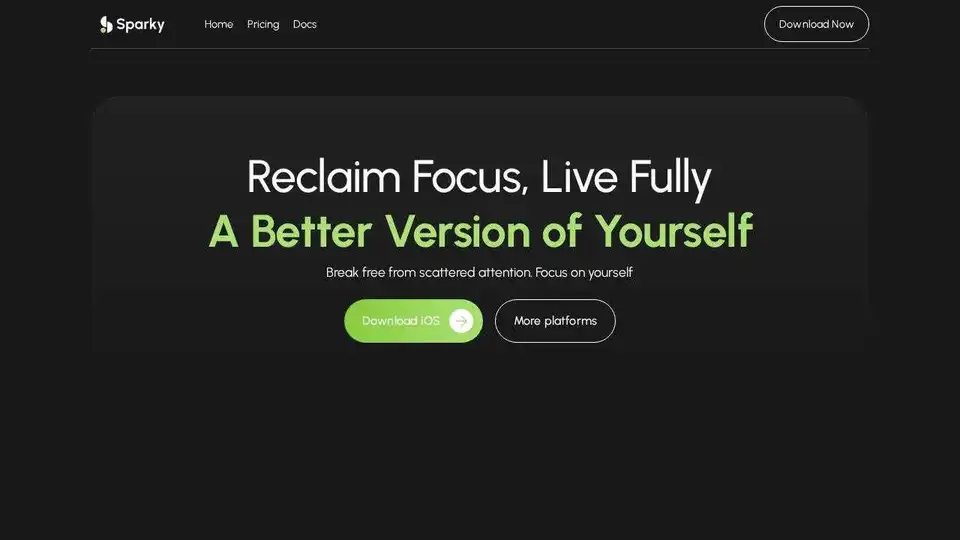
Sparky is an AI note-taking app designed for your daily life. Capture ideas, reminders, and more seamlessly. Boost productivity with voice notes, smart events, and AI-powered insights.
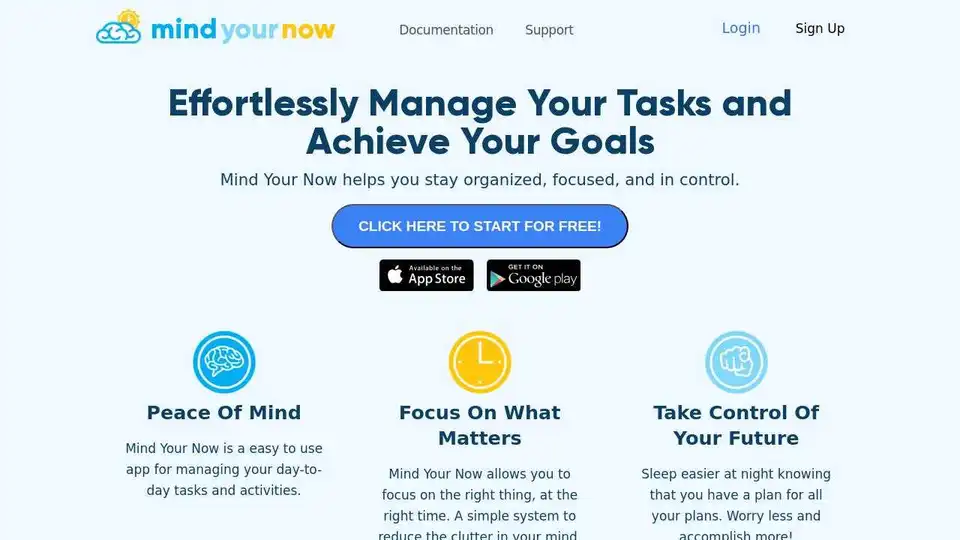
Mind Your Now is an AI-powered productivity tool to manage tasks, plan goals, and optimize your schedule for maximum efficiency and a healthy work-life balance.
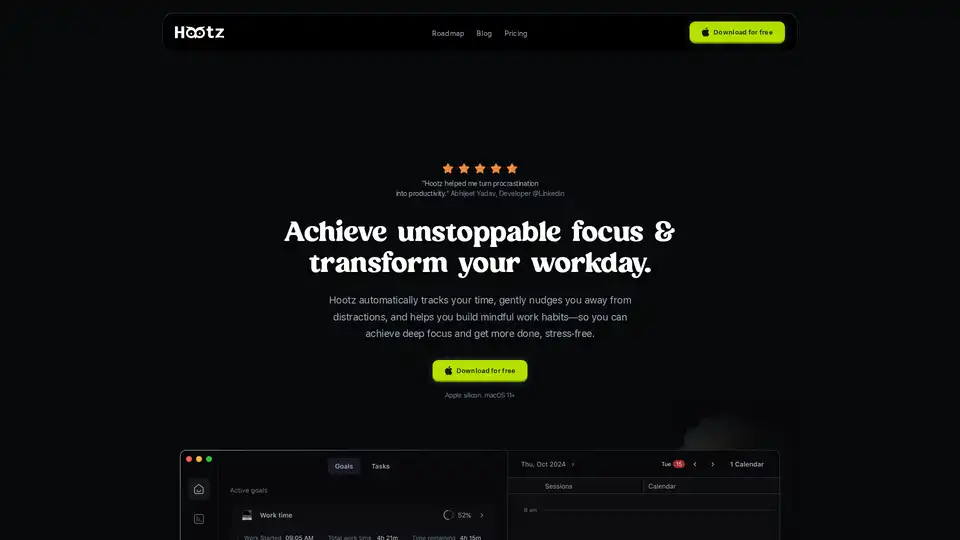
Hootz is an AI productivity companion that tracks your time, blocks distractions, and helps you build mindful work habits for focused, stress-free productivity. Available for macOS.
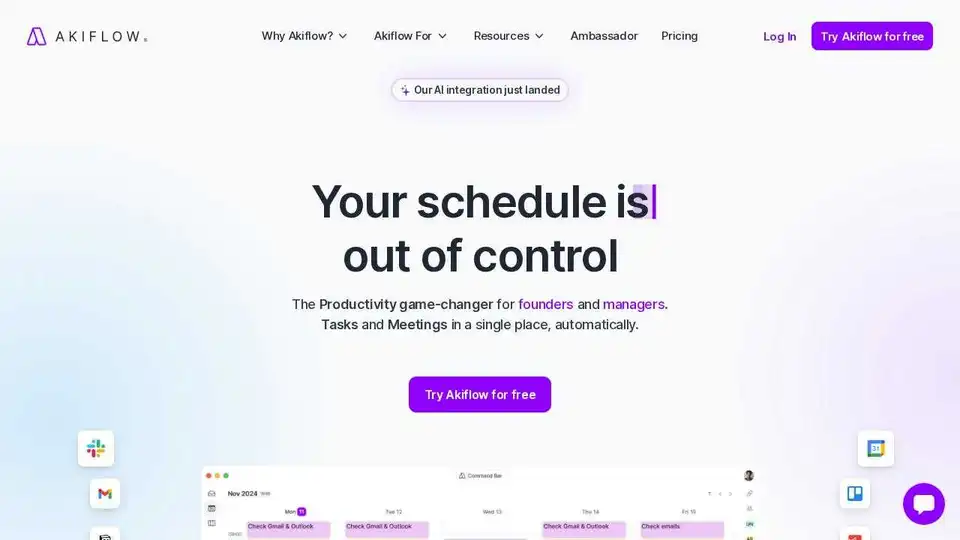
Akiflow is a premier digital planner and calendar for centralising tasks, unifying schedules, and optimising productivity. Experience the world's #1 time-blocking app with AI-powered features like Aki assistant.
CalendarGenie: Your AI-powered calendar assistant. Effortlessly manage schedules, automate meeting planning, and optimize your time with intelligent calendar management. The smart way to organize your day.
Neutron is a privacy-focused desktop AI app for Mac and Windows that turns voice rambles into emails, docs, summaries, chart insights, and calendar events. Press Tab for seamless cross-app productivity with end-to-end encryption.
Elephouse is an all-in-one AI assistant that simplifies your life by helping you manage tasks, calendars, habits, and journaling. Stay organized, productive, and stress-free with its personalized features.