
Smart Keys
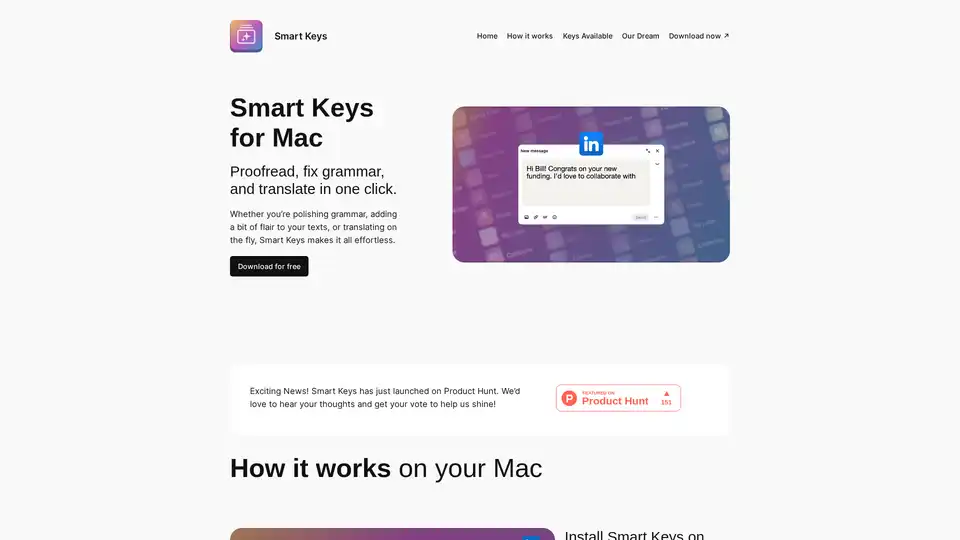
Overview of Smart Keys
What is Smart Keys for MacOS?
Smart Keys for MacOS is an AI-powered keyboard designed to streamline your writing process. It offers features such as grammar checking, proofreading, and translation, all accessible with a simple shortcut. This tool aims to make communication more efficient and effortless, whether you're drafting emails, writing documents, or engaging in social media.
Key Features of Smart Keys
- Grammar and Spelling Check: Corrects grammatical errors and spelling mistakes to ensure your writing is polished and professional.
- Translation: Translates text into multiple languages with a single click, facilitating communication across different languages.
- Customizable Keys: Allows users to create custom shortcuts for frequently used phrases or actions, enhancing productivity.
- AI-Powered Suggestions: Provides intelligent suggestions to improve the clarity and style of your writing.
How Smart Keys Works
Smart Keys integrates into your MacOS system and can be activated with the Option (⌥) + S shortcut. Once activated, it analyzes your text and provides real-time suggestions and corrections. You can also assign specific functions to number keys in combination with the Option key for even faster access to features.
The AI behind Smart Keys analyzes the context of your writing to offer relevant and accurate suggestions. It learns from your writing style and preferences over time, becoming more personalized and effective.
Why Choose Smart Keys?
- Efficiency: Streamlines your writing process by providing quick access to essential writing tools.
- Versatility: Suitable for a wide range of writing tasks, from casual emails to professional documents.
- User-Friendly: Easy to install and use, with a simple and intuitive interface.
Who is Smart Keys for?
Smart Keys is ideal for:
- Professionals: Anyone who needs to write clear and concise emails, reports, or presentations.
- Students: Aiding in essay writing, research papers, and other academic tasks.
- Multilingual Individuals: Facilitating communication in multiple languages.
- Content Creators: Helping to create engaging and error-free content for blogs, social media, and websites.
How to Use Smart Keys
- Install Smart Keys: Download and install the application on your MacOS device.
- Select Keys: Choose the pre-defined keys or create custom keys that suit your needs.
- Use Anywhere: Activate Smart Keys in any application by pressing Option (⌥) + S or Option (⌥) + [Number Key].
- Adjust Keys: Customize the order and settings of your keys to optimize your workflow.
Smart Keys: Real User Feedback
Users have praised Smart Keys for its ease of use and efficiency. Here are some testimonials:
- Ali Eld: "It can translate to a lot of languages and its easy to use it is worth it pls downlod ut and tr it out."
- roslam12: "Amazing keyboard good job guys!"
- Hamilton: "Faster, better than Grammarly!"
Some users have noted occasional inaccuracies in the AI suggestions, but overall, the feedback is positive, highlighting its potential to boost productivity.
Latest Smart Keys Released
The latest releases include several new keys designed to enhance your coding and writing experience:
- Remove Comments (RC): Cleans up code by removing unnecessary comments.
- Add Comments (AC): Adds meaningful comments to guide developers.
- Just Summarize (JS): Summarizes text with precision and clarity.
- Optimize Code (OC): Improves code efficiency.
- Solve TODOs (ST): Turns placeholders into solutions.
- Explain Code (EC): Simplifies code explanations.
Conclusion
Smart Keys for MacOS is a versatile and efficient AI-powered keyboard that simplifies writing tasks. Whether you need to correct grammar, translate text, or streamline your workflow with custom shortcuts, Smart Keys offers a range of features to enhance your productivity. While some users have noted occasional inaccuracies, the overall consensus is that Smart Keys is a valuable tool for anyone looking to improve their writing and communication skills.
Best Alternative Tools to "Smart Keys"
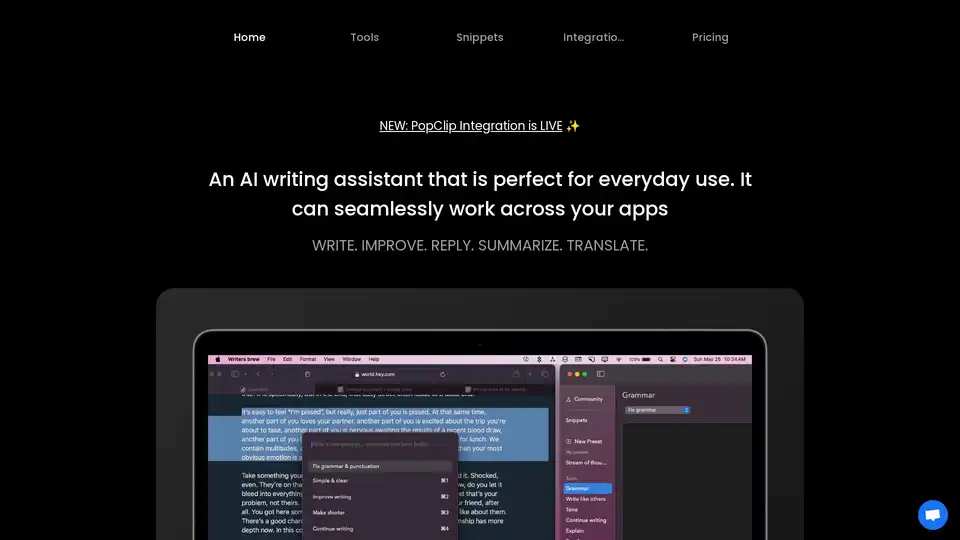
Writers Brew is a versatile AI writing assistant for macOS, seamlessly integrating across browsers, native apps, and Electron apps to help you write, improve, reply, summarize, and translate text effortlessly for boosted productivity.
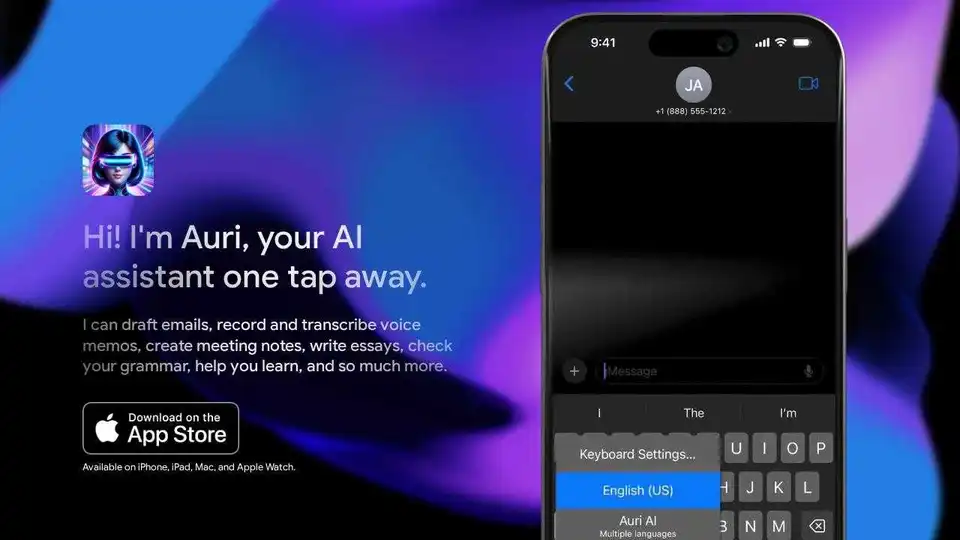
Auri.AI is an AI-powered keyboard app that provides AI chat, smart notes, and transcription. Write, translate, paraphrase, reply to emails, and check grammar in any app and language.
IELTSwriting.ai is an AI-powered toolkit for IELTS Writing prep, offering instant band scores, personalized feedback, unlimited free practice, high-scoring samples, and tools like essay checker and grammar fixes to boost your score quickly.
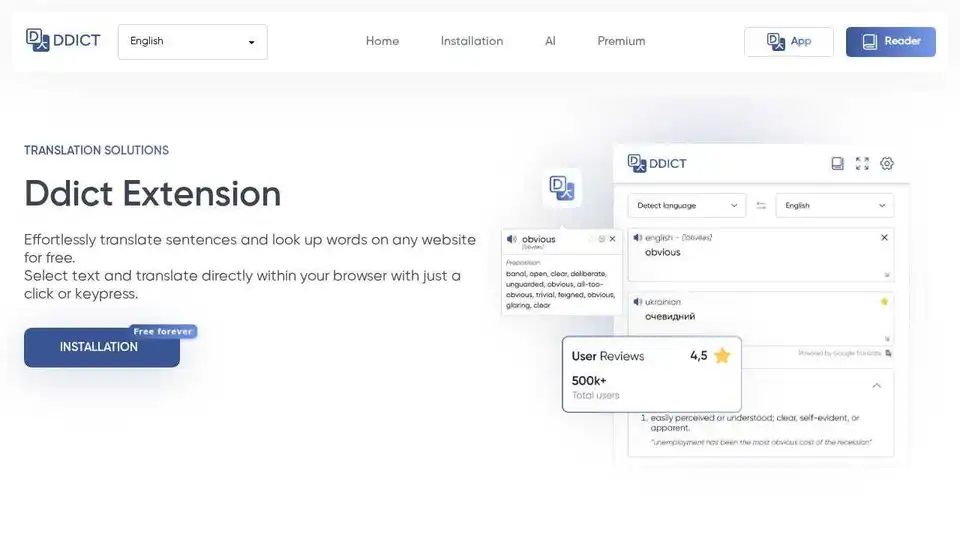
Ddict is an AI-powered browser extension that translates text and assists with writing. Effortlessly translate sentences and look up words on any website for free with just a click or keypress.
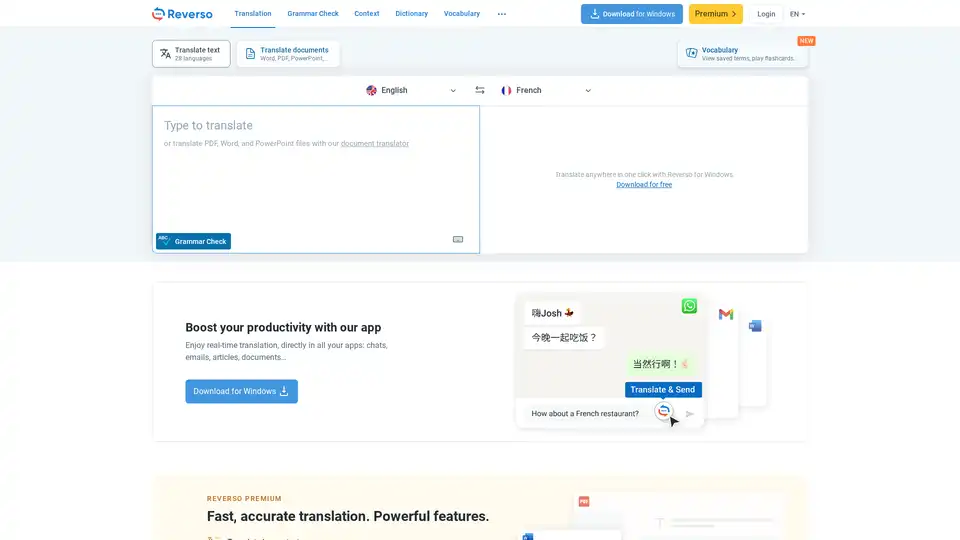
Reverso is an AI-powered translation and language tool offering free translation, dictionary, and grammar check services. Translate text, documents, and more with accuracy across 28+ languages.
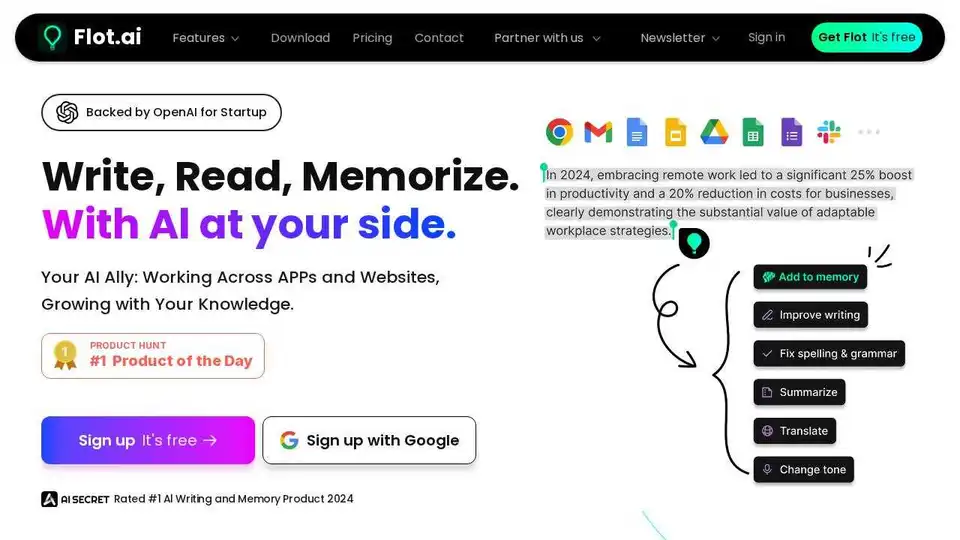
Flot AI is a browser extension that acts as your AI ally, enhancing your writing, reading, and memorization across apps and websites. It offers AI-powered writing assistance and memory recall.

Toolgo is a free AI toolbox offering AI tools for chat, writing, translation, PDF processing with ChatPDF, summarization, and more, accessible as a browser sidebar.

Practice speaking languages with Kippy AI Tutor, the advanced AI language tutor. Get real-world conversations, pronunciation & grammar checks for faster fluency.

Engram is an AI writing tool optimized for non-native English speakers. It offers grammar checking, paraphrasing, and translation features to help users write better, faster, and stress-free.

Kreativespace is an AI writing suite with tools for summarizing, grammar checking, paraphrasing, citation, translation, plagiarism detection, and AI detection. It enhances writing productivity and originality.

Tenorshare AI offers free AI tools to humanize AI text, summarize PDFs, generate content, and more. Bypass AI detection and improve your writing effortlessly.
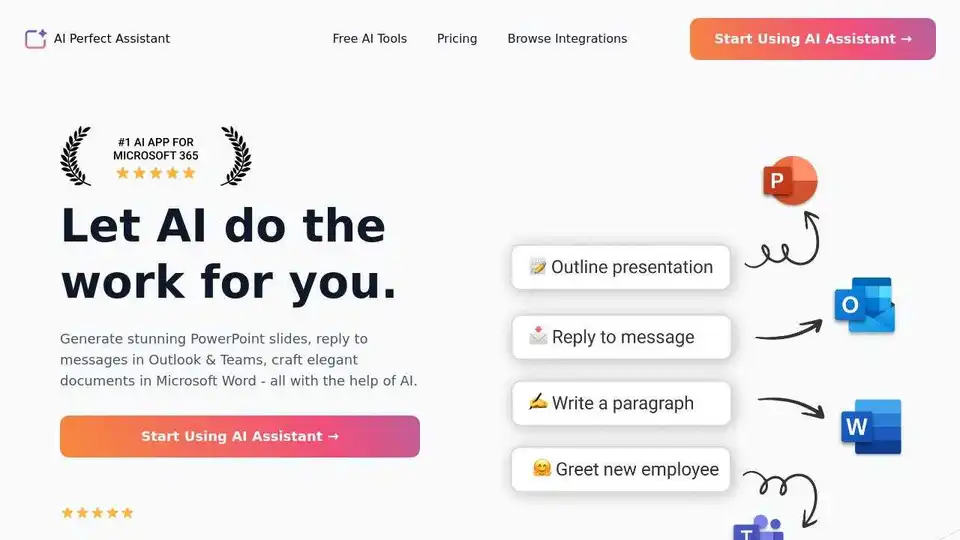
AI Perfect Assistant provides AI-powered tools for Word, Outlook, Excel, PowerPoint & more. Enhance writing, generate content, and automate tasks with 60+ AI tools seamlessly integrated into your Office 365 suite.
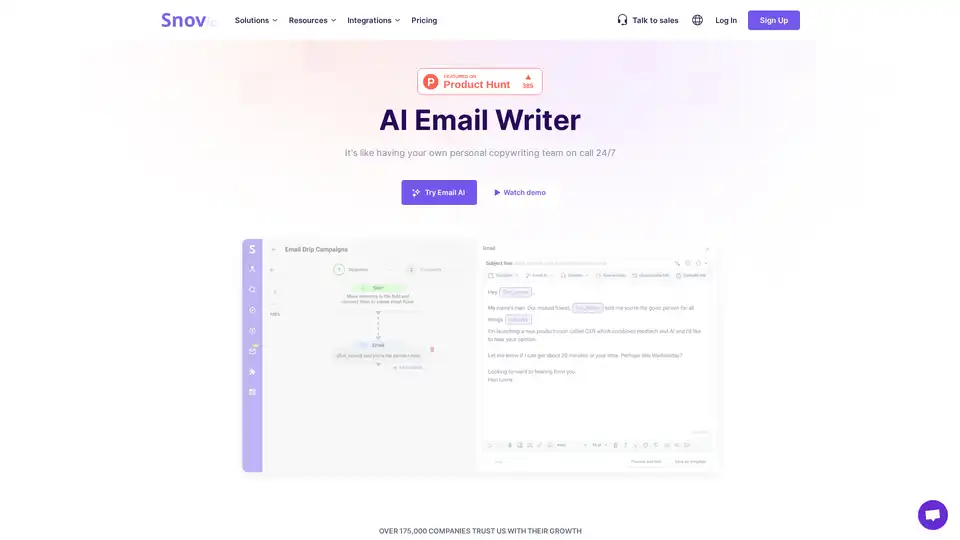
Generate engaging emails effortlessly with Snov.io's AI Email Writer. Perfect for creating unique outreach campaigns and boosting opens, clicks, and replies. Try it now!
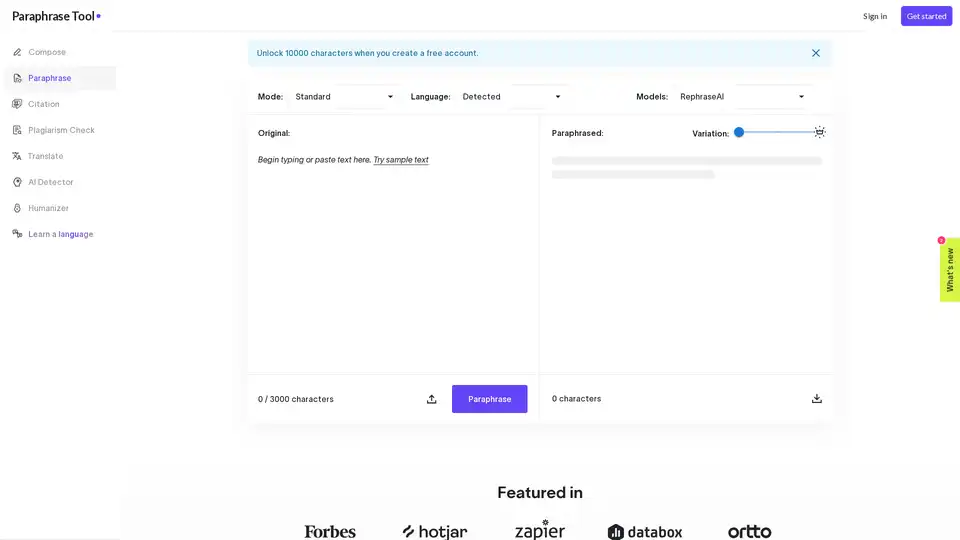
Paraphrase Tool uses AI to rephrase text in 100+ languages with 18 writing modes. It offers features like plagiarism checking, AI composing from keywords, and essay generation. Try it for free!