
StreamGen
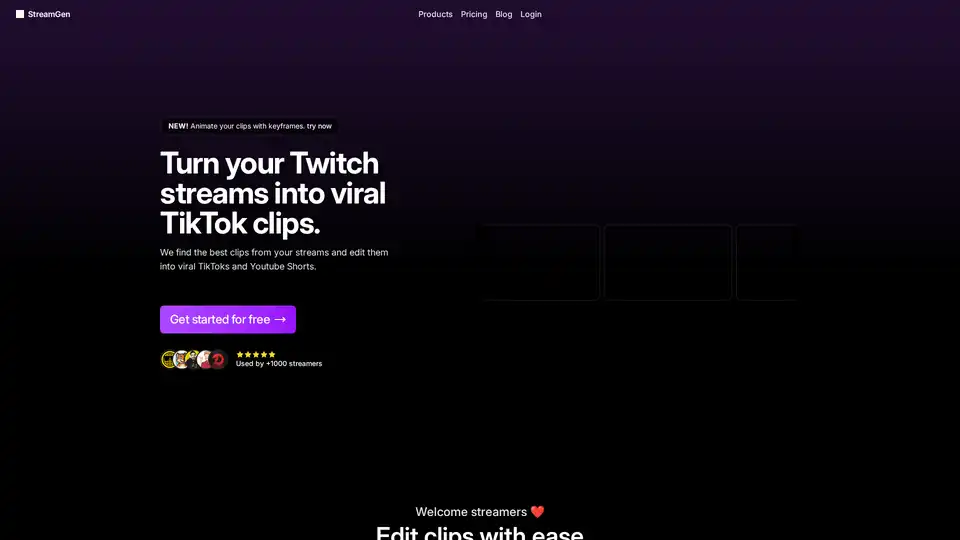
Overview of StreamGen
What is StreamGen?
StreamGen is an innovative AI-powered platform designed specifically for Twitch streamers looking to repurpose their long-form streams into bite-sized, viral content for platforms like TikTok and YouTube Shorts. In the fast-paced world of live streaming, where hours of footage are generated daily, manually sifting through VODs (Video On Demand) for highlights can be time-consuming. StreamGen solves this by using advanced AI models to analyze entire Twitch streams—up to 8+ hours—and automatically identify those "viral moments" that captivate audiences. It then edits these into polished vertical shorts, complete with AI-generated captions in over 90 languages, effects, layouts, and even scheduling for direct posting.
Whether you're a full-time streamer juggling a day job or a growing content creator aiming to expand your reach across social media, StreamGen streamlines the clip generation and editing process, making it 10x faster than traditional methods. Trusted by over 1,000 streamers, including top names like DarioMartiz and Anubis, it's become a go-to tool for turning raw stream data into engaging, shareable content that drives views and followers.
Key Features of StreamGen
StreamGen packs a comprehensive suite of AI-driven features tailored for modern streamers:
- AI Twitch Clip Generator: Analyzes full VODs to pinpoint hype moments, funny fails, or peak engagements, creating instant highlight clips.
- AI-Powered Clip Editor: Automates editing with intelligent silence removal, word censoring (perfect for avoiding bans), animated zooms, keyframe animations, and multi-style captions.
- AI Captions in 90+ Languages: Customizable subtitles with various fonts, colors, and animations to boost accessibility and retention.
- Viral Title Hook Generator: Crafts attention-grabbing titles optimized for algorithms on TikTok and YouTube.
- Auto Layout and Effects: Vertical formatting for shorts, with pro-level touches like re-ordering cuts and voice recording overlays.
- Post Scheduler: Connects directly to TikTok and YouTube for seamless scheduling and auto-posting, ensuring consistent content drops.
- AI VOD Editor: Exports edited projects compatible with DaVinci Resolve and Adobe Premiere Pro for long-form YouTube videos (Ultimate plan).
- Autopilot Mode: Hands-free operation—auto-imports streams, finds clips, and creates shorts (Ultimate plan only).
These features eliminate the need for multiple tools, offering a complete content creation suite in one place.
How Does StreamGen Work?
Getting started is straightforward:
- Connect Your Twitch Account: Sign up for free and link your stream—no manual uploads required.
- AI Analysis: The platform scans your VODs (supports Twitch, Kick, YouTube; sub-only VODs included) to detect viral clips automatically.
- Instant Editing: Review AI-suggested clips, then use the editor for tweaks—add captions, censor words, remove silences, or apply effects in seconds.
- Optimize and Schedule: Generate titles, format for shorts, and queue posts to social platforms.
- Export or Post: Download edited projects or let it handle publishing.
For example, streamer Big_Beans_18 shared: "I review the highlights it caught, make any edits, and upload to TikTok and YouTube—making streaming alongside a full-time job possible."
This workflow is especially powerful for repurposing content in the streaming ecosystem, where cross-platform growth is key. Twitch's algorithm favors engaged viewers, but platforms like TikTok thrive on quick, vertical videos—StreamGen bridges that gap effortlessly.
Why Choose StreamGen Over Competitors?
In a crowded market with tools like OpusClip, StreamLadder, and AI Clipper, StreamGen stands out:
| Feature | StreamGen (€9.99/mo) | OpusClip (€15/mo) | StreamLadder (€27/mo) |
|---|---|---|---|
| Auto Highlight Detection | 60 streams/mo, 180 hrs/wk | Limited | 2.5 hrs/mo |
| Clip Editor | Full AI suite | Basic | Limited |
| Post Scheduler | TikTok/YouTube | Yes | No |
| AI Title Maker | Yes | No | No |
| Autopilot | Yes (Ultimate) | Partial | No |
| AI VOD Editor | Unlimited | No | No |
Streamers praise its responsiveness: Anubis noted the developer "listens to the community and adds new stuff," while Taironzen loves the all-in-one censoring and formatting. Unlike rivals with hourly limits or missing features, StreamGen supports high-volume creators without breaking the bank.
Who is StreamGen For?
- Twitch and Kick Streamers: Ideal for game streamers, variety creators, or anyone with long VODs needing quick highlights.
- Busy Content Creators: Those balancing streaming with jobs, as per WaffleSmacker's testimonial on boosting weekly shorts output.
- Social Media Growers: Small to mid-tier streamers like NikTheFoxVerse aiming for TikTok/YouTube virality.
- Pro Editors: VOD export to DaVinci/Premiere for advanced workflows.
It's not just for gamers—any live streamer benefits from its multi-platform support.
Real User Testimonials
StreamGen's community raves:
- "Super handy... a must-have for every content creator!" – LcomeLele
- "Saves you a lot of time while producing dozens of clips." – AsciugaMerio
- "Efficient... high quality without compromising." – 1Lukes1
These stories highlight its practical value in real-world streaming schedules.
Pricing and Getting Started
Start free, then upgrade:
- Complete Solution: €9.99/month for core features.
- Ultimate: Adds Autopilot and AI VOD Editor.
No contracts—cancel anytime. FAQ confirms free tier availability, manual clip imports, and full customization.
Best Ways to Maximize StreamGen for Viral Growth
- Enable Autopilot for passive clip farming.
- Customize Captions to match your brand.
- Schedule Consistently—algorithms reward regularity.
- Combine with Streaming Best Practices: Engage chat during peaks for better AI detection.
In the evolving creator economy, tools like StreamGen are essential for scaling from Twitch niche to global short-form stardom. Unlock your channel's potential today—add your stream and discover your first clips for free!
Tags Related to StreamGen
