
Taskmole
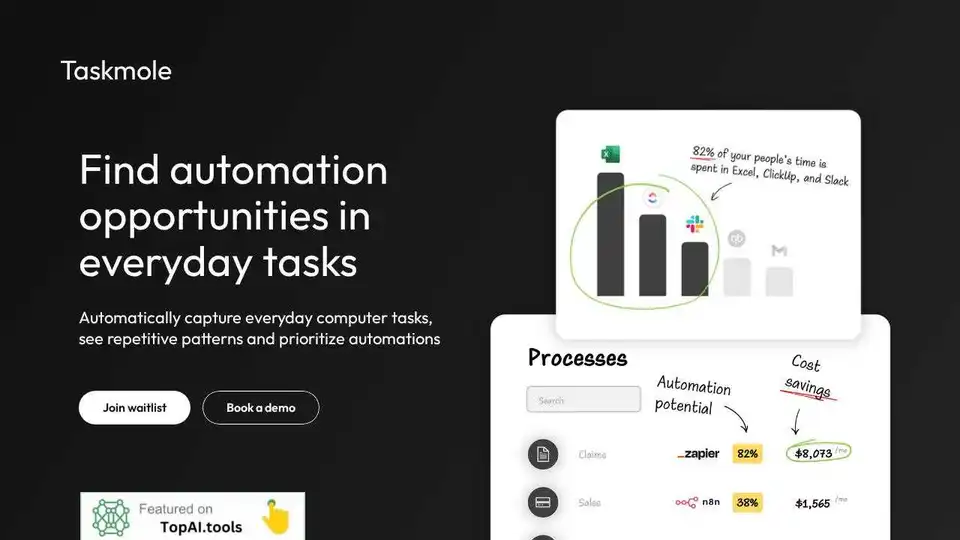
Overview of Taskmole
Taskmole: Uncover Hidden Automation Opportunities in Your Everyday Tasks
What if you could automatically identify repetitive tasks you perform on your computer and discover opportunities to automate them? Taskmole does just that. It's a task mining tool designed to help you x-ray your manual tasks, see repetitive patterns, and prioritize automations, particularly with tools like Zapier.
How Does Taskmole Work?
Taskmole works by:
- Tracking Your Computer Tasks: Once installed on your computer, Taskmole securely observes the work you do.
- Analyzing the Data: AI analyzes these tasks to identify repetitive processes and potential automation opportunities.
- Presenting Automation Opportunities: Taskmole then presents these opportunities in simple reports, helping you understand where you can save time and effort.
Key Features and Benefits
- Task Mining: Taskmole uses task mining to track your everyday computer tasks, providing clarity on where you spend the most time.
- AI-Powered Analysis: The tool uses AI to analyze tracked tasks, highlighting top automation opportunities, so you know where to focus your efforts.
- Integration with Automation Tools: Taskmole complements tools like Zapier by providing insights into processes that can be automated.
- Objective Data: Taskmole provides objective data that automation consultants can use to demonstrate the value they bring to clients.
- Security & Privacy: Data is encrypted both at rest and in transit. Taskmole does not track screen content, emails, names, or incognito mode activity. Local, on-premise deployments are also available.
Who is Taskmole For?
Taskmole is primarily designed for:
- Automation Consultants: Helps identify automation opportunities for clients without relying on manual reporting.
- Operations and IT Leaders: Provides insights into process inefficiencies and automation potential.
- Founders and Solopreneurs: Helps streamline workflows and identify tasks that can be automated to save time.
Taskmole Pricing
Taskmole offers a tiered pricing structure:
- Trial (Free): Ideal for trying out the tool. Includes unlimited AI task mining and mapping of up to 2 processes.
- SMB ($99/month/computer): For companies and individuals, offering unlimited computers, AI task mining, and process mapping.
- Partner (Let's Talk): Designed for automation agencies, providing unlimited tracked computers, AI task mining, and process mapping, along with client management reports.
Taskmole vs. Zapier: How They Complement Each Other
What sets Taskmole apart from automation tools like Zapier? While Zapier focuses on connecting various apps, Taskmole goes deeper by mapping and analyzing business processes first. It provides a clear understanding of where your biggest automation opportunities lie, complementing Zapier's integration capabilities.
FAQ
- What does Taskmole do? Taskmole observes the work you do on your computer, analyzes it, and shows you repetitive processes with automation potential in tools like Zapier.
- What is task mining? A task mining tool observes what you do on your computer, identifies repetitive tasks, and maps them out for you.
- How does Taskmole ensure data security? All data is encrypted at rest and transit, and can only be seen by authorized users. Taskmole does not track screen content, incognito mode, or keystrokes. Local deployment is also available.
Conclusion
Taskmole is a powerful task mining tool that helps you uncover hidden automation opportunities in your everyday tasks. By automatically capturing and analyzing your computer tasks, it provides insights into where you can save time and effort, ultimately increasing efficiency and productivity. Whether you're an automation consultant, an operations leader, or a solopreneur, Taskmole can help you streamline your workflows and focus on what matters most. What is Taskmole? Taskmole is an AI-powered task mining tool that helps you discover automation opportunities in your everyday tasks. How does Taskmole work? Taskmole tracks your computer tasks and uses AI to analyze repetitive patterns. Why is Taskmole important? Taskmole helps you prioritize automations and save time and effort by revealing hidden automation opportunities. Best way to automate your workflows? Try task mining with Taskmole and uncover those hidden opportunities. Join the waitlist and start automating smarter today.
Best Alternative Tools to "Taskmole"
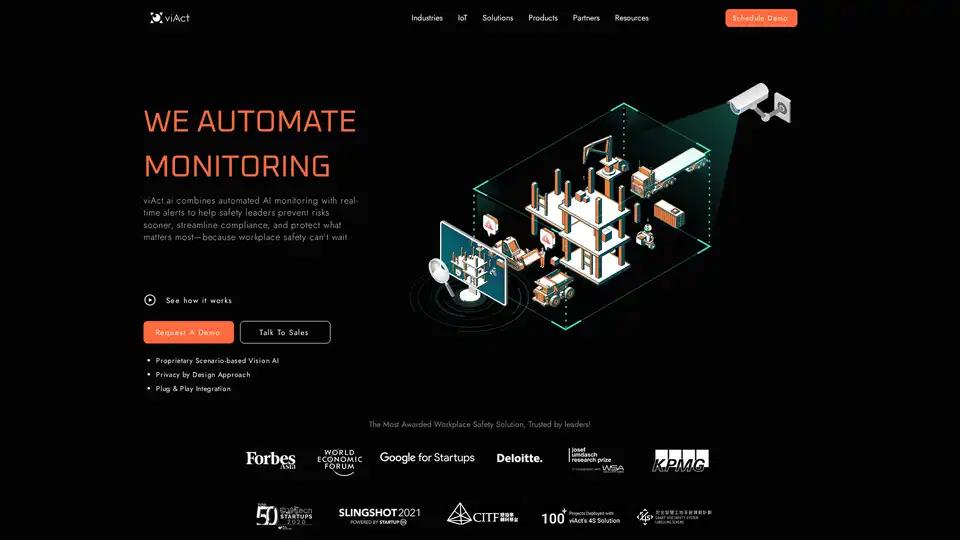
viAct is an AI-powered workplace safety platform that automates monitoring using computer vision, provides real-time alerts, and helps safety leaders prevent risks, streamline compliance, and protect workers.
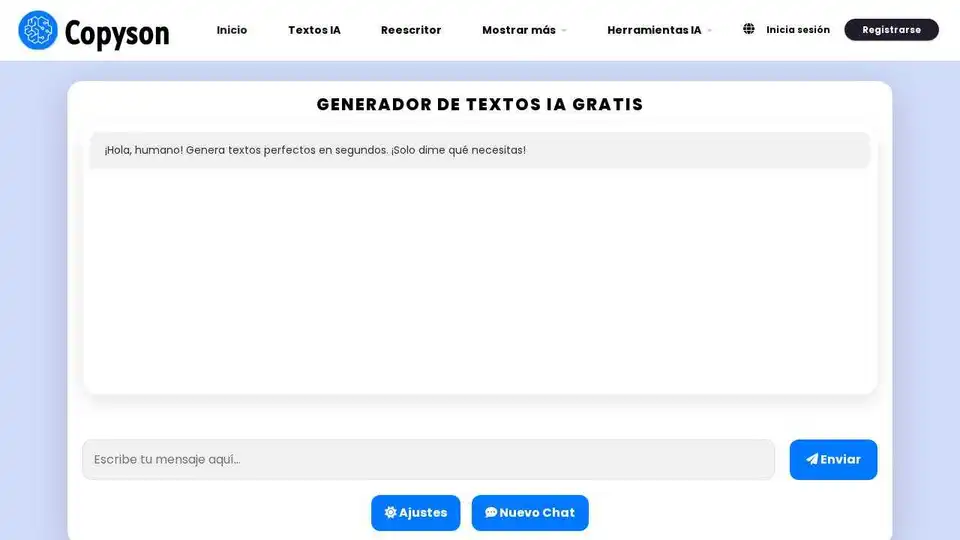
The best AI tool to generate texts online for free and without registration.

Lanceboard is an AI-powered freelance platform that simplifies task management and team collaboration. Powered by Gawain AI, it connects you with the right freelancers to get things done quickly and efficiently.
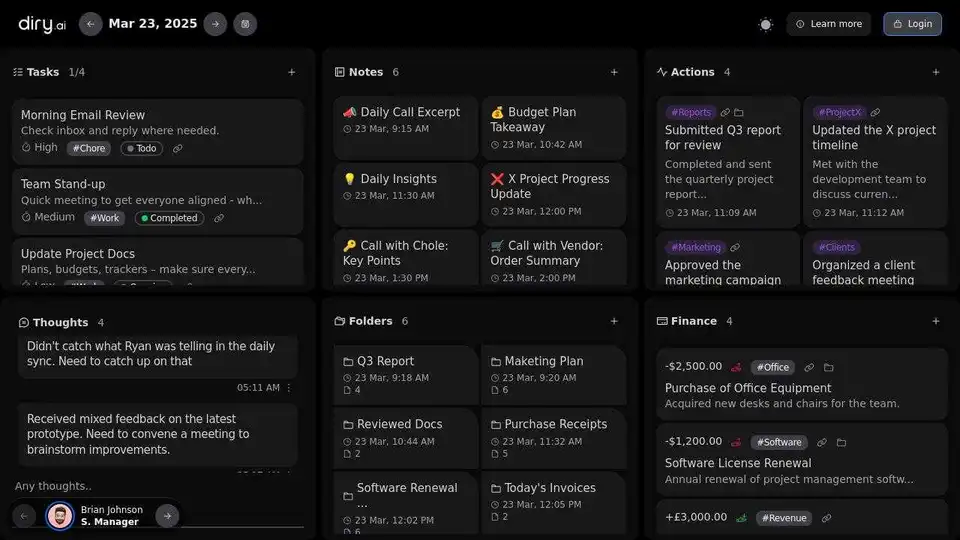
Plan your day, document your yesterday, and prepare for tomorrow with Diry AI. An AI-powered task management and note-taking tool for enhanced productivity.

Let's Focus is an AI-powered todo list app featuring GPT-4o integration for task generation, advanced filtering, focus mode, and detailed productivity statistics.
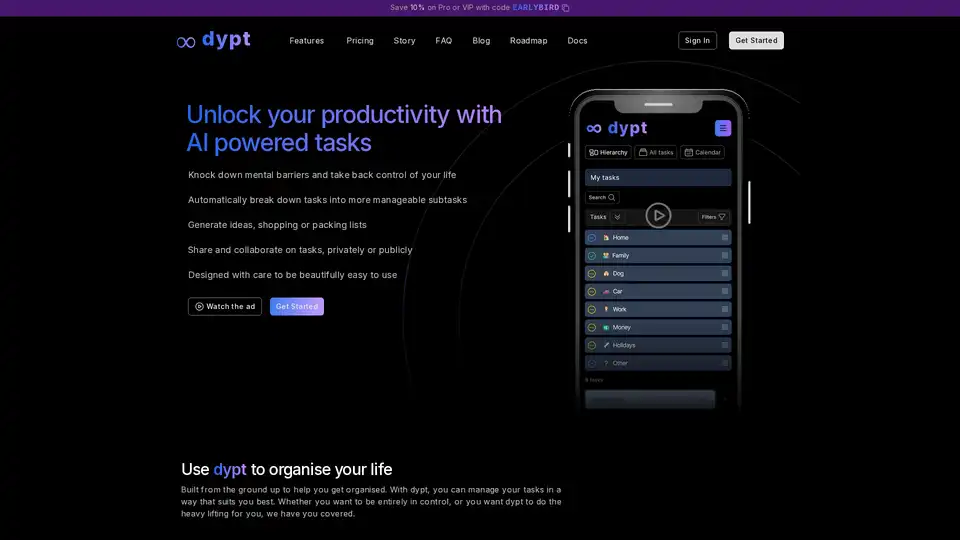
dypt is an AI-powered task management tool that automatically breaks down tasks into manageable subtasks, offers time tracking, collaboration features, and works across all devices for enhanced productivity.

TimeHero is an AI-powered task management tool that automatically plans and manages your tasks, projects, and workflow around your schedule. Try it free for 7 days!

World of Gami is an AI-powered Trello alternative that gamifies task management, making project management fun and engaging. It focuses on collaboration, communication, and recognition among team members.

Superlist is a task management app with AI meeting notes and a voice assistant. Organize projects, track deadlines, and keep home in sync, all in one place. Available on iOS, Android, Mac, and Web.
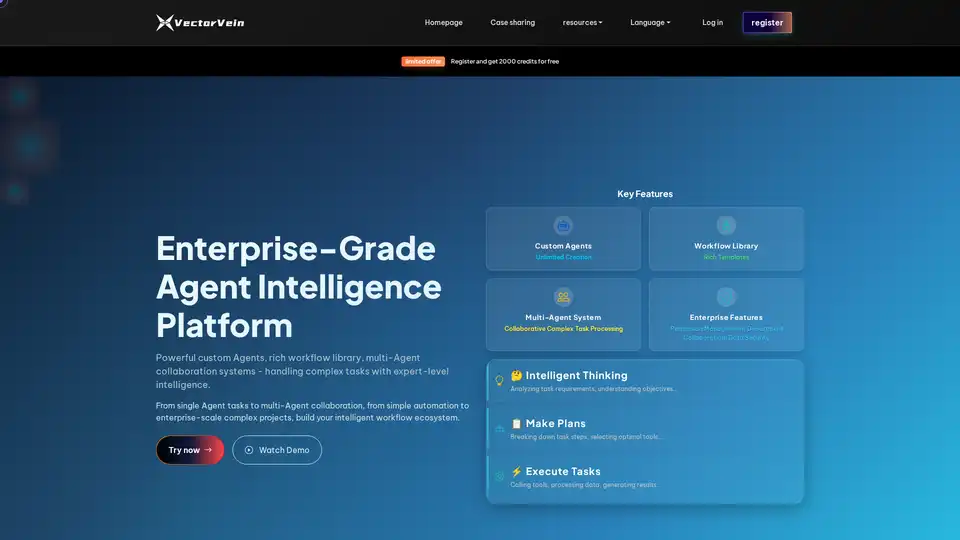
VectorVein is an AI Task Agent platform enabling intelligent automation of complex tasks. Features custom Agents, workflow library, multi-Agent collaboration, and enterprise-grade security. Automate tasks with intelligent thinking and execution.
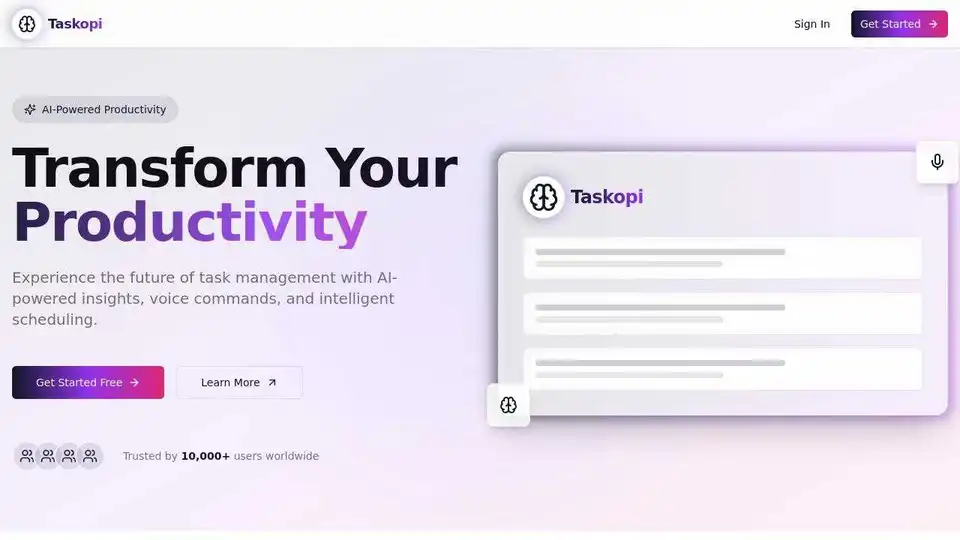
Taskopi: AI-powered task management platform with voice commands, smart scheduling, and real-time analytics. Boost productivity with a free trial.
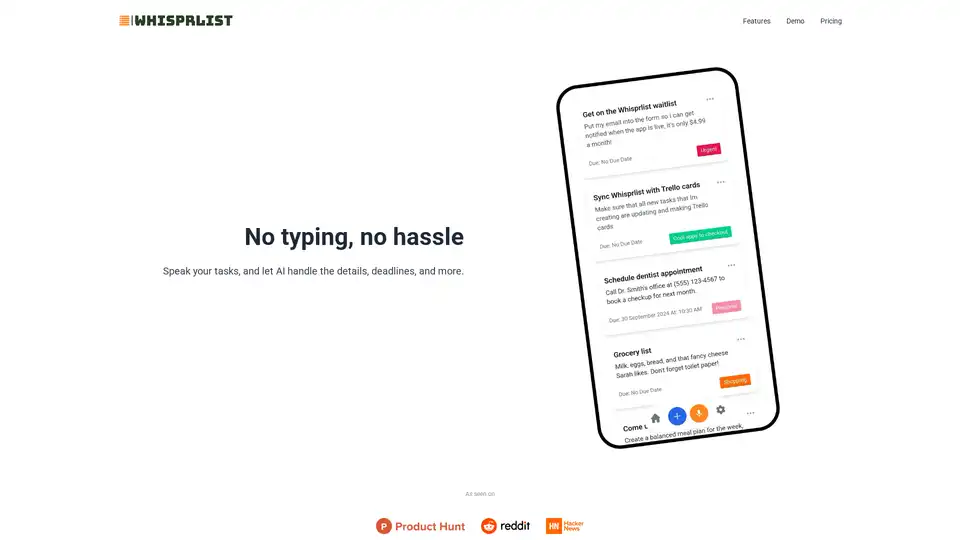
Manage tasks effortlessly with Whisprlist, an AI-powered voice task manager. Create tasks using voice commands and stay productive with daily AI summaries. Sign up now!

Peaches is an AI-powered to-do list app that uses voice task management and advanced AI to organize and prioritize your tasks, boost productivity, and reduce stress.
Taskheat is a visual task management app that organizes tasks as flowcharts for Mac, iPad, and iPhone. Easily manage complex projects, track progress with intuitive visuals, and leverage AI to generate task flows for better productivity.