
Typeright
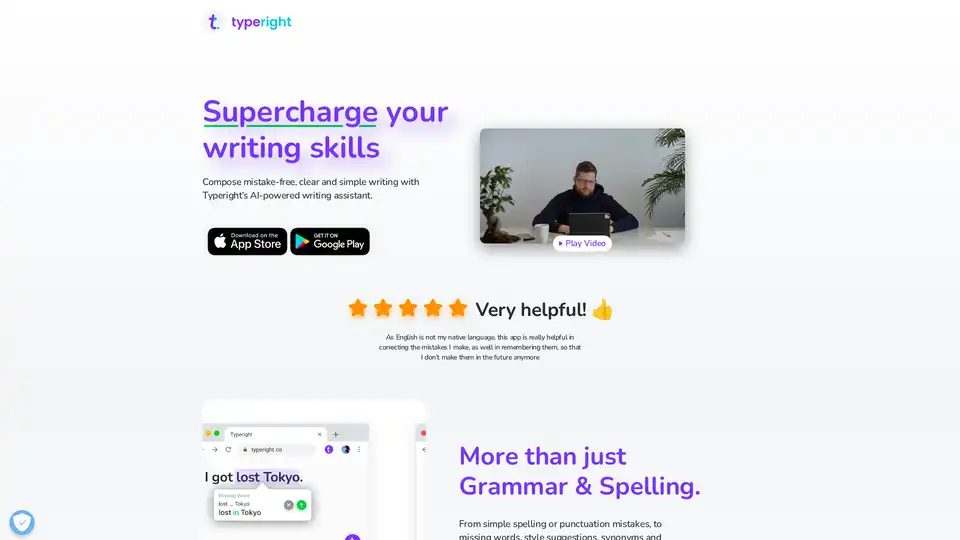
Overview of Typeright
Typeright: Supercharge Your Writing Skills with AI
Typeright is an AI-powered writing assistant designed to help you compose mistake-free, clear, and simple writing. Whether you are a native speaker or learning a new language, Typeright can significantly improve your writing skills. It's available on iOS and Android, making it accessible across your devices.
Key Features:
- Comprehensive Grammar & Spelling Check: From simple spelling and punctuation mistakes to missing words, Typeright has you covered.
- Style Suggestions: Improve the clarity and impact of your writing with style suggestions.
- Synonym Suggestions: Enhance your vocabulary and add variety to your writing with synonym suggestions.
- Predictive Typing: Write faster and more efficiently with predictive typing.
- Multi-Language Support: Typeright supports English, German, and Spanish, providing the same great features for all three languages.
How does Typeright work?
Typeright uses AI to analyze your text in real-time and identify potential errors and areas for improvement. It goes beyond basic grammar and spelling checks to provide suggestions for style, word choice, and even predictive typing. The app is designed to be user-friendly and intuitive, so you can easily incorporate it into your writing workflow.
Why choose Typeright?
- Improve your writing skills: Whether you're writing emails, reports, or social media posts, Typeright can help you improve the quality and clarity of your writing.
- Save time and effort: Typeright automates the editing process, so you can focus on your ideas and content.
- Learn from your mistakes: Typeright helps you identify and correct your mistakes, so you can avoid making them in the future.
- Available on multiple devices: Use Typeright on your iOS or Android device.
Who is Typeright for?
Typeright is perfect for:
- Students who want to improve their writing skills.
- Professionals who need to write clear and concise emails and reports.
- Anyone who wants to improve their communication skills.
- Non-native speakers who want to write more fluently and accurately.
Typeright is a valuable tool for anyone who wants to improve their writing skills. With its comprehensive features and user-friendly design, it can help you write with confidence and clarity.
AI Article Generation AI Text Polishing AI Writing Assistance Paper and Report Generation News and Blog Generation Email and Business Writing
Best Alternative Tools to "Typeright"
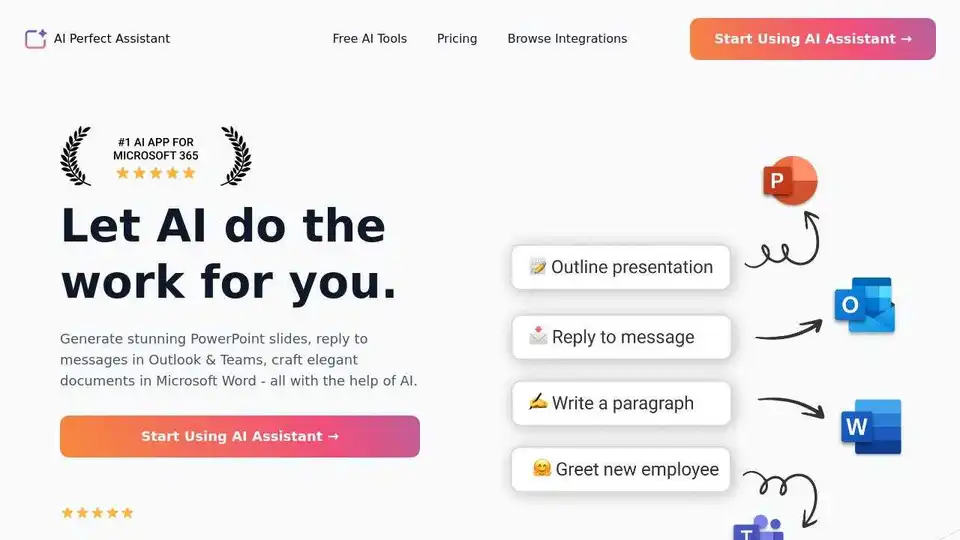
AI Perfect Assistant provides AI-powered tools for Word, Outlook, Excel, PowerPoint & more. Enhance writing, generate content, and automate tasks with 60+ AI tools seamlessly integrated into your Office 365 suite.
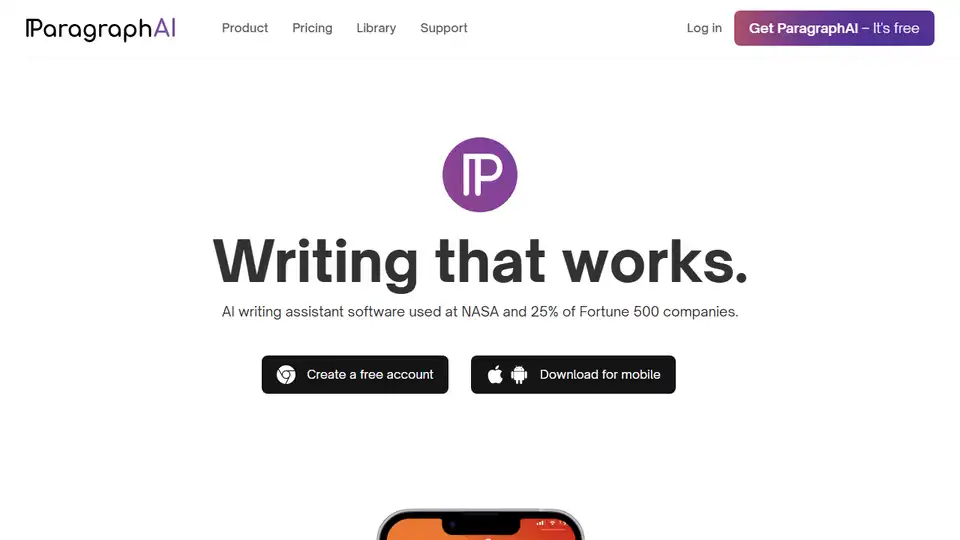
Boost your writing with ParagraphAI, the best free AI writing assistant. Improves fluency, grammar, spelling, and style for confident communication.
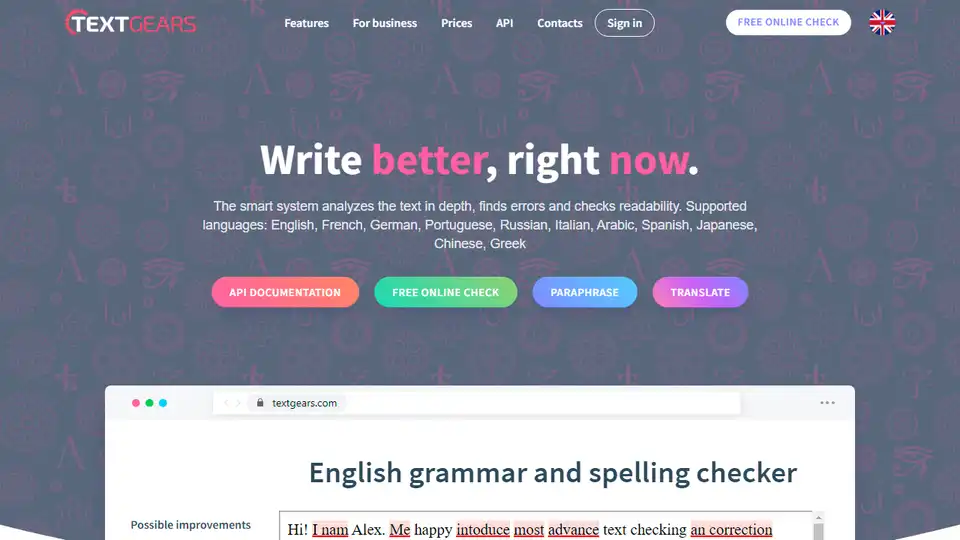
TextGears is an online grammar and spelling checker that analyzes text for errors and assesses readability in multiple languages, including English, Spanish, French, and Chinese.
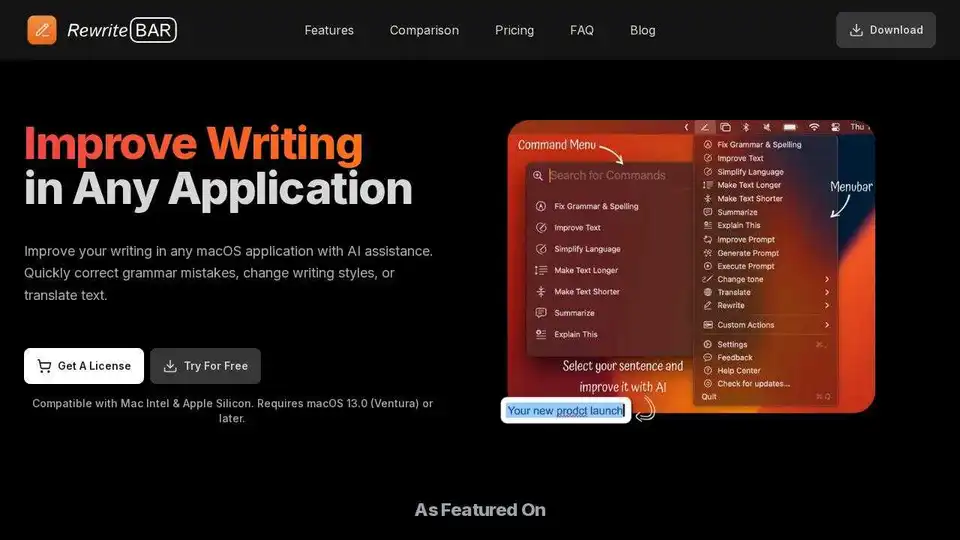
RewriteBar is an AI-powered macOS app that improves writing in any application. Correct grammar, change writing styles, or translate text with ease.