
Typper

Overview of Typper
Typper: The Figma AI Plugin for Designers
What is Typper? Typper is an AI-powered plugin for Figma designed to accelerate and enhance the design workflow. It provides designers with tools to generate and edit images, texts, and codes directly within Figma, leveraging the power of artificial intelligence.
How does Typper work? Typper offers three key solutions:
- Typper Images: Generate and edit images using AI directly within Figma.
- Typper Texts: Generate and edit texts in bulk with AI.
- Typper Codes: Turn Figma designs into functional code with AI.
These solutions are integrated into a single subscription, allowing designers to access all features seamlessly.
Key Features and Benefits
- AI-Powered Generation: Quickly generate images, text, and code using AI, saving time and effort.
- Efficient Workflow: Streamline the design process by performing various tasks within Figma.
- Bulk Editing: Easily edit large quantities of text with the AI text generation tools.
- Code Conversion: Transform Figma designs into functional code, bridging the gap between design and development.
- Eco-Conscious: A portion of the subscription contributes to carbon removal.
Using Typper
Typper is a browser extension plugin. Once installed, Typper provides a user-friendly interface within Figma where designers can access and utilize its AI-powered tools.
How to install the plugin? Please refer to the official documentation or help center for detailed instructions on installing the plugin in Figma.
Pricing
Typper offers both monthly and yearly subscription plans:
- Monthly: $16/month
- Yearly: $13/month (billed annually)
The yearly plan saves you $36 compared to the monthly plan.
Free Trial
Both plans come with a 15-day free trial, allowing users to test all features before committing to a subscription.
Who is Typper for?
Typper is designed for designers who want to:
- Automate repetitive tasks.
- Accelerate their design workflow.
- Explore creative possibilities with AI.
- Bridge the gap between design and code.
Why is Typper important?
Typper is important because it empowers designers to be more efficient and creative. By automating tasks and providing AI-powered tools, Typper allows designers to focus on the bigger picture and create better designs faster.
Where can I use Typper?
Typper is used directly within Figma, making it a seamless addition to your existing design workflow. It enhances productivity and allows for innovative design solutions.
Best way to use Typper?
The best way to use Typper is to explore its various features and integrate them into your existing workflow. Experiment with different AI-powered tools to discover new ways to enhance your designs and accelerate your workflow. Whether it's generating unique images, crafting compelling text, or converting designs to code, Typper offers a multitude of ways to improve productivity and unlock creative potential.
Best Alternative Tools to "Typper"
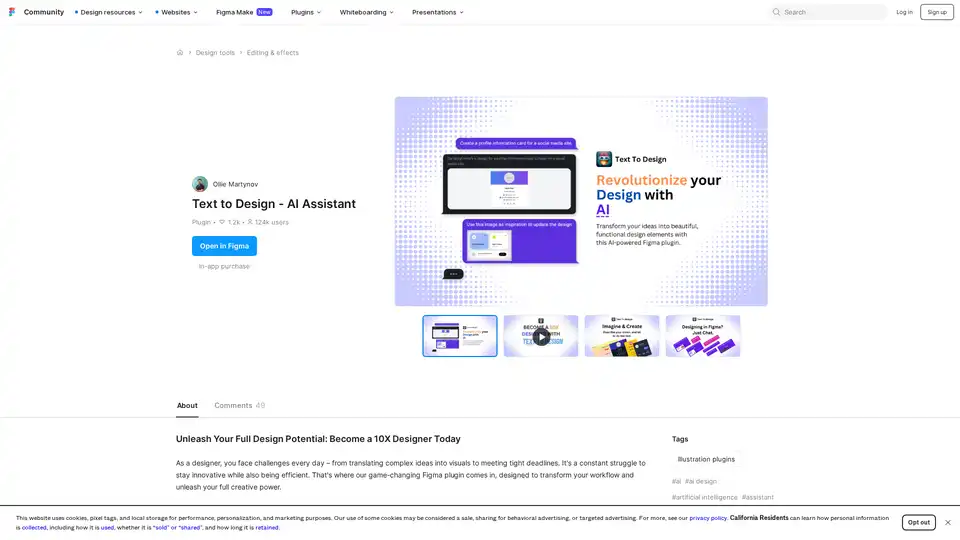
Text to Design AI Assistant is a revolutionary Figma plugin that transforms text prompts and images into professional designs using advanced AI technology for faster design workflows.
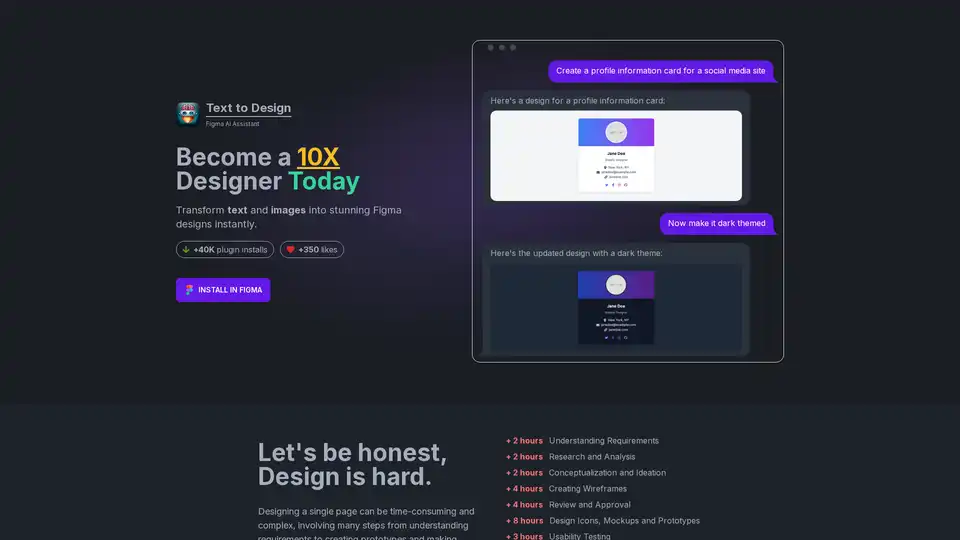
Text to Design is an AI-powered Figma plugin that instantly transforms text and images into stunning designs. Ideal for designers of all levels, it saves time and effort, boosting productivity and creativity.
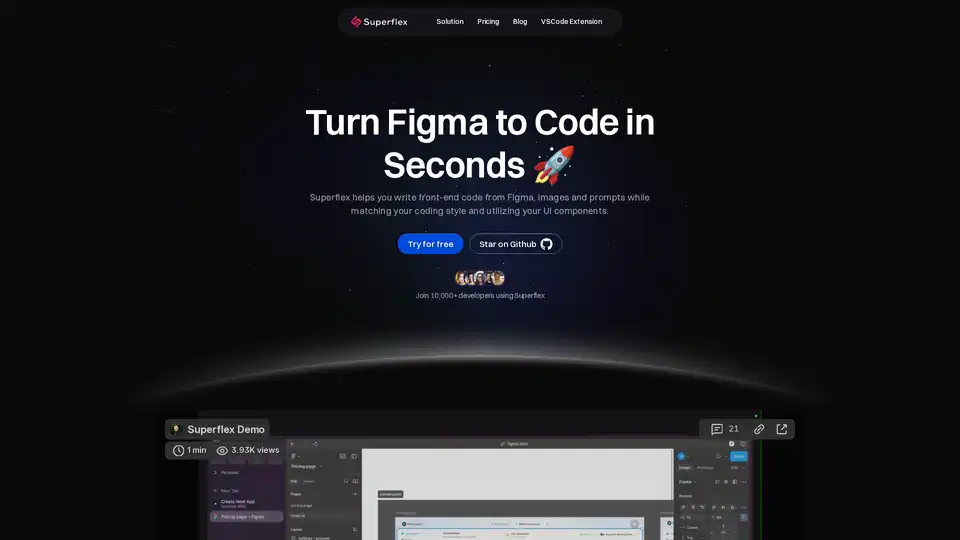
Elevate your workflow with Superflex, the ultimate Figma-to-code solution. Our AI instantly converts Figma and Image designs into pixel-perfect, production-ready code that meets your standards and boosts team efficiency.

Chat with AI using your API keys. Pay only for what you use. GPT-4, Gemini, Claude, and other LLMs supported. The best chat LLM frontend UI for all AI models.
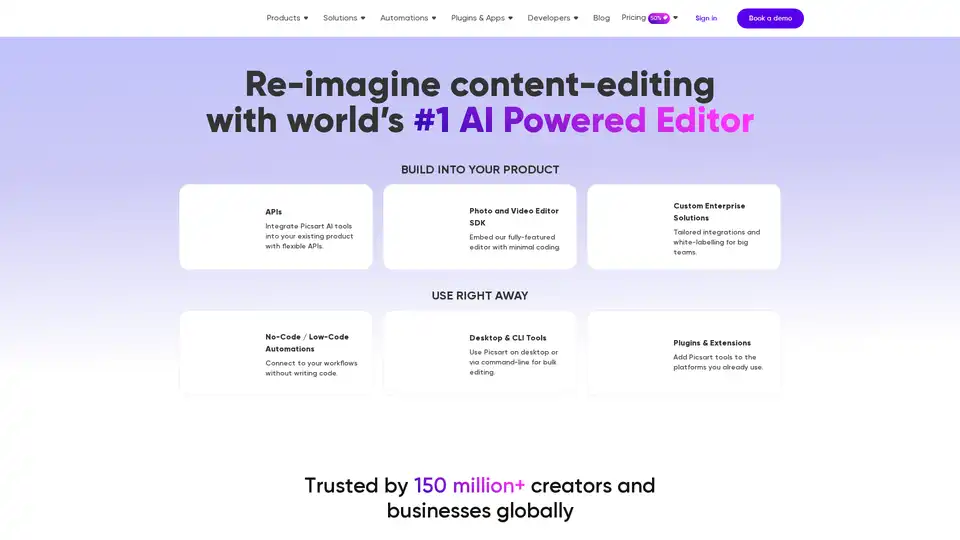
Picsart offers AI-powered photo and video editing APIs and SDKs for businesses, featuring background removal, image enhancement, and generative AI tools for e-commerce, print, and social media platforms.
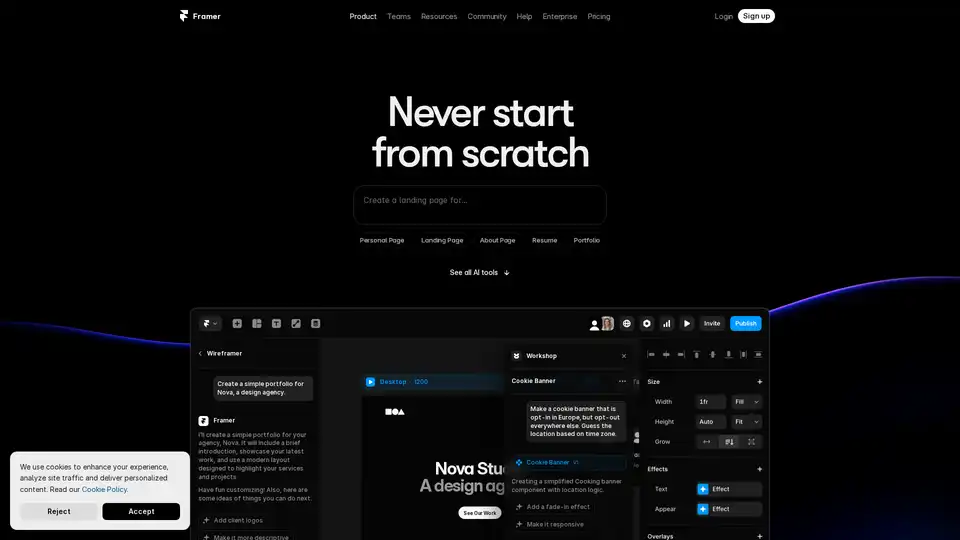
Framer revolutionizes web design with AI tools like Wireframer for instant page generation, Workshop for no-code components, and AI Translate for seamless localization. Build responsive sites effortlessly without starting from scratch.
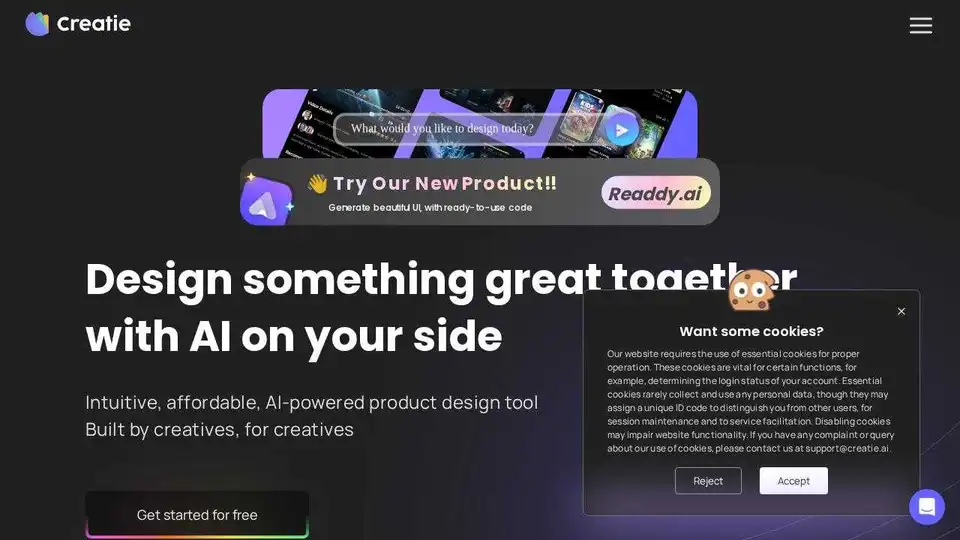
Build your dream website with AI using Readdy, no drag-and-drop needed. Perfect for small teams & agencies, instantly publish or export as code/Figma files.
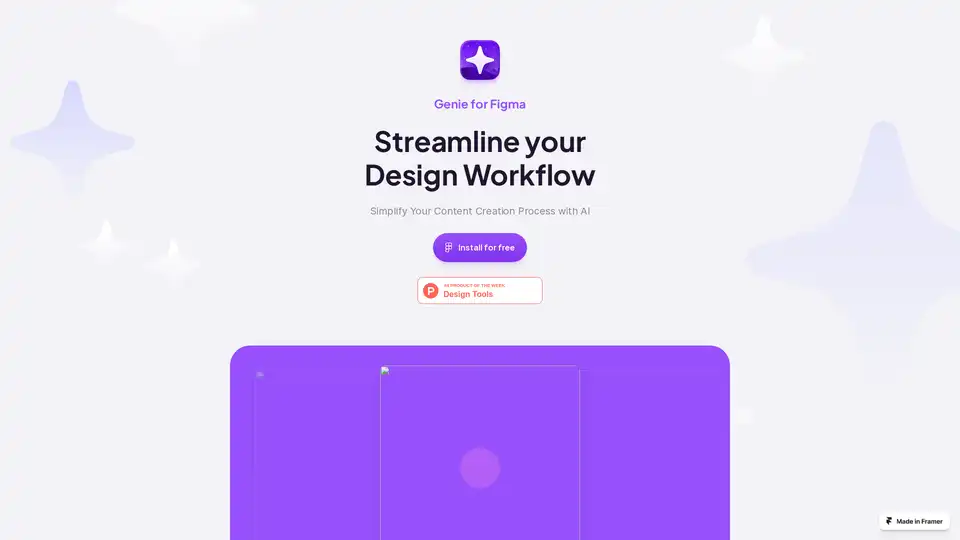
Genie for Figma is an AI-powered plugin that streamlines your design workflow. Generate text and images, enhance your writing, store content, and break language barriers within Figma. Start your free trial today!
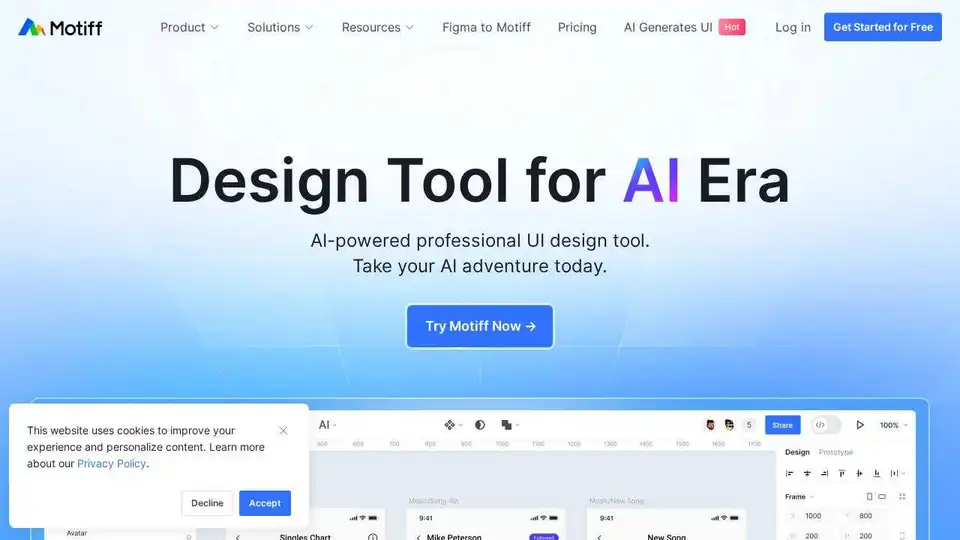
Motiff is an AI-powered interface design tool integrating AI into UI/UX workflows. It generates UIs from text/images, iterates designs, offers styling presets, and converts websites to editable designs. Currently under development as a Figma plugin.

Hand-picked AI tools for UI/UX and web designers. Enhance your design workflow with AI-powered solutions for images, typography, and more.

Generate SEO-friendly alt text for images automatically using AI with Alt Text Generator AI. Improve accessibility and boost your website's ranking faster.

AI Thingy is a powerful AI-powered text copy generator for content creators. Generate unique content for blogs, websites, social media, and more in seconds.
Lunacy by Icons8 is free graphic design software for Windows, macOS, Linux. Open, edit sketch files with ease. Built-in vector, photos, UI kits, and more.
Access 11.9 Million+ free or premium icons, illustrations, 3D assets, and Lottie animations on IconScout. AI tools streamline your design workflow. Start free!