
Avatar AI

Overview of Avatar AI
Avatar AI: AI Photo Editor App UI Kit
What is Avatar AI?
Avatar AI is a Figma UI kit designed for AI photo editor applications. It provides a comprehensive set of UI elements and templates to help you quickly create stunning AI-powered photo editing apps.
Key Features:
- AI-Powered Editing: Includes UI components for various AI-based photo editing features such as style transfer, object removal, and image enhancement.
- User-Friendly Design: The kit is designed with user experience in mind, making it easy for users to navigate and use the app.
- Customizable Components: All components are fully customizable, allowing you to tailor the design to your specific needs.
- Figma Compatibility: Designed specifically for Figma, ensuring seamless integration and easy collaboration.
How to use Avatar AI?
- Purchase the Kit: You can purchase the Avatar AI UI kit from the UIAnts website for $9 (discounted price).
- Open in Figma: Open the kit in Figma and explore the available components and templates.
- Customize: Customize the components to match your brand and application requirements.
- Integrate: Integrate the UI elements into your AI photo editing app project.
Why is Avatar AI important?
- Saves Time and Effort: Provides ready-to-use UI elements, saving you significant design time and effort.
- Professional Design: Ensures a professional and polished look for your AI photo editing app.
- Easy to Customize: Offers flexibility to tailor the design to your specific needs.
Where can I use Avatar AI?
You can use Avatar AI to create UI for various AI photo editing applications, including:
- Mobile apps for iOS and Android
- Web applications
- Desktop applications
Best way to design AI Photo Editor App?
- Use pre-designed UI kits like Avatar AI to speed up the design process.
- Focus on user experience to ensure the app is easy to use.
- Incorporate AI-powered features to enhance the photo editing capabilities.
Best Alternative Tools to "Avatar AI"
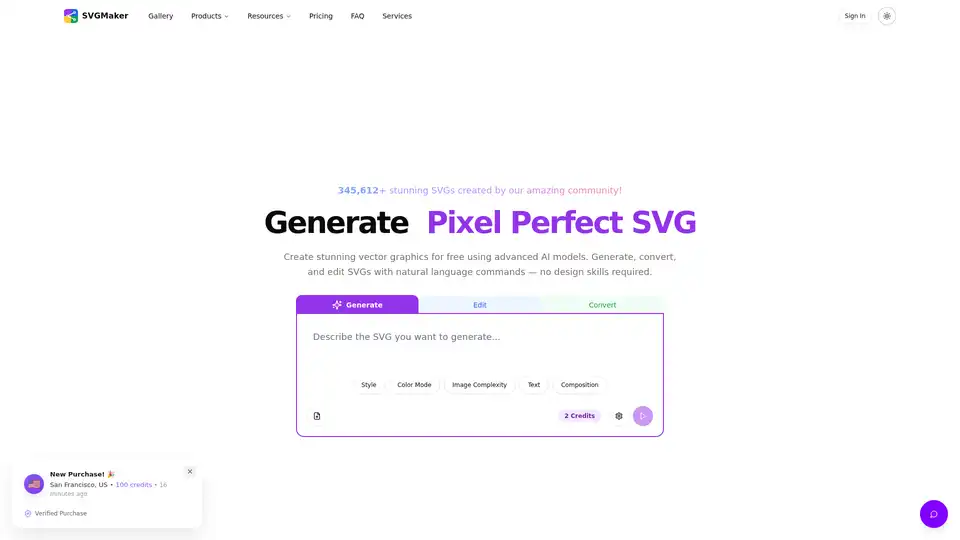
SVGMaker is an AI-powered SVG generator and editor. Generate, convert, and edit vector images instantly. Create stunning SVG icons, logos, and designs with AI.
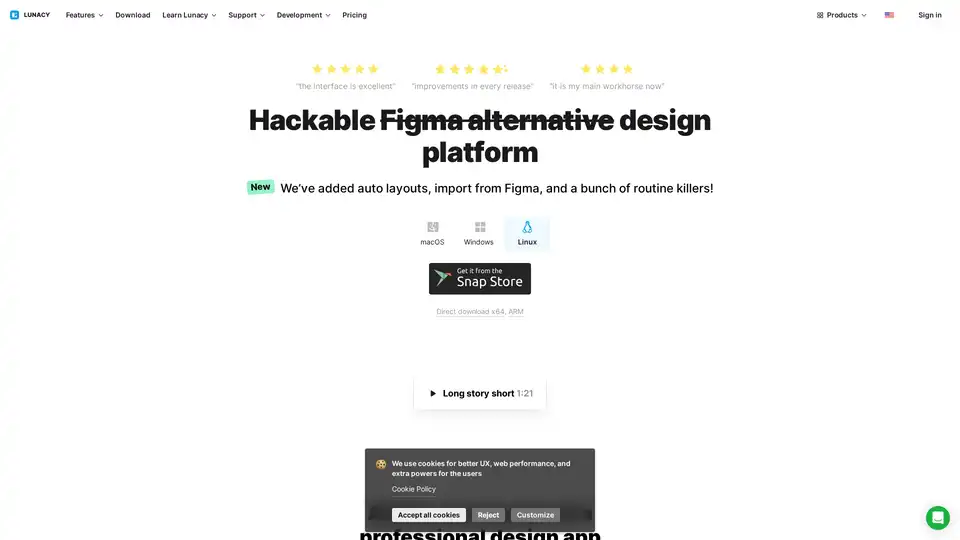
Lunacy by Icons8 is free graphic design software for Windows, macOS, Linux. Open, edit sketch files with ease. Built-in vector, photos, UI kits, and more.
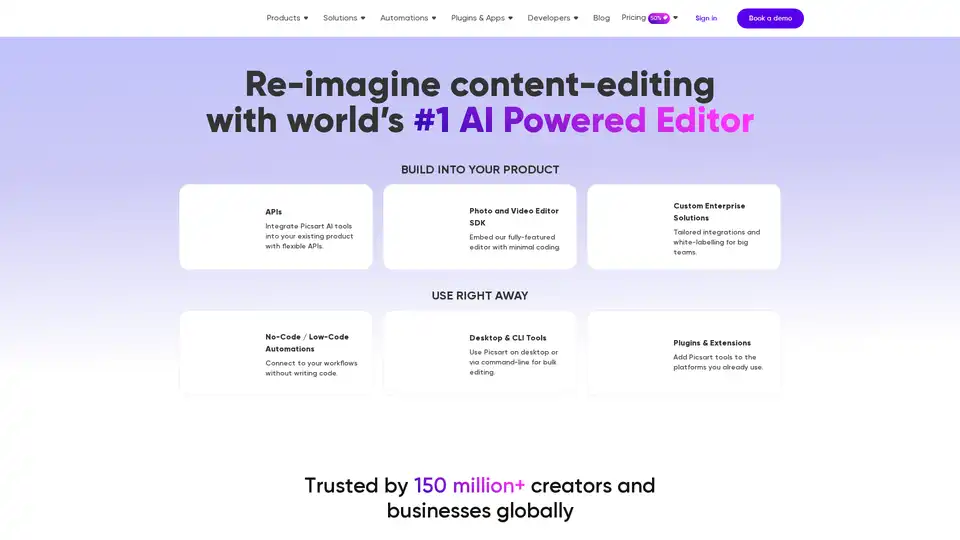
Picsart offers AI-powered photo and video editing APIs and SDKs for businesses, featuring background removal, image enhancement, and generative AI tools for e-commerce, print, and social media platforms.
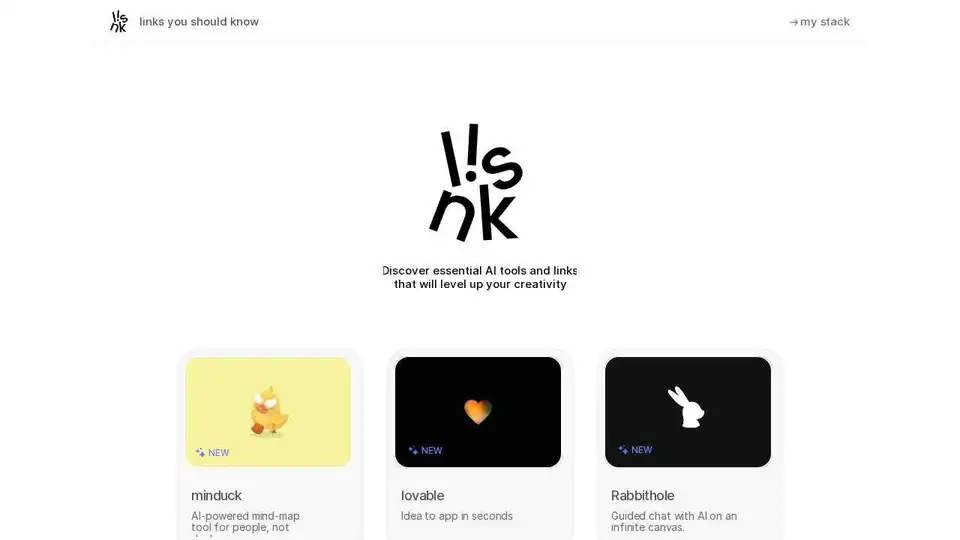
Discover essential AI tools and creative resources on Links You Should Know. Level up your creativity with AI music, video, and design inspiration.
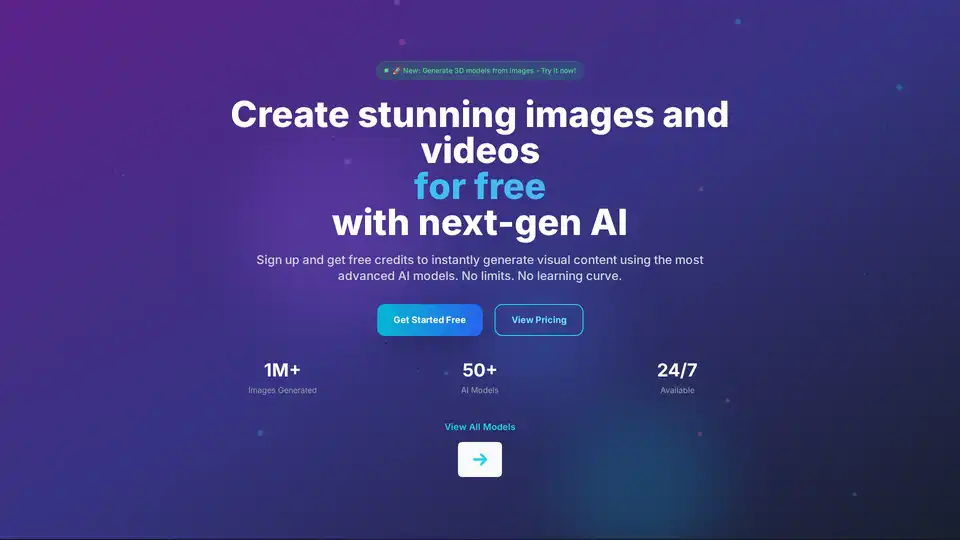
PICOAI.app offers cutting-edge AI tools to generate stunning images and videos. Create professional content effortlessly using the latest generative AI models.
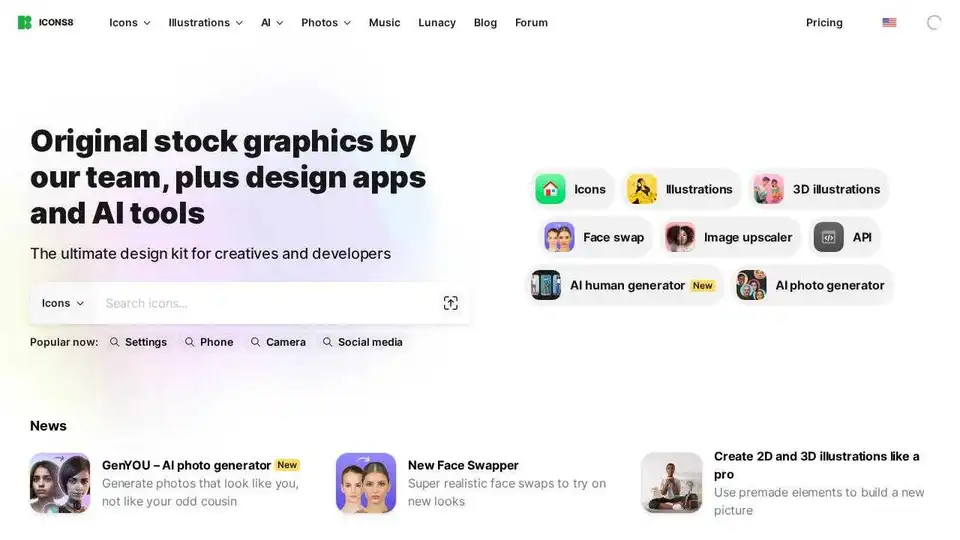
Download free design elements: icons, photos, illustrations, and AI-powered tools. High-quality assets for creatives and developers.
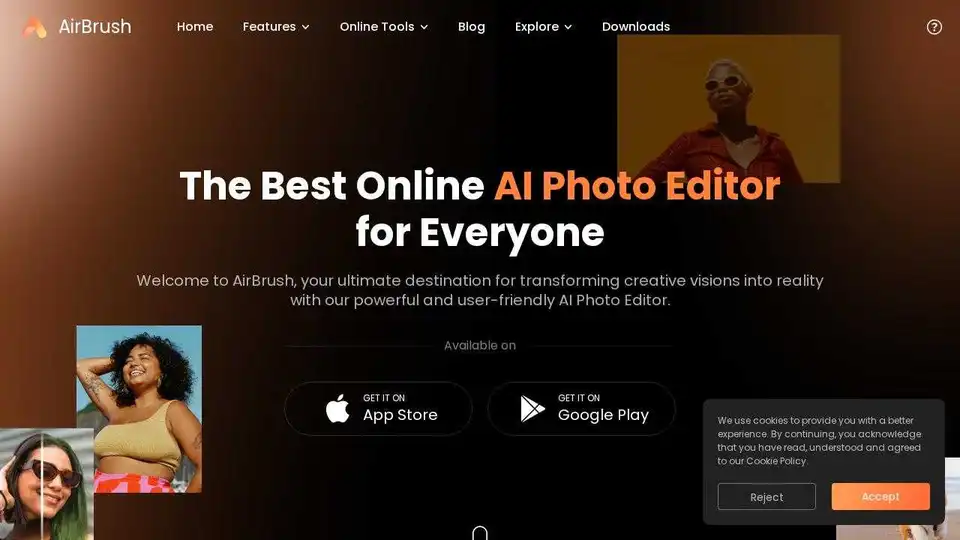
AirBrush is an online AI photo editor for enhancing and retouching images. It offers AI-powered tools for photo and video enhancement, avatar generation, and more.
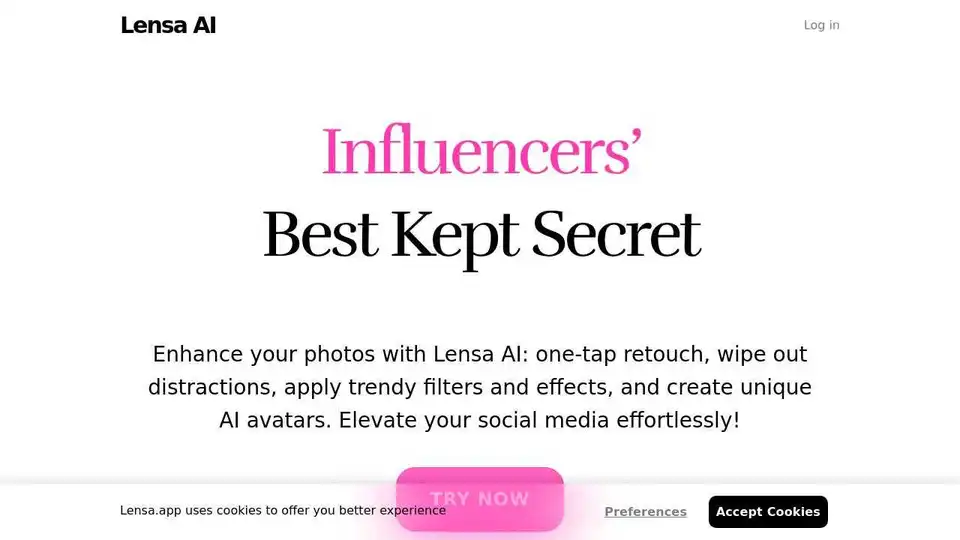
Transform your photos with Lensa, the ultimate AI photo editor. Powerful photo enhancement tools and effortless edits.
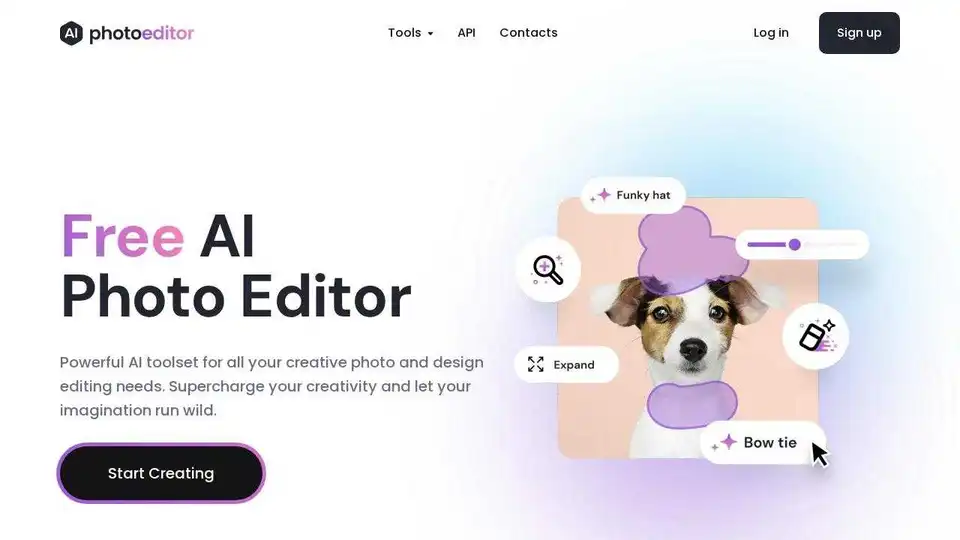
Free AI photo editor. Remove objects, enhance quality, upscale resolution, and more with AI. Edit photos instantly online.
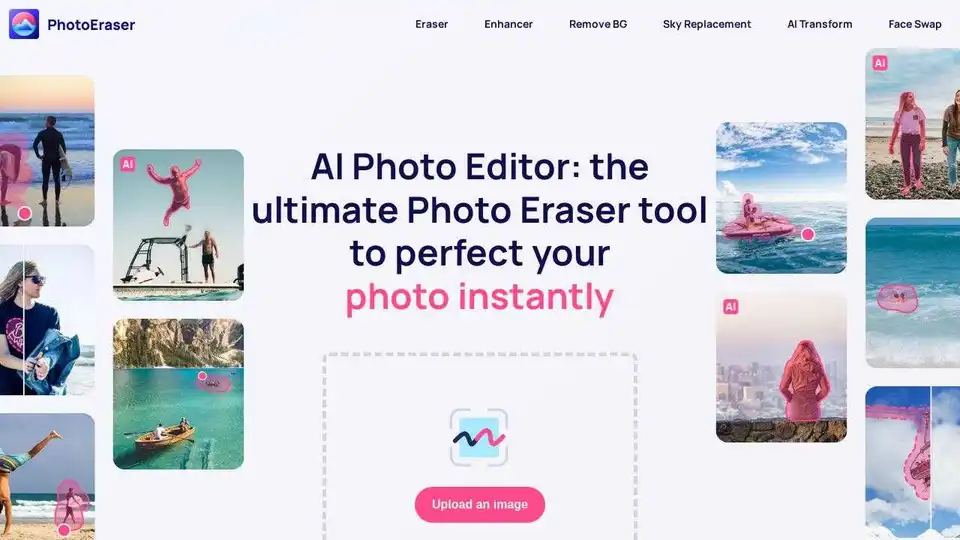
Enhance photos, remove objects, and add elements effortlessly with Photo Eraser's AI Photo Editor. Get professional results in seconds!
PicWish is a free AI photo editor for background removal, image enhancement, and more. Edit photos like a pro with AI tools.
Pixelbin.io is a free online photo editor and mobile app. Edit, crop, enhance, or add backgrounds to your images with AI-driven tools.
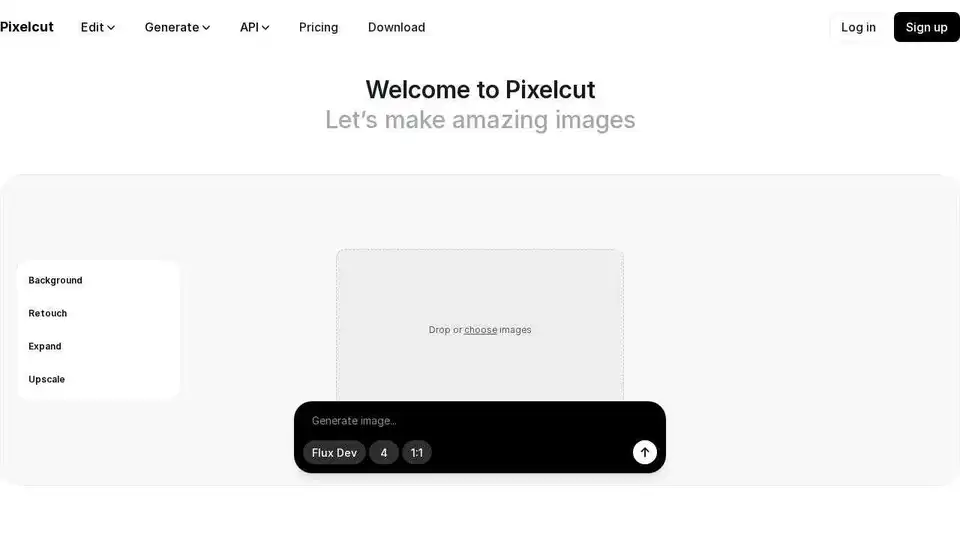
Pixelcut is an easy-to-use AI photo editor that helps you edit photos, remove backgrounds, generate images and videos.
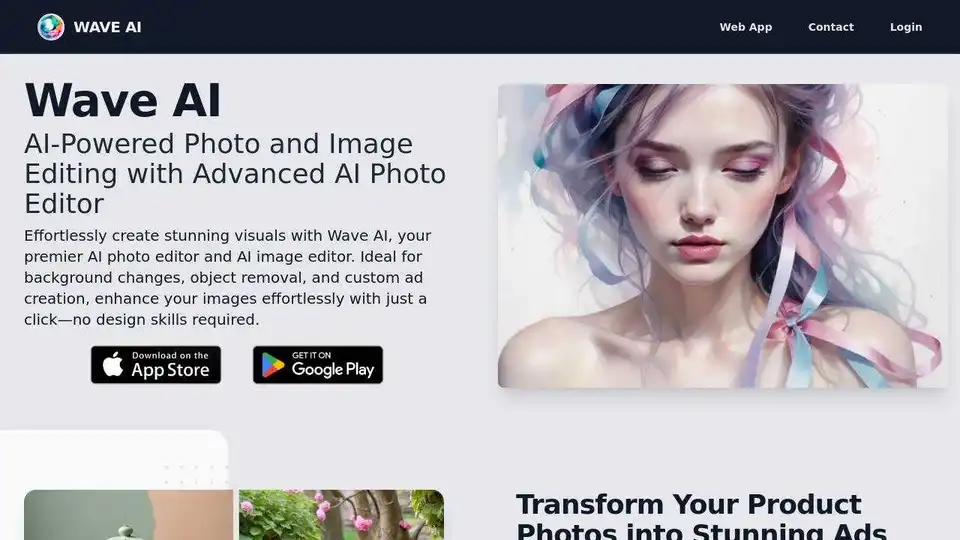
WaveAI is an AI-powered photo editor that transforms images with background changes, object removal, and AI text-to-image capabilities.