
Video Background Remover
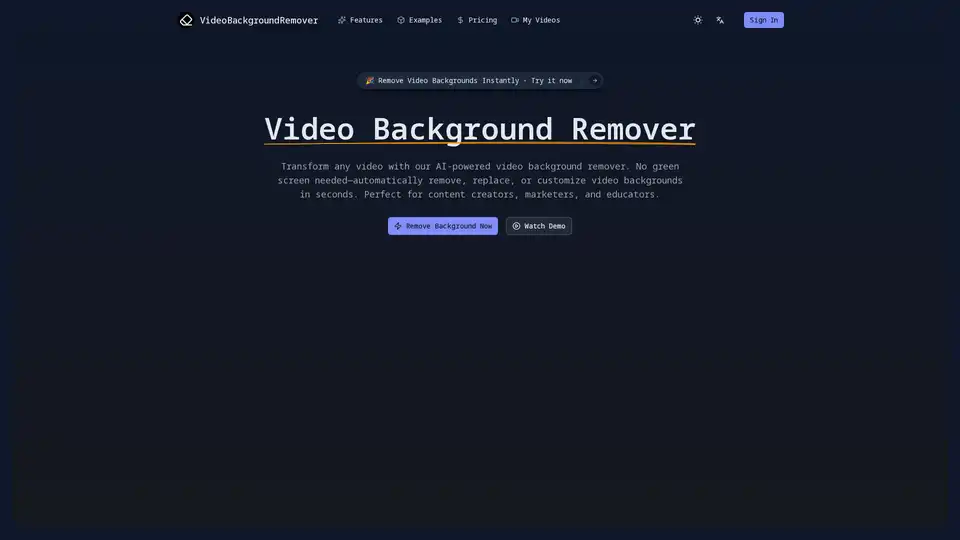
Overview of Video Background Remover
Video Background Remover: Instantly Remove Video Backgrounds Online
What is Video Background Remover? Video Background Remover is an AI-powered tool designed to effortlessly remove, replace, or customize video backgrounds. It eliminates the need for green screens and complex editing software, making it perfect for content creators, marketers, and educators looking to produce professional-quality videos quickly and efficiently.
Key Features of Video Background Remover
- AI-Powered Background Removal: Automatically detects and removes backgrounds using advanced AI algorithms.
- No Green Screen Required: Eliminates the need for special equipment, saving time and production costs.
- Professional Quality Output: Maintains full HD (1080p) quality, preserving fine details and reducing editing errors.
- Instant Background Removal: Processes videos frame-by-frame in minutes, ensuring fast and reliable results.
- Multiple Export Options: Supports transparent backgrounds (WebM, MOV) and custom background replacements.
- Batch Video Processing: Process multiple videos simultaneously, ideal for high-volume video production.
- Custom Background Replacement: Replace removed backgrounds with colors, images, or videos.
How does Video Background Remover work?
Video Background Remover uses AI to analyze each frame of a video, identifying subjects and separating them from backgrounds. The tool employs deep neural networks to achieve pixel-perfect precision, even in complex scenes. Here’s a step-by-step breakdown:
- Upload Your Video: Upload your video file in MP4, MOV, or WebM format.
- Customize Your Background: Choose a transparent background or replace it with a custom color, image, or video.
- AI Removes Background Automatically: The AI analyzes each frame and removes the background with precision.
- Download & Share: Download your professional video optimized for various platforms.
Benefits of Using Video Background Remover
- Save Time and Money: Eliminates the need for expensive green screens, studio rentals, or professional editing services.
- Professional Results Without Technical Skills: Creates professional-quality videos without requiring technical expertise.
- Create Content Anywhere: Allows you to record videos anywhere and maintain a polished, professional look.
Who is Video Background Remover for?
- Content Creators: Enhance video content for YouTube, Instagram, TikTok, and more.
- Marketers: Produce high-quality promotional videos and product demos.
- Educators: Create engaging and professional online courses and tutorials.
- Social Media Influencers: Elevate content with clean, professional-looking videos.
- Corporate Trainers: Streamline training materials and presentations.
- Freelance Video Editors: Reduce editing time and increase client satisfaction.
Video Background Remover: User Testimonials
- Sarah Johnson, YouTube Content Creator: "This Video Background Remover is a game-changer! I create facecam videos daily and this tool saves me hours of manual editing. The AI precision handles moving hair perfectly - no green screen needed!"
- Michael Chen, Video Marketing Manager: "We needed a reliable Video Background Remover for our product demos and promotional content. This tool processes videos quickly and the HD quality is consistently professional for our brand."
- Emma Rodriguez, Online Educator: "Teaching online requires clean, professional videos. This Video Background Remover lets me record anywhere and still maintain that polished classroom look for my students. Perfect for educational content!"
Pricing
Currently, the provided content does not include pricing information. Please refer to the official Video Background Remover website for the latest pricing details.
Conclusion
Video Background Remover simplifies video editing by automating background removal with AI. It is perfect for various users needing professional-quality videos quickly and affordably. Its AI-driven features, multiple export options, and ease of use make it a valuable tool for anyone looking to enhance their video content.
Best Alternative Tools to "Video Background Remover"
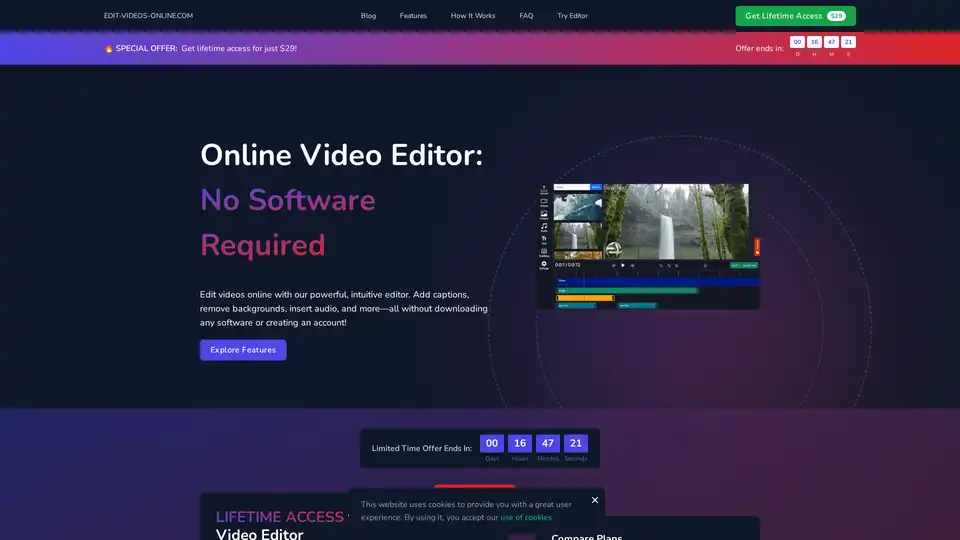
EDIT-VIDEOS-ONLINE.COM is an online AI video editor offering features like background removal, auto captions, text overlays, and audio solutions. No software download required. Lifetime access available for $29.
Remove video backgrounds in seconds with this free AI video background remover online. Easy to use, no watermark. Works with CapCut, Canva, Adobe Express & more.
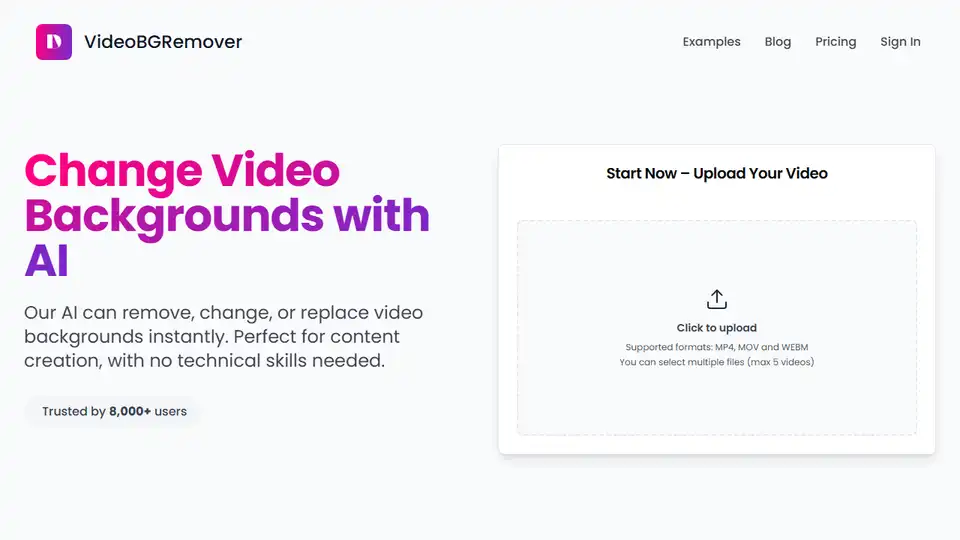
Remove video background online with AI using VideoBGRemover. Erase, change, or customize your video background instantly. Free preview available, upgrade for HD export.
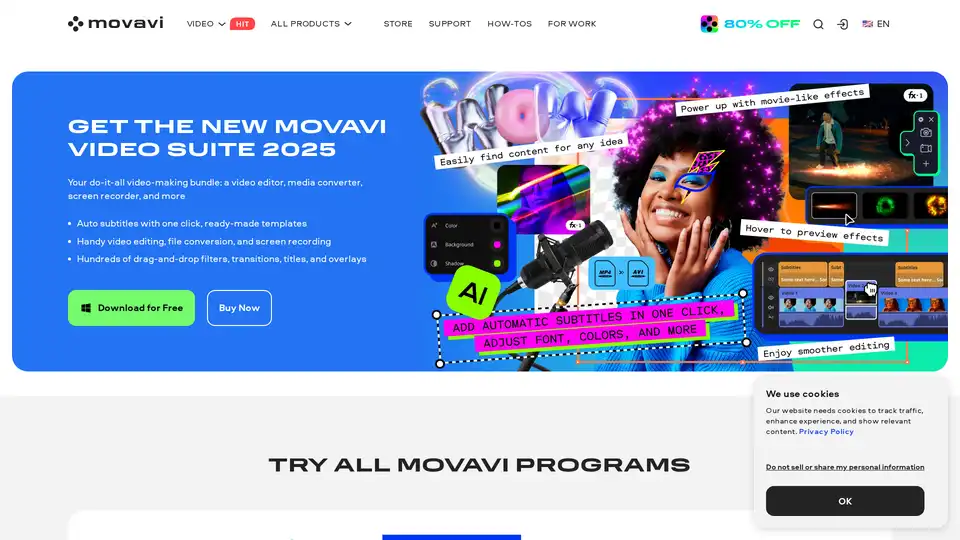
Download Movavi Video Editor 2025 for free and experience powerful AI video editing features. Simple, intuitive, and perfect for beginners. Create stunning videos with ease!
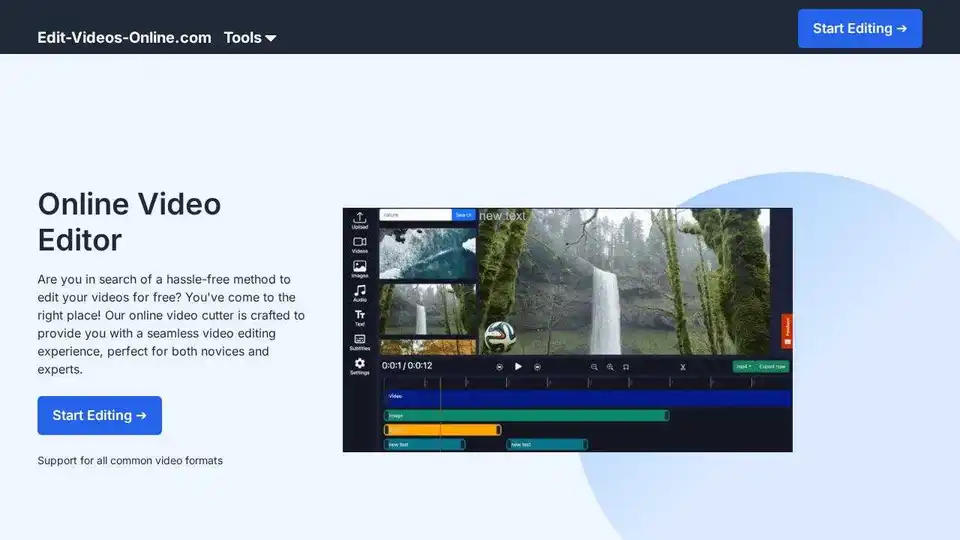
EDIT-VIDEOS-ONLINE.COM is an AI-powered online video editor offering background removal, automatic captions, and text-to-speech, without requiring software downloads or account creation.

Vmaker AI Video Editor: free online AI video editor with AI subtitles, background removal, video enhancement and more. Edit videos easily with AI powered tools.
Create standout videos with Videoleap, your intuitive video editor and video maker. Explore premade templates, advanced features, and AI tools. Start today.

InShot Video Editor empowers creators with advanced AI tools for effortless video and photo editing. Unlock features like auto captions, AI effects, and music integration to elevate your content for social media and more.

Descript is an AI-powered video and podcast editor that makes editing as easy as editing text. Record, transcribe, edit, and publish in one tool with powerful AI features.

Cutout.Pro is an all-in-one AI visual design platform for photo and video editing. Automatically remove backgrounds, enhance images, and generate visual content with ease.
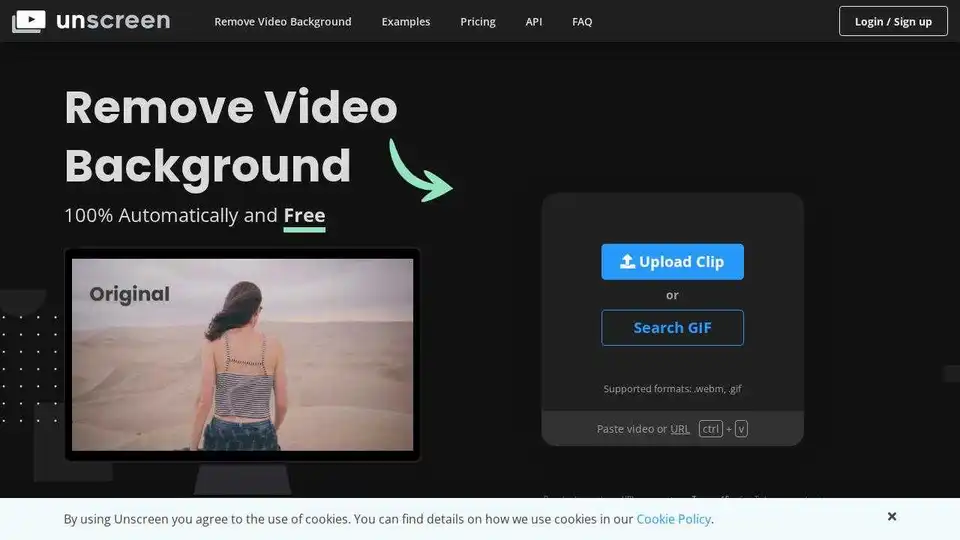
Remove video backgrounds automatically, online, and free with Unscreen. Say goodbye to greenscreens and complex editing. Perfect for content creators.
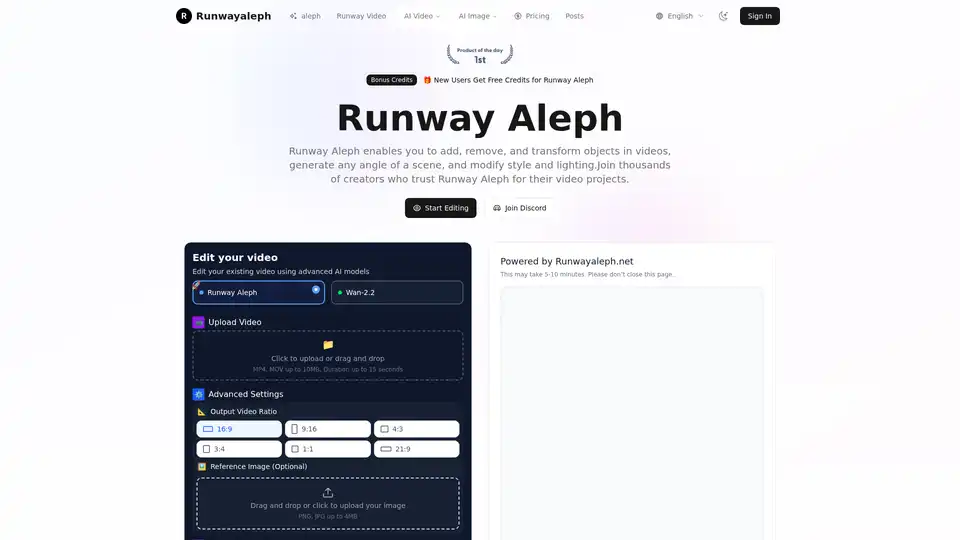
Transform videos with Runway Aleph AI technology. Add, remove objects, change backgrounds, generate camera angles with text prompts. Free credits available.
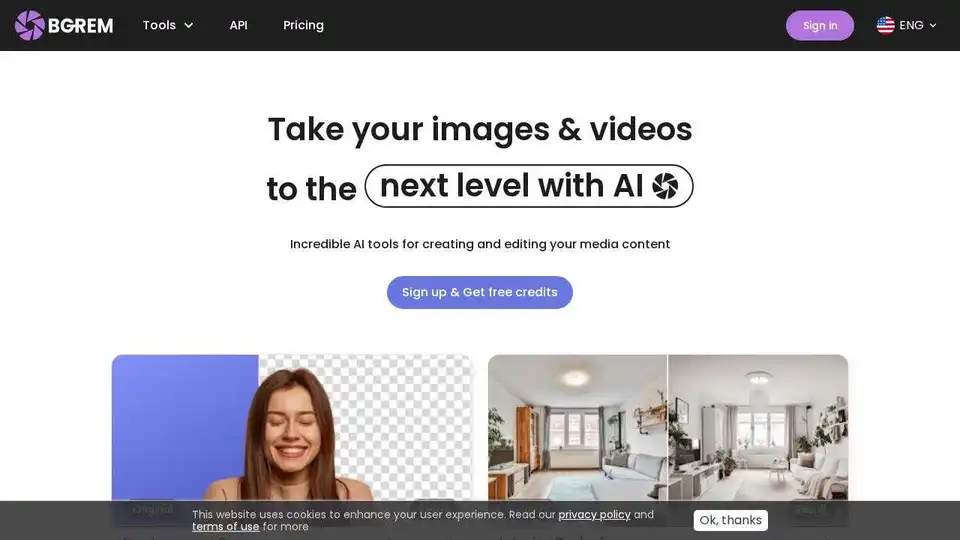
BgRem offers AI-powered image and video editing tools, including background removal, photo to painting conversion, and image generation. Create stunning visuals effortlessly.

Wondershare Filmora is a comprehensive AI video editor with smart features like AI-powered cutouts, auto subtitles, multicam editing, and a vast library of effects, making video creation easy and fun.