
AI Illustration Generator
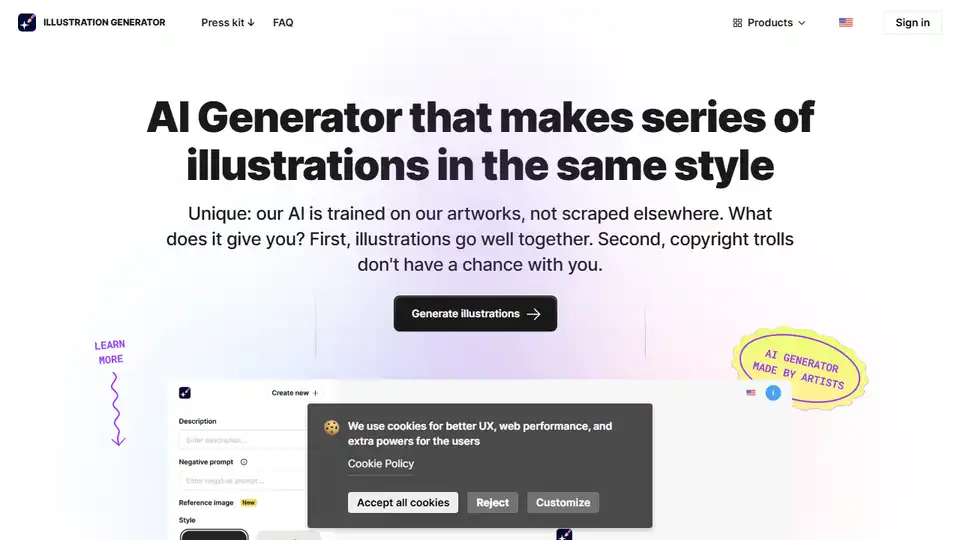
Overview of AI Illustration Generator
AI Illustration Generator: Your AI Art Maker
What is AI Illustration Generator? The AI Illustration Generator is a tool designed to create consistent visuals effortlessly. It allows users to generate unique vector illustrations in PNG format, making it a perfect solution for designers and anyone seeking consistent artwork on any topic.
Key Features:
- Unique AI Training: The AI is trained on proprietary artworks, ensuring graphics that blend well together and reducing copyright concerns.
- Consistent Image Generation: Generate perfectly consistent images within authentic author's styles.
- Infinite Image Packs: Create an infinite pack of consistent images for various use cases.
- Worry-Free Graphics: Safe for commercial use.
- Efficient: Faster and cheaper than hiring a designer or artist.
- Negative Prompts: Specify what you don't want in your generated graphics.
- Different Aspect Ratios: Select the aspect ratio you need.
- History: Access your history of generated images for quick reference and reuse.
- Background Options: Download images with or without backgrounds.
How AI Illustration Generator Works:
- Prompt Input: Enter a text prompt or upload an image.
- Style Selection: Choose a preferred art style.
- Generation: Click 'Generate' to receive a high-quality image.
- Iteration: Repeat the process to create a set of consistent graphics.
Why is AI Illustration Generator important?
AI Illustration Generator bridges the gap between art and technology, allowing users to generate perfectly consistent images within authentic author's styles. By training AI on their own artworks instead of scraping the internet, Icons8 ensures that the generated graphics blend well together and are safe for commercial use.
Who is AI Illustration Generator for?
- Designers: Ideal for designers seeking consistent visuals for their projects.
- Content Creators: Perfect for creating unique and consistent illustrations for blog posts, social media, and other content.
- Businesses: Generate custom graphics for marketing materials, websites, and presentations.
How to use AI Illustration Generator?
- Navigate to the AI Illustration Generator website.
- Enter a text prompt describing the illustration you want to generate.
- Choose a preferred art style from the available options.
- Click the 'Generate' button.
- Review the generated image and make any necessary adjustments using negative prompts or other settings.
- Download the image in PNG format with or without a background.
FAQ Section:
What is Illustration Generator?
Illustration Generator is an AI-powered tool that creates consistent visuals and vector illustrations based on user prompts and selected styles.
Can I legally use AI-generated art?
Yes, the AI is trained on proprietary artworks, ensuring safe commercial use and minimizing copyright concerns.
How can I edit generated graphics?
You can use other editing software to further refine and customize the generated graphics.
Is Illustration Generator free to use?
While specific pricing details are on the website, the tool offers options for free use to allow users to try its capabilities.
Conclusion:
The AI Illustration Generator is a valuable tool for anyone looking to create unique, consistent, and commercially safe AI-generated art. Its user-friendly interface, proprietary AI training, and essential features make it a standout option in the AI art generation landscape. Whether you're a designer, content creator, or business owner, this tool can help you bring your creative visions to life. What is the best way to create consistent visuals? AI Illustration Generator provides a solution that's both efficient and reliable.
Best Alternative Tools to "AI Illustration Generator"
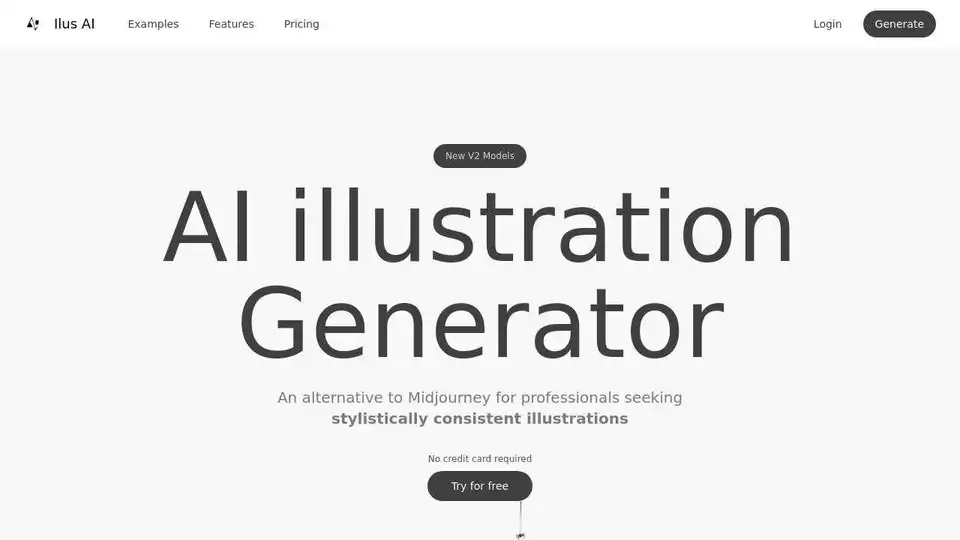
Ilus AI is an AI illustration generator that creates consistent, high-quality visuals. It offers ready-to-use styles and custom model training for unique brand assets, with SVG/PNG export, ideal for designers, marketers, and creators.
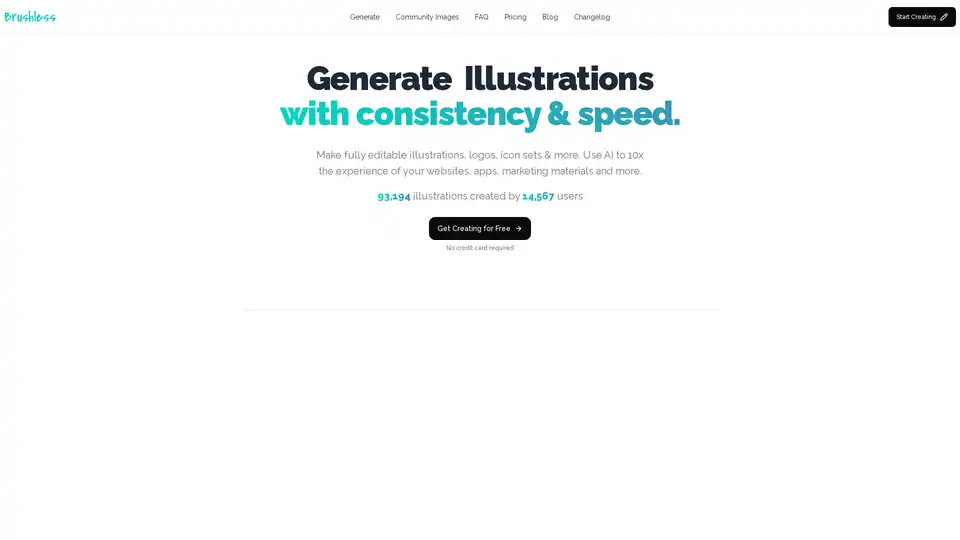
Brushless AI is an AI-powered tool that generates consistent and editable vector illustrations. Create custom visuals for websites, apps, marketing, and more. Start for free!
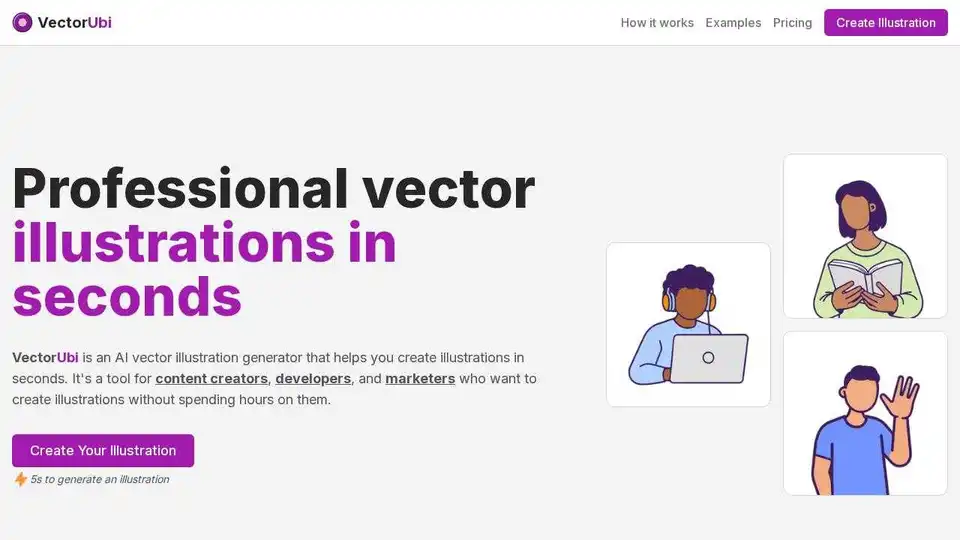
VectorUbi is an AI vector illustration generator that helps content creators, developers, and marketers create professional illustrations in seconds. Generate customizable SVG illustrations effortlessly.
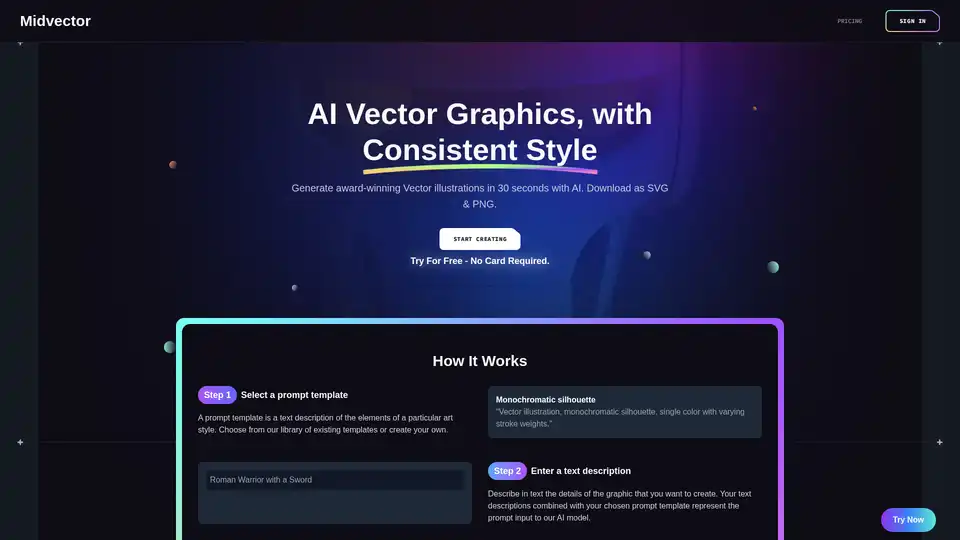
Midvector is an AI-powered vector graphics generator that allows users to create award-winning vector illustrations in seconds. Download in SVG & PNG formats. Ideal for logos, icons, and more.
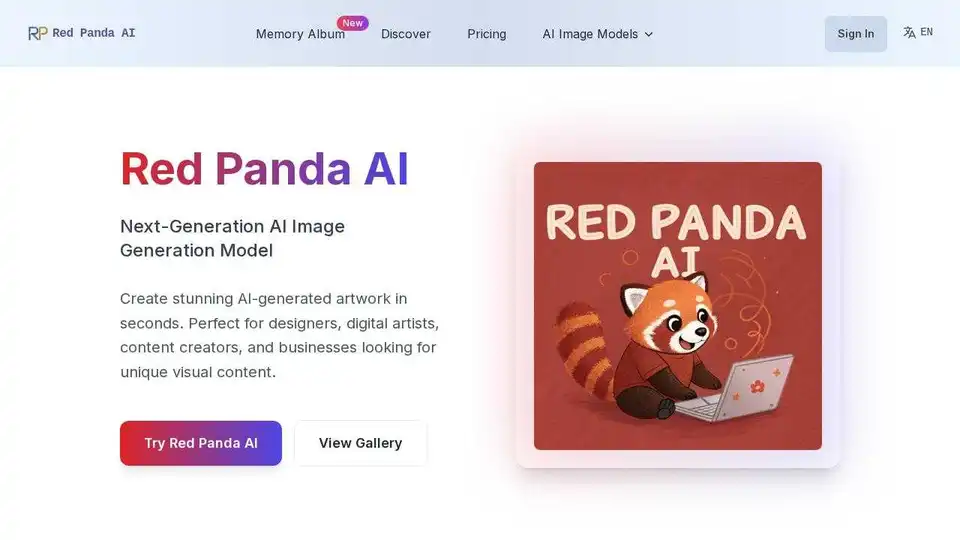
Red Panda AI is a next-generation AI image generator excelling in text integration and vector art. Create stunning visuals with custom styles for branding, marketing, and more.
illostrationAI allows you to generate unique AI-generated illustrations in seconds. Select a style, describe the object, and improve your results with AI upscaling. Sign up for free and get 10 credits!
Premium image generation and editing tool. Store and share your own styles, create, fine-tune, upscale, and perfect your visuals.
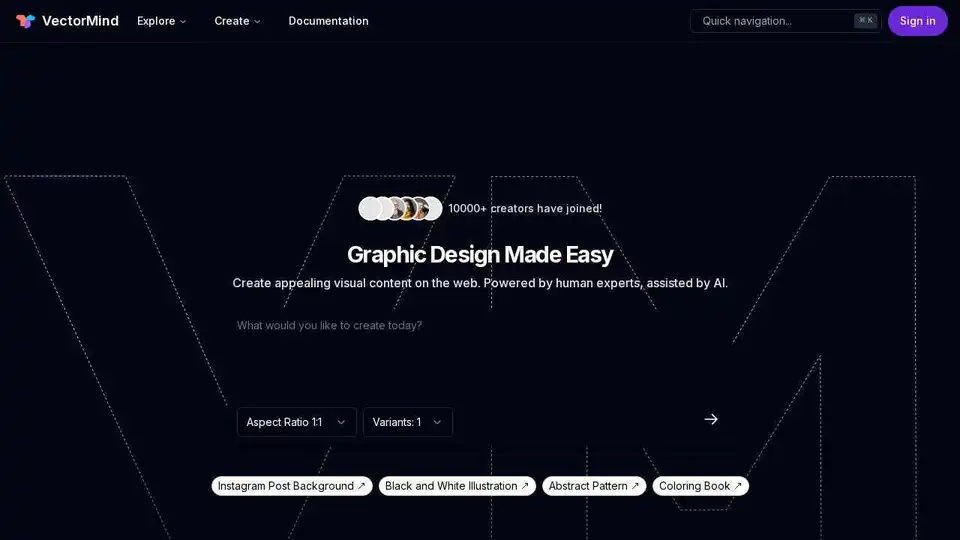
VectorMind offers AI tools for easy graphic design: AI Art Generator, Vectorizer, Upscaler, Background Remover, and more. Create stunning visuals quickly and easily.
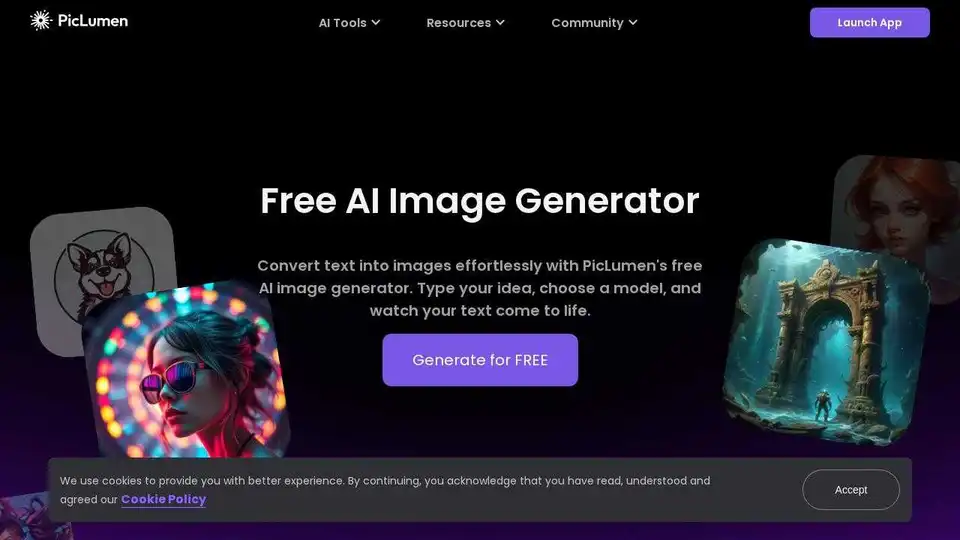
Create unlimited AI images online with PicLumen's free AI image generator. Turn text into images and explore various AI-powered image editing tools.
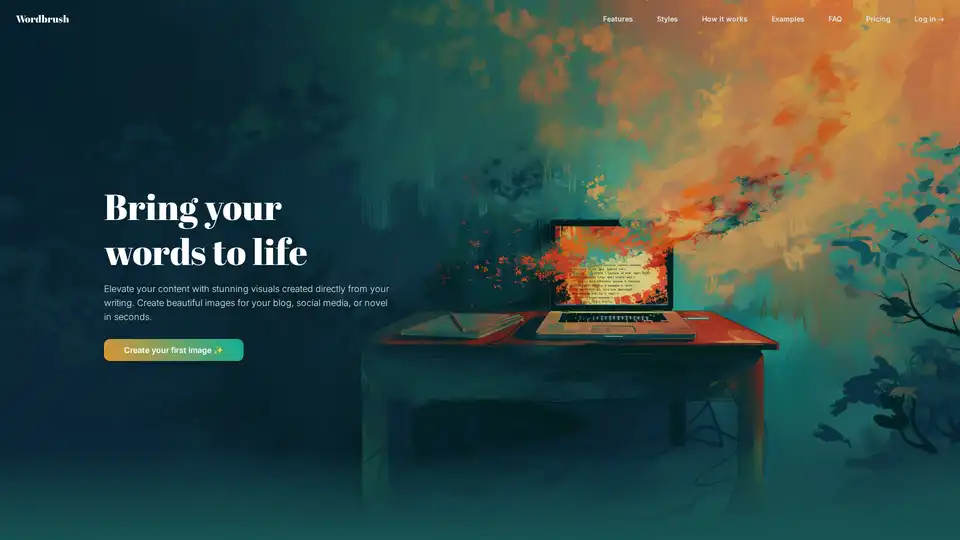
Wordbrush is an AI-powered tool that generates custom images from text. Simply paste your text, choose a style, and Wordbrush creates unique visuals for blogs, social media, and more.
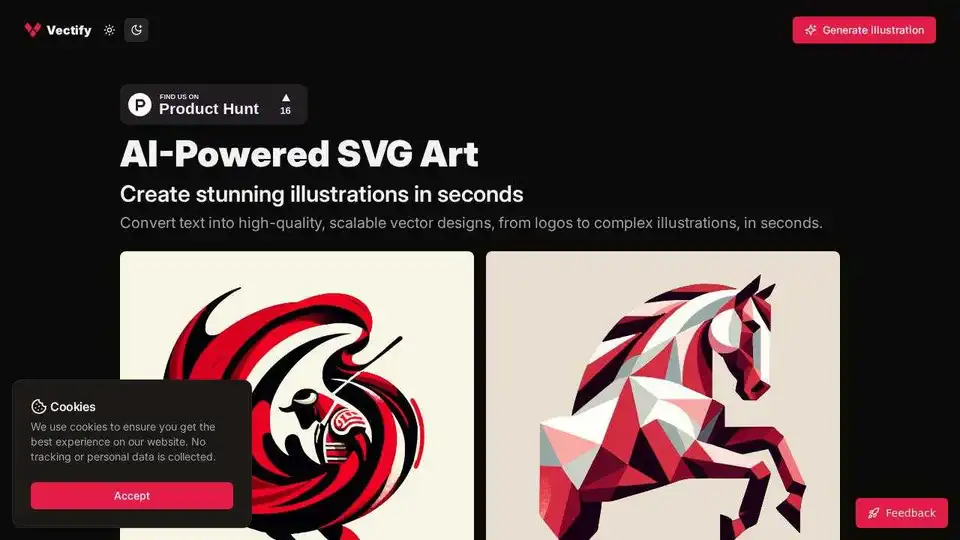
An AI-powered platform that converts text into high-quality, scalable vector designs, from logos to complex illustrations, in seconds.
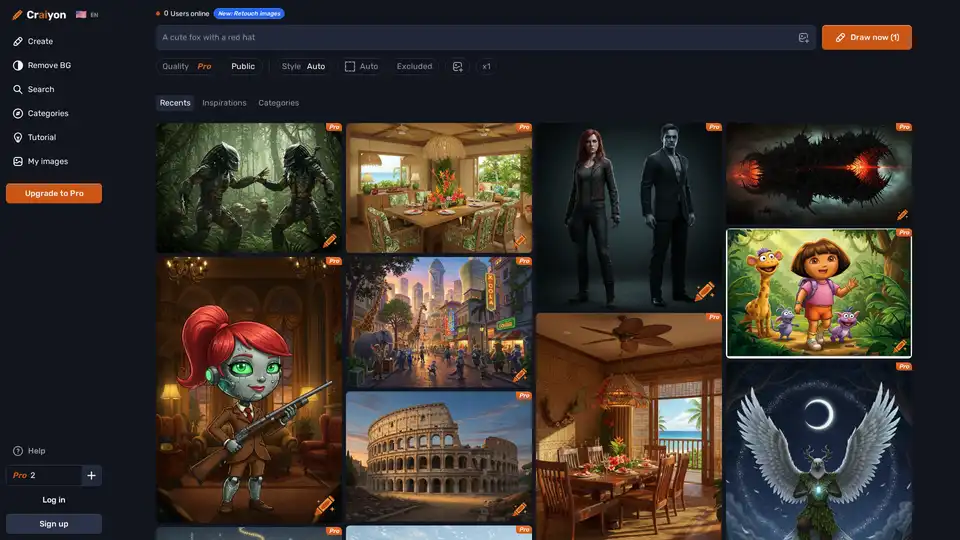
Discover Craiyon, the free AI image generator that turns text prompts into stunning AI art. Create unlimited illustrations instantly, no login required—perfect for beginners and pros alike.
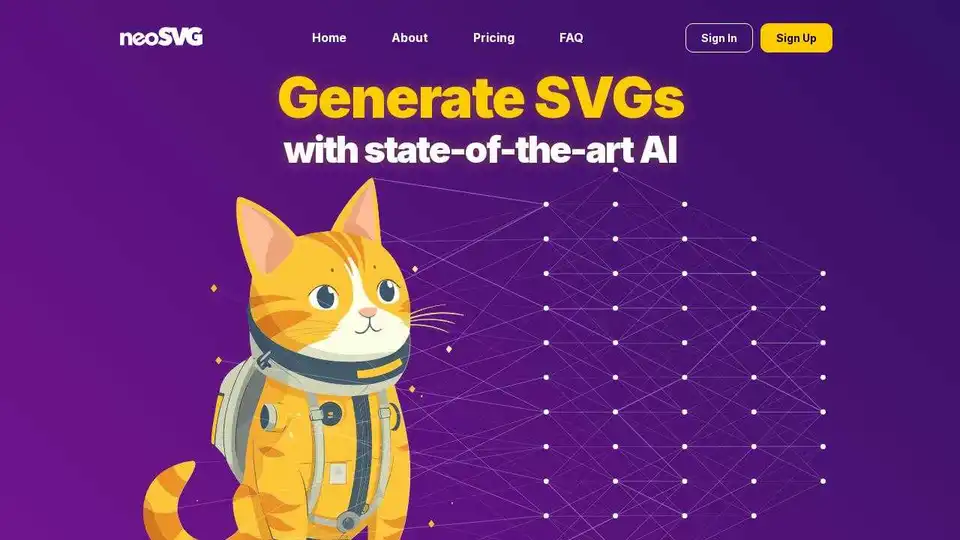
Create stunning SVG illustrations from text prompts with AI. neoSVG generates scalable, high-quality vector graphics. Try it today!
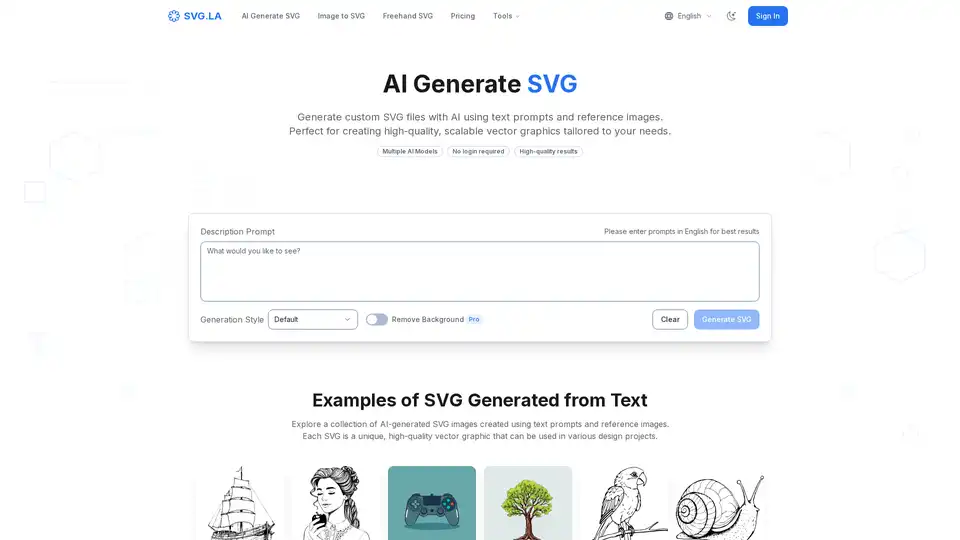
Generate custom SVG files with AI using SVG.LA. Create high-quality, scalable vector graphics from text prompts and reference images. Free and Pro options available.