
Craft
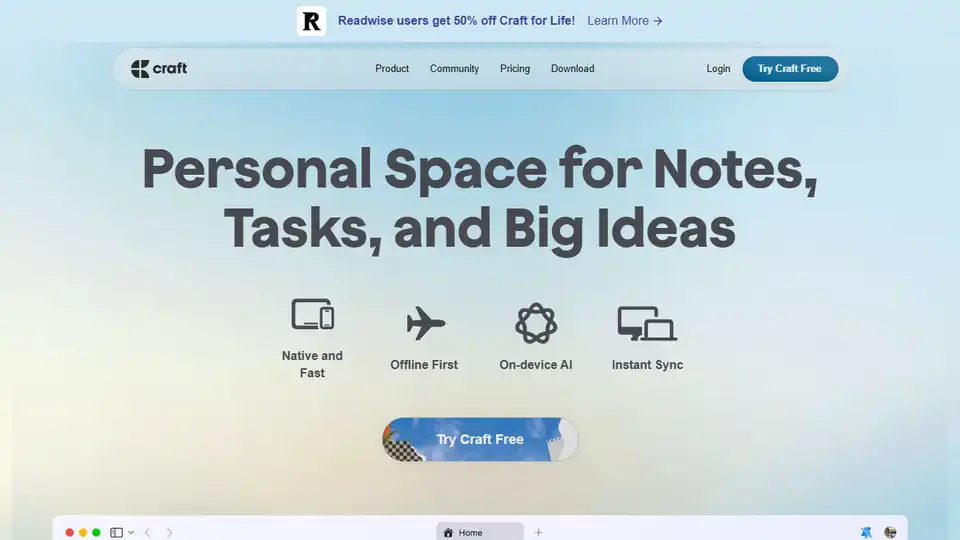
Overview of Craft
What is Craft?
Craft is a premium writing and note-taking application designed to provide a seamless experience across all your devices. Whether you're jotting down quick notes on your iPhone or refining a detailed document on your Mac, Craft ensures your ideas are always accessible and beautifully presented.
Key Features of Craft
Cross-Device Synchronization
Craft synchronizes your notes and documents across all your devices, ensuring you can access your work anytime, anywhere. This feature is particularly useful for users who switch between multiple devices throughout the day.
Versatile Writing Tools
Craft offers a range of writing tools that cater to different needs:
- Docs: Create and edit detailed documents.
- Tasks: Embed tasks directly within your documents to keep track of what needs to be done.
- Calendar: Integrate your schedule with your notes and tasks.
- Whiteboards: Visualize your ideas and plans.
- Daily Notes: Keep a daily journal or log.
Customization and Organization
Craft allows you to organize your notes and documents in a way that suits your workflow:
- Spaces: Switch between work and personal modes.
- Folders and Tags: Use classic structures for clear hierarchies.
- Collections: Build rich databases for structured tracking.
AI-Powered Writing
Craft includes AI-powered writing tools that help you generate content, refine your ideas, and enhance your productivity. This feature is particularly useful for writers, students, and professionals who need to produce high-quality content quickly.
Templates and Whiteboards
Craft provides a variety of templates to help you get started quickly. Whether you're planning a project, writing a blog post, or creating a presentation, Craft's templates can save you time and effort. The whiteboard feature allows you to brainstorm and visualize your ideas in a collaborative environment.
How Does Craft Work?
Craft is designed to be intuitive and user-friendly. Here's a step-by-step guide on how to use Craft:
- Capture Ideas: Start by jotting down your ideas on any device. Craft's quick capture feature ensures you never miss an inspiration.
- Organize Your Notes: Use folders, tags, and spaces to organize your notes in a way that makes sense to you.
- Refine Your Documents: Use Craft's editing tools to refine your notes into polished documents. You can add images, links, and other media to enhance your content.
- Embed Tasks: Keep track of your tasks by embedding them directly within your documents. This ensures your best thinking is connected to what needs to get done.
- Share and Publish: Once your document is ready, you can share it with others or publish it directly from Craft.
Why Choose Craft?
Seamless Integration
Craft integrates seamlessly with your existing workflow, making it easy to incorporate into your daily routine. Whether you're a student, professional, or creative, Craft adapts to your needs.
Beautiful Design
Craft's design is not only functional but also visually pleasing. The app's clean and modern interface makes it a joy to use, motivating you to stay organized and productive.
Community and Support
Craft has a vibrant community of users who share tips, templates, and best practices. The app also offers comprehensive support through its help center and community forums.
Who is Craft For?
Craft is designed for a wide range of users, including:
- Students: Capture lecture notes, organize study materials, and manage assignments.
- Professionals: Create reports, manage projects, and keep track of tasks.
- Creatives: Write blog posts, draft scripts, and brainstorm ideas.
- Educators: Plan lessons, organize course materials, and manage administrative tasks.
- Anyone: Keep a personal journal, manage daily tasks, and organize personal projects.
Best Way to Use Craft
To get the most out of Craft, consider the following tips:
- Use Templates: Start with Craft's templates to save time and effort.
- Organize with Spaces: Use spaces to separate work and personal notes.
- Embed Tasks: Keep your tasks and notes together to stay on top of your work.
- Leverage AI: Use Craft's AI-powered tools to enhance your writing and productivity.
- Join the Community: Engage with other Craft users to learn new tips and tricks.
Conclusion
Craft is a powerful and versatile writing and note-taking app that can help you capture ideas, organize tasks, and create beautiful documents. Its seamless cross-device synchronization, versatile writing tools, and customizable organization options make it a valuable tool for students, professionals, and creatives alike. Whether you're writing a blog post, managing a project, or keeping a personal journal, Craft has the features you need to stay organized and productive.
AI Article Generation AI Text Polishing AI Writing Assistance Paper and Report Generation News and Blog Generation Email and Business Writing
Best Alternative Tools to "Craft"
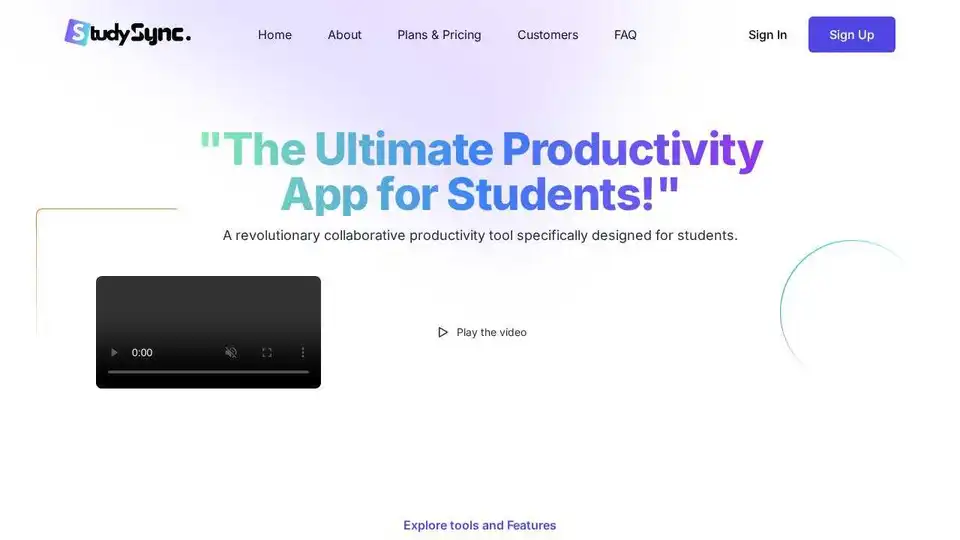
StudyBuddy is an AI-powered productivity tool designed for students. Manage assignments, create notes, collaborate with classmates, and get AI tutor support.
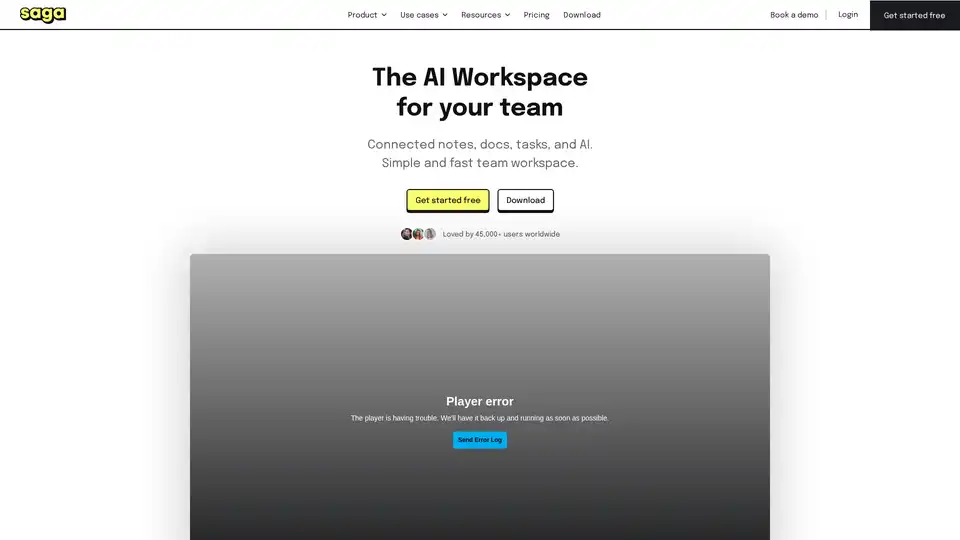
Saga is a collaborative AI workspace that integrates notes, docs, tasks, and tools to help teams organize knowledge efficiently. Boost productivity with real-time editing, AI assistance, and seamless integrations.
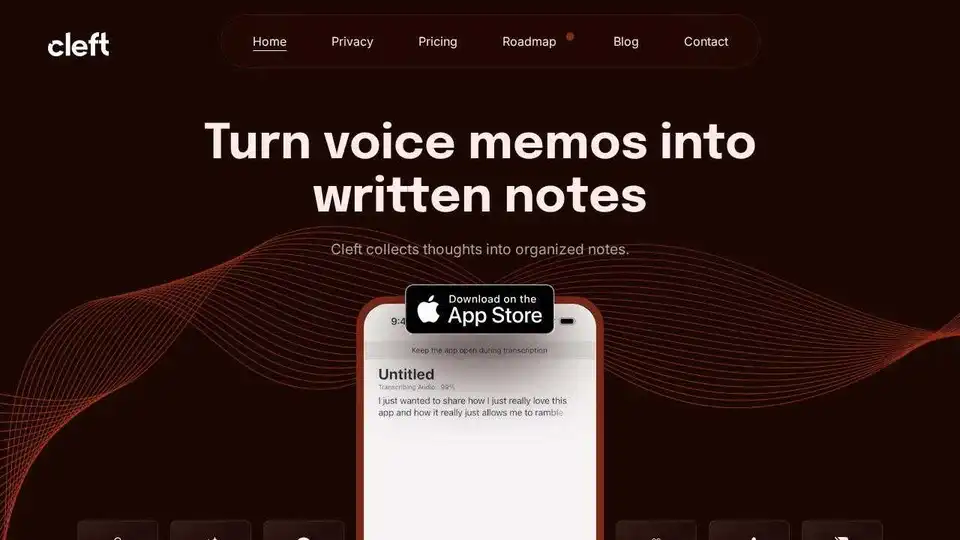
Cleft Notes is an AI-powered app that transforms spoken thoughts and voice memos into organized, coherent written notes, summaries, and actionable lists. It helps users capture ideas, draft content, and manage tasks efficiently across Apple devices.
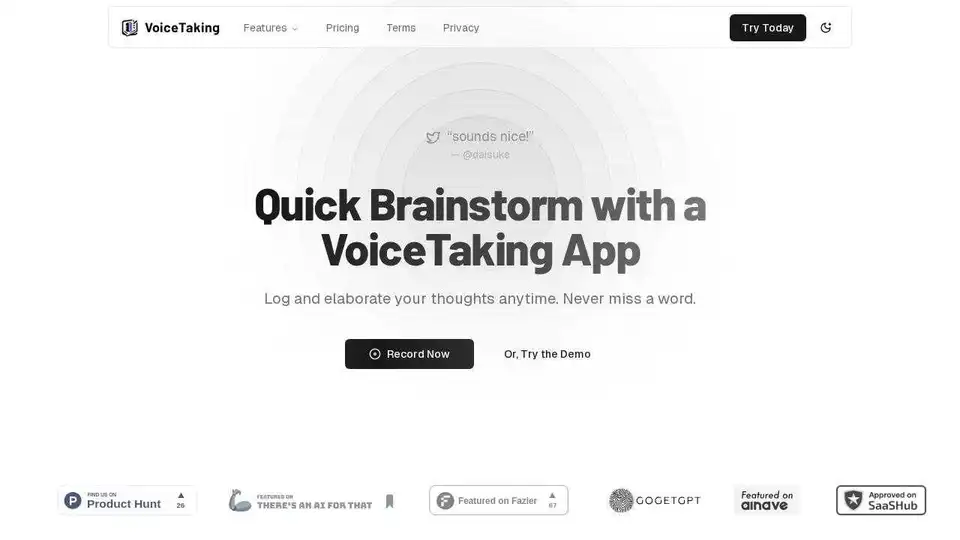
VoiceTaking is an AI-powered app for quick brainstorming using voice notes. Record, transcribe, and elaborate your ideas with its AI writing assistant for enhanced productivity.