
Wondershare Filmora

Overview of Wondershare Filmora
Wondershare Filmora: The AI-Powered Video Editor for Everyone
What is Wondershare Filmora? Wondershare Filmora is a user-friendly and powerful video editing software designed for both beginners and professionals. It offers a wide range of features, including AI-powered tools, to streamline the video editing process and enhance creativity.
How does Wondershare Filmora work? Filmora simplifies video editing with its intuitive interface and drag-and-drop functionality. It incorporates AI technologies to automate tasks like background removal, audio enhancement, and smart cutouts, saving users time and effort. The software also provides a vast library of effects, templates, and media assets to add visual appeal to videos.
Key Features of Wondershare Filmora:
- AI-Powered Tools:
- AI Smart Cutout: Remove or change backgrounds in seconds for professional-looking content.
- AI Audio Enhancement: Reduce noise and enhance audio quality with AI-driven tools.
- AI Smart Short Video: Automatically generate short, shareable videos from longer content.
- AI Image to Video: Easily transform images into engaging video content.
- AI Text-Based Editing: Quickly find and cut out specific sections of video based on the transcribed audio.
- Multi-Camera Editing: Synchronize and switch between different camera angles, ideal for interviews, vlogs, and events.
- Motion Tracking: Attach text and graphics to moving objects for dynamic visual effects.
- Keyframing: Create custom motion paths for text and objects.
- Auto Reframe: Adapt videos for different platforms while maintaining focus.
- Advanced Compression: Reduce file size without losing quality.
- Social Media Content Planner: Plan, optimize, and publish content across various platforms.
- AI Video Translation: Translate and dub videos for a global audience.
- AI Music Generator: Generate royalty-free music tracks to enhance video projects.
- Filmora Asset Center: Access to 2.3M+ resources and templates to enhance the storytelling in videos
Why is Wondershare Filmora important?
Filmora empowers users to create high-quality videos efficiently, regardless of their skill level. Its AI-powered features automate complex tasks, while its extensive library of effects and templates provides endless creative possibilities.
Who is Wondershare Filmora for?
Filmora is ideal for:
- Influencers: Create engaging content for social media platforms.
- Small Businesses: Produce marketing and promotional videos.
- Freelancers: Offer video editing services to clients.
- Marketers: Develop video campaigns to reach target audiences.
- Educators: Create educational videos and tutorials.
- Anyone looking to easily create high-quality videos.
How to Use Wondershare Filmora:
- Import Media: Import video clips, images, and audio files into Filmora.
- Edit Timeline: Drag and drop media onto the timeline to arrange and trim clips.
- Add Effects and Transitions: Enhance videos with effects, transitions, and text overlays.
- Use AI Tools: Leverage AI-powered features to automate tasks and improve video quality.
- Export Video: Export the finished video in various formats and resolutions.
User Reviews and Testimonials:
- Cameron Mayhill (Director):
- "I appreciate the ability to combine various short videos to create something magical."
- Kriti Agarwal (Content and Film Programmer):
- "I use this software daily for editing my company's videos. Unlike other editing software, Filmora almost never crashes."
- Michael Espiritu (Graphic Designer and Web Developer):
- "It has a built-in screen recording feature, which was very useful in my last project. The interface is visually appealing and easy to use."
Filmora Pricing:
Filmora offers a variety of subscription plans, including:
- Monthly Plan: $29.99
- Annual Plan: $79.99
- Perpetual Plan: $129.99 (one-time purchase)
Get Filmora App: Filmora is available on Windows, macOS, iOS, and Android.
Best way to create high-quality videos with Wondershare Filmora?
To create high-quality videos with Filmora, follow these steps:
- Plan Your Video: Outline the content and create a storyboard.
- Use High-Quality Footage: Record videos in high resolution with good lighting and audio.
- Edit with Precision: Trim clips carefully and use transitions smoothly.
- Enhance with Effects: Add effects and text overlays to enhance visual appeal.
- Optimize for Platform: Adjust video settings for the target platform (e.g., YouTube, TikTok).
Conclusion:
Wondershare Filmora is a versatile and user-friendly video editing software that empowers users to create professional-quality videos with ease. Its AI-powered features, extensive library of effects, and intuitive interface make it an excellent choice for anyone looking to elevate their video editing skills.
It streamlines video editing with AI, offers multi-cam support and motion tracking. Whether you're an influencer, marketer, or educator, Filmora is the perfect video tool.
AI Video Generation AI Video Editing AI Motion Capture and Animation AI Virtual Human and Digital Avatar 3D Video Generation
Best Alternative Tools to "Wondershare Filmora"
Wondershare Filmora is an AI-powered video editor with smart features like auto subtitles, AI portrait cutout, and a vast library of effects, making video creation easy and fun.
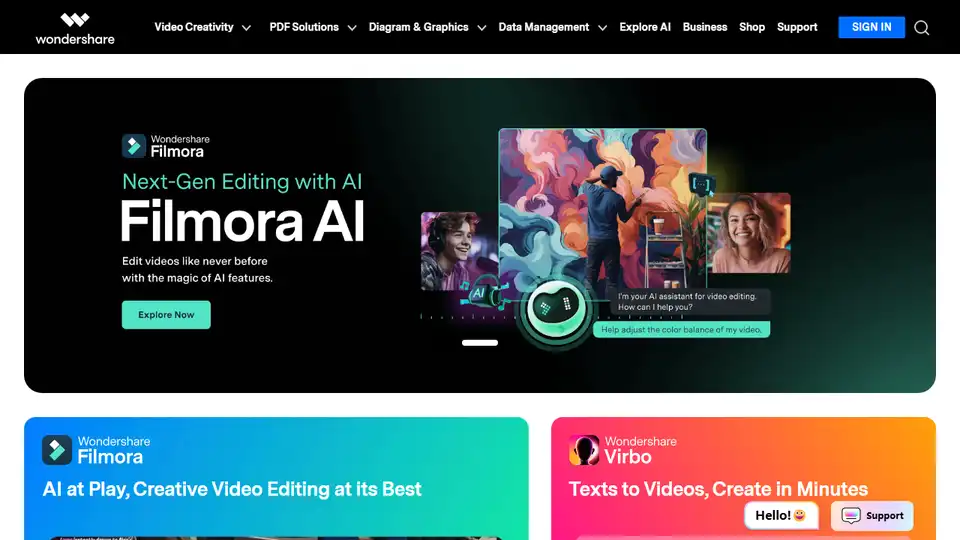
Wondershare provides AI-powered creativity, productivity, and utility solutions, including Filmora, PDFelement, Recoverit, and Virbo, to revolutionize content creation across video, audio, image, and text.
Create stunning videos with Wondershare Filmora AI video editing software! Features include AI smart long video to short video, AI portrait matting, dynamic subtitles, multi-camera editing and more. Easy and fun for beginners and professionals!
Filmora AI video editor offers smart short clips, AI video enhancer, and creative assets, making video creation easy for all skill levels.