
LivePortrait
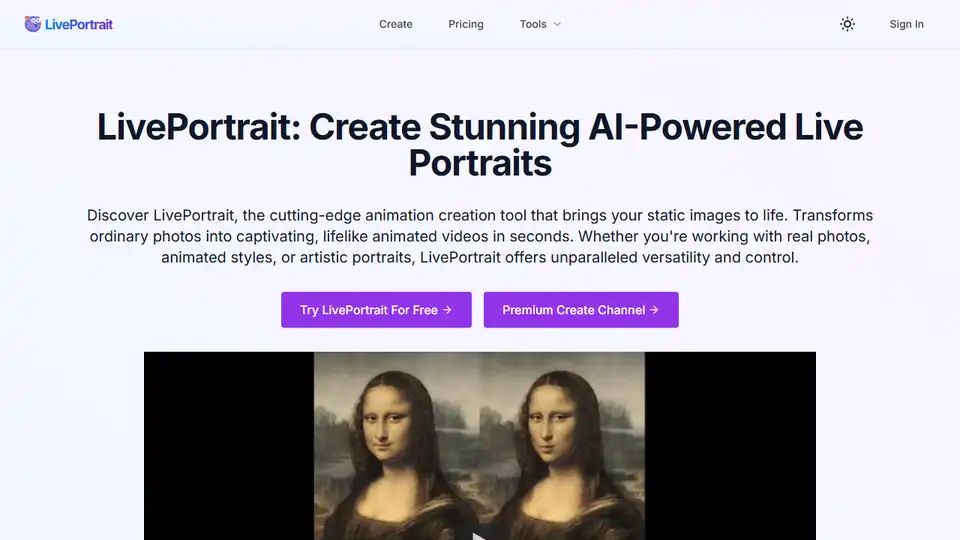
Overview of LivePortrait
LivePortrait: AI-Powered Live Portrait Animation Tool
What is LivePortrait?
LivePortrait is a cutting-edge AI animation tool designed to bring static images to life. It transforms ordinary photos into captivating, lifelike animated videos within seconds. Whether you’re working with real photos, animated styles, or artistic portraits, LivePortrait offers unparalleled versatility and control.
Key Features of LivePortrait
- High-Quality Animation Generation: Transform static images into lifelike animated videos.
- Precise Motion Control: Accurately adjust eye and lip movements for natural, realistic expressions.
- Diverse Style Support: Compatible with real photos, animated styles, and artistic portraits.
- Custom Animation Patterns: Use preset templates or your own videos to drive unique portrait movements.
- Enhanced Image Processing: Restore, colorize, or upscale images before animation for optimal results.
- Swift Creation Process: Animation generation typically completes in seconds to minutes, depending on complexity and system load.
How does LivePortrait work?
LivePortrait leverages advanced AI algorithms to analyze static images and apply realistic motion. Users can upload a portrait image, select a driving video (either from the library or a custom one), and generate the animated video. The tool allows for precise control over eye and lip movements, ensuring natural and realistic expressions.
Use Cases and Examples
- Animated Classical Artwork: Imbue renowned paintings with subtle motion, offering a novel perspective on timeless masterpieces.
- Family Heritage Revitalization: Breathe new life into family memories by restoring faded photographs, adding color to monochrome images, and animating static family pictures.
- Personal Image Enhancement: Create dynamic animations from ordinary photographs to enhance your digital presence.
- Anime Character Animation: Evolve static anime illustrations into animated characters with lifelike expressions.
- Historical Figures in Motion: Bring static portraits of historical figures to life with realistic movements and expressions.
How to Use LivePortrait
- Upload Portrait Image: Select and upload a static portrait photo with a clear face.
- Choose Driving Video: Select from the driving video library or upload your custom video as a motion source.
- Generate: Configure desired settings or keep defaults, then click 'Generate'.
- Download and Share: Download the final generated video and share.
Why is LivePortrait important?
In today's visually driven world, engaging content is key. LivePortrait offers a unique way to transform static images into dynamic, attention-grabbing videos. This can be used to revitalize old family photos, create engaging social media content, or add a unique touch to artistic projects. The AI-powered technology ensures high-quality results with minimal effort.
FAQ
- What is LivePortrait? LivePortrait is an AI-powered tool that transforms static images into lifelike animated videos.
- What types of images work best with LivePortrait? Images with clear faces work best, including real photos, animated styles, and artistic portraits.
- Can I customize the motion in my LivePortrait animation? Yes, you can adjust eye and lip movements for realistic expressions and use custom driving videos.
- How long does the LivePortrait creation process take? Animation generation typically completes in seconds to minutes.
- How can I start using LivePortrait for free? Visit the LivePortrait website and try the free trial.
LivePortrait offers a unique and innovative way to bring images to life. Its ease of use, combined with powerful AI technology, makes it a valuable tool for anyone looking to enhance their visual content.
Where can I use LivePortrait?
You can use LivePortrait for various purposes, including:
- Revitalizing old family photos
- Creating engaging social media content
- Adding a unique touch to artistic projects
- Animating historical portraits
Best way to create AI-Powered Live Portraits?
The best way to create AI-Powered Live Portraits is by leveraging AI tools like LivePortrait, it can provide high-quality, efficient, and customizable animations and create stunning animated videos.
AI Generated Art Image Enhancement and Repair Image Style Transfer AI Background Removal and Replacement AI Avatar and Cartoonization 3D Modeling and Rendering Logo and UI Design
Best Alternative Tools to "LivePortrait"
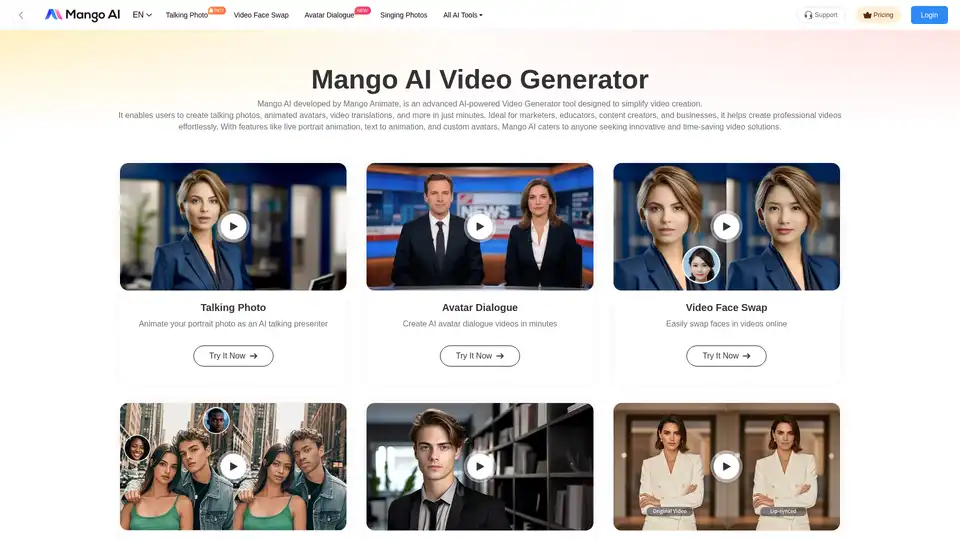
Mango AI is an AI-powered video generator that creates talking photos, avatars, & face swaps effortlessly. Ideal for marketers, educators & content creators.
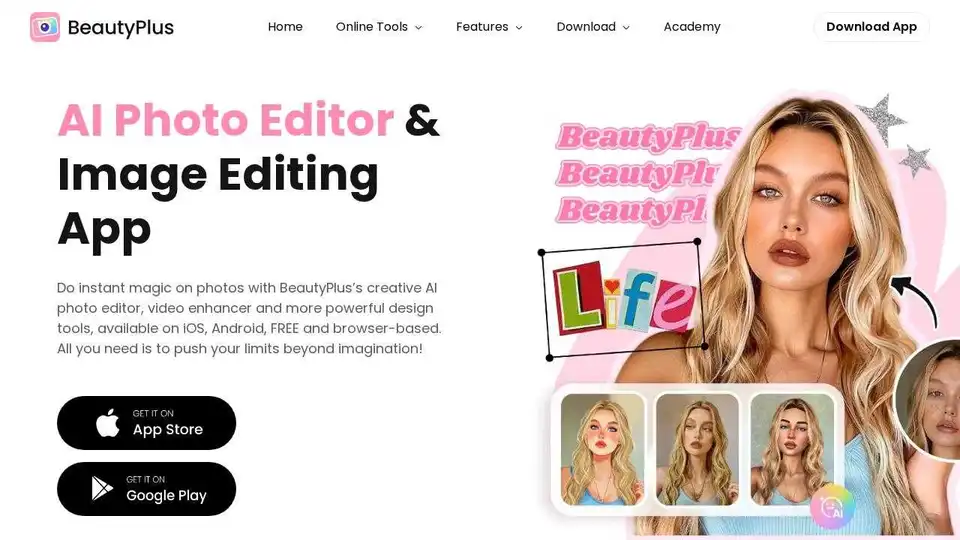
BeautyPlus is a FREE AI photo & video editor with AI filters, image enhancer, background remover, and more. Perfect your photos and videos with powerful AI tools.
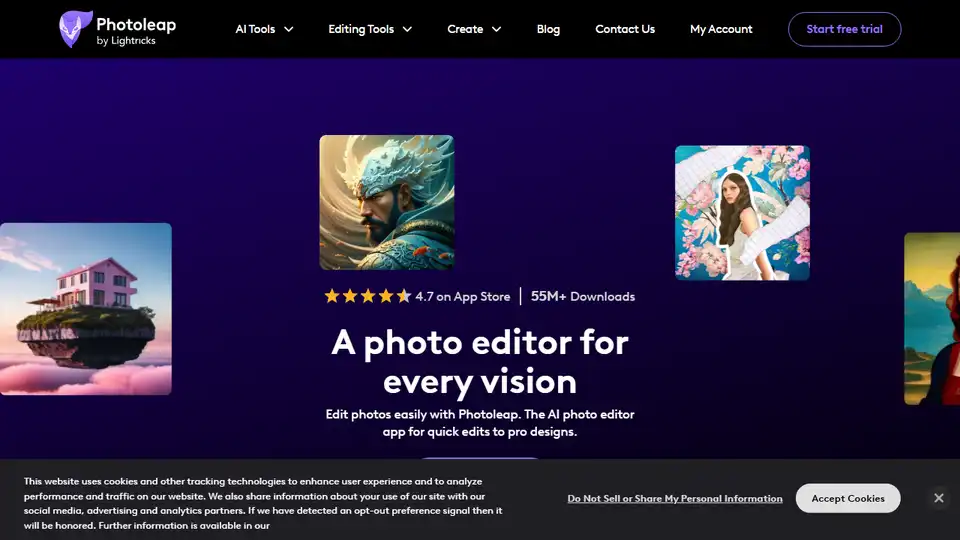
Photoleap is a creative & powerful AI photo editor app by Lightricks for amazing creations on your iPhone. Change backgrounds, remove objects, create collages, apply filters & effects. Try a 7-day free trial now.
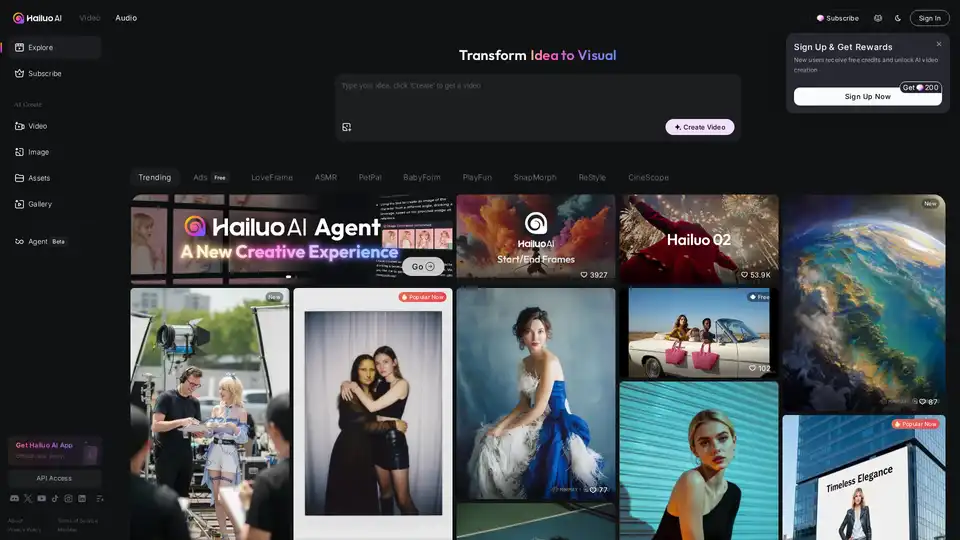
Hailuo AI is an innovative AI video generator that turns ideas, text prompts, and images into captivating videos. Create stunning visuals quickly with templates for ads, animations, and more—unleash creativity effortlessly.