
Robots.txt Generator
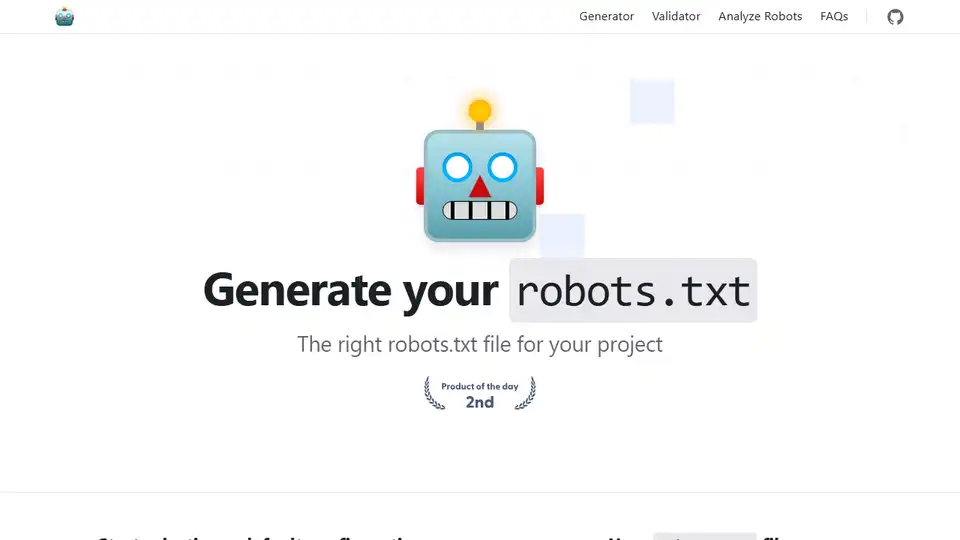
Overview of Robots.txt Generator
Robots.txt Generator: Create the Perfect robots.txt File
What is a robots.txt file?
A robots.txt file is a text file that tells search engine crawlers which pages or files the crawler can or can't request from your site. It is important for SEO because it helps you control which parts of your website are indexed, preventing crawlers from accessing sensitive or duplicate content.
How does the Robots.txt Generator work?
This free Robots.txt Generator and validator tool helps webmasters, SEO experts, and marketers quickly and easily create this required file. You can customize the file by setting up directives (allow or disallow crawling), the path (specific pages and files), and the bots that should follow the directives. Or you can choose a ready-made robots.txt template containing a set of the most common general and CMS directives. You may also add a sitemap to the file.
Key Features:
- Default Configurations:
- Allow all robots to access the entire site.
- Block all robots from the entire site.
- Block a specific directory or file.
- Allow only a specific robot (e.g., Googlebot) and block all others.
- Block specific URL parameters.
- Allow crawling of a specific directory and block everything else.
- Block images from a specific directory.
- Block access to CSS and JS files.
- CMS Templates: Ready-made robots.txt templates for popular CMS platforms, including:
- WordPress
- Shopify
- Magento
- Drupal
- Joomla
- PrestaShop
- Wix
- BigCommerce
- Squarespace
- Weebly
- AI Bot Blocking: Optional configurations to block or allow specific AI bots, such as:
- GPTBot
- ChatGPT-User
- Google-Extended
- PerplexityBot
- Amazonbot
- ClaudeBot
- Omgilibot
- FacebookBot
- Applebot
- and many more.
- Sitemap Integration: Option to add your sitemap URL to the robots.txt file.
How to Use the Robots.txt Generator:
- Start with a Default Configuration: Choose a base configuration that matches your requirements. Options include allowing all robots, blocking all robots, or blocking specific directories or files.
- Customize Directives: Set up directives to allow or disallow crawling, specify paths (specific pages and files), and identify the bots that should follow the directives.
- Select a Template: Choose a ready-made robots.txt template for common CMS platforms.
- Add a Sitemap: Include your sitemap URL to help bots crawl your website content more efficiently.
- Download and Implement: Download the generated robots.txt file and add it to the root folder of your website.
How to add the generated robots.txt file to your website?
Search engines and other crawling bots look for a robots.txt file in the main directory of your website. After generating the robots.txt file, add it to the root folder of your website, which can be found at https://yoursite.com/robots.txt.
The method of adding a robots.txt file depends on the server and CMS you are using. If you can't access the root directory, contact your web hosting provider.
Benefits of Using Robots.txt Generator:
- SEO Optimization: Control which parts of your website are indexed by search engines, improving your site's SEO performance.
- Customization: Tailor the robots.txt file to your specific needs with various directives and templates.
- AI Bot Control: Block or allow specific AI bots from crawling your site.
- Easy Sitemap Integration: Add your sitemap URL to help bots crawl your website content efficiently.
- Open-Source Contribution: Contribute to the project on GitHub to add new features, fix bugs, or improve existing code.
Contributing to the Project:
This is an open-source project, and everyone is welcome to participate. You can contribute to this project by adding new features, fixing bugs, or improving the existing code creating a pull request or issue on our GitHub repository.
FAQs
How do I submit a robots.txt file to search engines?
You don't need to submit a robots.txt file to search engines. Crawlers look for a robots.txt file before crawling a site. If they find one, they read it first before scanning your site.
If you make changes to your robots.txt file and want to notify Google, you can submit it to Google Search Console. Use the Robots.txt Tester to paste the text file and click Submit.
Best Alternative Tools to "Robots.txt Generator"
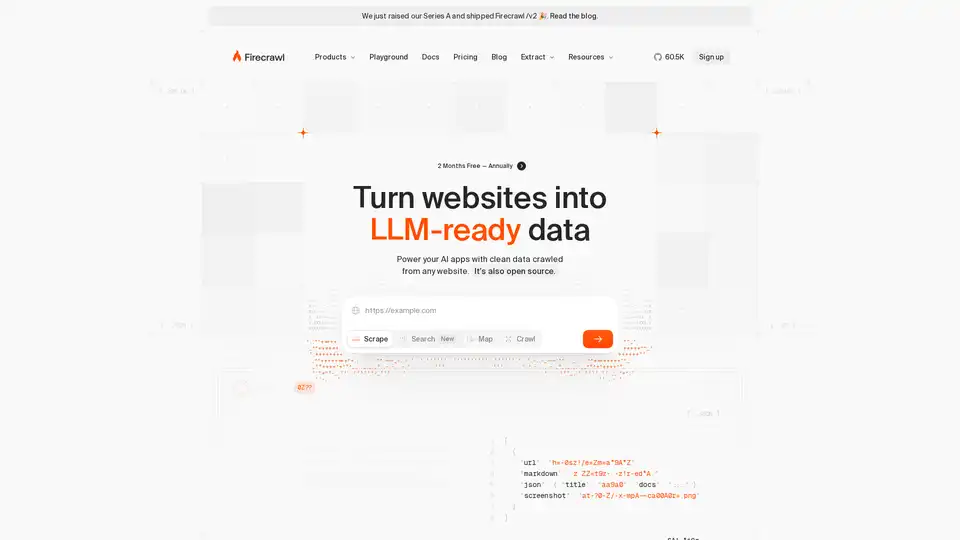
Firecrawl is the leading web crawling, scraping, and search API designed for AI applications. It turns websites into clean, structured, LLM-ready data at scale, powering AI agents with reliable web extraction without proxies or headaches.

Rush Analytics: SEO platform with rank tracking, keyword research, site audit, and PBN tools. Monitor, discover, and optimize for better ranking.
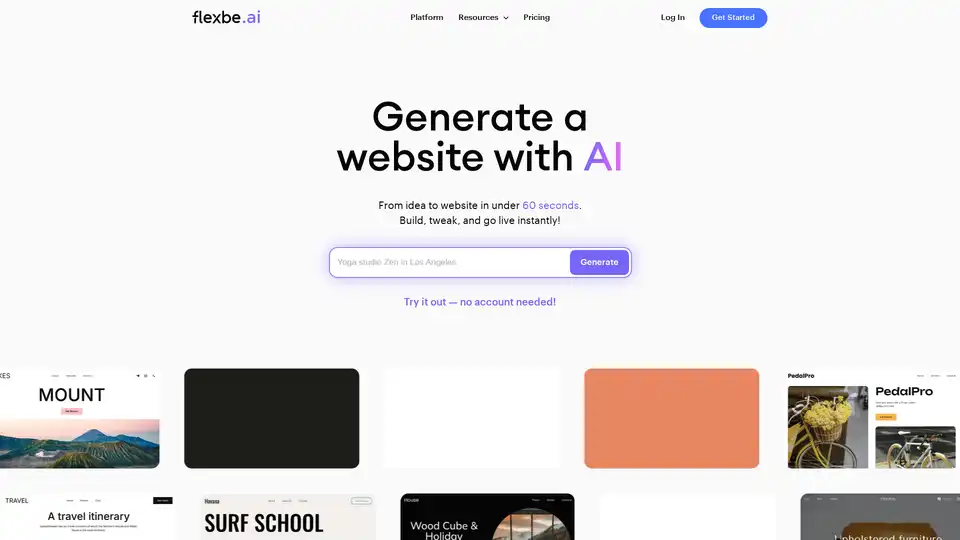
Flexbe.AI is an AI-powered website builder that generates websites in under 60 seconds. It offers AI-driven marketing research, design, and content creation, along with a professional editor and e-commerce tools.

Skills.ai: No-code AI data analytics engine for business leaders & content creators. Generate instant data-driven articles and presentations for client meetings and social media.
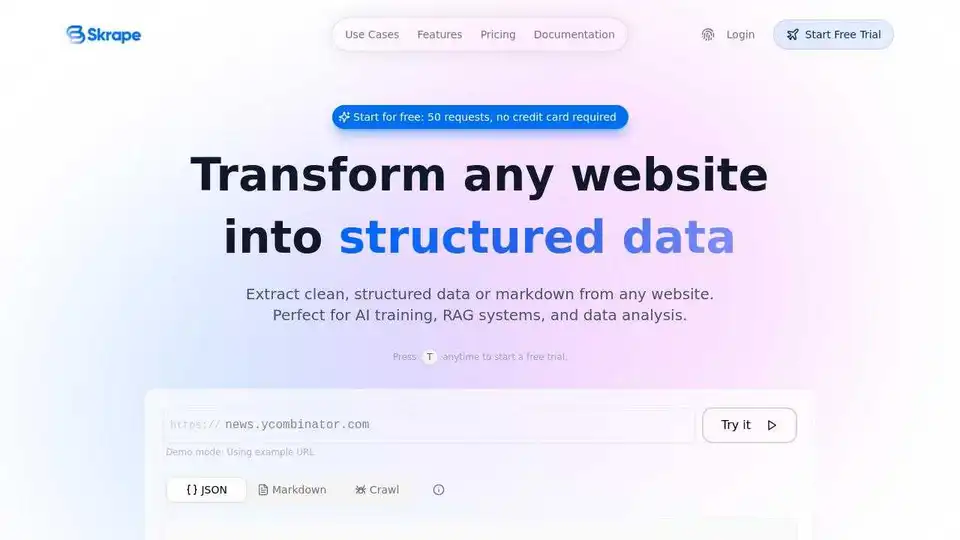
Transform any website into clean, structured data with Skrape.ai. AI-powered API extracts data in preferred format for AI training.
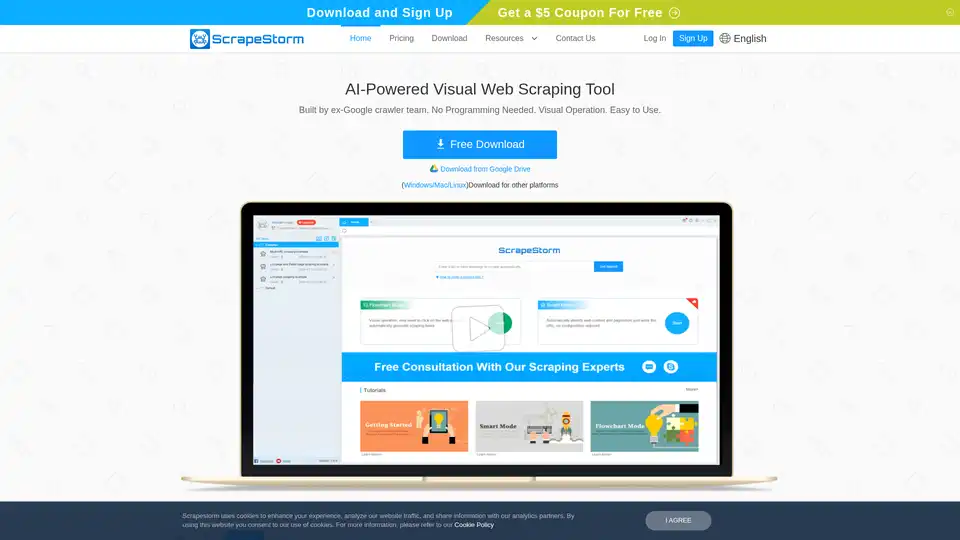
ScrapeStorm is an AI-powered visual web scraping tool that allows users to extract data from websites without coding. It offers smart data identification, multiple export options, and supports various operating systems.
FYRAN is a free AI chatbot builder that supports digital human responses. Create custom chatbots using PDF, text, MP3, and docx files. Integrate easily via website, API, JS, or HTML.

CoverLetterAI is an AI-powered tool that generates personalized, ATS-optimized cover letters in seconds for just $5 per letter. Upload your resume and job details to get tailored, professional letters that help job seekers land interviews across industries.
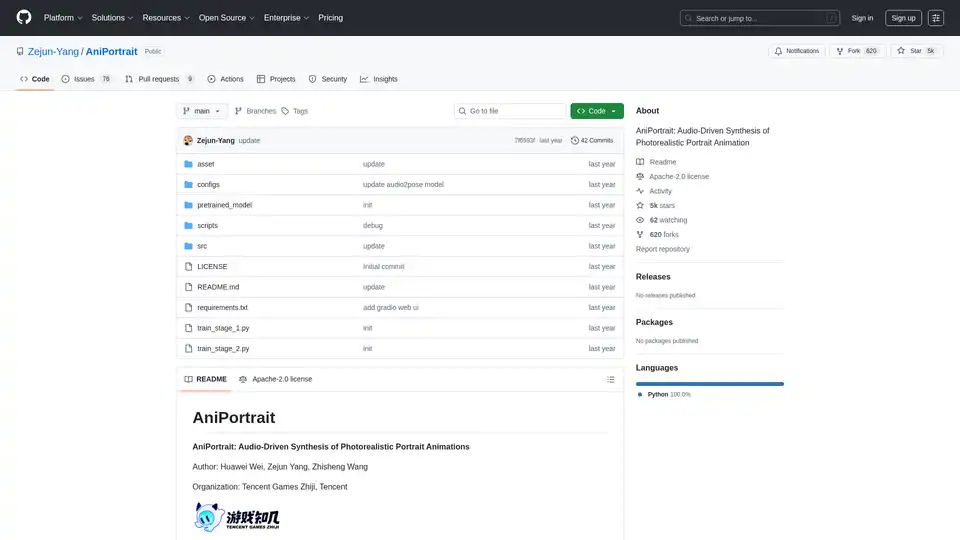
AniPortrait is an open-source AI framework for generating photorealistic portrait animations driven by audio or video inputs. It supports self-driven, face reenactment, and audio-driven modes for high-quality video synthesis.
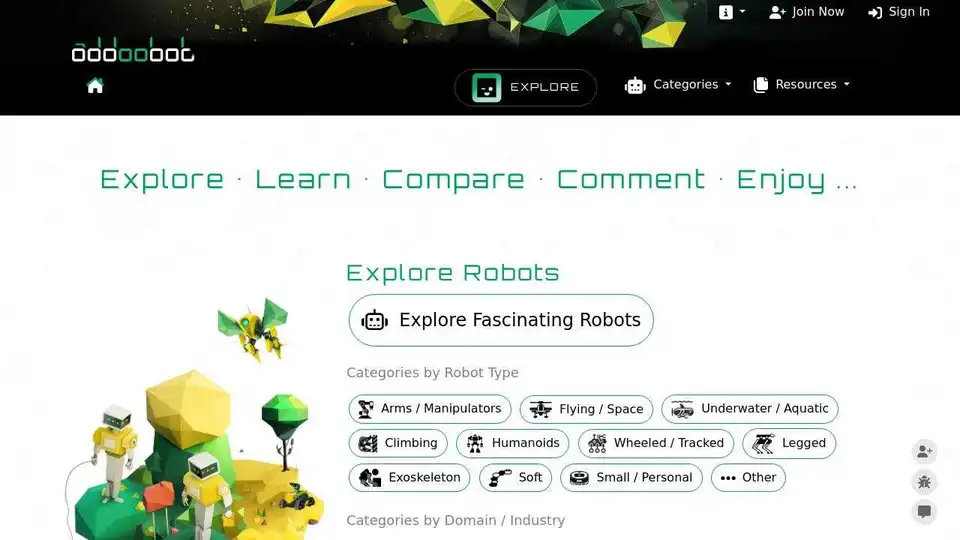
Explore robotics and AI: Discover robots, AI tools, events, and jobs in robotics & AI. Supercharge productivity and creativity with top-tier AI tools.
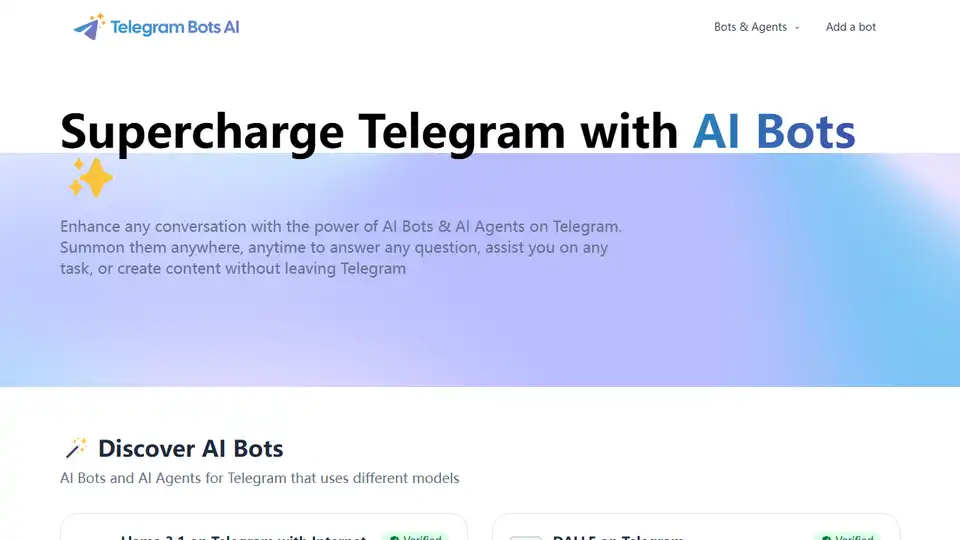
Enhance Telegram conversations with AI Bots & Agents. Summon them to answer questions, assist with tasks, or create content without leaving Telegram. Discover AI Inline Assistant, Llama 3.1, DALL·E, Gemini and more!
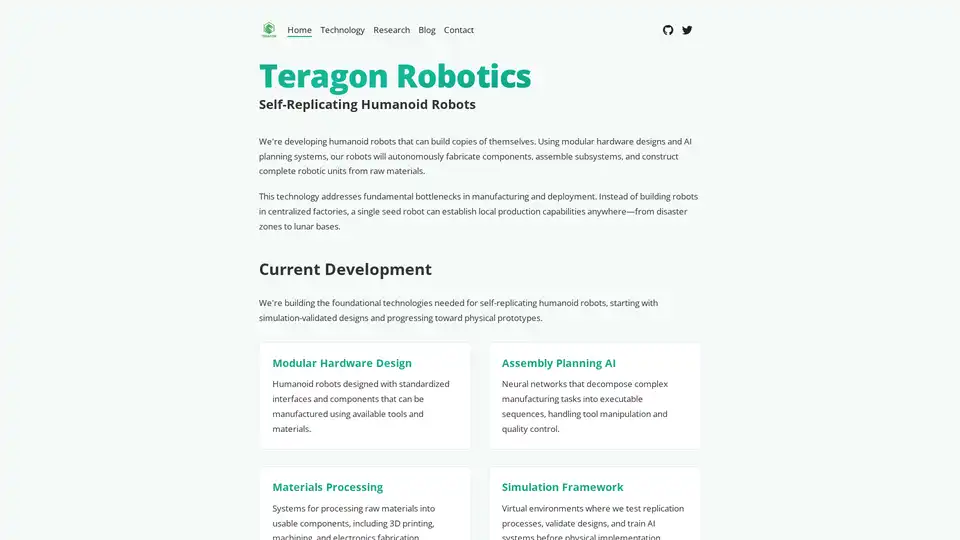
Teragon Robotics is developing self-replicating humanoid robots using AI planning and modular hardware. These robots autonomously fabricate components and assemble new units, addressing manufacturing bottlenecks in remote and disaster-stricken areas.
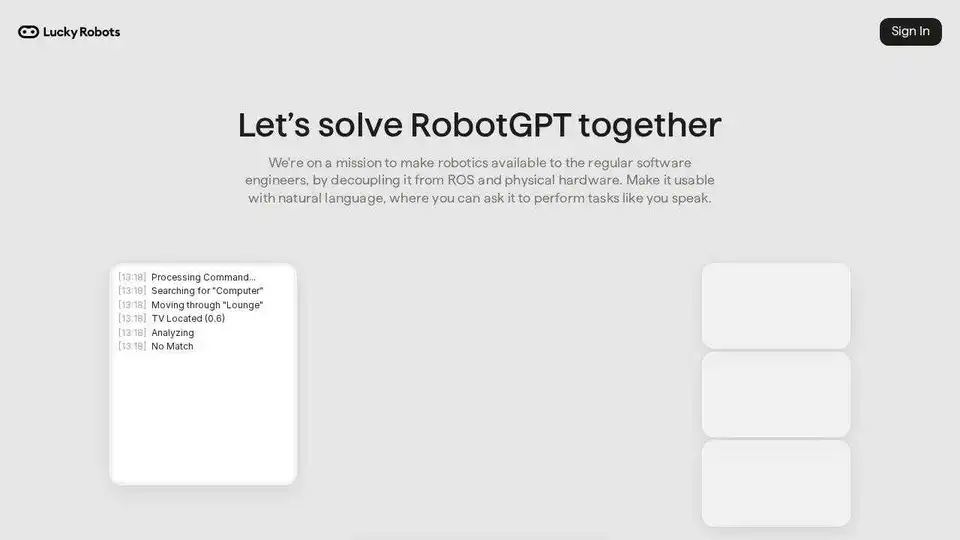
Lucky Robots generates infinite synthetic data for robotic AI model training. Train faster & cheaper with realistic simulations. Iterate, train & test before real-world deployment.

Starving Robots offers custom AI art printing and personalized AI art prints. Create unique posters and canvases using AI.