
AI Portrait Gen
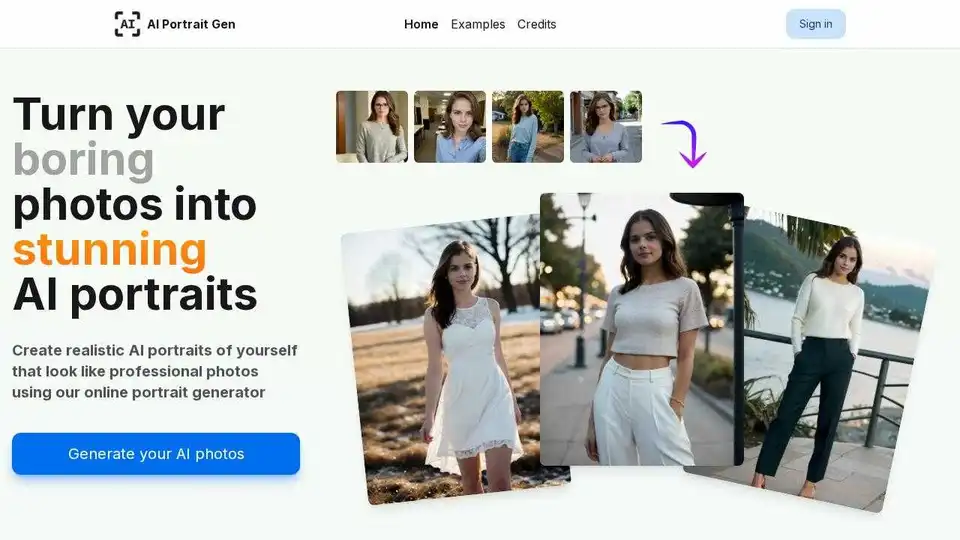
Overview of AI Portrait Gen
AI Portrait Gen: Generate Stunning AI Portraits Online
What is AI Portrait Gen? AI Portrait Gen is an online AI portrait generator that transforms ordinary photos into professional-looking AI portraits. It allows users to create realistic images of themselves using artificial intelligence, suitable for various purposes, from corporate headshots to social media profile pictures.
How does AI Portrait Gen work?
- Model Profile Creation: Begin by creating a model profile and uploading a few photos. Phone camera photos work just fine.
- Photoshoot Selection: Add a new photoshoot and choose the type and number of portraits you'd like to generate.
- AI Generation: The AI portrait generator creates awesome new photos of the model.
- Download or View: Receive your AI-generated portrait photos that you can either download or view online.
Key Features and Benefits
- Realistic Photos: Achieves ultra-realistic portrait photos that resemble real human beings rather than artificial dolls.
- Customizable Options: Offers customizable options, including preferred outfits, locations, and the number of photos.
- Fast Turnaround: Model preparation typically takes just 20 minutes, with each photo generated in about 30 seconds.
- No Subscriptions: Users pay only for what they need by purchasing credits and using them at any time.
- Simple to Use: Designed to be user-friendly, eliminating the need for prompt wizards or AI expertise.
- Privacy Respect: Ensures all personal information and photos are kept private, with no data selling or usage for training other AI systems.
How to use AI Portrait Gen?
- Create a Model Profile
- Provide a name and basic information for your model.
- Upload several pictures, using the editing menu to crop, rotate, and adjust the photos.
- Start the model preparation, allowing the AI to learn your model’s features.
- Generate AI Portrait Photos
- Create a new photoshoot and add items for each set of photos you want to make.
- Use the "simple mode" to choose from a curated set of settings, including locations and outfits, or let the system randomize the selection for you.
- Adjust settings like the number of photos, their size, and orientation.
- Click "generate photos" to start the AI generation process.
- Get Creative with Prompts
- Use the "creative mode" to write your own text prompts for specific outfits, settings, and styles.
- Utilize the negative prompt input to avoid unwanted elements such as colors or background objects.
What kind of results can you expect?
AI Portrait Gen can be used for varied application scenarios:
- Professional Corporate Headshots: Create high-quality headshots for professional use.
- Stylized Casual Photos: Generate unique and stylized photos for personal use.
- Profile Pictures: Enhance your presence on social media platforms like LinkedIn or Instagram.
FAQ
Will every generated photo be perfect?
Not every generated photo may be perfect, but the AI strives to provide high-quality and realistic results.
Which photos should I choose?
Phone camera photos work great - no need for anything fancy.
Do I need to download an app to generate portraits?
No, AI Portrait Gen is an online tool and does not require any app downloads.
Conclusion
AI Portrait Gen offers a straightforward and accessible way to generate realistic AI portraits, suitable for professional and personal use. With its customizable options, fast turnaround, and privacy-focused approach, it stands out as a practical solution for anyone seeking to enhance their digital image. Start creating your AI-generated portraits today!
AI Generated Art Image Enhancement and Repair Image Style Transfer AI Background Removal and Replacement AI Avatar and Cartoonization 3D Modeling and Rendering Logo and UI Design
Best Alternative Tools to "AI Portrait Gen"
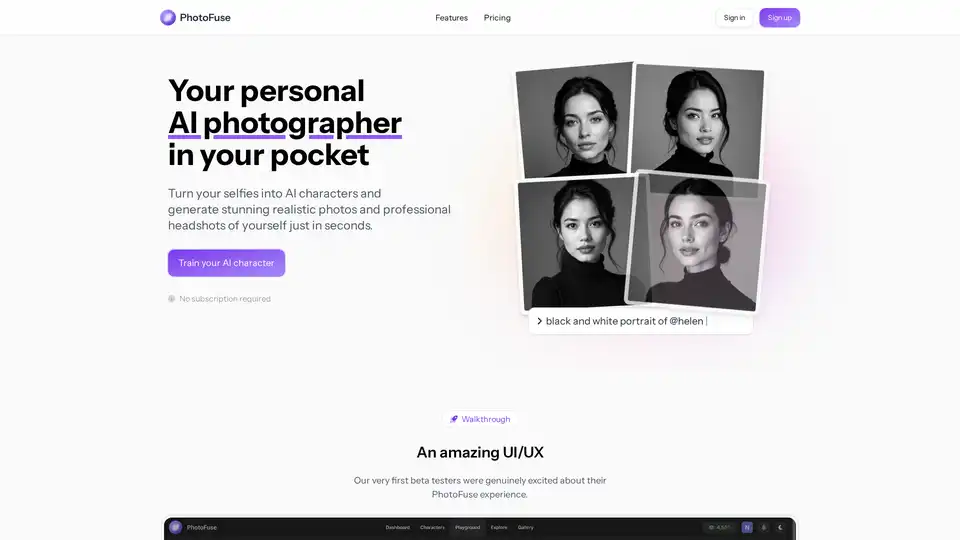
PhotoFuse AI transforms selfies into AI characters and generates realistic photos and professional headshots in seconds. Upload photos, select a template, and generate variations with no complicated prompts.
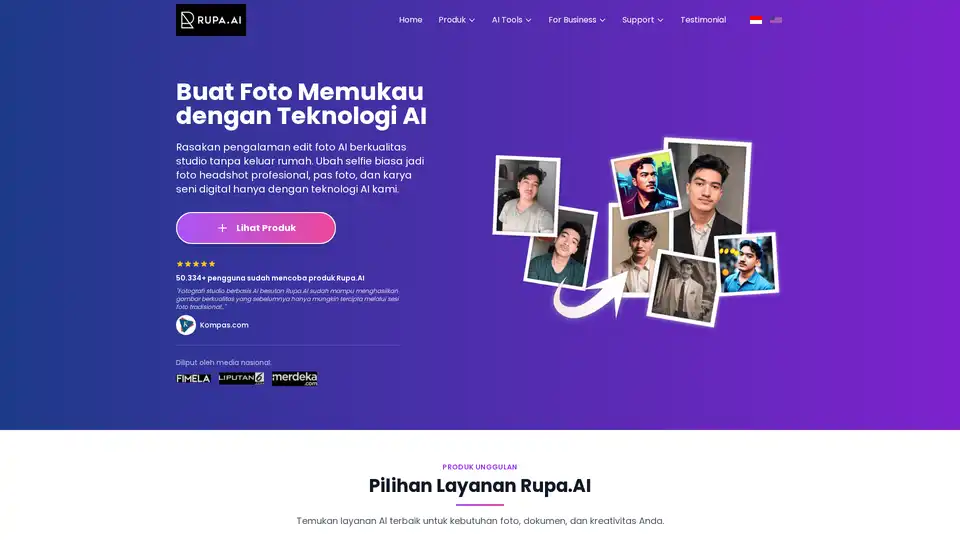
Rupa.AI is an Indonesian AI photo editor that transforms selfies into professional headshots, studio-quality photos, and artistic portraits. Key features include AI Headshot, Studio, and Aruna AI for various photo editing needs.
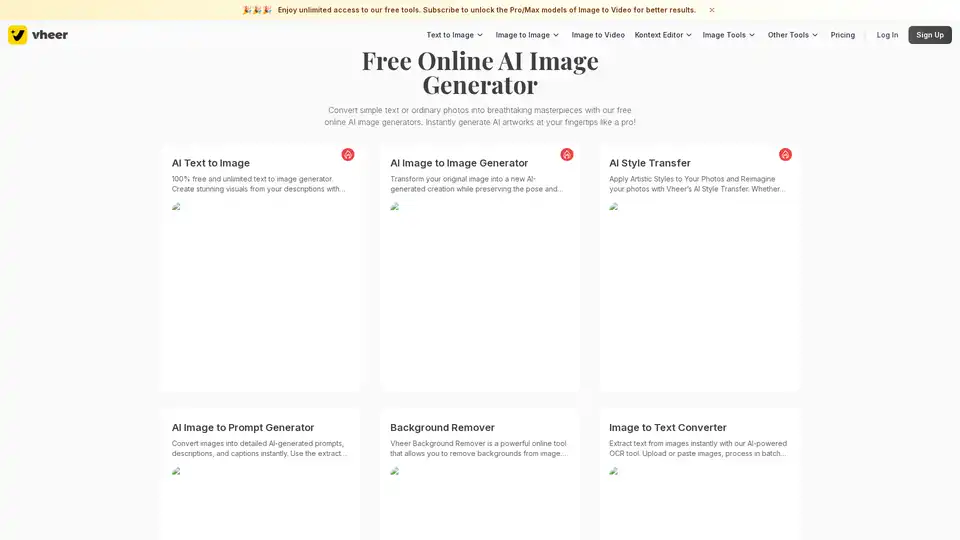
Vheer is a free AI image generator that allows you to create stunning visuals from text or photos. Enjoy unlimited generations without signup. Generate AI artworks instantly!
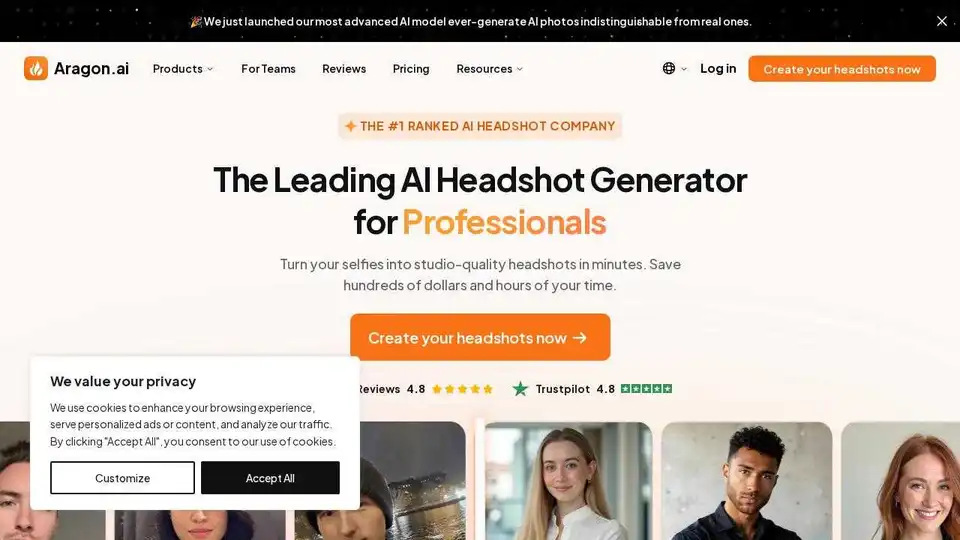
Create professional AI headshots in minutes with Aragon.ai. Save time and money with AI-generated portraits perfect for LinkedIn, resumes, and business profiles.