
AudiowaveAI
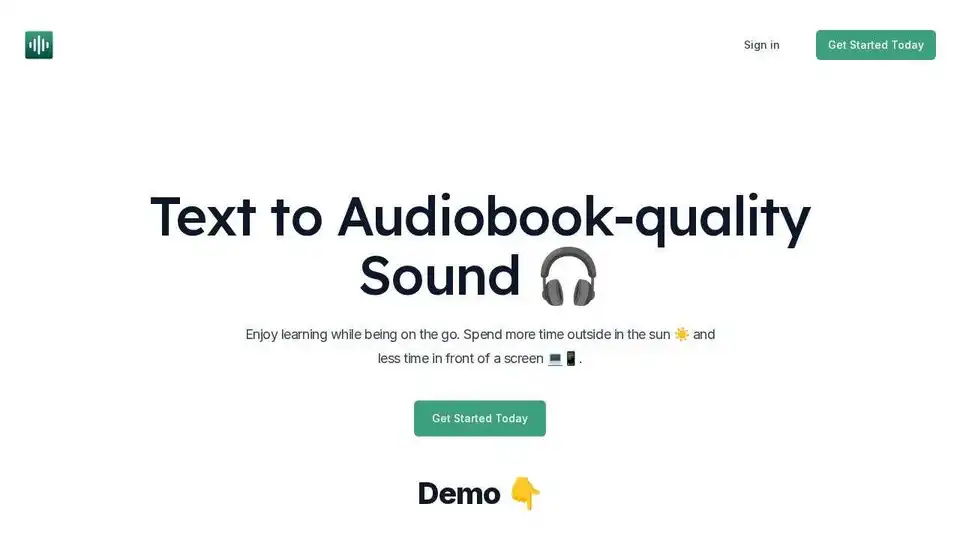
Overview of AudiowaveAI
AudiowaveAI: Transform Text into Audiobook-Quality Audio
What is AudiowaveAI?
AudiowaveAI is an AI-powered text-to-speech tool that converts any text into engaging, natural-sounding audio. Unlike traditional text-to-speech systems that sound robotic and monotone, AudiowaveAI utilizes advanced AI to create an enjoyable listening experience, perfect for learning, relaxing, and staying informed on the go.
How does AudiowaveAI work?
AudiowaveAI uses sophisticated AI algorithms to analyze text and generate audio that mimics natural human speech. Key features include:
- Natural Sounding Voices: Choose from 10 different AI voices that provide engaging and natural intonation.
- Multi-Language Support: Most voices support 100 different languages, expanding your access to global content.
- Customizable Audio: Adjust the audio to your preferences, whether you're listening to articles, blog posts, or even contracts.
- Mobile Web App: Optimized for all devices, allowing you to listen anywhere, anytime.
Why is AudiowaveAI important?
AudiowaveAI addresses the limitations of traditional text-to-speech by providing a superior listening experience. Here’s why it’s important:
- Enhanced Learning: Listen to articles, blog posts, and books instead of reading them, making learning on the go easier and more enjoyable. According to user Dmytro Krasun, Founder of ScreenshotOne, AudiowaveAI helped him discover "some gems I haven't read it."
- Increased Productivity: Get through reading lists more efficiently by listening to content while driving, exercising, or doing chores.
- Accessibility: Makes written content accessible to those with visual impairments or reading difficulties.
- Better Engagement: The natural-sounding voices make listening more engaging and less monotonous compared to robotic text-to-speech.
Where can I use AudiowaveAI?
AudiowaveAI can be used in various scenarios:
- Learning: Listen to educational articles, essays, and research papers.
- Productivity: Convert work documents, contracts, and emails to audio for efficient multitasking.
- Entertainment: Enjoy blog posts, news articles, and even books in audio format.
- Accessibility: Provide an audio version of your content for a wider audience.
User Reviews:
Users worldwide are praising AudiowaveAI for its simplicity and high-quality audio output:
- Frederik Van Lierde, Entrepreneur & Author: "Wow, cheaper than I thought and I love the simplicity of it. Currently writing my new book and it will be launched on X with 40 articles...."
- Justin Vaillancourt, CEO & Co-Founder of Beaker: "It worked 👍 the audio’s great. absolutely love it"
- Daniel Matthews, Founder of Inkverse: "The audio quality is amazing, I love it! 🎉"
- Jean-Marc Skopek, Freelance Software Developer: "Looks very clean and the quality of the output is incredible, listened to hours of audio already and it’s been great."
Pricing:
AudiowaveAI offers a pay-as-you-go pricing model, making it accessible for various needs:
- Free Plan: Ideal for testing the service, offering 2 articles and up to 10 minutes of audio.
- Paid Plan: Provides 10 hours of audio, 100 articles, and priority support for $15 (limited-time early access pricing).
FAQ:
- Do I own the outputted audio files? Yes, you own all outputs, but must comply with copyright laws for the original text.
- Is there a free trial? Yes, you can generate up to 10 minutes of audio or 10,000 characters for free.
- How do credits work? Each word in the input text costs 1 credit.
- Do you support languages other than English? Yes, most voices support 100 different languages.
Get Started:
Ready to transform your text into high-quality audio? Sign up for a free account and experience the power of AudiowaveAI. Start converting text to engaging, natural-sounding audio today!
Get Your First 10 Minutes FREE!
Best way to convert text to audio? AudiowaveAI is the perfect solution for anyone looking to convert text into engaging, natural-sounding audio for learning, productivity, or accessibility. With its user-friendly interface and advanced AI technology, AudiowaveAI provides a superior listening experience compared to traditional text-to-speech systems.
AI Voice Synthesis AI Voice Changer AI Music Creation Speech to Text AI Voice Customer Service and Assistant Podcast and Video Dubbing
Best Alternative Tools to "AudiowaveAI"
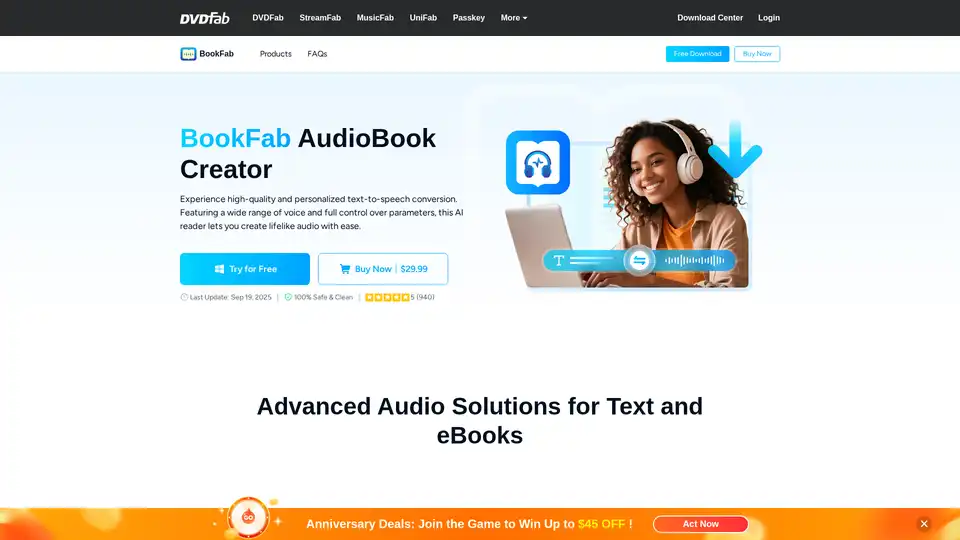
BookFab AudioBook Creator converts text to natural-sounding speech with customizable AI voices. Supports EPUB to M4B conversion, MP3/OPUS output, and features progress tracking for audiobook creation.
Just Think AI is an all-in-one generative AI platform combining AI chat, text-to-speech, art generation, and video creation tools. Rated 4.9/5 by 12,000+ users for enhanced productivity and content creation.
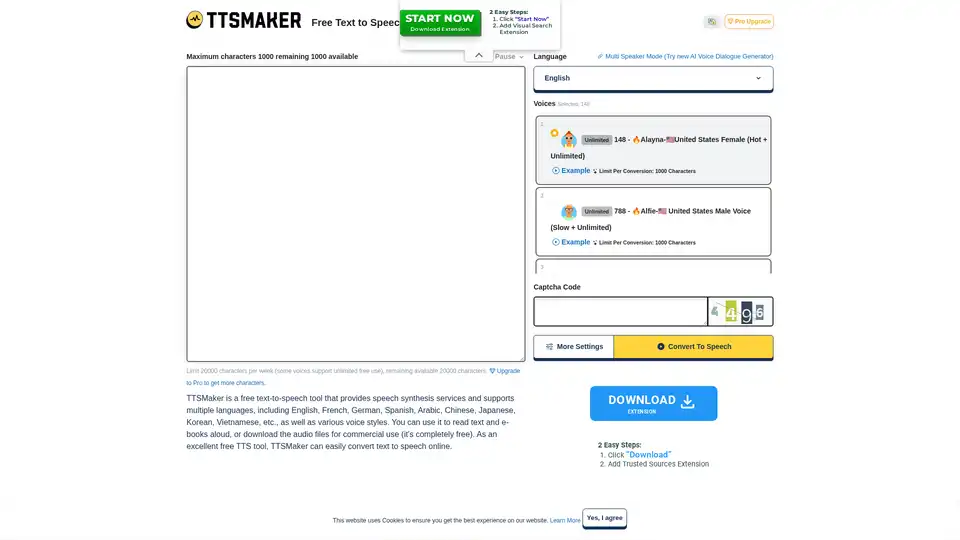
TTSMaker is a free online text-to-speech tool that converts text into natural-sounding speech using AI technology. It supports 100+ languages and 600+ AI voices, offering commercial usage rights and MP3/WAV downloads.
DupDub is an AI-powered platform for social media content creation, offering AI voiceover, video editing, and AI avatar tools to revolutionize your content creation process.