
Booper
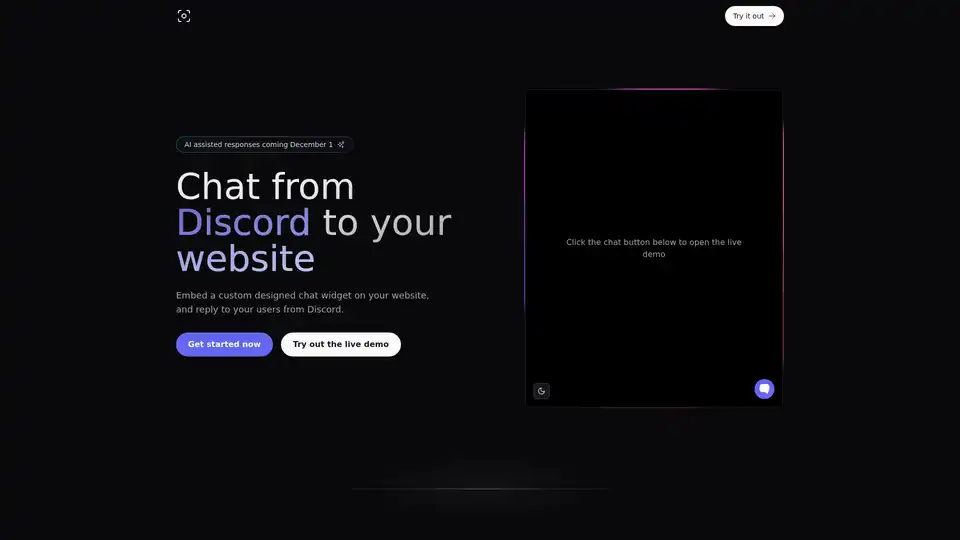
Overview of Booper
Booper: Integrate Discord Chat on Your Website
What is Booper? Booper is a tool that allows you to embed a custom-designed chat widget on your website, enabling you to respond to your users directly from your Discord server. This seamless integration bridges the gap between your website visitors and your Discord community, providing a convenient way for users to get support or engage in conversations.
How does Booper work? Booper simplifies the process of connecting your website to your Discord server with an easy-to-follow three-step process:
- Connect to Discord: Install the Booper bot on your Discord server.
- Select Your Channel: Designate a forum channel within your Discord server using the
/chat init [channel]command. This channel will be the communication hub for your website chat. - Import React Library: Integrate the
@booper/reactlibrary into your React application.
How to use Booper? To get started with Booper, follow these simple steps:
- Install the Booper bot to your Discord server by clicking the "Add to Discord" button.
- Initialize a channel by running the
/chat init [channel]command within your desired Discord forum channel. - Install the React library using npm or yarn:
npm install @booper/react # or yarn add @booper/react - Import the necessary components and set up the chat interface in your React app:
import React from 'react';
import {ChatProvider, Frame, Launcher, useChat} from '@booper/react';

const Chat = () => {
  const scrollRef = React.useRef<HTMLDivElement | null>(null);
  const [content, setMessageContent] = React.useState('');
  const {messages, open, toggle, send, refresh} = useChat();

  React.useEffect(() => {
    scrollRef.current?.scrollIntoView();
  }, [messages.length]);

  const handleSendMessage = async (e: React.FormEvent<HTMLFormElement>) => {
    e.preventDefault();
    setMessageContent('');
    await send({content});
    await refresh();
  };

  return (
    <>
      <Frame open={open}>
        <div className="flex h-[70vh] w-96 flex-col overflow-hidden rounded-lg border bg-white text-gray-900 shadow-lg">
          <div className="bg-gradient-to-r from-gray-900 via-gray-800 to-gray-700 px-4 py-4 text-gray-100 dark:border-gray-700">
            <h1 className="mt-1 text-xl font-bold text-white">Hi there 👋</h1>
            <p className="text-sm text-gray-200">
              Let us know if you have any questions!
            </p>
          </div>
          <ul className="flex-1 overflow-scroll border-b p-4">
            {messages.map((message, index) => {
              const isMe = message.source === 'chat'; // other sources: 'discord' and 'bot'
              const next = messages[index + 1];
              const isNextSame = next && next.source === message.source;

              return (
                <li
                  key={index}
                  className={`flex ${
                    isMe ? 'justify-end pl-8' : 'justify-start pr-8'
                  } ${isNextSame ? 'mb-1' : 'mb-3'}`}
                >
                  <div
                    className={`rounded-md border px-3 py-2 text-sm ${
                      isMe ? 'bg-gray-800 text-white' : 'bg-gray-200'
                    }`}
                  >
                    {message.content}
                  </div>
                </li>
              );
            })}
            <div ref={scrollRef} />
          </ul>
          <form onSubmit={handleSendMessage}>
            <input
              className="w-full border-none bg-white p-4 text-sm outline-none"
              placeholder="Type your message..."
              value={content}
              onChange={(e) => setMessageContent(e.target.value)}
            />
          </form>
        </div>
      </Frame>
      <Launcher open={open}>
        <button
          className="inline-flex h-10 w-10 items-center justify-center rounded-full bg-gray-800 text-sm font-medium text-gray-50 transition-colors hover:bg-gray-800/90 disabled:pointer-events-none disabled:opacity-70"
          onClick={toggle}
        >
          {open ? (
            <XIcon className="h-5 w-5 animate-in fade-in-0 duration-200" />
          ) : (
            <ChatIcon className="h-5 w-5 animate-in fade-in-0 duration-200" />
          )}
        </button>
      </Launcher>
    </>
  );
};

export default function App() {
  return (
    <ChatProvider appId={YOUR_APP_ID}>
      <Chat />
    </ChatProvider>
  );
};
Who is Booper for? Booper is ideal for businesses, communities, and website owners looking to:
- Provide real-time customer support directly from their Discord server.
- Engage with their website visitors in a more interactive and community-driven way.
- Streamline communication between their website and Discord community.
- Offer immediate assistance to users without requiring them to leave the website.
Why choose Booper?
- Easy Integration: Booper offers a straightforward setup process, making it accessible even to those with limited technical expertise.
- React Support: Native React library ensures smooth integration for React-based websites.
- Centralized Communication: Manage website chats directly from Discord, reducing the need to switch between platforms.
- AI-Assisted Responses (Coming Soon): Enhance your customer support with intelligent, AI-driven responses to common queries.
What is coming with AI support? AI-assisted responses are set to be integrated into Booper, to enhance customer support by providing intelligent, AI-driven replies to common questions.
Best Alternative Tools to "Booper"
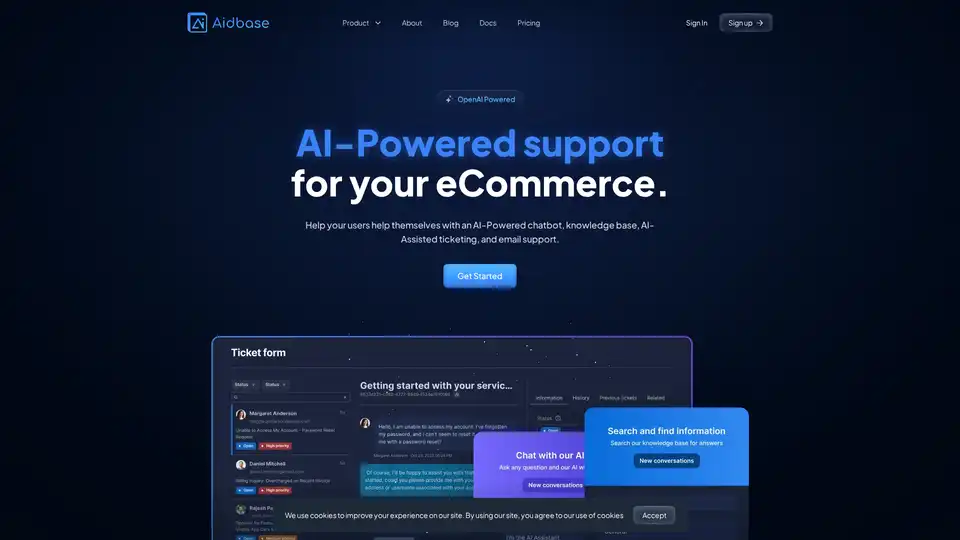
Aidbase is an AI-powered self-serve ecosystem for SaaS and eCommerce, featuring chatbots, knowledge bases, and AI-assisted ticketing to automate customer support and reduce response times.
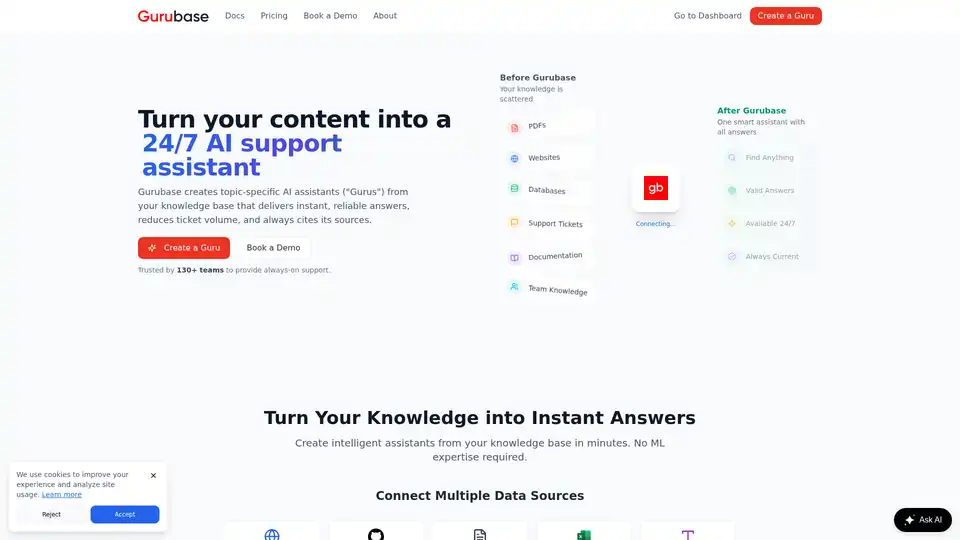
Import docs, websites, PDFs, GitHub, Zendesk, Jira, Confluence, and videos to create your own AI Q&A assistant. Embed it anywhere or self-host it. Used by 130+ projects.

Dante AI offers free AI agents for websites, including chatbots and voice calls, integrating with 7,000+ apps like WhatsApp and Shopify. Setup in 60 seconds without coding, handling 95% of customer service and transferring to live agents for seamless support.
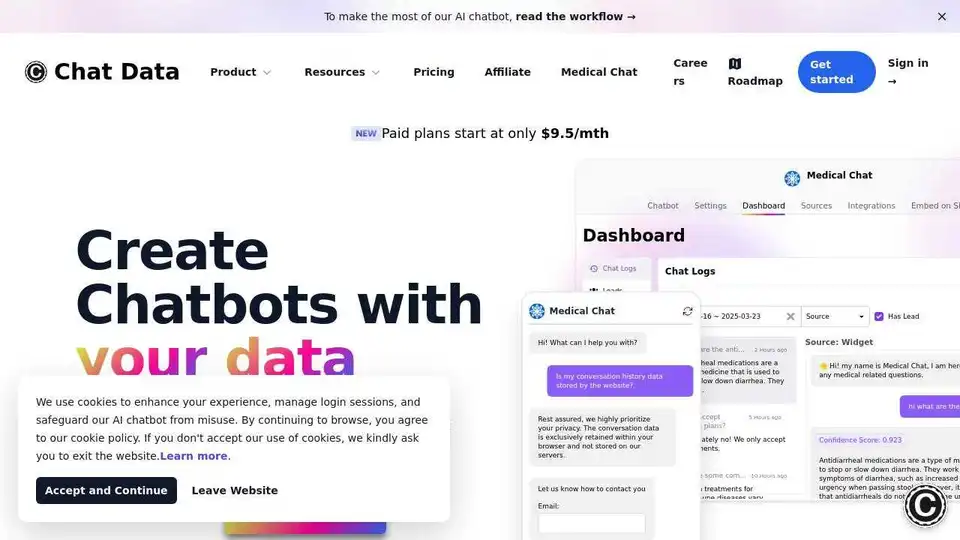
Chat Data is an AI chatbot creation tool for websites, Discord, Slack, Shopify, WordPress, & more. Train once, deploy everywhere. Customize, connect, & share.
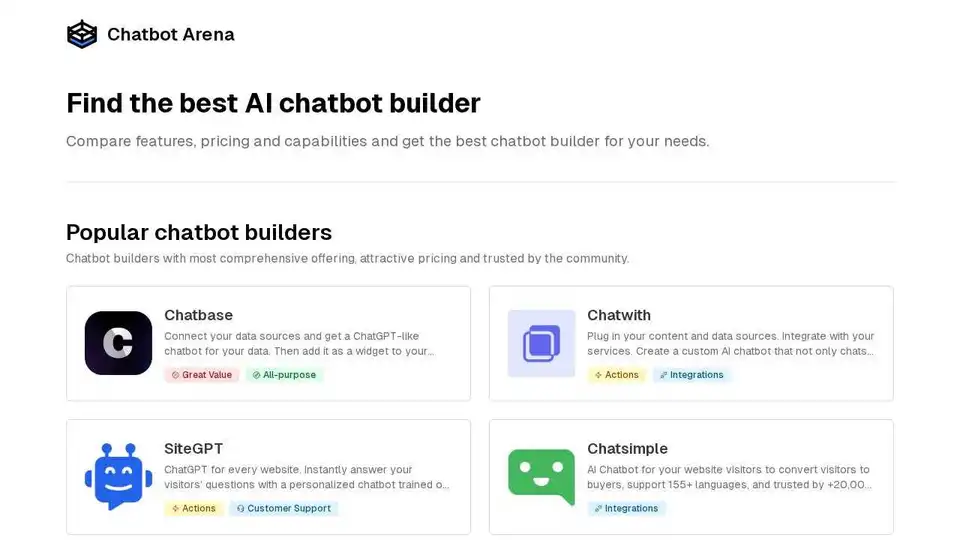
Chatbot Arena helps you compare popular AI chatbot builders, features, and pricing to find the best chatbot solution for your business in 2025. Automate customer support and lead generation.
Norby AI automates customer support and sales by turning your content into accurate responses via a ChatGPT-powered chat. Streamline your processes today!
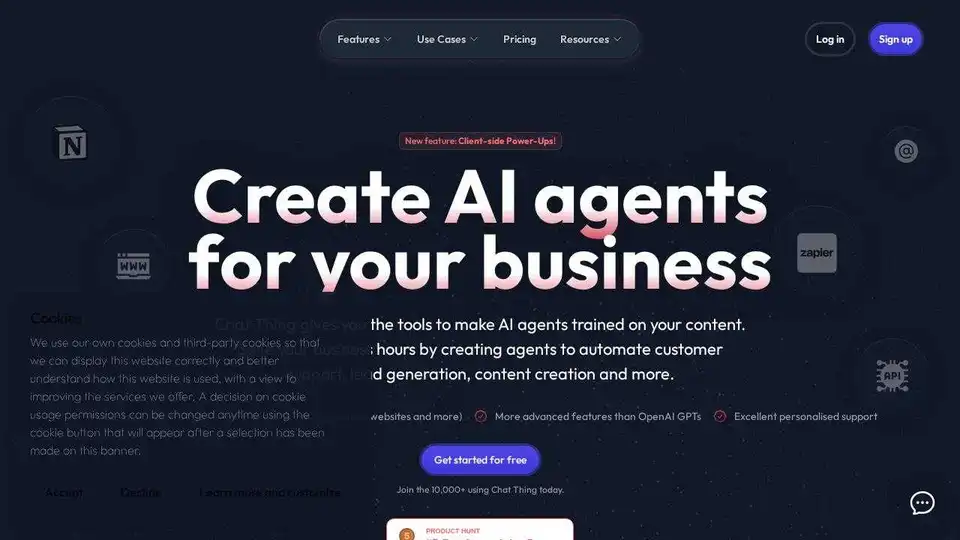
Chat Thing lets you build custom AI chatbots trained on your data. Automate customer support, lead generation, and content creation. Free plans available.
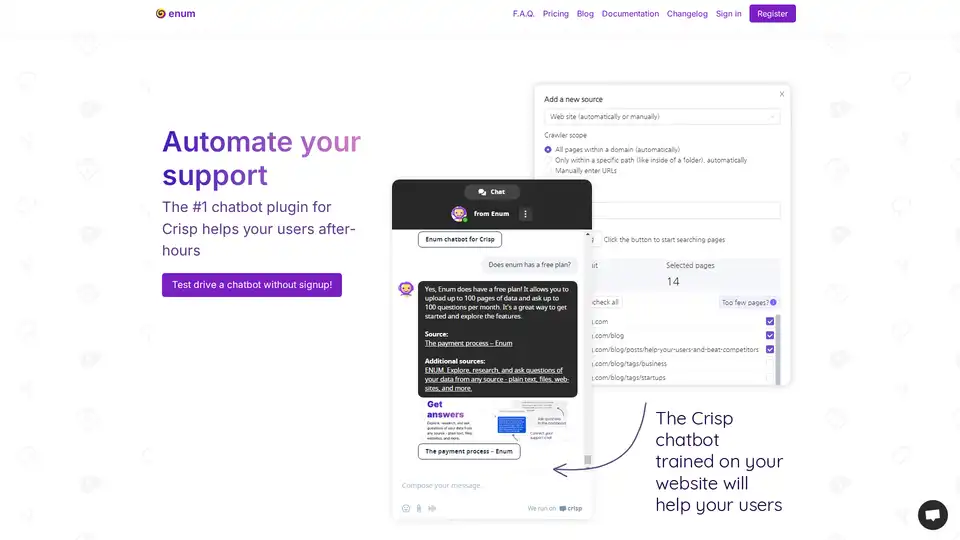
Enum is an AI chatbot plugin for Crisp that automates customer support 24/7. Train it with your website and documents to provide instant answers to user questions. Supports multiple data sources and languages.
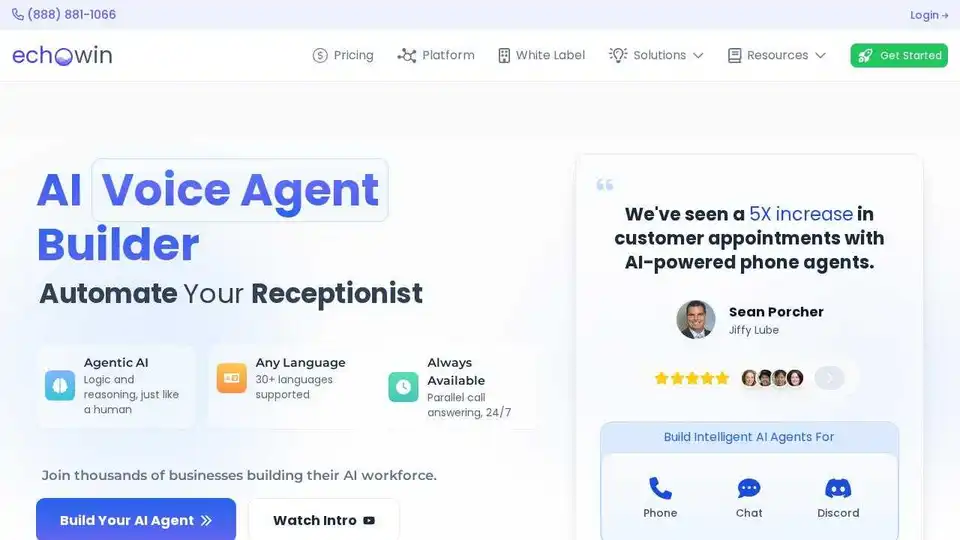
Build AI voice agents with echowin for automated customer communication. Train in plain English and deploy across phone, chat, and Discord. Free trial available.
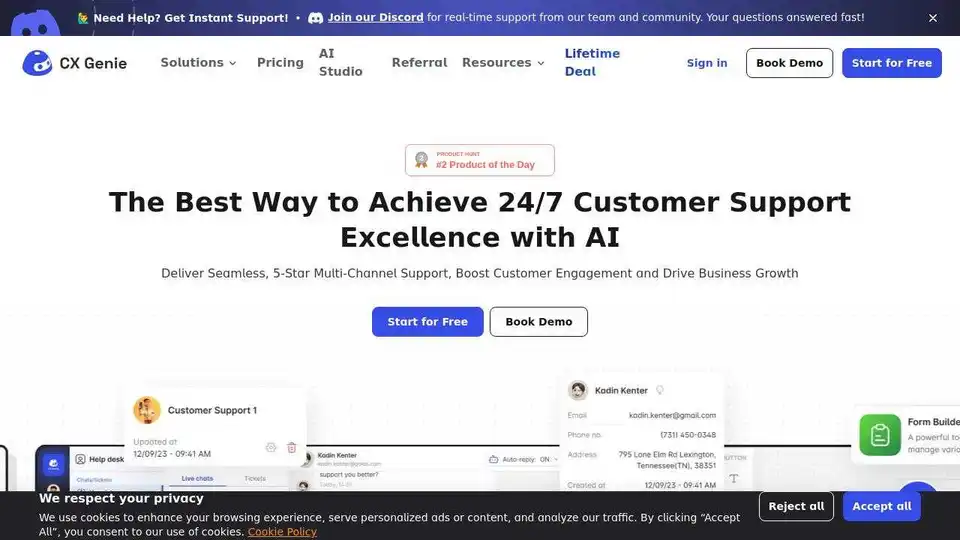
Transform customer support with CX Genie's no-code AI solutions. Personalize interactions, boost efficiency, and grow sales with integrated AI tools.
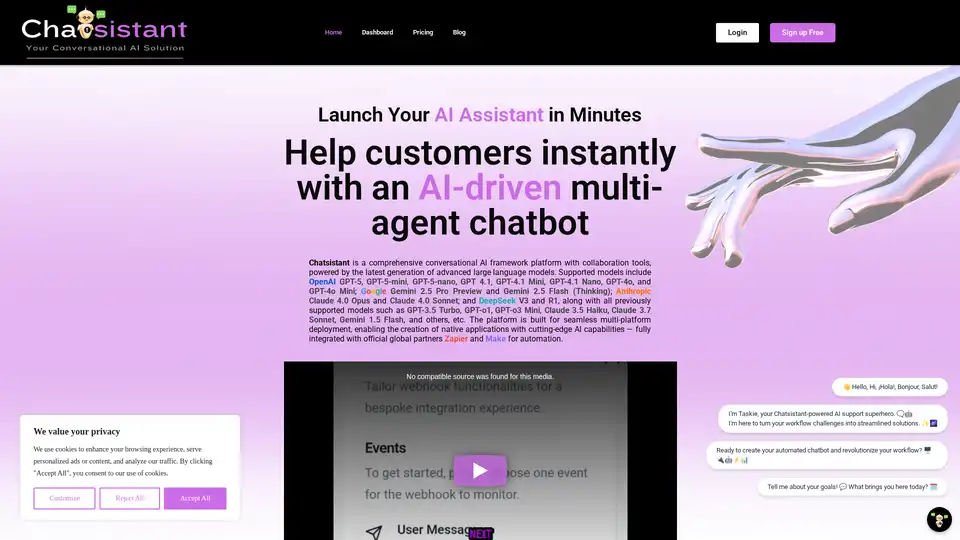
Chatsistant is a versatile AI platform for creating multi-agent RAG chatbots powered by top LLMs like GPT-5 and Claude. Ideal for customer support, sales automation, and e-commerce, with seamless integrations via Zapier and Make for efficient deployment.
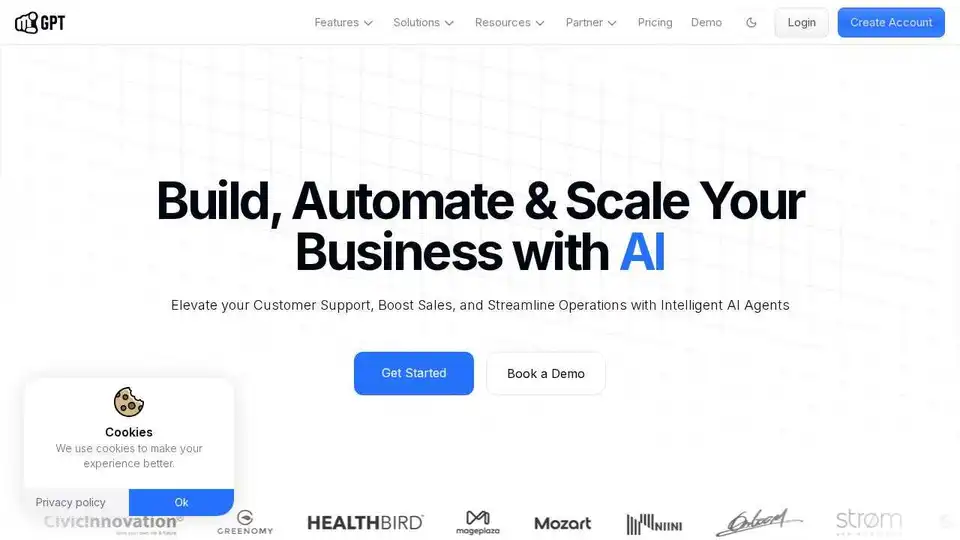
YourGPT is a powerful AI platform for business automation. Build AI chatbots, AI helpdesks, and advanced AI automation with AI Studio. Try YourGPT today!
Automate team check-ins and daily standups with DailyBot. Use AI-powered summaries and analytics to improve team alignment and productivity in Slack, Teams, Google Chat, and Discord.
Kapa.ai transforms technical documentation into an LLM-powered AI assistant, providing precise answers to complex questions, identifying documentation gaps, and integrating with various platforms. Trusted by leading tech companies.