
Brave
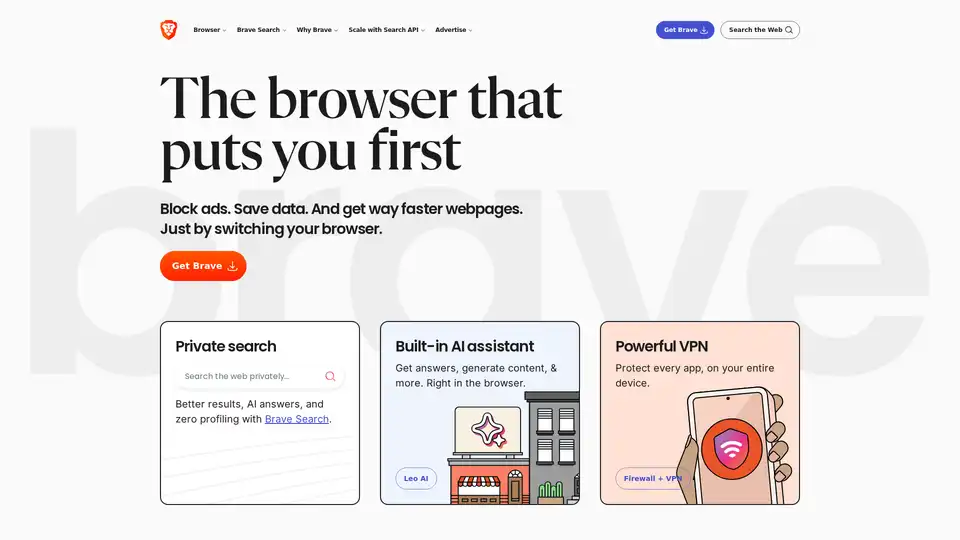
Overview of Brave
Brave Browser: A User-First Approach to Web Browsing
What is Brave?
Brave is a web browser designed with the user's best interests in mind. It prioritizes privacy, speed, and security, offering a browsing experience free from intrusive ads and trackers. By blocking these annoyances, Brave not only enhances privacy but also significantly improves page load times and reduces data consumption.
Key Features of Brave Browser
- Ad Blocking: Brave blocks third-party ads on every website, including video ads, search ads, and social media ads.
- Privacy Protection: Brave automatically blocks trackers and those annoying “Accept cookies?” pop-ups.
- Speed and Performance: By blocking ads and trackers, Brave saves data, battery life, and time.
- Brave Search: A private search engine that delivers better results, AI-powered answers, and zero profiling.
- Leo AI Assistant: An integrated AI assistant that provides answers, generates content, and more, directly within the browser.
- VPN and Firewall: Optional VPN and firewall features to protect every app on the user's device.
How Does Brave Work?
Brave works by automatically blocking third-party ads and trackers, which are often the primary cause of slow page load times and privacy breaches. This built-in blocking feature means users don't need to rely on external extensions, simplifying the browsing experience and enhancing security.
Why Choose Brave?
- Enhanced Privacy: Brave prevents websites and advertisers from tracking your online activity.
- Faster Browsing: Pages load faster because ads and trackers are blocked.
- Data Savings: Blocking ads reduces data consumption, which is particularly beneficial for mobile users.
- Built-in Security: Brave offers robust security features by default, protecting users from malware and other online threats.
- Innovative Features: Brave includes unique features like Brave Search and Leo AI assistant, enhancing the browsing experience.
Brave Search: A Private Search Engine
Brave Search is designed to provide users with better search results while ensuring privacy. It avoids profiling users, meaning your searches are not tracked or used to personalize ads. Unlike some alternative search engines, Brave Search is not powered by Microsoft Bing, ensuring independence and a focus on user privacy.
Who is Brave For?
Brave is for anyone who values privacy, speed, and a clean browsing experience. It is suitable for:
- Privacy-conscious users: Those who want to protect their online activity from trackers and advertisers.
- Mobile users: Those who want to save data and battery life while browsing on the go.
- Users seeking faster browsing: Those who are tired of slow page load times caused by ads and trackers.
- Professionals: Ideal for researchers and others seeking unbiased search results.
Comparisons: Brave vs. Other Browsers
- Brave vs. Chrome: Brave offers superior privacy and performance compared to Chrome.
- Brave vs. Firefox: Firefox has lost ground as a privacy-focused browser, while Brave continues to innovate.
- Brave Search vs. Google: Google prioritizes ads over answers and sucks up user data, whereas Brave Search focuses on privacy and relevant results.
- Brave Search vs. DuckDuckGo: DuckDuckGo is powered by Microsoft Bing, raising privacy concerns, while Brave Search is independent.
How to Use Brave
- Download and Install: Download Brave for Android, iOS, Linux, macOS, or Windows from the official Brave website.
- Import Settings: Easily import bookmarks and settings from your existing browser.
- Start Browsing: Enjoy a faster, more private browsing experience with ads and trackers automatically blocked.
Conclusion
Brave is a forward-thinking browser that prioritizes user privacy and performance. By blocking ads and trackers, it offers a cleaner, faster, and more secure browsing experience. With innovative features like Brave Search and the Leo AI assistant, Brave is an excellent choice for anyone looking to take control of their online experience. It stands out by focusing on a privacy-first model, ensuring users can browse the web without being tracked or bombarded by intrusive ads.
Best Alternative Tools to "Brave"
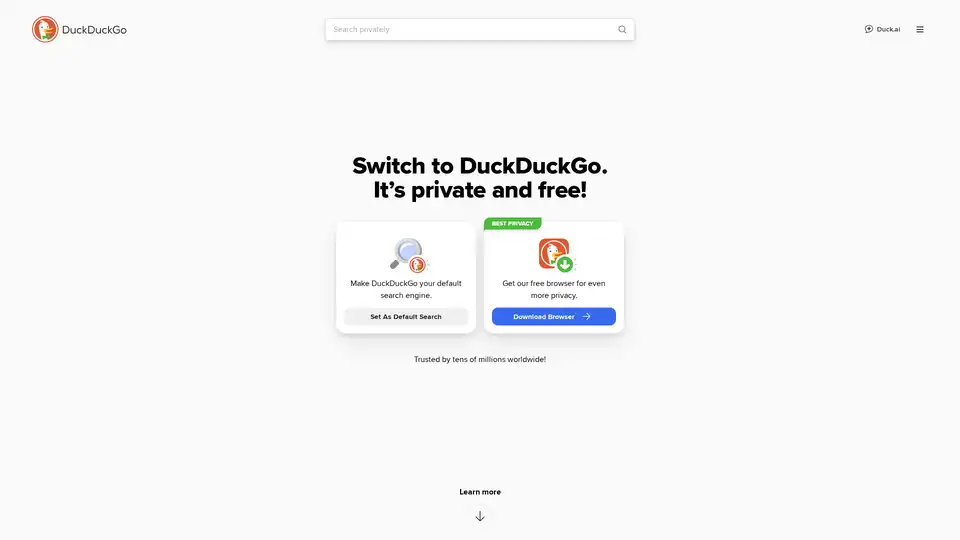
DuckDuckGo is a privacy-focused browser and search engine that blocks trackers, targeted ads, and cookie pop-ups. It offers private search, ad blocking, and a secure password manager to protect your data.
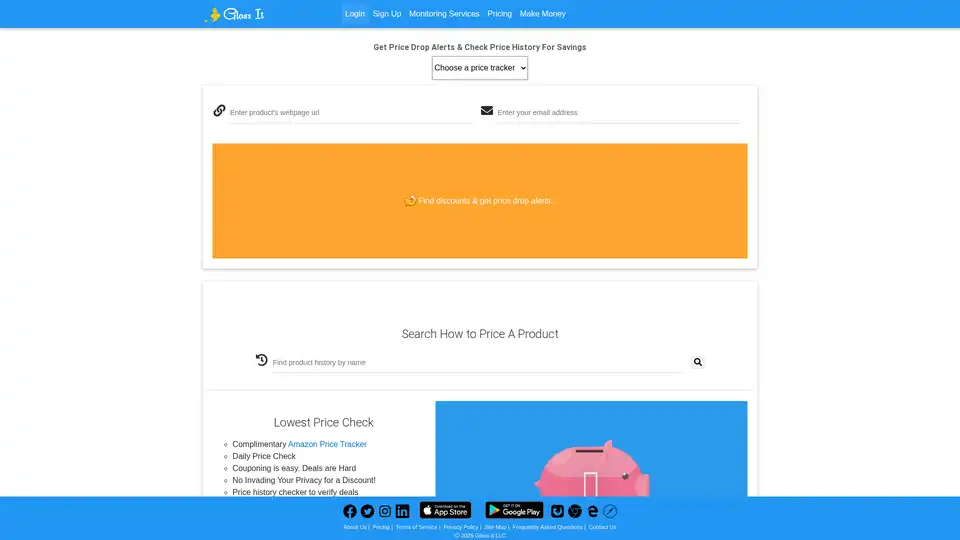
Glass It tracks price history and sends discount alerts, helping you save money on online purchases. Use our price tracker to find the best deals!
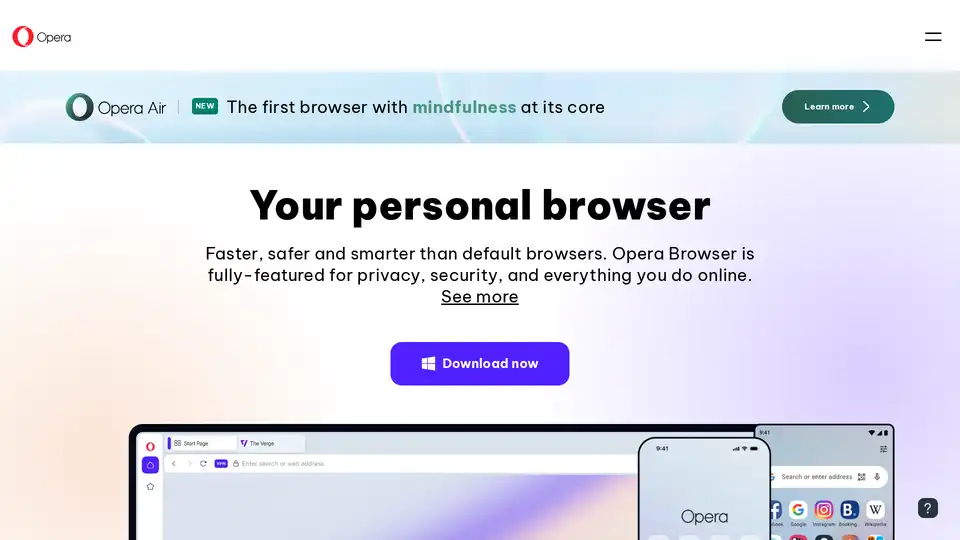
Opera Browser: A faster, safer, and smarter web browser with built-in AI, free VPN, and ad blocker for enhanced privacy and security. Download Opera for free.
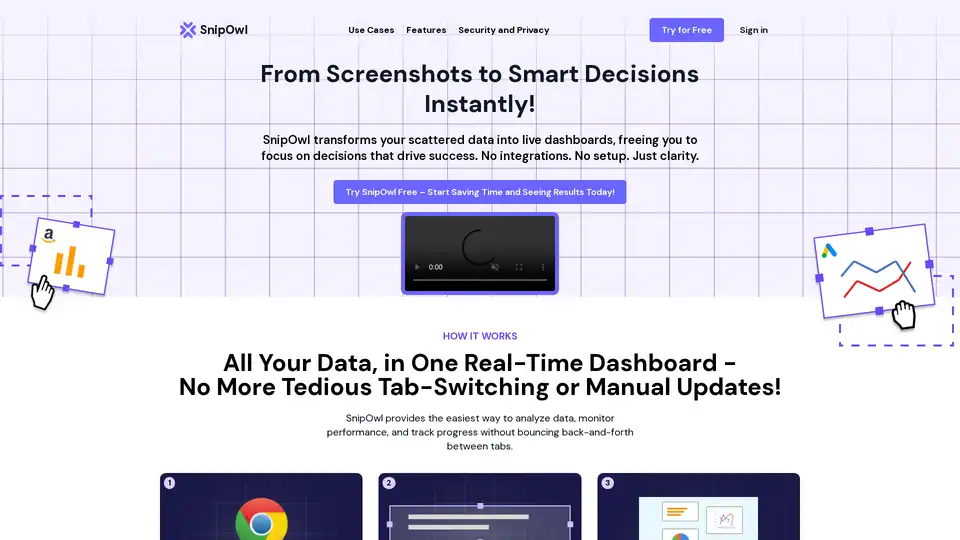
SnipOwl is a Chrome extension that turns web screenshots into live, auto-updating dashboards for effortless data analysis, AI insights, and performance monitoring—no integrations required.
PayPerQ (PPQ.AI) offers instant access to leading AI models like GPT-4o using Bitcoin and crypto. Pay per query with no subscriptions or registration required, supporting text, image, and video generation.
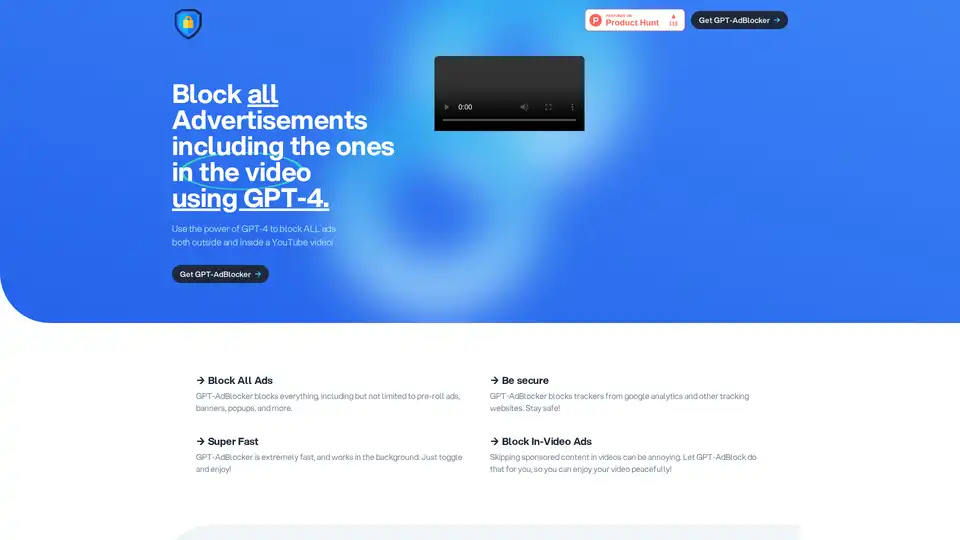
GPT-AdBlocker is an innovative Chrome extension powered by GPT-4 that intelligently blocks all ads, including in-video YouTube ones, trackers, and more for a seamless, secure browsing experience.
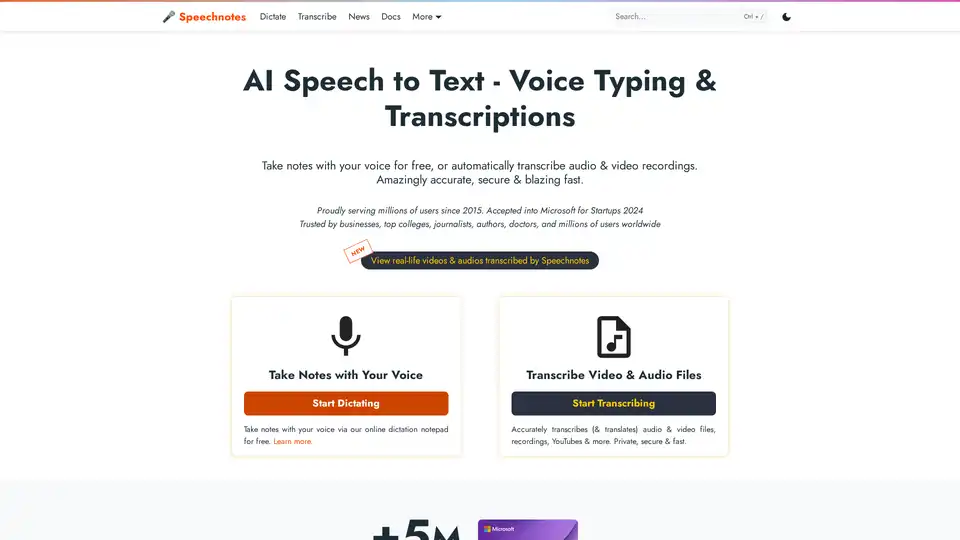
Speechnotes is a free AI-powered speech-to-text tool for real-time voice typing and fast audio/video transcription. Accurate, private, and easy to use for notes, interviews, and more.

DeepAI is a comprehensive creative AI platform offering text-to-image generation, AI video creation, music composition, photo editing, and voice chat capabilities. Available instantly in browser with free access and Pro options.
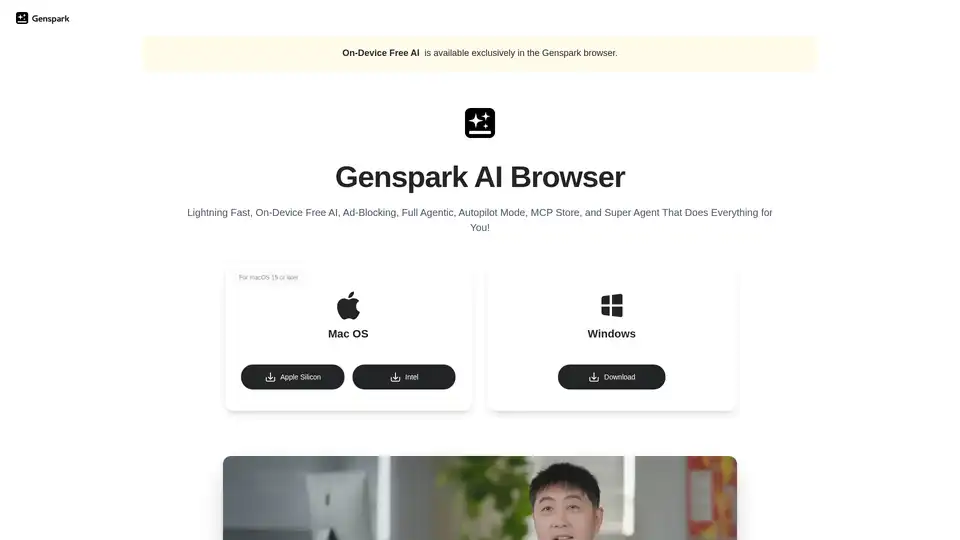
Experience the future of web browsing with Genspark AI Browser. Enjoy on-device free AI, ad-blocking, autopilot mode, and a built-in MCP store. Download now!
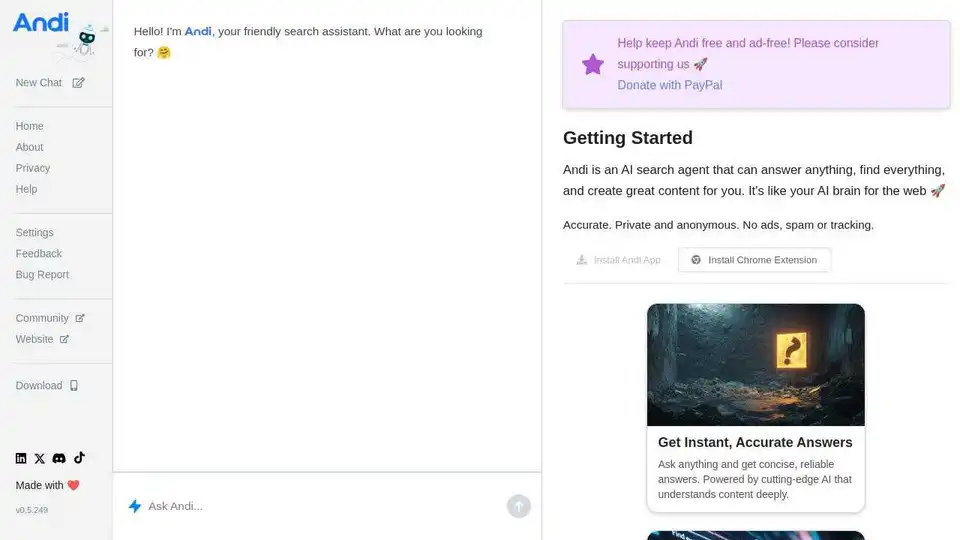
Andi is the next-generation AI search engine that delivers direct answers, not just links, like chatting with a smart friend. Enjoy accurate, private searches without ads or tracking, plus AI-assisted writing and visual discoveries.
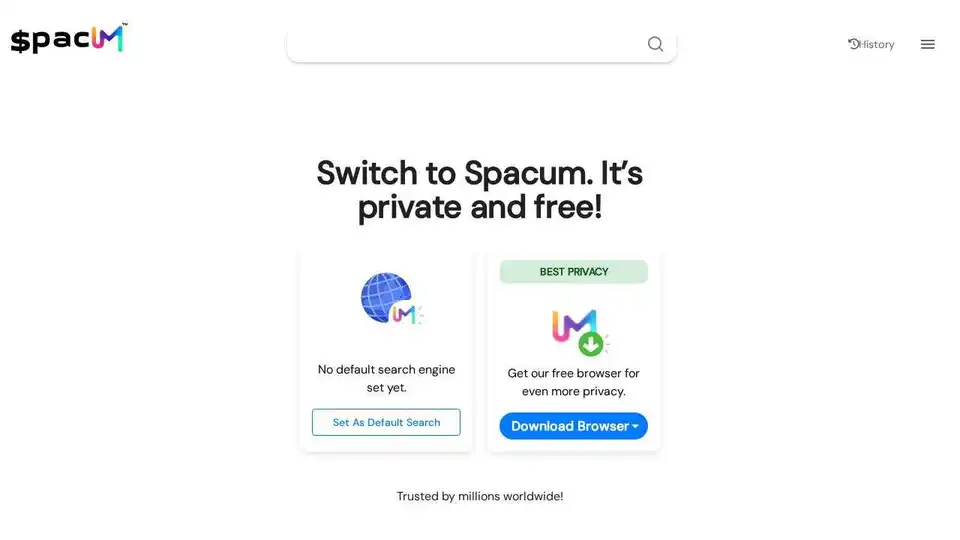
Discover Spacum, a next-generation privacy browser with tracker blocking and private search. Browse faster and more securely without being tracked. Free downloads for desktop and mobile.
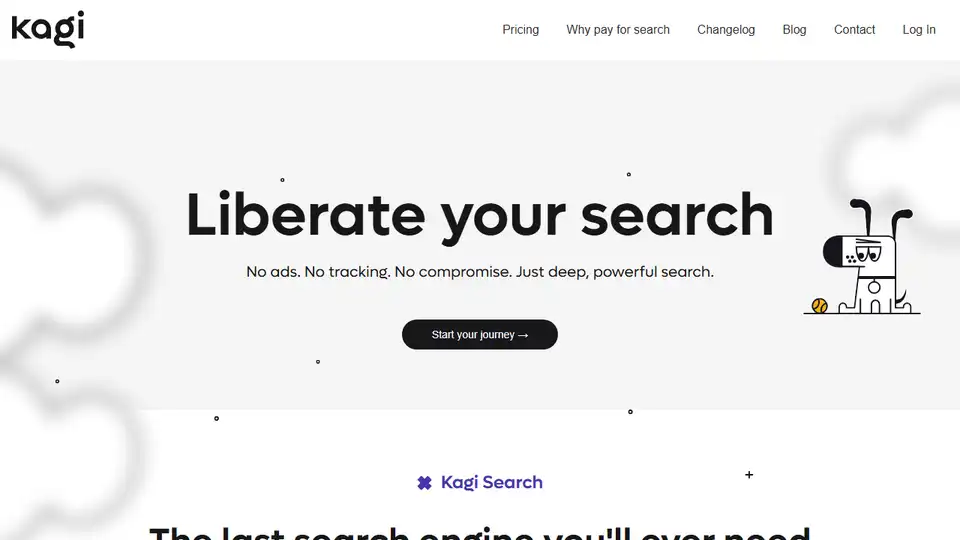
Experience ad-free, privacy-focused search with Kagi Search. A premium search engine that respects your time and serves you, not advertisers. Includes AI-powered features.
AIPRM is a browser extension with a vast library of AI prompts for ChatGPT, Claude, and Midjourney, trusted by over 2 million users to boost productivity.
Quetta Browser is a privacy-focused mobile browser with AI-powered ad blocking, extensive extension support, and video downloading capabilities. Enjoy a seamless and secure browsing experience.