
Bricksee
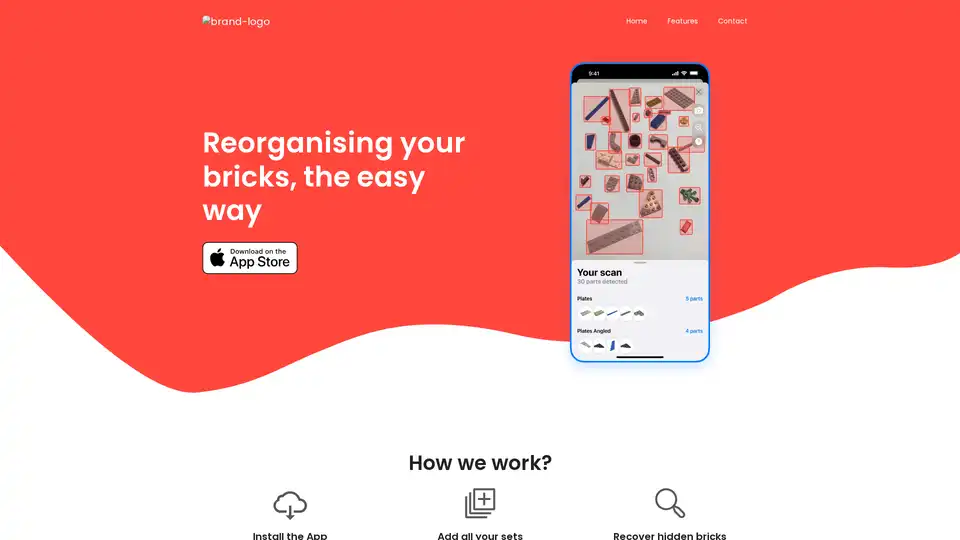
Overview of Bricksee
What is Bricksee?
Bricksee is a mobile application designed to help users reorganize and rebuild their old brick sets, such as LEGOs. It utilizes advanced machine learning algorithms to identify individual bricks from a photo, locate the parts within various sets, and provide access to lost instructions. The app aims to simplify the often tedious process of sorting and reconstructing brick sets.
What are the key features of Bricksee?
- AI-Powered Brick Identification: Users can take a photo of their scattered bricks, and Bricksee's AI will identify each individual piece.
- Set Matching: The app can determine which sets contain the identified parts, even suggesting sets the user hasn't saved yet.
- In-App Instructions: Access digital instructions for building sets directly within the application.
- Progress Tracking: Mark parts as used and track progress towards completing a set.
- Extensive Set Database: Search from over 10,000 sets to add the ones you own.
How does Bricksee work?
- Installation: Download and install the Bricksee app from the app store.
- Add Sets: Search and add all the brick sets you own to the app's database.
- Brick Identification: Lay your bricks out and take a photo using the app. The AI will analyze the image and identify individual parts.
- Set Information: For each identified part, Bricksee displays which sets contain that part and provides detailed set information, including instructions and progress tracking.
How to use Bricksee?
- Download and Install: Get the app from your app store.
- Add Your Sets: Search for your LEGO or other brick sets and add them to your collection within the app.
- Photograph Your Bricks: Spread out your bricks and take a clear photo.
- Let AI Identify: The app will identify the bricks and suggest the sets they belong to.
- Rebuild: Follow in-app instructions and track your progress as you rebuild your sets.
Why choose Bricksee?
- Simplifies Brick Organization: Avoid the frustration of manually sorting through thousands of bricks.
- Saves Time: Quickly identify parts and locate the correct instructions.
- Recovers Hidden Bricks: Finds bricks that might otherwise be lost or forgotten.
- Provides Detailed Information: Offers comprehensive set and part information.
Who is Bricksee for?
- LEGO Enthusiasts: Perfect for hobbyists who own multiple LEGO sets.
- Parents: Helps parents manage and rebuild their children's LEGO collections.
- Brick Collectors: Ideal for collectors who want to keep track of their inventory.
- Anyone with Disorganized Bricks: If you have a pile of mixed bricks and don't know where to start, Bricksee can help.
Bricksee addresses the common problem of disorganized brick collections by leveraging AI. Instead of manually sorting and searching for specific pieces, users can use the app to identify parts, locate instructions, and track their progress in rebuilding sets. This app has practical value for hobbyists, parents, and collectors alike, offering a convenient solution to a common organizational challenge. By offering a digital solution to a traditionally manual process, Bricksee provides a modern, efficient way to manage and enjoy brick sets.
Bricksee distinguishes itself by using AI to identify individual bricks from photos, unlike traditional methods that rely on manual sorting and searching. The app also integrates set matching, progress tracking, and in-app instructions, making it a comprehensive tool for brick set enthusiasts.
Best Alternative Tools to "Bricksee"
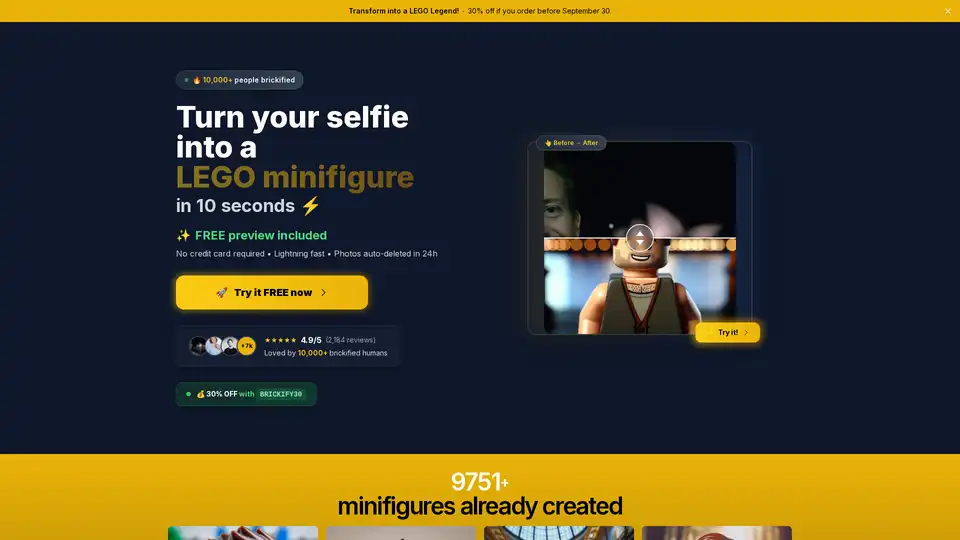
Discover Brickify Me, the ultimate AI tool to transform your selfie into a custom LEGO minifigure in seconds. Enjoy free previews, high-quality outputs, and exclusive discounts for LEGO fans seeking personalized brick adventures.
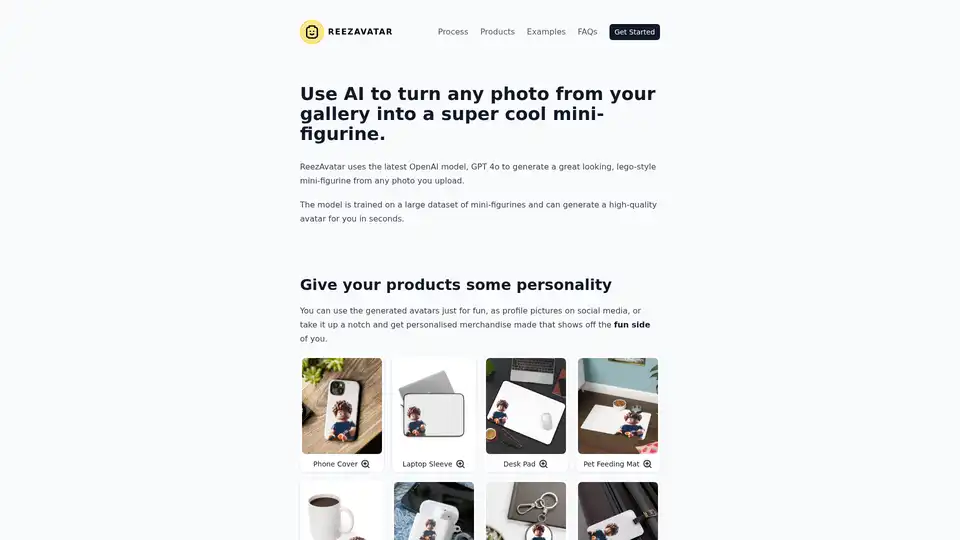
ReezAvatar uses AI to transform your photos into Lego-style mini-figurines. Use them for social media profiles, or personalized merchandise. Requires an OpenAI API key.
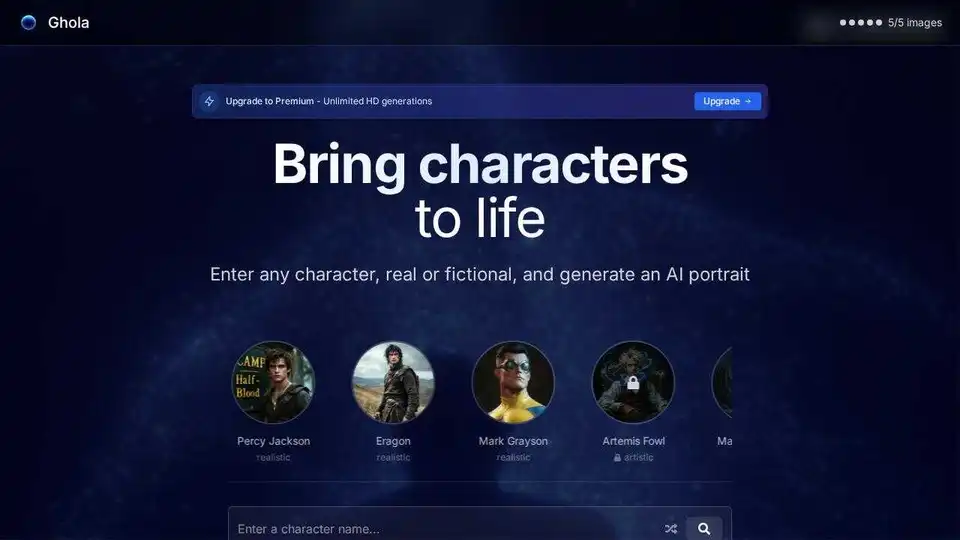
Ghola is an AI-powered character visualization tool that allows you to bring any character, real or fictional, to life with stunning AI portraits. Generate fantasy characters, sci-fi heroes, and more.
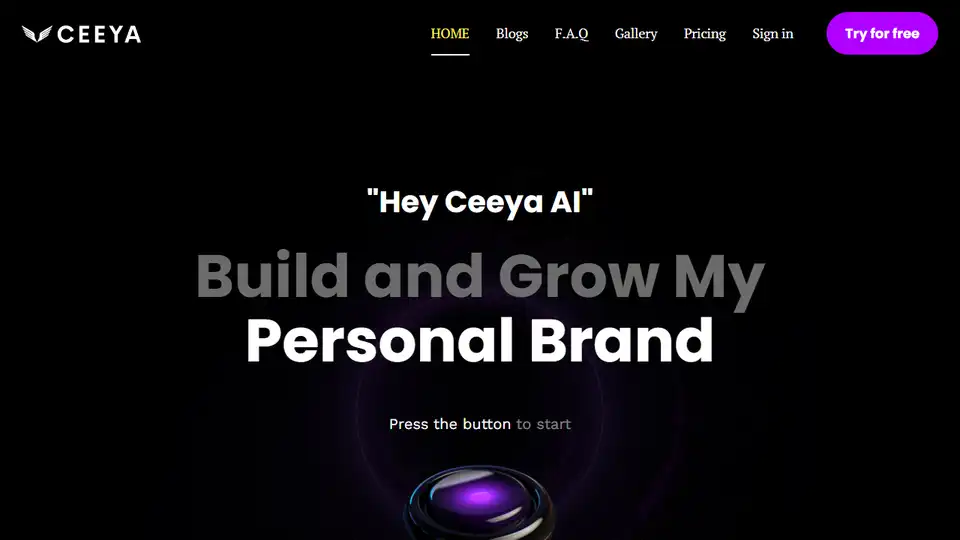
Ceeya AI helps build and grow your personal brand with AI-generated content cards, audience engagement tools, and monetization features. Cross-promote and expand your reach.
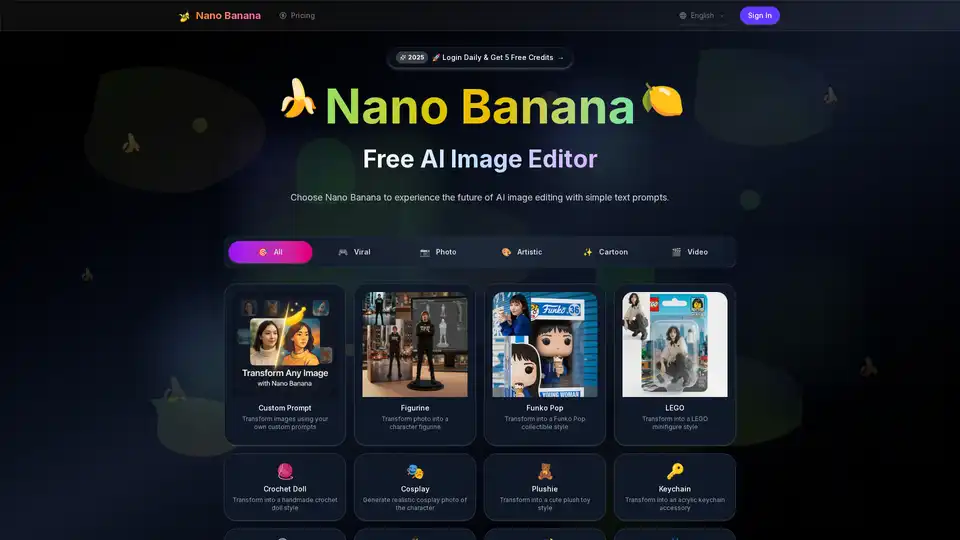
Nano Banana AI is a free AI image editor and generator that creates unique personalized images with advanced AI. Generate high-quality images easily and explore 20+ unique styles.
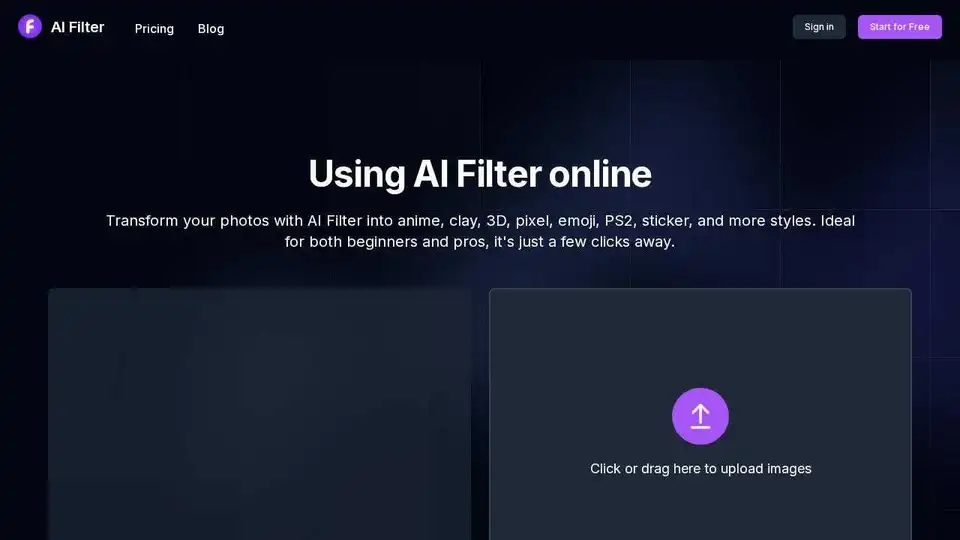
Transform your photos with AI Filter! Apply anime, clay, pixel art, and more styles. Easy to use for beginners and pros alike. Create stunning AI-powered art from your photos.
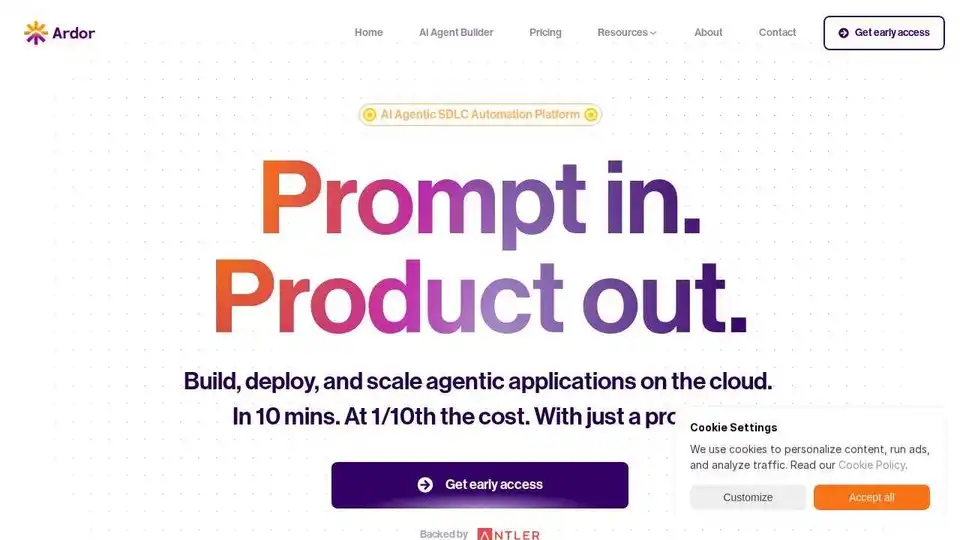
Ardor is a full-stack agentic app builder that allows you to build and deploy production-ready AI agentic apps from spec generation to code, infrastructure, deployment, and monitoring with just a prompt.

Askflow powers AI-driven sales conversations for enterprise eCommerce. Boost AOV, recover carts, and drive loyalty with smart chat workflows.

Bizway lets you build AI agents to automate business tasks without coding. Automate content creation, customer support, and data analysis. Perfect for small businesses and solopreneurs.

ChatBotKit helps developers and non-developers build conversational AI bots that communicate with users in natural language.
Create captivating graphics for Roblox games and content with RBLX/ai. Generate stunning icons and thumbnails using AI image generation technology. High CTR guaranteed.
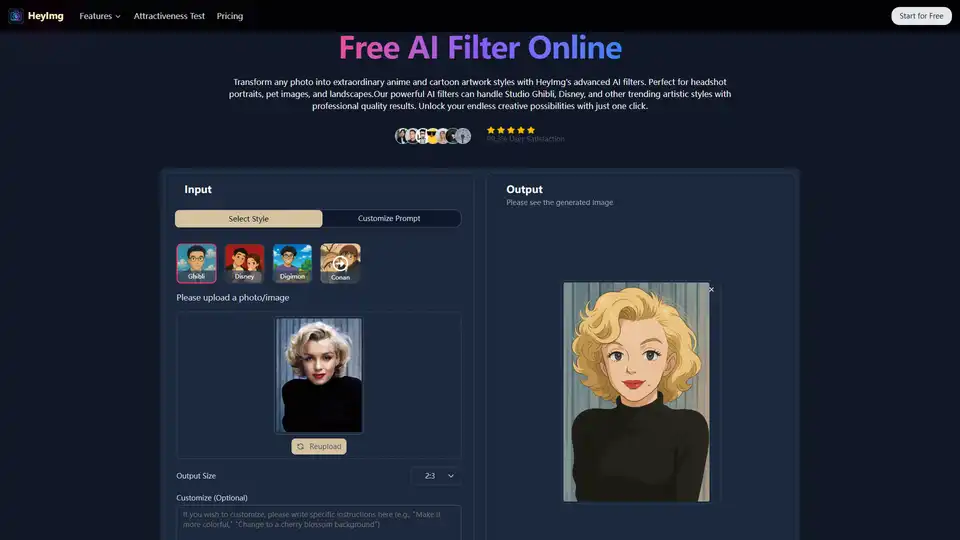
Transform photos with HeyImg's FREE AI filters! Convert images to anime, cartoon, Ghibli styles & more with one click. Download HD AI filter images without registration.

Bizway is a no-code platform for building AI agents to automate business tasks like content creation, market research, and data analysis. Ideal for small businesses and solopreneurs, it integrates with tools like Notion and Stripe for seamless automation without coding.
Capture reality with Polycam’s LiDAR scanner & photogrammetry platform. Create 3D captures and download thousands of 3D models on iPhone, Android, and Web.