
ChatGPT Toolbox
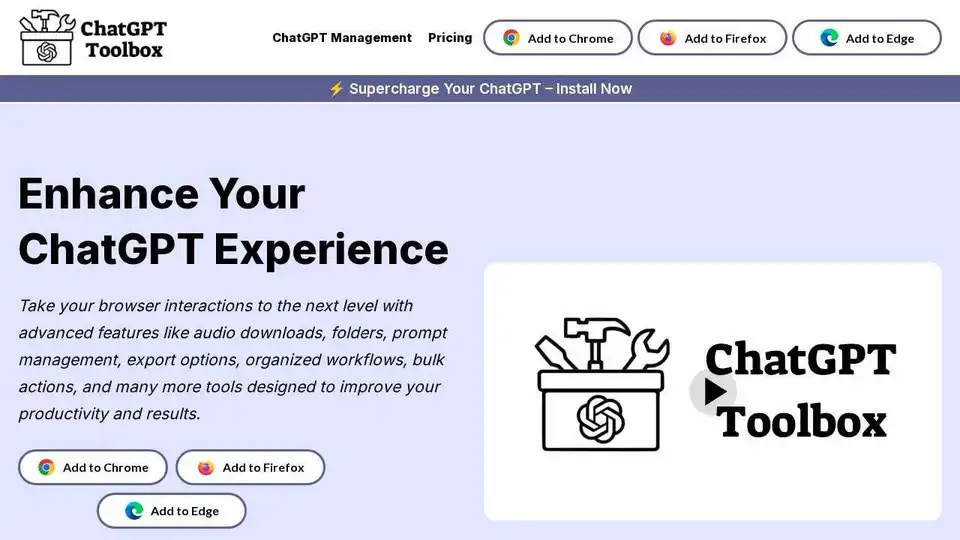
Overview of ChatGPT Toolbox
ChatGPT Toolbox: The Ultimate Browser Extension for Enhanced ChatGPT Productivity
What is ChatGPT Toolbox? ChatGPT Toolbox is a browser extension designed to supercharge your ChatGPT experience. Available for Chrome and Edge, this tool provides a suite of features to enhance productivity, organization, and overall usability.
How does ChatGPT Toolbox work? ChatGPT Toolbox integrates seamlessly with ChatGPT, adding a professional sidebar and various functionalities directly into the ChatGPT interface. It helps users organize their conversations, manage prompts, download audio, and much more, all within their browser.
Key Features and Benefits:
- Folders & Subfolders: Organize your ChatGPT conversations into nested folders and subfolders for easy access and management. You can also add GPTs to folders to manage AI tools alongside related conversations.
- Prompt Chaining: Automate multi-step conversations by linking prompts into a single, seamless chain. Define up to 10 steps, each with ample space for context and logic.
- Prompt Library: Access a library of high-quality, expertly crafted prompts designed using advanced prompt engineering techniques.
- Media Gallery: Manage your DALL-E creations with the Media Gallery. View, download, and organize your generated media, complete with detailed generation data.
- Audio Download: Convert your messages into MP3 audio with a choice of 9 unique voice options.
- Professional Sidebar: The sidebar provides quick access to history search, folders, saved prompts, and pinned items.
- Multi-Language Support: Communicate effortlessly in your preferred language, with right-to-left language support.
- Light & Dark Themes: Customize your experience with themes designed for every setting.
- Exclusive Features: Includes move and pin options, bulk actions, and export files as TXT or JSON.
- Prompt Management: Save time with tools to create, manage, and access prompts quickly. Type ‘//’ to instantly access saved prompts.
- Powerful Search & Management Tools: Find exactly what you need with lightning-fast search capabilities and efficient organization options.
- Auto-Sync: Information and data are automatically synced.
How to use ChatGPT Toolbox:
- Install the Extension: Add ChatGPT Toolbox to your Chrome or Edge browser from the respective web stores.
- Open ChatGPT: Navigate to chat.openai.com.
- Explore the Features: The ChatGPT Toolbox sidebar and additional features will be integrated into the ChatGPT interface.
- Start Organizing: Begin organizing your chats into folders, managing prompts, and utilizing the other tools to enhance your experience.
Why is ChatGPT Toolbox important?
ChatGPT Toolbox is essential for anyone who uses ChatGPT regularly. It streamlines workflows, enhances productivity, and provides tools to manage and organize conversations effectively. The extension helps users:
- Save time managing and accessing prompts.
- Organize conversations for easy retrieval.
- Automate multi-step conversations.
- Quickly access and manage media generated with DALL-E.
- Customize the ChatGPT experience with themes and language support.
Where can I use ChatGPT Toolbox?
ChatGPT Toolbox can be used anywhere you use ChatGPT, including:
- Research and writing
- Content creation
- Customer support
- Programming and coding
- Learning and education
Customer Reviews:
ChatGPT Toolbox has garnered positive feedback from users, with an average rating of 4.9 out of 5 stars. Users appreciate the extension's seamless performance, organization features, and productivity enhancements.
ChatGPT Toolbox Pricing:
Please refer to the ChatGPT Toolbox website for detailed pricing information.
What is prompt engineering?
ChatGPT Toolbox offers a prompt library featuring expertly crafted prompts that employ prompt engineering techniques. Prompt engineering involves crafting effective prompts to elicit the best possible responses from AI models like ChatGPT.
How To: Improve Your Productivity with ChatGPT Toolbox
Here's how to use ChatGPT Toolbox to maximize your productivity:
- Organize Your Chats: Create folders and subfolders to categorize your conversations by topic, project, or priority.
- Utilize Prompt Chaining: Automate repetitive tasks by linking prompts into a sequence. This saves time and ensures consistency.
- Explore the Prompt Library: Access pre-built prompts for various tasks, such as SEO, marketing, and programming.
- Download Audio: Convert important messages into audio for easy listening.
- Customize Your Experience: Choose a theme that suits your environment and enable multi-language support if needed.
ChatGPT Toolbox is a valuable browser extension that enhances the ChatGPT experience, offering a range of tools designed to boost productivity, organization, and customization. Whether you're a professional or enthusiast, ChatGPT Toolbox can help you get the most out of ChatGPT.
Best Alternative Tools to "ChatGPT Toolbox"
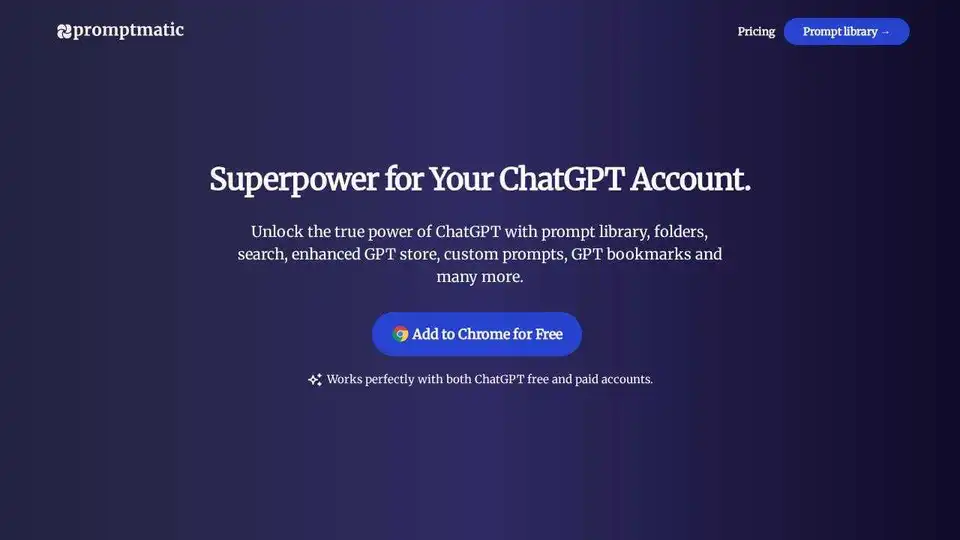
Promptmatic is a free Chrome extension for ChatGPT that allows you to bookmark, save, and organize ChatGPT prompt templates & GPTs in one place. Access them instantly with a click and automate your writing and research tasks.
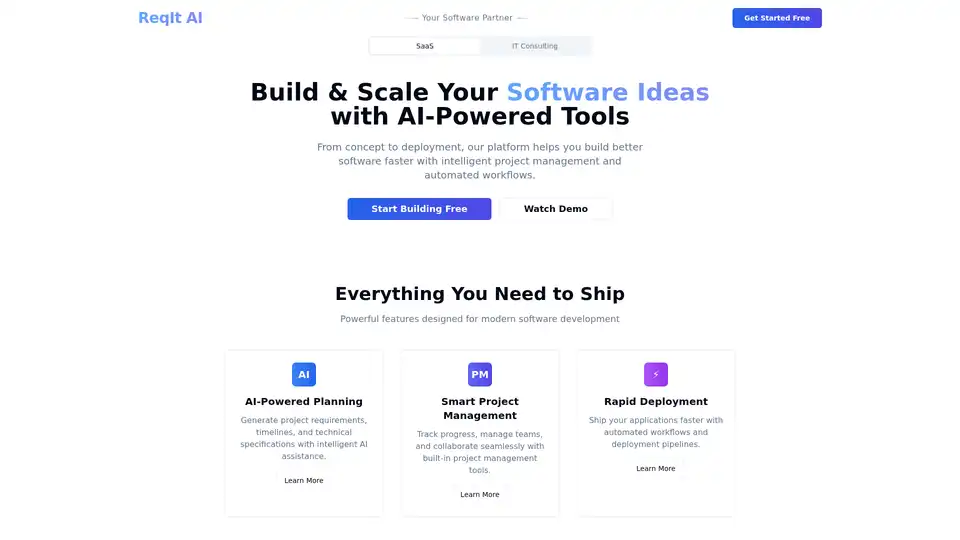
ReqIt AI is a SaaS platform serving as your technical co-founder. It offers AI-powered planning for generating project requirements and timelines, smart project management, and automated deployment workflows to accelerate software development from idea to launch.
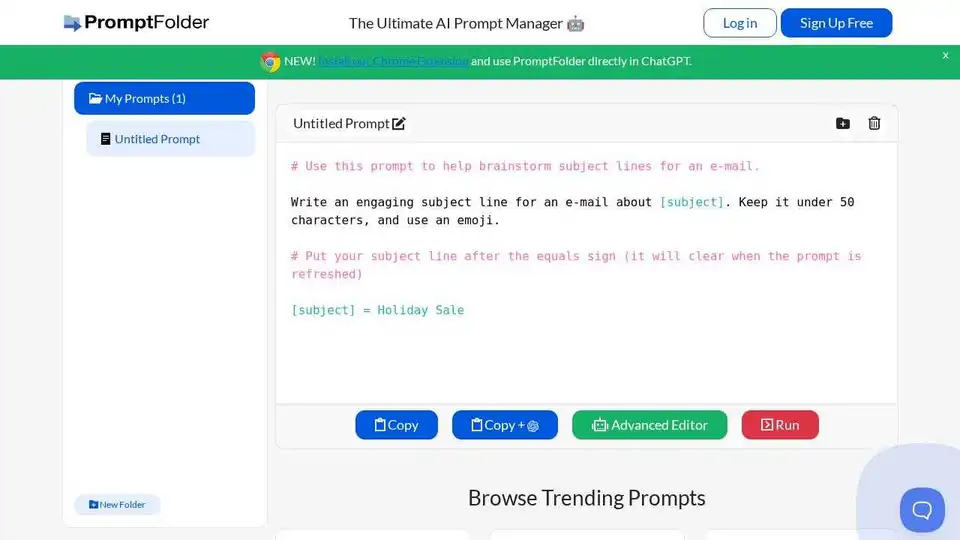
PromptFolder is an AI prompt manager for ChatGPT, Midjourney, and other AI tools. Build, save, and discover innovative prompts to enhance your AI interactions.
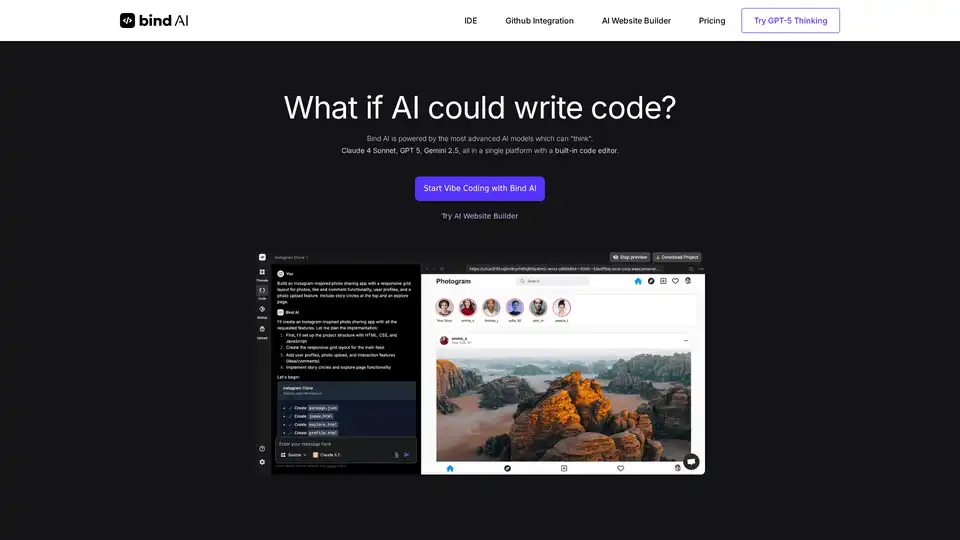
Bind AI IDE is a powerful code editor and AI code generator that helps developers create full-stack web applications instantly using advanced AI models like Claude 4 Sonnet, Gemini 2.5 Pro, and ChatGPT 4.1.
Prompt Genie enhances AI results by generating optimized prompts for ChatGPT, Claude, and Gemini. Save, reuse, and share prompts effortlessly with this Chrome extension.
Promptsion is a Chrome extension providing instant AI explanations for any text you highlight while browsing, optimizing prompts without leaving your tab.
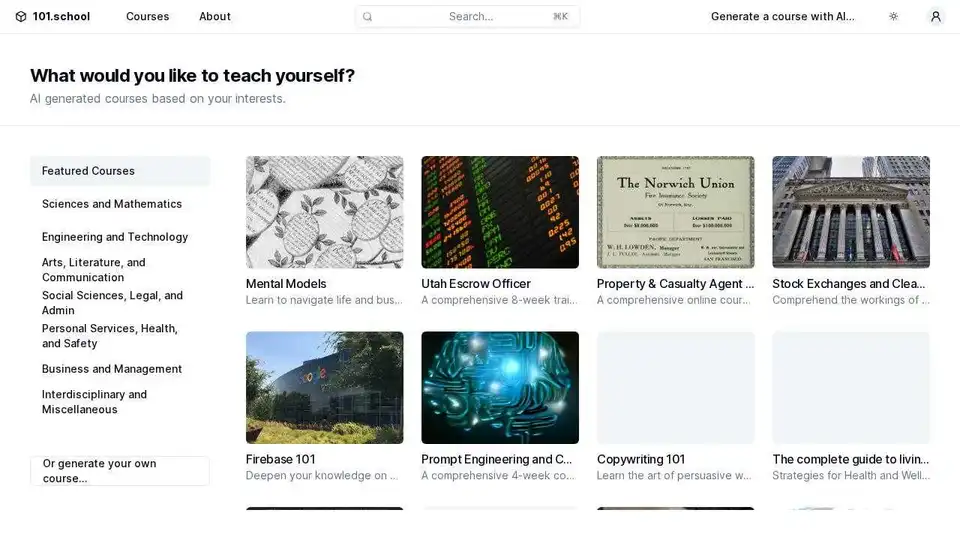
101.school uses AI to generate personalized courses, enabling you to teach yourself anything from mental models to advanced physics.
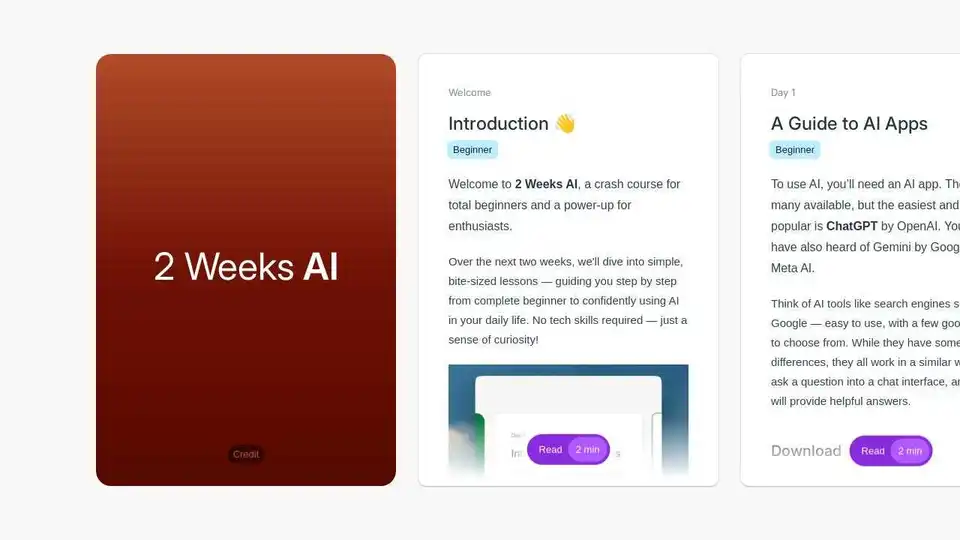
2 Weeks AI: A beginner-friendly guide to learn AI in 2 weeks. Learn how to use ChatGPT and other AI tools in your daily life.
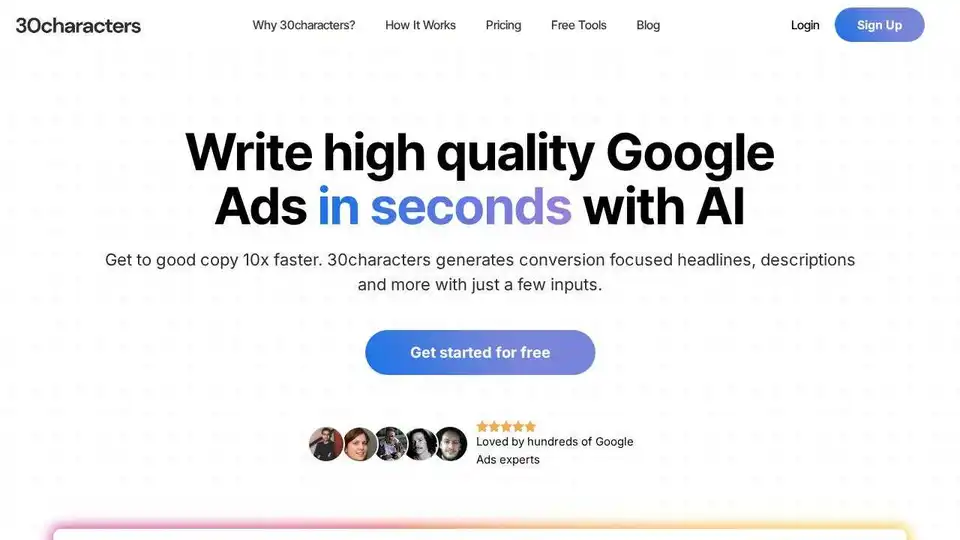
30characters is an AI-powered Google Ads generator that helps you create high-performing headlines and descriptions in seconds. Generate effective ads with AI.

Accent Technologies offers an AI-powered revenue enablement platform with sales content management, custom AI knowledgebases, training, and guided selling to drive revenue and team productivity.
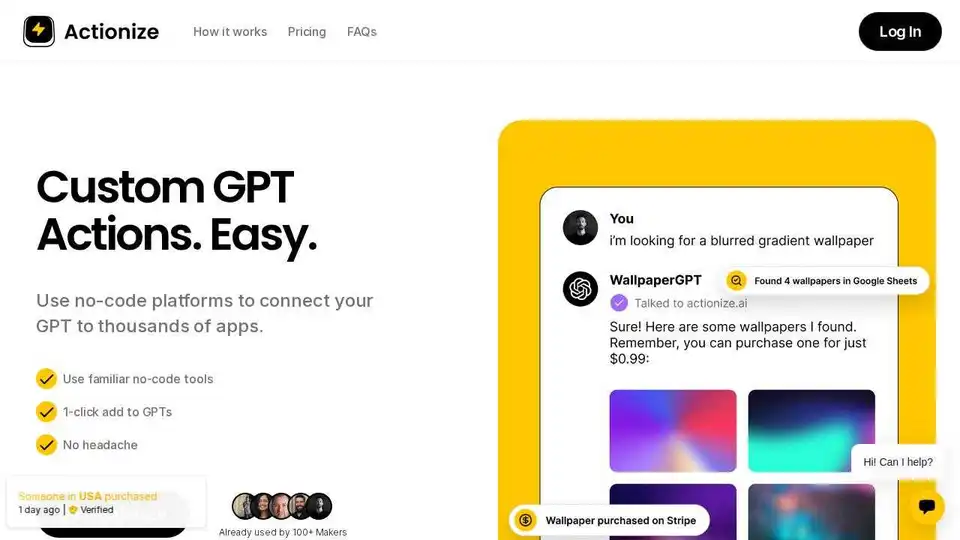
Actionize simplifies custom GPT actions by connecting AI to thousands of apps through no-code tools. Seamlessly integrate your GPT with Zapier, Make.com, and more.

Automate SEO, GEO, content, and social media with Addlly AI. AI Agents help you rank higher, create content faster, and grow organic traffic effortlessly.
AdIntelli helps you earn revenue from your AI Agent with in-chat ads. Maximize your AI Agent's profitability with no-code integration and access to global ad networks.
Advacheck is an AI-powered tool that accurately detects AI-generated content and plagiarism. Ideal for students, researchers, SEOs, and marketers ensuring content integrity and originality.