
ChatSlide
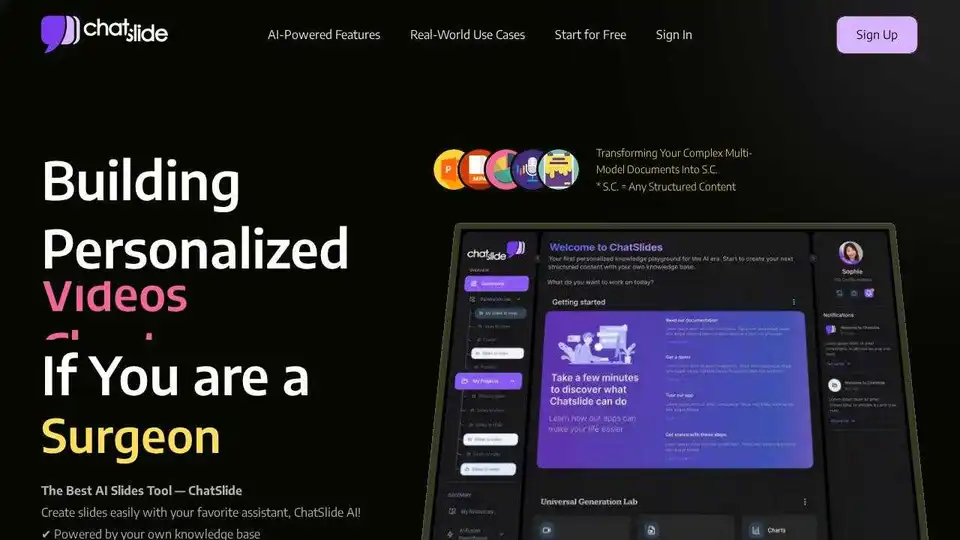
Overview of ChatSlide
ChatSlide: AI-Powered Workspace for Knowledge Sharing
ChatSlide is an AI workspace designed to transform documents into structured content (S.C.) like slides, videos, charts, posters, and podcasts. It empowers users to create content faster and more efficiently using AI-driven features.
What is ChatSlide?
ChatSlide is a platform that uses AI to convert various types of documents into engaging and visually appealing structured content. This includes presentations, videos, charts, and posters, making it ideal for educators, healthcare professionals, consultants, and anyone who needs to share information effectively.
How does ChatSlide work?
ChatSlide uses AI to analyze uploaded documents, extract key information, and automatically generate outlines. Users can then customize the design, modify the content, and generate videos with AI avatars and personalized voiceovers. The platform supports various export options, including PDF, PPTX, video, Keynote, and podcast formats.
Key Features:
- AI-Powered Content Generation: Rapid content generation with customizable tags and diverse outline styles.
- Tailored Design: AI-driven theme matching, intelligent visual component generation, and dynamic interactive elements.
- Flexible Content Modification: Real-time adjustments with personalized voice and avatar cloning.
- Multimodal Support: Supports various types of documents including images, PDFs, and links.
- Seamless Knowledge Sharing: Easily create polished structured content by uploading materials and letting ChatSlide’s AI do the work.
Benefits of Using ChatSlide:
- Supercharge Productivity: Create content 24-150x faster with AI precision.
- Your Knowledge, Your Rules: Customize the content to fit your specific needs.
- Smart Synergy: Organizes, connects, and expands your knowledge universe.
- Evolve Daily: Constantly updating and improving to meet your content creation needs.
- Instant Impact: Delivers visually compelling and engaging content.
Real-World Use Cases:
- Healthcare: Explaining complex medical conditions to patients through AI-generated slides and videos.
- Telemedicine: Improving patient understanding of test results with AI-generated videos.
- Medical Conferences: Generating polished slide decks with AI-generated visuals.
- Medical Device Marketing: Showcasing new medical devices and services with dynamic AI-generated videos.
- Medical Training: Using AI-generated simulation videos for emergency scenarios.
Pricing Plans:
ChatSlide offers various pricing plans to suit different needs:
Individual Plans:
- Plus Plan: $5/week, suitable for small projects.
- Slides per Project: Up to 20
- Slide Generations: Up to 30
- Resources per Project: Up to 5
- Export Options: PDF, PPTX, VIDEO (without Avatar), KEYNOTE, PODCAST
- Pro Plan: $8/week, offers more features and flexibility.
- Slides per Project: Up to 40
- Slide Generations: Up to 80
- Resources per Project: Up to 10
- Export Options: PDF, PPTX, VIDEO (with System Avatar), KEYNOTE, PODCAST
- Includes video generation with system avatars and 100+ system voices.
- Ultimate Plan: $15/week, unlocks full creative control.
- Slides per Project: Up to 60
- Slide Generations: Up to 200
- Resources per Project: Up to 20
- Export Options: PDF, PPTX, VIDEO (with System Avatar), KEYNOTE, PODCAST
- Includes premium features like custom voiceovers and branding.
Team Plans:
Available for 3+ members, with similar features to the individual plans, but designed for collaborative use.
Customer Testimonials:
- Dr. James Mitchell, Riverside Medical Center: "Before Chatslide, explaining complex medical conditions to patients was time-consuming and often frustrating. Now, with AI-generated slides and videos, my patients grasp their diagnoses much faster..."
- Sarah Bennett, Horizon Family Clinic Manager: "We integrated Chatslide into our telemedicine platform, and the difference has been night and day..."
How to Use ChatSlide:
- Upload your documents: Choose the file you want to convert into structured content.
- Generate an outline: Let ChatSlide's AI create an outline based on your document.
- Tailor the design: Customize the theme, visuals, and interactive elements.
- Modify the content: Make real-time adjustments with personalized voice and avatar cloning.
- Export your content: Choose the desired format (PDF, PPTX, video, etc.) and share your creation.
Why is ChatSlide important?
ChatSlide is important because it simplifies and accelerates the process of creating engaging and informative content. By leveraging AI, it empowers users to transform complex information into easily digestible formats, improving communication and knowledge sharing.
Where can I use ChatSlide?
ChatSlide can be used in various settings, including:
- Education: Creating visually appealing slides for lectures and presentations.
- Healthcare: Explaining medical conditions to patients and training staff.
- Business: Generating presentations, reports, and marketing materials.
- Consulting: Presenting data and insights to clients.
Best way to create engaging content with ChatSlide?
The best way to create engaging content with ChatSlide is to:
- Start with a clear and concise document.
- Customize the design to match your brand or style.
- Use visuals to enhance your message.
- Incorporate interactive elements to keep your audience engaged.
- Use your own voice for custom voiceovers in video and podcast formats
Conclusion:
ChatSlide offers a powerful AI-driven solution for transforming documents into structured content. Its AI-powered features, flexible customization options, and real-world use cases make it an invaluable tool for anyone looking to improve their content creation and knowledge-sharing workflows. Whether you're a teacher, doctor, consultant, or business professional, ChatSlide can help you create impactful content that engages your audience and delivers results. If you are looking for a way to boost your content creation, this is the go-to tool!
AI Article Generation AI Text Polishing AI Writing Assistance Paper and Report Generation News and Blog Generation Email and Business Writing
Best Alternative Tools to "ChatSlide"
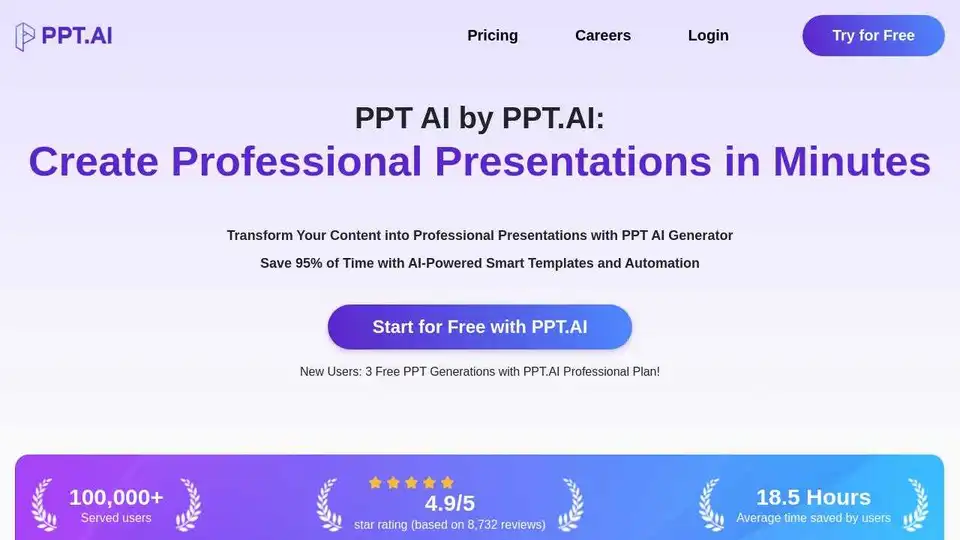
PPT AI is an AI presentation maker that transforms ideas into stunning presentations in minutes. Save 95% of creation time with smart automation and premium templates. Try PPT.AI for free today!
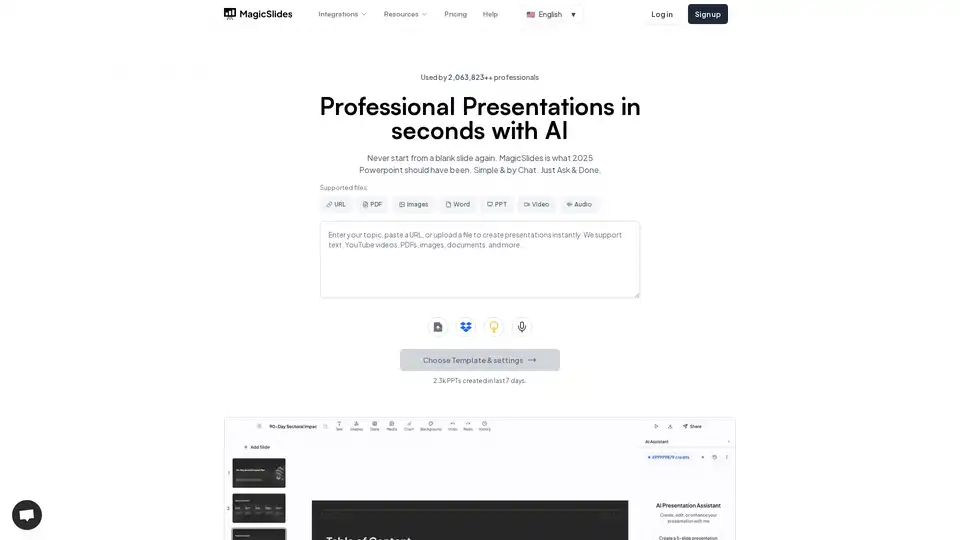
MagicSlides.app is an AI presentation maker that generates professional slides from text, URLs, YouTube videos, and PDFs in seconds. Create engaging presentations effortlessly.
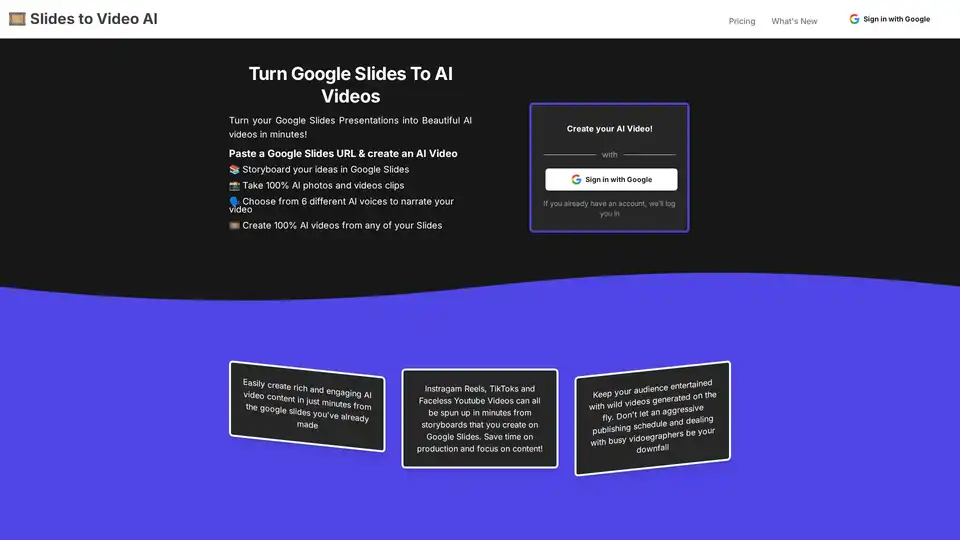
Discover Slides to Videos, the AI tool that turns Google Slides into professional videos with AI images, animations, and narration. Ideal for content creators, marketers, and educators to produce engaging social media and YouTube content quickly.
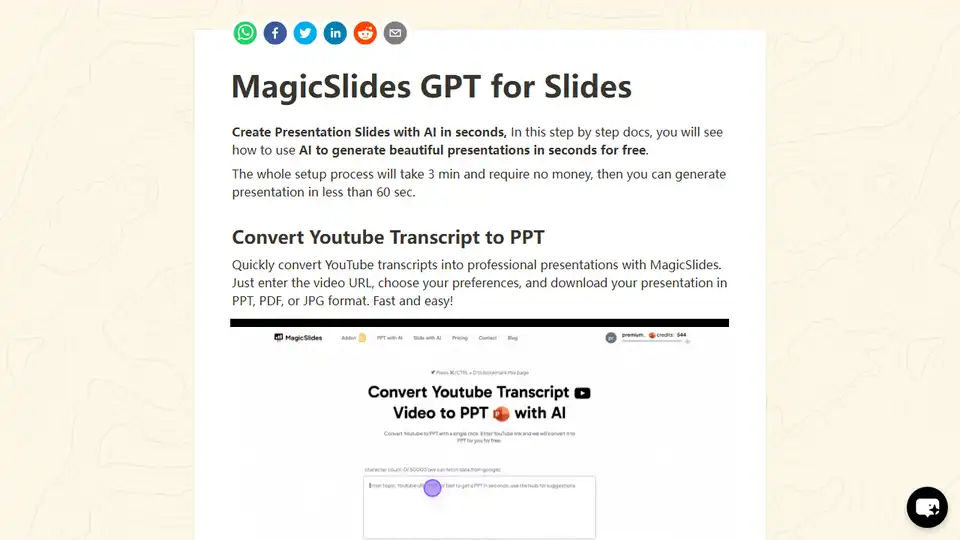
MagicSlides is an AI-powered Google Slides add-on that generates professional presentations from text, YouTube videos, or topics in seconds. It supports multiple languages, customization, and integration with ChatGPT.