
ChattyDocs

Overview of ChattyDocs
ChattyDocs: Your AI-Powered Document Assistant
What is ChattyDocs?
ChattyDocs is an innovative AI assistant designed to help you interact with your documents, PDFs, files, and websites in a conversational manner. It leverages the power of artificial intelligence to provide you with a seamless experience when working with large sets of data.
Key Features of ChattyDocs:
- Chat with Various File Types: ChattyDocs supports multiple file types, including PDFs and text files, allowing you to extract valuable information from a wide range of sources.
- Website Integration: By providing a website link, ChattyDocs automatically downloads and parses the data, making it available for interaction.
- Dataset Management: You can easily add or delete documents from your dataset at any time, ensuring your data is always up-to-date.
- Background Indexing: ChattyDocs indexes your uploaded data in the background, eliminating wait times and allowing you to continue working without interruption.
- Usage Tracking: Track your data consumption with ease, seeing how much data each file or website consumes from your uploading credit.
- Customizable Chat Model: Select the right chat model for your needs and control the context, history, and output sizes.
- AI Creativity Control: Adjust the temperature setting to control the creativity and determinism of AI responses.
- AI Personality: Utilize system prompts to instruct the AI on how to behave, respond to prompts, and communicate in specific languages.
- Dataset Sharing: Create public datasets and share them with other ChattyDocs users via a link.
- Source Attribution: Every response comes with relevant sources, including document names and page numbers for multi-page files, and links to the source website.
- Exportable Answers: Export all your questions and answers with a single click.
- Chat Sessions: Utilize multiple persisted sessions to continue chatting where you left off.
- Chat Context: Provide a chat context to the session that will be included in every query.
- Multi-Platform Availability: Access ChattyDocs on desktop, mobile, and Telegram.
How Does ChattyDocs Work?
- Prepare Your Dataset: Upload files from your device or provide a website link.
- Set Dataset Properties: Choose a chat model, control AI creativity, and define AI personality.
- Chat with a Dataset: Get replies with sources, export answers, and utilize chat sessions.
Use Cases for ChattyDocs:
- Research: Quickly extract information from research papers, articles, and reports.
- Education: Study and understand complex topics by chatting with textbooks and course materials.
- Business: Analyze market research, customer feedback, and internal documents.
- Content Creation: Generate ideas and insights by interacting with various sources of information.
- Customer Support: Create a knowledge base that customers can interact with via Telegram.
Why Choose ChattyDocs?
- Efficiency: Save time by quickly extracting information from large sets of documents.
- Accessibility: Access your data from anywhere, on any device.
- Customization: Tailor the AI assistant to your specific needs with customizable settings.
- Collaboration: Share your knowledge base with others by creating public datasets.
Who is ChattyDocs For?
- Researchers
- Students
- Business Professionals
- Content Creators
- Customer Support Teams
ChattyDocs provides a powerful and versatile solution for anyone looking to interact with their data in a more intuitive and efficient way. With its wide range of features and customizable settings, ChattyDocs is the perfect AI assistant for your document-related needs.
Best Alternative Tools to "ChattyDocs"
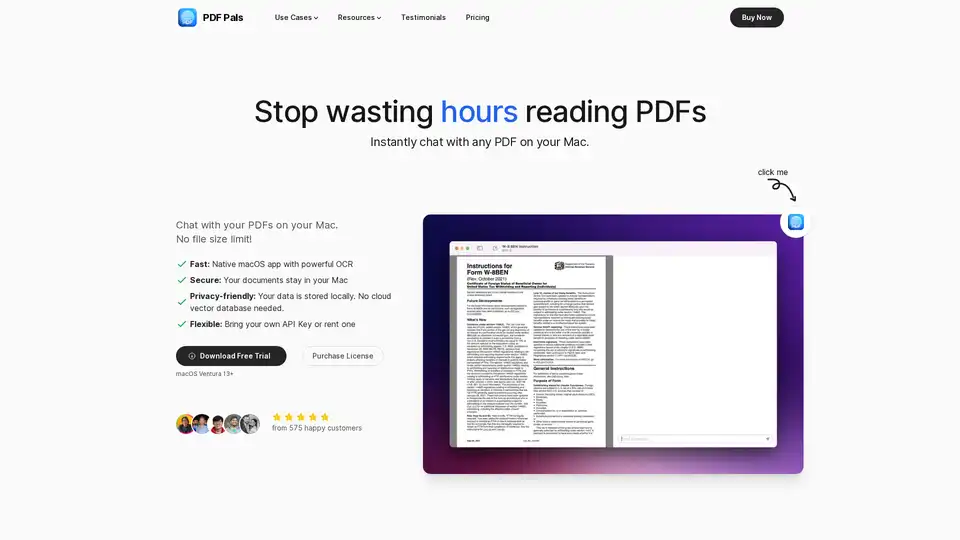
PDF Pals is a native Mac app that lets you chat with any PDF instantly using AI, with no file size limits. Enjoy fast OCR, local storage for privacy, and support for OpenAI APIs. Perfect for researchers, developers, and professionals analyzing documents.
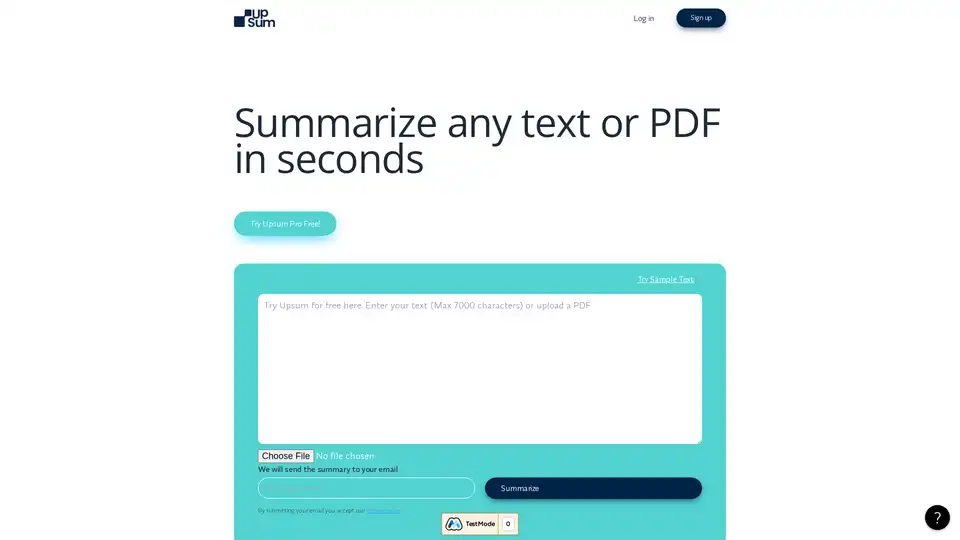
UpSum is an AI tool that summarizes long texts and PDFs in seconds, saving time on research and reports. Chat with documents for quick insights. Try free.
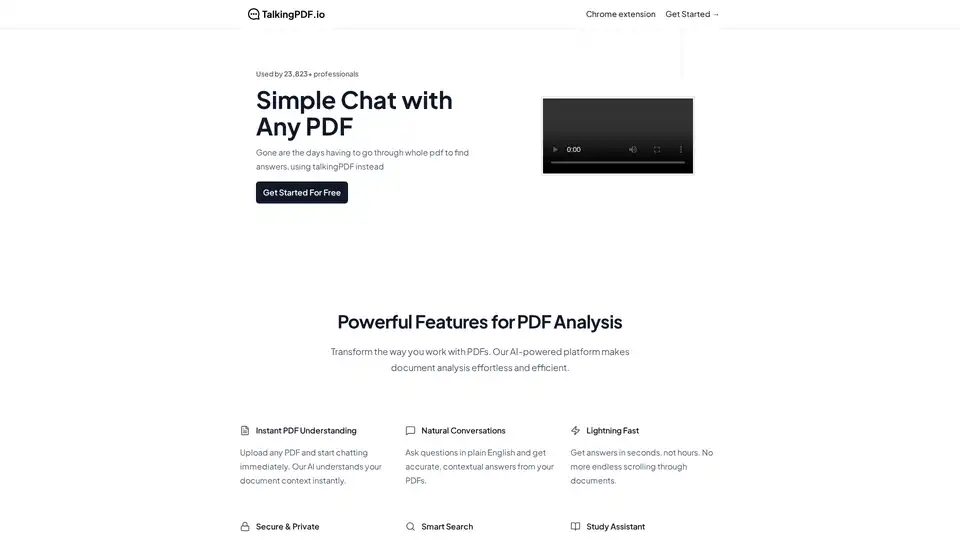
TalkingPDF is a Chrome extension that enables users to chat with any PDF using AI. It allows for instant understanding, natural conversations, and smart search within PDF documents, making document analysis effortless.
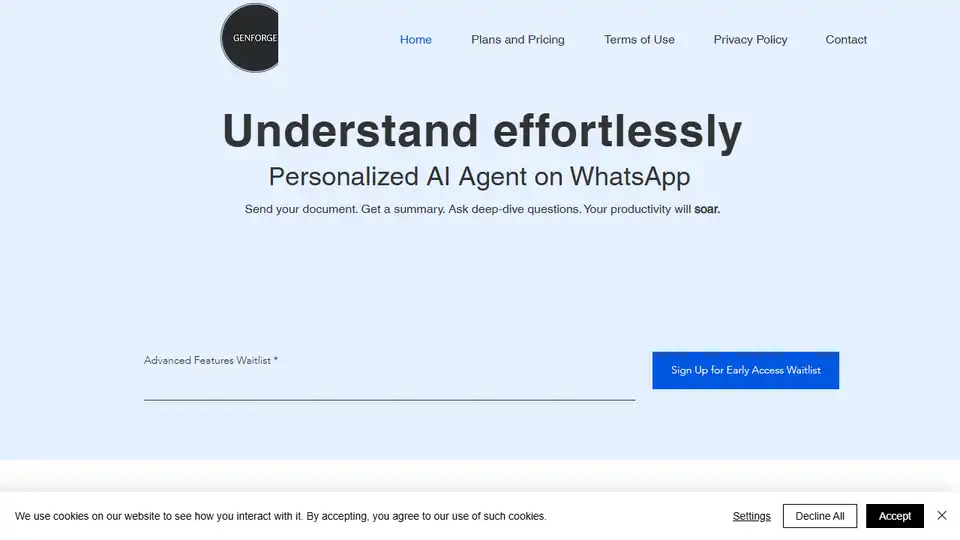
GenForge is a personal AI assistant on WhatsApp that summarizes and analyzes PDFs, helping you understand documents effortlessly and boost productivity. Summarize PDFs up to 100 pages.
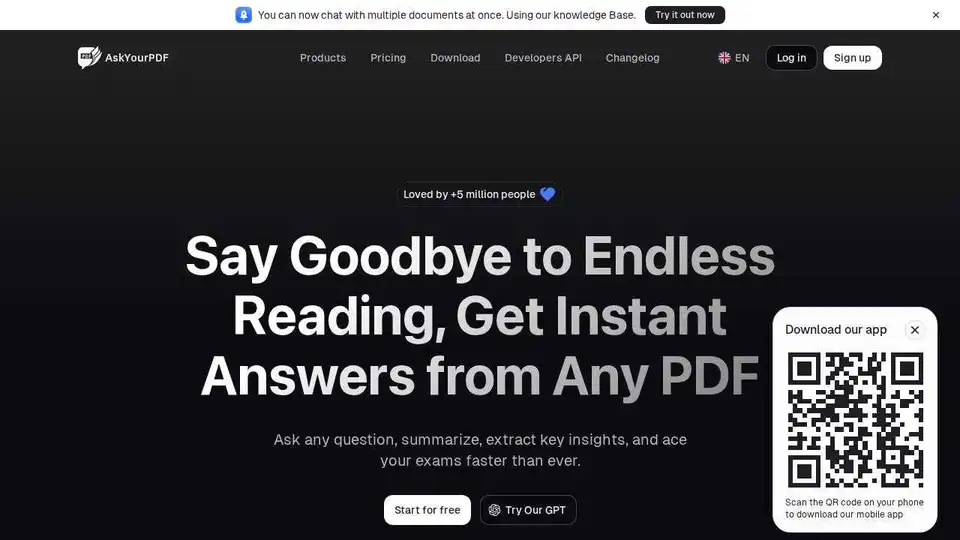
AskYourPDF is an AI-powered chat app for PDF interaction, enabling users to summarize, analyze, and manage documents effortlessly. Integrates with Zotero & ChatGPT.
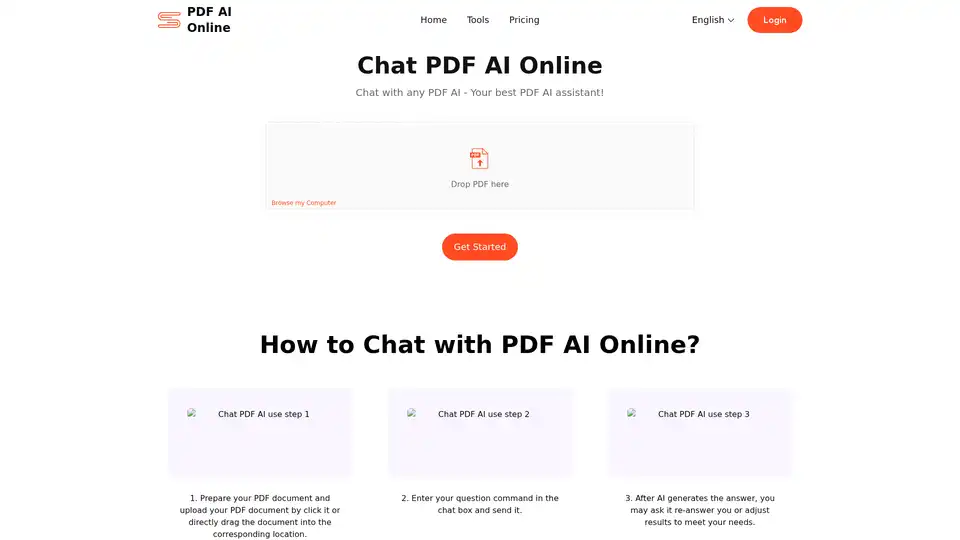
Chat PDF AI allows you to chat with PDFs, summarize content, extract data, and translate, supporting up to 50M contexts. Enhance your PDF experience now!
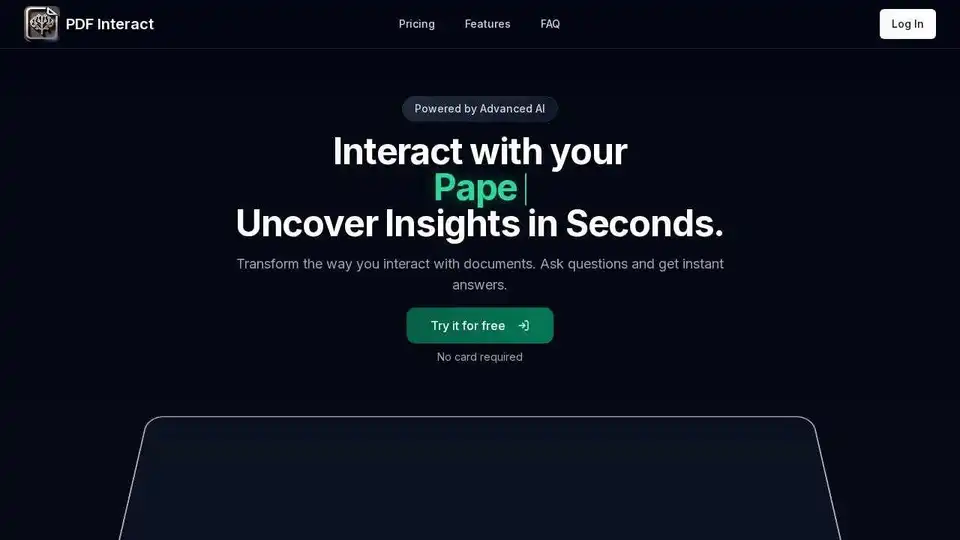
Transform your PDF reading with PDF Interact, an AI-powered chat assistant. Get instant answers, analyze documents, and save time. Try it for free!
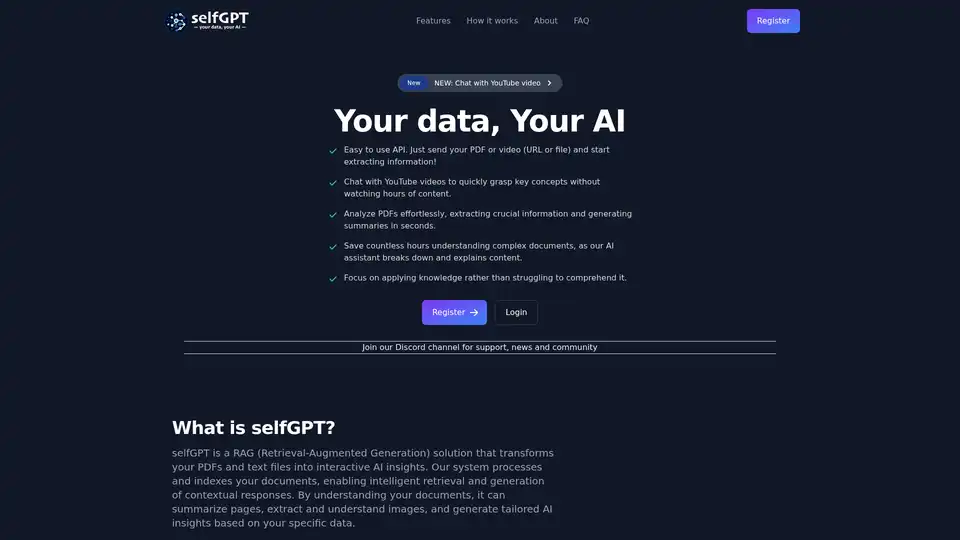
Transform your files into AI insights with selfGPT. Analyze PDFs, extract key info from text and images, and chat with YouTube videos for quick summaries and tailored responses.
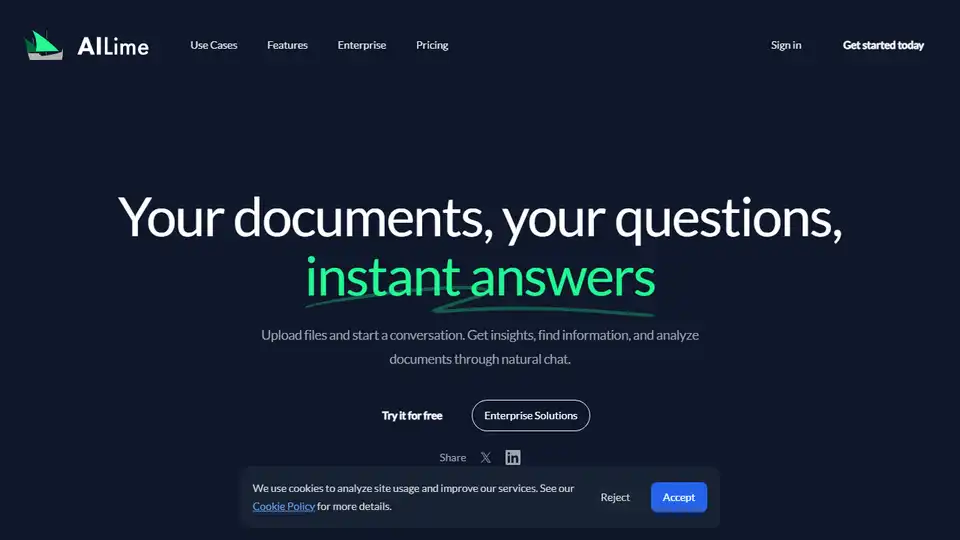
AI Lime transforms document analysis with AI-powered chat. Ideal for legal, academic, and business insights. Upload your documents and start asking questions instantly.
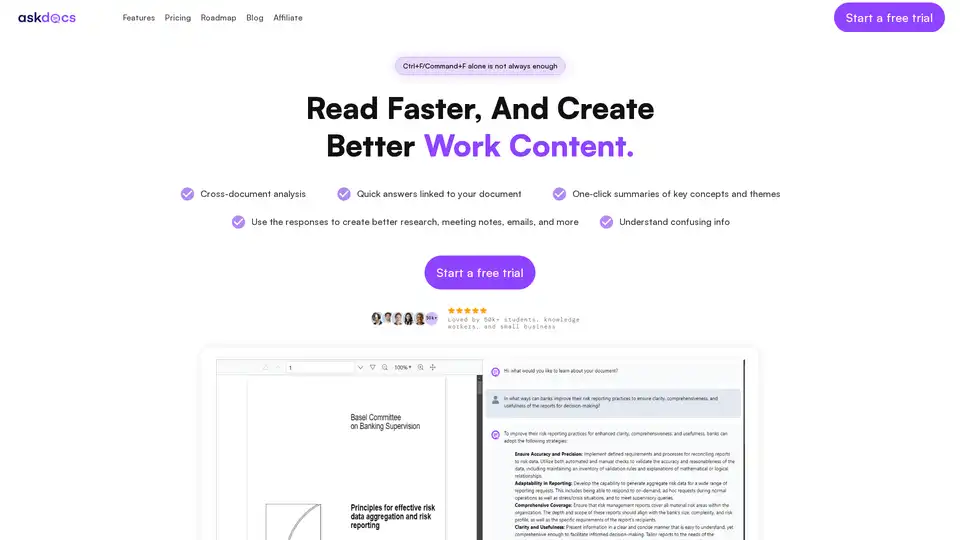
AskDocs is a trusted generative AI tool for PDF and document research. Upload files, ask questions, and get instant answers with citations plus one-click summaries. Ideal for students, researchers, and professionals to enhance productivity.
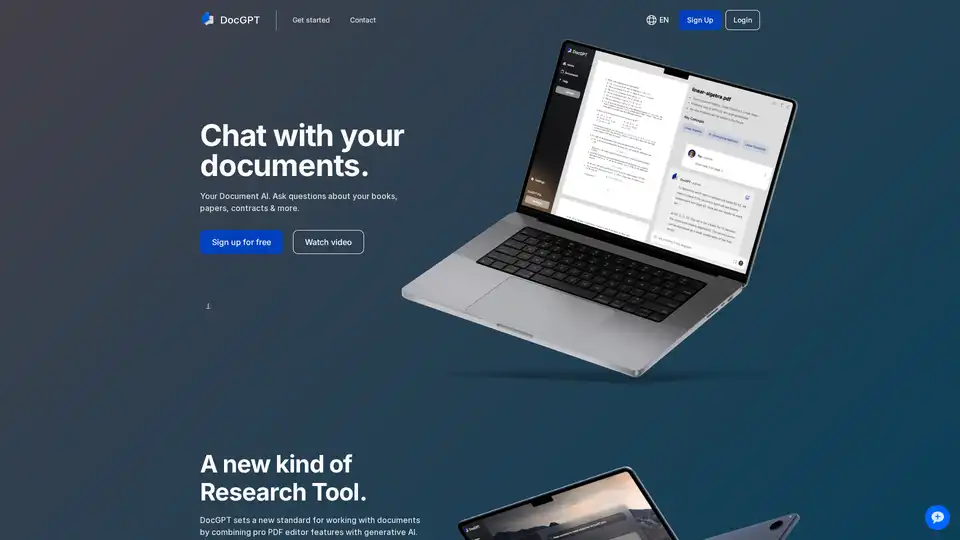
DocGPT is an AI-powered web application that combines a PDF editor with generative AI. Users can analyze documents, ask questions, and generate content like summaries and reports. It offers GPT-4 access and plugins for easier research.
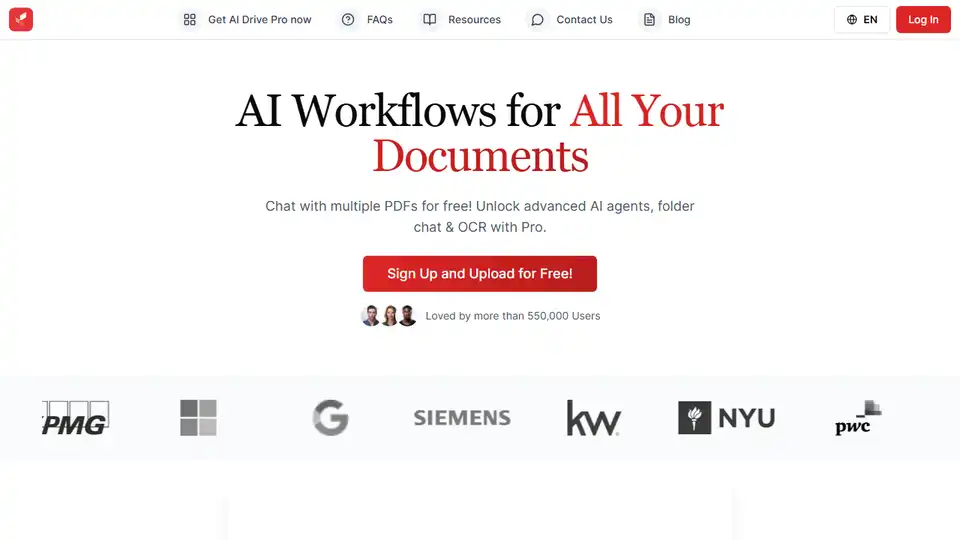
AI Drive: Summarize, chat, and organize your files with AI. Access OpenAI, Claude, and Gemini. Chat with PDFs, extract data, and utilize OCR tech. Start free!
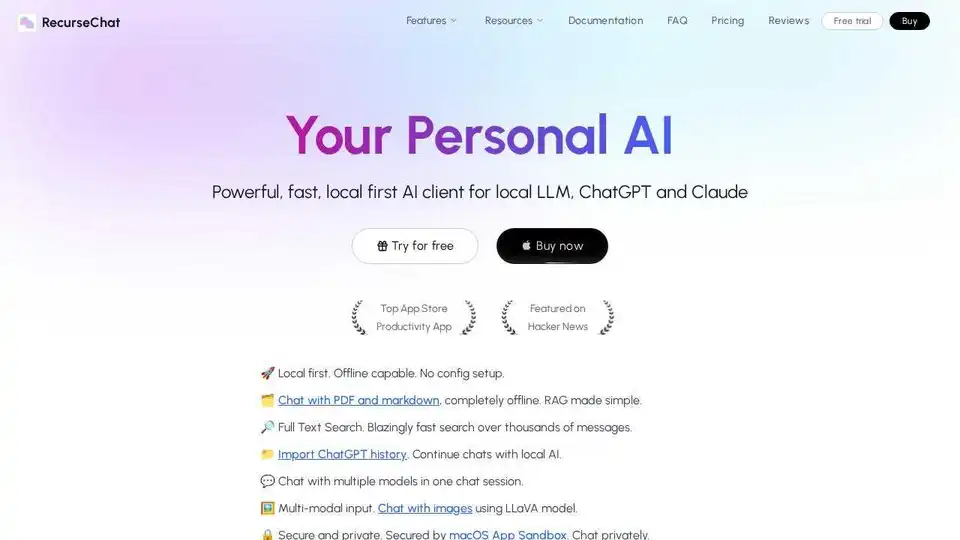
RecurseChat: A personal AI app that lets you talk with local AI, offline capable, and chats with PDF & markdown files.
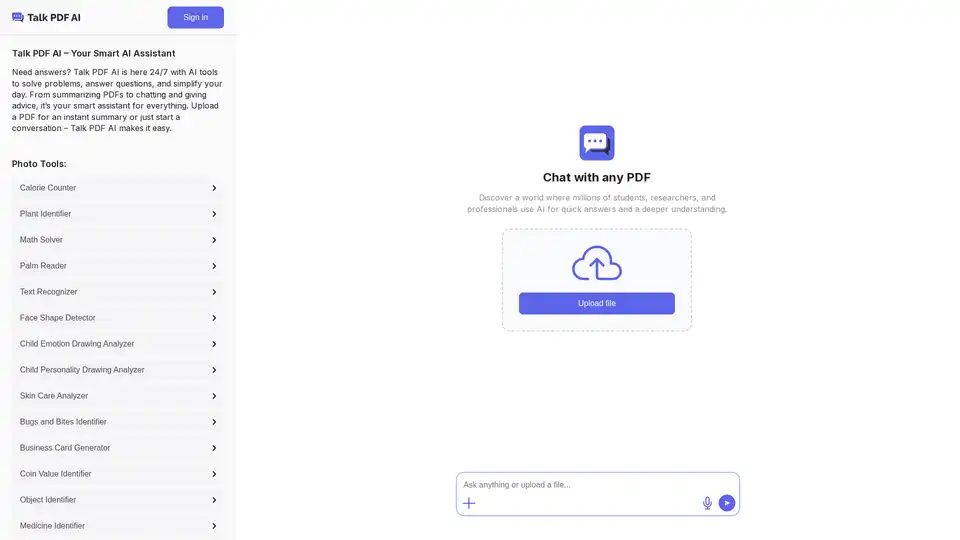
TalkPDF.ai is your AI-powered assistant that quickly summarizes PDFs and answers your questions. Chat with any PDF for deeper understanding.