
DeveloperPal
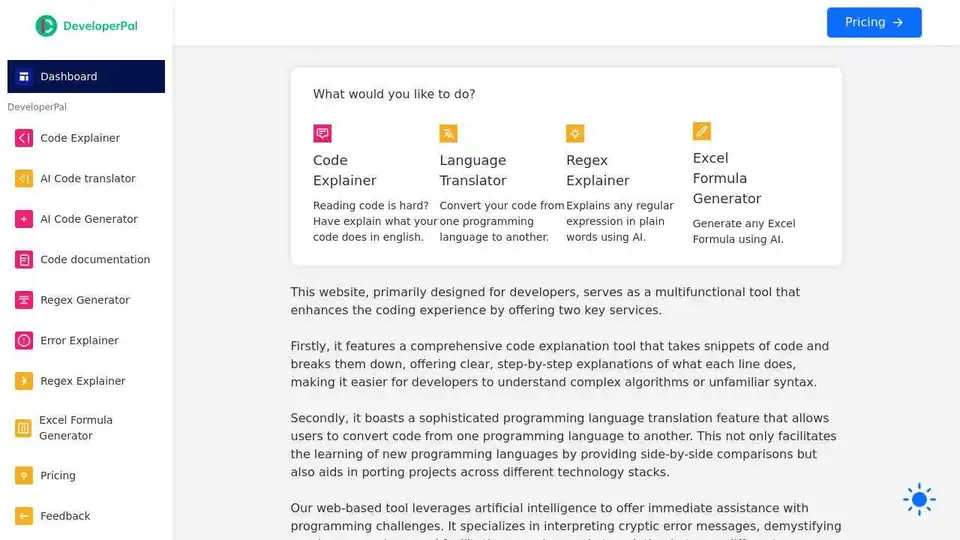
Overview of DeveloperPal
DeveloperPal: The Ultimate Coding Companion
What is DeveloperPal?
DeveloperPal is a versatile web-based tool designed to enhance the coding experience for developers of all skill levels. It offers a suite of AI-powered features, including code explanation, language translation, regex explanation, and Excel formula generation. This platform aims to streamline the debugging process, enhance cross-language development efficiency, and foster a deeper understanding of coding principles.
Key Features:
- Code Explainer: Breaks down code snippets into clear, step-by-step explanations in plain English, making complex algorithms and unfamiliar syntax easier to understand. This feature is especially helpful for junior developers or those working with unfamiliar codebases.
- Language Translator: Converts code from one programming language to another, facilitating the learning of new languages and aiding in porting projects across different technology stacks. Supports a wide range of popular languages.
- Regex Explainer: Explains regular expressions in plain words using AI, demystifying complex patterns and helping developers understand and modify them effectively. Regular expressions can often be difficult to understand, so DeveloperPal’s Regex Explainer helps simplify the process.
- Excel Formula Generator: Generates Excel formulas using AI, saving time and effort for data analysis and spreadsheet tasks. This feature is valuable for developers who need to work with data in Excel.
How Does DeveloperPal Work?
DeveloperPal leverages artificial intelligence to provide real-time assistance with programming challenges. Here’s a breakdown of how each feature works:
- Code Explainer: The AI analyzes the code snippet and identifies the purpose of each line, providing a detailed explanation of the logic and functionality.
- Language Translator: The AI parses the code in the source language and generates equivalent code in the target language, handling syntax and semantic differences.
- Regex Explainer: The AI analyzes the regular expression and provides a plain English explanation of what it matches and how it works.
- Excel Formula Generator: The AI interprets the user's request and generates the appropriate Excel formula to achieve the desired result.
Why is DeveloperPal Important?
DeveloperPal addresses several key pain points in the software development process:
- Understanding Complex Code: The Code Explainer helps developers quickly understand unfamiliar codebases, saving time and reducing frustration.
- Learning New Languages: The Language Translator facilitates the learning of new programming languages by providing side-by-side comparisons.
- Debugging: The Error Explainer helps developers quickly identify and resolve errors, reducing debugging time.
- Working with Regular Expressions: The Regex Explainer demystifies regular expressions, making them easier to understand and use.
- Data Analysis: The Excel Formula Generator simplifies data analysis tasks in Excel.
Who is DeveloperPal for?
DeveloperPal is designed for developers of all levels, including:
- Junior Developers: Who are learning to code and need help understanding complex codebases.
- Experienced Developers: Who are working with unfamiliar languages or technologies.
- Data Scientists: Who need to analyze data in Excel.
- Anyone: Who wants to improve their coding efficiency and understanding.
How to Use DeveloperPal?
Using DeveloperPal is straightforward:
- Visit the DeveloperPal website.
- Select the desired tool: Code Explainer, Language Translator, Regex Explainer, or Excel Formula Generator.
- Enter the code snippet, regular expression, or description of the desired Excel formula.
- Click the "Explain" or "Generate" button.
- Review the output: The explanation, translated code, or generated formula.
Best way to improve your coding skills?
DeveloperPal is a valuable tool for improving coding skills. By using the Code Explainer, developers can gain a deeper understanding of code logic and syntax. The Language Translator can help developers learn new languages more quickly. And the Regex Explainer can demystify regular expressions. By using DeveloperPal regularly, developers can improve their coding efficiency, problem-solving skills, and overall understanding of programming concepts.
DeveloperPal aims to empower developers with the ability to quickly understand program errors, regular expressions, and conduct code translations between languages, it harnesses artificial intelligence for real-time assistance.
Best Alternative Tools to "DeveloperPal"
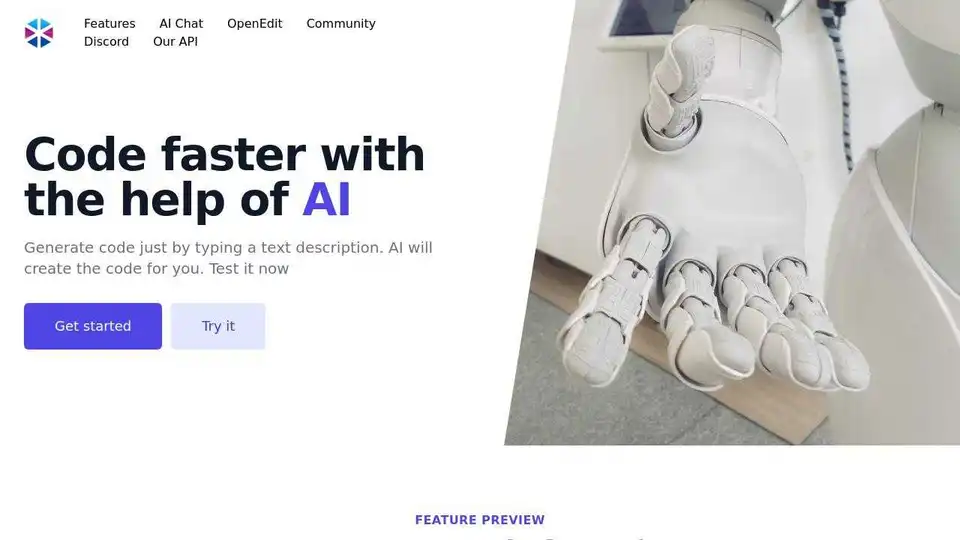
Programming Helper is an AI code generator that helps you generate code from text descriptions. It offers features like function generation, language translation, and code explanation, all in one place.
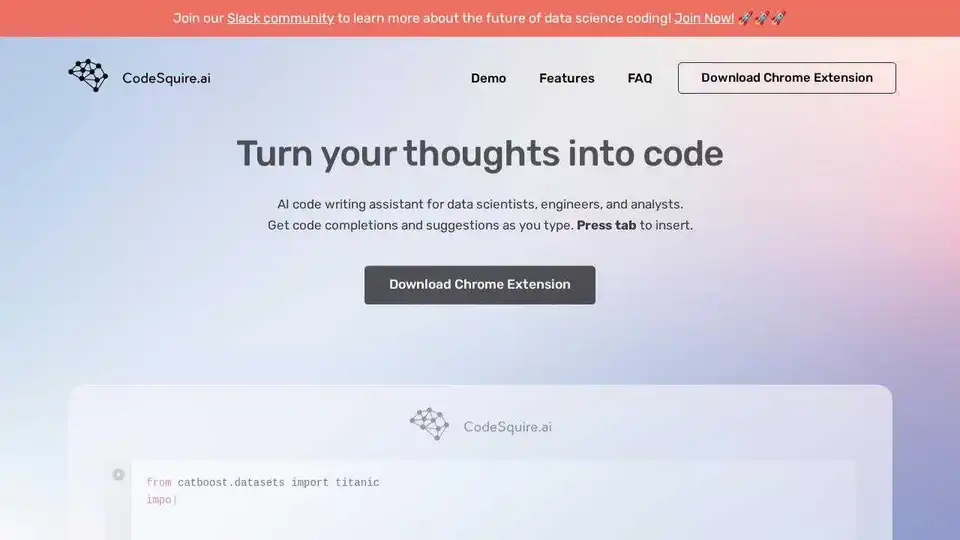
CodeSquire is an AI code writing assistant for data scientists, engineers, and analysts. Generate code completions and entire functions tailored to your data science use case in Jupyter, VS Code, PyCharm, and Google Colab.

Figstack is an AI-powered tool that supercharges developers by explaining code, translating languages, automating documentation, and analyzing time complexity for efficient coding across multiple languages.
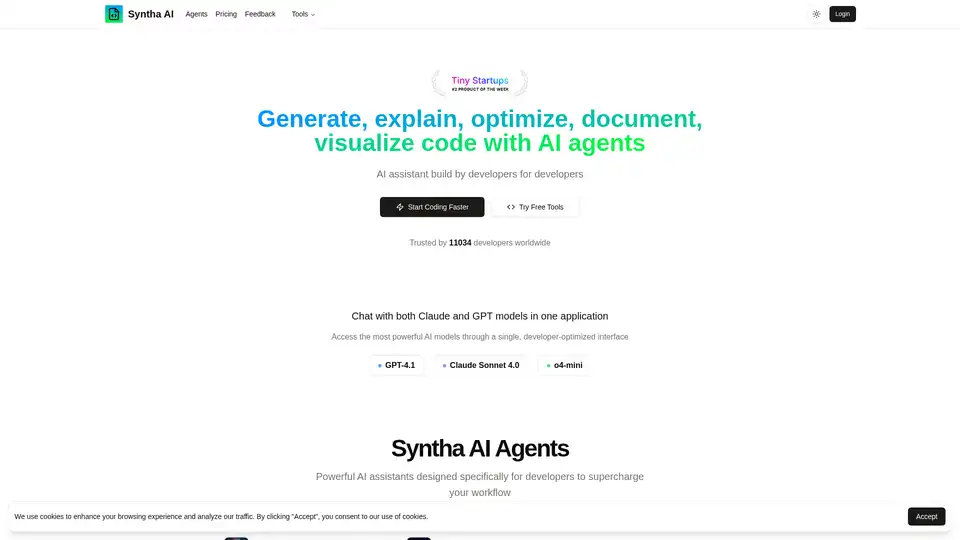
Syntha AI is an AI-powered coding assistant that helps developers generate, explain, convert, debug, optimize and document code. Trusted by thousands of developers, it supports multiple AI models and programming languages.

Explore Ajelix Excel AI capabilities with more than 18 AI Excel tools for your tasks - chat about your data, create charts, and get insights.
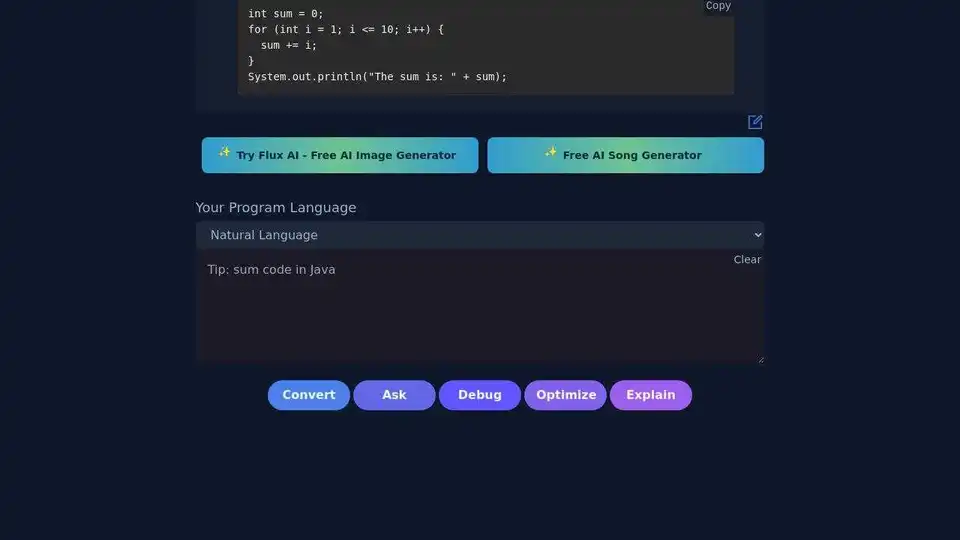
AI Code Convert is a free AI-powered tool for translating code between languages. Supports Python, JavaScript, Java, C++, and more.

Clicknow is a macOS app providing one-click AI translation, explanation, and more in any application. It supports multi-languages, requires no API key, and boosts productivity for work, study, and research.
ChatGPT is OpenAI's conversational AI system that helps with writing, learning, brainstorming, and productivity through natural language interactions.

GPTPLUS is a Chrome extension for ChatGPT, powered by GPT-4 & GPT-3.5, providing AI answers for writing, translation, code analysis and Q&A.

Smart Keys for MacOS is an AI-powered keyboard that proofreads, fixes grammar, and translates in one click. It helps you polish your writing and communicate effectively across languages.
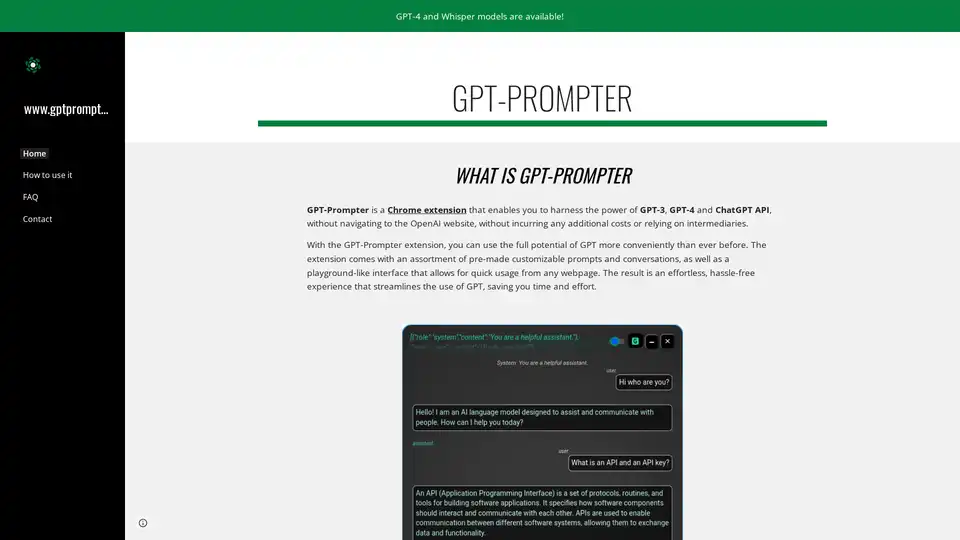
GPT-Prompter is a Chrome extension that provides direct access to GPT-3 and GPT-4 API with pre-made prompts and a playground interface for quick text explanations from any webpage.
Stable Cascade is an efficient text-to-image model built on the Würstchen architecture, offering fast inference and cost-effective training. Explore its capabilities for image generation and more.

YouLearn AI is your personalized AI tutor that transforms PDFs, YouTube videos, and lectures into notes, chats, quizzes, and more. Save time and learn smarter with interactive tools backed by Y Combinator.
Quantum Copilot is an AI-assisted tool for quantum computing, enabling users to program in plain language, generate quantum code, simulate circuits, and run on real hardware for beginners and experts alike.