
DocGPT.ai
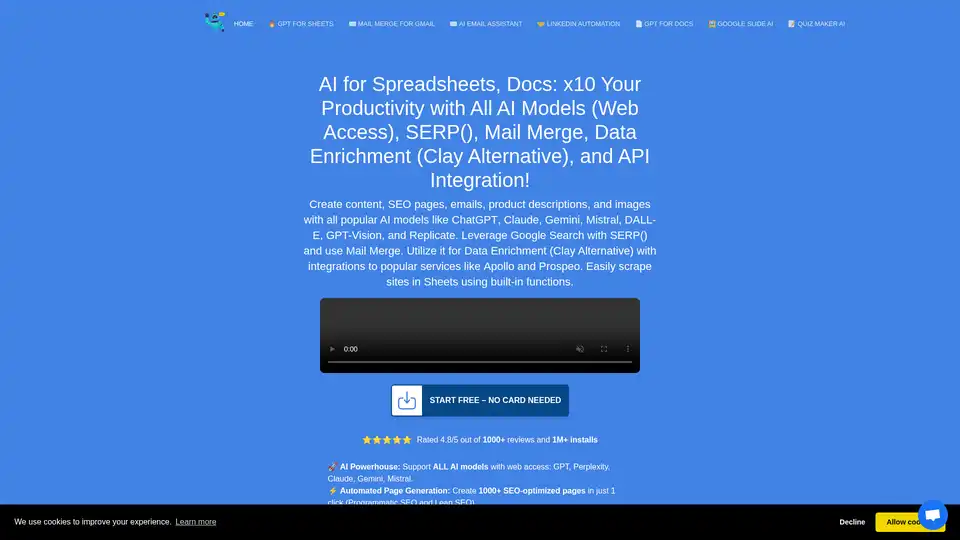
Overview of DocGPT.ai
What is DocGPT.ai?
DocGPT.ai is an AI-powered add-on designed to enhance productivity within Google Sheets, Docs, Slides, and Gmail. It allows users to access various AI models, automate SEO tasks, generate content, and integrate with a wide range of services. With DocGPT.ai, you can leverage the power of AI to streamline your workflows and create high-quality content efficiently.
How does DocGPT.ai work?
DocGPT.ai integrates directly into Google Workspace applications, allowing you to use AI functionalities through simple formulas and functions. Here’s how it works:
- AI Model Access: DocGPT.ai supports multiple AI models, including GPT, Perplexity, Claude, Gemini, and Mistral. This allows you to choose the best model for your specific needs.
- Data Enrichment: The tool enriches leads using integrations with services like Google Maps, Apollo, and Prospeo, along with AI models that have web access.
- Web Scraping: Built-in functions like
WEB_CONTENT(site),WEB_H1, andWEB_PARAGRAPHSenable you to extract and process content from websites directly within Google Sheets. - Email Automation: The
EMAIL_SEND()function simplifies bulk email campaigns, allowing you to send personalized emails at scale. - SEO Optimization: DocGPT.ai helps you generate SEO-optimized pages, perform keyword research, and analyze competitors.
Key Features and Benefits of DocGPT.ai
- AI Powerhouse: Supports ALL AI models with web access, including GPT, Perplexity, Claude, Gemini, and Mistral.
- Automated Page Generation: Creates 1000+ SEO-optimized pages in one click with programmatic SEO and lean SEO.
- Bulk Email Simplified: Sends personalized email campaigns at scale with
EMAIL_SEND(). - Google Search: Queries Google Search directly from Sheets.
- Website Scraping: Simplifies website scraping with built-in functions like
WEB_CONTENT(site),WEB_H1, andWEB_PARAGRAPHS. - Data Enrichment: Integrates with Google Maps, Apollo, Prospeo, Google Search, and AI models with web access to enrich leads.
- API Integration: Connects any service with Sheets using the
API()function. - Sales Optimization: Enriches domain lists with emails, phones, LinkedIn URLs, and other data for personalized cold outreach.
- Google Indexing: Uses
GOOGLE_INDEX()to request indexing of URLs in bulk directly from Sheets. - Image Generation: Generates AI images in bulk with DALL-E and REPLICATE, supporting over 100+ AI models for image generation.
- Data Extraction from Images: Extracts data from images, PDFs, and more using
GPT_VISION. - Social Media Management: Creates 1000+ posts for LinkedIn, Twitter, Instagram, Reddit, YouTube, and more in minutes.
Use Cases for DocGPT.ai
- SEO and Content Creation: Generate SEO-optimized content, meta descriptions, and meta titles for products and articles.
- Email Marketing: Create and send personalized email campaigns at scale.
- Lead Generation: Enrich leads with data from LinkedIn, Instagram, Twitter, and Facebook.
- Social Media Management: Automate the creation of social media posts for various platforms.
- Data Analysis: Extract and analyze data from websites, images, and documents.
- Quiz and Form Creation: Easily create quizzes, forms, and polls with AI assistance.
Who is DocGPT.ai for?
DocGPT.ai is ideal for:
- Digital marketers who want to automate SEO and content creation.
- Sales teams looking to enrich leads and personalize outreach.
- Social media managers who need to create a high volume of engaging content.
- Educators who want to create quizzes and forms quickly.
- Data analysts who need to extract and analyze data from various sources.
- Anyone who wants to boost productivity and streamline workflows using AI.
Testimonials
- Ryan Hotchkiss, Senior Digital Marketing Manager: "I purchased an annual subscription for the Professional version. Can't tell you how excited I am!"
- Vice President of Human Resources at iLoveToCreate: "I've employed this add-on within Sheets to craft SEO-focused product descriptions, meta descriptions, and meta titles for more than 300 products. It's been a lifesaver!"
Pricing
DocGPT.ai offers various pricing plans, including a free option and paid subscriptions for enhanced features and usage limits. An API key is required for lifetime access, but other plans are available without an API key.
How to use DocGPT.ai
- Install the Add-on: Install DocGPT.ai from the Google Workspace Marketplace.
- Set up API Key: Set up your OpenAI key in GPT for Sheets.
- Use Functions: Utilize built-in functions like
GPT_TABLE,GPT_LIST,GPT_HLIST,WEB_URL,WEB_TITLE, and more. - Automate Tasks: Automate content creation, SEO optimization, data enrichment, and other tasks using AI.
Common Questions about DocGPT.ai
- Can one output populate multiple rows? Yes, you can use functions as regular functions in Google Sheets.
- How does it compare with competitors? DocGPT.ai supports more AI models, has a lower price, more reviews, a higher rating, and supports web scraping functions and GOOGLE INDEXING.
- Does it support Google Indexing from Google Sheets? Yes, you can use the
GOOGLE_INDEXING()function to request indexing by Google. - Is there support for image generation models like DALL-E 3? Yes, it is.
Conclusion
DocGPT.ai is a powerful AI add-on that significantly enhances productivity within Google Workspace applications. By providing access to various AI models, automating SEO tasks, and integrating with a wide range of services, DocGPT.ai streamlines workflows and enables users to create high-quality content efficiently. Whether you're a digital marketer, sales professional, educator, or data analyst, DocGPT.ai offers valuable tools and features to help you achieve your goals.
AI Article Generation AI Text Polishing AI Writing Assistance Paper and Report Generation News and Blog Generation Email and Business Writing
Best Alternative Tools to "DocGPT.ai"
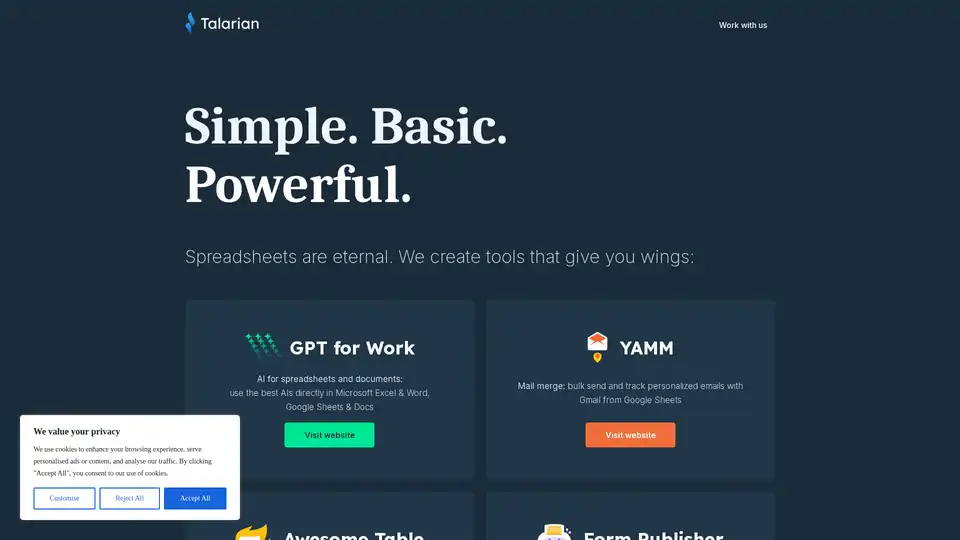
GPT for Work brings AI power to your spreadsheets and documents. Use leading AI models directly within Microsoft Excel, Word, and Google Sheets & Docs to boost productivity and streamline your workflow.
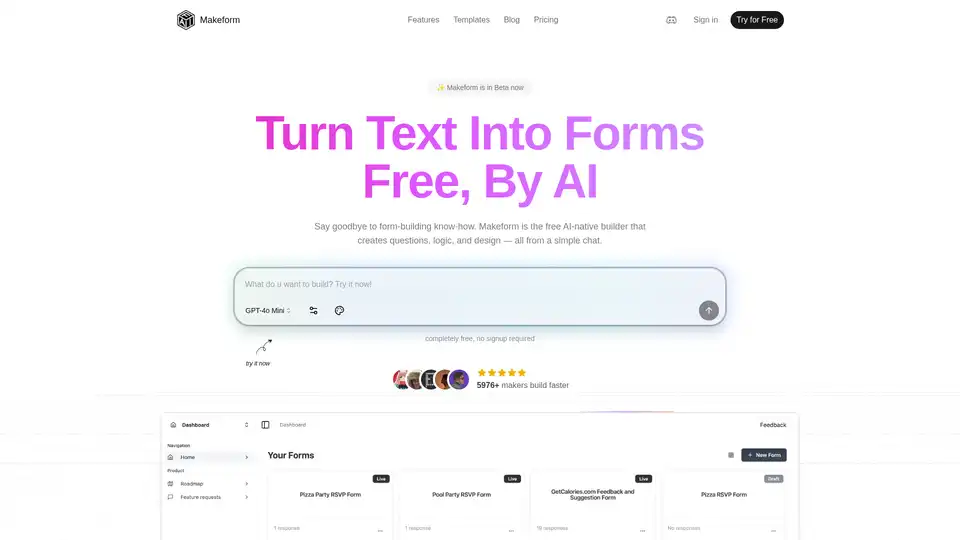
Makeform is a free AI-powered form builder that lets you create surveys, quizzes, polls, and registration forms effortlessly via chat—no coding needed. Generate professional forms in seconds with smart logic and integrations.
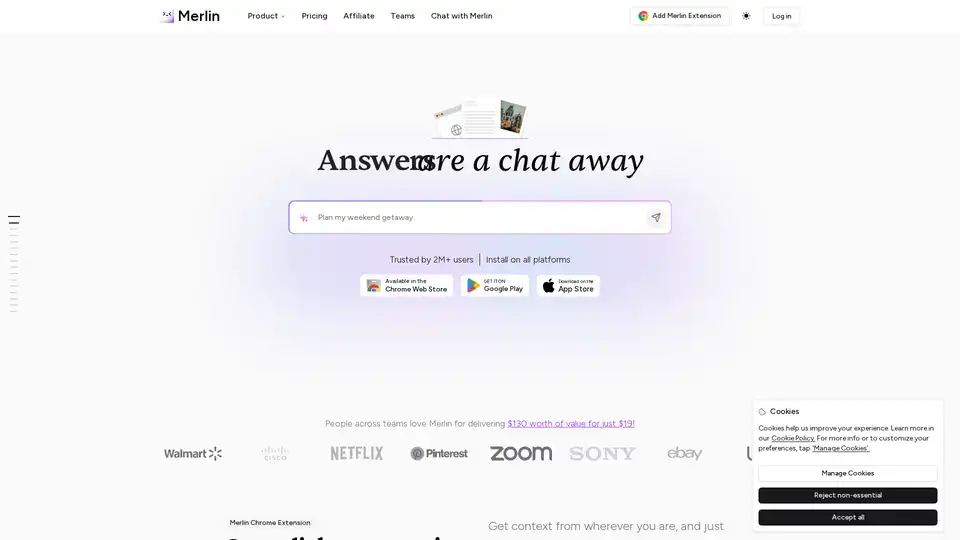
Merlin AI is a versatile Chrome extension and web app that lets you research, write, and summarize content with top AI models like GPT-4 and Claude. Free daily queries for videos, PDFs, emails, and social posts boost productivity effortlessly.
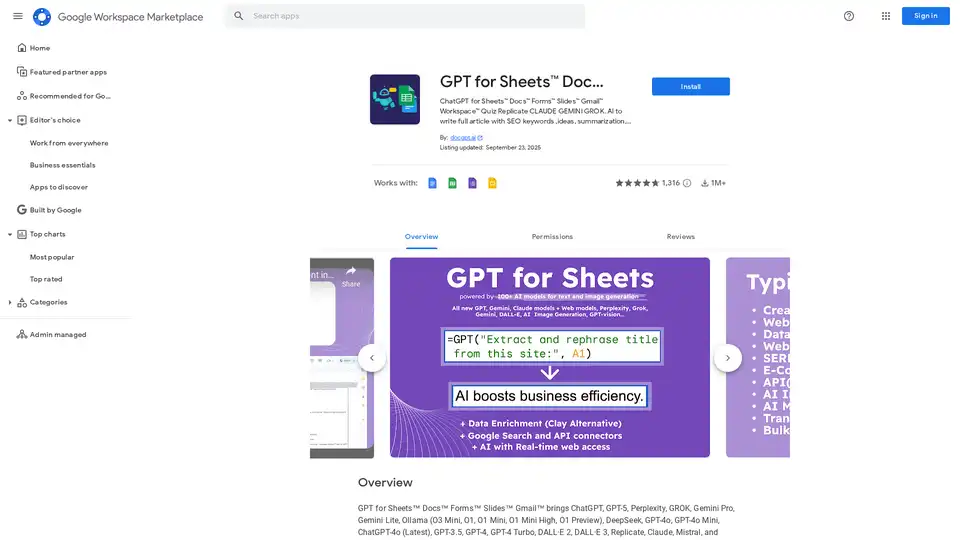
Discover GPT for Sheets, Docs, Forms & Slides – seamless AI integration with ChatGPT, Claude, Gemini for writing, SEO, translation and automation in Google Workspace.