
DragGAN
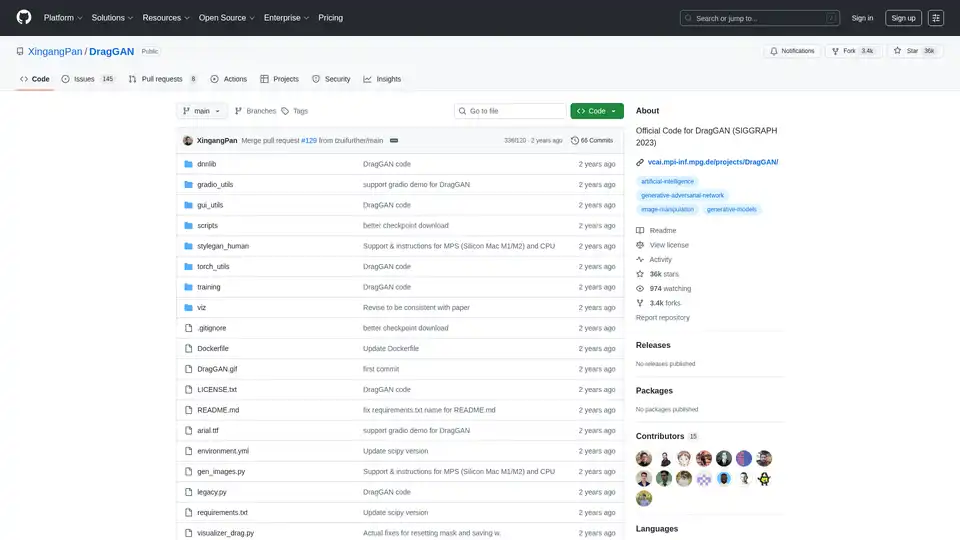
Overview of DragGAN
DragGAN: Interactive Point-Based Manipulation on the Generative Image Manifold
DragGAN is a cutting-edge technique that allows users to interactively manipulate images generated by Generative Adversarial Networks (GANs). This innovative approach enables precise, point-based control over image features, opening new possibilities for creative image editing and manipulation. The official code for DragGAN was presented at SIGGRAPH 2023.
What is DragGAN?
DragGAN is a method for manipulating images generated by GANs, specifically StyleGAN. It allows users to select specific points on an image and "drag" them to new locations, effectively deforming the image in a controlled manner. This is achieved by optimizing the latent space of the GAN, guiding the image generation process to match the user's intended manipulation.
How does DragGAN work?
DragGAN operates by allowing users to select "handle points" on an image and specify target locations for these points. The algorithm then optimizes the GAN's latent space representation of the image to move the handle points to their targets while preserving the overall image quality and realism. This involves a careful balance between moving the specified points and maintaining the integrity of the surrounding image structures.
Key Features and Capabilities:
- Interactive Point-Based Manipulation: DragGAN allows users to directly manipulate images by selecting and dragging specific points, offering intuitive control over image editing.
- Generative Image Manifold: The method operates within the generative image manifold learned by GANs, ensuring that manipulations remain realistic and consistent with the training data.
- High-Quality Results: DragGAN is designed to produce high-quality results, preserving image details and avoiding artifacts during manipulation.
- Integration with StyleGAN: The implementation is based on StyleGAN3, leveraging its powerful image generation capabilities.
How to use DragGAN?
- Requirements:
- CUDA-enabled GPU (recommended)
- Conda environment
- Python 3.7+
- Dependencies specified in
environment.ymlandrequirements.txt
- Installation:
- Create a Conda environment using the provided
environment.ymlfile:conda env create -f environment.yml - Activate the environment:
conda activate stylegan3 - Install additional requirements:
pip install -r requirements.txt
- Create a Conda environment using the provided
- Download Pre-trained Weights:
- Run
python scripts/download_model.pyto download the pre-trained StyleGAN2 weights.
- Run
- Run DragGAN GUI:
- Execute
sh scripts/gui.sh(or.\scripts\gui.baton Windows) to start the DragGAN GUI. This allows users to edit GAN-generated images.
- Execute
Why choose DragGAN?
DragGAN stands out for its intuitive interface and high-quality results. Unlike traditional image editing techniques, DragGAN operates within the GAN's latent space, ensuring that manipulations remain realistic and consistent. This makes it an ideal tool for creative image editing, allowing users to explore new possibilities and generate unique visual content.
Who is DragGAN for?
DragGAN is suitable for:
- Researchers: Investigating GANs and image manipulation techniques.
- Artists and Designers: Creating unique and compelling visual content.
- Hobbyists: Exploring the capabilities of AI-driven image editing.
Technical Details and Implementation:
The implementation of DragGAN is based on StyleGAN3 and includes several key components:
- DNNLib: A library for deep neural networks.
- Gradio Utils: Utilities for creating a Gradio-based visualizer.
- GUI Utils: Utilities for the DragGAN GUI.
- Torch Utils: Utilities for PyTorch.
License Information:
The code related to the DragGAN algorithm is licensed under CC-BY-NC. However, most of this project is available under a separate license terms: all codes used or modified from StyleGAN3 is under the Nvidia Source Code License. Any form of use and derivative of this code must preserve the watermarking functionality showing "AI Generated".
Example Uses Cases
- Object Reshaping: Modify the shape of objects within an image, such as altering the pose of a face or reshaping a car.
- Scene Composition: Rearrange elements within a scene to create new compositions and visual narratives.
- Artistic Exploration: Experiment with different image manipulations to generate unique and creative artworks.
DragGAN is a powerful tool that unlocks new possibilities for interactive image manipulation. By combining the power of GANs with intuitive point-based control, DragGAN empowers users to create stunning and realistic image edits with ease.
Best Alternative Tools to "DragGAN"
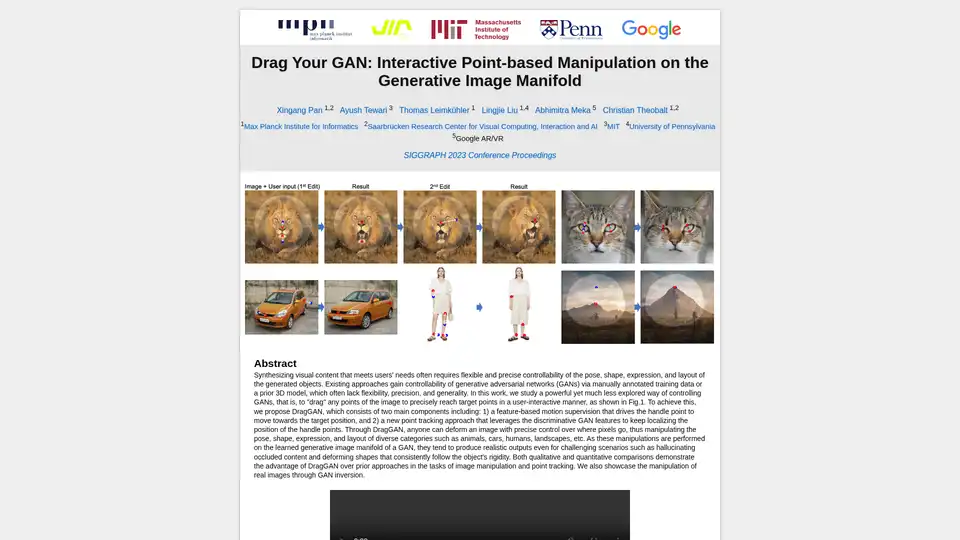
DragGAN allows users to interactively manipulate images generated by GANs by dragging points to target locations, offering precise control over pose, shape, and layout.
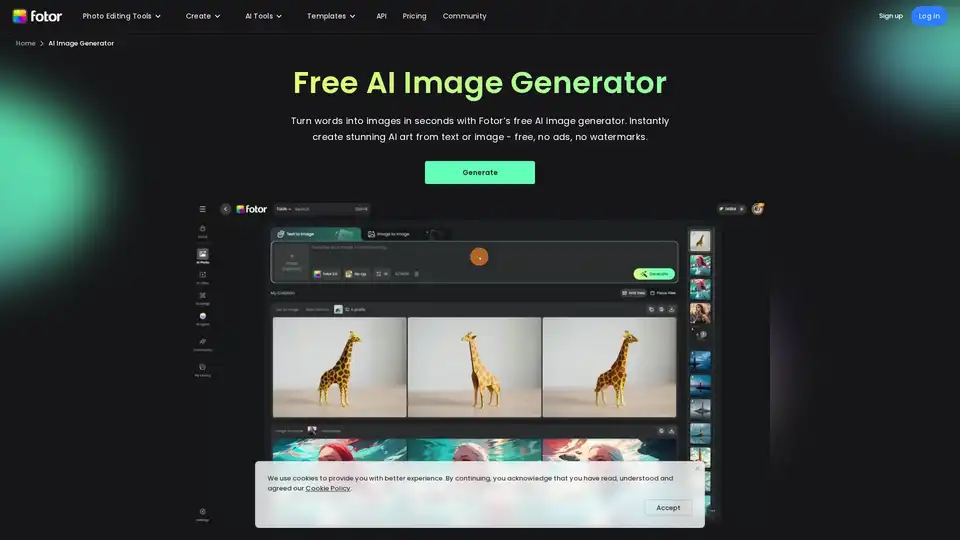
Generate unique AI images from a text prompt with Fotor free AI image generator. Input a prompt or upload an image, set the style, ratio and quantity, and get stunning images instantly.
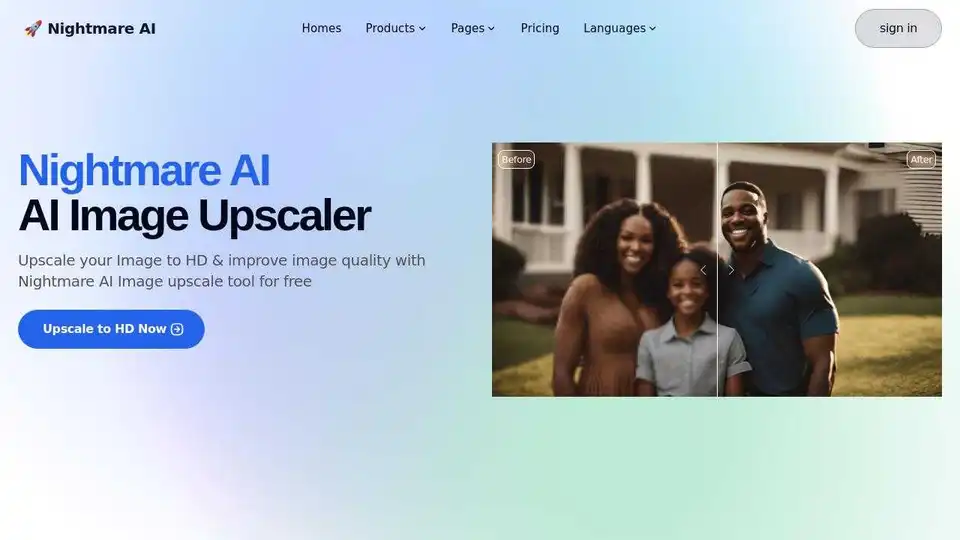
Nightmare AI is a free AI image upscaler and enhancer that uses Real-ESRGAN to upscale and enhance images to HD and 4K quality. Restore old photos and convert images to Studio Ghibli anime style.
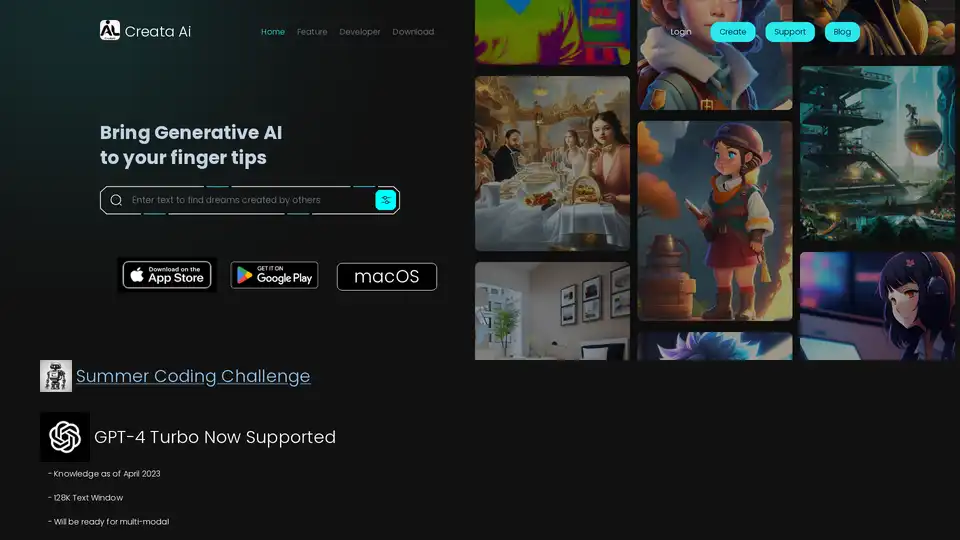
Creata AI is a generative AI toolbox providing useful AI tools for daily life. It offers image-to-image models, Stable Diffusion art, and supports GPT-4 Turbo. Available on iOS and Android.
Aiken is an AI-powered image generation tool integrated into a Webflow template. It allows users to create unique visuals from text descriptions, ideal for designers seeking rapid image creation.
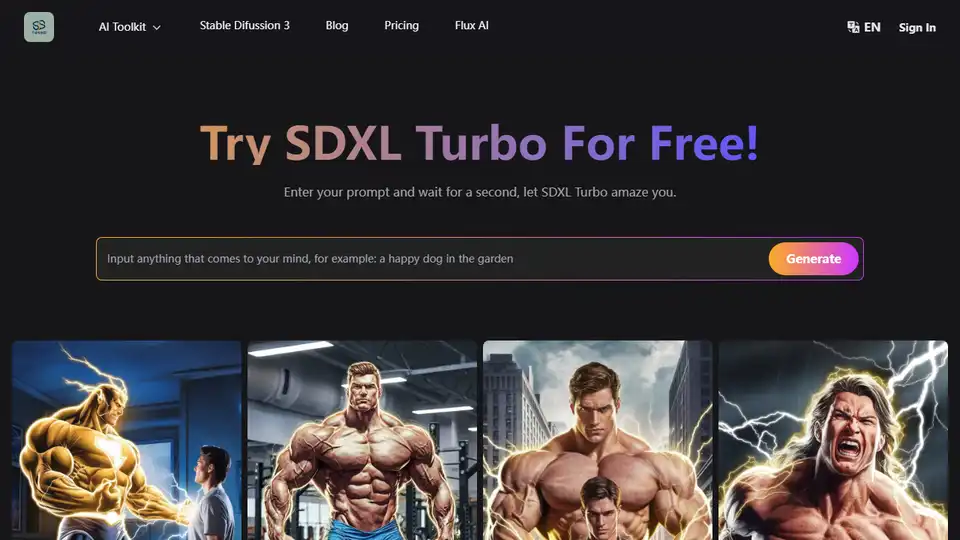
SDXL Turbo is a real-time AI text-to-image generator using Adversarial Diffusion Distillation for high-quality images. Try it for free and explore its capabilities.

TOPVSBEST offers resources for entrepreneurs, including a Free AI Image Creator, SEO tools, and calculators for platforms like Etsy and Amazon, designed to boost your online business success.

Video Watermark Remover uses AI to instantly remove watermarks, logos, and text from videos on TikTok, YouTube, and Instagram without quality loss. Perfect for content creators, filmmakers, and businesses.

Metail EcoShot helps fashion brands create on-model images from 3D designs in under 24 hours, enhancing presentations beyond ghost mannequin and avatar renders.
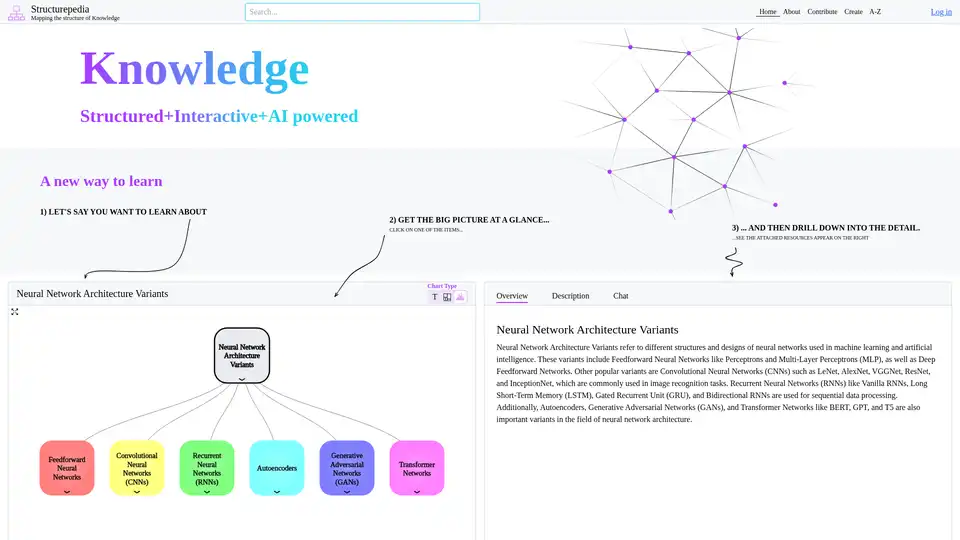
Discover Structurepedia, an AI-powered platform for visual web search and interactive knowledge trees. Explore complex topics like neural networks with structured diagrams and resources for free, enhancing learning efficiency.
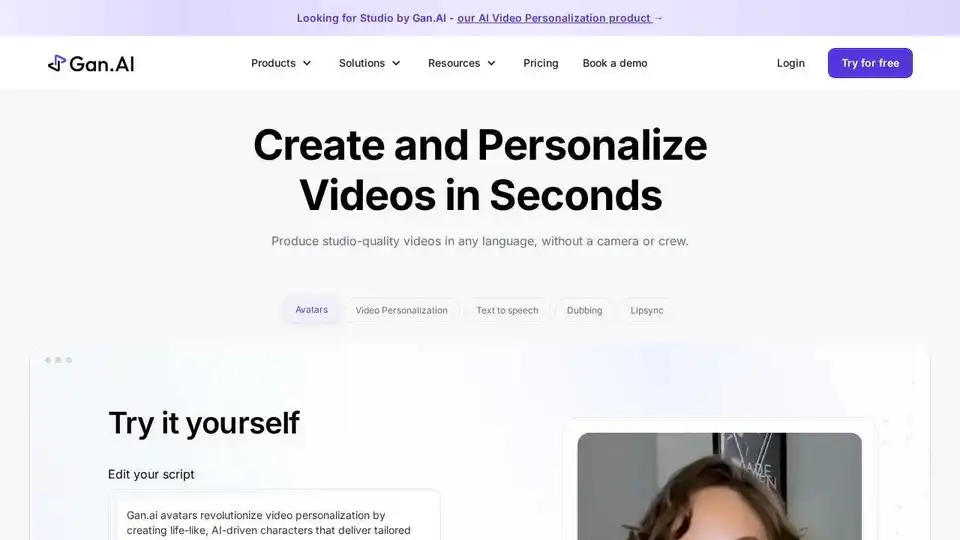
Gan.AI: Create AI videos instantly using text, AI avatars, scenes, & voiceovers. No camera, crew, or editing skills needed. Launch videos in minutes.
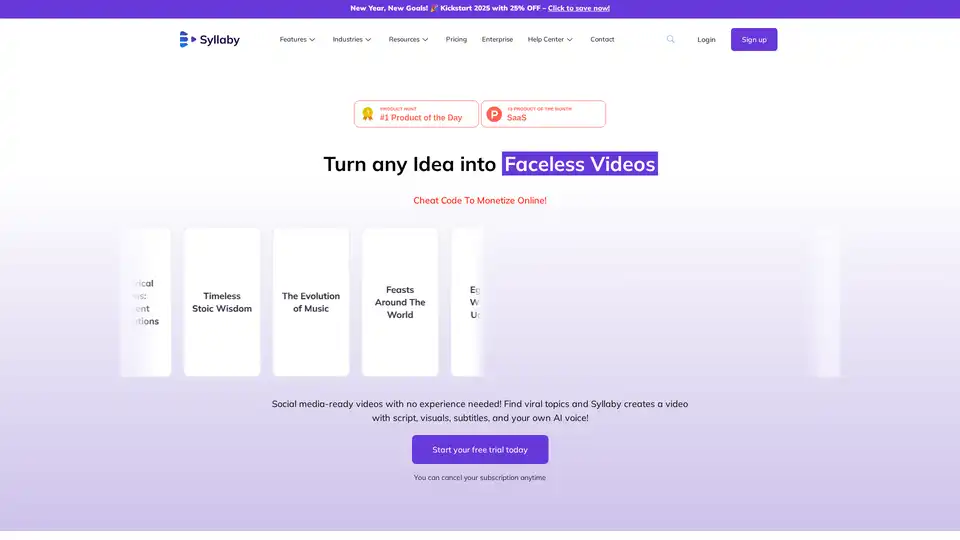
Syllaby transforms ideas into engaging faceless videos with AI avatars. Create social media content effortlessly with AI-generated scripts, visuals, and voice cloning.
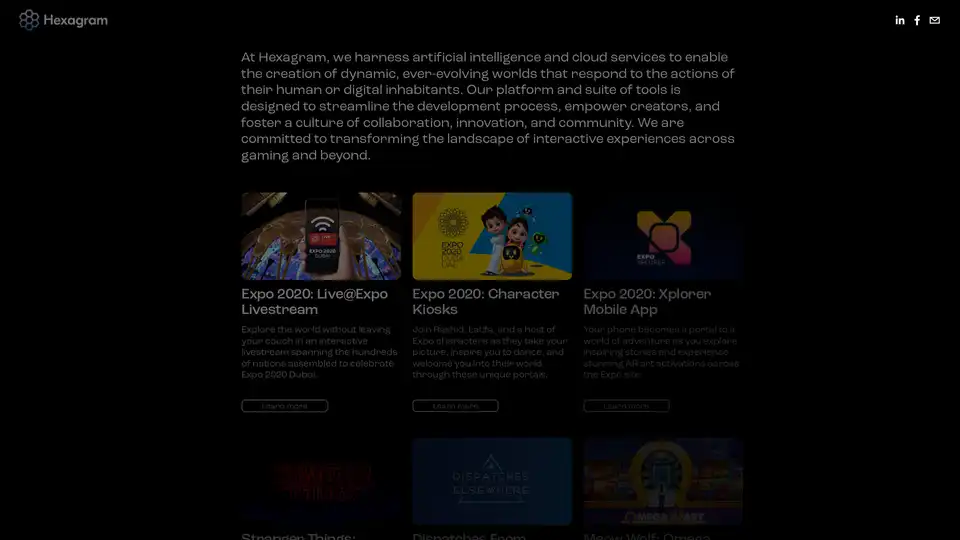
Hexagram uses AI and cloud services to build dynamic, responsive gaming worlds. Streamline development, empower creators, and boost collaboration for immersive interactive experiences in gaming and more.
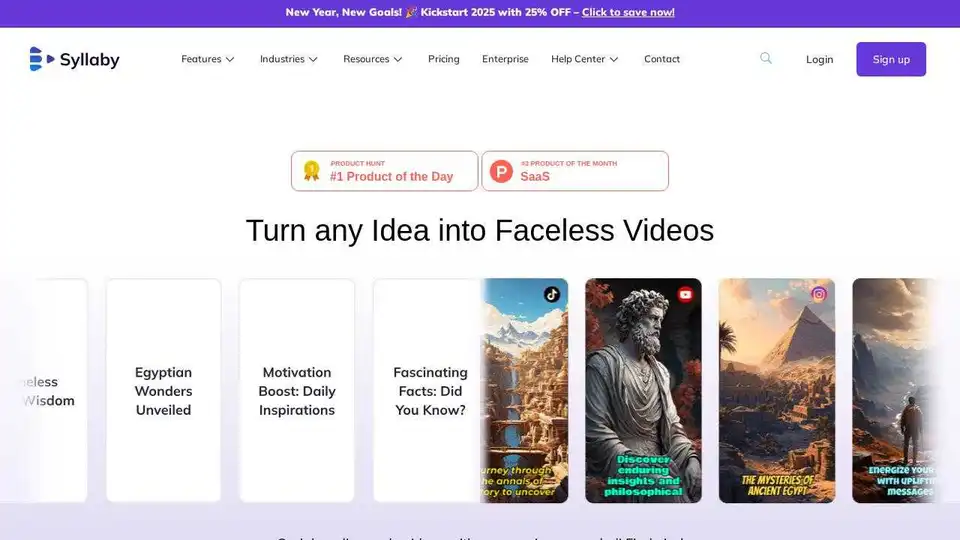
Syllaby is an AI-powered video generator that transforms ideas into engaging, faceless videos for social media. Create scripts, visuals, and AI voices easily, saving time and money.