
Flowith
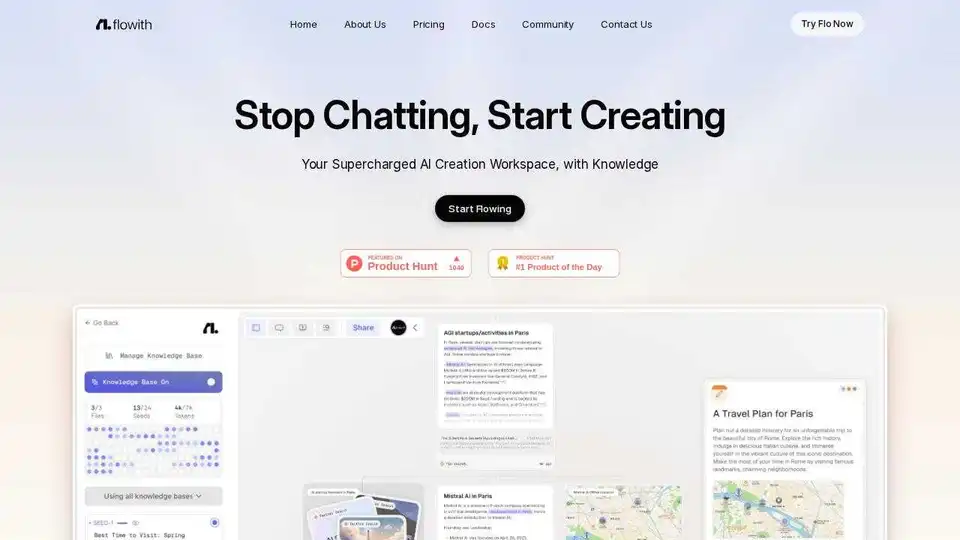
Overview of Flowith
Flowith: Your AI Creation Workspace
Flowith is a supercharged AI creation workspace that helps you stop chatting and start creating. It offers a multi-thread interface powered by an advanced agent framework, providing an intuitive canvas that boosts productivity.
What is Flowith?
Flowith is a platform designed to streamline tasks using a multi-thread interface, powered by an advanced AI agent framework. Unlike traditional chat-based tools, it provides an intuitive canvas to enhance productivity and keep users in the flow.
Key Features:
- Agent Neo: The world's first infinite AI agent, providing infinite steps, context, and tools.
- Autonomous Planning: Oracle reads your intentions and autonomously plans complex tasks, eliminating the need for prompt engineering.
- Unlimited Tools: Access seamless integration with a diverse range of AI tools, maximizing productivity.
- Multithread Interface: Effortlessly manage, organize, and interact with AI on a versatile multithread canvas.
- Real-time Collaboration: Engage in seamless collaboration with your team.
How to use Flowith?
- Start by defining your intent. Flowith’s AI will read your intention and break down complex tasks into simple steps.
- Utilize the intuitive canvas to organize your thoughts and materials.
- Collaborate in real-time with your team to enhance productivity.
- Explore a diverse range of AI models to enhance your workflow and project management.
Use Cases:
Flowith supports various use cases, including:
- Website Creation: Design and refine websites with AI-driven tools.
- Content Creation: Generate detailed content for various purposes, such as blog posts, articles, and marketing materials.
- Research: Conduct deep research and extract key insights from data.
- Slides Generation: Create teaching slide decks for college students, complete with exercises and clear explanations.
Why is Flowith Important?
Flowith addresses the limitations of traditional chat-based AI tools by offering an infinite canvas and advanced AI agent capabilities. It empowers users to tackle complex tasks with ease, fostering creativity and productivity.
Where can I use Flowith?
Flowith is accessible via the web and is now available on the App Store. It can be used by individuals and teams across various industries, including:
- Marketing
- Education
- Research
- Design
Testimonials:
- Charles Liu, Founder of dora.run: "Flowith is one of the most astonishing AI products I have seen recently. The traceability is clear, and the breakdown and answers are reliable."
- Yemengard: "Flowith makes AI a better human-centric tool for deep thinking and brainstorming!"
Best way to use Flowith?
To maximize the benefits of Flowith, follow these tips:
- Start with a clear intention or goal.
- Utilize the canvas to organize your ideas visually.
- Explore the various AI models and tools available.
- Collaborate with your team in real-time.
- Leverage the knowledge extraction feature to gather insights from your data.
Best Alternative Tools to "Flowith"
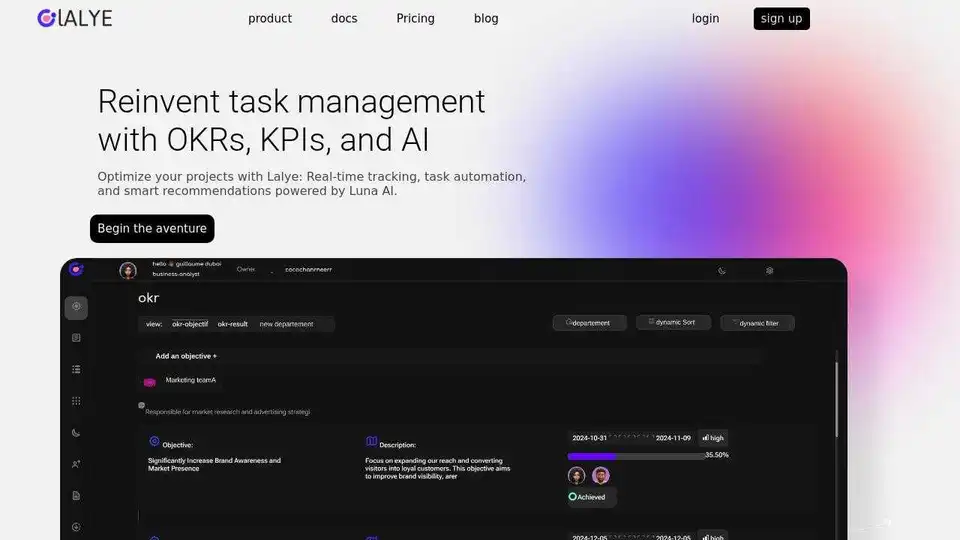
Lalye is an AI-powered strategic tool that aligns your goals, optimizes decisions, and turns plans into actionable tasks for measurable results. Simplify strategic planning with AI-driven SWOT analysis, OKR setting, and collaborative task management.
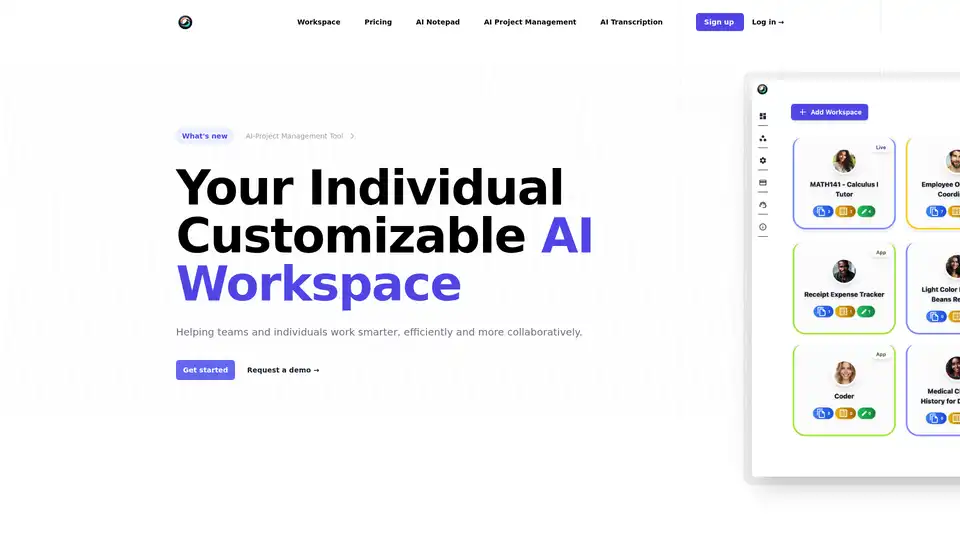
ToleAI offers a customizable AI workspace with tools for project management, transcription summaries, AI notepad, image generation, and OCR. Boost team productivity and collaboration with intelligent agents and seamless integrations.
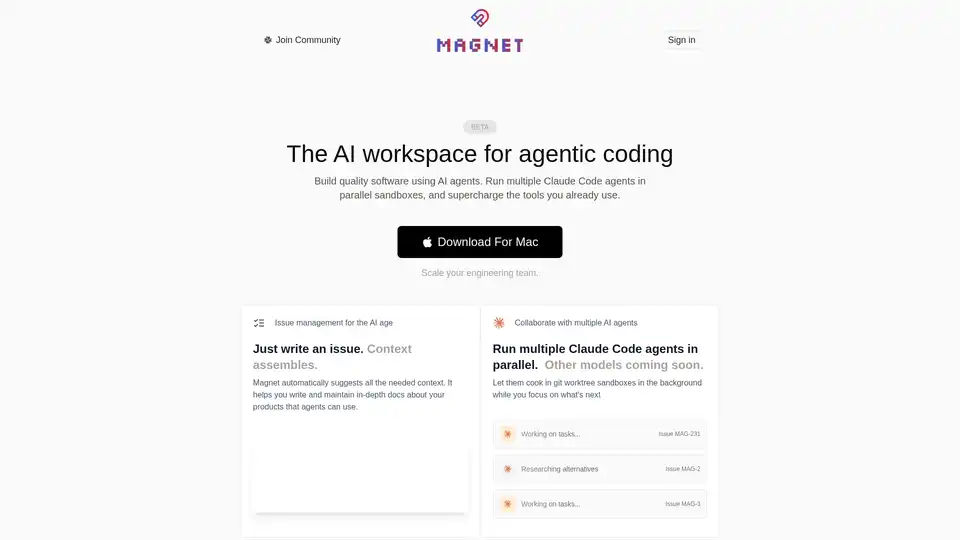
Magnet is an AI-native workspace that revolutionizes software building with Claude Code agents. Run multiple agents in parallel sandboxes, automate issue management, and scale engineering teams efficiently.
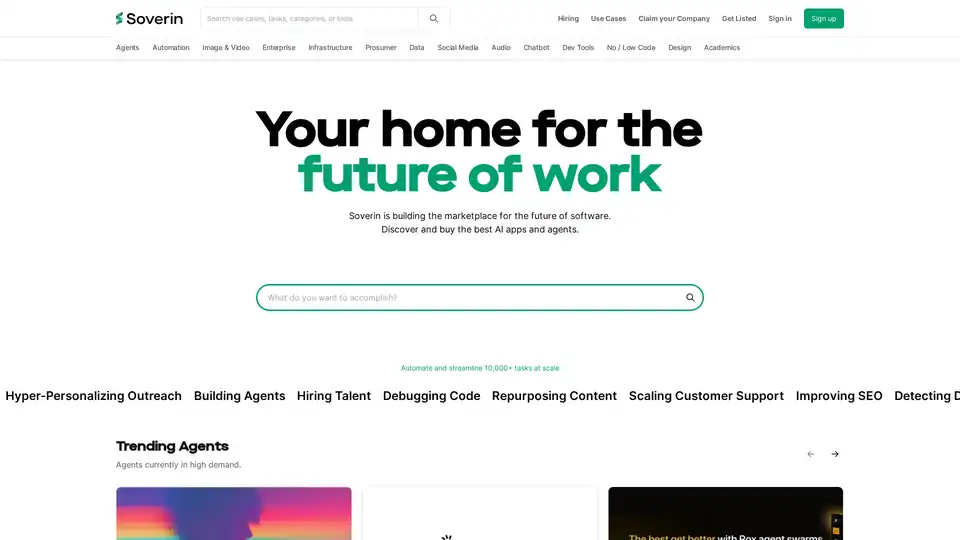
Soverin is the ultimate AI marketplace for discovering, buying, and leveraging top AI apps and agents. Automate over 10,000 tasks, from building agents to scaling customer support, and boost productivity with trending automation tools.
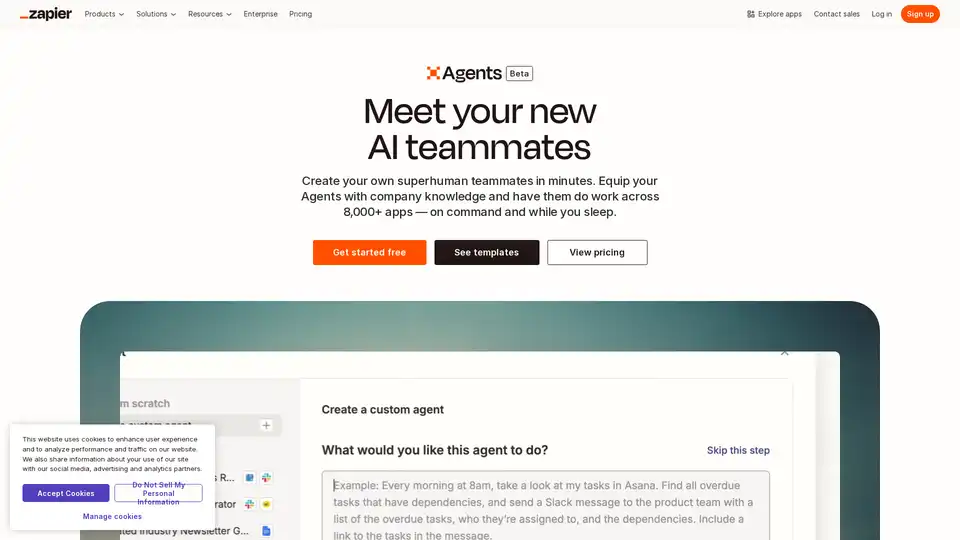
Create your custom AI agent in minutes. Equip your agents with live business data and have them do work across 8,000+ apps — on command and while you sleep.
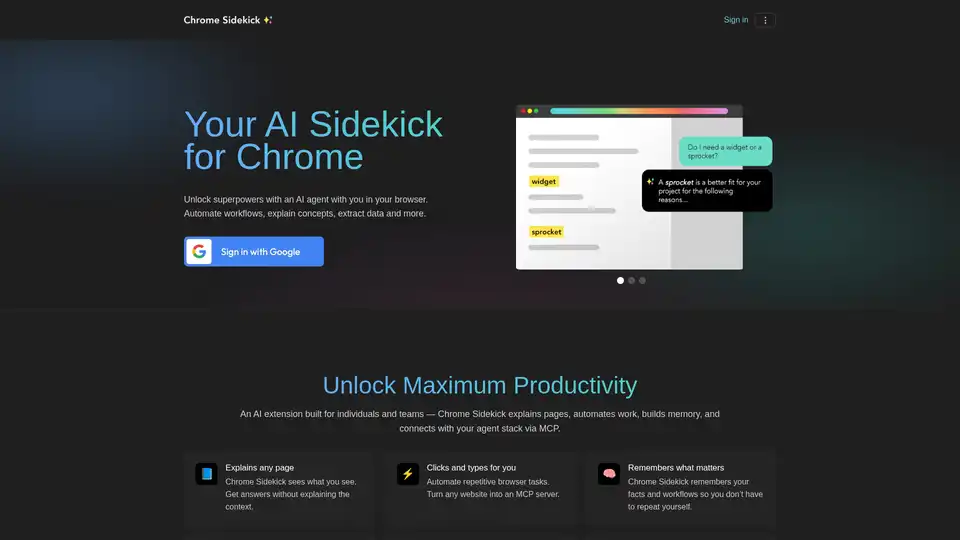
Chrome Sidekick is an AI-powered Chrome extension that automates browser tasks, explains web pages, and remembers important information. Built for individuals and teams to boost productivity.
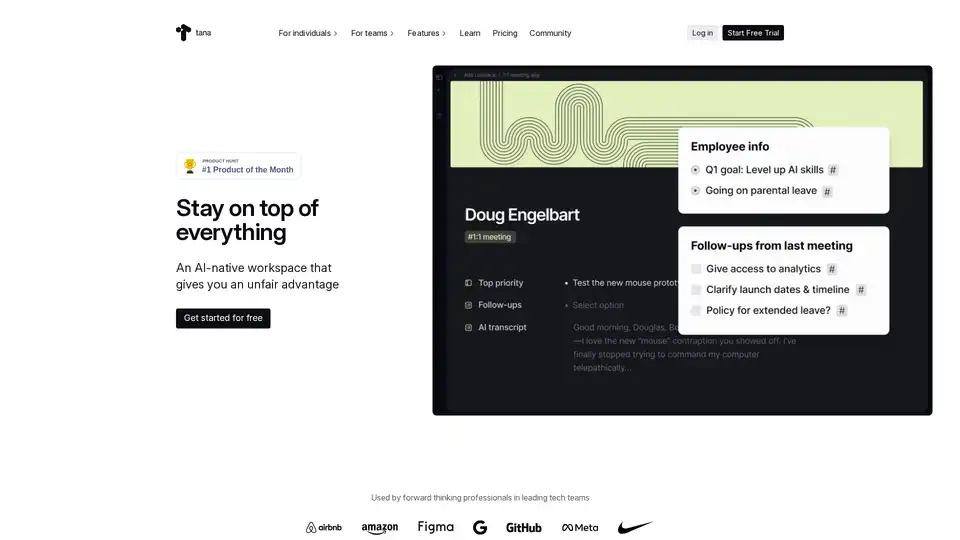
Tana is an AI-native workspace designed to streamline your workflow. It helps manage notes, tasks, and knowledge, giving you an unfair advantage with AI assistance.
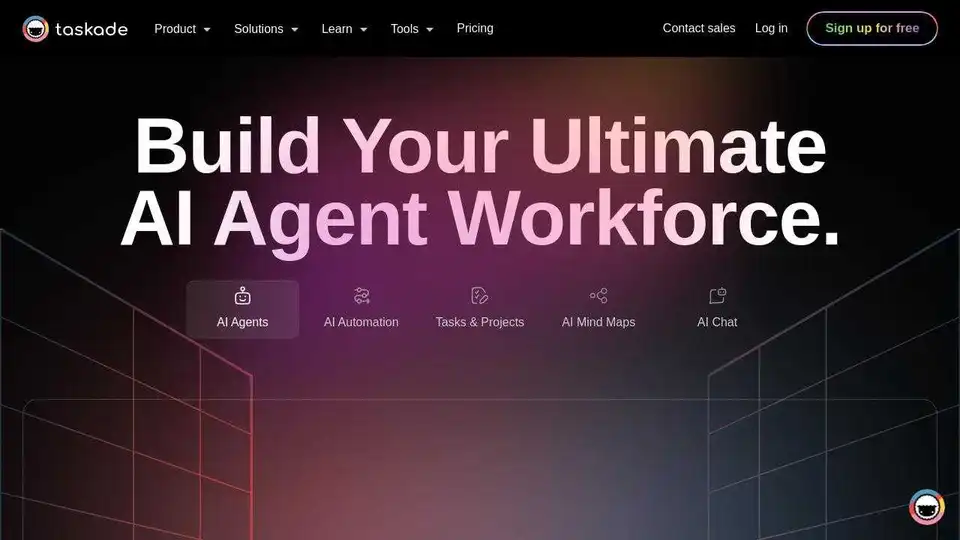
Taskade: Build, train, and deploy AI agents to automate tasks, research, and boost team productivity by 10X. Integrate AI chatbot and workflow generator for streamlined collaboration.
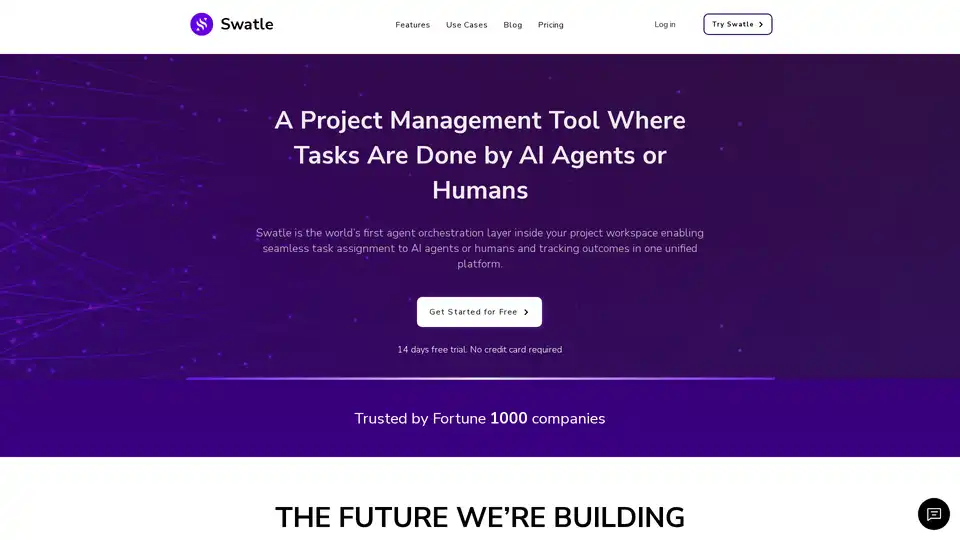
Boost team productivity with Swatle, the AI-powered project management tool. Get instant updates, smart estimates, and real-time insights for effortless task management and reporting.
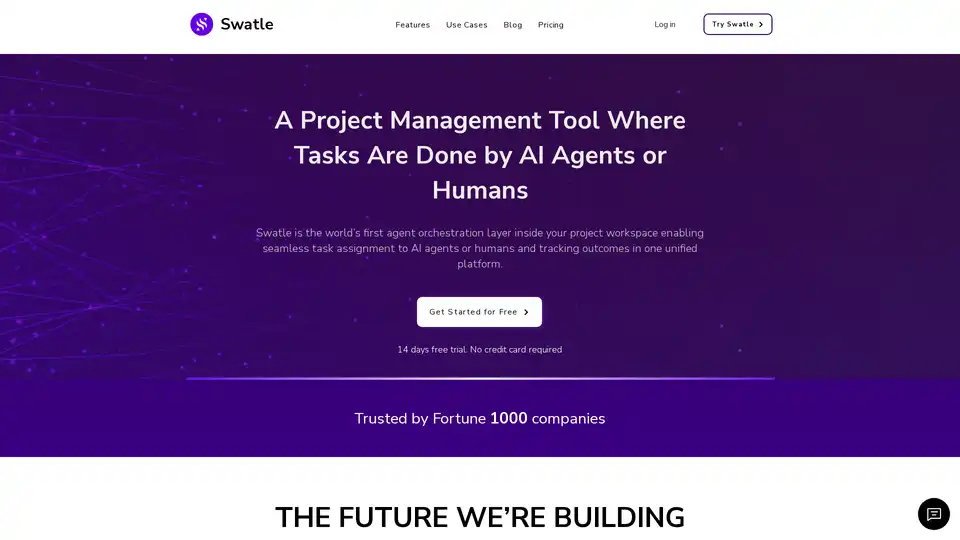
Swatle is an AI-powered project management tool that enables seamless task assignment to AI agents or humans, tracking outcomes in one platform. It features Brainstorm, a context-aware AI chat interface, and integrates with various agent builders.
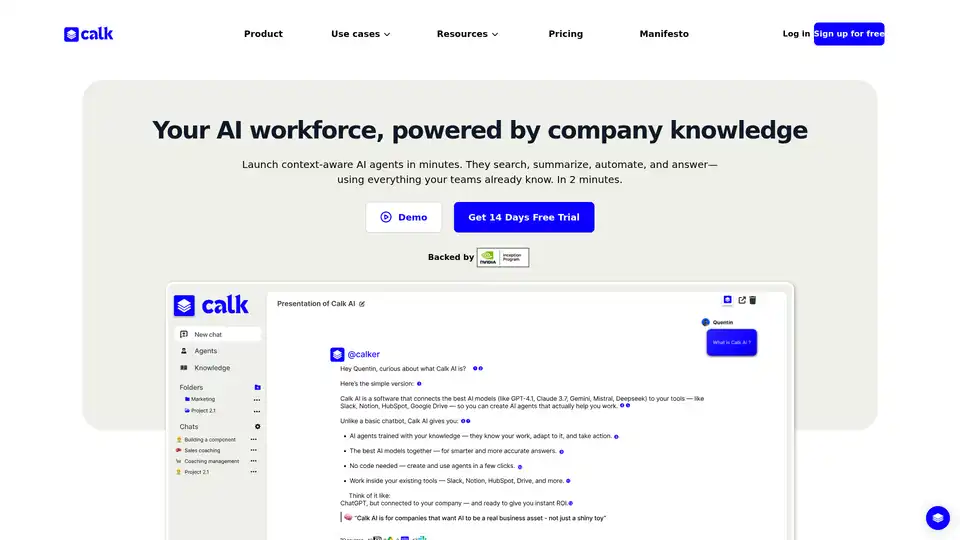
Calk AI helps your team build custom AI Agents using your internal docs and tools. Connect Notion, Slack, Intercom, and more — instantly. Launch context-aware AI agents that search, summarize, and automate tasks with your company's knowledge.
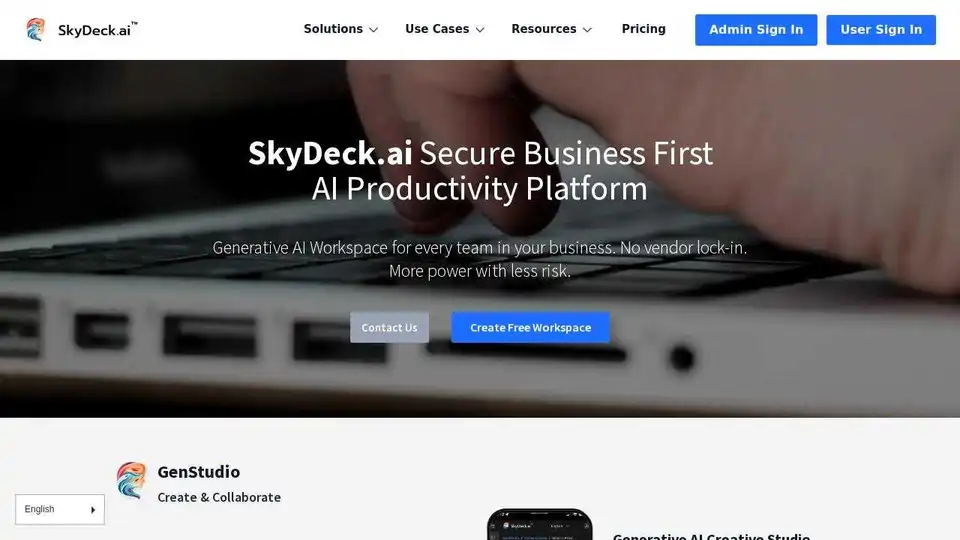
SkyDeck AI is a secure business-first AI productivity platform enabling businesses to safely deploy, monitor, and control generative AI tools and language models.
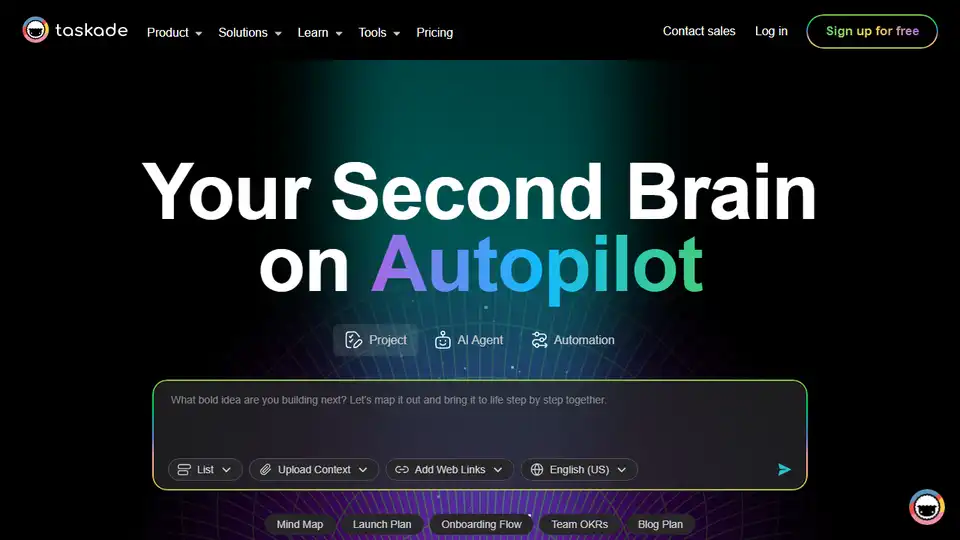
Taskade: Build, train, and deploy AI agents for workflow automation. Plan, research, and complete tasks with AI, boosting productivity 10X.
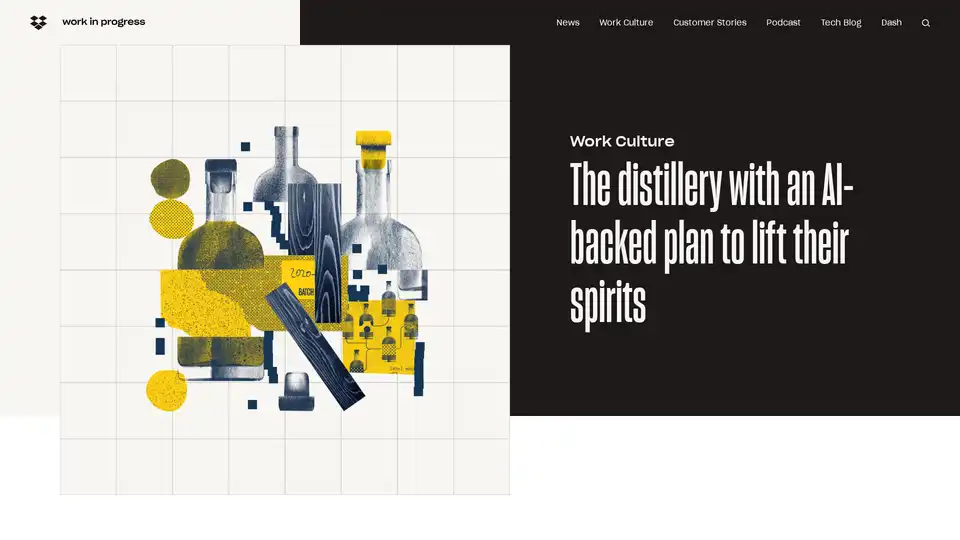
Dropbox Dash helps you find, organize, and protect your work with AI-powered search and integration across connected apps, enhancing productivity and security.