
InboxChat
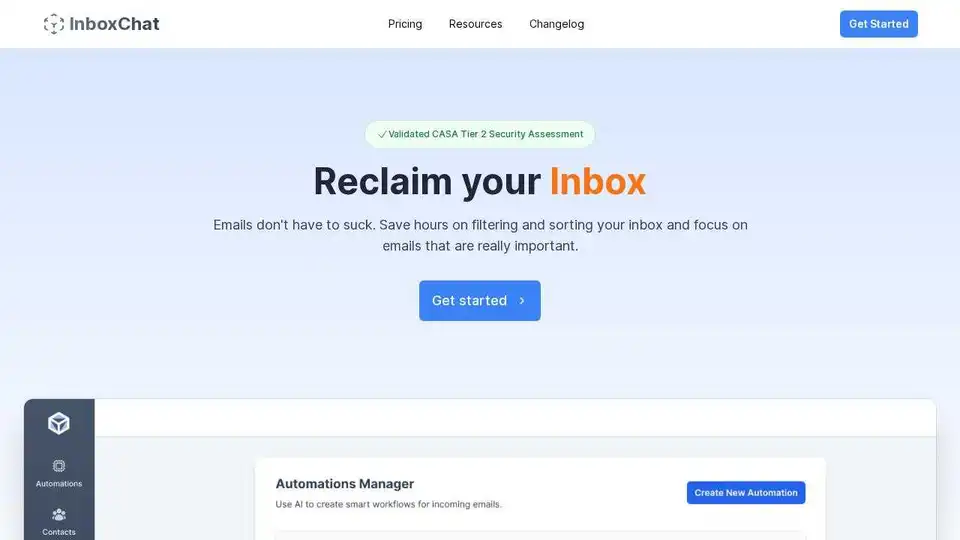
Overview of InboxChat
InboxChat: AI-Powered Email Management for Gmail
What is InboxChat?
InboxChat is an AI-powered email management tool designed to help you reclaim your inbox and focus on important emails. It automates filtering and sorting, saving you hours of manual work.
How does InboxChat work?
InboxChat uses AI to:
- Smart Filters: Organize and sort emails automatically using AI, eliminating the need for manual filters.
- Create Automation: Build smart workflows for incoming emails based on AI prompts, contact tags, or email status.
- Better Contacts Management: Tag contacts, create filters, and screen unknown senders to protect your inbox.
- Populate Contact Information: Automatically fill in missing contact details like phone number, job title, and company.
Key Features and Benefits
- Saves Time: Automate email filtering and sorting, saving 4+ hours per week.
- Improved Organization: Automatically organize your inbox into relevant folders (e.g., Invoices, Travel, Job Applications).
- Enhanced Contact Management: Easily tag and filter contacts for better organization.
- Spam Protection: Screen unknown senders and build a trusted network.
Ideal Use Cases
InboxChat is ideal for:
- Filtering promotional emails and newsletters.
- Sorting travel confirmations and details.
- Organizing purchase receipts and tracking information.
- Managing job-related emails.
- Collecting flight tickets, hotel reservations, and travel confirmations into a travel label.
How to Use InboxChat
- Install the Browser Extension: Since the product is a Gmail add-on, you have to install the chrome extension.
- Connect Your Gmail Account: Link InboxChat to your Gmail account.
- Create Automations: Set up AI-powered filters and workflows based on your needs. You can use AI Prompts, Contact Tags, or Status to trigger email actions.
- Manage Contacts: Tag your contacts for enhanced filtering and screening.
Pricing
InboxChat offers a free 14-day trial. The Professional plan is priced at $14 USD/month and includes:
- Latest AI Models
- Up to 10 Automations
- Product Support
Security and Privacy
InboxChat is certified by PWC through the CASA Tier 2 Security Certification, ensuring a high level of data security. Email content is encrypted, and access logs are carefully reviewed.
FAQ
- What platforms are supported? Currently, only Gmail accounts are supported.
- Can I cancel anytime? Yes, you can cancel at any time.
- How can you ensure the privacy and security of my data? InboxChat is certified by PWC through the CASA Tier 2 Security Certification.
- Can you read my emails? Email content is encrypted and remains secure at all times. Access logs are carefully reviewed.
InboxChat provides significant value for individuals and businesses struggling with email overload. By automating sorting, filtering, and contact management, it saves time and improves productivity.
AI Article Generation AI Text Polishing AI Writing Assistance Paper and Report Generation News and Blog Generation Email and Business Writing
Best Alternative Tools to "InboxChat"
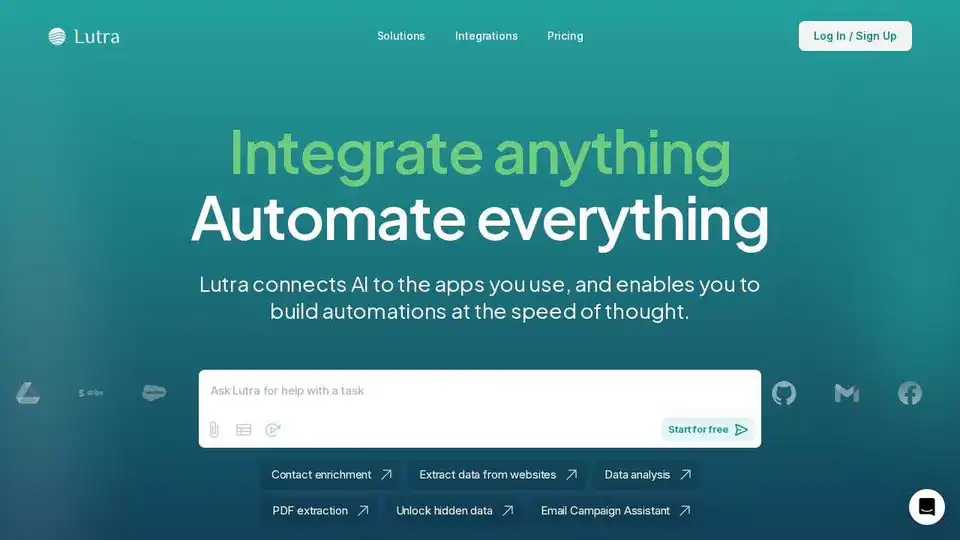
Lutra AI is a productivity agent connecting to your work apps, automating data enrichment, email management, and workflow automation. Secure, reliable, and SOC2 compliant.
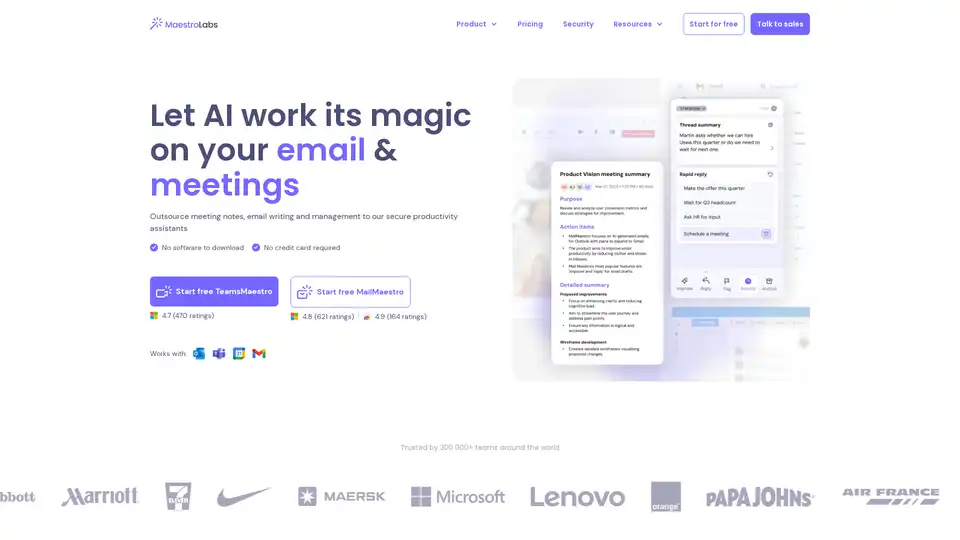
MailMaestro is an AI-powered email assistant that drafts replies, summarizes threads, manages inboxes, and integrates seamlessly with Outlook and Gmail. Save hours weekly with multilingual support and enterprise-grade security.
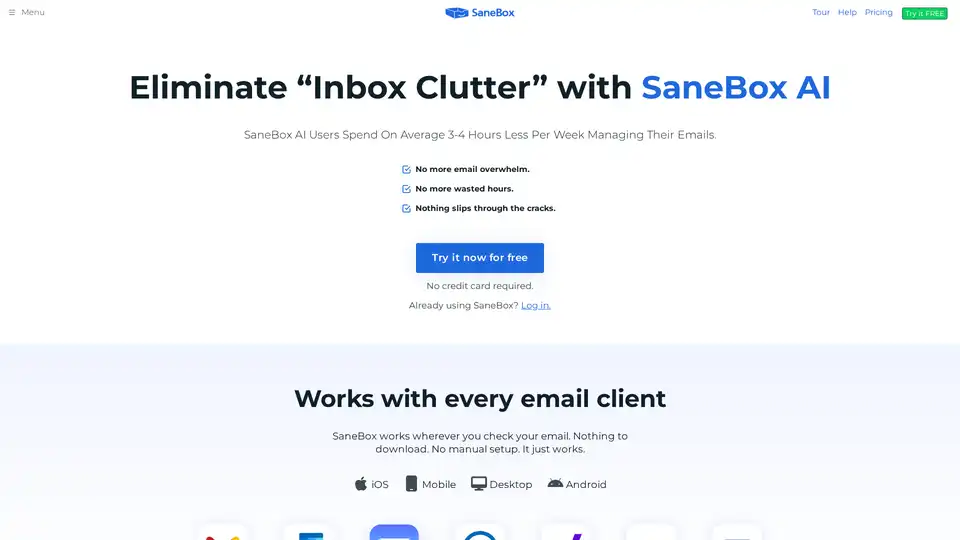
SaneBox is an AI-powered email management tool that automatically filters unimportant emails, unsubscribes from unwanted senders, and reminds you to follow up, saving users 3-4 hours per week.
Deuces AI is an AI-powered email marketing platform that combines mass outreach with personalized communication. Generate hyper-personalized emails with AI templates and advanced analytics.