
Locus
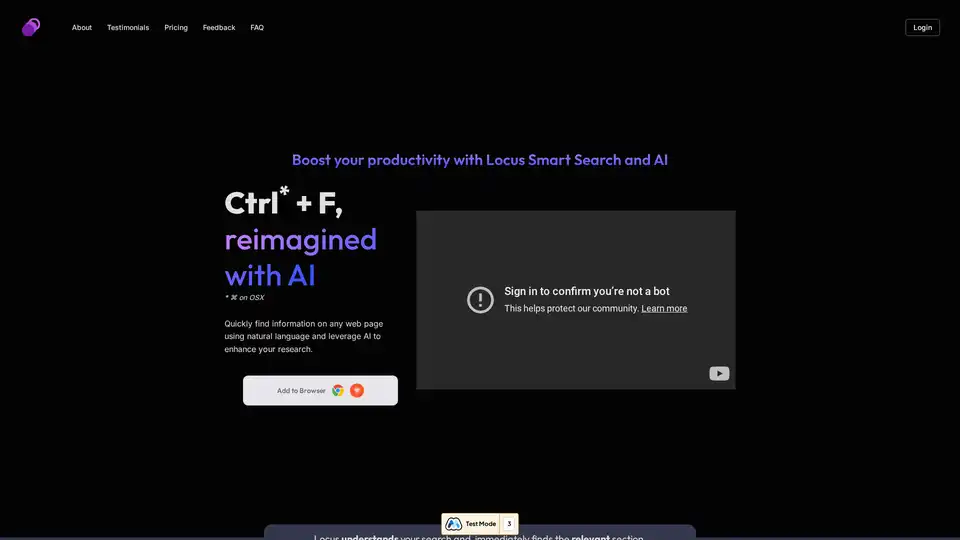
Overview of Locus
Locus: The AI Co-Pilot for Smarter Searching and Research
What is Locus?
Locus is an innovative AI-powered browser extension designed to revolutionize how students, analysts, and researchers find and synthesize information online. It reimagines the traditional Ctrl+F function with the power of artificial intelligence, enabling users to quickly locate specific details within web pages and PDF documents using natural language queries.
How does Locus work?
Locus leverages large language models (LLMs) to understand the context of your search queries, going beyond simple keyword matching. This allows you to:
- Search with Natural Language: Instead of remembering exact keywords, phrase your searches as you would in a conversation.
- Find Relevant Sections Instantly: Locus identifies the sections of a document that directly address your query, saving you time and effort.
- Summarize and Synthesize Information: Use AI to condense entire pages or specific sections, extract key insights, and generate research outputs.
- Brainstorm Research Topics: Let Locus suggest related topics and documents to expand your research horizons.
- Create Study Note Cards: Transform key information into flashcards to aid memorization and retention.
Key Features and Benefits
AI-Powered Smart Search
Locus understands the nuances of your search queries and pinpoints the most relevant information, even in complex documents.
PDF Search Capabilities
Quickly extract insights from lengthy PDF reports and research papers, saving valuable time.
Personalized AI Assistance
Leverage LLMs to synthesize information, create research outputs, and explore new ideas.
Summarization and Brainstorming
Condense large amounts of text, identify key takeaways, and generate new research directions.
Favorites and Search History
Save important findings and easily revisit them later.
Multi-Model Support
Choose from a range of AI models including OpenAI's GPT-4o, GPT-4o mini and 3.5, Anthropic's Claude 3 Haiku, and Google's Gemini 1.5 Flash.
Who is Locus for?
Locus is designed for anyone who spends time reading and researching online, including:
- Students: Easily navigate online textbooks, research papers, and other academic materials.
- Analysts: Quickly extract insights from news articles, financial reports, and market research.
- Researchers: Streamline literature reviews, synthesize findings, and generate new research ideas.
User Testimonials
- Analyst @ Goldman Sachs: "Locus has helped me figure out what parts of each article I should spend my time on."
- Research Assistant @ Penn CURF: "Reading through dense papers every week for my lab has become more manageable with Locus."
- Student @ University in NJ: "This tool makes it easy to refer back to sections I just read without needing to sift through all the CTRL+F matches."
Pricing and Availability
Locus offers a free plan with limited access to its features. Paid plans provide unlimited access and additional benefits:
- Free: Natural language search, web page and PDF document support, daily refresh of index, search history, saved favorites, and AI-based summarization (with daily limits).
- Professional ($9/month): All free features plus no document limits, access to the newest AI models, unlimited tokens with OpenAI integration (bring your own API key), and a faster processing engine.
How to get started with Locus?
- Add to Browser: Install the Locus browser extension from the Chrome Web Store.
- Sign Up (Optional): Create a free account to unlock additional features like search history and favorites.
- Start Searching: Use natural language to search within web pages and PDF documents.
Why choose Locus?
Locus offers a powerful and intuitive way to enhance your online research. By combining natural language search with AI-powered summarization and synthesis, Locus helps you save time, extract key insights, and generate new ideas. Whether you're a student, analyst, or researcher, Locus can help you unlock the full potential of online information.
In conclusion, Locus stands out as an indispensable AI tool for anyone seeking to streamline their research process and derive deeper insights from online content. Its user-friendly interface, combined with powerful AI capabilities, makes it a valuable asset for students, analysts, and researchers alike.
Best Alternative Tools to "Locus"
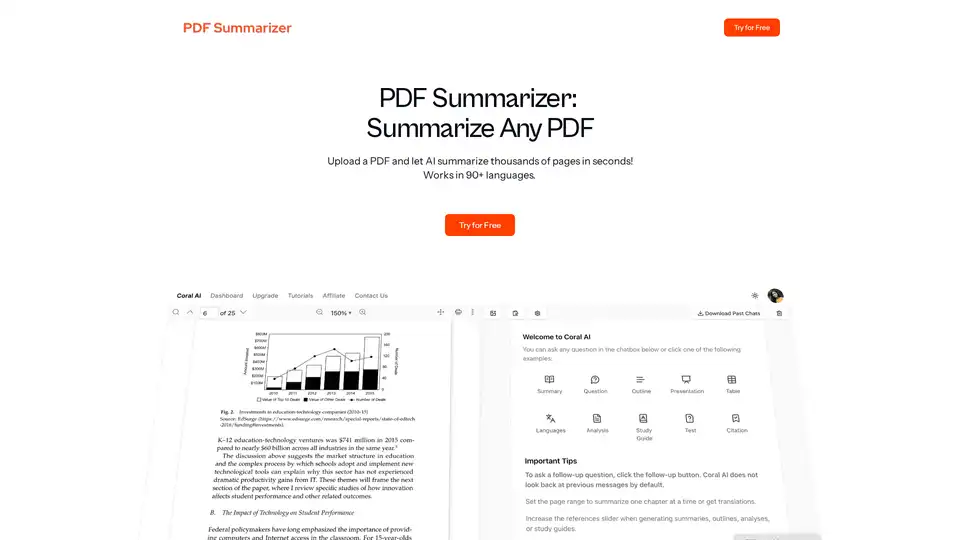
PDF Summarizer uses AI to instantly summarize thousands of PDF pages in seconds, supporting 90+ languages and trusted by 500,000+ users worldwide.
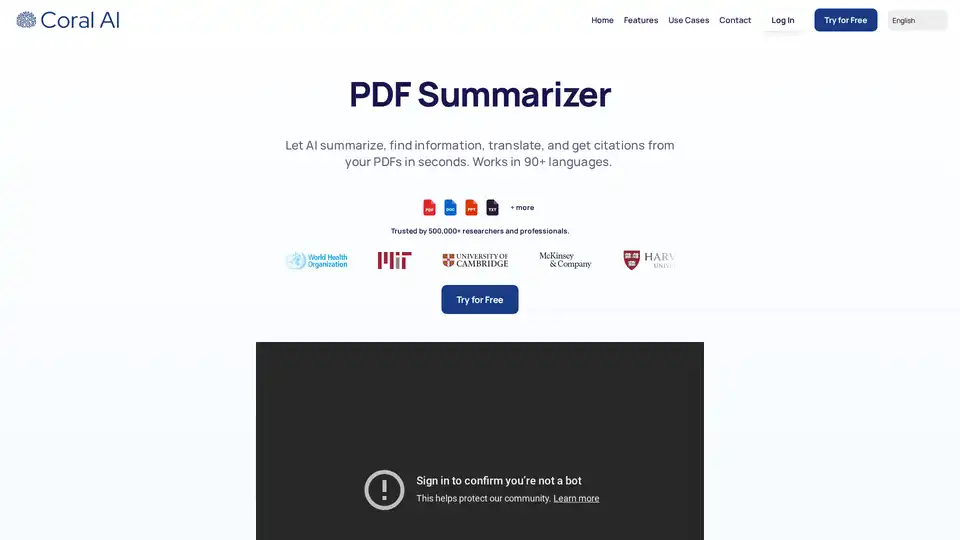
Coral AI summarizes PDFs, finds key information, translates, and generates citations in seconds. Trusted by researchers and professionals. Try it for free!
Elicit is an AI research assistant that helps you search, summarize, extract data from, and chat with over 125 million research papers, trusted by over 2 million researchers.
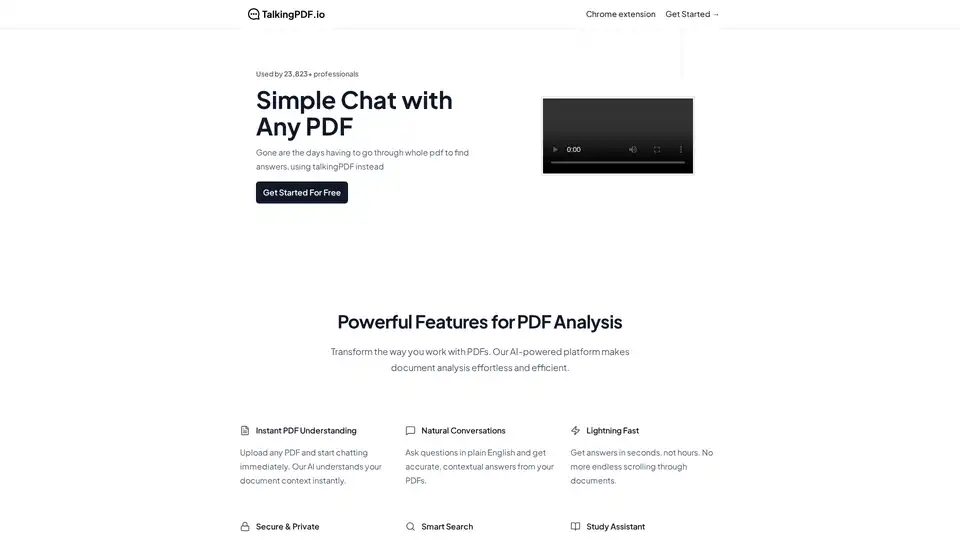
TalkingPDF is a Chrome extension that enables users to chat with any PDF using AI. It allows for instant understanding, natural conversations, and smart search within PDF documents, making document analysis effortless.
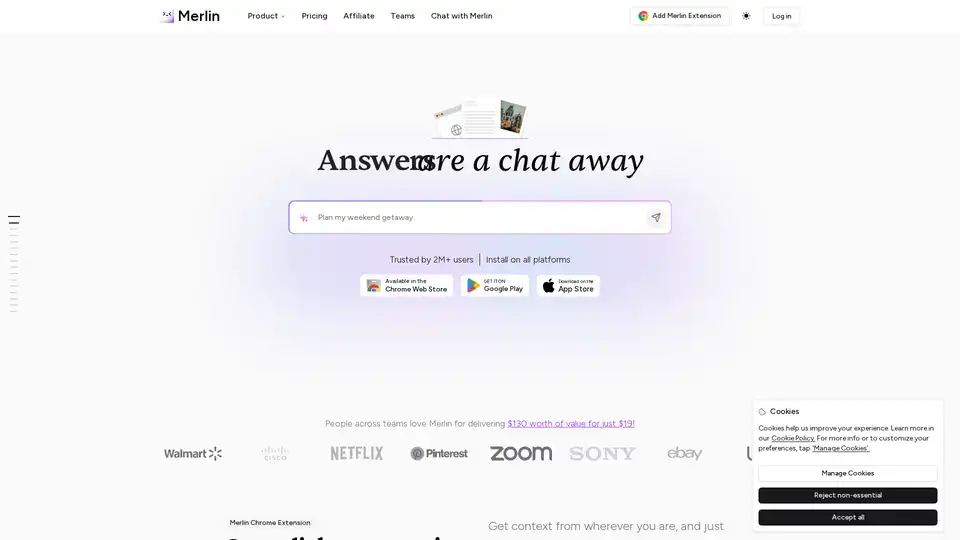
Merlin AI is a versatile Chrome extension and web app that lets you research, write, and summarize content with top AI models like GPT-4 and Claude. Free daily queries for videos, PDFs, emails, and social posts boost productivity effortlessly.
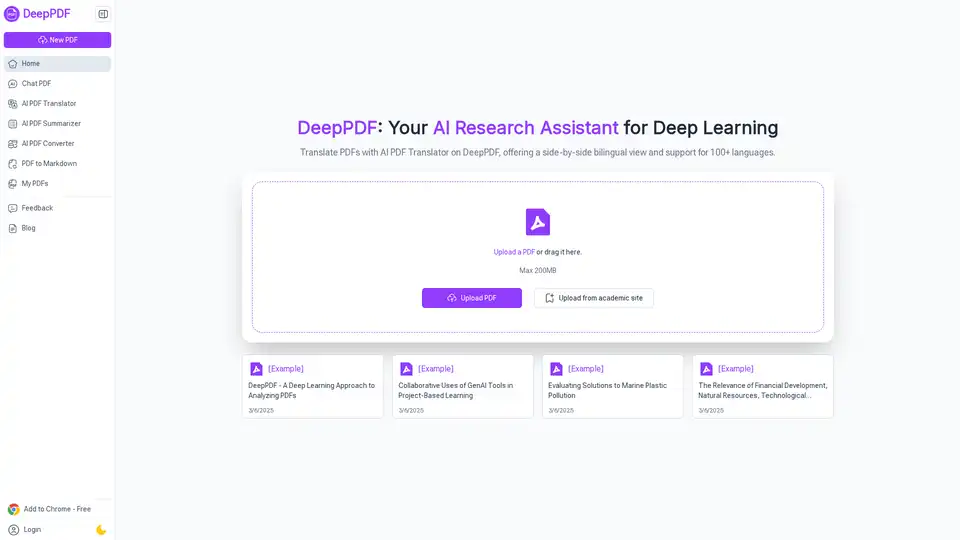
DeepPDF is an AI-powered research assistant for PDFs, featuring chat interactions, summaries, translations, and analysis of key terms, images, and formulas to streamline deep learning and document handling.
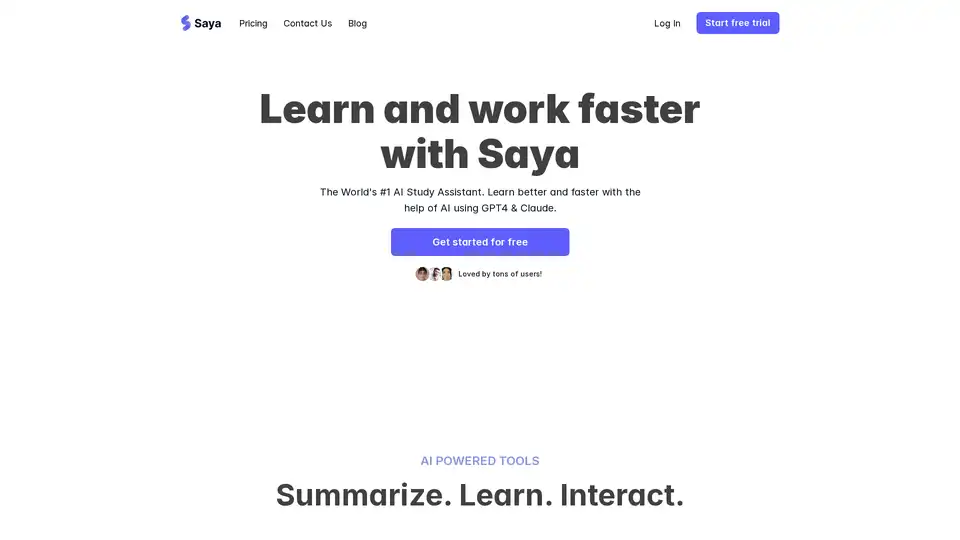
Saya is an AI study assistant that uses GPT4 & Claude to summarize content from PDFs, YouTube videos, audio, and Word documents. It also offers AI search and a personal knowledge repository for enhanced learning.
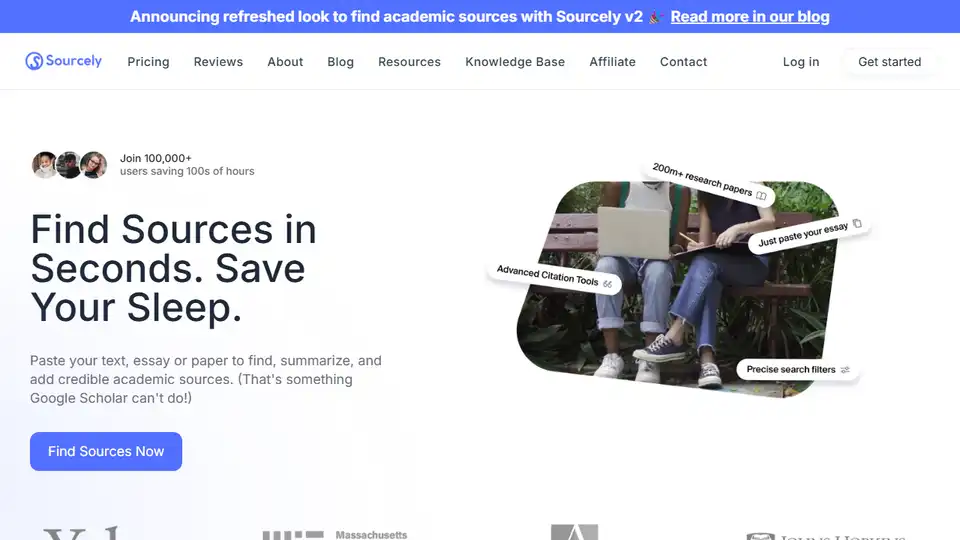
Sourcely is an AI-powered academic source finder that instantly finds, summarizes, and cites relevant papers from input text, saving you time and improving research quality.
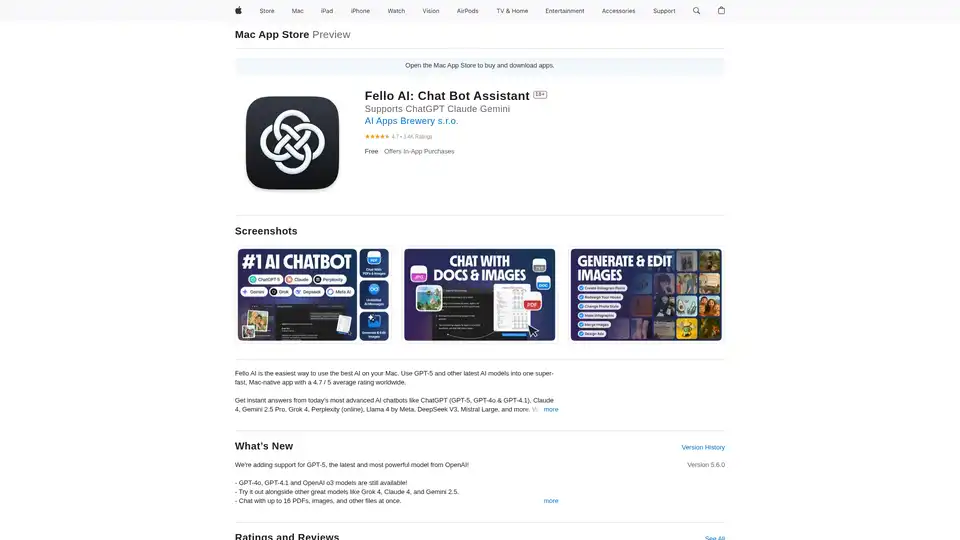
Fello AI is a Mac app integrating GPT-5 and other AI models for instant answers, PDF summarization, and image generation. Rated 4.7/5, perfect for professionals and students.
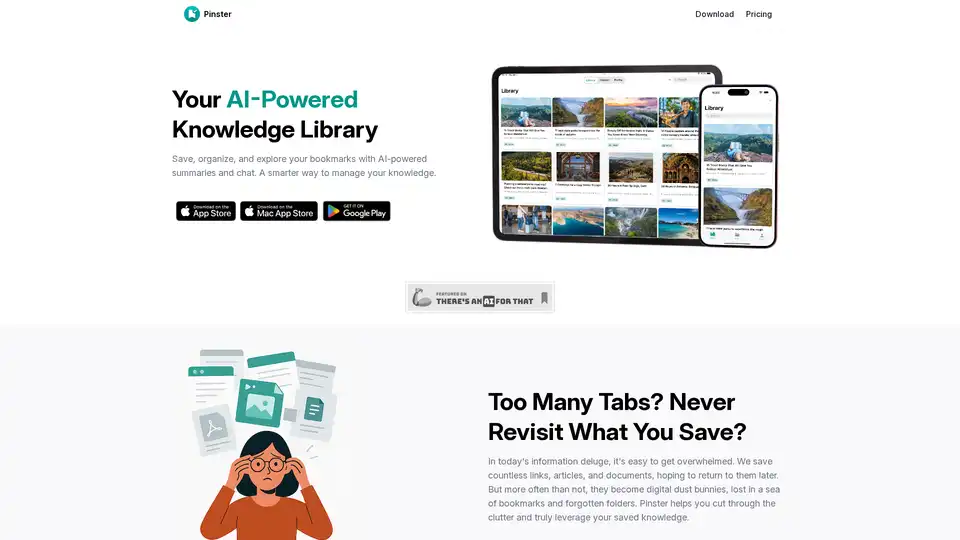
Pinster is an AI-powered knowledge manager for macOS and iOS that helps you save, organize, and explore bookmarks with AI summaries and chat. It transforms information chaos into clarity.
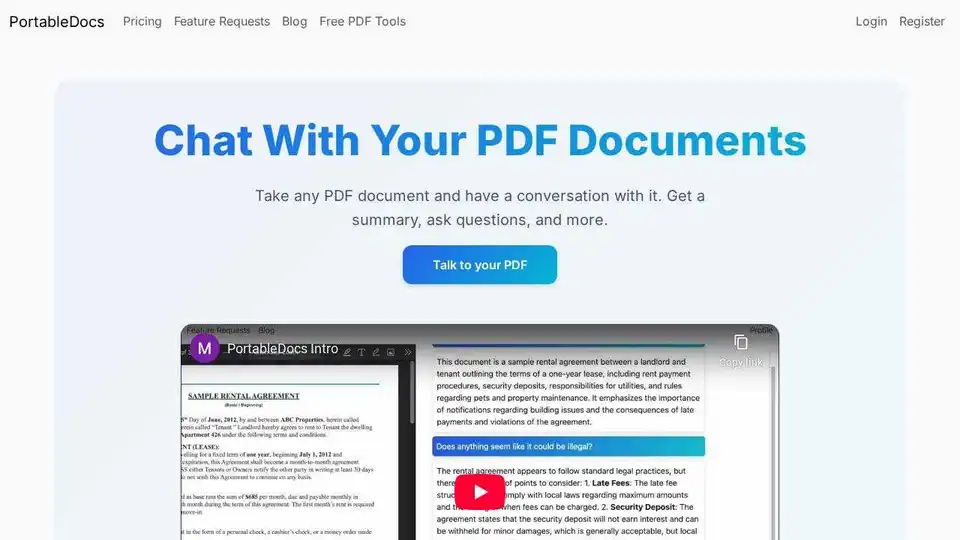
PortableDocs: Chat with your PDFs using AI. Get instant insights, summaries, and answers from your PDF documents with advanced AI-powered analysis. Save time and extract key information quickly.
Jotlify uses AI to transform complex research papers into digestible stories, key insights, and audio. Ideal for students, researchers, and professionals.
ChatQ AI is a fast AI app designed to simplify tasks and boost efficiency. Create videos, search the web, master PDFs, and more with AI-powered tools.
Ask Gene is an AI-powered Chrome extension using GPT-4. Search, read, write, translate, and summarize instantly. Save hours with this AI assistant.