
OutSkill
Overview of OutSkill
OutSkill: Your AI-Powered Desktop Assistant
What is OutSkill? OutSkill is an AI desktop voice assistant designed to help PC users boost productivity and streamline everyday tasks. It allows you to control your computer with voice commands, freeing you to focus on what matters most.
How does OutSkill work?
OutSkill utilizes advanced AI to understand your voice commands and execute them efficiently. Simply speak your requests, and OutSkill will handle the task, whether it's managing your schedule, switching between applications, or accessing information.
Key Features:
- Multi-Tasking: Effortlessly perform multiple tasks simultaneously, such as managing your schedule and switching between apps, all with voice commands.
- Personalized Experience: Seamlessly integrates with various apps and games to provide a more personalized experience.
- Smart Recognition: Understands the current needs of the user and acts accordingly, anticipating your next move.
Benefits of Using OutSkill:
- Boost Productivity: Reduce workload and accomplish more in less time by automating tasks with voice control.
- Increased Efficiency: Eliminate the need to manually switch between apps and perform repetitive tasks.
- Enhanced Accessibility: Control your computer hands-free, making it easier for users with disabilities.
FAQ's
- What is OutSkill? OutSkill is your AI desktop assistant, designed to help you get things done more efficiently and conveniently. It performs tasks based on your voice commands, freeing you up to focus on what matters most.
- What can OutSkill do? OutSkill can perform a variety of tasks, including managing your calendar, opening applications, searching the web, and controlling your music.
- Is OutSkill safe? OutSkill prioritizes user privacy and security. It uses secure communication protocols and does not store any sensitive information without your consent.
- How much does OutSkill cost? OutSkill offers a free trial period. Check the website for current pricing details.
- What operating systems does OutSkill work on? OutSkill is currently available for Windows. Support for macOS is planned for a future release.
Use Cases:
- Productivity: Schedule meetings, set reminders, manage files, and automate repetitive tasks.
- Gaming: Control in-game actions with voice commands, enhancing your gaming experience.
- Accessibility: Provide hands-free control for users with disabilities.
OutSkill revolutionizes the way you interact with your computer, making it easier and more efficient to get things done. Join the waitlist today to experience the power of AI-powered voice control.
Where can I use OutSkill? You can use OutSkill on your Windows desktop or laptop. It integrates seamlessly with your existing applications and workflows. Best way to boost productivity and control your digital world? Give OutSkill a try today!
Best Alternative Tools to "OutSkill"
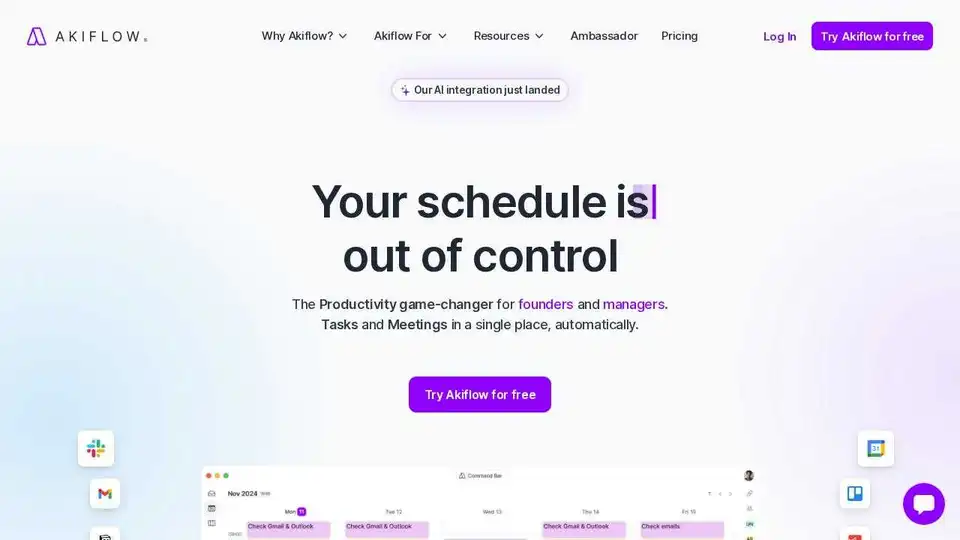
Akiflow is a premier digital planner and calendar for centralising tasks, unifying schedules, and optimising productivity. Experience the world's #1 time-blocking app with AI-powered features like Aki assistant.
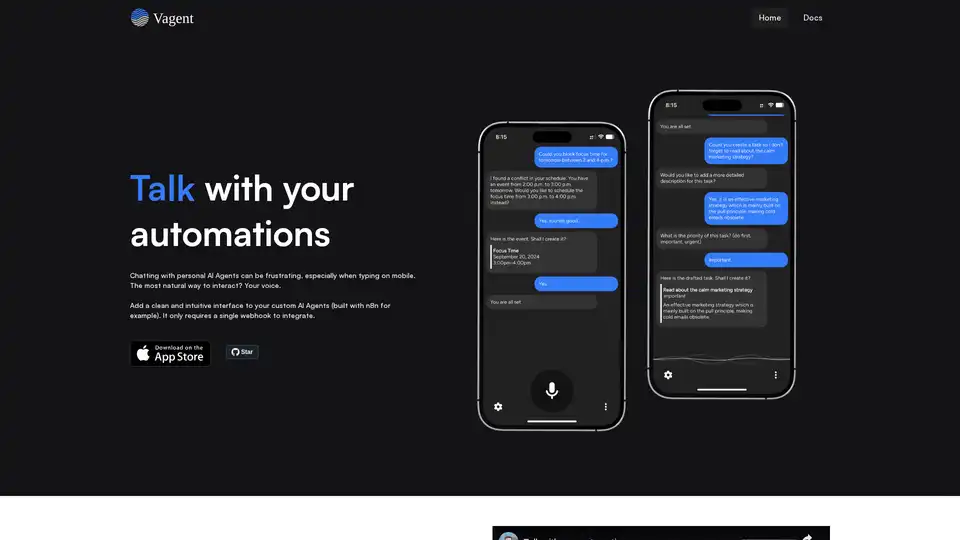
Vagent provides a clean, voice-enabled interface for custom AI agents like those built with n8n. Integrate via a single webhook for natural speech interactions in 60+ languages, with local data storage and no registration needed.
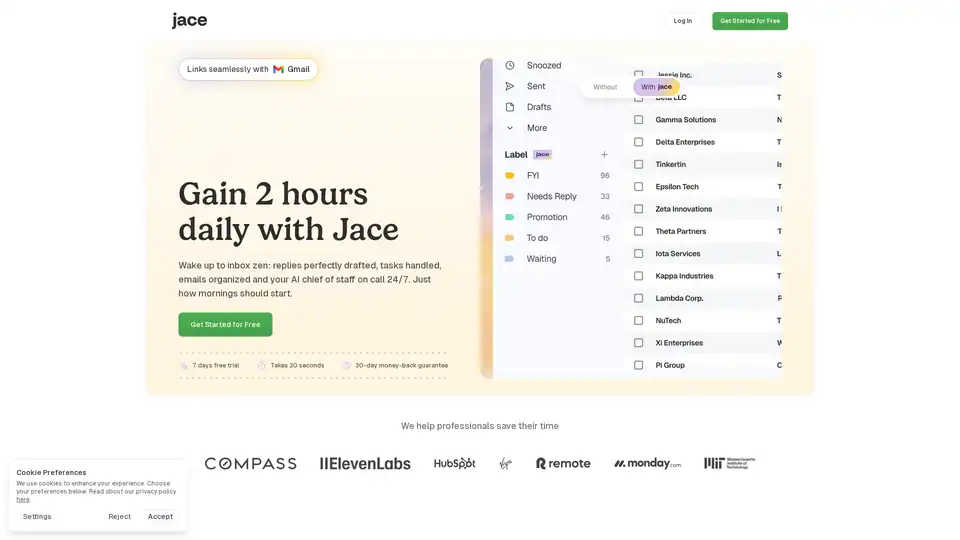
Jace AI is your intelligent 24/7 email assistant that drafts replies in your voice, organizes your inbox, schedules meetings, and automates tasks to reclaim hours of your day with seamless Gmail integration.
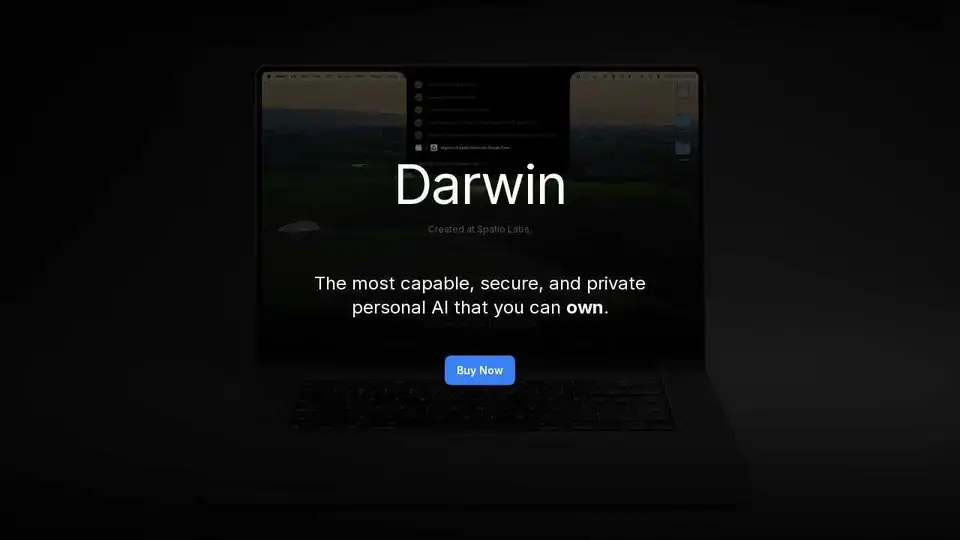
Spatio is a local-first AI assistant that prioritizes privacy while boosting productivity with workflow automation and seamless macOS integration. Available on Mac, iOS, Android, and CLI.
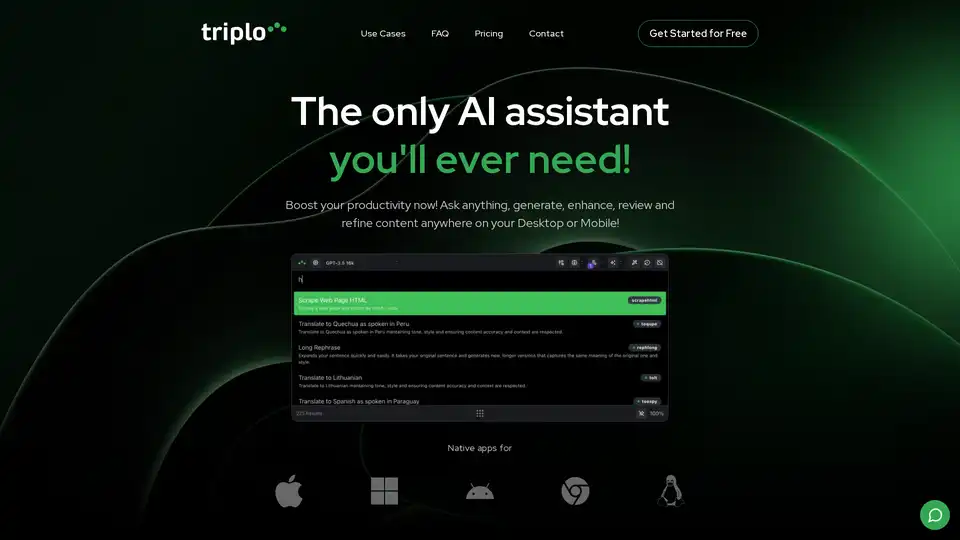
Triplo AI is an all-in-one AI assistant that boosts productivity across any application. With real-time assistance, SmartPrompts, voice interaction, and access to multiple AI models, it simplifies tasks and enhances workflows.
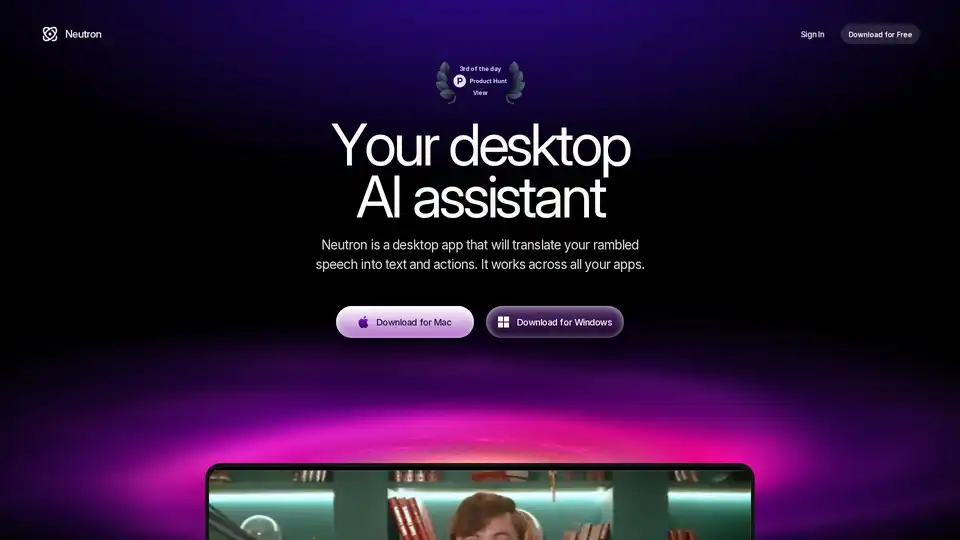
Neutron is a privacy-focused desktop AI app for Mac and Windows that turns voice rambles into emails, docs, summaries, chart insights, and calendar events. Press Tab for seamless cross-app productivity with end-to-end encryption.
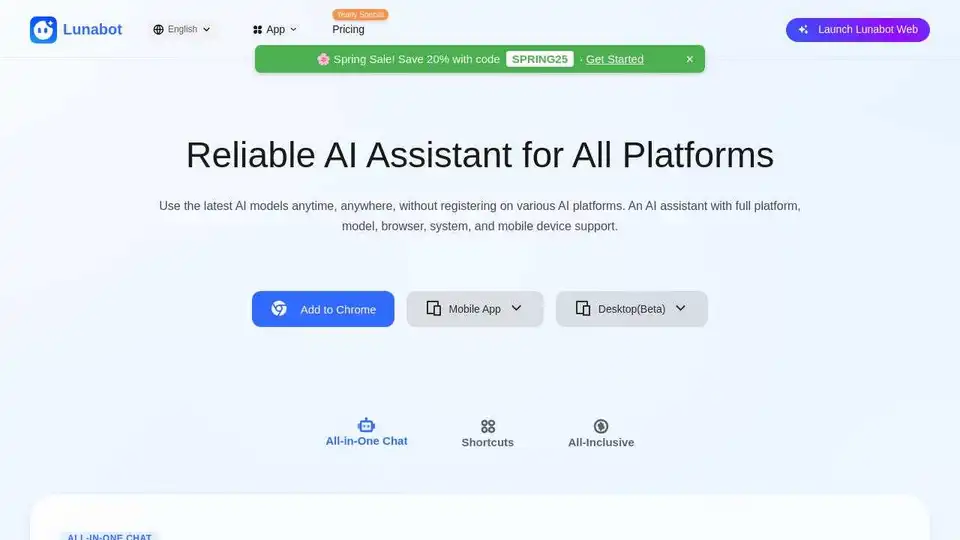
Lunabot is an AI assistant available on web, mobile, and desktop, offering AI capabilities without requiring an API key or ChatGPT account. Boost your productivity with its cross-platform support and all-inclusive features.
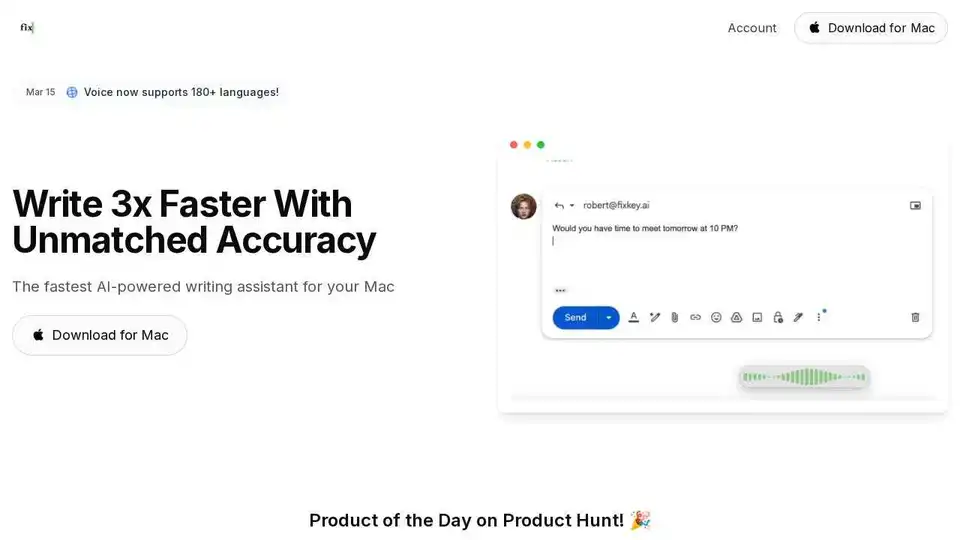
Fixkey is a native AI-powered writing assistant for Mac that adapts to your style. Transform voice to polished writing instantly, translate 180+ languages, and improve every message.
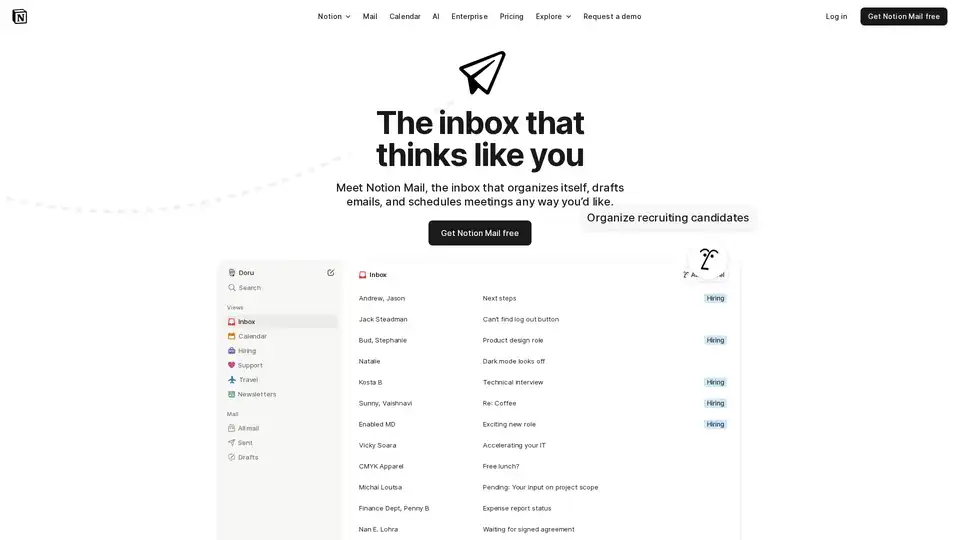
Notion Mail is an AI-powered inbox that streamlines email management with smart organization, AI drafting, and integrated scheduling. Connect Gmail and experience email like Notion.
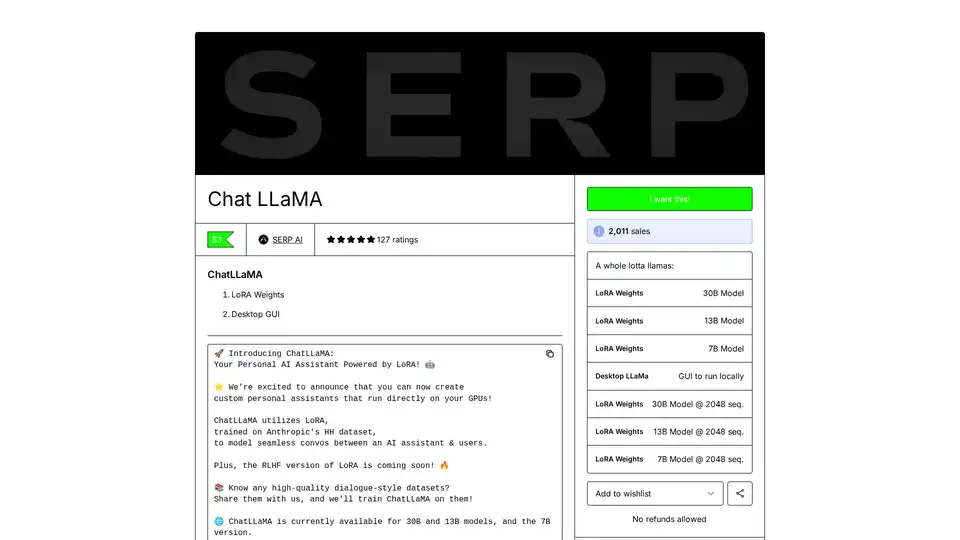
ChatLLaMA is a LoRA-trained AI assistant based on LLaMA models, enabling custom personal conversations on your local GPU. Features desktop GUI, trained on Anthropic's HH dataset, available for 7B, 13B, and 30B models.
Speech to Note converts your spoken words or voice notes into accurate, shareable speech to text notes in seconds. Fast, reliable, and hands-free note-taking with AI-powered transcription.
Chatbots, Mini Apps and AI infrastructure. A guided journey from idea to MVP in just 4 weeks.
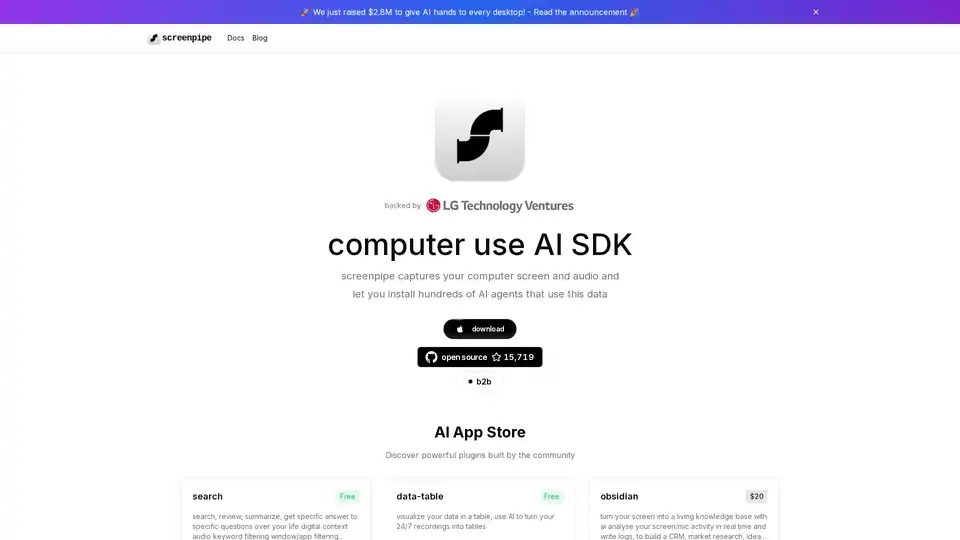
Screenpipe is an open-source AI SDK that captures, searches, and analyzes screen and audio activities on your computer, enabling powerful AI integrations and personal digital memory.
SourcePilot is an AI-powered text editor that helps you write better, faster, and smarter. It offers AI assistance, a clean interface, and complete ownership of your writing tool.