
screenpipe
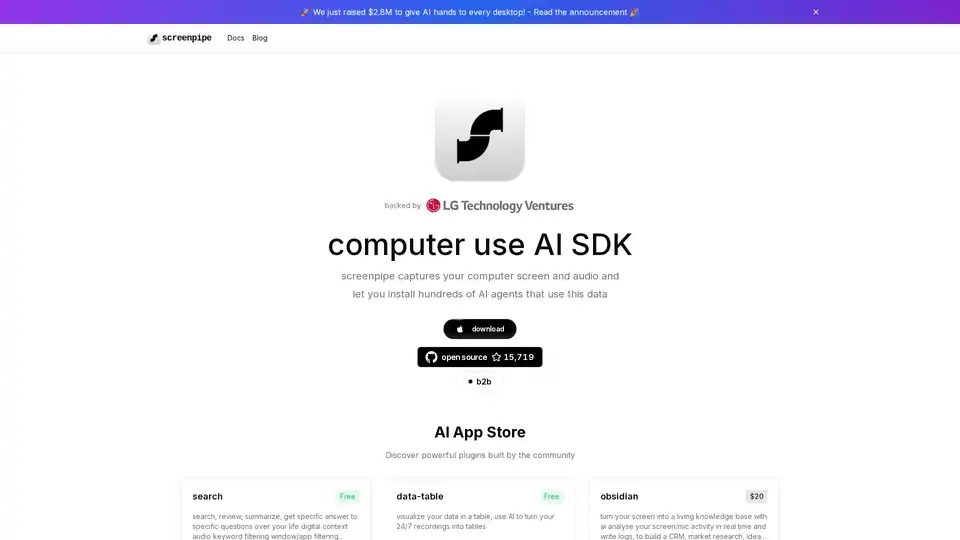
Overview of screenpipe
What is Screenpipe?
Screenpipe is an open-source AI SDK designed to capture and analyze screen and audio activities on your computer. It allows users to install various AI agents that can utilize this data for a multitude of purposes, effectively giving AI 'hands' on every desktop.
How does Screenpipe work?
Screenpipe works by continuously recording your computer screen and audio. This data can then be processed by various AI plugins or "pipes" available in the Screenpipe AI App Store. These plugins can perform tasks such as:
- Searching and reviewing screen activity
- Summarizing information
- Answering specific questions about your digital context
- Filtering audio by keywords or speakers
- Visualizing data in tables
The core idea is to transform your digital life into a queryable data stream that can be leveraged by AI.
Key Features of Screenpipe
- Open Source: Screenpipe is an open-source project, allowing for community contributions and customizations.
- AI App Store: Discover and install powerful AI plugins built by the community to extend Screenpipe's functionality.
- Continuous Capture: Securely capture screen and audio activities 24/7.
- Data Visualization: Visualize recorded data in various formats, such as tables.
- Real-time Analysis: Analyze screen and microphone activity in real-time using local LLMs.
AI App Store: Examples of Available Plugins
- Data Table: Visualizes your recorded data in a table format using AI.
- Obsidian: Turns your screen into a living knowledge base by logging screen/mic activity in real-time and building a CRM, market research tool, or idea generator.
- Rewind: Allows you to scroll back in time, select a time range, and ask AI anything about your screen activity or audio conversations.
- Identify-speakers-v2: Teaches AI to assign names to voices, which are then used throughout Screenpipe.
- Example-pipe: A flexible playground for displaying, testing, and exploring components with their associated code, documentation, and AI prompts. It includes features like interactive component display, code inspection, raw output viewing, and AI prompt visibility.
Who is Screenpipe for?
Screenpipe is designed for a variety of users, including:
- Early adopters of AI: Those who want to start training their personal AI and leverage their digital history.
- Researchers: Those exploring the intersection of AI and personal data.
- Developers: Those interested in building AI plugins for screen and audio analysis.
- Professionals: Those seeking to improve productivity and gain insights from their digital activities.
Why Choose Screenpipe?
- Future-Proofing: By recording your digital activity now, you are preparing for a future where AI is more capable and can leverage this data to assist you.
- Centralized Context: Screenpipe helps consolidate valuable personal context that is often scattered across different apps and devices.
- Community-Driven: Benefit from the collective knowledge and contributions of the Screenpipe community.
How to use Screenpipe?
- Download and Install: Download Screenpipe from the official website or open-source repository.
- Explore the AI App Store: Discover and install plugins that suit your needs.
- Configure Settings: Customize Screenpipe's settings to control what data is captured and how it is processed.
- Start Recording: Begin capturing your screen and audio activity.
- Analyze Data: Use the installed plugins to analyze and extract insights from your recorded data.
The advantage of recording now
Those who start collecting personal data today will have years of advantage when AI becomes more capable. Valuable personal context is often trapped across apps and devices, making it hard to leverage without Screenpipe.
Screenpipe Documentation and Resources
- Documentation: Comprehensive documentation is available at https://docs.screenpi.pe/docs/plugins.
- GitHub Repository: Access the open-source code and contribute to the project at the Screenpipe GitHub repository.
- Community: Engage with other Screenpipe users and developers through the community forums.
By starting to record your digital life today, you can unlock the potential of AI and create a powerful personal digital memory with Screenpipe.
Best Alternative Tools to "screenpipe"
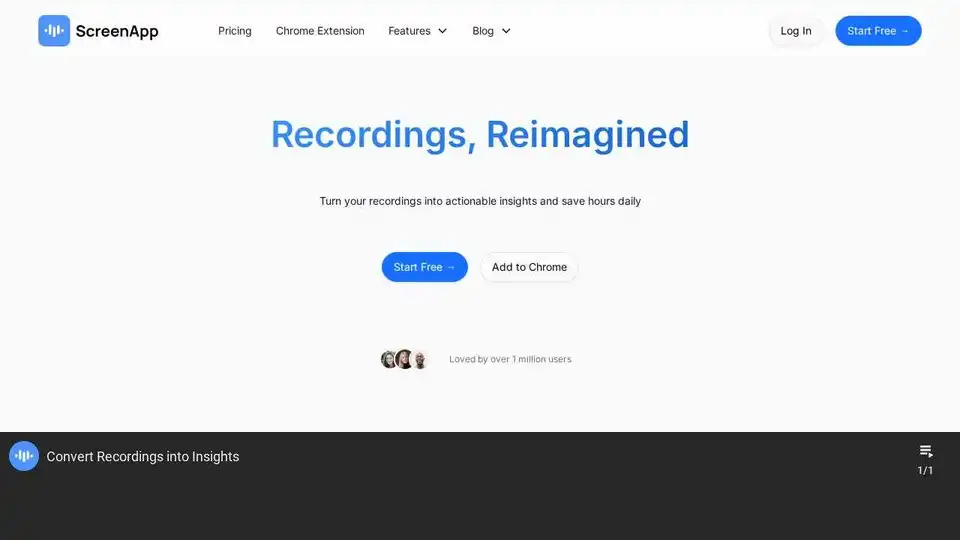
ScreenApp is an AI-powered online tool for recording audio, screen, and video. It provides AI notetaking, transcription, and summarization features to convert recordings into actionable insights. Try it free!
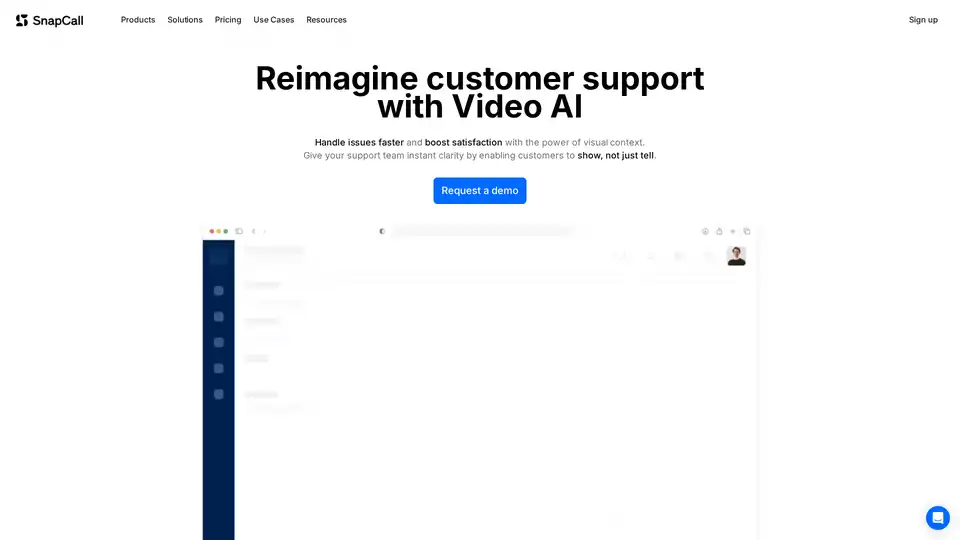
SnapCall enhances customer support with video AI. It allows customers to show issues, not just tell, resulting in faster ticket resolution and improved customer satisfaction. Integrates seamlessly with existing CRMs.
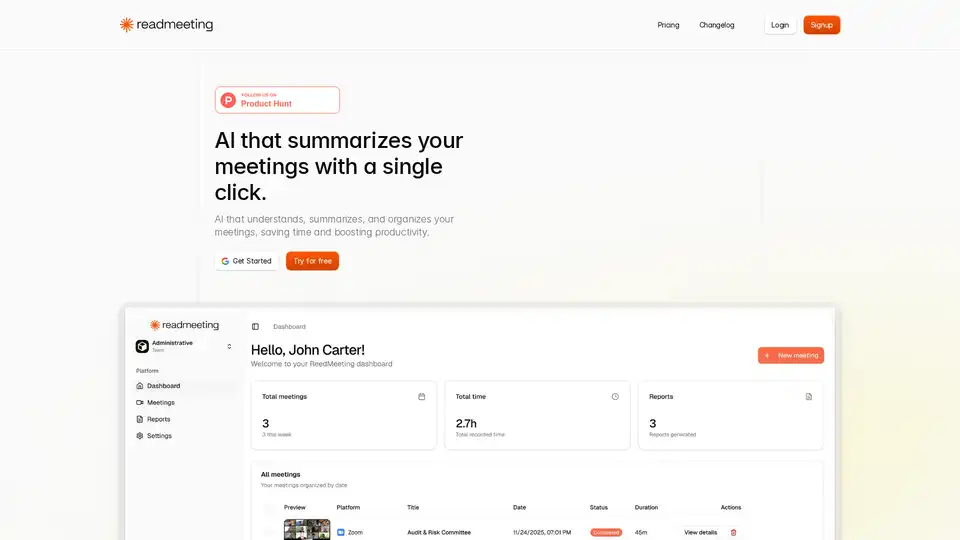
ReadMeeting is an AI-powered tool that records and summarizes meetings with one click, offering full transcription, executive summaries, action items, sentiment analysis, and PDF exports. Ideal for teams saving over 2 hours weekly.
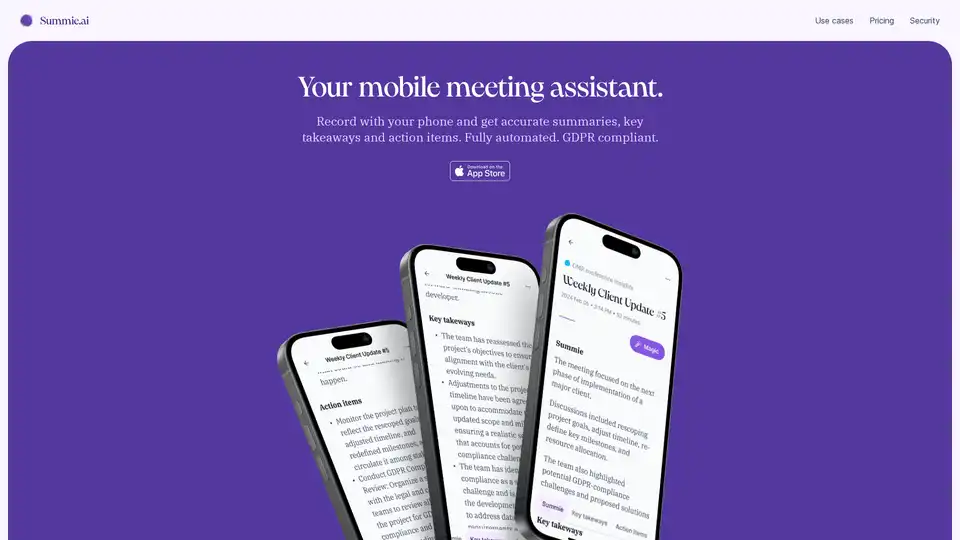
Summie is your iOS app for recording meetings on your phone, delivering accurate AI-powered summaries, key takeaways, and action items. Fully automated, GDPR compliant, and easy to use anywhere.
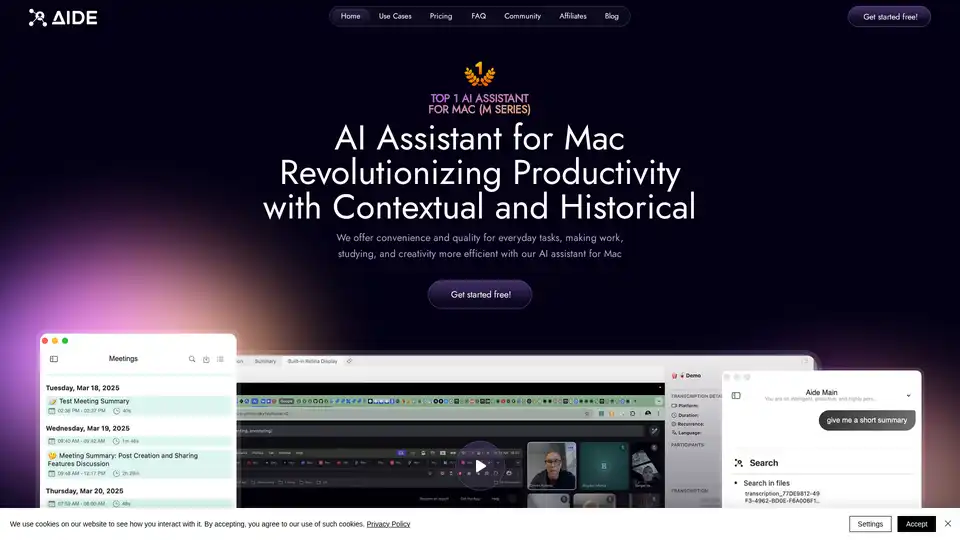
AIDE AI Assistant for Mac captures, processes, and organizes meetings into structured, searchable knowledge. It integrates with platforms like Zoom, Teams, and Google Meets, offering fast transcription and intelligent summarization.
Infr is an open-source memory database that helps you store, analyze, and query everything you've ever seen, heard, or said. It uses AI analytics and provides screen replay functionality for reliving digital experiences.

Fineshare FineCam is an AI virtual camera software for high-definition video recording and engaging video conferencing on Windows & Mac. Use your phone as a webcam and remove background in real-time.

YourInterviewer uses AI-powered voice interviews to screen candidates, collect testimonials, and generate content. Get deeper insights & automate your hiring process.
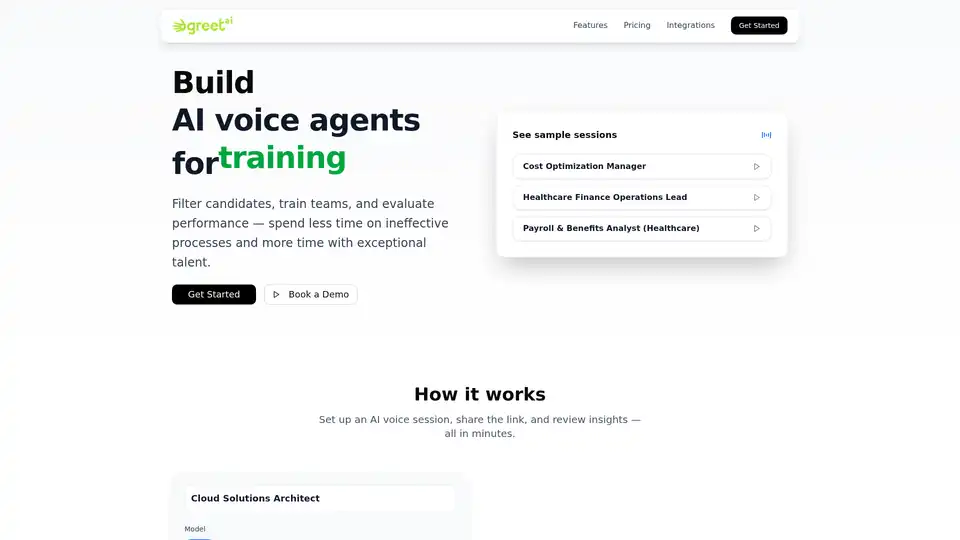
GreetAI offers AI-powered voice agents for efficient candidate screening, team training, and performance evaluation in hiring, healthcare, and education sectors.

Explore the core mechanics of online poker platforms: RNG, fair play, and security. Enhance your gaming with reliable technology and anti-cheat measures.

Scribeberry is an AI-powered medical scribe tool that automates charting, documentation, and patient intakes for healthcare professionals, saving over 2 hours daily with EMR integrations and HIPAA compliance.

Cluely is an invisible desktop AI meeting assistant that provides real-time meeting notes, instant answers, and live insights during calls, helping professionals perform better in interviews, sales calls, and meetings.

Merra is an AI-powered platform that automates first-round job interviews using conversational AI, providing fit scores, detailed evaluations, and video transcripts to streamline the hiring process.
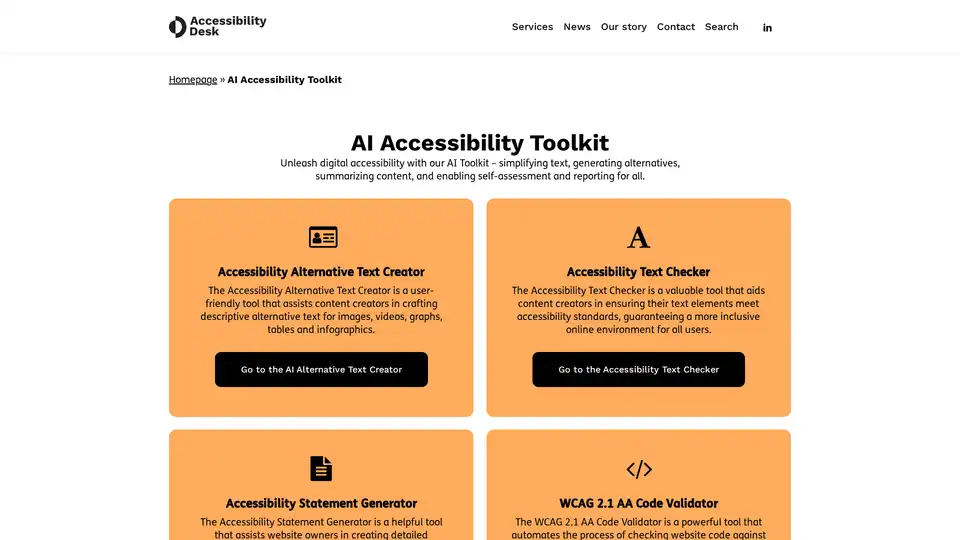
Discover the AI Accessibility Toolkit: simplify text, generate alt text, ensure WCAG compliance, and perform quick self-assessments for inclusive digital experiences.