
PhonePi MCP
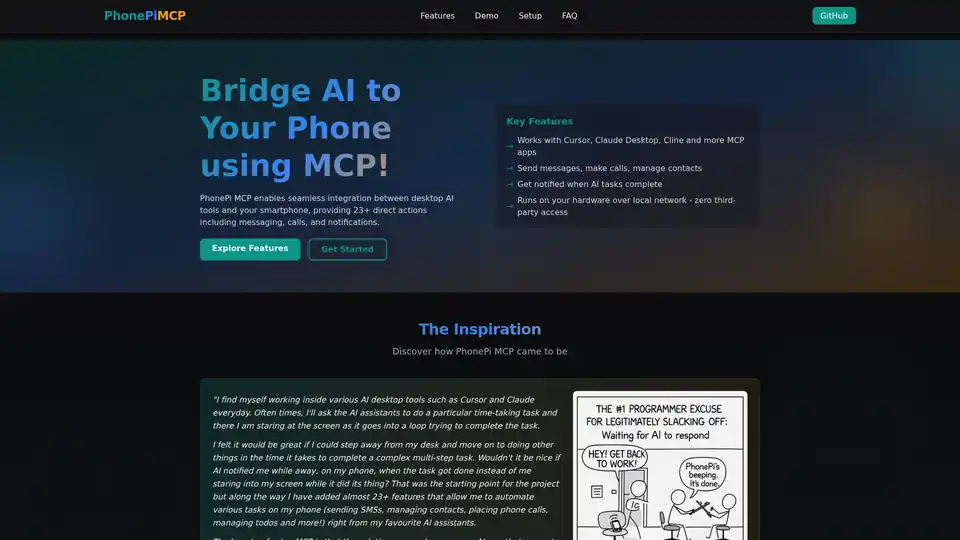
Overview of PhonePi MCP
PhonePi MCP: Bridge AI to Your Phone
What is PhonePi MCP? PhonePi MCP is an innovative application that connects your smartphone to AI tools, enabling seamless integration between desktop AI applications and your mobile device through the Model Context Protocol (MCP). This integration allows you to leverage your phone's functionalities directly from AI environments like Cursor, Claude Desktop, and Cline, enhancing productivity and automation.
How does PhonePi MCP work?
PhonePi MCP functions as a bridge, using the Model Context Protocol to establish communication between AI applications running on your computer and your smartphone. It runs a local MCP server on your computer, which communicates with the PhonePi MCP mobile app over your local network. This setup ensures that all data processing occurs locally, without the need for third-party servers, guaranteeing privacy and control over your information.
Key Features of PhonePi MCP
- Cross-Platform Compatibility: Works seamlessly with various AI desktop tools supporting MCP, like Cursor, Claude Desktop, and Cline.
- Direct Actions: Provides over 23 direct actions, including sending messages, making calls, and managing contacts directly from your AI assistant.
- Smart Notifications: Receive notifications on your phone when AI tasks are completed, allowing you to step away from your desk and stay informed.
- Local Processing: Runs on your hardware over a local network, ensuring zero third-party access and maintaining complete data privacy.
How to Use PhonePi MCP?
Follow these steps to get started with PhonePi MCP:
- Configure MCP:
- Create a
mcp.jsonfile (or similar, depending on your AI app) with the MCP server configuration.
{ "mcpServers": { "phonepi-mcp": { "command": "npx", "args": [ "phonepi-mcp", "start" ] } } }- This configuration enables the MCP server in your AI application.
- Create a
- Install Mobile App:
- Download PhonePi MCP from the Google Play Store (iOS app is in development).
- Grant permissions for contacts, messages, and notifications.
- Connect & Verify:
- Launch the PhonePi MCP app on your device.
- Enter your computer's IP address and port number (default: 11041). Use your computer's local IP for the same network usage or Tailscale for secure remote access.
- Verify the connection by checking for the green "Connected" status indicator in both your IDE and mobile app.
Why Choose PhonePi MCP?
- Enhanced Productivity: Automate tasks on your phone through your AI assistant, saving time and effort.
- Privacy and Security: Keep your data secure with local processing and no third-party access.
- Seamless Integration: Connect various AI apps to your phone effortlessly, expanding their capabilities.
- Customizable Notifications: Set priority levels and create interactive messages with response options for smart notifications.
Who is PhonePi MCP for?
PhonePi MCP is ideal for:
- AI enthusiasts looking to integrate AI tools with their mobile devices.
- Developers seeking to automate tasks and streamline workflows.
- Professionals who use AI assistants and want to extend their capabilities to their phones.
Powerful Use Cases
- Smart Snippet Management: Create, organize, and search notes, todos, and code snippets from AI apps.
- Contact Management: Let AI manage your contacts, adding and organizing detailed information.
- Remote Phone Control: Find your phone, check battery levels, and set timers through your AI assistant.
- Clipboard Integration: Seamlessly share text between AI apps and your phone.
- Instant Sharing: Share snippets and content via SMS or clipboard with a simple command to your AI.
Examples of Queries
- "Create a landing page for my project and notify me on my phone when it's done."
- "Search my phone contacts for John and send him a message."
- "Create a note on my phone with today's meeting minutes."
- "Help me find my phone by making it beep."
PhonePi CLI
The PhonePi CLI provides command-line access to your phone's features, offering an AI-powered interface directly from your terminal.
npx phonepi-cli chat --key your-anthropic-api-key
You can also run a single query:
npx phonepi-cli query "What's my battery level?" --key your-anthropic-api-key
Pricing
PhonePi MCP is open-source under MIT license.
What's the best way to connect your phone to AI?
PhonePi MCP offers a secure and efficient solution to integrate your phone with AI assistants, enhancing productivity and automation while ensuring data privacy. It's an ideal tool for anyone looking to expand the capabilities of their AI environment.
To summarize, PhonePi MCP is a fantastic tool for bridging AI and mobile, offering a multitude of features that enhance productivity, ensure privacy, and streamline workflows. By following the setup guide and troubleshooting steps, users can leverage the full potential of PhonePi MCP.
AI Task and Project Management AI Document Summarization and Reading AI Smart Search AI Data Analysis Automated Workflow
Best Alternative Tools to "PhonePi MCP"
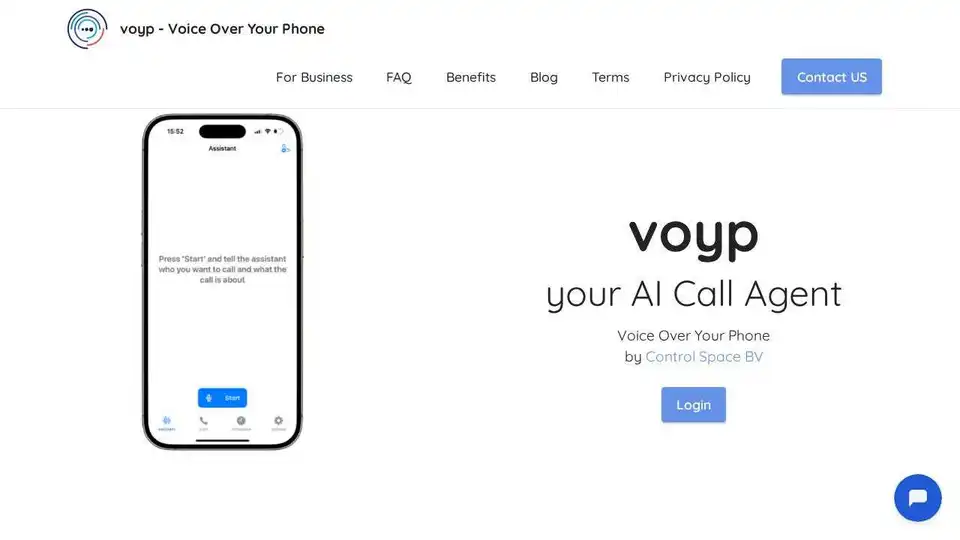
Voyp is an AI-powered call agent that handles appointments, reservations, and more with voice commands. It provides accessibility for those with speech impairments and seamless integration across multiple platforms.
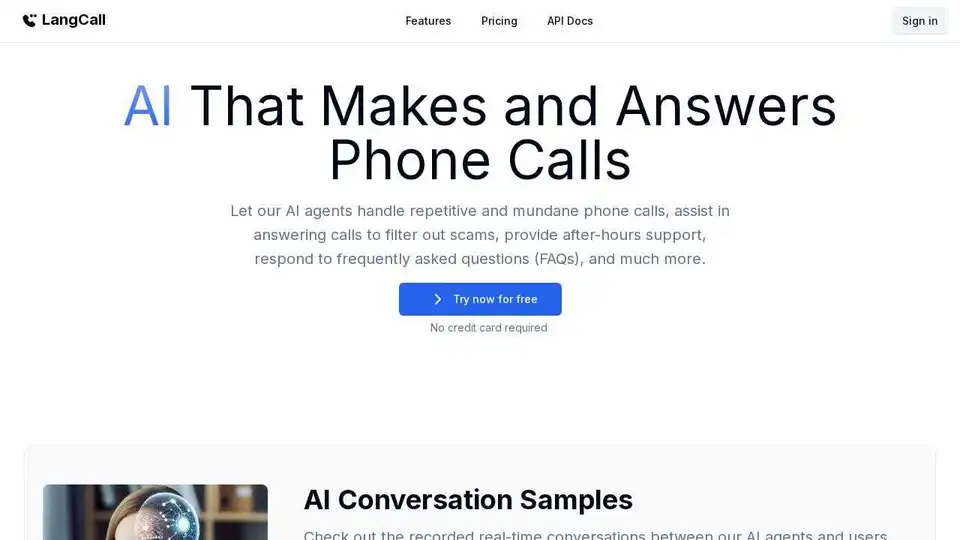
LangCall uses AI agents to handle phone calls, navigate menus, wait in queues, and connect you only when needed. Skip hold music and automate your calls.
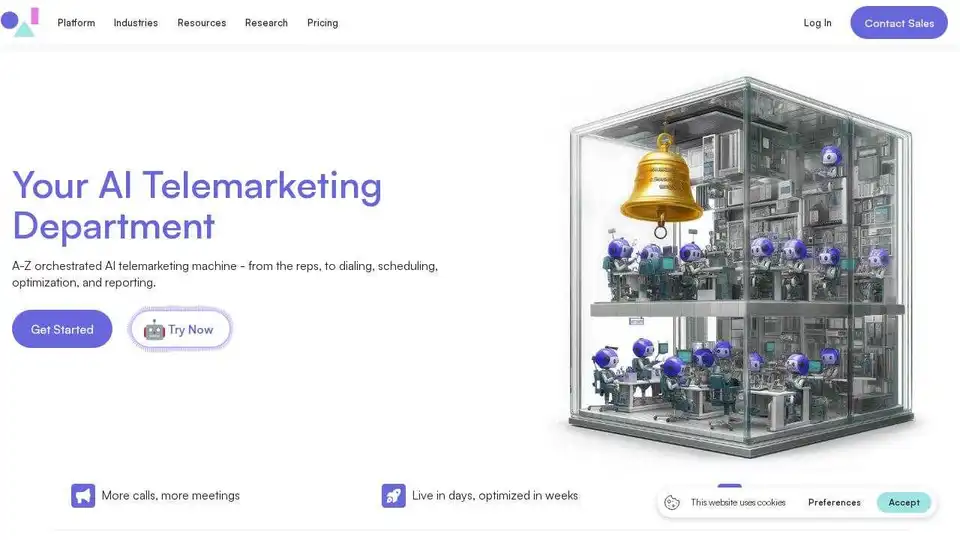
Automate calls with OneAI's AI phone call agent, qualifying leads, booking meetings, and driving revenue across phone, SMS, and WhatsApp. Fast setup, full integration.

Create custom AI phone call agents effortlessly with Synthflow. Automate calls, provide 24/7 support & reduce costs using a no-code platform. Try free!