
SuperImage
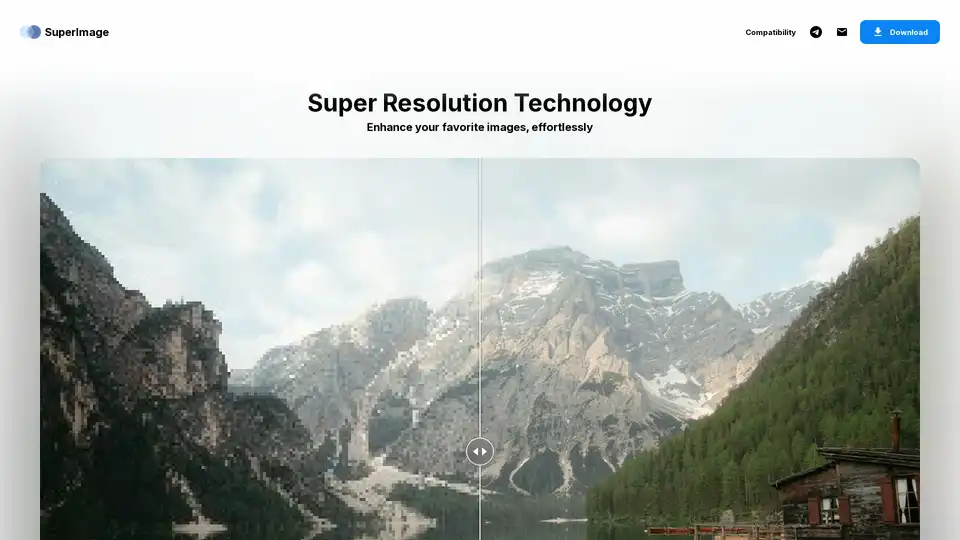
Overview of SuperImage
SuperImage: Enhance Your Images with AI
SuperImage is an AI-powered image upscaling tool designed to enhance your favorite images with remarkable detail. Whether you're looking to upscale anime artwork, improve portrait clarity, or simply enhance the quality of your images, SuperImage provides a solution. With both free and pro versions available for Android and Windows, it caters to a wide range of users.
What is SuperImage?
SuperImage is an application that uses Artificial Intelligence to enhance the resolution of images. This means it can take a low-resolution image and increase its size while adding detail, making it appear sharper and clearer. It is designed to work locally on your device, ensuring privacy and efficiency.
How does SuperImage work?
SuperImage utilizes advanced AI algorithms to analyze and upscale images. The tool leverages modern computer hardware to process images locally, eliminating the need to share them with an online service. This ensures that your images remain private and secure. SuperImage also allows advanced users to load custom models in PyTorch, ONNX, and MNN formats for a tailored experience.
Key Features of SuperImage
- Super Resolution Technology: Enhances images with impressive detail.
- Anime Upscaling: Specifically designed to upscale anime wallpapers, bringing out epic details.
- Portrait Enhancement: Improves the clarity and detail of portraits, ensuring faces are not pixelated.
- Unlimited Image Enhancements: Enhance and upscale as many images as you want without worrying about credits or subscriptions (Pro version).
- On-Device Processing: Processes images locally, ensuring privacy and eliminating the need for an internet connection.
- Custom Model Loading: Allows advanced users to import their favorite models in PyTorch, ONNX, and MNN formats.
Why choose SuperImage?
- Privacy: Your photos are processed locally on your device, ensuring they are never uploaded to the cloud.
- Cost-Effective: The free version allows queuing up to 25 images at once, while the Pro version offers unlimited queuing and custom model loading for a one-time lifetime license.
- Versatility: Works on both Android and Windows, catering to a wide range of users.
- No Internet Required: Process your images offline, making it convenient for use in various locations.
Who is SuperImage for?
SuperImage is ideal for:
- Anime Enthusiasts: Enhancing anime wallpapers to epic details.
- Photographers: Improving the quality of portraits and other photos.
- Content Creators: Upscaling images for better visual appeal.
- Users Concerned About Privacy: Ensuring that their images are processed locally and not shared online.
- Advanced Users: Tailoring their experience by loading custom models.
SuperImage Versions
- SuperImage (Free):
- Queue up to 25 images at once.
- Available for Android.
- SuperImage Pro:
- Lifetime license, no subscription required.
- Queue unlimited images at once.
- Load custom upscaling models.
- Ad-free experience.
- Early access to new features.
- Available for Android and Windows.
How to use SuperImage?
- Download and Install:
- Download SuperImage from the Google Play Store (Android) or the official website (Windows).
- Install the application on your device.
- Load Images:
- Open SuperImage and select the images you want to enhance.
- The free version allows queuing up to 25 images, while the Pro version supports unlimited queuing.
- Process Images:
- Start the upscaling process.
- SuperImage will use AI to enhance the resolution and detail of your images.
- Save Enhanced Images:
- Once the processing is complete, save the enhanced images to your device.
Best way to enhance images with SuperImage?
To get the best results with SuperImage, consider the following tips:
- Use High-Quality Source Images: Starting with a good quality image will yield better results.
- Experiment with Custom Models: If you are an advanced user, explore different custom models to find the one that works best for your specific needs.
- Take Advantage of Batch Processing: Use the queuing feature to process multiple images at once, saving time and effort.
Conclusion
SuperImage is a powerful AI image upscaling tool that offers a range of features for enhancing images locally. Whether you're an anime enthusiast, photographer, or content creator, SuperImage provides a user-friendly and cost-effective solution for improving the quality of your images while ensuring your privacy. With its local processing capabilities and custom model loading, it caters to both casual and advanced users. Enhance your favorite images effortlessly with SuperImage.
AI Generated Art Image Enhancement and Repair Image Style Transfer AI Background Removal and Replacement AI Avatar and Cartoonization 3D Modeling and Rendering Logo and UI Design
Best Alternative Tools to "SuperImage"
cre8tiveAI is an AI-powered platform offering a suite of tools for photo, illustration, and video editing, including image upscaling, face refinement, and anime-style background generation.
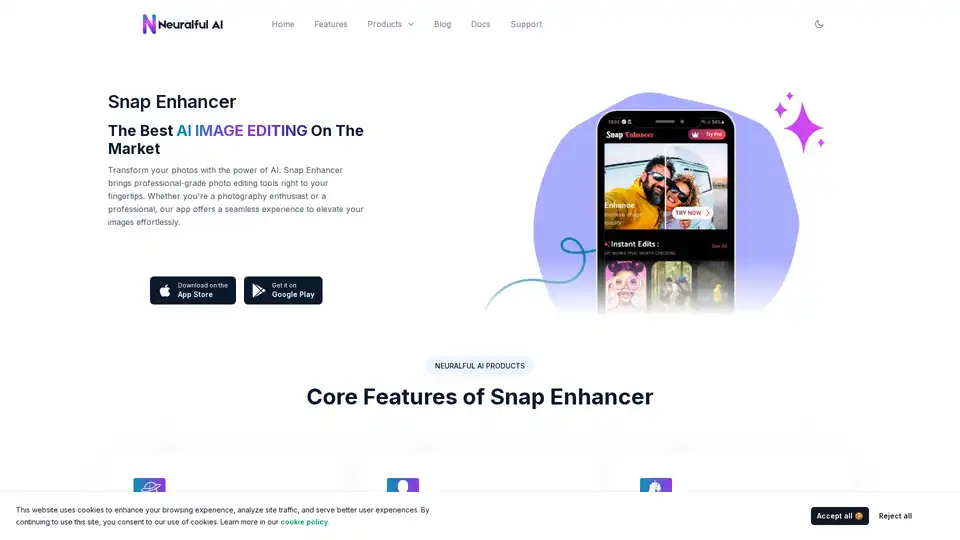
Transform your photos with Snap Enhancer's AI-powered tools for portraits, background changes, cartoonization, and more. Elevate your images effortlessly.
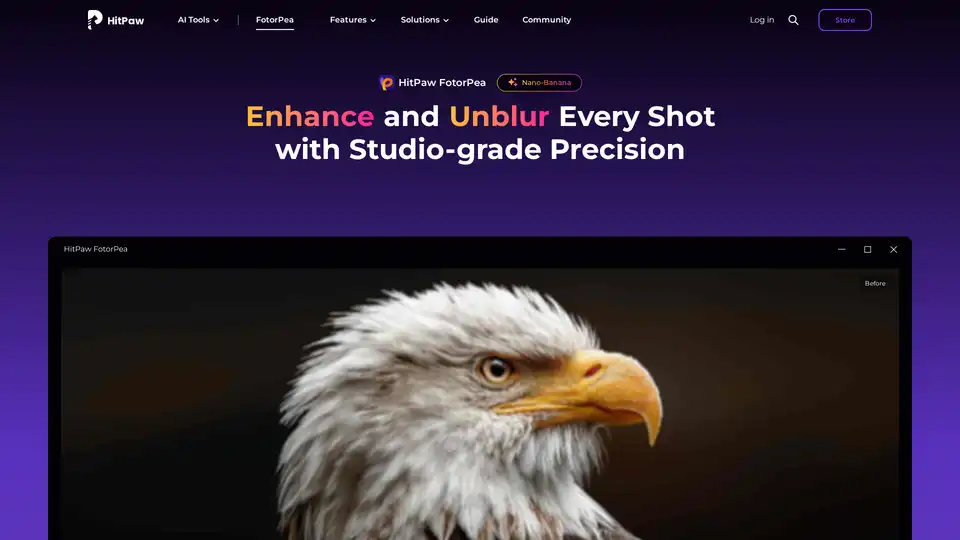
Enhance your photos to HD quality with HitPaw FotorPea, the AI photo enhancer. Unblur, upscale, and restore your images with AI-powered precision for professional-quality results.
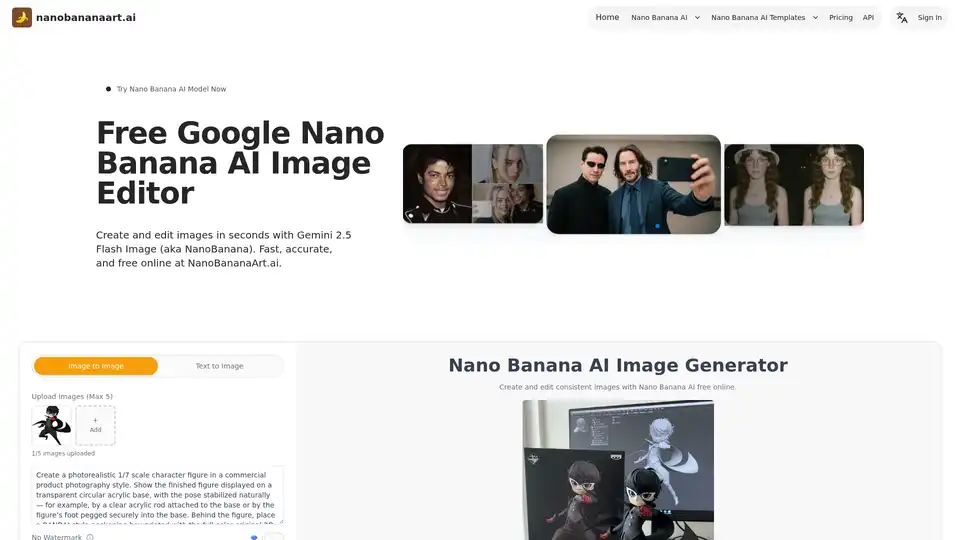
Discover Nano Banana AI, powered by Gemini 2.5 Flash Image, for free online image generation and editing. Create consistent characters, edit photos effortlessly, and explore styles like anime or 3D conversions at NanoBananaArt.ai.