
SvgTrace
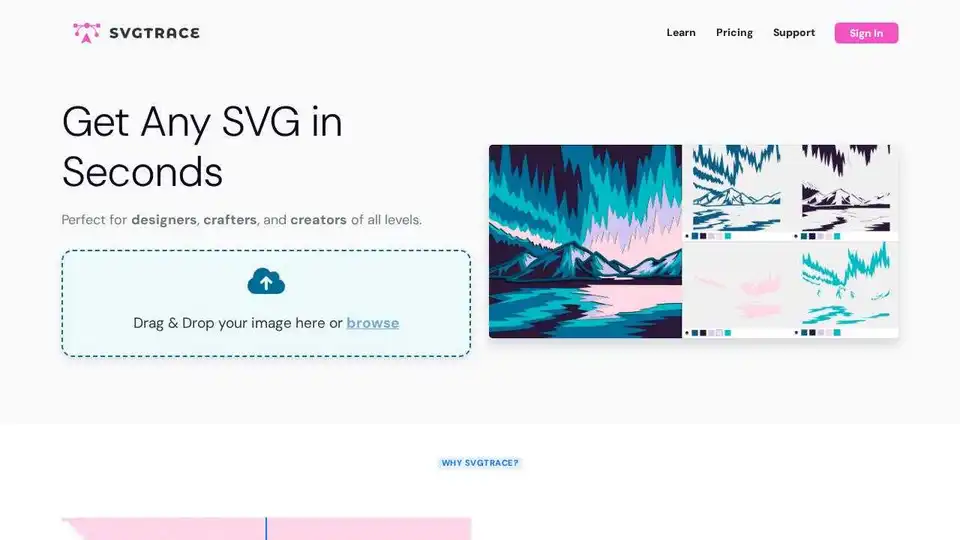
Overview of SvgTrace
SvgTrace: Free Online Image to SVG Converter
SvgTrace is a web-based tool that allows users to convert raster images (like JPG and PNG) into scalable vector graphics (SVG) for free. It's designed for designers, crafters, and anyone needing to transform images into vector format without requiring design expertise.
What is SvgTrace?
SvgTrace provides a free SVG converter to create vector graphics from existing images. Users can easily upload their images and convert them without any design experience.
How does SvgTrace work?
SvgTrace operates as a web-based SVG converter. Users can drag and drop images or browse files to upload and convert them to SVG format.
Key Features:
- Free SVG Conversion: Converts images to SVG format for free.
- Unlimited Colors: Supports unlimited colors during the conversion process.
- Web-Based: Accessible online without requiring software installation.
- Ease of Use: Simple and easy-to-use interface.
SvgTrace Free vs. SvgTrace Pro
While SvgTrace offers a free version for basic SVG conversion needs, it also provides a Pro version with additional features:
- SvgTrace Free:
- Free SVG conversion.
- Web-based online SVG converter.
- SvgTrace Pro:
- All features in the free version.
- Built-in editor.
- Ability to export to more file types.
User Testimonials:
Users have praised SvgTrace for its effectiveness and time-saving capabilities:
- Irish Crafter: "This takes away the need to import layer by layer and will save you a ton of time in design space!"
- Happy Crafting Crew: "If you want to turn flat images into SVGs effectively and efficiently, you will not be disappointed in SVG Trace!! It's my new fave!!!"
- Kate | Simply Stellar Crafts: "Cannot tell you how many times SVG Trace has saved the day for me personally 😮💨"
How to Use SvgTrace:
- Upload Image: Drag and drop the image or browse files to upload.
- Convert to SVG: Use the web-based converter to convert the image to SVG.
- Download SVG: Download the converted SVG file.
Why is SvgTrace important?
SvgTrace simplifies the process of creating vector graphics from raster images, saving time and effort for designers and crafters. Its free version makes it accessible to a wide range of users, while the Pro version offers advanced features for more complex needs.
Where can I use SvgTrace?
SvgTrace can be used for:
- Creating vector graphics for design projects.
- Converting images for crafting purposes.
- Transforming logos and illustrations into scalable formats.
Who is SvgTrace for?
SvgTrace is ideal for:
- Designers: Quickly convert images to SVG for various design projects.
- Crafters: Easily create vector graphics for cutting machines and other crafting tools.
- Anyone needing SVG conversion: Users who need a simple and free tool for converting images to SVG format.
Best way to convert images to SVG?
SvgTrace offers a straightforward and user-friendly way to convert images to SVG. Its web-based interface and free conversion capabilities make it an excellent choice for both beginners and professionals.
Best Alternative Tools to "SvgTrace"
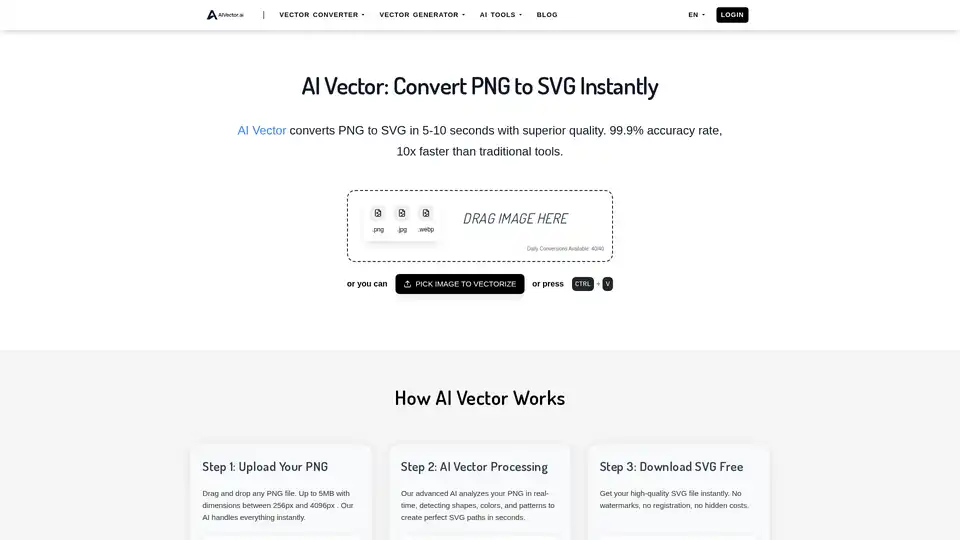
Transform PNG images into SVG vectors instantly with AIVector, the AI-powered online converter. Get high-quality, editable SVG files in seconds. Perfect for logos, art, and web graphics.
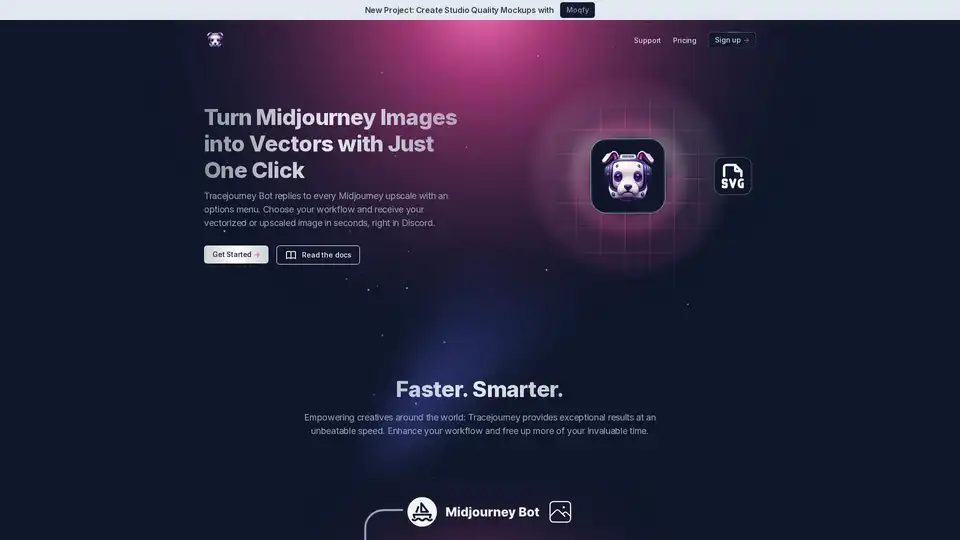
Tracejourney enhances Midjourney images into vectors with one click. Features include background removal, upscaling, batch processing, and direct messaging for efficient creative workflows.
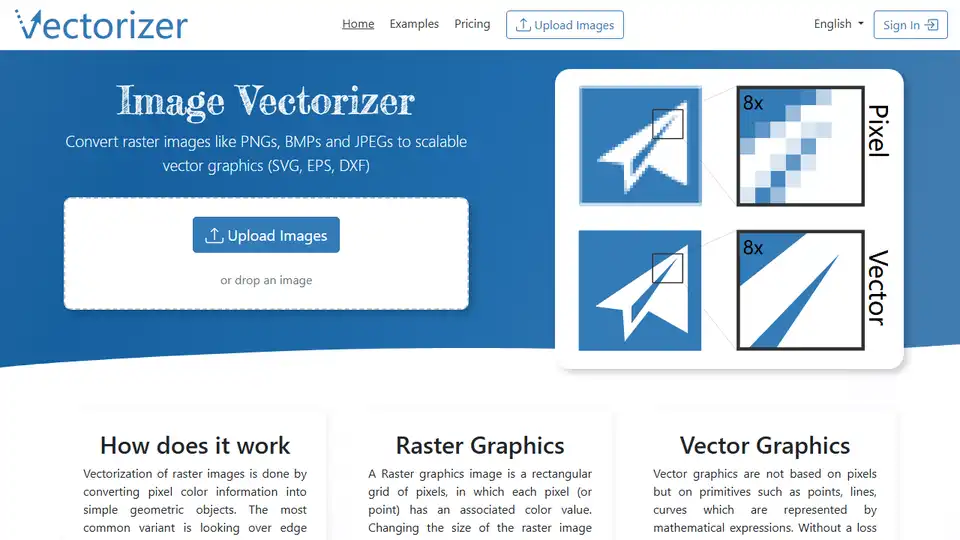
Online Image Vectorizer converts raster images (PNG, JPG, JPEG) to scalable vector graphics (SVG, EPS, DXF) online. Create clear vector art from your images.
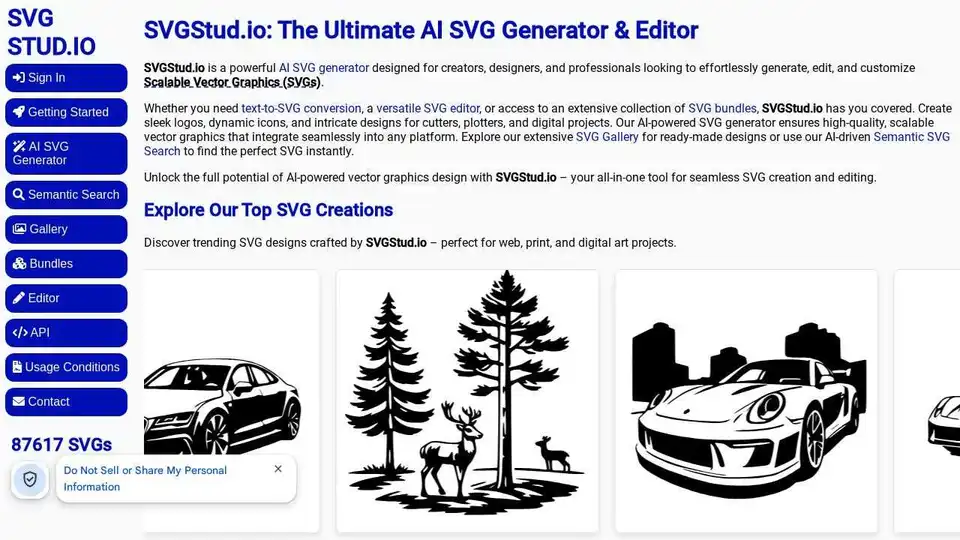
SVGStud.io is an AI-powered SVG generator and editor. Generate custom SVGs, use semantic search for designs, and explore a gallery of AI-generated vector graphics.
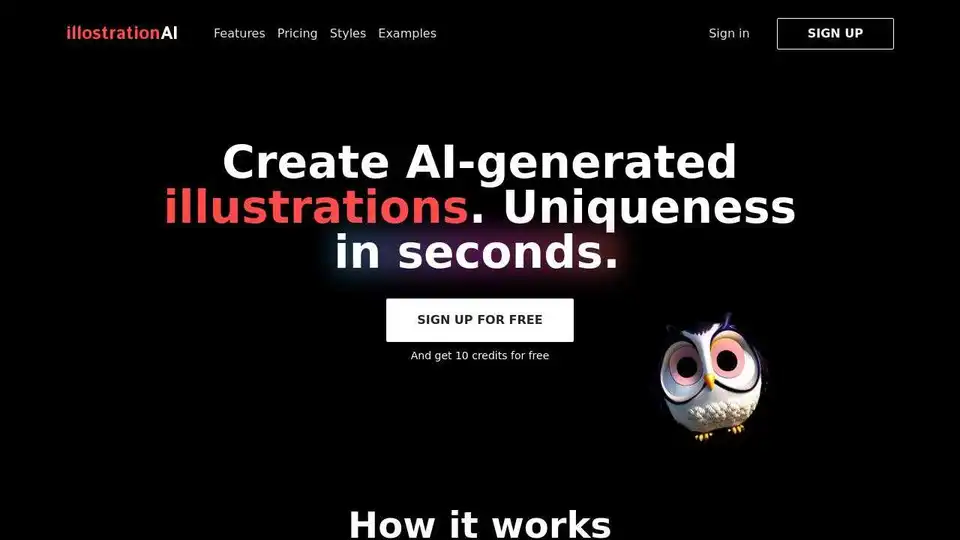
illostrationAI allows you to generate unique AI-generated illustrations in seconds. Select a style, describe the object, and improve your results with AI upscaling. Sign up for free and get 10 credits!
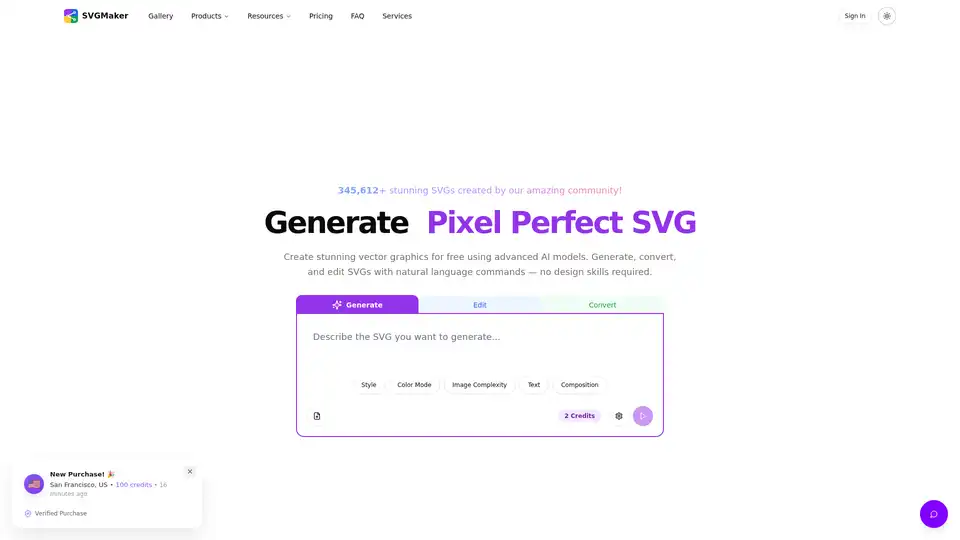
SVGMaker is an AI-powered SVG generator and editor. Generate, convert, and edit vector images instantly. Create stunning SVG icons, logos, and designs with AI.
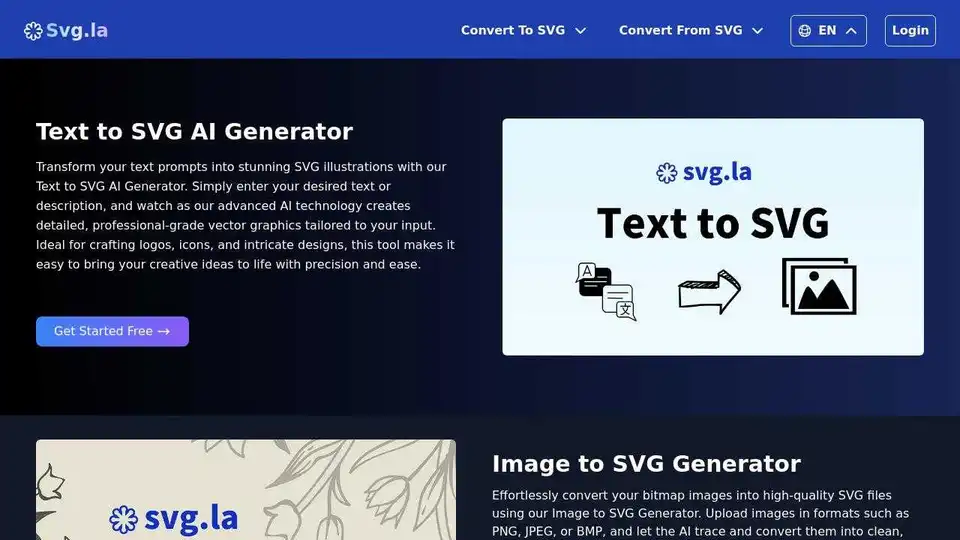
Generate custom SVG files with AI using text prompts and reference images. Create high-quality, scalable vector graphics based on your needs.
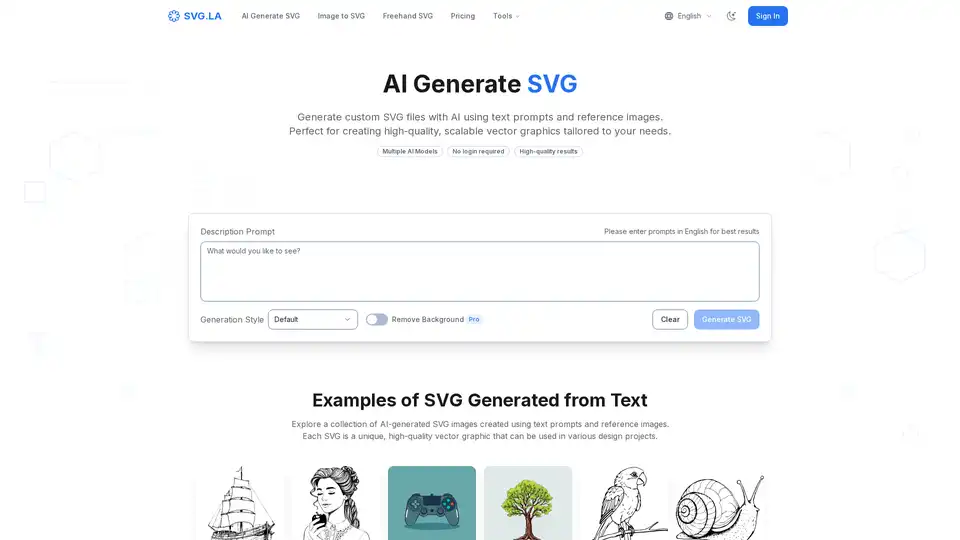
Generate custom SVG files with AI using SVG.LA. Create high-quality, scalable vector graphics from text prompts and reference images. Free and Pro options available.
Generate unique logos in seconds with Sketch Logo AI. Sketch your ideas and let AI create professional logos. Features include sketch to logo, 2D to 3D conversion, and more. Start designing your brand today!
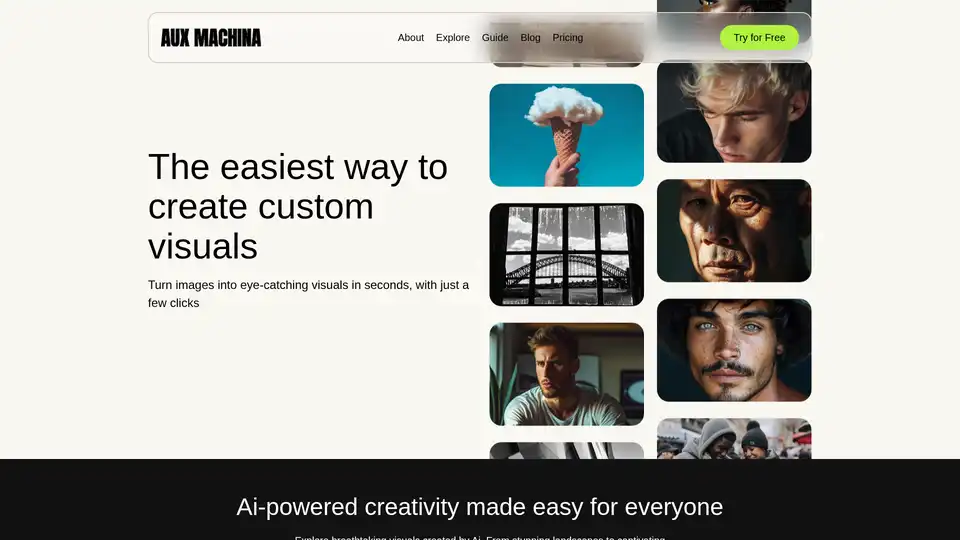
Aux Machina is an AI-powered tool that creates custom visuals in seconds. It offers affordable, royalty-free images with features like background removal, vector conversion, and image upscaling.
Sketch Logo AI is an AI-powered logo generator that allows users to create unique logos from sketches and text prompts. It offers features like 2D to 3D conversion, logo redesign, and image-to-art transformations.
ChatDB offers a suite of free online file tools for converting, viewing, and editing various file formats like CSV, JSON, and Parquet. Features include converters, editors, readers, and compressors, all accessible without signup.
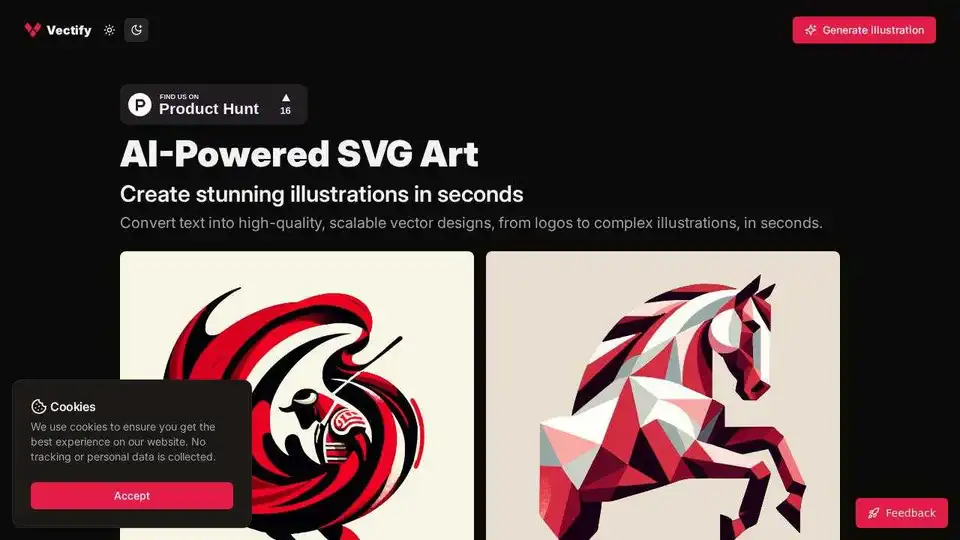
An AI-powered platform that converts text into high-quality, scalable vector designs, from logos to complex illustrations, in seconds.

UltimateApp: Your hub for AI solutions, professional utilities, and productivity apps. Discover AI-powered tools for design, business, and more. Start boosting your workflow today!