
TTSLabs
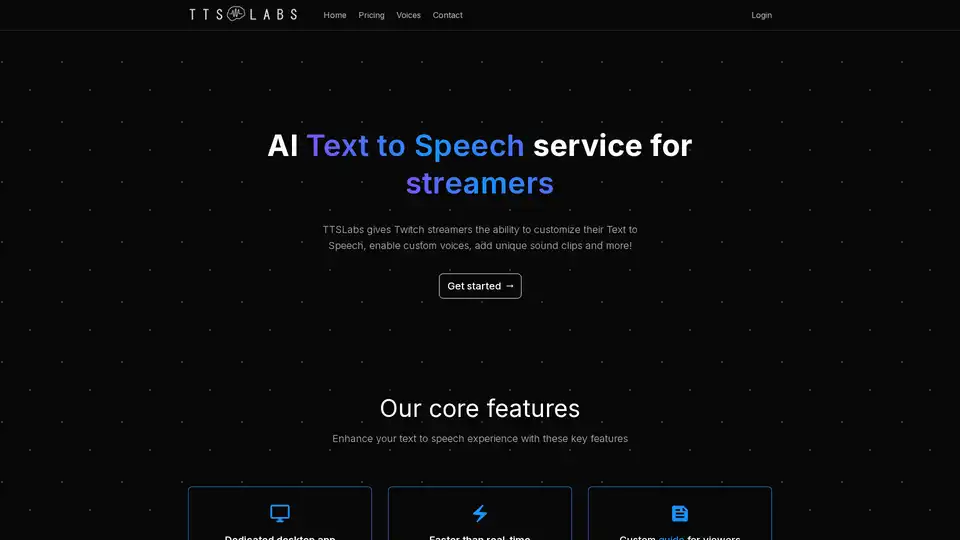
Overview of TTSLabs
TTSLabs: Revolutionizing Text-to-Speech for Twitch Streamers
What is TTSLabs? TTSLabs is an innovative AI-powered text-to-speech (TTS) service designed specifically for Twitch streamers. It allows streamers to customize their TTS experience, enabling custom voices, adding unique sound clips, and much more. With TTSLabs, streamers can enhance viewer engagement and create a more interactive and entertaining broadcast.
Key Features of TTSLabs:
- Dedicated Desktop App: TTSLabs provides a seamless desktop application that allows for easy management and playback of Text to Speech. You can customize prices, voices, sound clips, and more directly from the app.
- Faster Than Real-Time Processing: Generate audio incredibly quickly. TTSLabs can generate 20 seconds of audio in less than 3 seconds.
- Custom Guide for Viewers: Viewers can easily check enabled alerts, voices, sound clips, and minimum values for Text to Speech.
- Sync with Streamlabs or StreamElements: The desktop app can be synced with Streamlabs or StreamElements to control Text to Speech donations directly through your dashboard.
- Profanity Management: Maintain control over your stream by managing which donations are allowed to come through, with preset levels of profanity and custom profanity filters.
- Sound Clips: Enhance the creativity of Text to Speech donations by adding unique sound clips to your viewers' options.
How does TTSLabs work?
TTSLabs utilizes advanced speech synthesis technology to artificially produce human speech. Streamers can select from a variety of available voices, each with its own unique characteristics. Viewers can then trigger the TTS feature by sending messages or donations with specific commands, which are then converted into speech using the selected voice and any associated sound clips.
Why choose TTSLabs?
- Enhanced Streamer Customization: Provides streamers with a high degree of control over their TTS settings and allows for a more personalized experience.
- Improved Viewer Engagement: Interactive and entertaining TTS features can help to increase viewer engagement and donations.
- Time-Saving Efficiency: The fast processing speeds and streamlined desktop app save streamers valuable time and effort.
- Content Moderation: Built-in profanity filters help streamers maintain a safe and family-friendly environment.
How to use TTSLabs?
- Download and install the TTSLabs desktop app.
- Connect the app to your Streamlabs or StreamElements account.
- Customize your TTS settings, including voices, sound clips, and profanity filters.
- Inform your viewers about the available TTS options and commands.
- Enjoy enhanced viewer engagement and increased donations.
Who is TTSLabs for?
TTSLabs is designed for Twitch streamers of all sizes who are looking to enhance their broadcasts with engaging and interactive text-to-speech features. It's especially useful for streamers who want to:
- Increase viewer engagement and donations
- Create a more personalized and entertaining broadcast experience
- Save time and effort with streamlined TTS management
- Maintain a safe and family-friendly environment
Examples of Voices:
TTSLabs offers a variety of voices, with examples including impressions of popular streamers such as Mizkif, Alinity, Cyr, and Knut, as well as fictional characters like Kratos and Glados.
Contact and Access:
Interested in getting started with TTSLabs? Contact them to get access to their TTS service with unique voices and features. Copyright © 2025 TTSLabs LLC. Terms of service, Privacy Policy, and Refund Policy apply.
In conclusion, TTSLabs is a powerful AI text-to-speech service that can help Twitch streamers enhance viewer experiences and grow their channels. By providing a wide range of customization options and interactive features, TTSLabs empowers streamers to create more engaging and entertaining broadcasts.
Best Alternative Tools to "TTSLabs"
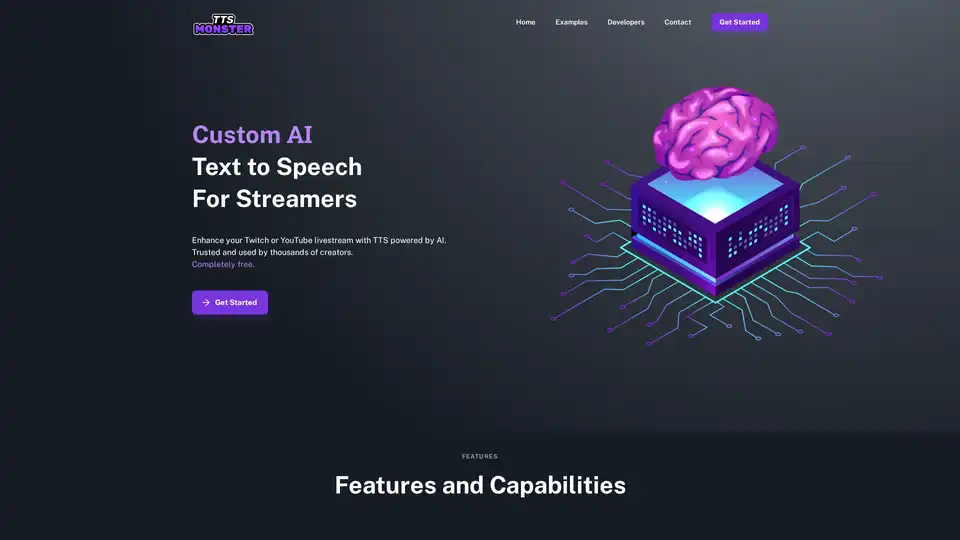
TTS.Monster is a free AI Text to Speech tool designed for Twitch and YouTube streamers. It enhances live streams with AI-powered voices and sound bites, integrates with StreamElements and StreamLabs, and offers a Developer API.
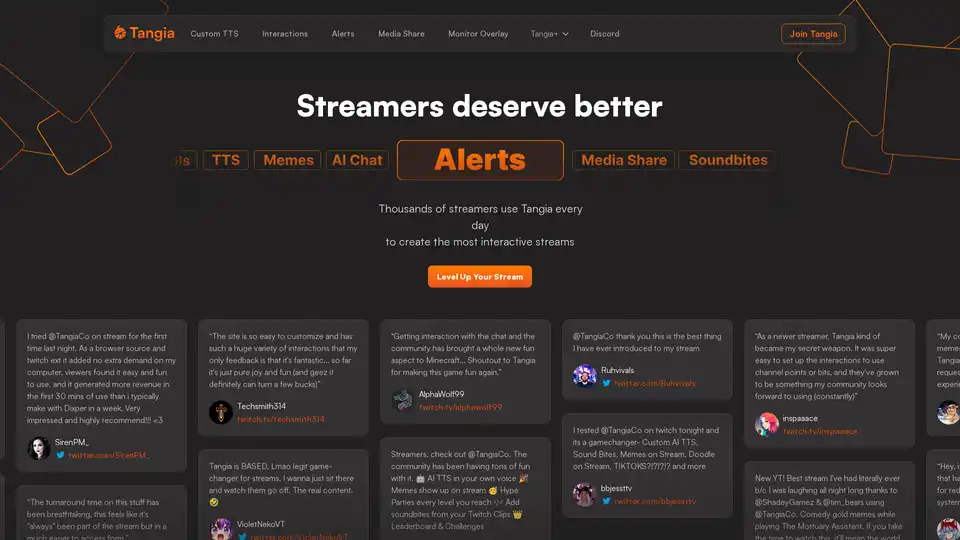
Tangia is a Twitch extension designed to supercharge chat engagement with custom TTS, interactions, alerts, and media sharing. It offers AI-powered features like custom AI personas and meme integration for interactive streams.
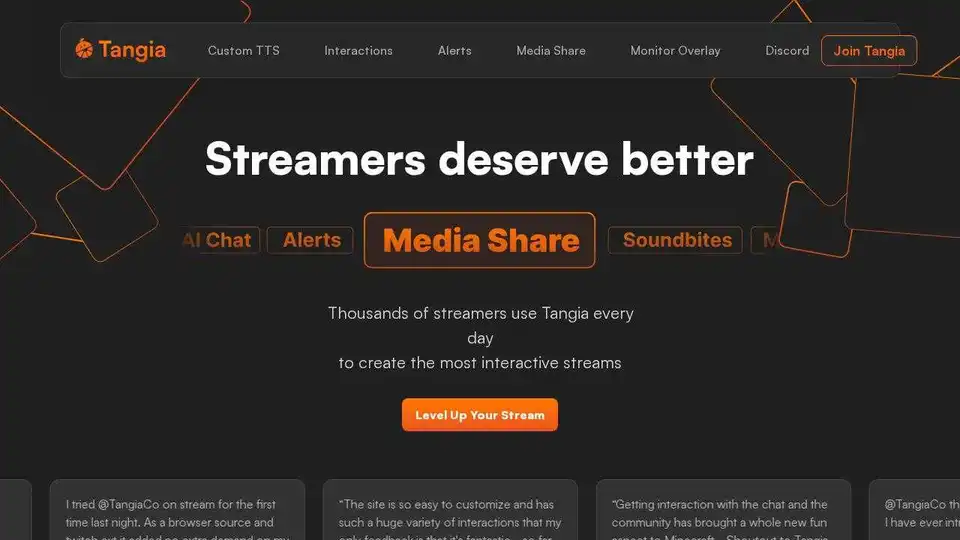
Supercharge chat engagement on your stream with Tangia. Use AI TTS, interactions, alerts, media share, and more to create the most interactive streams.
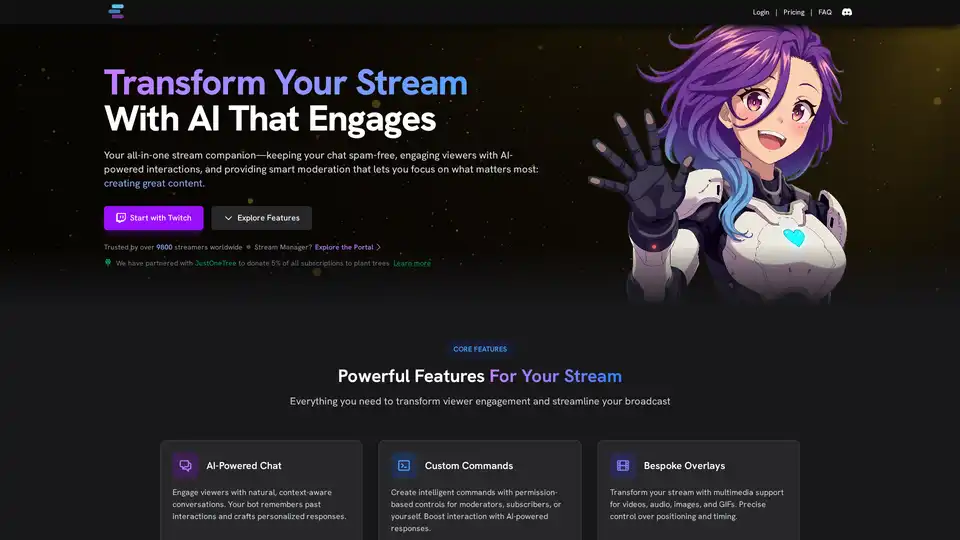
StreamChatAI is an AI-powered Twitch chat bot that enhances viewer engagement and automates moderation. It offers custom commands, AI-generated content, smart moderation, and stream management tools.
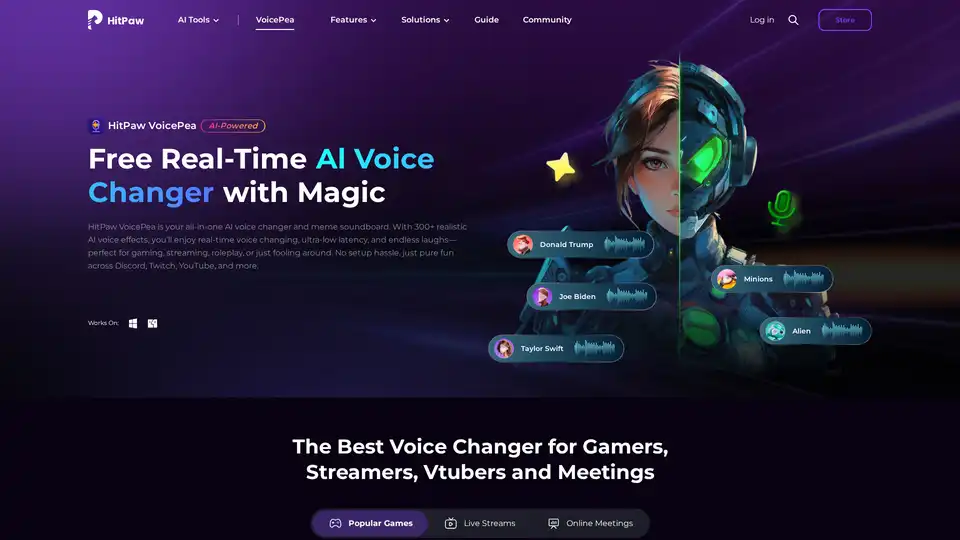
HitPaw VoicePea is an AI-powered real-time voice changer and meme soundboard with 300+ AI voice effects. Perfect for gaming, streaming, and online meetings. Change your voice and own the moment!
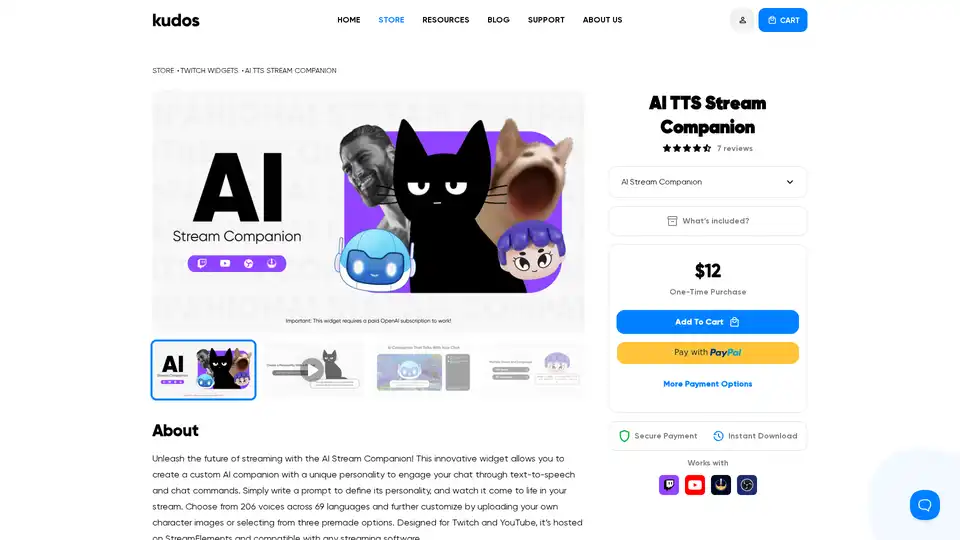
AI TTS Stream Companion: Create a unique AI companion for Twitch & YouTube streams. Customize personality, choose from 206 voices, and engage your audience with AI-powered text-to-speech.
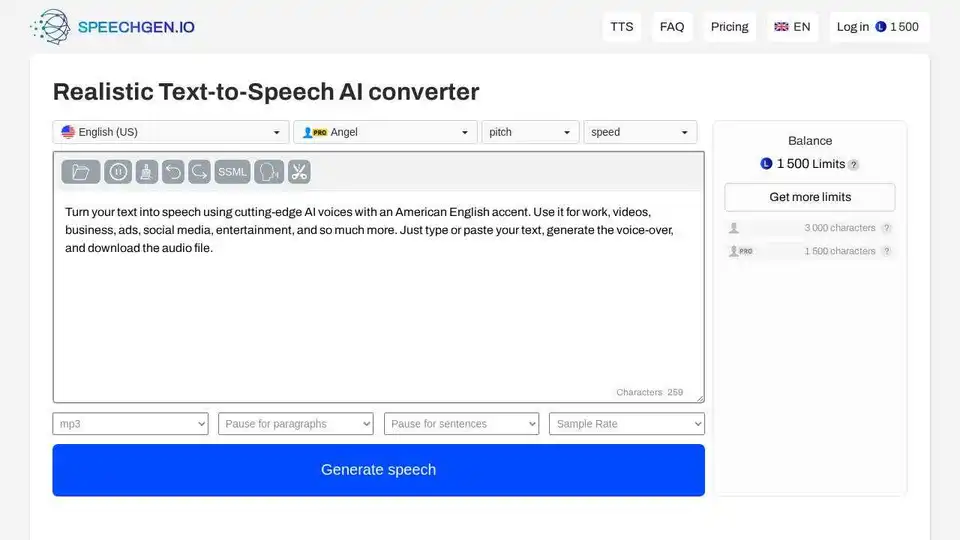
Generate realistic voiceovers online with SpeechGen.io! Convert text to speech using AI-powered voices, download audio in MP3/WAV format for various purposes.
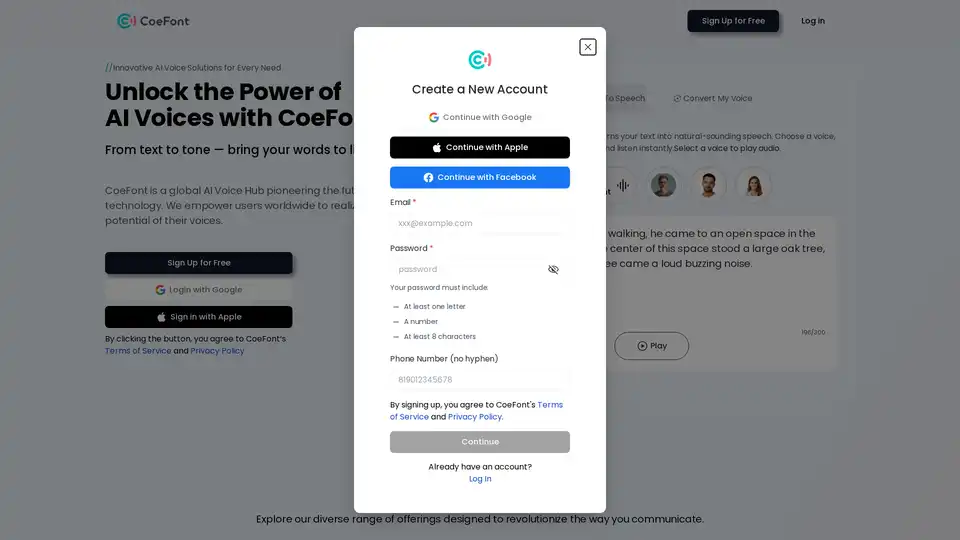
CoeFont is an AI voice generator that offers realistic text-to-speech, voice cloning, and multilingual support. Create engaging audio for videos, podcasts, and more!
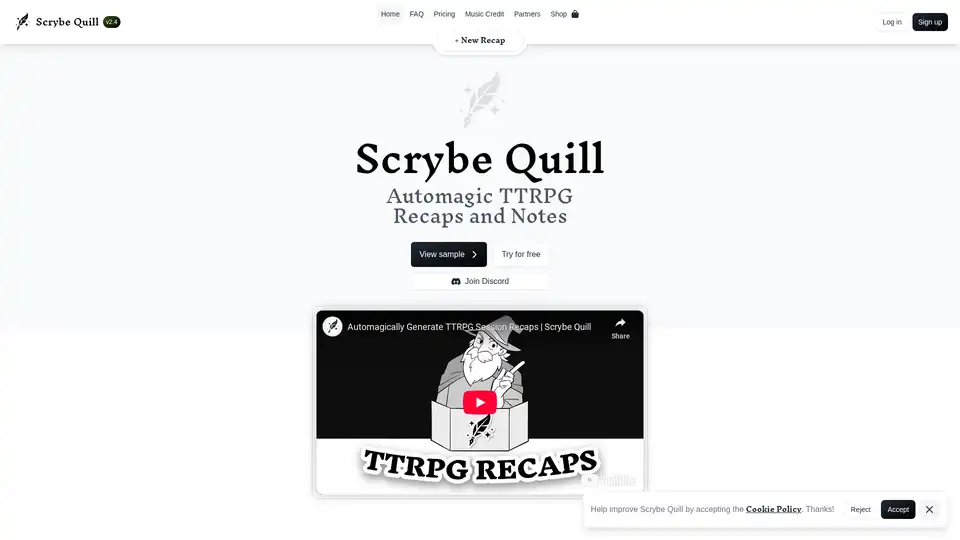
Scrybe Quill uses AI to transform TTRPG session recordings into captivating audio/video recaps, detailed outlines, quotes, and auto-updating wikis, saving GMs time on notes and boosting campaign continuity.
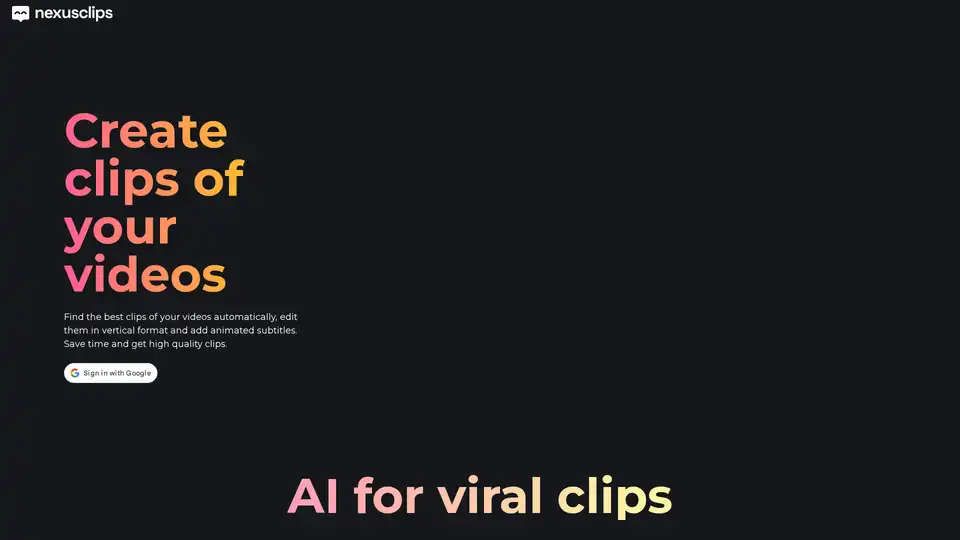
Nexus Clips is an AI tool that automatically extracts the best clips from long videos, edits them into vertical format with animated subtitles and hooks, ideal for streamers, YouTubers, and podcasters to create viral content effortlessly.
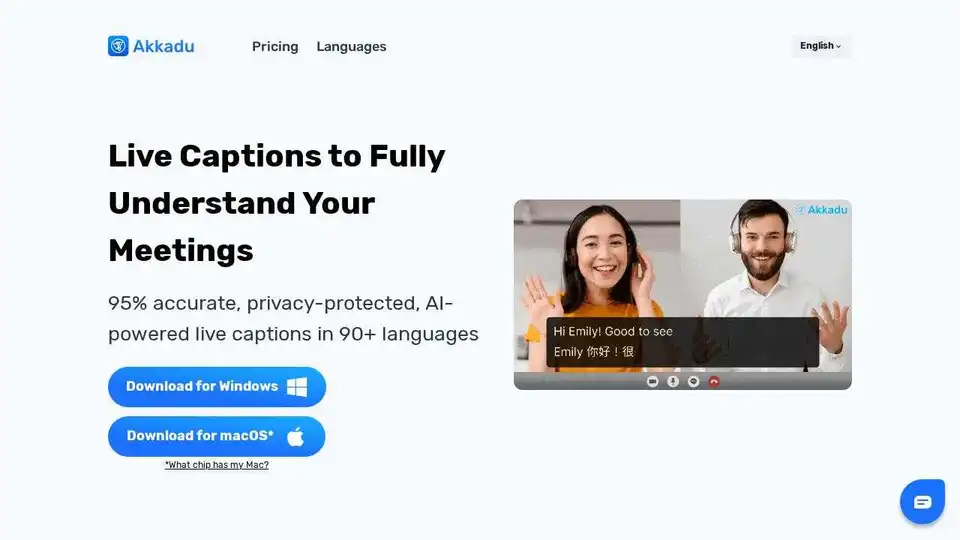
Understand every meeting with Akkadu's AI-powered live captions. Compatible with Zoom, Teams, WhatsApp and 90+ languages!
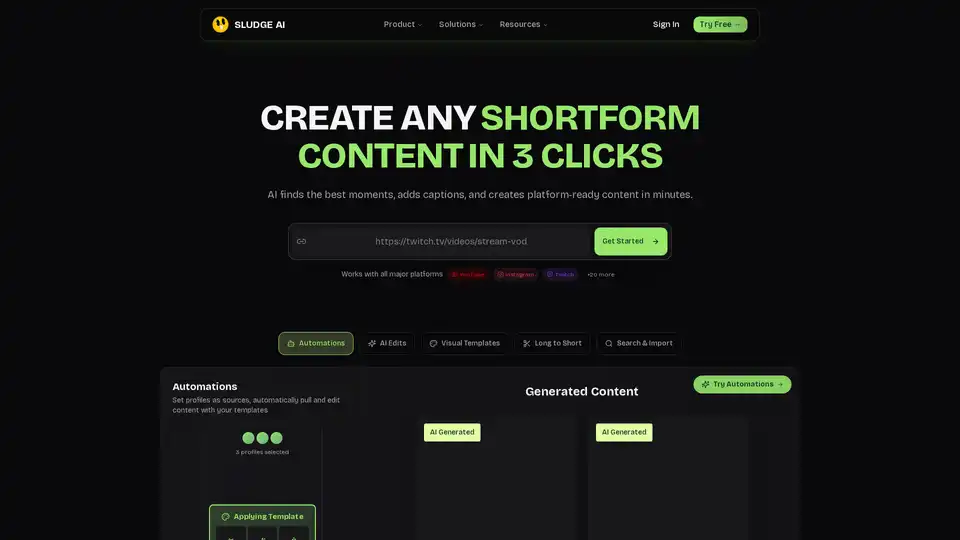
Sludge AI revolutionizes shortform content creation by turning raw videos into engaging, platform-ready clips in just 3 clicks. With AI edits, captions, and automations, it boosts views and growth for YouTube, Instagram, TikTok users.
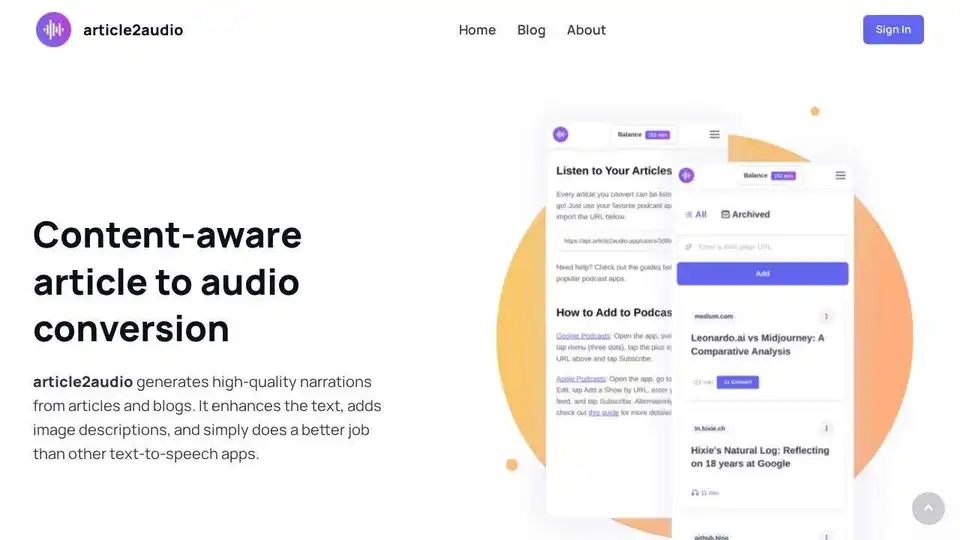
article2audio converts articles to natural-sounding audio, interpreting images and adding smart pauses. Experience AI-powered text-to-speech for a better listening experience.
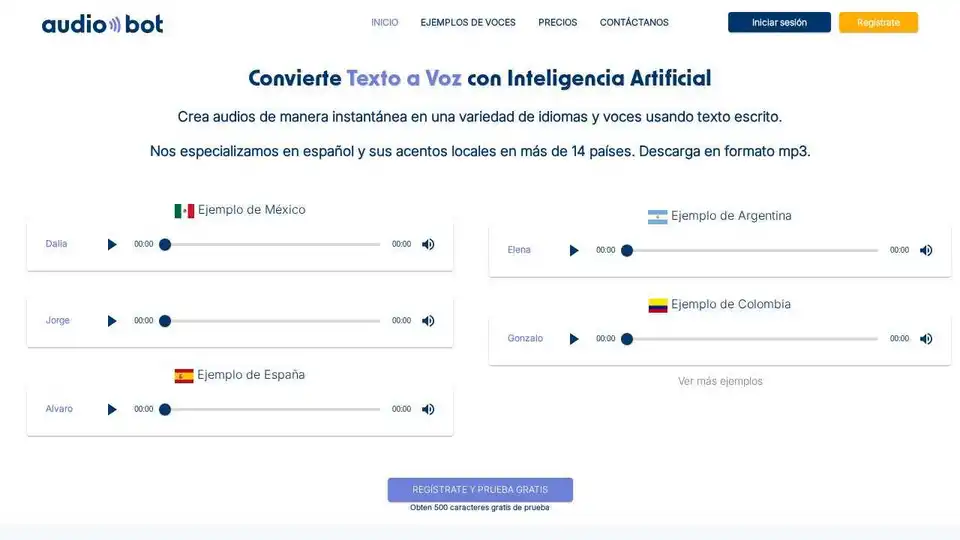
AudioBot is an AI-powered text-to-speech generator that creates realistic audio in various languages. Convert text to natural-sounding speech for videos, presentations, and more.