
AI Localizer
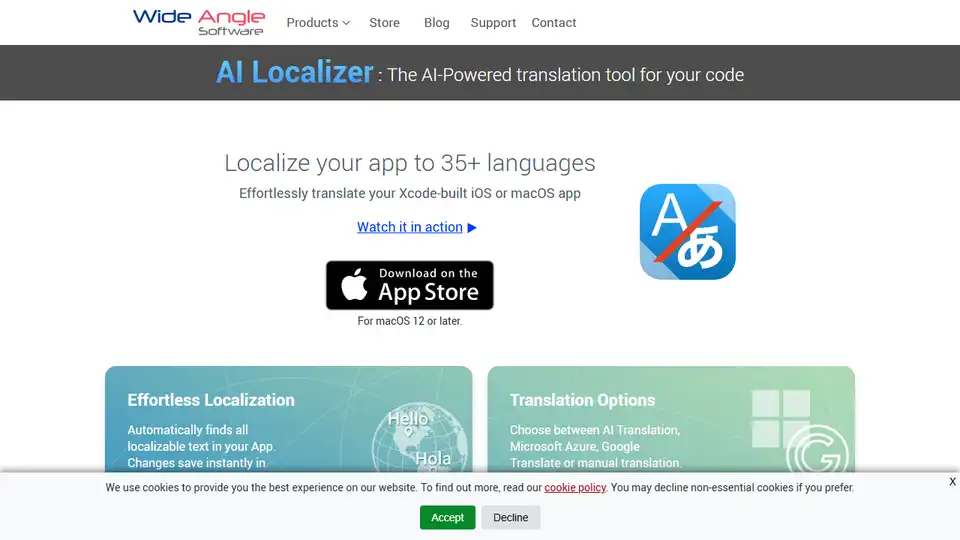
Overview of AI Localizer
AI Localizer: The AI-Powered Translation Tool for Your Code
AI Localizer is a macOS application designed to simplify the process of localizing iOS and macOS apps built with Xcode. It leverages AI, along with options for Microsoft Azure and Google Translate, to automatically translate your app into over 35 languages. This eliminates much of the manual work typically involved in app localization, making it faster and more efficient.
What is AI Localizer?
AI Localizer is a tool that automatically finds all localizable text within your Xcode project and provides various translation options, including AI-powered translation. It supports SwiftUI, Storyboard, XIB, and both .strings and .xcstrings formats, ensuring compatibility with a wide range of Xcode projects.
How does AI Localizer work?
AI Localizer works by:
- Automatically loading localizable resources: The app seamlessly integrates with your Xcode project, automatically detecting and loading all localizable resources.
- Providing translation options: You can choose between AI Translation, Microsoft Azure, Google Translate, or manual translation. This flexibility allows you to select the best option based on your budget and desired level of accuracy.
- Instant saving in Xcode: Changes made within AI Localizer are instantly saved in your Xcode project, streamlining the workflow.
- Offering proofreading export: You can optionally export translations for review by human translators and import them back with a single click.
Key Features:
- Effortless Localization: Automatically identifies all localizable text in your app.
- Multiple Translation Options: Choose between AI, Microsoft Azure, Google Translate, or manual translation.
- Proofreading Export: Export translations for human review and import them back easily.
- Comprehensive Xcode Support: Works with SwiftUI, Storyboard, XIB, and both .strings & .xcstrings formats.
- Quick Setup: Automatically loads all localizable resources from your Xcode project.
How to Use AI Localizer
Getting started with AI Localizer involves a few simple steps. The official website offers a guide that breaks down the process of translating your first Xcode project using the app:
- Seamlessly Translate Apps: AI Localizer helps translate your apps into different languages.
- Getting Started Guide: The official website has a getting started guide that breaks down how to use the app.
Why is AI Localizer important?
App localization is crucial for reaching a global audience. AI Localizer simplifies this process, allowing developers to quickly and easily translate their apps into multiple languages, increasing their potential user base and revenue. It also helps developers save time and resources by automating much of the translation work.
Where can I use AI Localizer?
AI Localizer is specifically designed for developers working on iOS and macOS apps built with Xcode. If you are developing apps for the Apple ecosystem and want to expand your reach to international markets, AI Localizer can be a valuable tool.
Best way to localize your Xcode project?
Using AI Localizer provides a streamlined and efficient approach to Xcode project localization. By automating the process of finding localizable strings and offering various translation options, including AI-powered translation, it significantly reduces the manual effort and time required for localization. The ability to export translations for proofreading further ensures accuracy and quality, making AI Localizer a strong contender for the best way to localize your Xcode projects. The official documentation is available at Wide Angle Software's website. Consider exploring their Help Center for additional guidance.
In conclusion, AI Localizer presents itself as a practical tool for developers seeking to streamline the localization of their Xcode-based iOS and macOS applications. By automating key steps and offering multiple translation choices, including AI-powered options, it empowers developers to reach a global audience more effectively and efficiently. Its support for various Xcode formats and the option for proofreading enhance its utility, making it a valuable asset in the app development workflow.
Best Alternative Tools to "AI Localizer"
I18n Studio is a macOS developer tool powered by GPT4, offering contextual translation for JSON, XML, Localizable.strings, and String Catalogs, making app localization easier.
I18n Studio is a macOS app powered by GPT4 that simplifies app localization. It supports contextual translation for JSON, XML, Localizable.strings, and String Catalogs, integrating seamlessly with Xcode, VSCode, and Android Studio.
Auto Localize: AI-powered localization tool for Xcode, Android Studio, Java, Unity, and Flutter projects. Seamless App Store Connect integration, supports OpenAI and Google Gemini.

Xpolyglot by FiveSheep is a macOS app that uses AI to streamline Xcode project localization, making app store submissions easier and opening your app to global markets. It integrates seamlessly with Xcode, localizes strings with AI (OpenAI API key required), and manages app store metadata.