
Photoroom

Overview of Photoroom
Photoroom: Your AI Partner for Stunning Product Visuals
What is Photoroom?
Photoroom is an AI-powered photo editing tool designed to simplify the creation of professional-quality visuals. It's built for individuals, growing brands, and enterprises alike. Photoroom enables users to remove backgrounds, resize images, and create impactful product visuals in minutes, even without any design skills.
How does Photoroom work?
Photoroom leverages advanced AI algorithms to automatically detect and remove backgrounds from images with best-in-class precision. Even complex edges and transparent objects are handled effectively. Users can then replace the background with a solid color, a custom image, or one of Photoroom's AI-generated backgrounds. The platform also offers a range of editing tools to fine-tune images, add text, and create compelling visuals.
Key Features and Benefits:
- Background Remover: Automatically remove backgrounds with high precision, even on transparent products.
- Image Generator: Generate realistic AI backgrounds in less than a second.
- AI Product Photography: Create professional product photos without a professional photographer.
- Logo Maker: Generate the perfect logo in minutes with AI-powered designs.
- Batch Mode: Bulk-edit thousands of images with automated workflows.
- API: Customize and scale Photoroom for your organization by integrating the API into your existing workflows.
How to Use Photoroom?
- Upload your image: Simply upload the product photo or image you want to edit.
- Remove the background: Photoroom's AI will automatically remove the background. You can manually adjust the cutout if needed.
- Customize your visual: Add a new background, adjust the lighting, add text, and apply filters.
- Download and share: Download your finished visual in high resolution and share it on your website, social media, or marketing materials.
Who is Photoroom for?
Photoroom caters to a wide range of users:
- Individuals: Ideal for creating professional-looking profile pictures, social media posts, and marketing materials.
- Small Businesses: Perfect for creating product listings, social media content, and ads that drive sales.
- Enterprises: Enables large-scale image editing with automation and brand controls.
Why is Photoroom important?
In today's visually-driven world, high-quality product visuals are essential for attracting customers and driving sales. Photoroom empowers businesses of all sizes to create professional-looking visuals quickly and affordably, without the need for expensive equipment or design skills. Studies have shown that good product photography can increase click-through rates by 72% and reduce cost per acquisition (CPA) by 60%.
Customer Success Stories:
- Watches, Inc.: Saw a 40% increase in product inquiries and a boost in sales leads from 20% to 60% per post after using Photoroom.
- Cowgirl Clutch: Experienced up to 200% more sales from SMS/email marketing campaigns using Photoroom images.
- Wolt: Enhanced their image editing process and improved the quality of their product visuals using Photoroom's API.
Pricing
Photoroom offers a range of pricing plans to suit different needs:
- Free: Kick-start your creativity with essential AI tools.
- Pro: Grow your business with professional product photos and standout marketing assets. Starting from $7.50 a month with the yearly plan.
- Teams: Collaborate to create compelling imagery. Start from just $7.50 per month with the yearly plan, including 2 free seats.
- Enterprise: Edit large volumes of images with ease. Contact sales for pricing.
Where can I use Photoroom?
You can access Photoroom on the web, as well as through dedicated apps for iOS and Android devices.
Best way to create product visuals with Photoroom?
- Start with high-quality product photos.
- Use Photoroom's background remover to create a clean and professional look.
- Experiment with different backgrounds and editing tools to find the perfect visual.
- Maintain brand consistency by using a brand kit.
- Track your results and make adjustments as needed.
Photoroom is your AI partner to create visuals that drive sales. Give your products the visuals they deserve!
Best Alternative Tools to "Photoroom"

PicWish is a free AI photo editor for background removal, image enhancement, and more. Edit photos like a pro with AI tools.
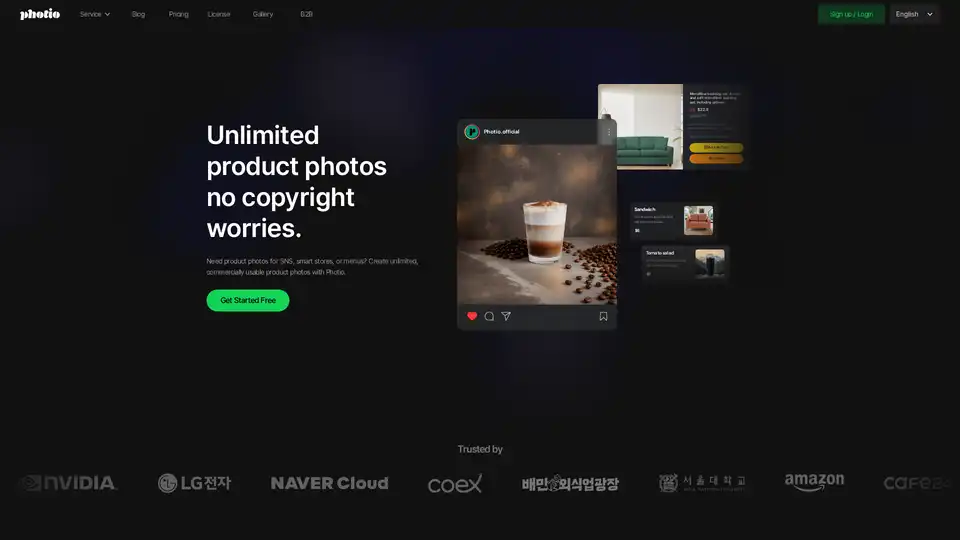
Photio is an AI-powered product photography studio that allows users to create unlimited, commercially usable product photos. It offers various tools like AI Photographer, background removal, and image enhancement.
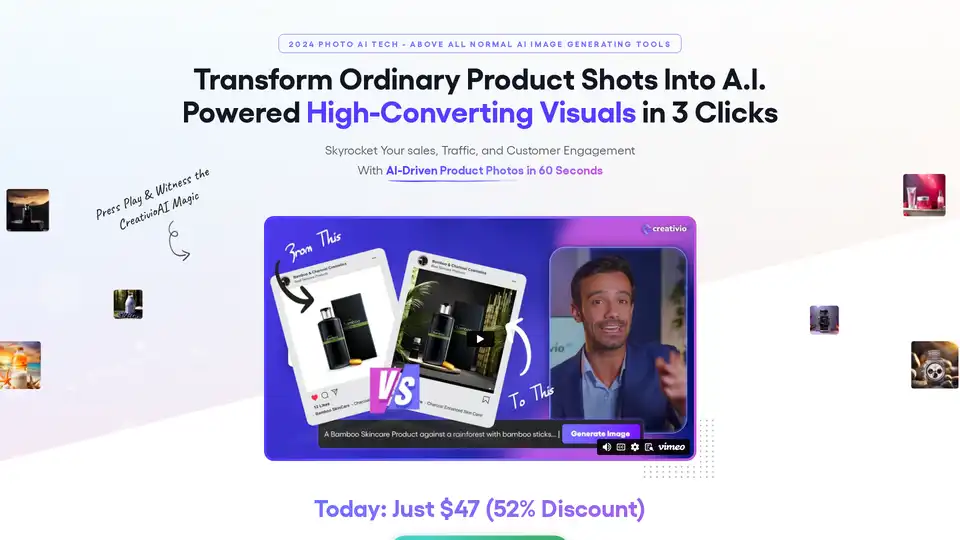
CreativioAI is an AI-driven product photography tool that transforms ordinary product shots into high-converting visuals in seconds, saving time and money on expensive studios.
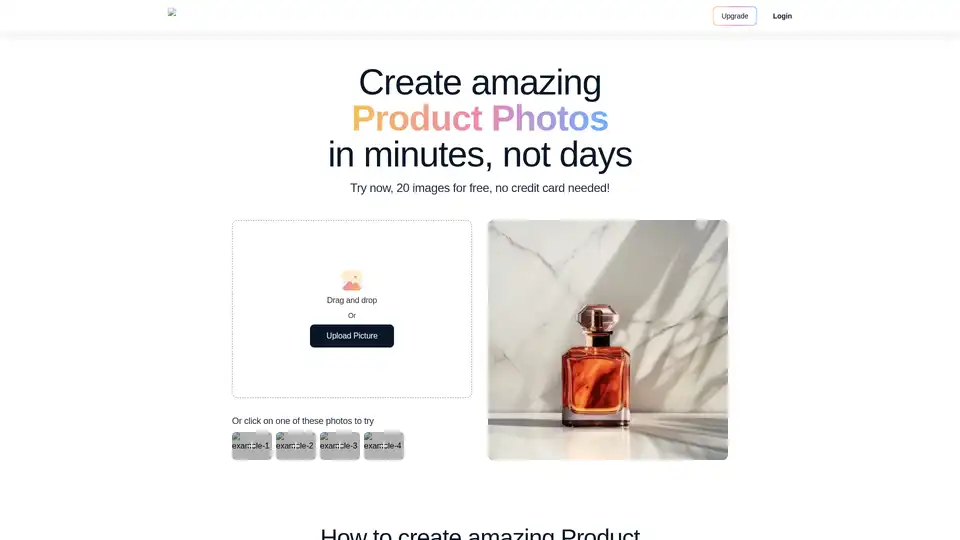
Magic Studio uses AI to create stunning product photos in minutes. Upload your image, extract the product, select a theme, and generate high-quality visuals for e-commerce and marketing.
Remove image backgrounds automatically in seconds with AI at bgclearer.com. Perfect for e-commerce, portraits, and product photography. Try it free!
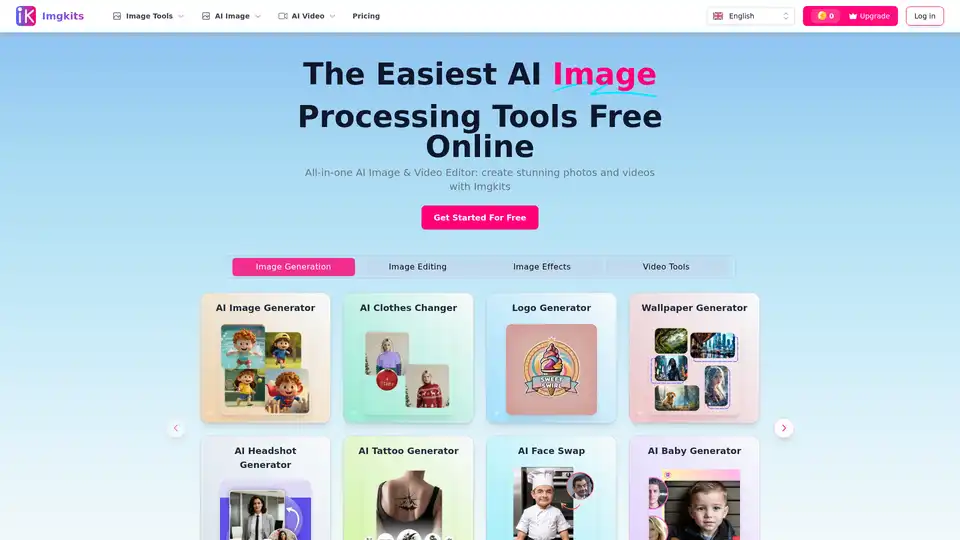
Imgkits is an all-in-one AI image and video editor that offers a range of tools, including AI image generation, background removal, photo restoration, and more. It's designed for both personal and professional use.
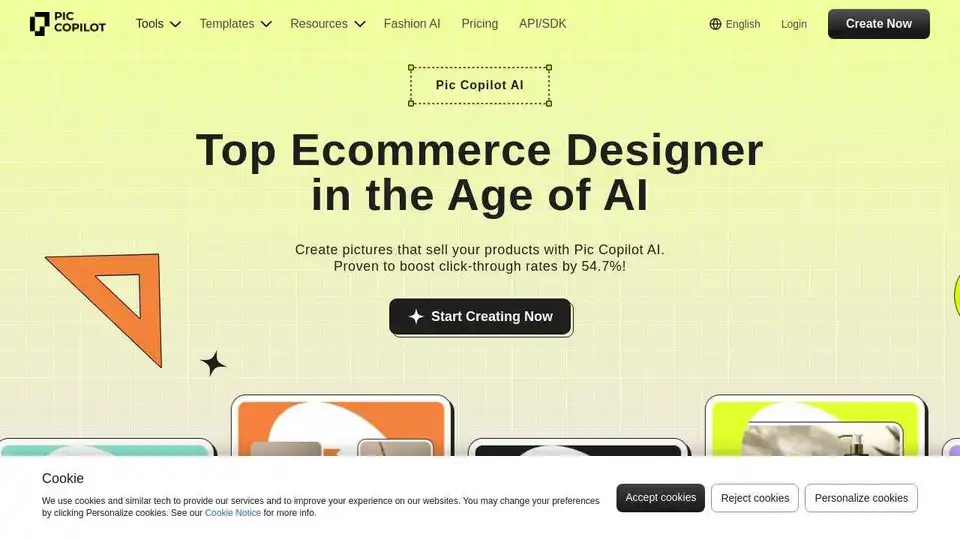
Pic Copilot is an AI-powered e-commerce designer that helps you create product visuals, remove backgrounds, generate AI fashion models, translate images, and more, boosting click-through rates.

Krut AI is an AI co-pilot designed for e-commerce brands, offering a suite of tools for product photoshoots, model creation, background removal, image upscaling, and more to enhance creative workflows.

Easily change or remove image backgrounds with DRESSXME's free AI background remover. Perfect for portraits, product photos, and social media content. No editing skills required.
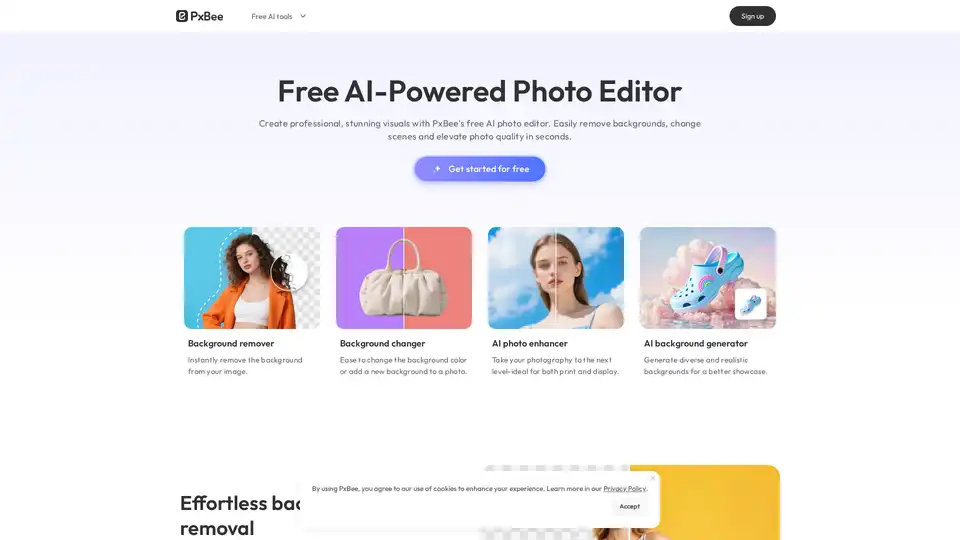
PxBee is a free AI-powered photo editor that lets you create studio-quality images in seconds. Effortlessly remove and change backgrounds, enhance resolution with AI.
Pixelcut is a free AI photo editor that simplifies image editing, background removal, upscaling, and video generation. Trusted by over 50 million creators, it offers powerful tools for professional results in minutes.
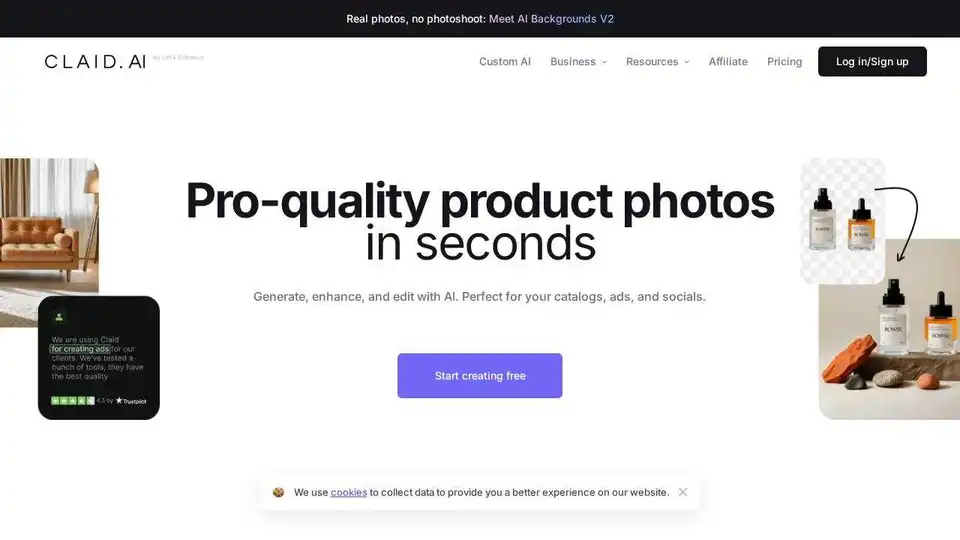
Generate AI product photos, remove background, enhance, edit, and more with Claid.ai. Create pro-quality visuals for catalogs, ads, and socials.
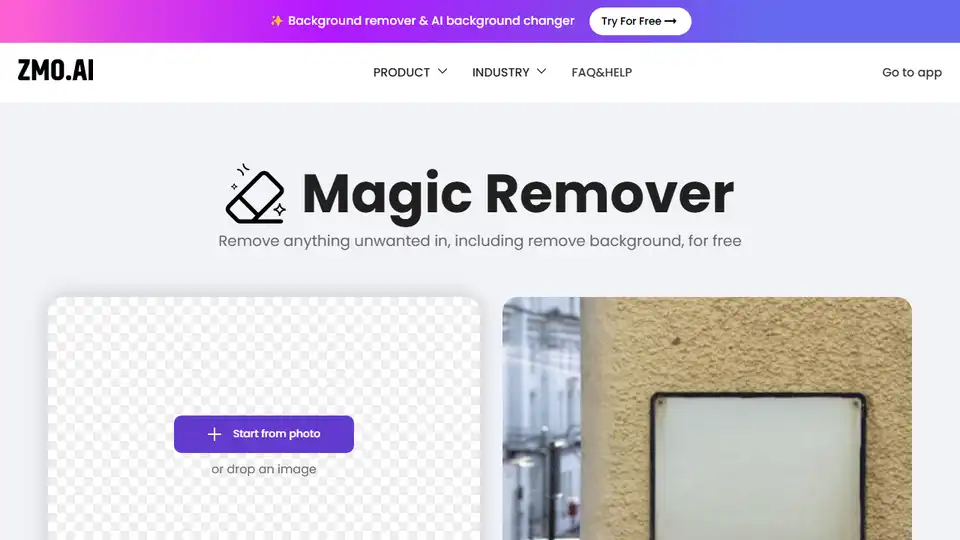
Remover is a free AI-powered tool to remove backgrounds and unwanted objects from images. Enhance product photos, clean up pictures, and create stunning visuals effortlessly.
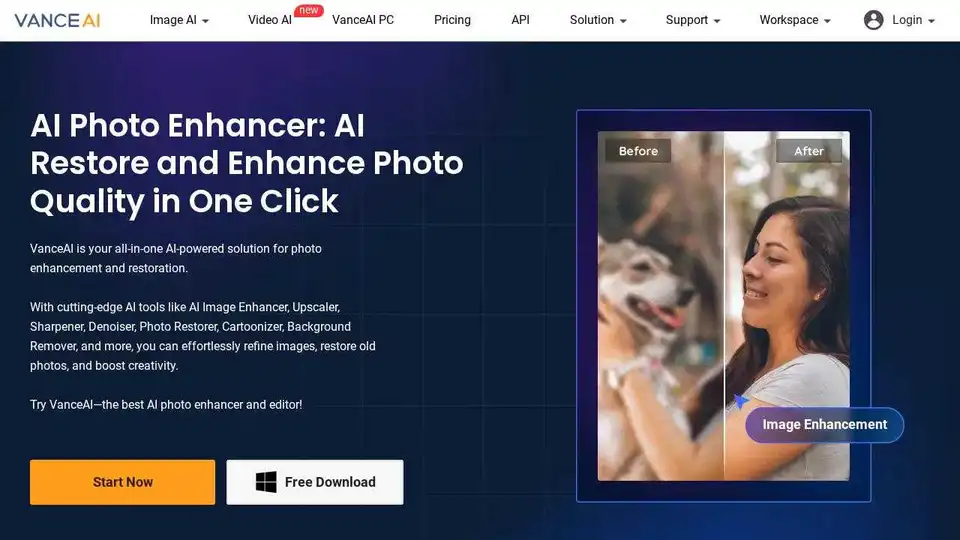
VanceAI offers AI-powered photo enhancement, upscaling, sharpening, denoising, and background removal tools to boost your productivity and creativity in photo processing.