
AiCanvas
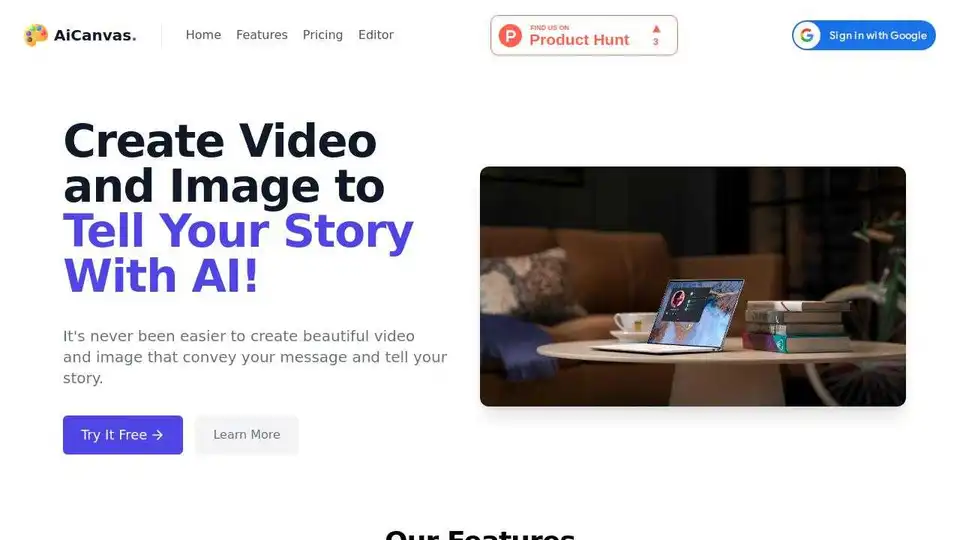
Overview of AiCanvas
What is AiCanvas?
AiCanvas is a free AI-powered tool designed to help users create and edit videos and images effortlessly. It leverages artificial intelligence to generate content, enhance images, and create animations, making it an ideal solution for individuals and businesses looking to produce high-quality visual content without extensive technical skills.
Key Features of AiCanvas
AI-Generated Content
AiCanvas allows users to generate images and text using AI technology. This feature is particularly useful for creating unique visuals and written content quickly and efficiently.
AI Editing
With AiCanvas, users can perform advanced editing tasks such as in/out painting on images, removing objects from images, and scaling images with AI assistance. This makes the editing process more intuitive and less time-consuming.
Animation Support
The tool supports various animation formats, including GIFs, videos, Lottie, and Rive files. Users can upload these files and incorporate them into their projects seamlessly.
Free Web Resources
AiCanvas provides access to a vast library of free web resources, including GIFs, Lottie files, stickers, shapes, and photos. Users can search and import these resources directly into their projects.
Free Draw Mode
Users can draw freely on the canvas and erase anything they want, offering a high degree of creative freedom and flexibility.
Export and Download
AiCanvas allows users to export and download their videos and images quickly. This feature ensures that users can easily share their creations across various platforms.
How Does AiCanvas Work?
AiCanvas utilizes advanced AI algorithms to simplify the process of creating and editing visual content. Users can start by selecting a template or a blank canvas. They can then use the AI-generated content feature to create images and text. The AI editing tools allow for precise modifications, such as removing unwanted objects or scaling images to fit specific dimensions. Additionally, users can import animations and other web resources to enhance their projects.
How to Use AiCanvas?
- Sign Up: Create an account on the AiCanvas platform.
- Choose a Plan: Select a pricing plan that suits your needs. AiCanvas offers three plans: Basic (1500 credits for $19), Plus (3500 credits for $39), and Pro (8000 credits for $79).
- Create Content: Use the AI-generated content feature to create images and text.
- Edit Content: Utilize the AI editing tools to modify your images and videos.
- Add Animations: Import animations and other web resources to enhance your projects.
- Export and Download: Export your finished projects and download them for sharing.
Why Choose AiCanvas?
AiCanvas is an excellent choice for individuals and businesses looking to create high-quality visual content without extensive technical skills. Its AI-powered features make the process of generating and editing content more efficient and intuitive. Additionally, the tool offers a range of pricing plans to suit different needs and budgets.
Who is AiCanvas For?
AiCanvas is ideal for:
- Small Teams and Startups: The Basic plan is perfect for smaller teams and startups looking to create professional visual content.
- Medium to Large Companies: The Plus plan is suitable for medium-size to larger companies that require more extensive features and resources.
- Enterprise Companies: The Pro plan is designed for larger and enterprise companies that need advanced capabilities and a higher volume of credits.
Best Way to Create Videos and Images with AI
AiCanvas provides a user-friendly platform for creating and editing videos and images with AI. Its intuitive interface and powerful features make it an ideal tool for anyone looking to produce high-quality visual content efficiently.
AI Generated Art Image Enhancement and Repair Image Style Transfer AI Background Removal and Replacement AI Avatar and Cartoonization 3D Modeling and Rendering Logo and UI Design
Best Alternative Tools to "AiCanvas"
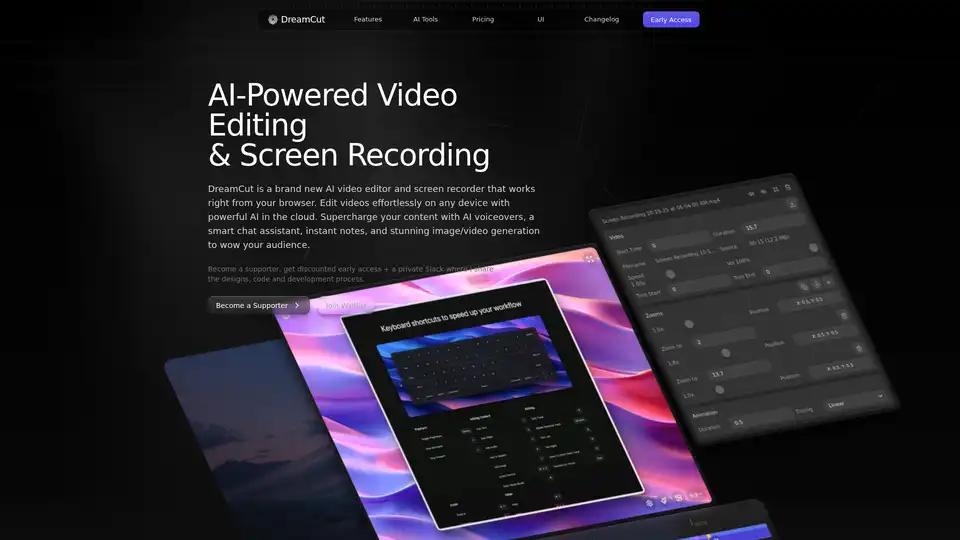
DreamCut is an AI-powered video editor and screen recorder that works in your browser. It offers AI voiceovers, image generation, a smart chat assistant, and more to supercharge your video content creation.
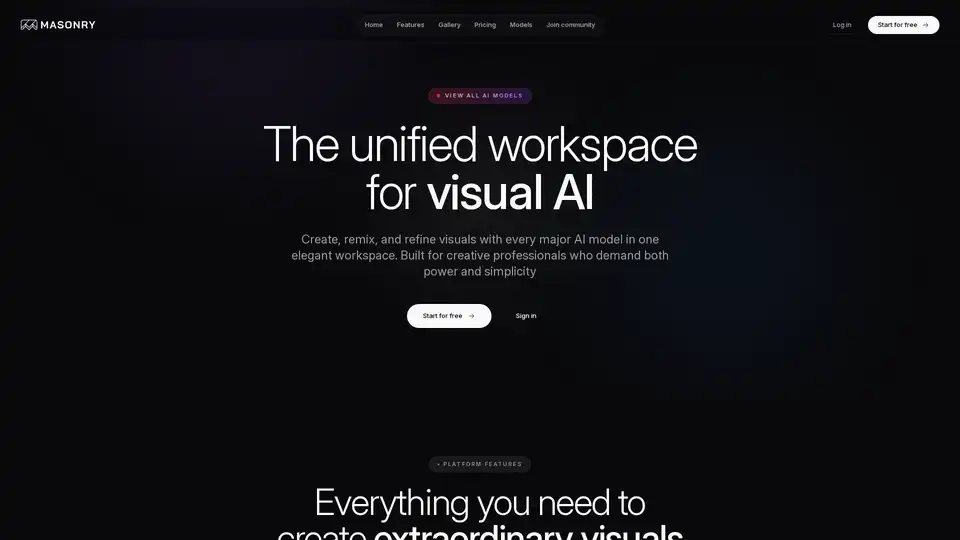
Masonry is a unified workspace for visual AI, allowing creative professionals to create, remix, and refine visuals using various AI models. It offers a collaborative canvas for designing cinematic images and videos.
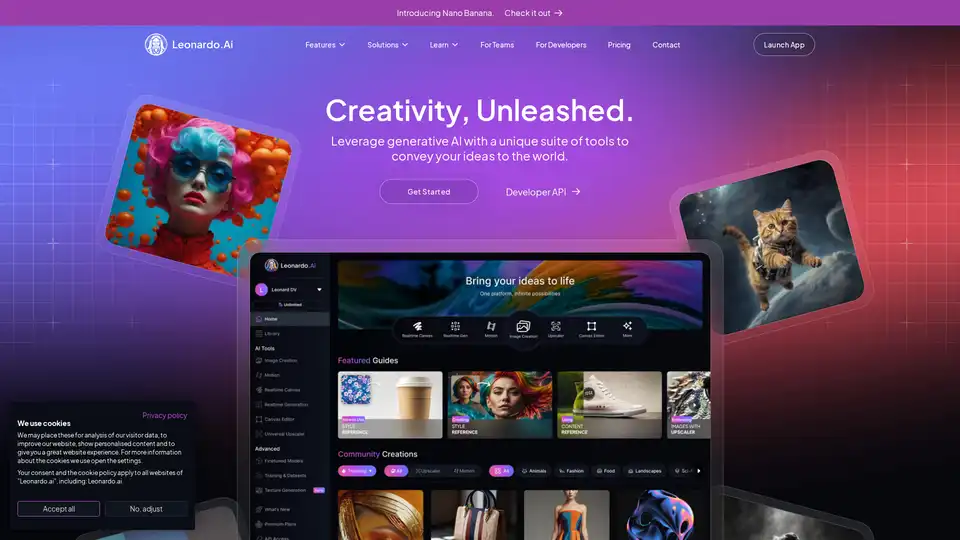
Transform your projects with our AI image generator. Generate high-quality, AI generated images with unparalleled speed and style to elevate your creative vision.
RushRoto Studio is an AI-powered tool that instantly generates professional product photos and videos. It offers drag-and-drop editing, templates, and features to enhance product listings and boost sales.