
AIDesign
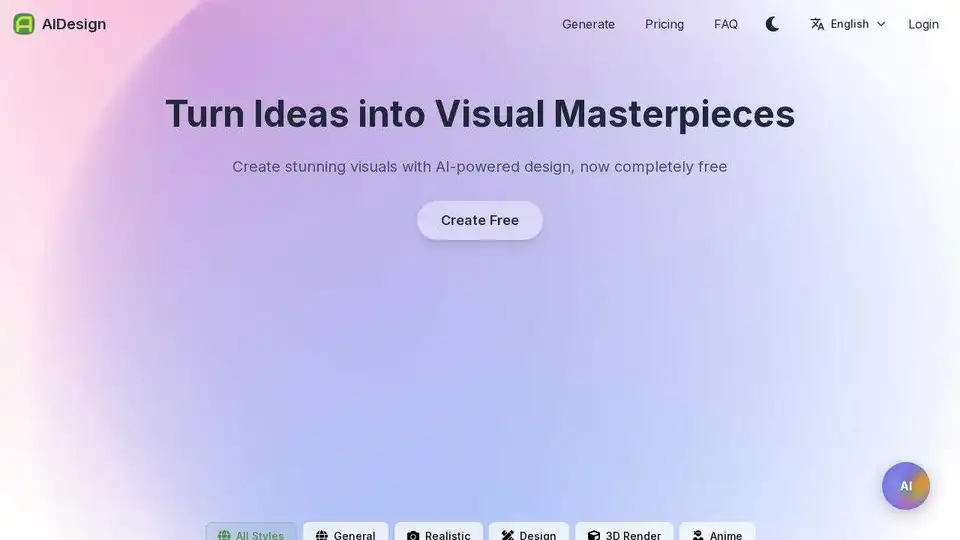
Overview of AIDesign
AIDesign: Free AI Image Generator
What is AIDesign? AIDesign is a free AI-powered image generator that allows users to create stunning visuals from text descriptions. It offers a variety of styles including general, realistic, design, 3D render, and anime, catering to diverse creative needs.
How does AIDesign work? AIDesign uses advanced AI algorithms to interpret text prompts and generate corresponding images. Users simply enter a description of the image they want to create, select a style, and the AI generates a unique visual representation.
Key Features:
- Free to Use: AIDesign provides free access to AI-powered image generation.
- Versatile Styles: Offers a range of styles to suit different creative preferences, including General, Realistic, Design, 3D Render, and Anime.
- Easy to Use: The platform is designed for simplicity, making it accessible to users of all skill levels.
How to Use AIDesign:
- Enter Text Prompt: Describe the image you want to generate in the text box.
- Select Style: Choose a style that best fits your vision.
- Generate: Click the “Create Free” button to generate the image.
Use Cases:
- Graphic Design: Create unique graphics for websites, social media, and marketing materials.
- Artistic Expression: Explore artistic ideas and generate original artwork.
- Content Creation: Enhance blog posts, articles, and presentations with custom visuals.
- Conceptualization: Visualize concepts and ideas for various projects.
Example Prompts:
- "generate me a professional design of maverick consultancy"
- "best designs for maverick consultancy with SECP logo and certificate"
- "Create a picture of Elon Musk in a bath tub of dollar notes"
Detailed Civil Design Plan Example (Generated by AIDesign):
To create a comprehensive design for a one-hectare plot of land, several factors need to be considered. Here's an outline of what I would include in a detailed civil design plan:
1. Site Analysis
- Topography: Elevation contours, slopes, and any natural features.
- Soil Investigation: Soil type, bearing capacity, and drainage characteristics.
- Climate Conditions: Wind, rainfall, and temperature data for appropriate design decisions.
- Existing Infrastructure: Nearby roads, utilities, and access points.
- Zoning and Regulations: Any legal or building restrictions, including setbacks, height restrictions, and permissible land usage.
2. Site Layout
- Property Boundaries: The exact dimensions of the land.
- Access Roads: Design of internal roads or driveways for accessibility.
- Utilities: Placement of sewer, water, stormwater drainage, electricity, and gas lines.
- Building Footprint: Positioning of buildings, such as homes, commercial structures, or amenities.
- Green Spaces: Parks, gardens, or landscaped areas.
- Parking and Traffic Flow: Parking lots, garages, and optimal traffic movement.
- Retaining Walls or Slopes: If needed based on the land’s topography.
3. Drainage and Stormwater Management
- Stormwater System: Ditches, swales, detention basins, or underground systems to manage runoff.
- Grading Plan: To ensure proper flow of water to prevent flooding.
- Infiltration: Use of permeable materials or green roofs for water absorption.
4. Landscaping and Green Spaces
- Plant Selection: Native plants or drought-resistant species for landscaping.
- Green Spaces: Parks, walking trails, or gardens for aesthetic value and environmental benefits.
- Outdoor Amenities: Seating areas, sports courts, and recreational spaces.
5. Infrastructure Design
- Roads and Pathways: Widths, materials, and intersections.
- Lighting and Signage: Street lighting, traffic signs, and safety measures.
- Utility Networks: Sewer, water supply, stormwater, and electricity distribution.
6. 3D Visualization
- Detailed 3D renderings of the site, showing buildings, landscaping, roads, and green spaces to help visualize the final project.
Process Overview
- Conceptual Plan: Initial layout and design sketches.
- Preliminary Design: Refined 2D plan showing key elements and measurements.
- Detailed Design: Final drawings, including specifications for grading, utilities, and construction details.
- 3D Rendering: For a more immersive experience.
Why is AIDesign important?
AIDesign democratizes image creation, making it accessible to individuals and businesses without the need for expensive design software or specialized skills. It streamlines the design process, enabling users to quickly generate visuals that match their specific needs. The platform's ease of use and versatile styles make it an invaluable tool for a wide range of applications.
AI Generated Art Image Enhancement and Repair Image Style Transfer AI Background Removal and Replacement AI Avatar and Cartoonization 3D Modeling and Rendering Logo and UI Design
Best Alternative Tools to "AIDesign"
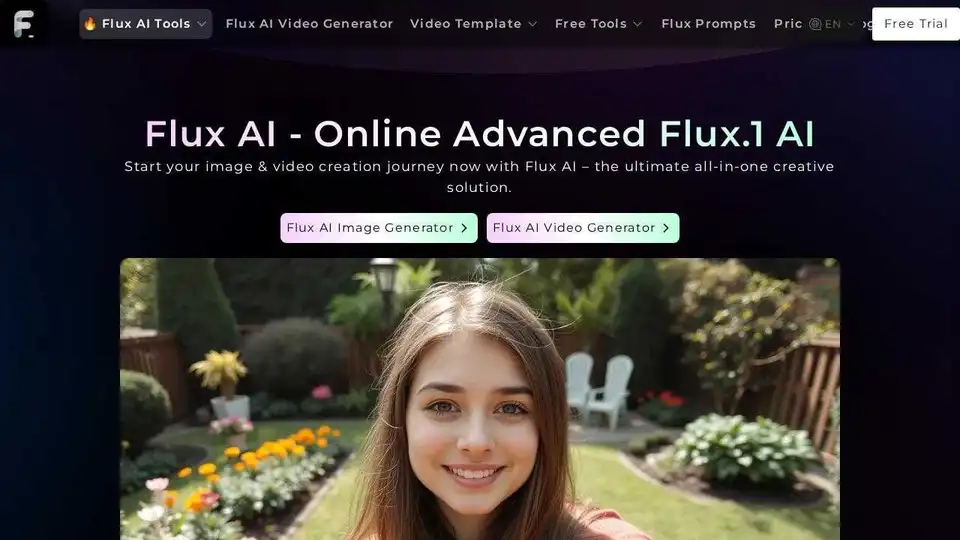
Flux AI offers advanced AI image and video generation tools. Create stunning visuals with text-to-image and image-to-video technology. Try Flux Kontext AI and Flux.1 AI models for free.
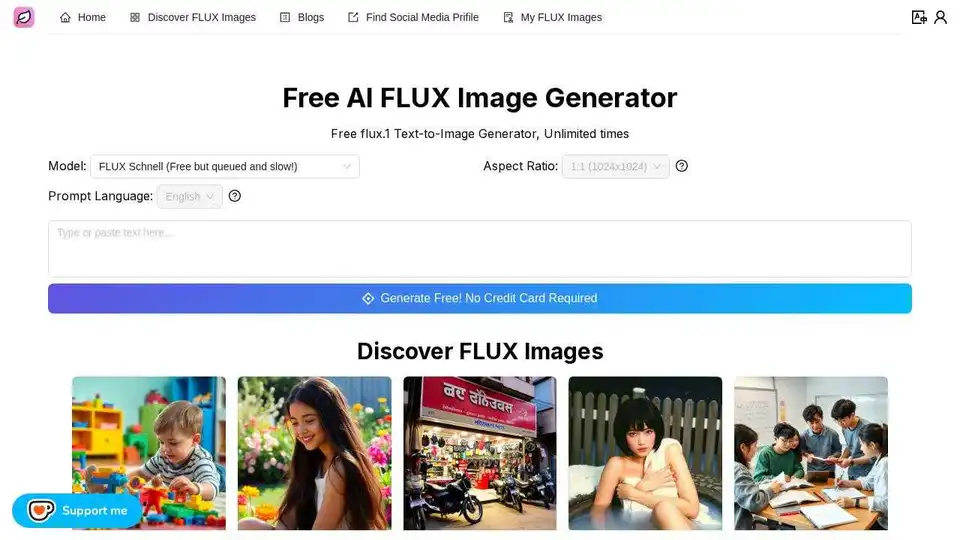
Free FLUX Image Generator. Generate images from text prompts with the FLUX Schnell model, unlimited times.
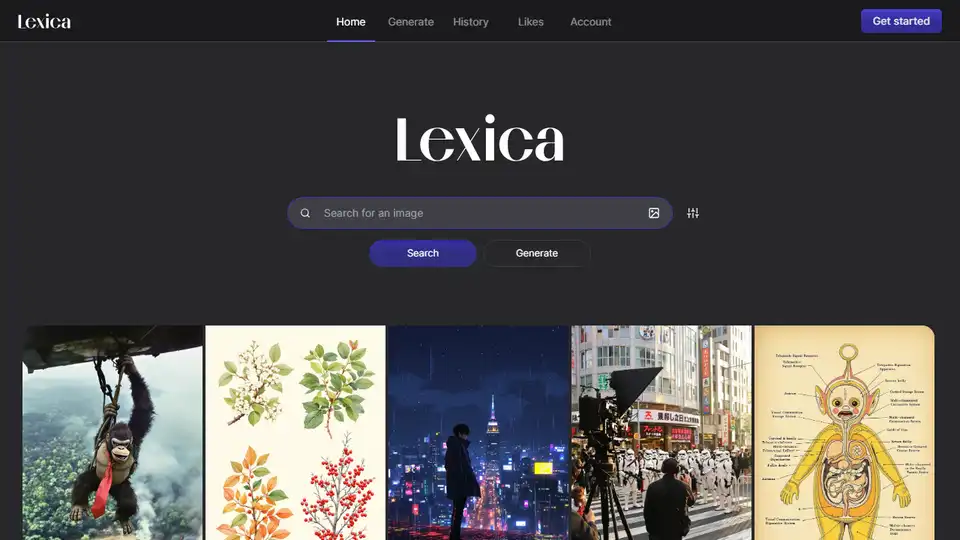
Lexica is a state-of-the-art AI image generation engine that allows you to create unique and stunning visuals with simple text prompts. Explore a vast library of AI-generated art and unleash your creativity.
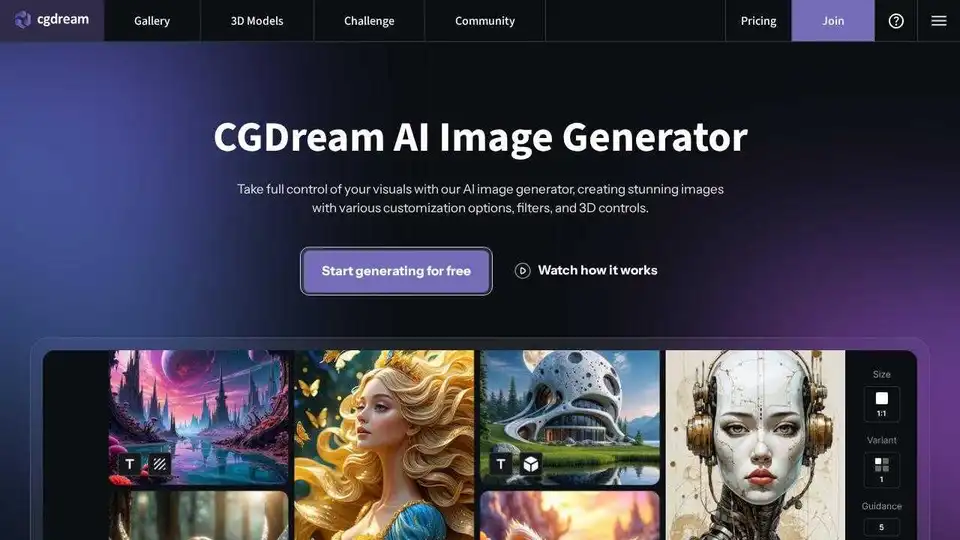
CGDream AI Image Generator: Free AI image generation from text, photos, or 3D models. Enhance with Lora styles, inpaint, upscale, and more for stunning visuals.
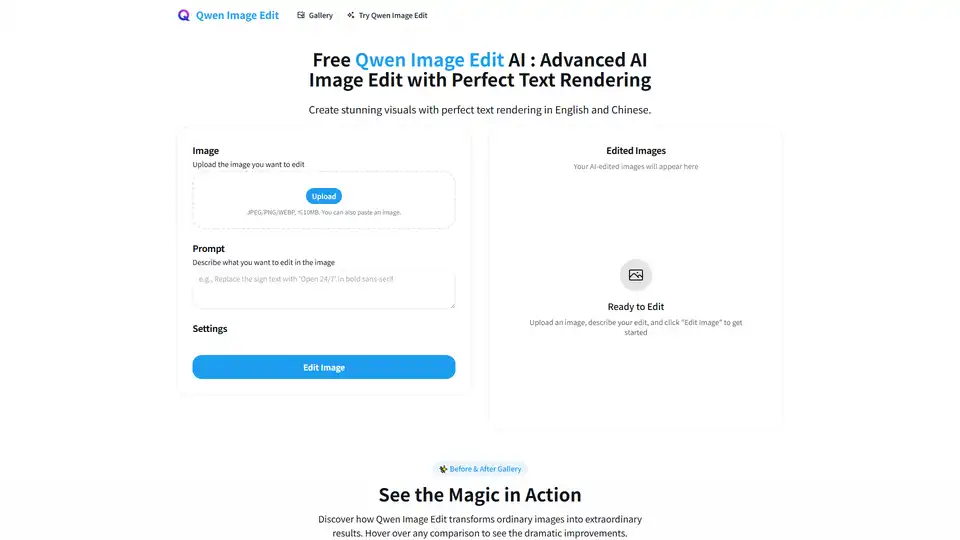
Qwen Image AI is a cutting-edge AI model for high-fidelity image generation with exceptional text rendering in English and Chinese. Edit your images with AI precision.