
Bytebot
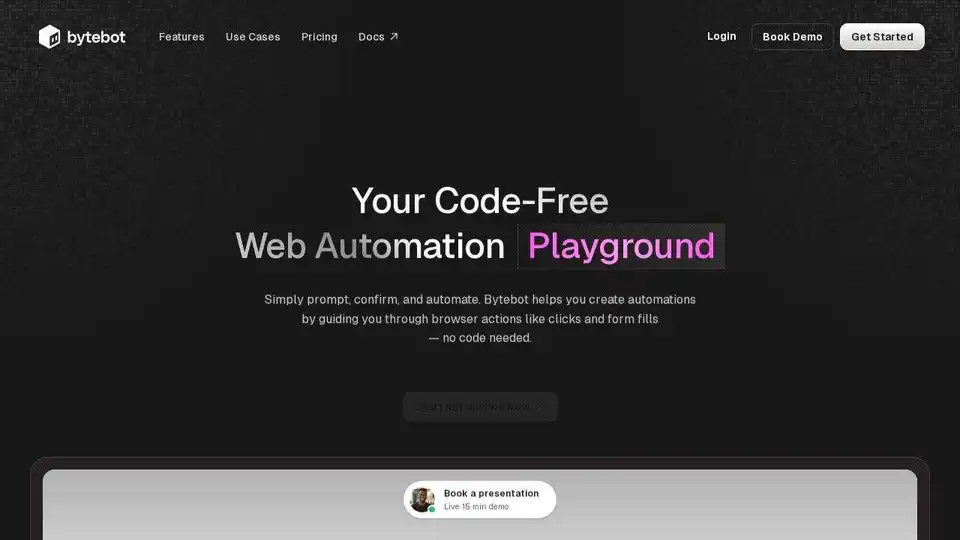
Overview of Bytebot
What is Bytebot?
Bytebot is an open-source AI desktop agent designed to automate tasks by giving artificial intelligence its own computer. Unlike traditional Robotic Process Automation (RPA) tools or browser-only agents, Bytebot operates within a containerized Linux desktop environment, enabling it to interact with any application, process documents, navigate websites, and execute complex multi-step workflows using natural language commands.
Think of Bytebot as a virtual employee equipped with their own computer, capable of seeing the screen, moving the mouse, typing, and completing tasks just like a human.
How does Bytebot work?
Bytebot operates by giving AI agents access to a full desktop environment. Here’s how it works:
- Task Definition: Describe the task you want to automate using plain English instructions.
- Virtual Desktop: Bytebot boots up a fresh, sandboxed computer environment.
- Task Execution: The AI agent uses a virtual trackpad, keyboard, and screen to interact with applications and complete the task, similar to a human operator.
- Monitoring and Control: Bytebot provides screenshots and logs of every action performed, allowing for easy inspection and debugging. Users can take control of the desktop at any point and resume the agent when needed.
Why is Bytebot important?
Bytebot addresses several limitations of traditional automation tools and offers significant advantages:
- Universal Compatibility: Works with any software, eliminating the need for complex integrations or custom scripts.
- AI-Powered Understanding: Adapts to UI changes and handles unexpected popups, reducing maintenance overhead.
- Enhanced Security: Operates in isolated Docker containers, ensuring data security and control.
- Scalability: Supports parallel execution of tasks, allowing for efficient automation of high-volume workflows.
Key Features:
- Open Source & Portable: Run Bytebot locally with Docker compose, on Railway, or deploy on AWS/GCP/Azure.
- Managed Cloud Perks: Desktop snapshots, Show & Tell training, real‑time reinforcement learning, and on‑demand scale.
- Enterprise‑Grade Security: Sandboxed VMs, optional JWT/secret‑key auth, encrypted comms, and audit logs.
- Parallel & Scalable: Spin unlimited agents to tackle hundreds of workflows in parallel—without rate‑limit headaches.
- Fine-grained Control: Bytebot uses a trackpad, keyboard, and screen to execute clicks, scrolls and keystrokes, with pinpoint accuracy.
- Graceful guided recovery: Bytebot operates on a task until it's completed, or it needs help. Users can step in at any point and take control of the desktop, then resume the agent.
- History and logs: Every action performed includes screenshots before and after, for easy inspection.
Use Cases:
Bytebot can automate a wide range of tasks across various industries, including:
- Financial Operations: Access banking portals, download transaction files, reconcile accounts.
- Customer Onboarding: Navigate between CRM, banking, and verification systems.
- HR Operations: Collect employee data from various systems and ensure consistency.
- Document Processing: Read PDFs, extract data from spreadsheets, process emails.
- Quality Assurance: Test applications, reproduce bugs, perform visual regression testing.
- Data Entry: Fill forms, transfer information between systems, update databases.
- Web Automation: Monitor websites, extract data, handle multi-step workflows.
Examples of Bytebot in Action:
- Handling Secure Logins with 2FA: Bytebot can securely log into websites using password managers like Bitwarden and handle two-factor authentication.
- Automating Development Workflows: Bytebot can scaffold new web applications, install dependencies, and run development servers.
- Technical Research & Summarization: Bytebot can autonomously research technical data online, extract critical information, and generate structured summaries.
How to use Bytebot?
- Installation: Clone the repository from GitHub.
- Configuration: Add your AI provider API key (Anthropic Claude, OpenAI, or Google Gemini).
- Deployment: Run the Docker compose command.
- Automation: Access Bytebot through
http://localhost:9992and start automating tasks with plain English commands.
Who is Bytebot for?
Bytebot is suitable for:
- Businesses: Automating repetitive tasks, improving efficiency, and reducing operational costs.
- Developers: Streamlining development workflows, testing applications, and automating code generation.
- Researchers: Automating data collection, processing documents, and generating summaries.
Pricing
Bytebot itself is completely free and open source under the Apache 2.0 license. Your only costs are:
- Your chosen AI provider's API fees (typically a few cents per task)
- The infrastructure to run the Docker containers (can run on a modest server or even locally)
There are no Bytebot licensing fees, subscription costs, or usage limits.
What AI models does Bytebot support?
Bytebot supports multiple AI providers out of the box:
- Anthropic Claude (recommended): Best for complex reasoning and visual understanding
- OpenAI GPT Models: Fast and reliable for general automation
- Google Gemini: Alternative option for diverse use cases
- LiteLLM Proxy: For custom model deployments
You just need to provide your own API key from your chosen provider.
Conclusion
Bytebot represents a significant advancement in AI-powered automation, offering a versatile and secure solution for automating complex tasks across various applications. Its open-source nature, coupled with its ability to understand natural language commands, makes it an accessible and powerful tool for businesses, developers, and researchers alike. By providing AI agents with their own computer, Bytebot unlocks a new level of automation possibilities.
Best Alternative Tools to "Bytebot"
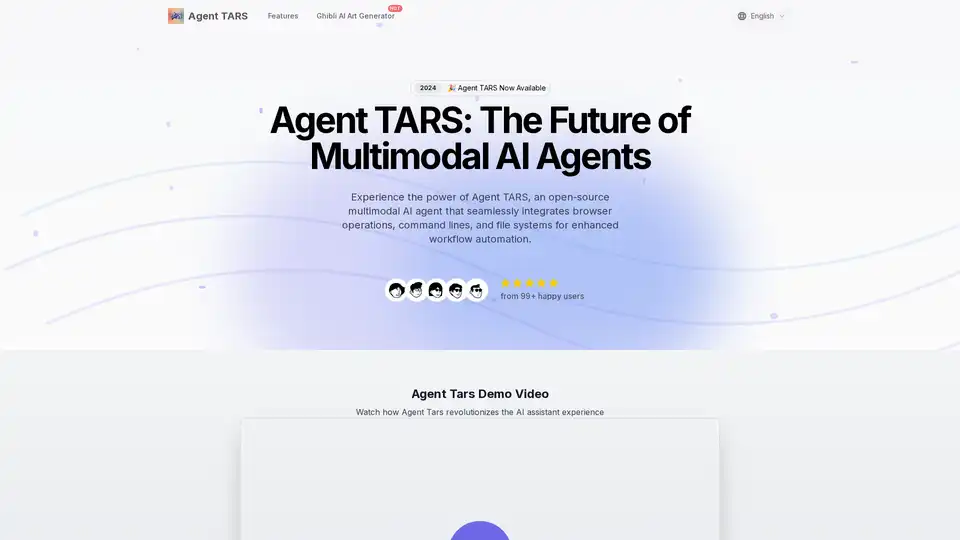
Agent TARS is an open-source multimodal AI agent that seamlessly integrates browser operations, command lines, and file systems for enhanced workflow automation. Experience advanced visual interpretation and sophisticated reasoning for efficient task handling.
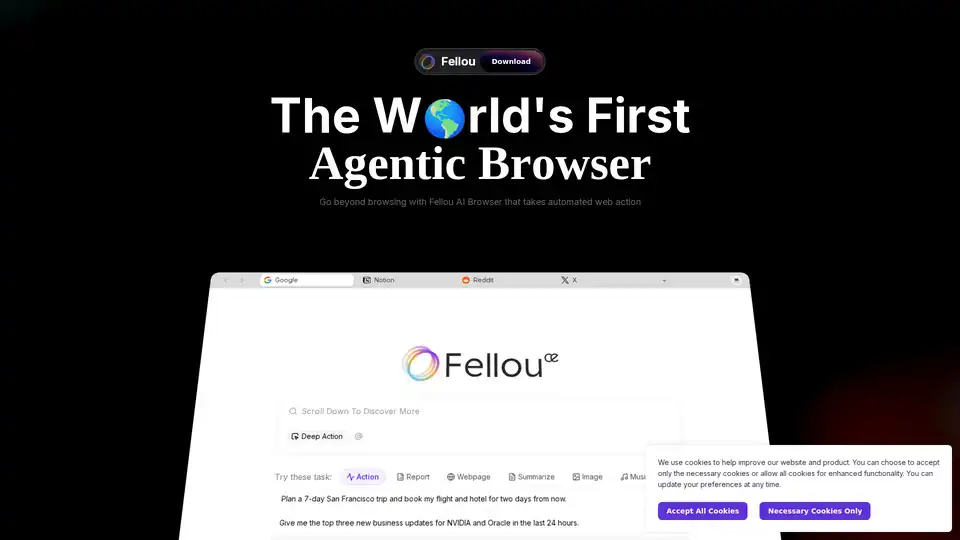
The world's first agentic AI browser that automates web and desktop-based tasks. Providing deep search, cross-app workflow automation, images, coding and even music-all with military-grade security.
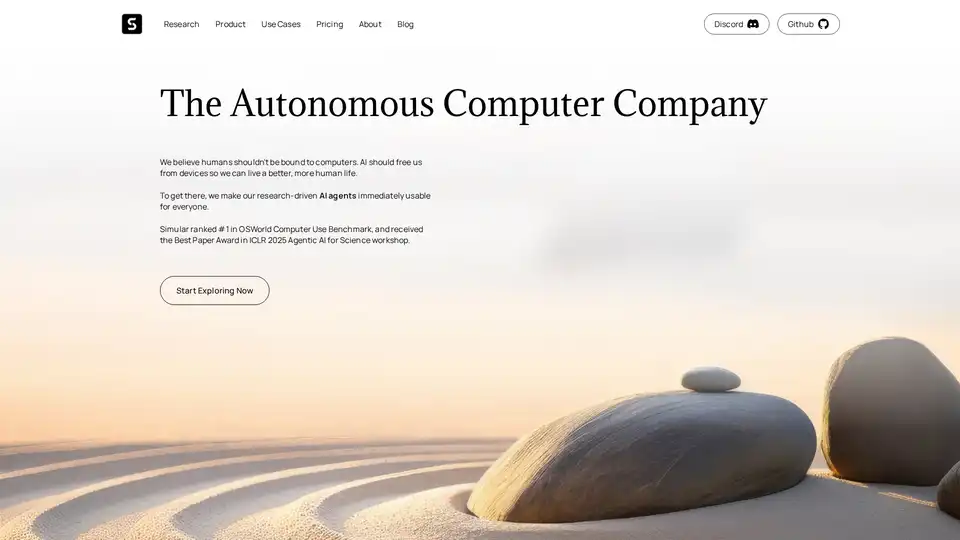
Simular AI delivers open-source intelligent agents that automate computer tasks, streamline workflows, and enhance productivity across desktop, browser, and mobile environments.
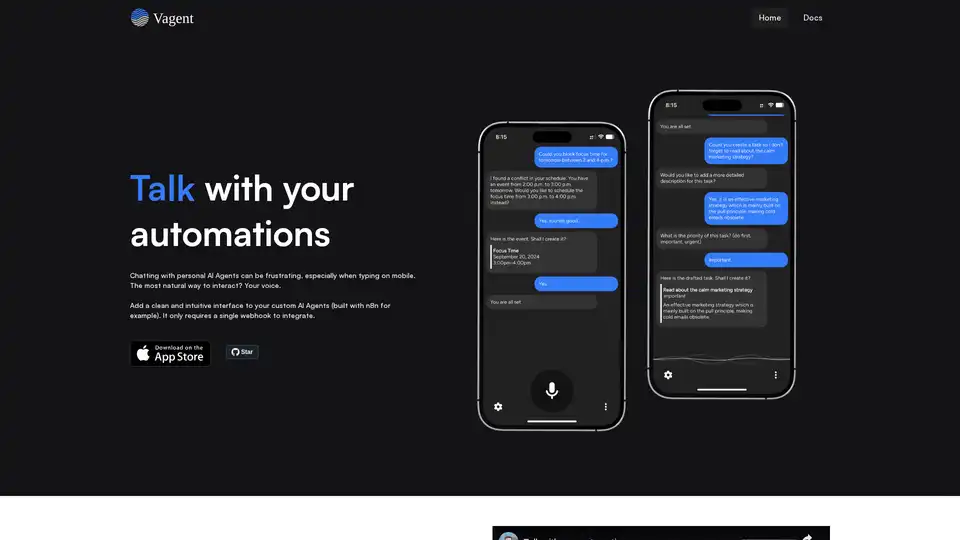
Vagent provides a clean, voice-enabled interface for custom AI agents like those built with n8n. Integrate via a single webhook for natural speech interactions in 60+ languages, with local data storage and no registration needed.
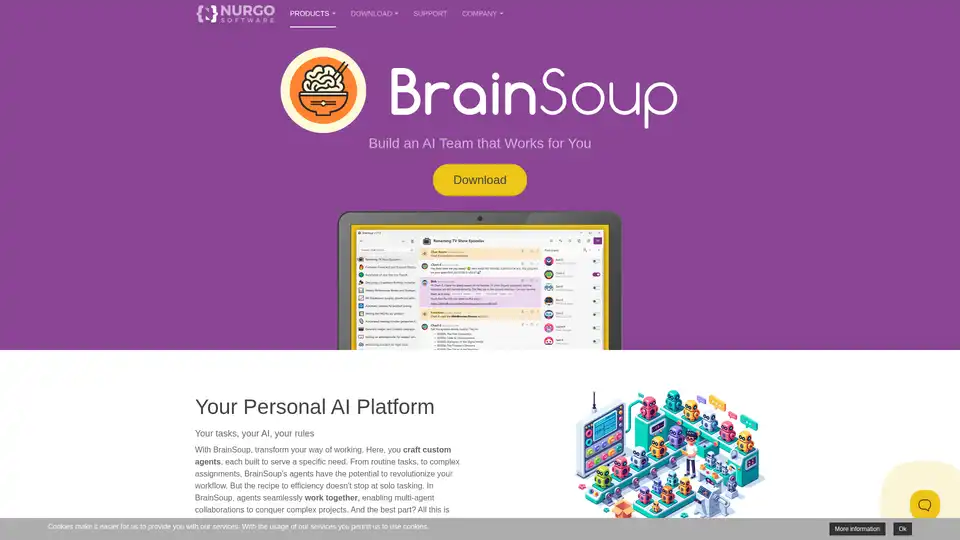
Transform your workflow with BrainSoup! Create custom AI agents to handle tasks and automate processes through natural language. Enhance AI with your data while prioritizing privacy and security.
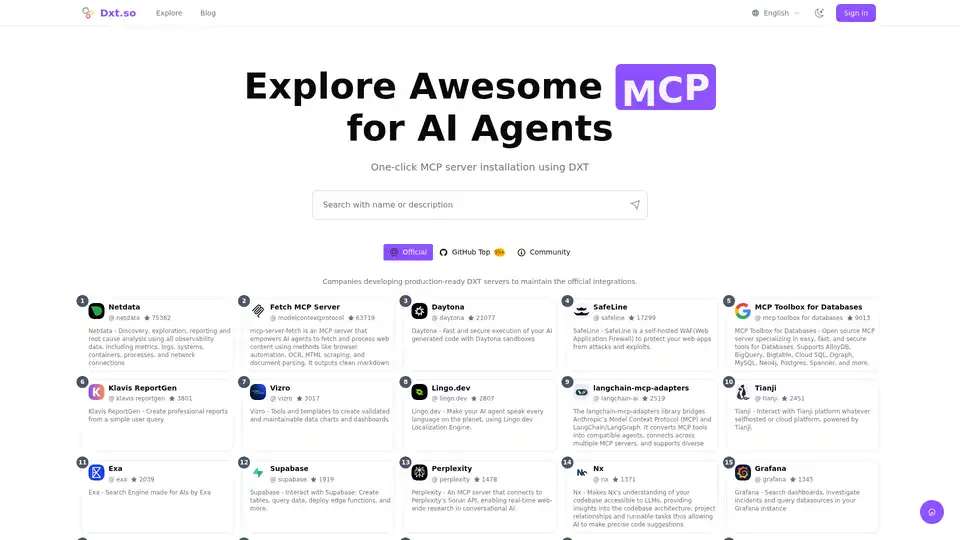
DXT Explorer is the leading platform to find and install DXT/MCP extensions for AI agents. Explore a curated collection of tools to extend your AI's capabilities.
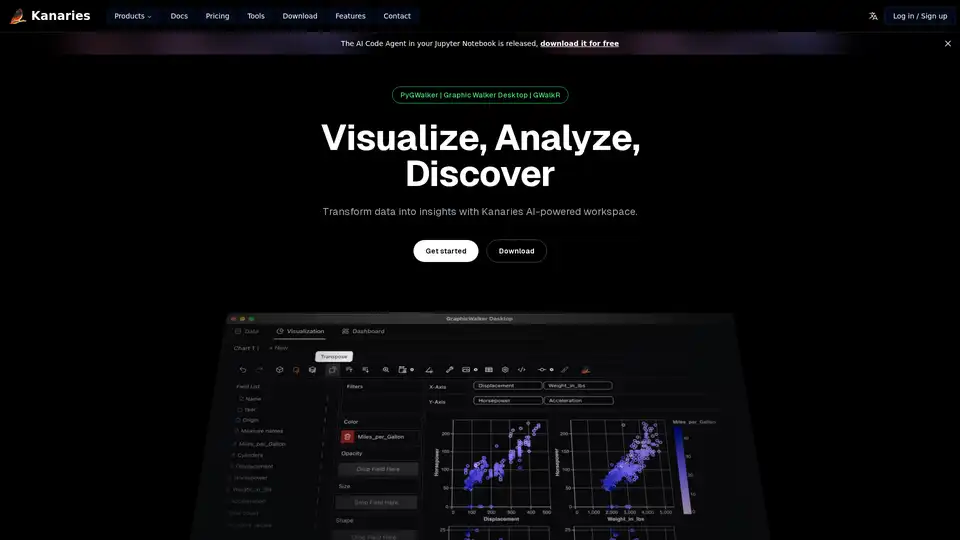
Make exploratory data analysis (EDA) easier with AI powered visual analytics. Discover, Analyze and Share data insights with ease.
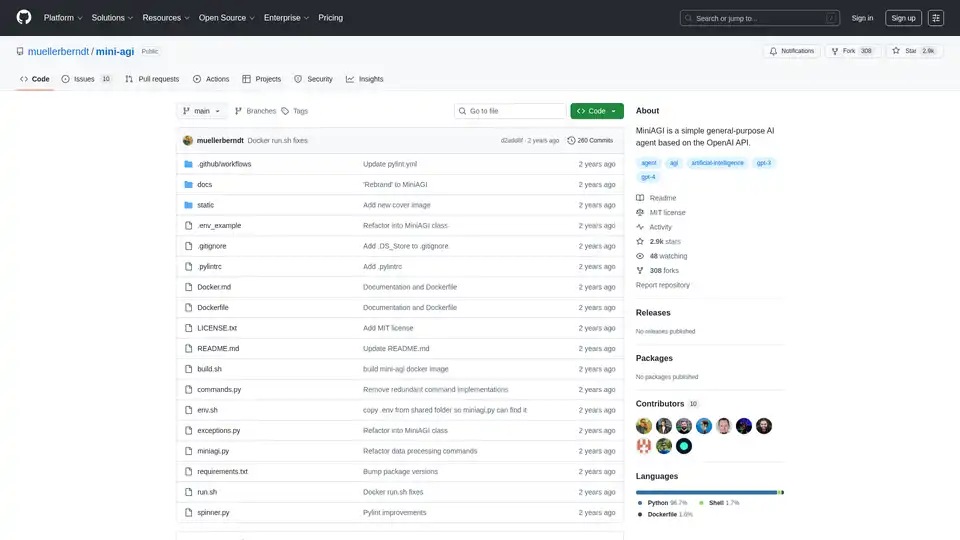
MiniAGI is a simple autonomous AI agent based on the OpenAI API, compatible with GPT-3.5-Turbo and GPT-4. It combines prompt engineering, chain-of-thoughts, and short-term memory for various tasks.
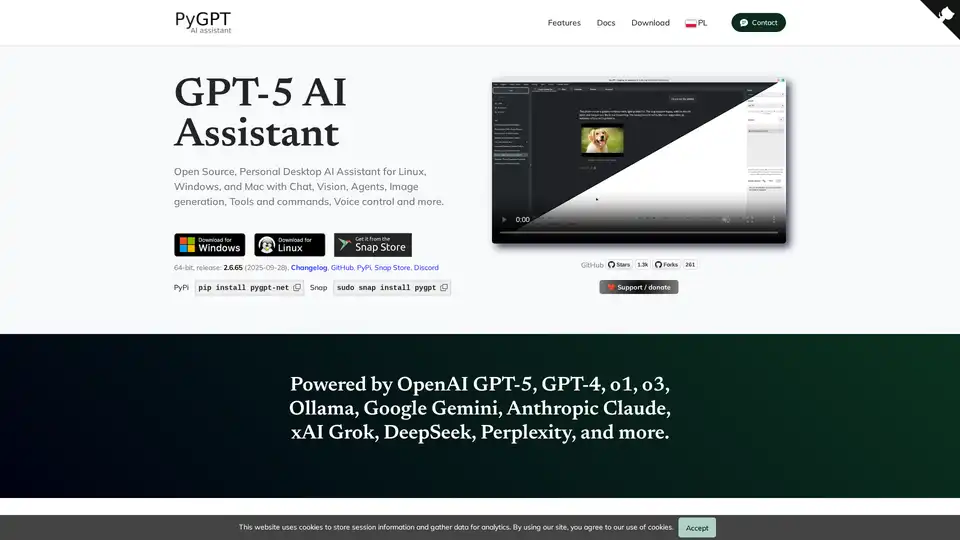
PyGPT is a free, open-source desktop AI assistant for Windows, macOS, and Linux. It offers chat, vision, agents, image generation, voice control, and more, powered by models like GPT-5, GPT-4, Google Gemini, and others.

Devra is an AI coding worker bee that runs on your desktop. It enhances code, creates modules, and writes unit tests using dynamic context and voice dictation. Available on Mac, Windows, and Linux.
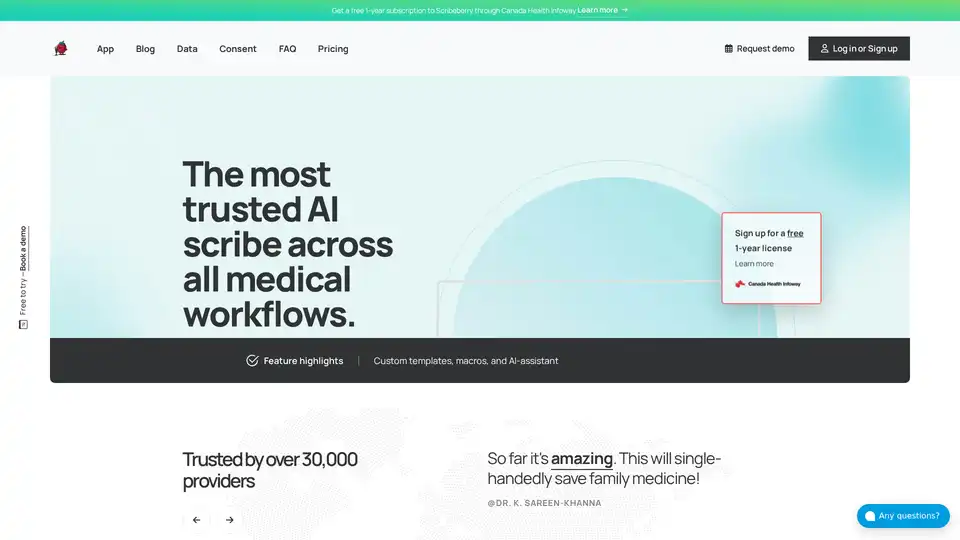
Scribeberry is an AI-powered medical scribe tool that automates charting, documentation, and patient intakes for healthcare professionals, saving over 2 hours daily with EMR integrations and HIPAA compliance.

Automate data entry from PDFs to Windows desktop apps with Mediar Agent. AI-powered, no APIs needed. Reduce errors, ensure compliance, and free up your team.
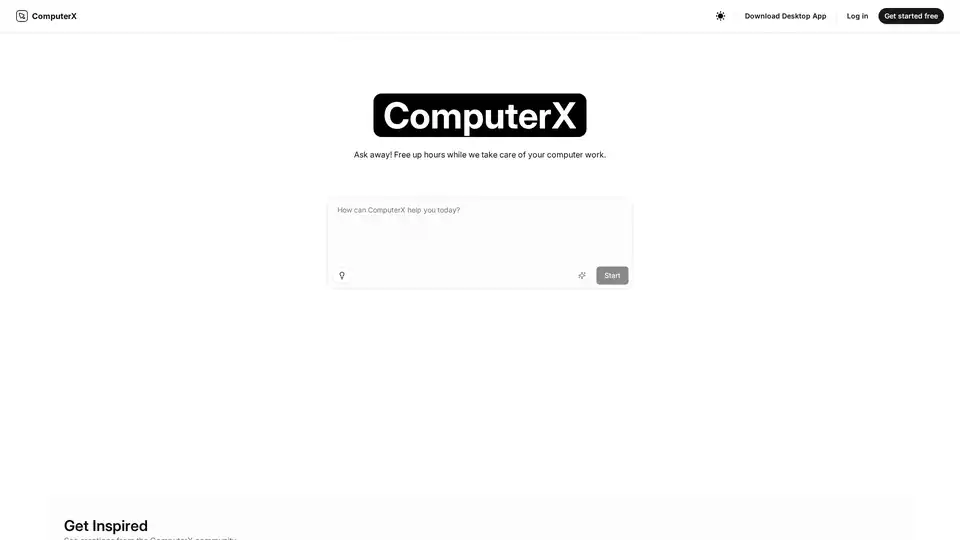
ComputerX is a smart AI agent designed to automate your computer tasks, boosting productivity and freeing up your time. Download the desktop app and start automating tasks today!
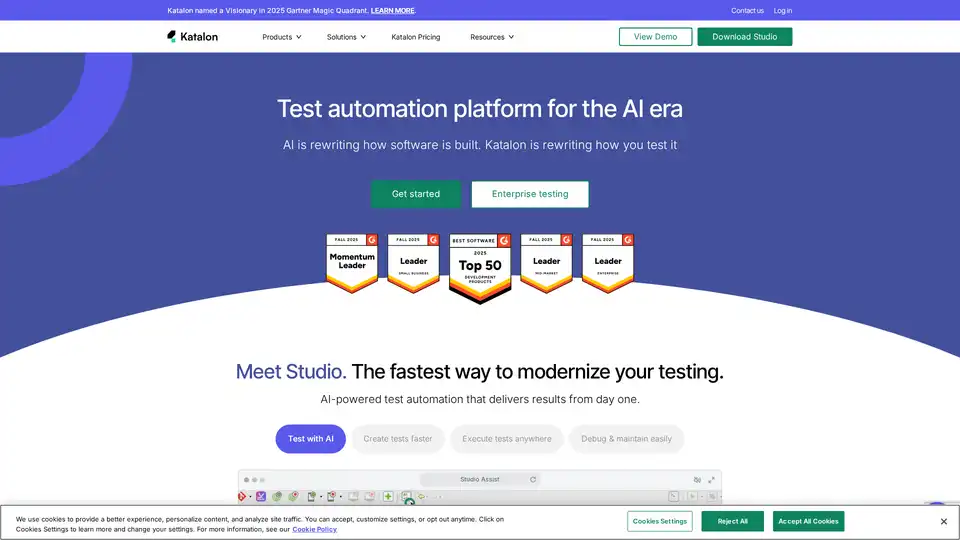
Katalon is an AI-powered test automation platform supporting web, mobile, API, and desktop app testing. It enables faster test creation, execution, and easier maintenance, integrating with tools like Jira and Jenkins.