
FinalFrame
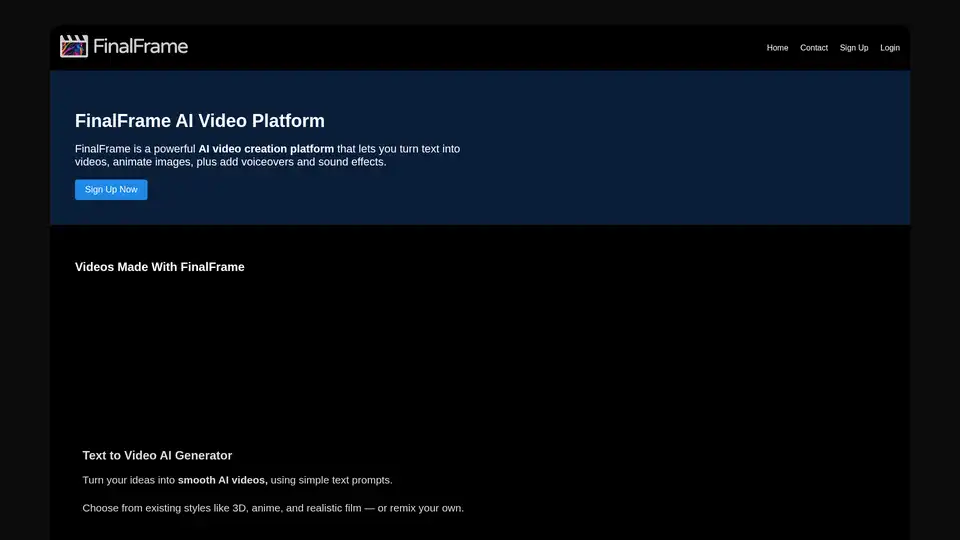
Overview of FinalFrame
FinalFrame: Your AI Video Creation Platform
FinalFrame is a versatile AI video creation platform designed to empower users to transform their ideas into engaging visual content. It offers a suite of tools to convert text into videos, animate images, and add voiceovers and sound effects, all powered by artificial intelligence. Whether you're a content creator, marketer, or educator, FinalFrame provides an intuitive and efficient way to produce high-quality videos.
What is FinalFrame?
FinalFrame is an AI-driven platform designed to simplify and accelerate video creation. It leverages advanced AI algorithms to automate various aspects of the video production process, from generating visuals from text prompts to adding synchronized voiceovers and sound effects.
How does FinalFrame work?
FinalFrame uses a combination of AI technologies to streamline video creation:
- Text-to-Video AI Generator: Users can input text prompts, and the AI will generate corresponding video content. This feature supports various styles, including 3D, anime, and realistic film.
- AI Image to Video Animation: Users can upload images and animate them using AI. The platform supports bulk importing of images, making it easy to create videos from multiple visuals.
- Voice and Lipsync: FinalFrame uses text-to-speech technology to add voiceovers to videos. It also includes AI lipsync, which synchronizes mouth movements with the voice.
- Sound Effects and Music: The platform can generate sound effects and music from text prompts. Additionally, an upcoming beta feature will automatically add appropriate sounds by scanning the footage.
- Video Editing: FinalFrame provides a timeline-based editor for quickly assembling and editing video clips.
Key Features of FinalFrame:
- Text to Video AI Generator: Transforms text prompts into AI-generated videos with various styles.
- AI Image to Video Animation: Animate uploaded images to create dynamic video content.
- Voice and Lipsync: Adds realistic voiceovers with AI-powered lip synchronization.
- Sound Effects and Music: Generates sound effects and music using text-to-audio technology.
- Quick Editing: Timeline-based video editor for fast and efficient video assembly.
How to use FinalFrame?
- Sign Up: Create an account on the FinalFrame platform.
- Text to Video: Input your desired text prompt and choose a video style.
- Image Animation: Upload images and use AI to animate them.
- Add Voiceover: Use the text-to-speech feature to generate and synchronize voiceovers.
- Incorporate Sound Effects: Generate or automatically add sound effects to your video.
- Edit: Use the timeline editor to assemble and refine your video.
Who is FinalFrame for?
FinalFrame is ideal for:
- Content Creators: Quickly produce engaging videos for social media, blogs, and other platforms.
- Marketers: Create promotional videos to advertise products and services.
- Educators: Develop educational videos for online courses and training programs.
- Anyone with an idea: Turn your ideas into videos quickly and easily.
Why choose FinalFrame?
- Efficiency: Rapid video creation with AI-powered tools.
- Ease of Use: Intuitive platform for users of all skill levels.
- Versatility: Wide range of features for various video creation needs.
- Innovation: Continuous integration of new AI technologies, like lip-synching and automated sound effects.
Practical Value of FinalFrame:
FinalFrame offers significant value by:
- Saving Time and Resources: Automating key aspects of video production, reducing the time and effort required.
- Enhancing Creativity: Enabling users to quickly experiment with different styles and ideas.
- Improving Engagement: Creating visually appealing and dynamic videos that capture audience attention.
FinalFrame empowers users to create compelling videos with ease and efficiency. Its AI-driven features and intuitive interface make it a valuable tool for anyone looking to produce high-quality video content.
Ryan Morrison, AI Editor at Tom's Guide, highlights FinalFrame as "a very bootstrapped AI platform that is quick to jump on new technologies and integrate them such as lip synching, editing and sounds."
Best Alternative Tools to "FinalFrame"
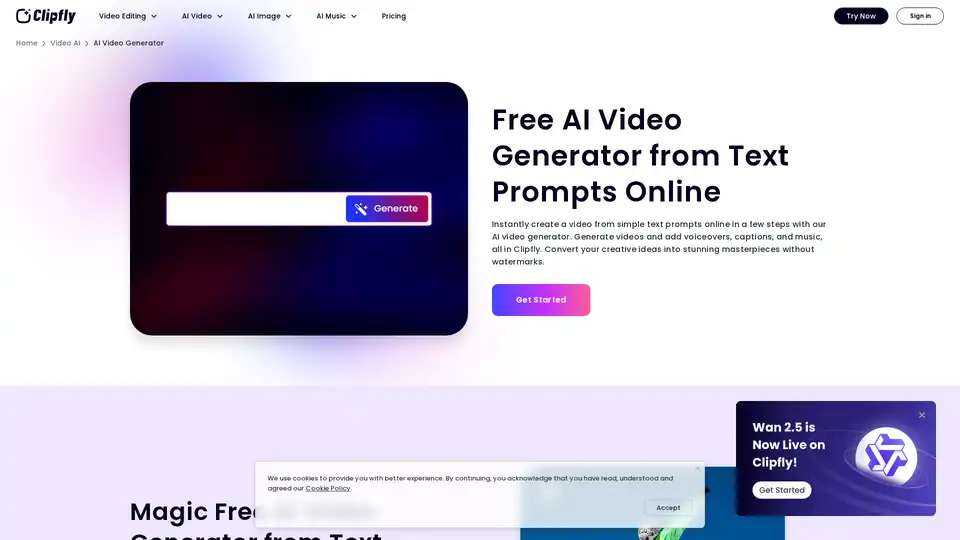
Create stunning AI videos from text and images online with Clipfly's free AI video generator. No skills required, generate AI visuals in minutes without watermarks. Try it now!
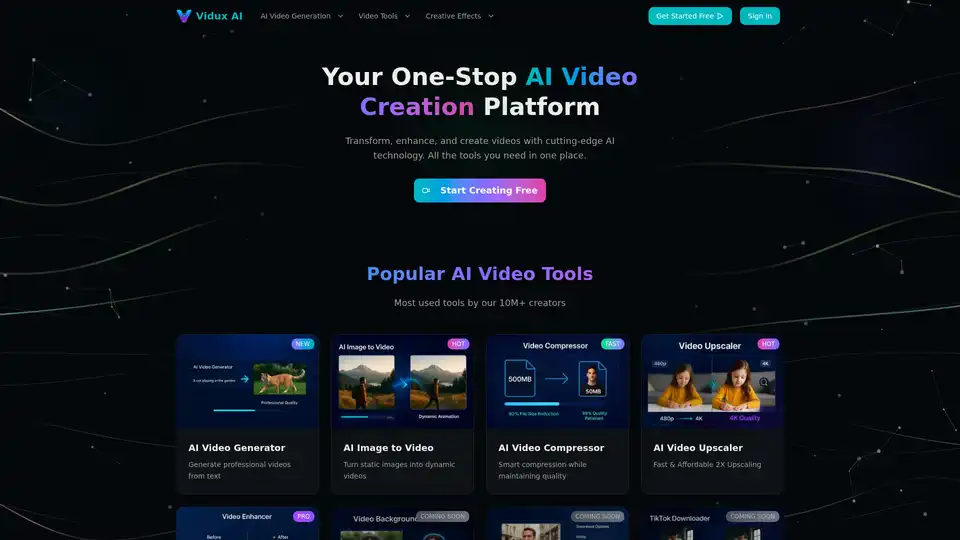
Vidux AI is an all-in-one AI video creation platform offering tools for generating videos from text or images, enhancing video quality with upscaling and noise reduction, compressing, and converting formats. It caters to creators and businesses looking for professional-grade video production with advanced AI technology.
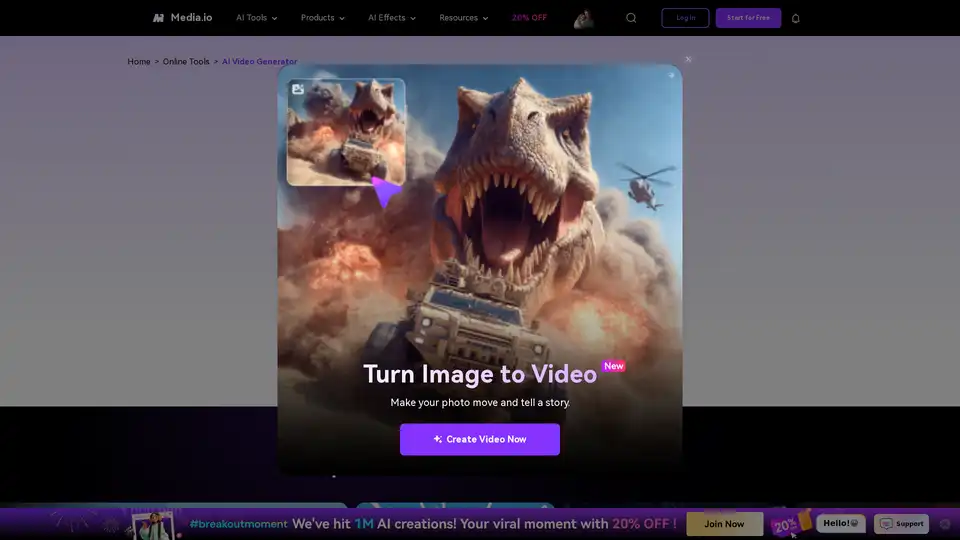
Turn your ideas into videos in seconds with Media.io's AI Video Generator. Just enter text or upload an image to create stunning, watermark-free videos—100% free.
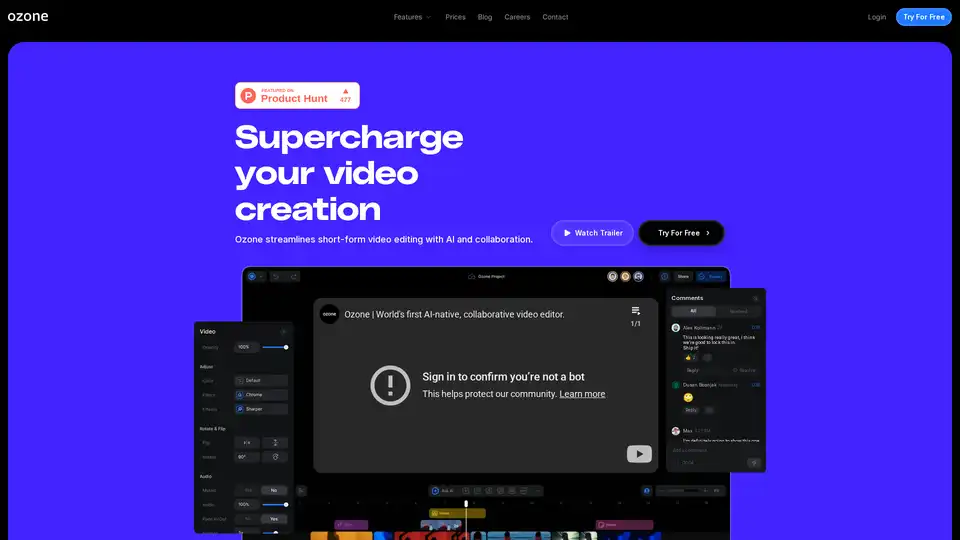
Ozone is an AI-powered video editor designed to streamline short-form video creation through AI, cloud-based workflows, and real-time collaboration. Focus on storytelling and save hours on mundane editing tasks.