
Framer
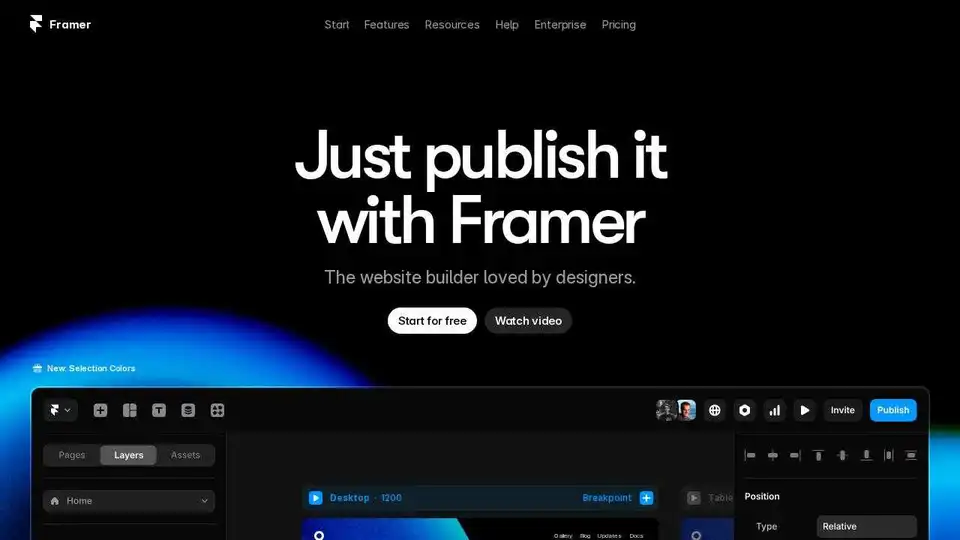
Overview of Framer
Framer: The No-Code Website Builder for Designers
What is Framer?
Framer is a no-code website builder that empowers designers and teams to create professional, high-performing websites without writing a single line of code. It combines design freedom with powerful features like a built-in CMS, SEO tools, and real-time collaboration capabilities.
Key Features and Benefits:
- Design Freedom: Offers an infinite canvas with modern layout, styling, and typography features, allowing for complete creative control.
- No-Code Development: Enables users to build fully custom websites without any coding knowledge.
- Powerful CMS: Simplifies content management with a built-in content management system.
- Built-in SEO: Includes SEO tools to optimize websites for search engines.
- Real-Time Collaboration: Supports real-time collaboration, making it ideal for team projects.
- Templates and Plugins: Provides access to hundreds of templates and plugins to accelerate the design process and enhance functionality.
- AI Integration: Offers AI-powered features to streamline website creation.
How does Framer work?
Framer uses a drag-and-drop interface, allowing users to visually design and assemble web pages. The platform handles the underlying code, making it easy for designers to focus on aesthetics and user experience. It supports responsive design, ensuring that websites look great on all devices.
How to use Framer?
- Sign up for a free account: Start by creating a free account on the Framer website.
- Choose a template or start from scratch: Select from hundreds of pre-designed templates or begin with a blank canvas.
- Design your website: Use the drag-and-drop interface to add elements, customize styles, and create layouts.
- Connect to CMS: Manage your content using the built-in CMS or integrate with external services like Notion or Airtable.
- Optimize for SEO: Use the SEO tools to optimize your website for search engines.
- Publish your website: Publish your website with a single click and enjoy a free Framer subdomain or connect your own domain.
Use Cases:
- Portfolio Websites: Showcase your design work with a professional portfolio website.
- Landing Pages: Create high-converting landing pages for marketing campaigns.
- Business Websites: Build a website for your business to establish an online presence.
- Startup Websites: Design a website to launch your startup.
- Agency Websites: Create a website to attract new clients.
Integrations:
Framer integrates with various tools and services, including:
- Google Sheets: Sync data from Google Sheets to your website.
- Humblytics: Track website analytics.
- Lummi: Access beautiful design assets.
- Notion: Sync content from Notion.
- Airtable: Sync data from Airtable.
- Shopify: Create beautiful Shopify stores with Framer Commerce.
- Search Console: Access data from Google Search Console.
Why is Framer important?
Framer is important because it democratizes website design, making it accessible to designers and teams without coding skills. It empowers them to create professional, high-performing websites quickly and efficiently.
Customer Testimonials:
Thousands of designers and teams are using Framer to turn their ideas into high-performing websites. Framer is loved for its ease of use, design freedom, and powerful features.
Resources:
- Framer Academy: Master the fundamentals of Framer with interactive lessons.
- Templates: Browse hundreds of pre-designed templates.
- Plugins: Extend Framer's functionality with plugins.
- Community: Connect with other Framer users in the community.
Conclusion:
Framer is a powerful no-code website builder that offers designers and teams the freedom to create professional, high-performing websites without coding. With its intuitive interface, powerful features, and integrations, Framer is an excellent choice for anyone looking to build a website quickly and easily. It's a game-changer for designers who want full control over their website's design and functionality. Framer is the website builder loved by designers.
Best Alternative Tools to "Framer"
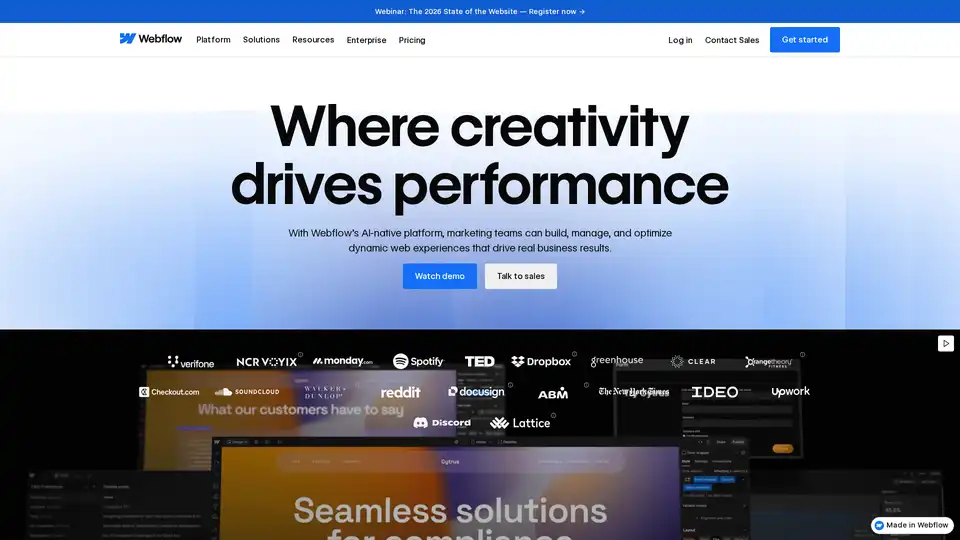
Webflow is an AI-native website experience platform empowering marketing teams to build, manage, and optimize dynamic web experiences visually. It offers a flexible CMS, top-tier hosting, and AI-powered features for design, content management, and SEO optimization.
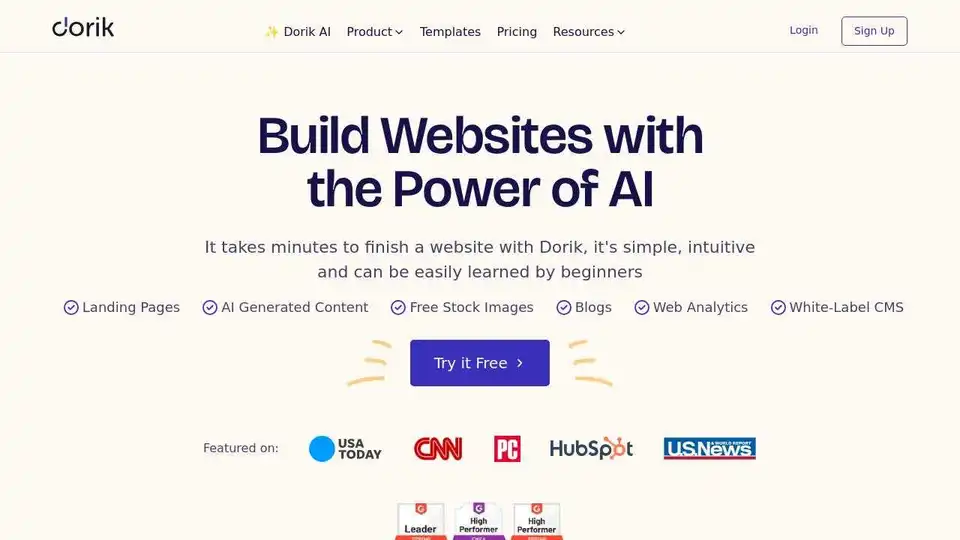
Dorik AI Website Builder lets you create stunning websites with ease. User-friendly design, AI tools, and SEO features. Start free today!
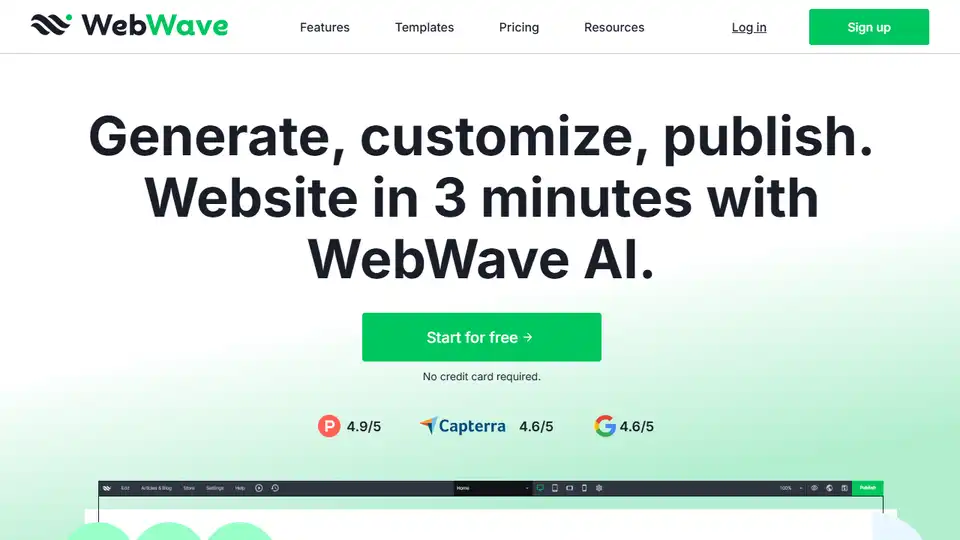
WebWave AI Website Builder creates websites in 3 minutes. Sell online with no transaction fees. Includes a drag-and-drop interface, SEO tools, and customizable templates.

WordPress is a leading open-source CMS, empowering millions to build websites with flexible design tools, extensive plugins, and a supportive community.