
AI Image Upscaler
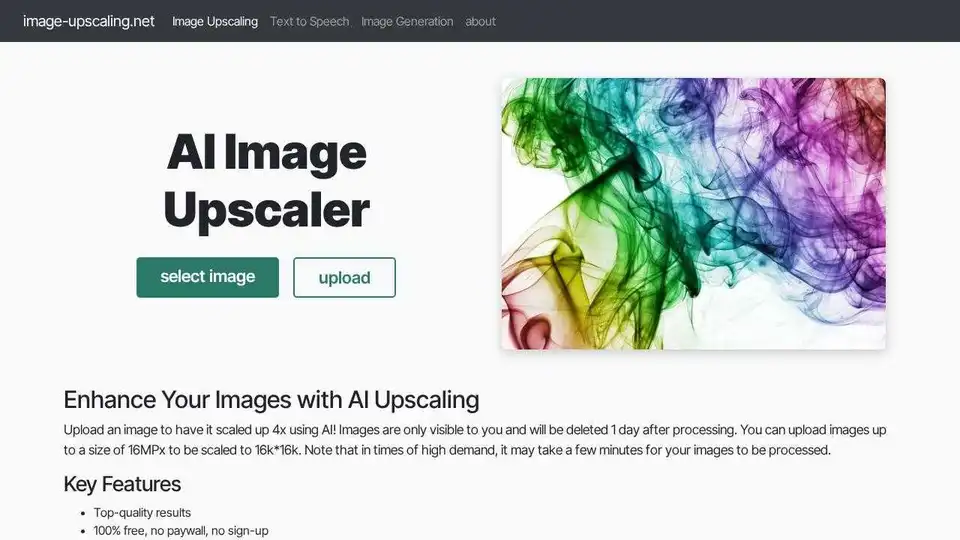
Overview of AI Image Upscaler
What is AI Image Upscaler?
AI Image Upscaler is a free online tool designed to enhance the resolution and quality of images using advanced AI technology. It allows users to upscale images by up to 400%, reaching resolutions as high as 16K. The tool is user-friendly, requiring no sign-up or subscription, and it does not add watermarks to the processed images.
Key Features of AI Image Upscaler
- High-Quality Results: The tool delivers top-quality results for various types of images, including drawings, AI art, anime, and photos.
- Free for Small-Scale Use: Users can enjoy the service for free with a daily quota, making it accessible for casual and professional use.
- Large Image Support: The tool supports images up to 4096x4096 pixels, allowing for significant upscaling.
- Multiple Scaling Options: Users can choose to scale images by 2x or 4x using AI.
- Restore Low-Resolution Photos: The tool can restore low-resolution photos, improving blurred or pixelated faces.
- Bulk Upscaling: Users can upscale multiple images at once, saving time and effort.
- Transparent Image Support: The tool supports transparent images, making it versatile for various design needs.
- Fast and User-Friendly Interface: The interface is designed to be intuitive and efficient, ensuring a smooth user experience.
How Does AI Image Upscaler Work?
Using AI Image Upscaler is straightforward and involves the following steps:
- Upload Your Image: Select an image from your device. The image size is limited to 16MPx.
- Select a Model and Scale: Choose from different models like Diffuser, Plus, or General, and select the required scale (2x or 4x).
- Processing: The server processes the image, which usually takes only a few seconds. Larger images may take longer due to the focus on quality.
- Download Your Upscaled Image: Once processing is complete, return to the site to download your high-resolution image from the gallery.
- Cleaning Up: Images are deleted a few minutes after processing to free up space for new requests.
AI Upscaling vs. Traditional Scaling
AI Upscaling
- Enhanced Detail: AI technology analyzes and reconstructs finer details, resulting in sharper and more vibrant images.
- Preserved Quality: Unlike traditional methods, AI upscaling maintains the integrity of the original image, avoiding pixelation and blurriness.
Traditional Scaling
- Loss of Detail: Standard scaling methods often lead to a loss of detail, making images appear blurry and pixelated.
- Limited Enhancement: Traditional techniques can’t add new details, limiting the quality improvement.
Data Safety and Copyright
- Image Matching: Your images are matched to you using a cookie, a 32-character hexadecimal string randomly generated when you first visit the page.
- Storage: Images are stored until they are processed and a few additional minutes for you to download them.
- Usage Rights: The website owner has no rights to your images; you retain full copyright.
- Server Location: Images are stored on a web server in Germany.
Why Choose AI Image Upscaler?
AI Image Upscaler is ideal for individuals and professionals who need to enhance the quality of their images without the hassle of complex software or expensive subscriptions. Whether you're a photographer, graphic designer, or simply someone looking to improve personal photos, this tool offers a convenient and effective solution.
Who is AI Image Upscaler For?
- Photographers: Enhance the quality of your photos for professional use.
- Graphic Designers: Improve the resolution of your designs and artwork.
- AI Art Enthusiasts: Upscale AI-generated art for better clarity and detail.
- General Users: Improve personal photos and images for social media or personal use.
Best Way to Upscale Images
For the best results, consider the following tips:
- Choose the Right Model: Different models like Diffuser, Plus, and General offer various benefits. For example, Diffuser is excellent for restoring poor-quality photos, while Plus is best for upscaling art and drawings.
- Adjust Hallucination Settings: Higher hallucination settings can increase creativity and enhance image quality, but be cautious as overuse can make images appear unnatural.
- Use Face Enhance: If your images contain faces, enabling the Face Enhance feature can improve their clarity and detail.
Conclusion
AI Image Upscaler is a powerful and user-friendly tool that leverages AI technology to enhance image quality. With its free access, high-quality results, and support for various image types, it is an excellent choice for anyone looking to upscale their images efficiently and effectively.
AI Generated Art Image Enhancement and Repair Image Style Transfer AI Background Removal and Replacement AI Avatar and Cartoonization 3D Modeling and Rendering Logo and UI Design
Best Alternative Tools to "AI Image Upscaler"
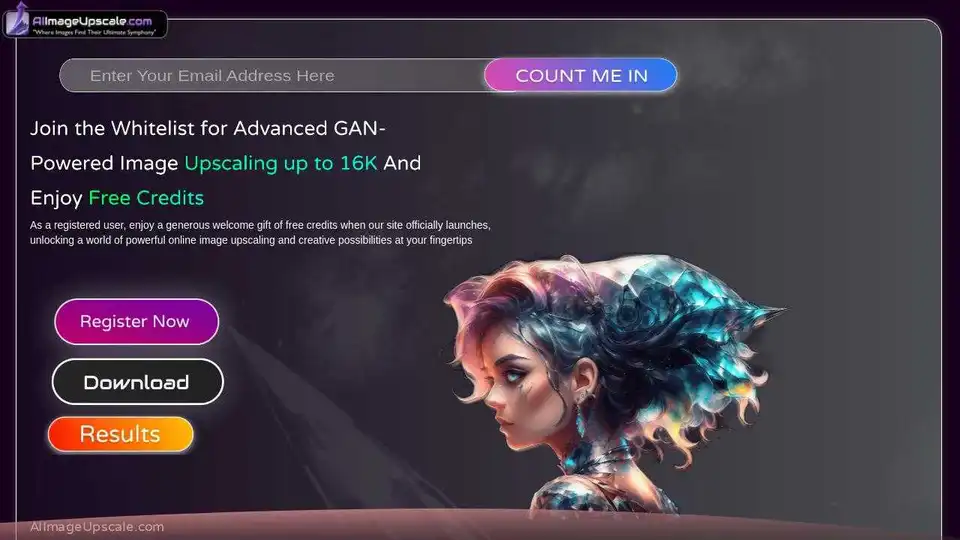
AI Image Upscaler is a free online tool that enhances photo resolution up to 16k using advanced GAN technology. It offers features like AI art generation and color correction for vibrant results.
Aiarty is an AI-powered desktop software for enhancing images and videos, and removing or changing backgrounds. It supports upscaling to 4K/8K/16K resolution, denoising, deblurring, and precise background removal for e-commerce and design purposes.
Aiarty offers AI-powered image and video enhancement and background removal software. Enhance, upscale, and remove backgrounds from your images and videos effortlessly.
Upscale.media is a free AI image upscaler to increase image resolution by 2x, 4x, or 8x. Enhance image quality online while retaining sharpness and removing artifacts. Supports PNG, JPEG, JPG, WebP, HEIC files.