
GitBook
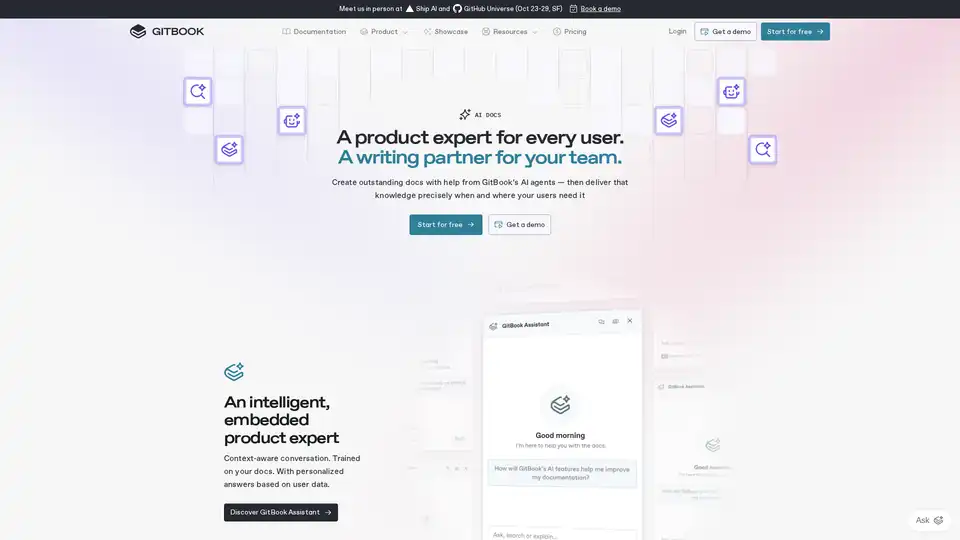
Overview of GitBook
GitBook: The AI Documentation Tool
What is GitBook? GitBook is an AI-powered documentation tool designed to help teams create, maintain, and deliver outstanding documentation. It leverages AI agents to simplify documentation maintenance, provide context-aware support, and ensure your documentation is optimized for AI ingestion.
Core Features
- Docs Agents: Simplify documentation maintenance with AI-powered suggestions and automated updates.
- GitBook Assistant: Offer users a context-aware AI assistant trained on your documentation for personalized support.
- LLM Optimization: Automatically optimize your documentation for ingestion by Large Language Models (LLMs).
- Auto-Updating Translations: Keep your documentation up-to-date with automatic translation updates.
- Proactive Suggestions: Improve your documentation based on insights from user support conversations.
How does GitBook work?
GitBook uses AI in several ways to enhance the documentation process:
- AI-Powered Suggestions: The Docs Agent analyzes your existing documentation and suggests improvements, corrections, and updates.
- Context-Aware Support: The GitBook Assistant provides users with personalized answers based on the content of your documentation and user data.
- Automated Translations: GitBook automatically updates translations whenever the original content is modified.
- LLM Optimization: GitBook ensures that your documentation is easily ingested by LLMs, making it more accessible to AI tools and increasing the frequency with which your product is mentioned by AI.
Why Choose GitBook?
- Improved User Experience: Provide users with context-aware support and personalized answers.
- Simplified Maintenance: Automate documentation updates and improvements with AI-powered suggestions.
- Enhanced Discoverability: Optimize your documentation for AI ingestion to increase its visibility.
- Secure and Private: GitBook prioritizes data security and privacy, ensuring that your data is not used for training AI models.
Who is GitBook for?
GitBook is ideal for:
- Technical product teams: Who need to create and maintain API references and user guides.
- Customer care teams: Who want to reduce support requests by providing effective documentation.
- Product teams: Who need a frictionless way to add and update documentation.
Customer Stories
Selma Bennamane, Solutions Architect, emphasizes the importance of GitBook in satisfying both technical teams and customer care teams. GitBook provides a format and features that cater to API references and user guides.
Catherine Carney, Senior Manager of Product Operations, highlights the time and cost savings achieved through effective documentation. GitBook helps reduce the need for customer support calls.
Thijs van As, Founding Head of Product, praises GitBook's frictionless and lightweight approach to documentation, making it easy for anyone on the team to contribute.
How to Use GitBook?
- Start for Free: Create a GitBook account and set up your documentation for free.
- Add Your Team: Invite team members to collaborate on your documentation.
- Utilize AI Features: Leverage Docs Agents, GitBook Assistant, and LLM optimization to enhance your documentation.
GitBook FAQs
- How much do GitBook’s AI features cost? Pricing details can be found on the GitBook website.
- How does Docs Assistant generate answers to user questions? Docs Assistant uses AI to analyze your documentation and provide context-aware answers.
- How long does it take for GitBook AI to index changes? GitBook AI indexes changes quickly, ensuring that your documentation is always up-to-date.
- How do GitBook’s AI tools handle my data? GitBook prioritizes data security and privacy, ensuring that your data is not used for training AI models.
Best Alternative Tools to "GitBook"
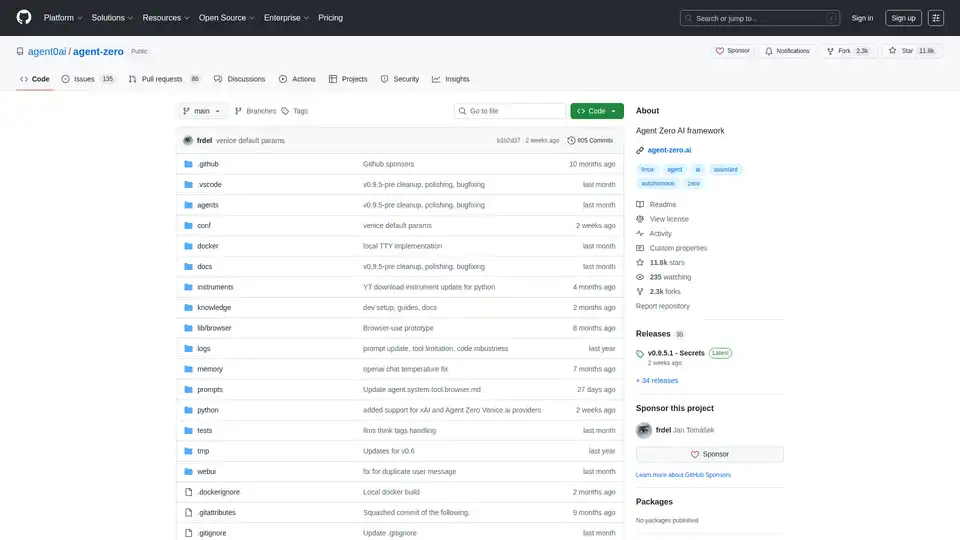
Agent Zero is an open-source AI framework for building autonomous agents that learn and grow organically. It features multi-agent cooperation, code execution, and customizable tools.
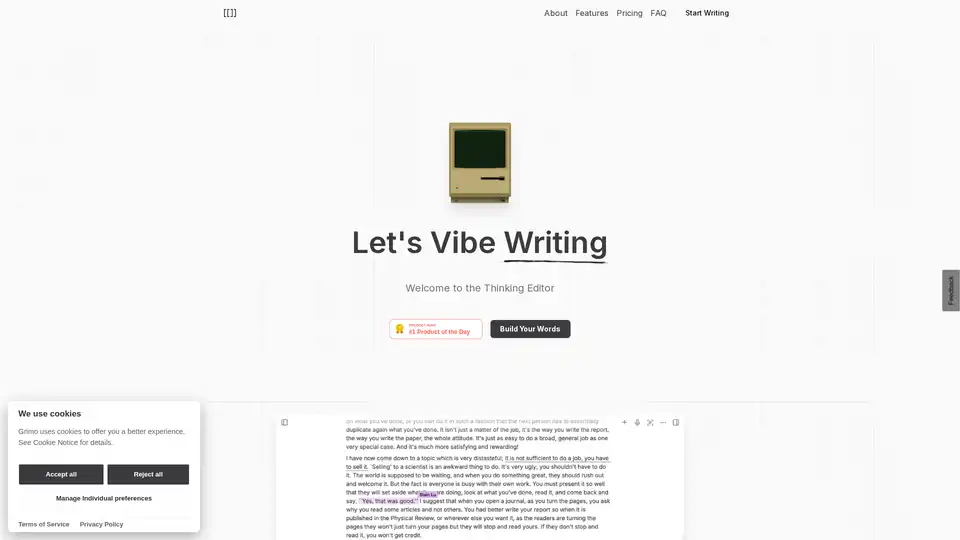
Discover Grimo, the powerful AI text editor that enhances writing with coherent editing, customized styling, and seamless collaboration. Powered by top AI models for professional results.
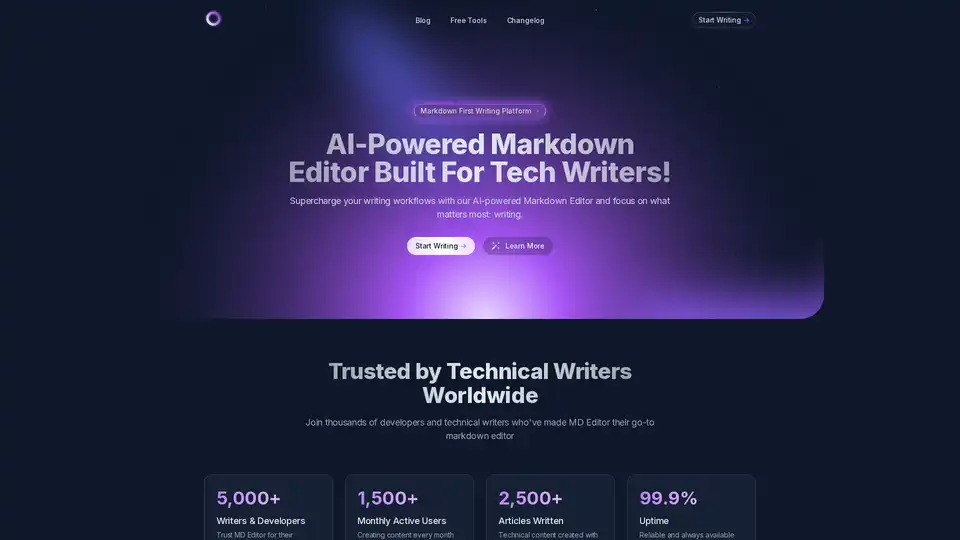
Supercharge your technical writing with MD Editor - the AI-powered markdown editor designed for developers, technical writers, and content creators. Enhanced table support, CSV import, visual editing, and intelligent writing assistance.
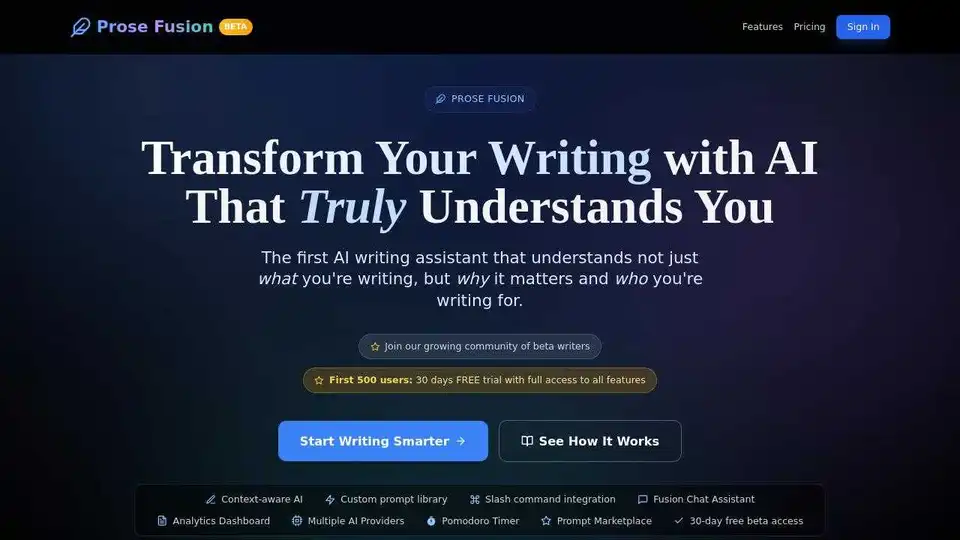
Prose Fusion is an AI writing assistant that understands your writing style and context. It features dynamic content integration, a custom prompt library, and tools to boost writing productivity. Try it free for 7 days!
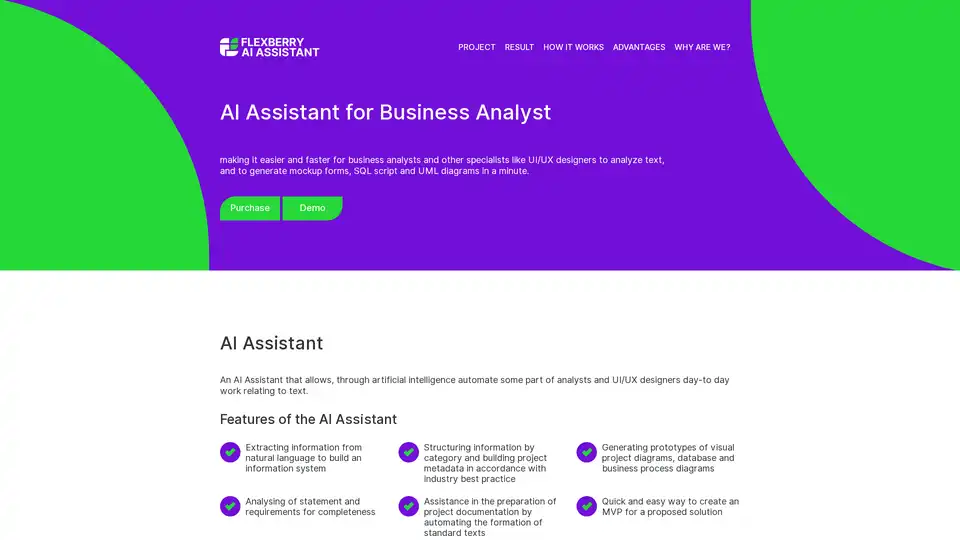
The AI Assistant simplifies tasks for business analysts and UI/UX designers by automating text analysis, generating mockup forms, SQL scripts, and UML diagrams to speed up project prototyping and documentation.
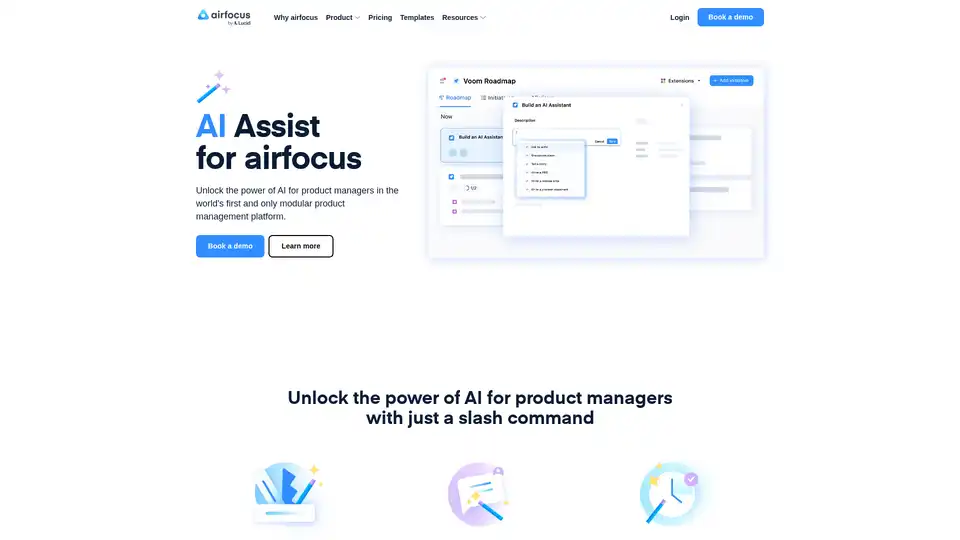
AI Assist by airfocus empowers product managers with AI-powered slash commands for PRD generation, user stories, feedback analysis, and content summarization within the modular product management platform.
Cody is an AI assistant that can be trained on your business's knowledge base. Use Cody to support your team, answer questions, troubleshoot issues, and brainstorm ideas. It provides instant answers, supports various data uploads, and offers sources for every answer.
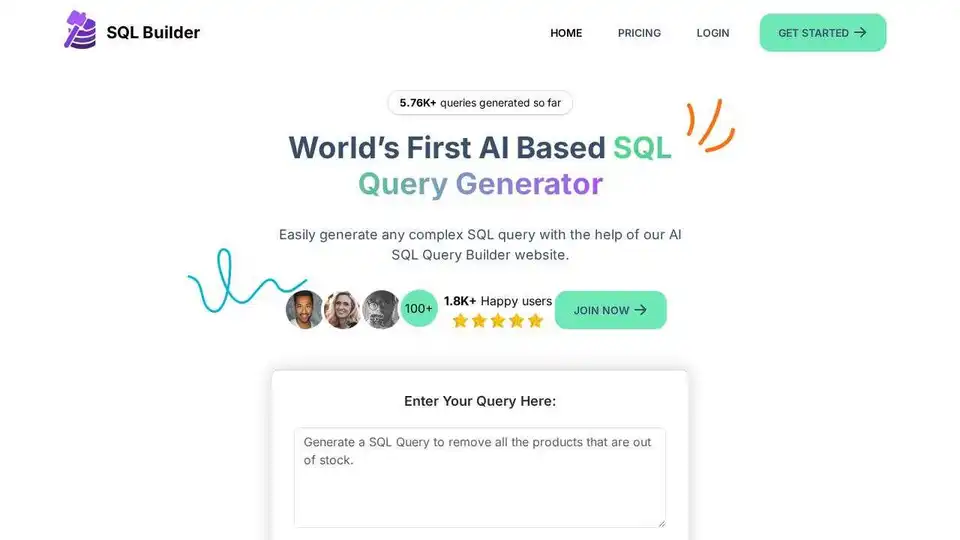
Generate SQL queries effortlessly with SQL Builder, an AI-powered tool. Optimize, format, and validate SQL without coding. Free trial available!
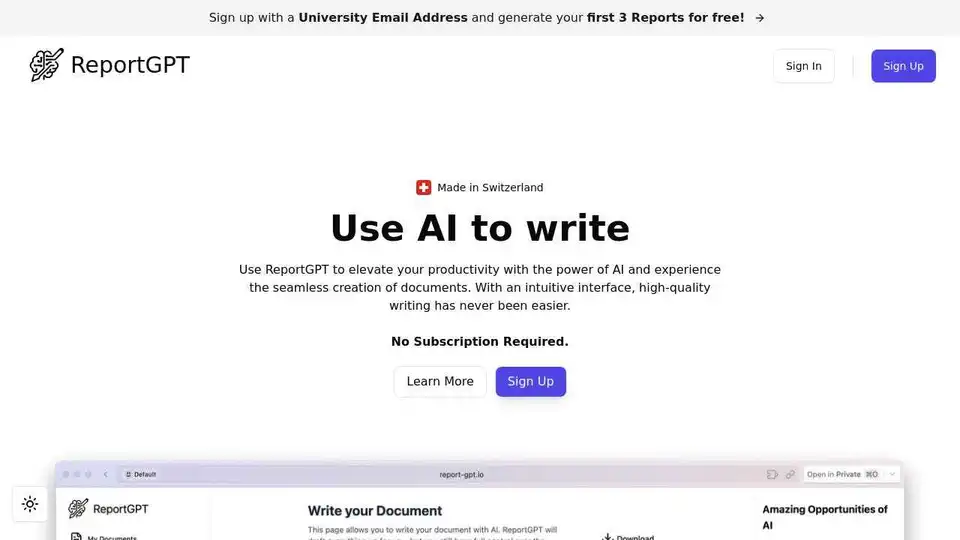
ReportGPT uses AI to streamline document creation, offering customizable templates, plagiarism detection, and diverse export options. Try it free and elevate your writing.
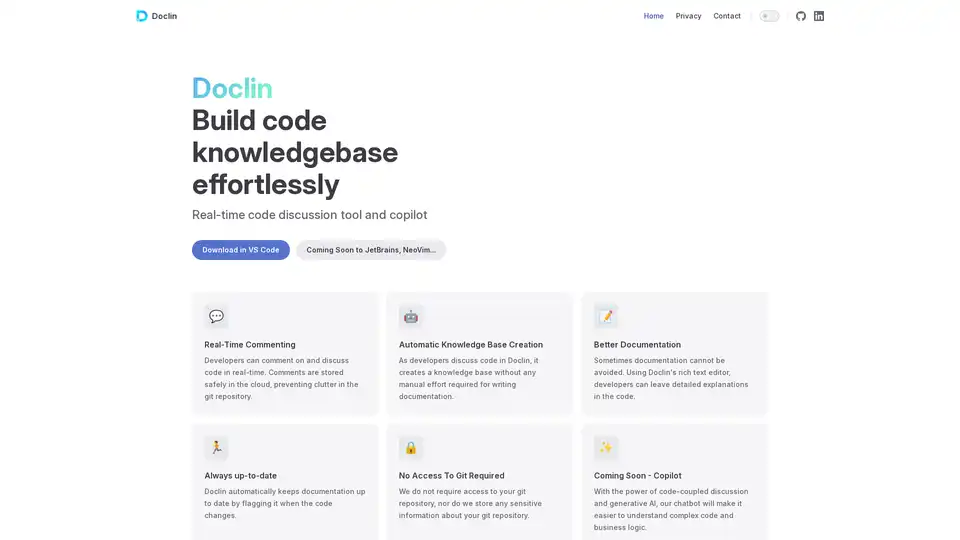
Doclin is a real-time code commenting and discussion tool that automatically creates documentation knowledge bases while keeping code repositories clean and secure.

WriteVoice is an AI-powered voice-to-text tool that helps professionals save 20+ hours weekly by converting speech to text with 98% accuracy across all applications. Offers whisper mode, zero data storage, and HIPAA/GDPR compliance.
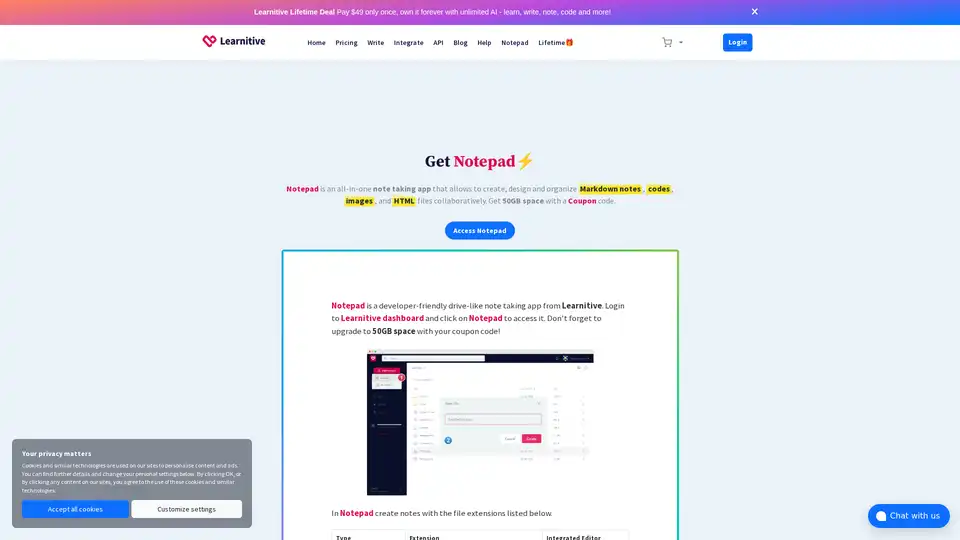
Learnitive Notepad is an AI-powered all-in-one note-taking app for creating Markdown notes, codes, photos, webpages, and more. Boost productivity with 50GB storage, unlimited AI assistance, and cross-device support.
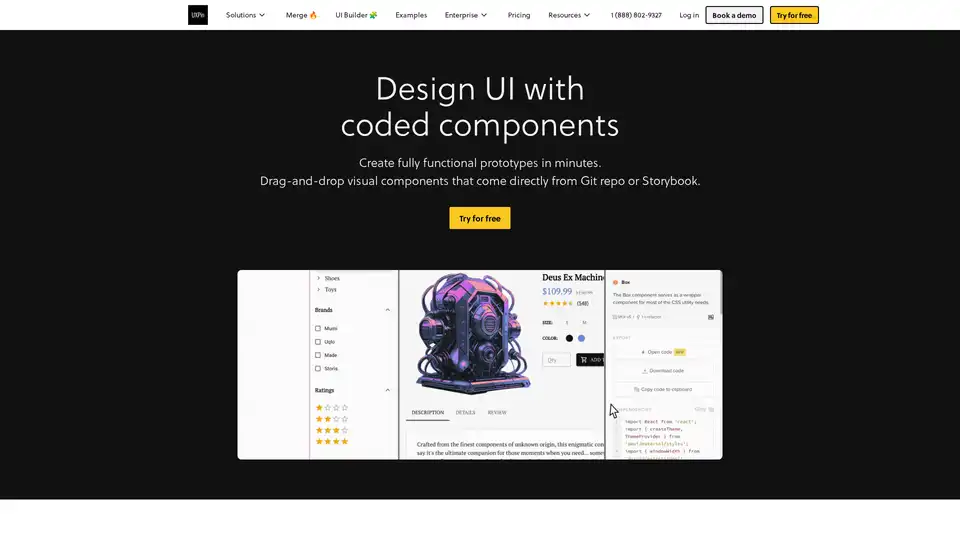
UXPin Merge accelerates UI design 8.6x faster with AI-generated components, coded libraries like MUI and Tailwind UI, and seamless React code export for developers.
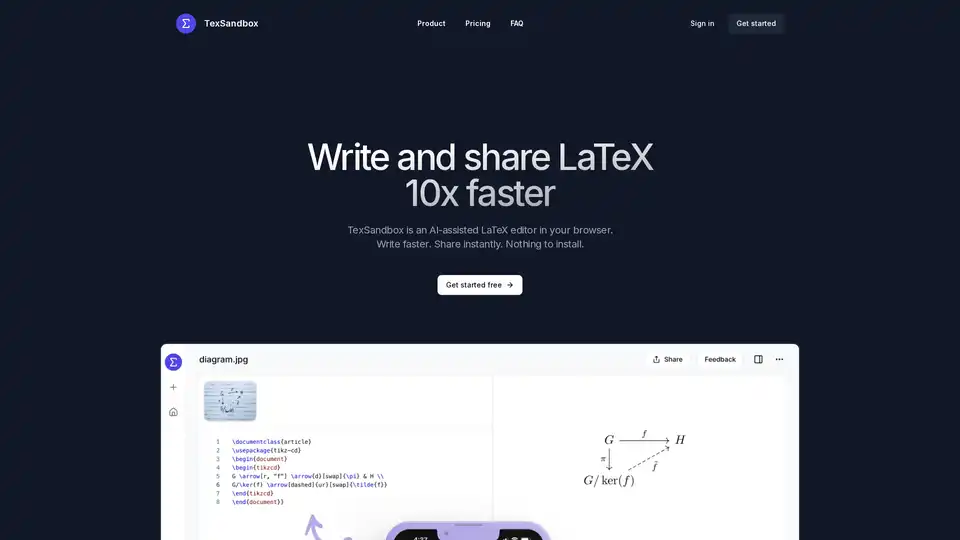
TexSandbox is an AI-assisted browser-based LaTeX editor that helps users write and share LaTeX documents 10x faster with natural language prompts and image-to-LaTeX conversion.