
Inbox Zero
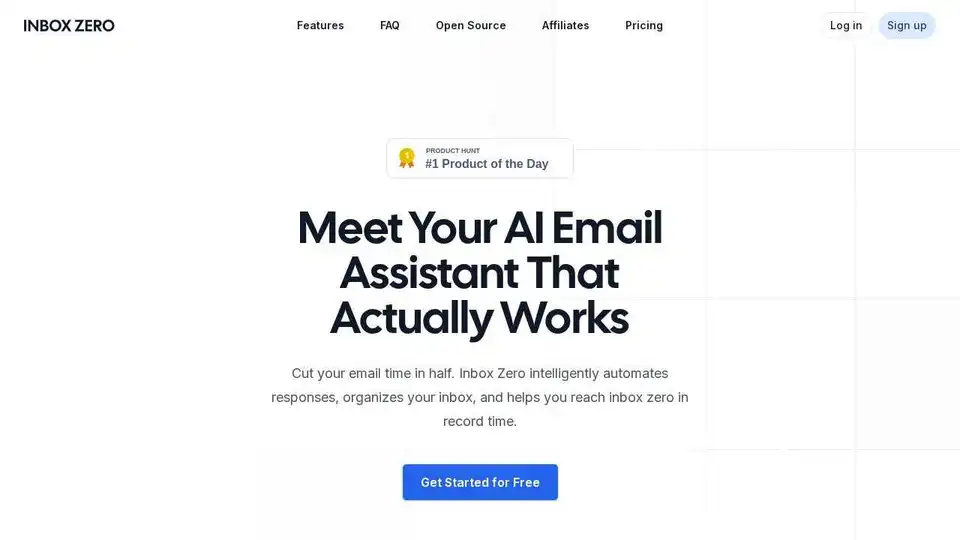
Overview of Inbox Zero
What is Inbox Zero?
Inbox Zero is an AI-powered email assistant designed to help individuals and teams achieve inbox zero quickly and efficiently. It automates various email management tasks, such as sorting, labeling, drafting replies, and unsubscribing from unwanted emails. The tool integrates seamlessly with popular email providers like Gmail and Outlook, enhancing the existing email experience without replacing the user's preferred email client.
What are the key features of Inbox Zero?
- Automatic Email Organization: Inbox Zero automatically sorts and labels incoming emails, categorizing them into smart categories like newsletters, replies, marketing emails, calendar invites, notifications, cold emails, and team communications. Users can also create custom categories to fit their specific workflows.
- AI-Powered Reply Drafting: The tool drafts replies in the user's tone, leveraging AI to analyze past email history and calendar information. This feature significantly reduces the time spent composing responses.
- Bulk Unsubscribe and Archive: Inbox Zero allows users to quickly identify and unsubscribe from emails they never read, helping to declutter the inbox and eliminate distractions.
- Email Analytics: The platform provides insights into email usage patterns, showing users who emails them most and what's clogging their inbox. This data helps users take action and manage their email more effectively.
- Customizable Workflow: Inbox Zero is designed to be flexible and adaptable to different workflows. Users can configure the tool in plain English to align with their specific needs and preferences.
- Privacy and Security: Inbox Zero prioritizes user privacy and data security. It is SOC2 compliant and offers an open-source option, allowing users to self-host the tool for complete control over their data.
How does Inbox Zero work?
- Connect Your Email: Users connect their Gmail or Outlook account to Inbox Zero with a few clicks.
- Automatic Organization: Inbox Zero automatically organizes the inbox using smart categories or custom categories created by the user.
- AI-Drafted Replies: For emails requiring a response, Inbox Zero provides pre-written drafts based on the user's email history and calendar.
- Bulk Unsubscribe: Users can quickly unsubscribe from emails they don't read to clean up their inbox.
- Email Analytics: Inbox Zero provides insights into email usage patterns, helping users manage their inbox more effectively.
How to use Inbox Zero?
- Sign Up: Create an account on the Inbox Zero website.
- Connect Your Email Account: Link your Gmail or Outlook account.
- Customize Categories: Set up smart categories or create your own.
- Review and Send Drafts: Check pre-drafted replies and send or edit as needed.
- Unsubscribe from Unwanted Emails: Use the bulk unsubscribe feature to clean up your inbox.
- Analyze Email Usage: Review email analytics to gain insights and optimize your email management.
Why choose Inbox Zero?
- Save Time: Automate email management tasks and reduce the time spent on email.
- Increase Productivity: Focus on important tasks by eliminating email distractions.
- Improve Organization: Keep your inbox clean and organized with smart categories.
- Enhance Communication: Respond to emails faster with AI-drafted replies.
- Protect Privacy: Benefit from a privacy-focused, open-source solution.
Who is Inbox Zero for?
Inbox Zero is ideal for:
- Individuals: Entrepreneurs, executives, and professionals who want to reclaim their time and manage their email more efficiently.
- Teams: Growing businesses that need to handle high email volumes and improve team-wide communication.
- Organizations: Enterprises with strict security and compliance requirements.
Best way to manage your inbox with Inbox Zero?
- Start with a Clean Slate: Use the bulk unsubscribe feature to eliminate unwanted emails.
- Customize Categories: Create custom categories to align with your specific workflows.
- Review AI-Drafted Replies: Check and edit pre-drafted replies before sending.
- Monitor Email Analytics: Regularly review email analytics to identify and address email bottlenecks.
- Automate Routine Tasks: Set up filters and rules to automate repetitive email management tasks.
Inbox Zero stands out as a valuable AI-driven tool for anyone struggling with email overload. Its open-source nature, combined with its powerful automation and analytics capabilities, makes it a compelling choice for individuals and organizations looking to enhance their email management practices and reclaim their time.
Best Alternative Tools to "Inbox Zero"

Superhuman is an AI-powered email app that boosts productivity by letting users fly through emails twice as fast, with features like instant replies, snoozing, and smart integrations for Gmail and Outlook.
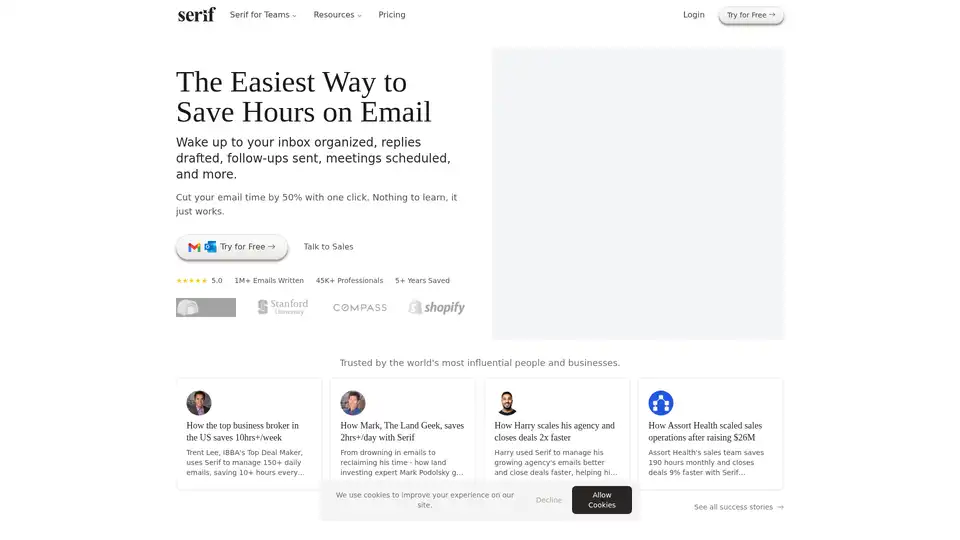
Serif is an AI-powered email assistant that organizes your inbox, drafts replies, and schedules meetings, saving you hours on email management. Trusted by professionals and businesses.
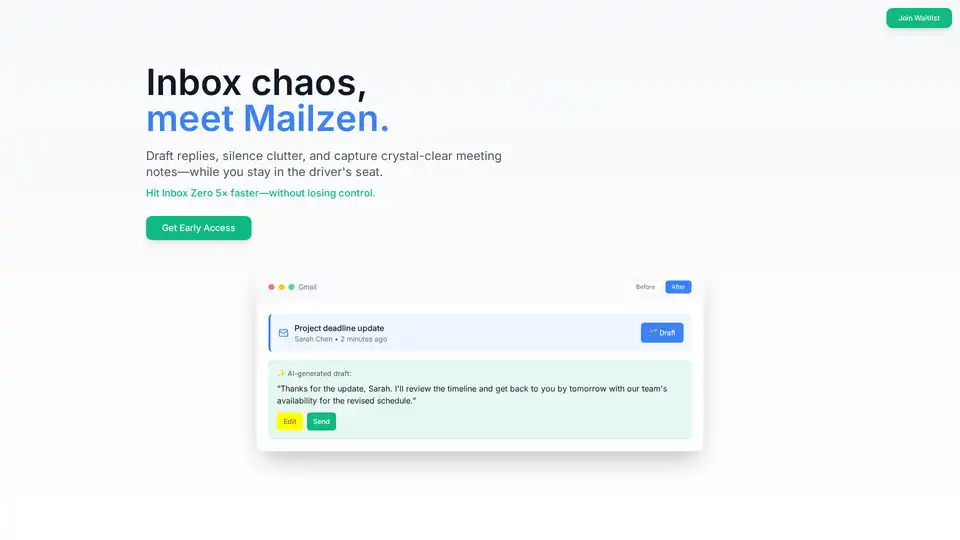
Mailzen.ai is an AI-powered email assistant that helps you draft replies, silence clutter, and capture meeting notes, enabling you to achieve inbox zero 5x faster while staying in control.
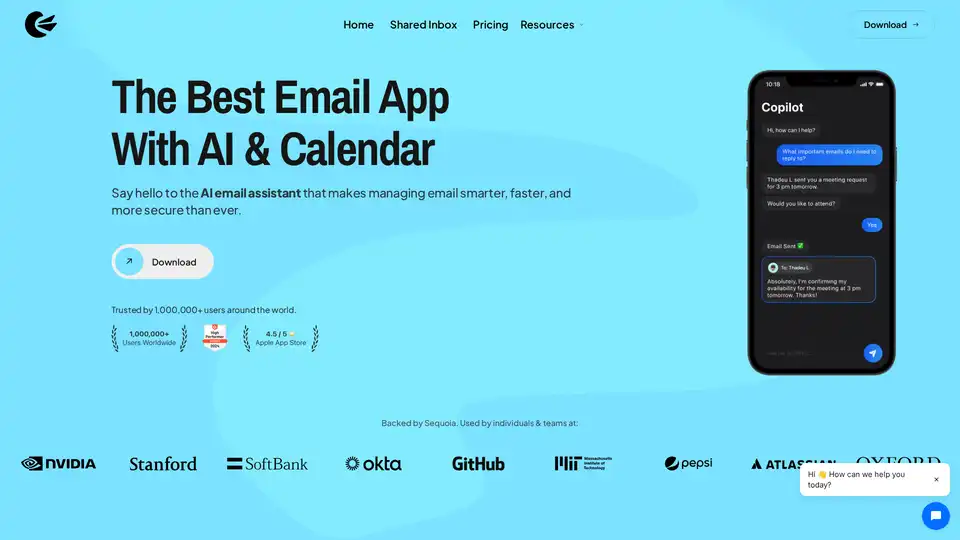
Canary Mail is an AI-powered email client with calendar integration. Manage multiple accounts, prioritize emails, and enhance productivity with AI features. Secure and efficient.
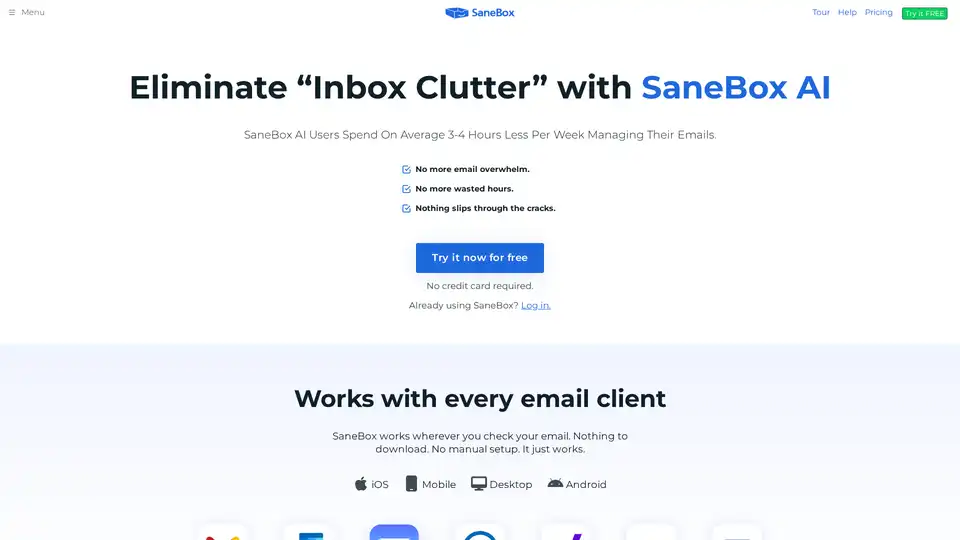
SaneBox is an AI-powered email management tool that automatically filters unimportant emails, unsubscribes from unwanted senders, and reminds you to follow up, saving users 3-4 hours per week.
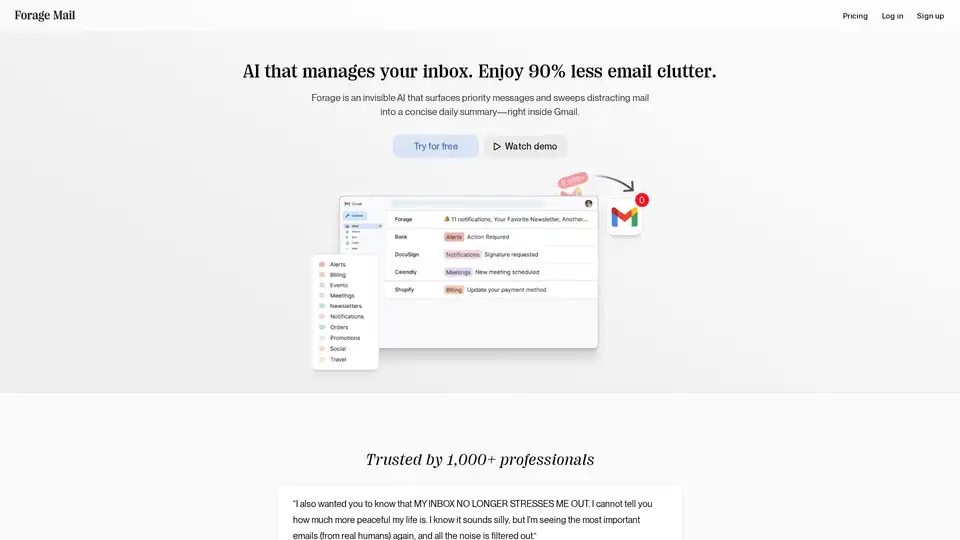
Forage Mail is an AI-powered Gmail add-on that filters your inbox, surfaces priority messages, and summarizes the rest, reducing email clutter by 90%.
Clean Inbox for Gmail™ is a browser extension addon powered by GPT (ChatGPT) that filters spam, labels email categories, creates custom filters, and manages unwanted senders without reading email contents. Privacy-first, rated 4.8/5 by 150+ reviews and 20k+ users.
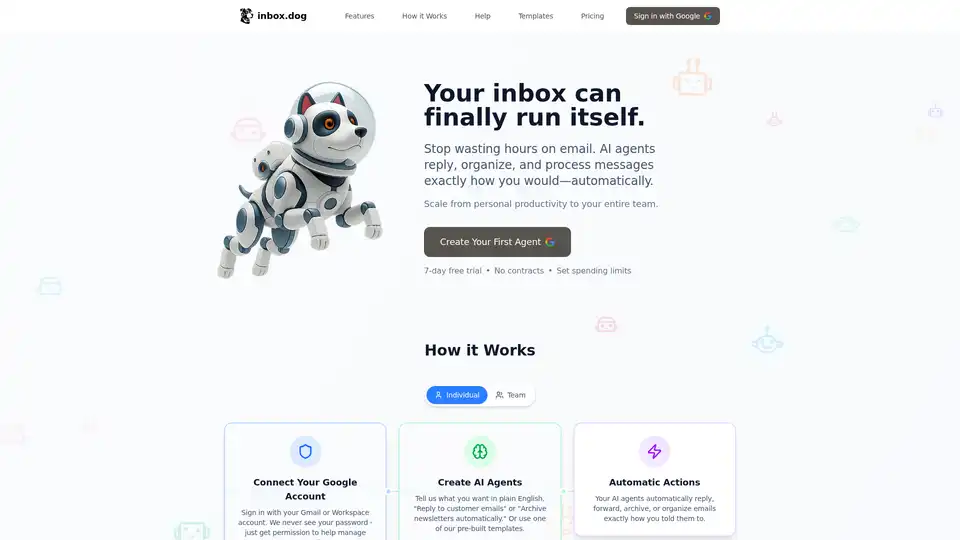
Automate your inbox with inbox.dog, an AI-powered email automation platform. Create AI agents to process and respond to emails automatically, saving you time and improving productivity.
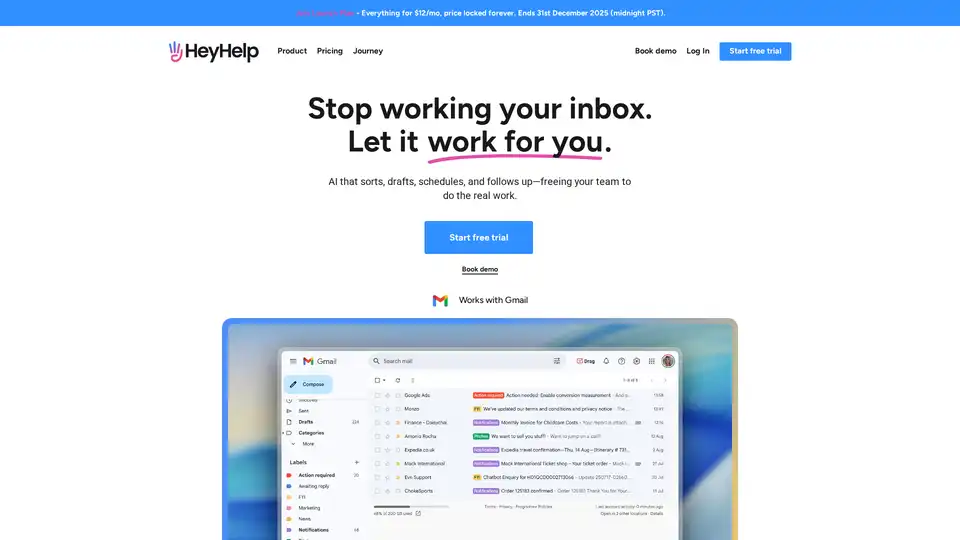
HeyHelp is an AI email assistant that works within Gmail to sort, draft, schedule, and follow up on emails, freeing up your time for more important tasks. It helps you manage your inbox efficiently and stay on top of your communications.
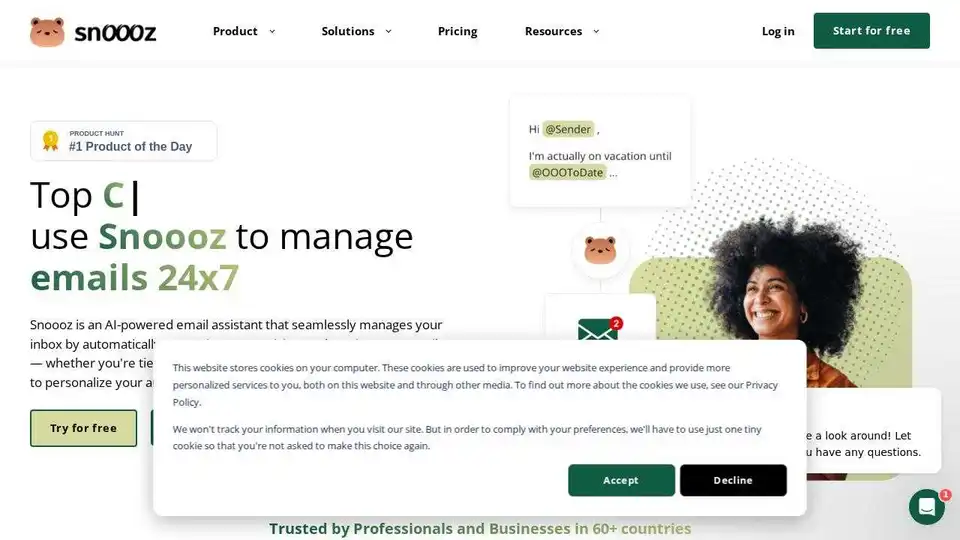
Snoooz AI is an AI-powered email assistant that automatically answers, categorizes, and routes your emails. Personalize auto-replies, improve workflows, and never miss an opportunity.

Outreachly is an AI-powered platform for LinkedIn and email automation, designed to help businesses connect with new leads, send personalized messages, and grow their customer base efficiently. It offers AI messaging, B2B data enrichment, and multi-channel outreach capabilities.
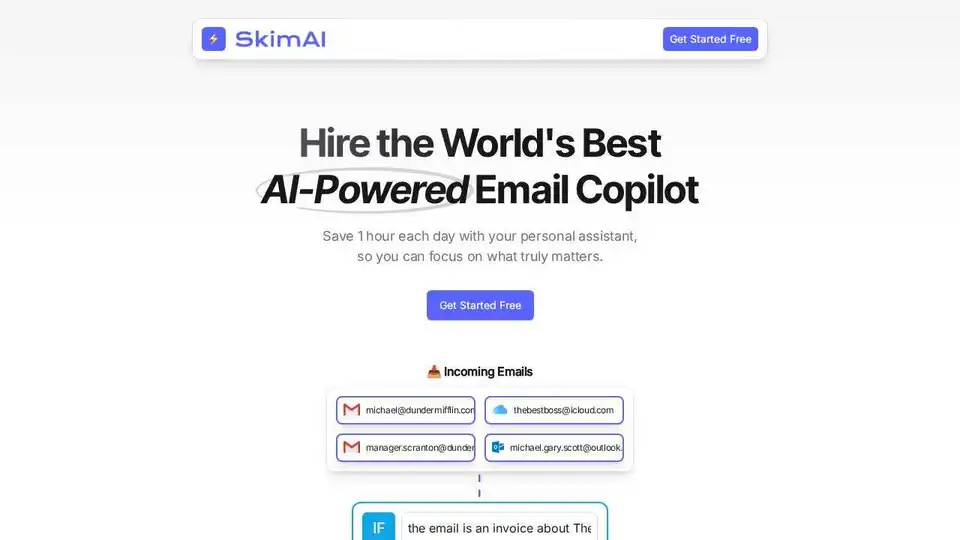
SkimAI is an AI-powered email copilot that automates your inbox, saving you up to 4 hours a week. Experience smart labels, automatic drafts, and seamless integration with Gmail, Outlook, and iCloud.
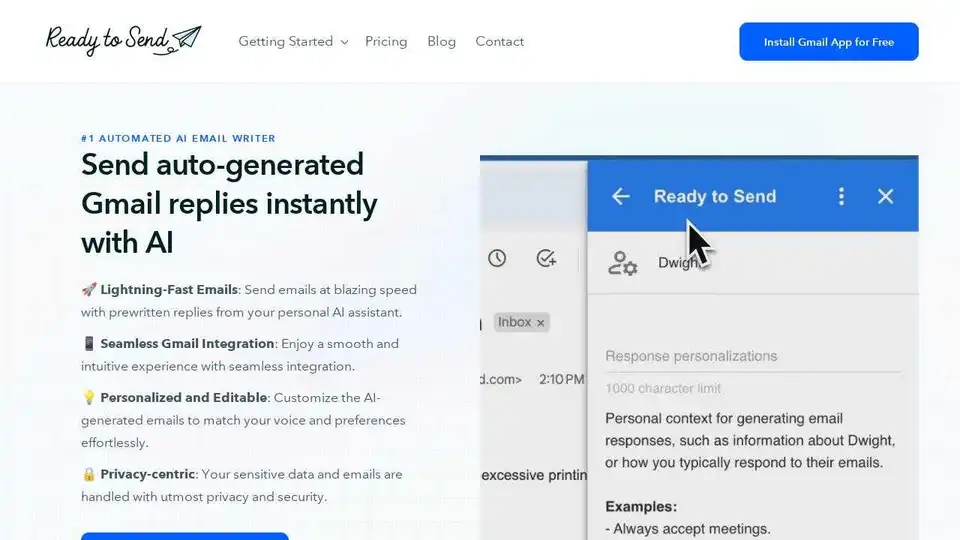
Generate instant AI email replies for Gmail with Ready to Send. This AI email assistant personalizes responses in your voice, boosting productivity and saving time. Get 200 free emails today!
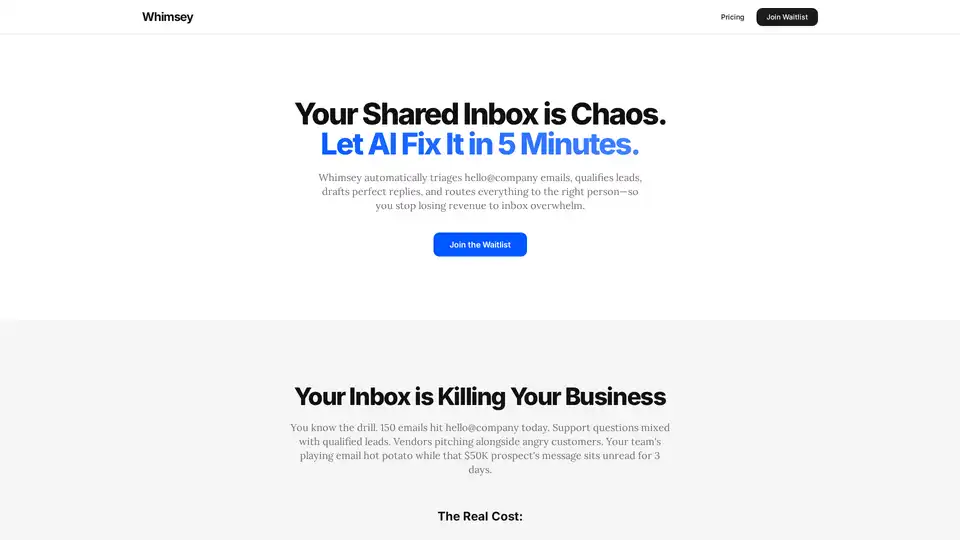
Whimsey is an AI-powered inbox assistant that automates email triage, lead qualification, and response drafting. It integrates with tools like Gmail, Slack, and Calendly to streamline your workflow and prevent lost revenue from inbox chaos.