
Lorem Faces
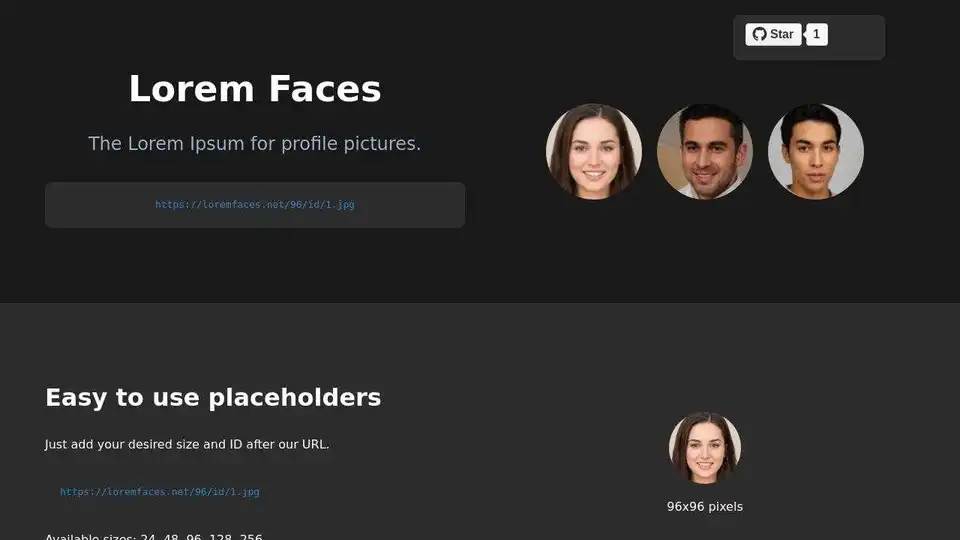
Overview of Lorem Faces
What is Lorem Faces?
Lorem Faces is a simple and efficient tool designed to provide developers with AI-generated profile pictures for use in rapid prototyping, mockups, and design projects. It eliminates the hassle of finding or creating placeholder images, allowing developers to focus on core functionality. By offering a consistent and high-quality source of AI-generated faces, Lorem Faces enhances the development experience and streamlines workflows.
Key Features of Lorem Faces
- Multiple Sizes: Offers a range of sizes from 24px to 256px to suit various design needs.
- Consistent AI-Generated Faces: Provides consistent and realistic AI-generated profile pictures.
- Random Face Generation: Allows for the generation of random faces to add variety to your mockups.
- Simple Integration: Easy-to-use URL pattern for seamless integration into projects.
How does Lorem Faces work?
Lorem Faces works by providing a simple URL structure that developers can use to retrieve AI-generated profile pictures. By specifying the size and ID in the URL, developers can obtain specific images. The tool also offers a random image option for added flexibility. It leverages AI to generate a diverse set of faces that are consistent in quality and style, ensuring a professional look for any project. It removes the need to manually search for or create placeholder images, saving developers time and effort.
The core of Lorem Faces lies in its AI algorithms, which are trained to generate realistic and diverse facial features. These algorithms ensure that the generated faces are unique and avoid repetition. The system also includes quality control mechanisms to filter out any undesirable or inconsistent results.
How to use Lorem Faces
Using Lorem Faces is straightforward. Simply use the provided URL pattern to access the AI-generated profile pictures. For example:
- Basic Usage:
<img src="https://loremfaces.net/96/id/1.jpg" alt="Profile"> - Random Image:
<img src="https://loremfaces.net/96/random.jpg" alt="Random Profile">
Replace the size and ID values as needed to obtain the desired image. The tool can be easily integrated into HTML, CSS, and JavaScript projects.
Why choose Lorem Faces?
- Time-Saving: Eliminates the need to manually search for or create placeholder images.
- Consistent Quality: Provides high-quality, AI-generated faces for a professional look.
- Easy Integration: Simple URL pattern for seamless integration into projects.
- Versatile: Offers multiple sizes and random face generation options.
- Free to Use: Lorem Faces is a free resource, making it accessible for all developers.
Who is Lorem Faces for?
Lorem Faces is designed for:
- Web Developers: Ideal for quickly populating profile sections or user lists.
- UI/UX Designers: Perfect for creating realistic mockups and prototypes.
- Mobile App Developers: Useful for adding profile pictures in mobile applications.
- Software Developers: Suitable for any project that requires placeholder profile images.
Essentially, any developer who needs to quickly and easily incorporate profile pictures into their projects will find Lorem Faces to be a valuable tool.
Best way to use Lorem Faces?
The best way to use Lorem Faces is to integrate it directly into your development workflow. Use the URL pattern to dynamically generate profile pictures in your mockups or prototypes. Experiment with different sizes and the random image option to find the best fit for your design. By leveraging Lorem Faces, you can focus on the functionality of your project without getting bogged down in the details of finding or creating placeholder images.
Potential Use Cases
- E-commerce Platforms: Use Lorem Faces to populate customer review sections with realistic profile pictures.
- Social Media Apps: Integrate the tool to quickly generate profile pictures for new users during development.
- Dashboard Interfaces: Enhance the look and feel of dashboards with consistent and professional profile images.
- Internal Tools: Use Lorem Faces to add a personal touch to internal tools and applications.
By providing a convenient and reliable source of AI-generated profile pictures, Lorem Faces simplifies the development process and allows developers to focus on what matters most: building great software.
Best Alternative Tools to "Lorem Faces"
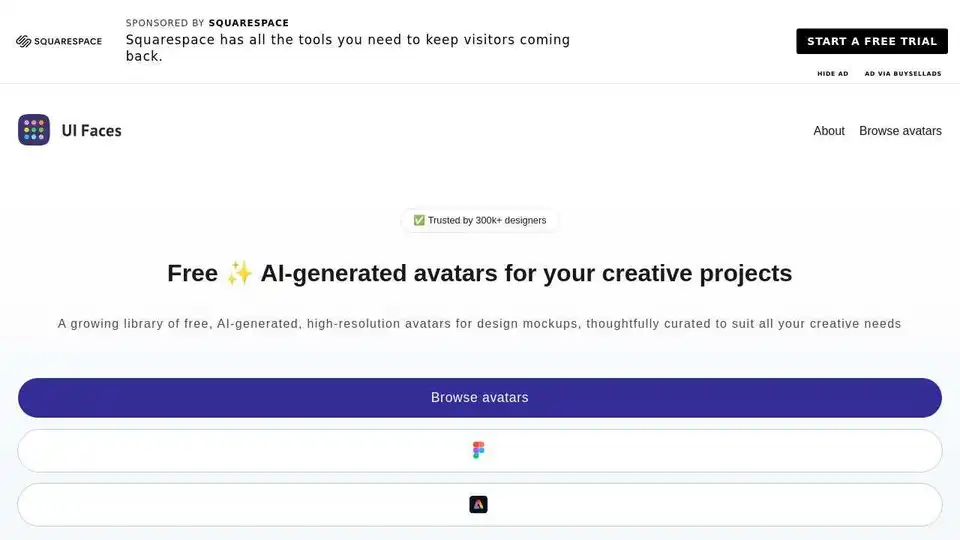
UI Faces offers a free library of AI-generated avatars for design mockups and creative projects. Download high-quality UI avatars, random profile pictures, and placeholder images.
Pixelcut is a free AI photo editor that simplifies image editing, background removal, upscaling, and video generation. Trusted by over 50 million creators, it offers powerful tools for professional results in minutes.
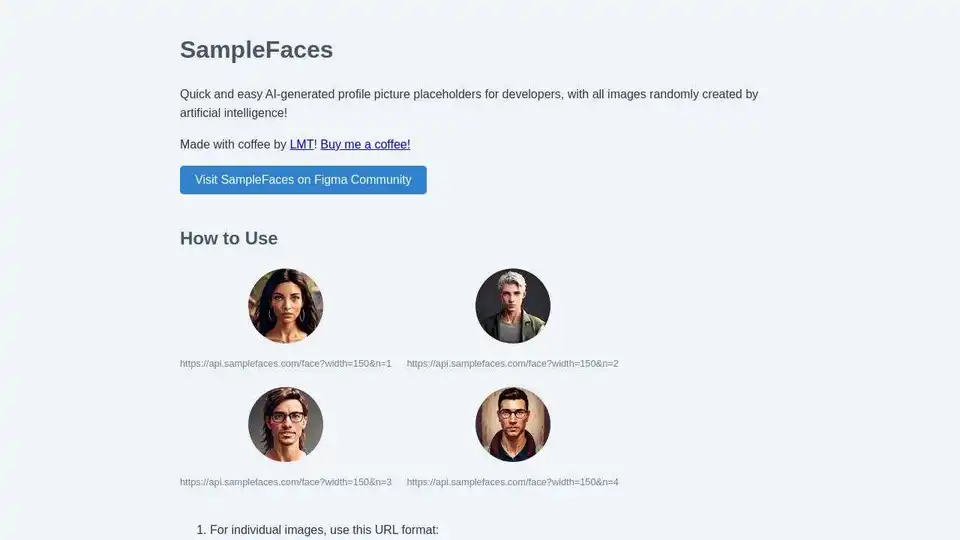
SampleFaces: AI-generated profile pictures for developers. Ready-to-use avatars for web development and prototyping.
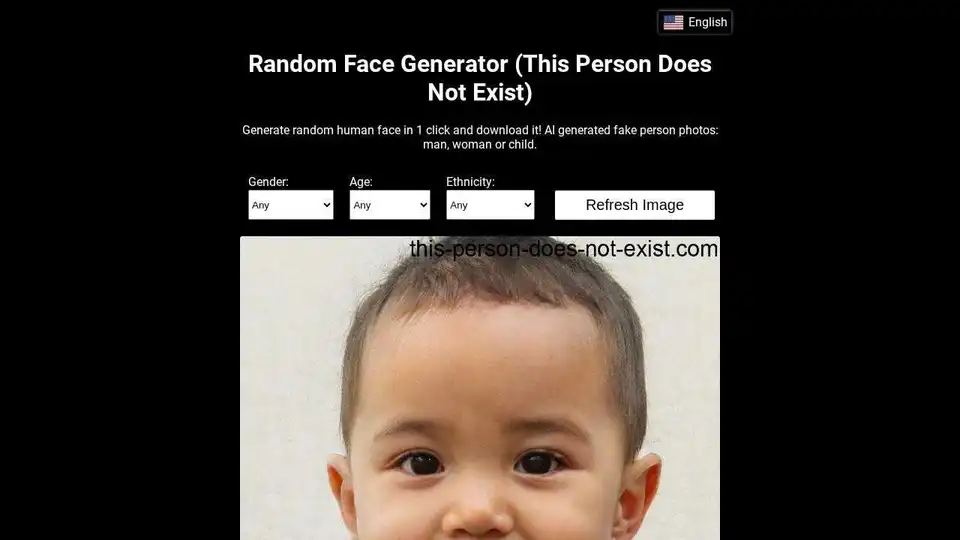
Generate realistic AI-generated faces with This Person Does Not Exist. Download random fake person photos for various projects. Powered by StyleGAN.
Bazaart is a free AI-powered design platform for creating professional-looking photos, social media posts, logos, and more. It features AI tools to edit, remove backgrounds, and enhance images easily.
Generate AI Images online and for free! AI Image Generator allows you to quickly create unique AI images from text prompts using stable diffusion.
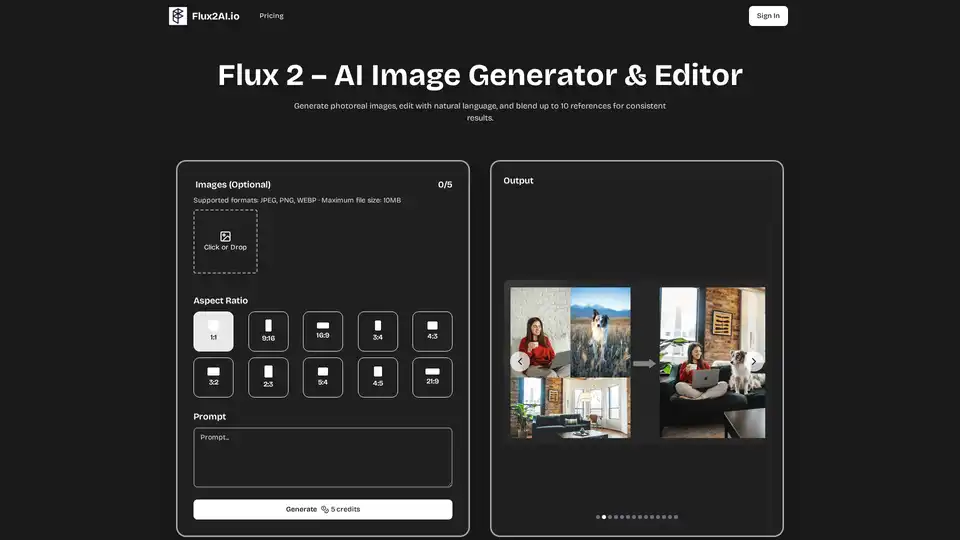
Flux 2 is a free AI image generator and editor that allows users to generate photorealistic images, edit with natural language, and blend up to 10 references for consistent results.
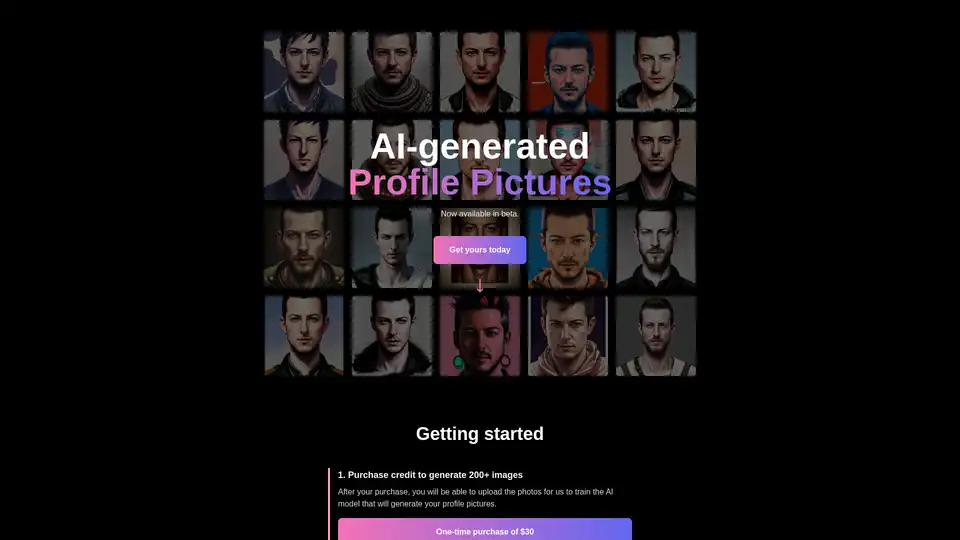
Discover AI Profile Pictures in beta: Upload 10-20 photos to train an AI model and generate 200+ custom profile images for $30. Ideal for personalized avatars with quick results in 2-3 hours.
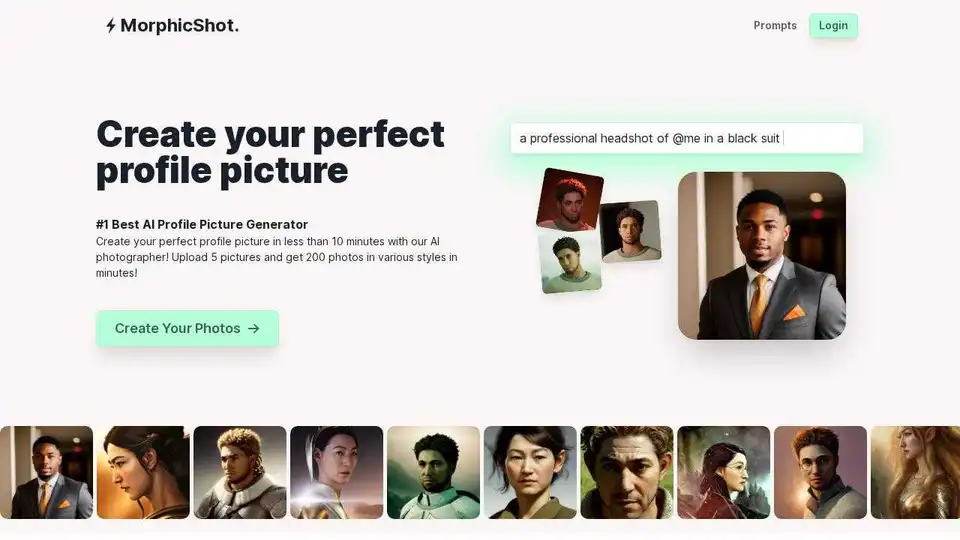
MorphicShot: Create perfect profile pictures with AI. The #1 high definition profile picture generator. Get 4K photos in 30 minutes.
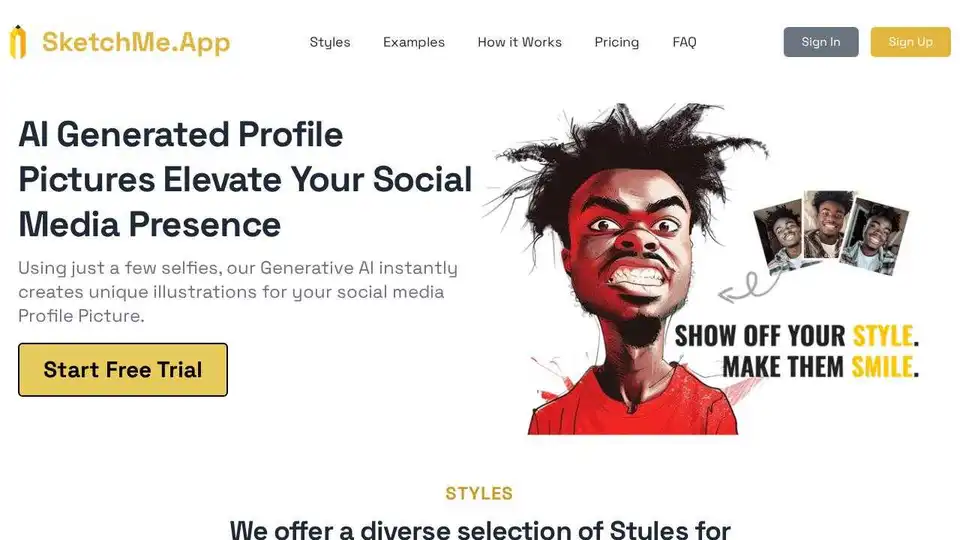
Create stunning AI-powered profile pictures from your selfies with SketchMe.App. Stand out on social media with instantly generated, unique AI portraits in various styles.
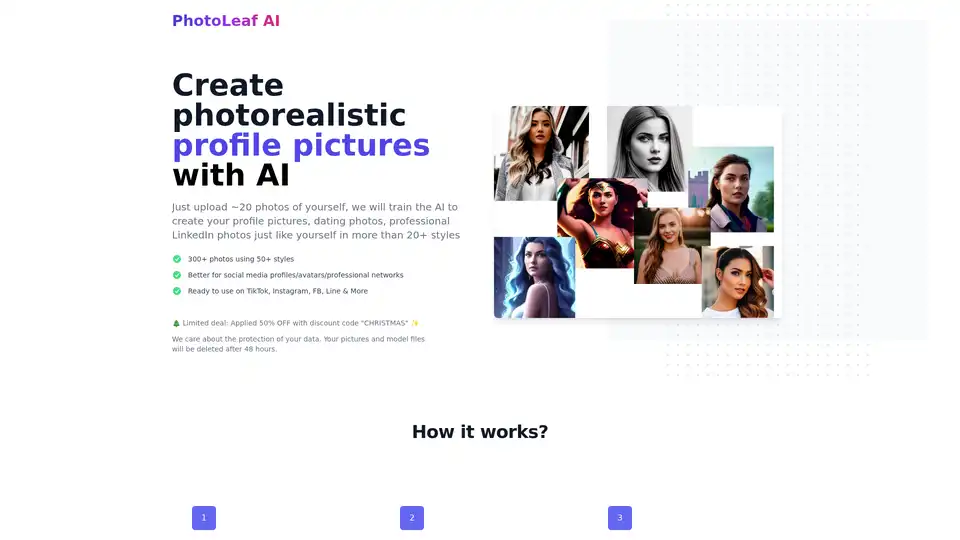
Create photorealistic AI profile pictures with PhotoLeaf AI. Upload photos, train the AI, and generate 300+ images in 50+ styles for social media and professional networks.
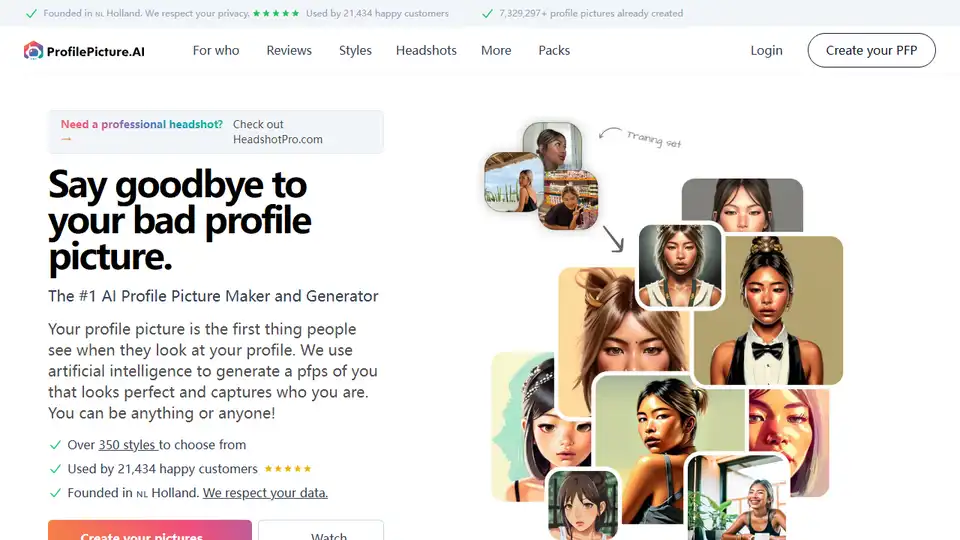
AI profile picture generator to create perfect profile pictures. Transform your photo into unique styles. Used by thousands of happy customers.
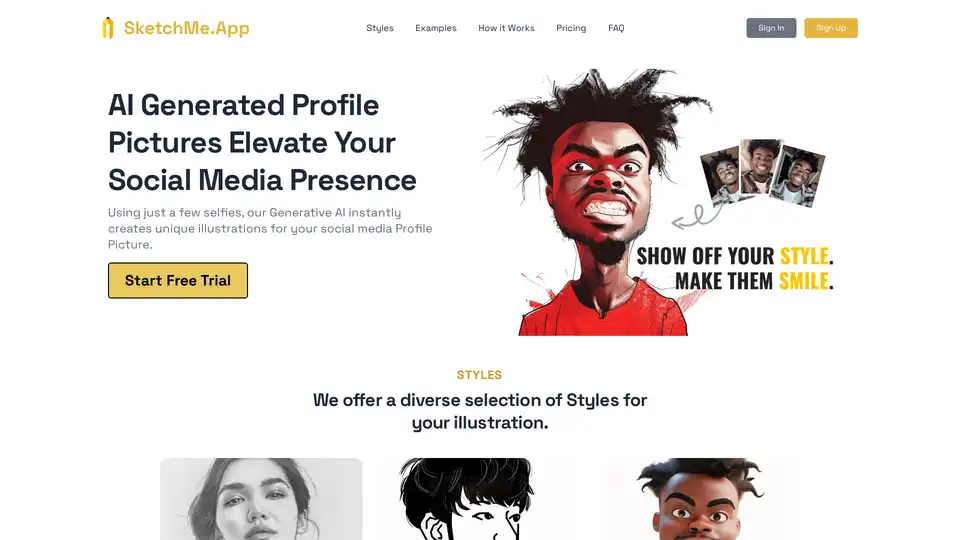
SketchMe.App uses generative AI to create unique profile pictures from your selfies. Choose from various styles like Pencil Sketch, Flat Design, and Pixar Animation to elevate your social media presence.
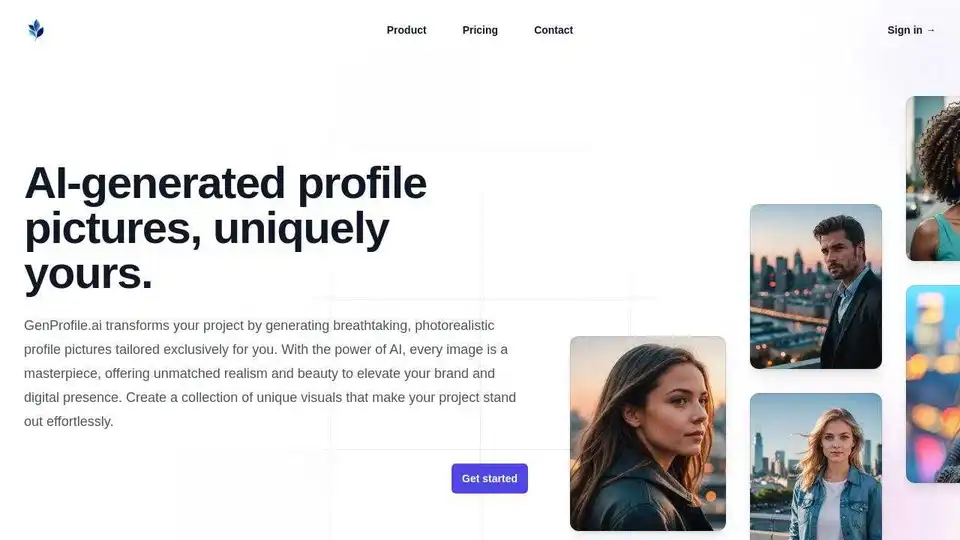
GenProfile.ai uses AI to generate realistic fake profile pictures for privacy, anonymity, and creating digital personas. Create unique, anonymous avatars instantly.